WARPLAY.CLOUD

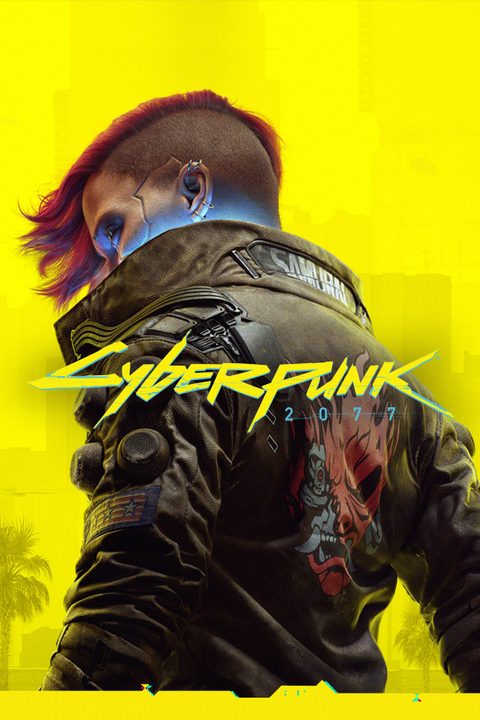
Play Cyberpunk 2077 in the cloud
Cyberpunk 2077 is an open-world, action-adventure RPG set in the dark future of Night City — a dangerous megalopolis obsessed with power, glamor, and ceaseless body modification.
Cyberpunk 2077 must be in your Steam account. Nothing extra to buy from WARPLAY.CLOUD.
Short answers
- Own it on SteamDo I need to own it?
- On every planWhich plan?
- Almost any screenWhich devices?
- 15 Mbit/s for Full HDWhat internet?
Details
Cyberpunk 2077 must be in your Steam account, the same copy you play at home. Nothing extra to buy from WARPLAY.CLOUD. How to start
Picture up to Full HD on FREE, up to 1440p on PRO, up to 4K on MAX. 60 FPS on every plan. Compare plans
Chrome or Edge on Windows, Mac, Linux, Chromebook and Android. Safari on iPhone and iPad. Apps for LG and Samsung TVs. All devices
25 Mbit/s for 1440p and 45 Mbit/s for 4K. A cable or 5 GHz Wi-Fi gives the lowest delay. More on internet speed
Works on
- Computers
- BrowserWindowsMacLinuxChromebook
- Phones and tablets
- iPhone and iPadAndroid
How to start Cyberpunk 2077
- Open app.warplay.cloud in Chrome or Edge, or open the Windows, Mac or Linux app, and sign in.
- Find Cyberpunk 2077 and press Play.
- Sign in to the Steam account that has Cyberpunk 2077. Your saves load from Steam Cloud.
- Install the WARPLAY.CLOUD app on your LG TV (webOS) or Samsung TV (Tizen) and sign in.
- Connect an Xbox or PlayStation gamepad, or another Bluetooth or USB controller.
- Pick Cyberpunk 2077 and press Play. On Steam's sign-in screen, scan the QR code with the Steam Mobile app.
- On iPhone or iPad, open app.warplay.cloud in Safari and add it to the Home Screen. On Android, open it in Chrome.
- Connect a gamepad, or use the touch layout.
- Pick Cyberpunk 2077, press Play, then sign in to Steam.
About the game
Cyberpunk 2077: Ultimate Edition
Read more
About the Game
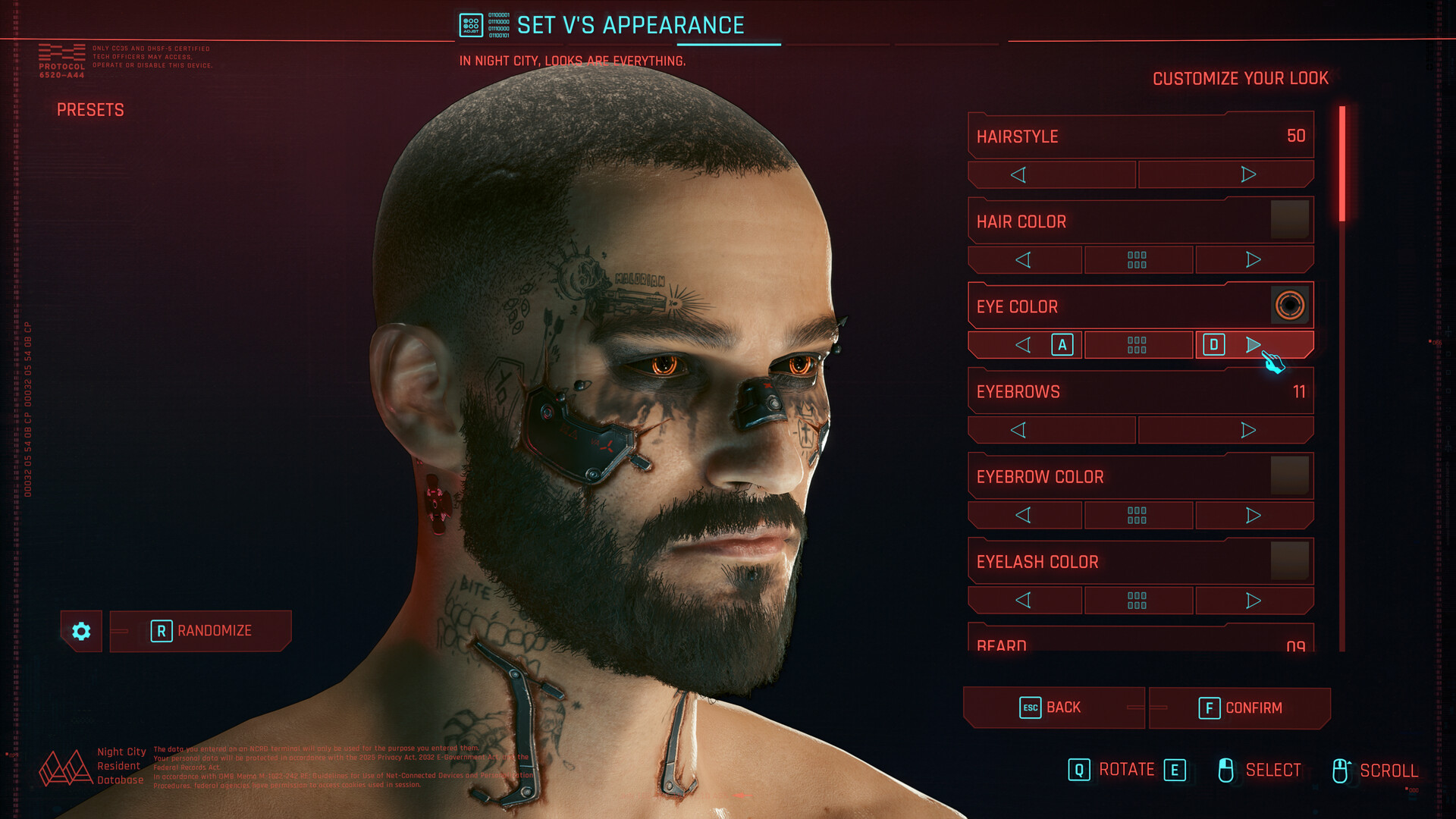
Video and screenshots







Similar games



Play Cyberpunk 2077 now