 WARPLAY.CLOUD
Play your Steam library in the cloud
On MAX, Steam itself opens in the cloud. Install Steam games you own, even ones not in our catalog, if they run on Linux and need no other launcher.
Your own library is part of MAX, $19.99/month, or $3.99 for 24 hours. Will my games work?
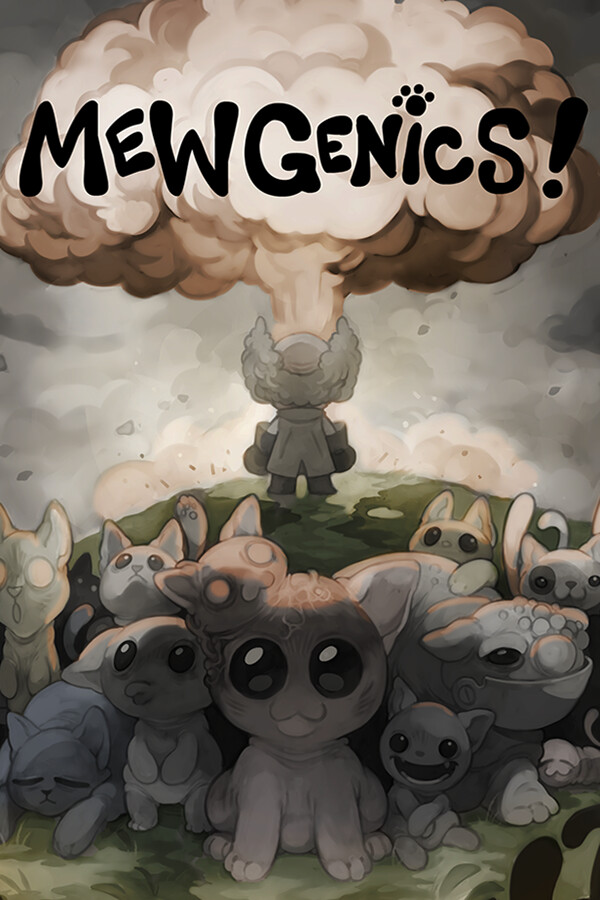 MewgenicsIn your library
 Mina the HollowerInstalling, 64%
 BALL x PITInstalled
Install once, play every session
It works like Steam on your own PC.
- 1
Launch Steam
It opens in the cloud, like on a regular PC
- 2
Sign in to Steam
Your usual login, or Steam's QR code on a TV
- 3
Install and play
Games and saves stay between sessions
Details
The difference from your own PC is that this one is a gaming PC in the WARPLAY.CLOUD network, and the install stays on your account between sessions. On a TV, scan Steam's QR code with the Steam Mobile app to sign in.
Will my games work?
Check your favorite games before you pay. Each lands in one of three groups.
In our catalog
WorksOn every plan, FREE tooSearch the catalogNot in our catalog, runs on Linux
Mewgenics, Mina the Hollower, BALL x PIT
Likely worksInstall it on MAXCheck it on ProtonDBAnti-cheat blocks cloud PCs
PUBG: BATTLEGROUNDS, Destiny 2, Rainbow Six Siege
Won't startEven if you own itCheck on Are We Anti-Cheat Yet
What each group means
In our catalog. Tested on gaming PCs in the WARPLAY.CLOUD network and playable on every plan, FREE too. A paid game must be in your own Steam account.
Likely works. Not in our catalog, but players report it runs well on Linux and it needs no other launcher. Install it from your own Steam library on MAX.
Won't start. Its anti-cheat blocks cloud PCs. It won't start, even if you own it. For example: PUBG: BATTLEGROUNDS, Destiny 2, Rainbow Six Siege.
Before you install
Two minutes of checking saves a long download that won't start.
- Check the game on ProtonDB
- Check its anti-cheat
- Make room for big games
- Won't start? Remove it
Details
Check the game on ProtonDB. The cloud PC runs Linux. Most games work, not all. ProtonDB shows how a game runs on Linux, as reported by players.
Check its anti-cheat. Games whose anti-cheat blocks cloud PCs won't start, even if you own them. Are We Anti-Cheat Yet lists the status of online games.
Make room for big games. Remove games you have finished, or add the +200 GB storage pack to MAX.
Game won't start? Remove it. Uninstall it in Steam to free the space for another game. Nothing else on your account changes.
Storage
Your installs live on your WARPLAY.CLOUD account, not on one PC.
- 1
Install once
Inside your MAX session
- 2
Kept between sessions
Updates, DLC and Workshop mods too
- 3
Need more space
+200 GB storage pack
- 4
After MAX ends
Installs kept for 7 days
How storage works
Where installs live. In WARPLAY.CLOUD cloud storage, not on one PC. The next gaming PC you get loads files as the game needs them, so the first start of a big game on another PC can take a little longer. After you stop, new and changed files upload in the background; your next library session starts once that upload is done.
Between sessions. Installed games, their updates, DLC and Steam Workshop mods stay on your account. No reinstall next time.
Need more space. A +200 GB storage pack can be added to MAX when your library outgrows the included space.
After MAX ends. Installs are kept for 7 days. Come back to MAX within that time and your games are where you left them. Saves stay in Steam Cloud.
How it compares
Can you play a game the service has not added itself?
| Service | A game the service does not list |
|---|---|
| WARPLAY.CLOUDMAX | Any game from your Steam libraryNo list and no publisher sign-off. |
| GeForce NOW | Only games on its list. Install-to-Play covers games whose publishers opted in, run as-is. |
| Xbox Cloud Gaming | Only games in its cloud library. |
Checked 11 Nov 2026. A game on MAX has to run on Linux, need no other launcher and have no anti-cheat that blocks cloud PCs; check ProtonDB first. More side by side: WARPLAY.CLOUD vs GeForce NOW.
Questions
Do I need to buy the game again?
No. You play the copy in your own Steam account, the same one you play at home. Free-to-play games need only a free Steam account. There is nothing extra to buy from WARPLAY.CLOUD.
Which launchers can I use?
Steam, now. Epic Games is coming soon. Steam games that need another launcher, such as Battle.net, Ubisoft Connect or the EA app, are not supported.
What happens to my installs if MAX ends?
They are kept for 7 days. Come back to MAX within that time and everything is where you left it. Your saves stay in Steam Cloud, as at home.
Can I use mods?
Mods from Steam Workshop, yes: subscribe in Steam and they install with the game and stay between sessions. Beta branches, DLC and file verification work too. Launch options, non-Steam games and new library folders are not allowed: adding them ends the session and rolls back what was installed in it.
Does installing use my session time?
Yes. Installing happens inside your session, so plan big installs for the start of a 6 hour MAX session.
Why won't my game start?
Usually for one of two reasons: the game doesn't run on Linux yet, or its anti-cheat blocks cloud PCs. Check it on ProtonDB, then uninstall it in Steam to free the space for another game.
Can I try it for a day?
Yes. MAX for 24 hours is $3.99, one-time, and includes everything in MAX, your own library too.
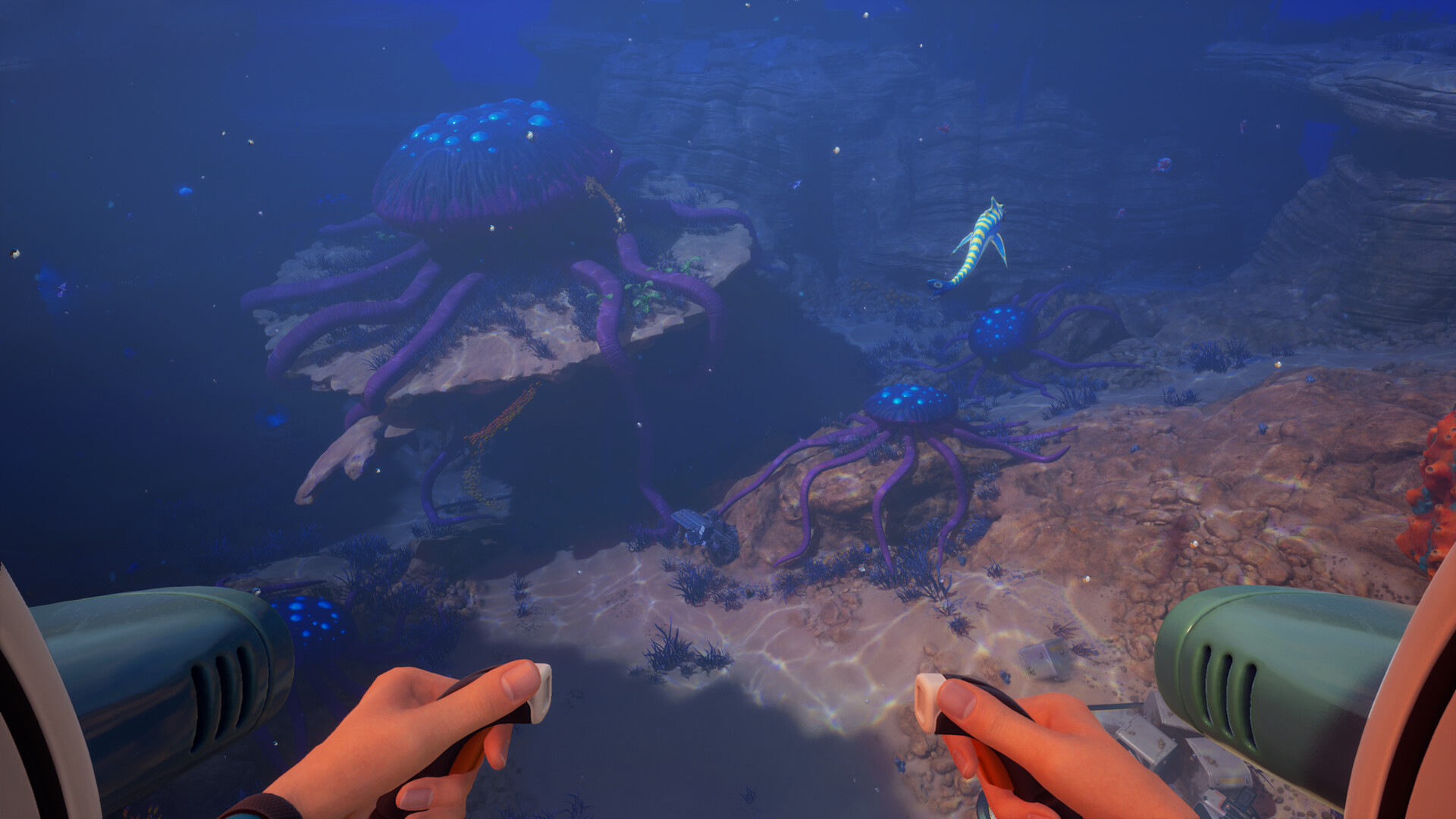
Bring the games you already own
MAX is $19.99/month, or $3.99 for 24 hours. Cancel any time. A MAX session lasts 6 hours.