WARPLAY.CLOUD
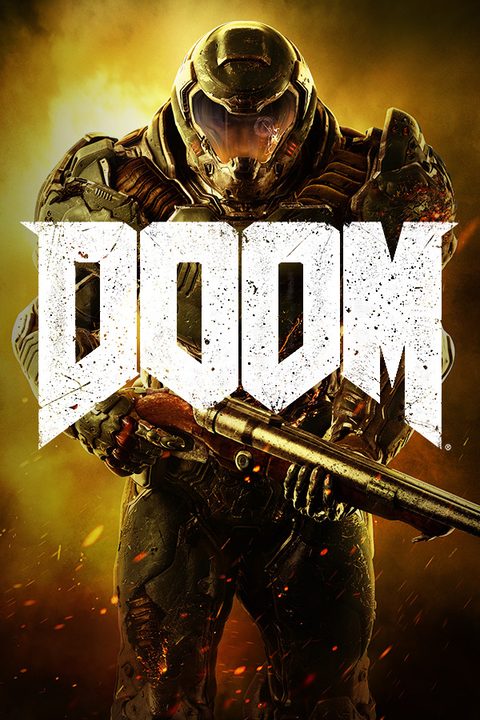
Play DOOM in the cloud
Now includes all three premium DLC packs (Unto the Evil, Hell Followed, and Bloodfall), maps, modes, and weapons, as well as all feature updates including Arcade Mode, Photo Mode, and the latest Update 6.66, which brings further multiplayer improvements as well as revamps multiplayer progression.
DOOM must be in your Steam account. Nothing extra to buy from WARPLAY.CLOUD.
Short answers
- Own it on SteamDo I need to own it?
- On every planWhich plan?
- Almost any screenWhich devices?
- 15 Mbit/s for Full HDWhat internet?
Details
DOOM must be in your Steam account, the same copy you play at home. Nothing extra to buy from WARPLAY.CLOUD. How to start
Picture up to Full HD on FREE, up to 1440p on PRO, up to 4K on MAX. 60 FPS on every plan. Compare plans
Chrome or Edge on Windows, Mac, Linux, Chromebook and Android. Safari on iPhone and iPad. Apps for LG and Samsung TVs. All devices
25 Mbit/s for 1440p and 45 Mbit/s for 4K. A cable or 5 GHz Wi-Fi gives the lowest delay. More on internet speed
Works on
- Computers
- BrowserWindowsMacLinuxChromebook
- Phones and tablets
- iPhone and iPadAndroid
How to start DOOM
- Open app.warplay.cloud in Chrome or Edge, or open the Windows, Mac or Linux app, and sign in.
- Find DOOM and press Play.
- Sign in to the Steam account that has DOOM. Your saves load from Steam Cloud.
- Install the WARPLAY.CLOUD app on your LG TV (webOS) or Samsung TV (Tizen) and sign in.
- Connect an Xbox or PlayStation gamepad, or another Bluetooth or USB controller.
- Pick DOOM and press Play. On Steam's sign-in screen, scan the QR code with the Steam Mobile app.
- On iPhone or iPad, open app.warplay.cloud in Safari and add it to the Home Screen. On Android, open it in Chrome.
- Connect a gamepad, or use the touch layout.
- Pick DOOM, press Play, then sign in to Steam.
About the game
2016 Game Awards Winner
Read more
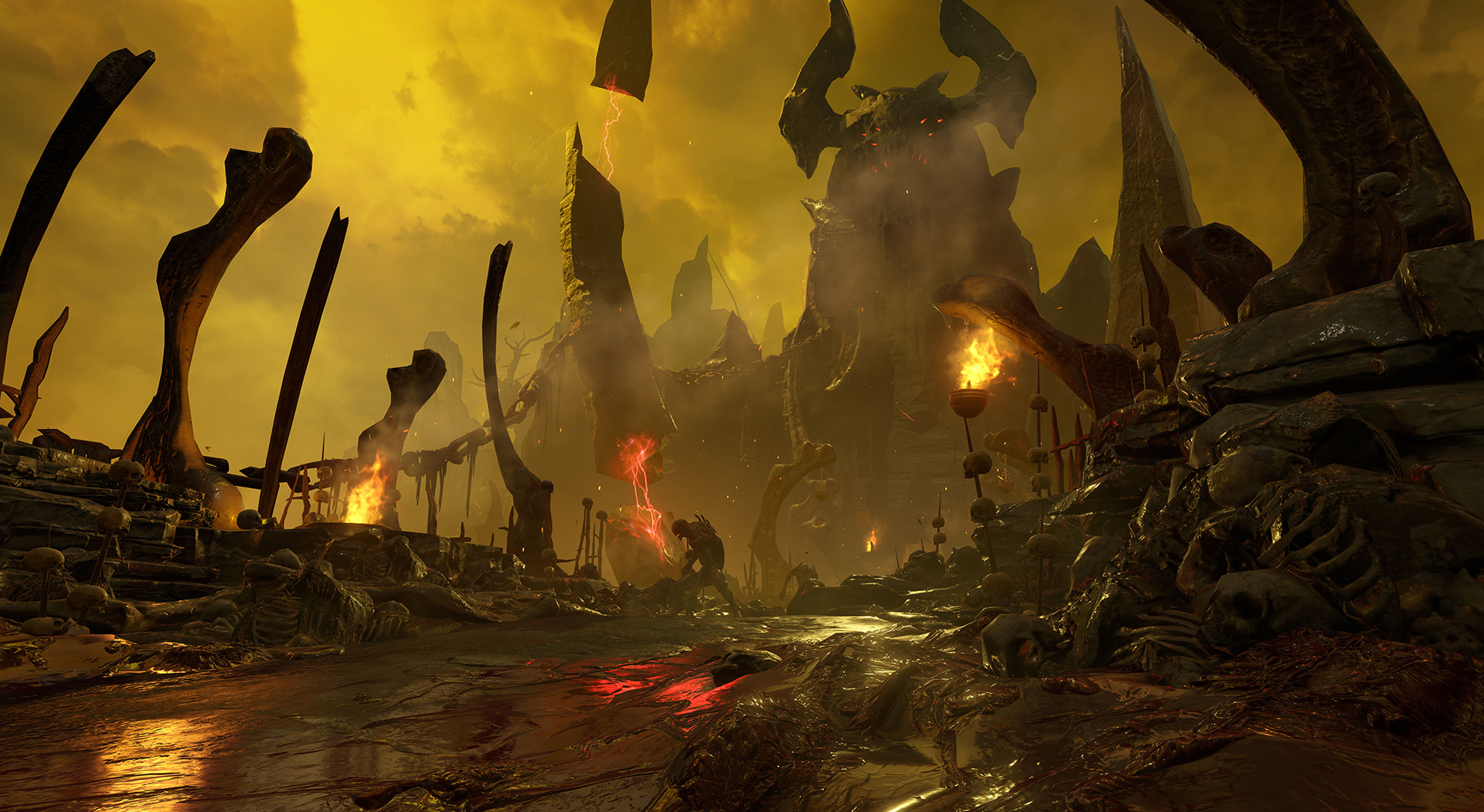
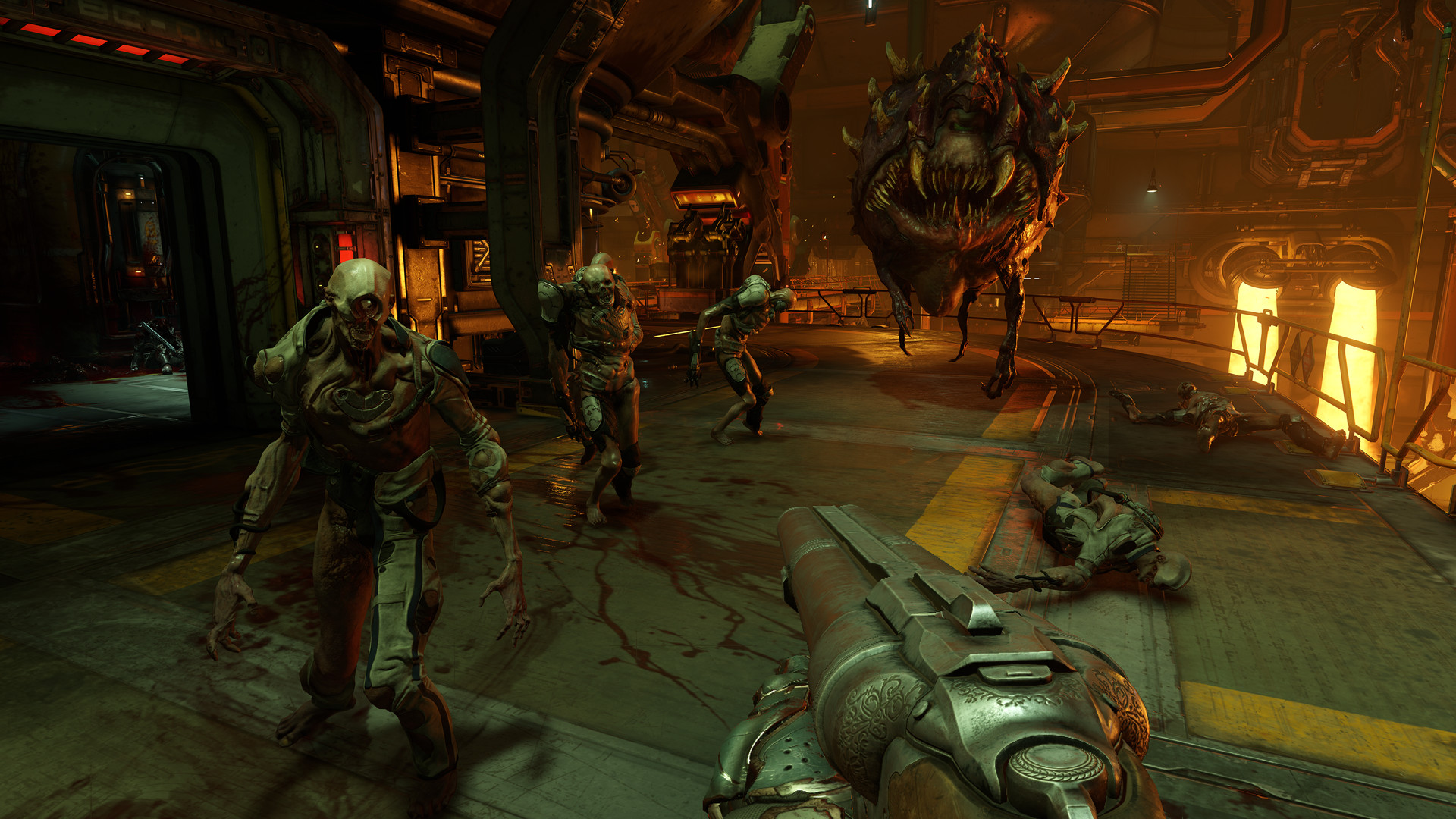
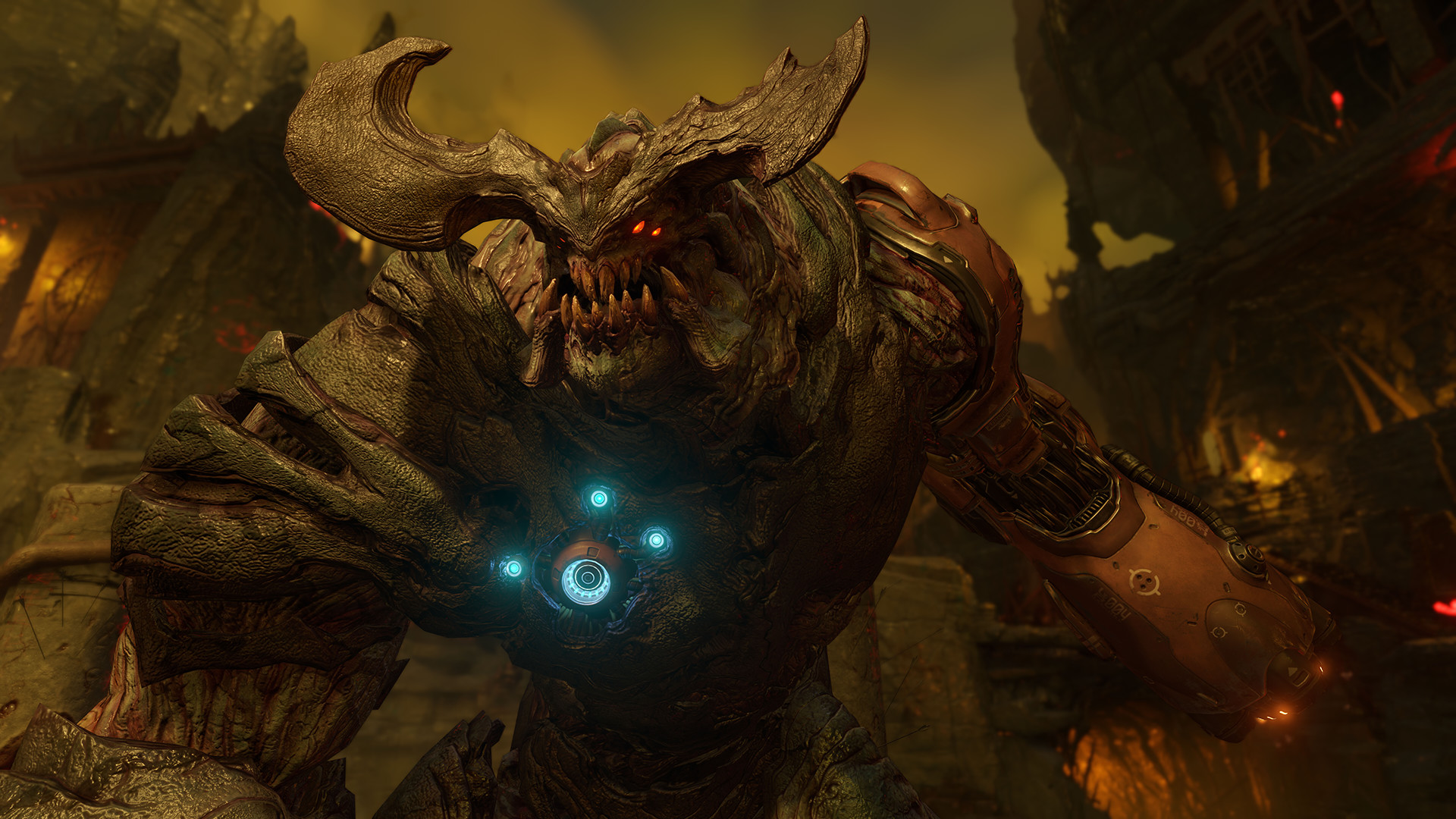
About the Game Developed by id software, the studio that pioneered the first-person shooter genre and created multiplayer Deathmatch, DOOM returns as a brutally fun and challenging modern-day shooter experience. Relentless demons, impossibly destructive guns, and fast, fluid movement provide the foundation for intense, first-person combat – whether you’re obliterating demon hordes through the depths of Hell in the single-player campaign, or competing against your friends in numerous multiplayer modes. Expand your gameplay experience using DOOM SnapMap game editor to easily create, play, and share your content with the world.
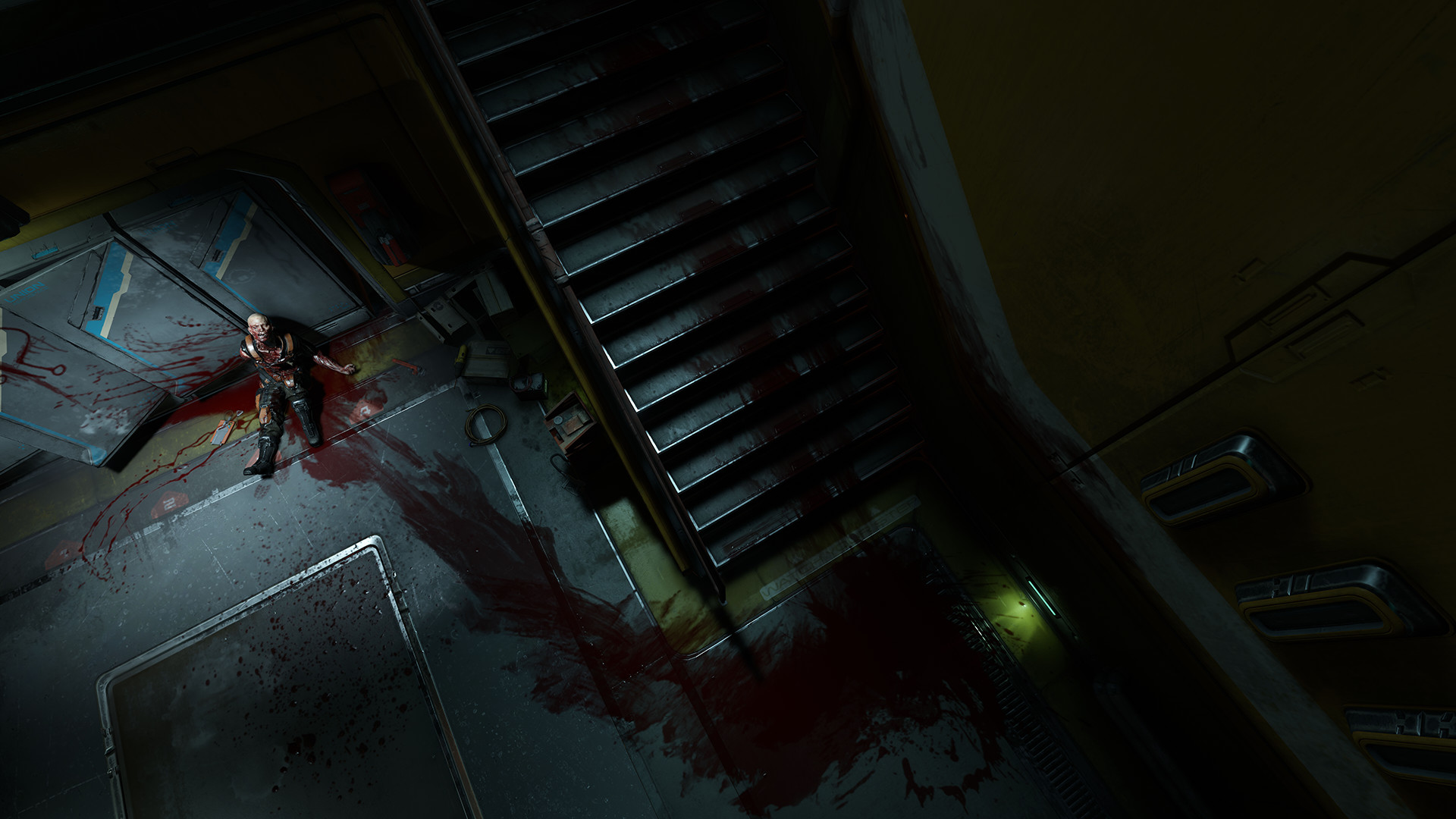
STORY: You’ve come here for a reason. The Union Aerospace Corporation’s massive research facility on Mars is overwhelmed by fierce and powerful demons, and only one person stands between their world and ours. As the lone DOOM Marine, you’ve been activated to do one thing – kill them all.KEY FEATURES:
- A Relentless Campaign There is no taking cover or stopping to regenerate health as you beat back Hell’s raging demon hordes. Combine your arsenal of futuristic and iconic guns, upgrades, movement and an advanced melee system to knock-down, slash, stomp, crush, and blow apart demons in creative and violent ways.
- Return of id Multiplayer Dominate your opponents in DOOM’s signature, fast-paced arena-style combat. In both classic and all-new game modes, annihilate your enemies utilizing your personal blend of skill, powerful weapons, vertical movement, and unique power-ups that allow you to play as a demon.
- Endless Possibilities DOOM SnapMap – a powerful, but easy-to-use game and level editor – allows for limitless gameplay experiences on every platform. Without any previous experience or special expertise, any player can quickly and easily snap together and visually customize maps, add pre-defined or completely custom gameplay, and even edit game logic to create new modes. Instantly play your creation, share it with a friend, or make it available to players around the world – all in-game with the push of a button.
Video and screenshots

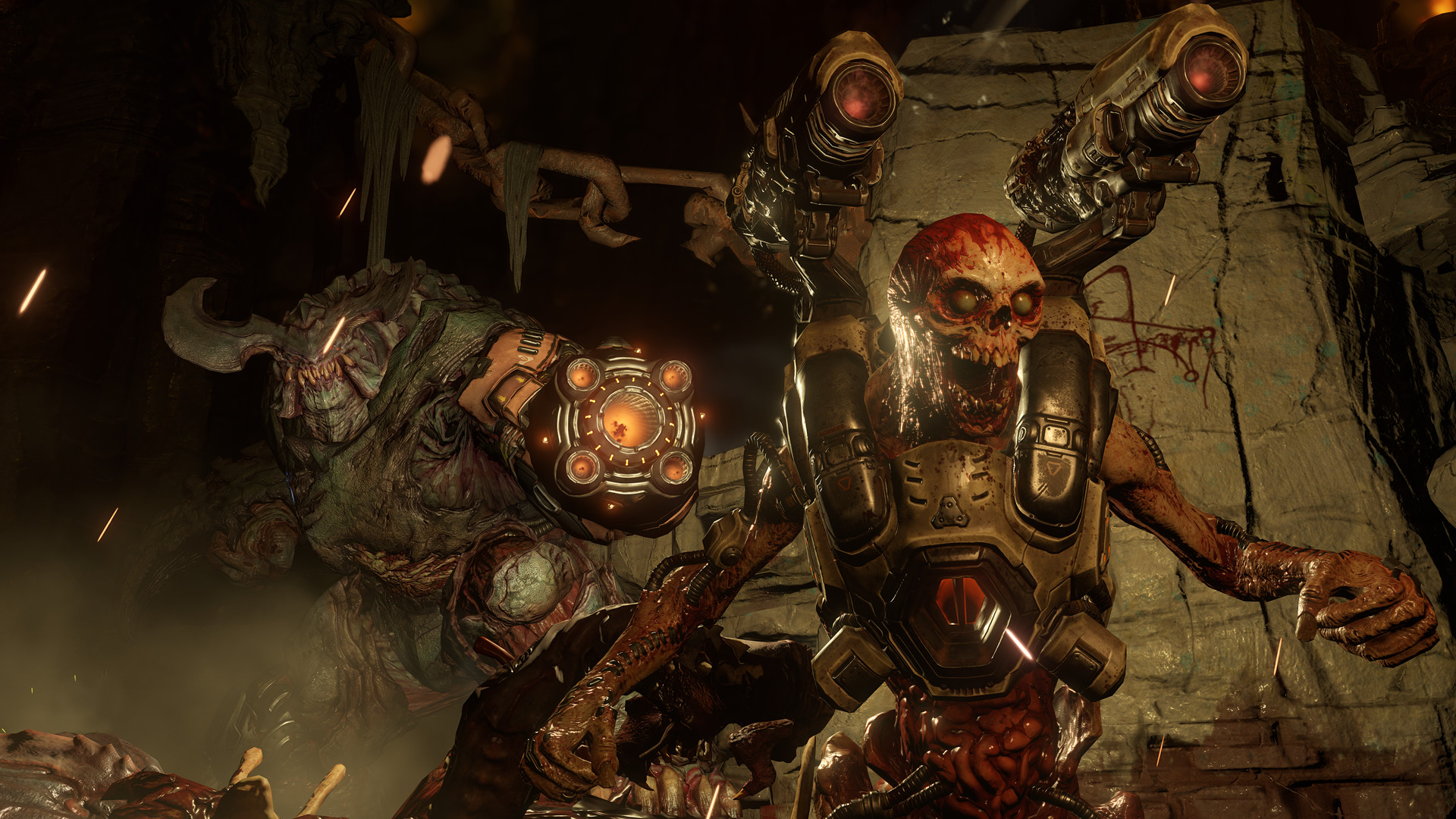
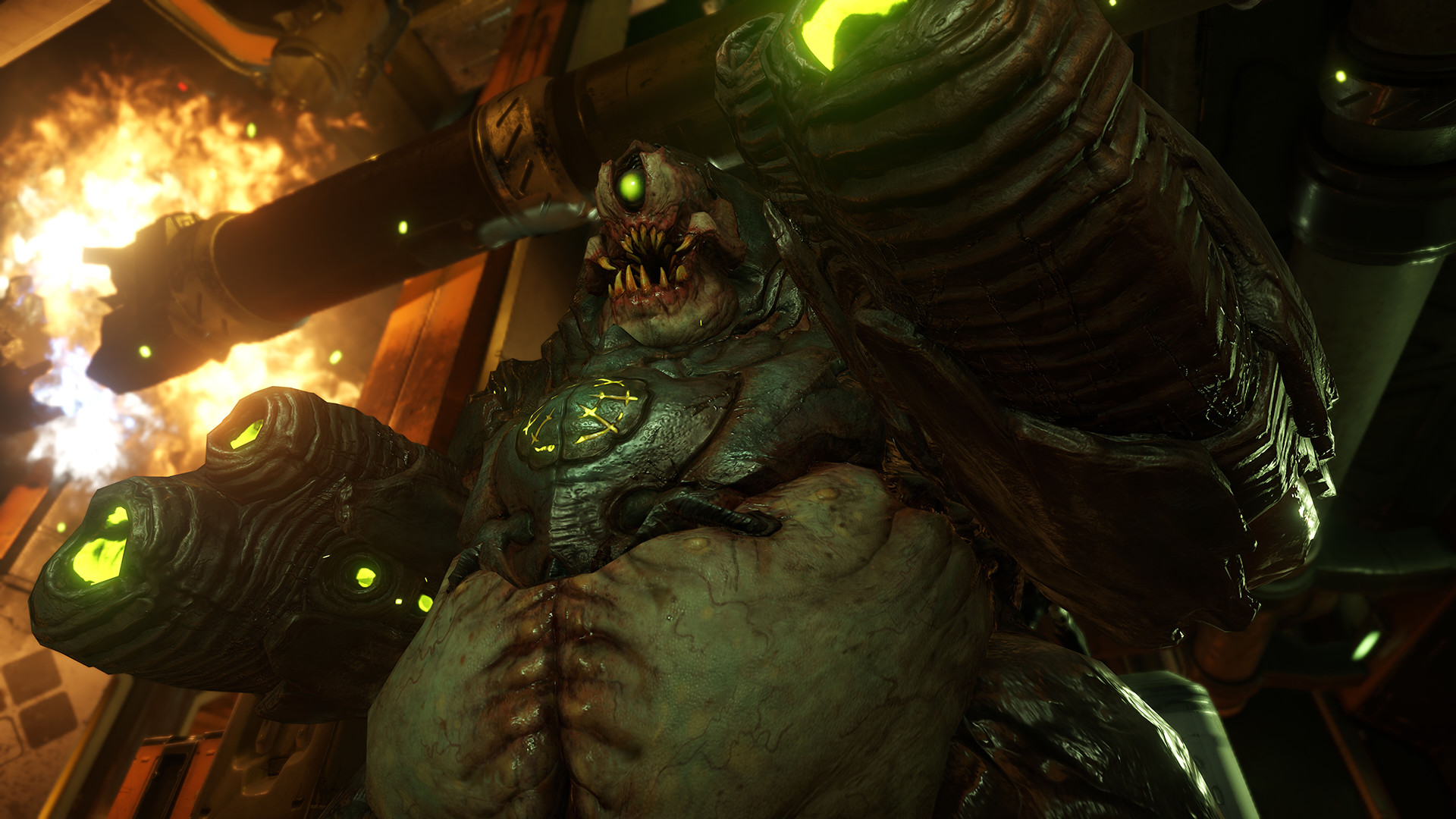
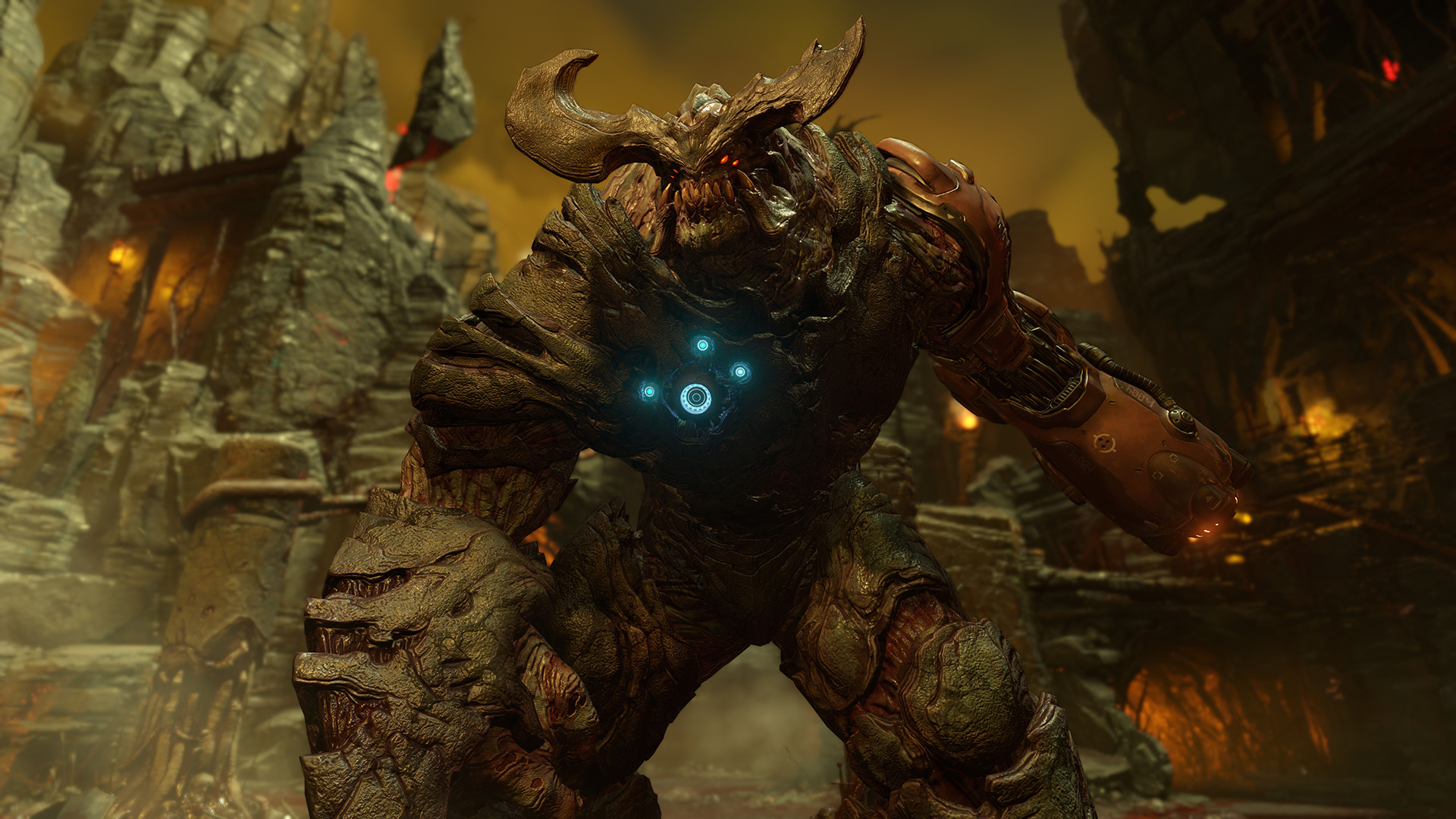
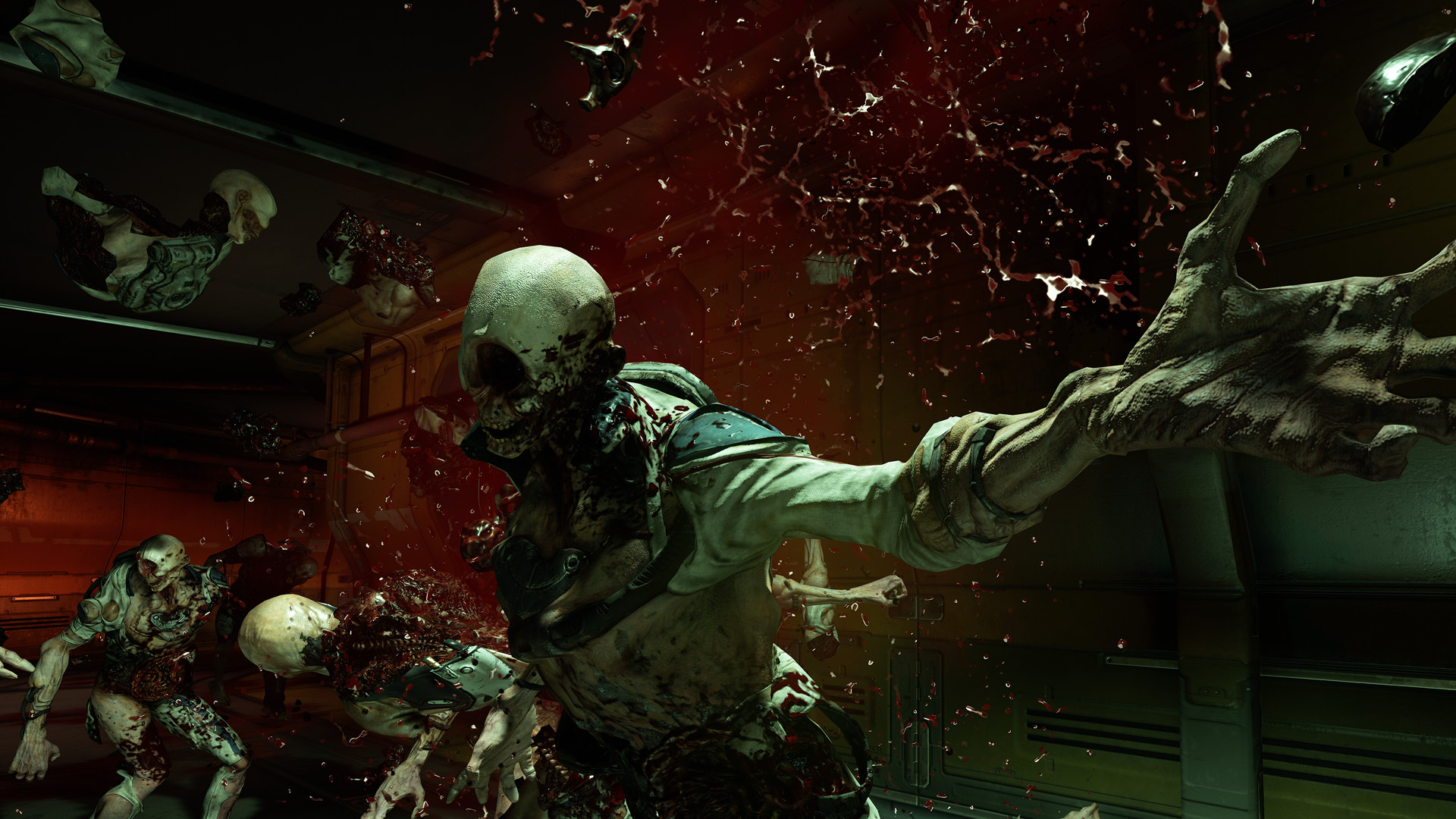
Similar games