WARPLAY.CLOUD
Play Beyond: Two Souls in the cloud
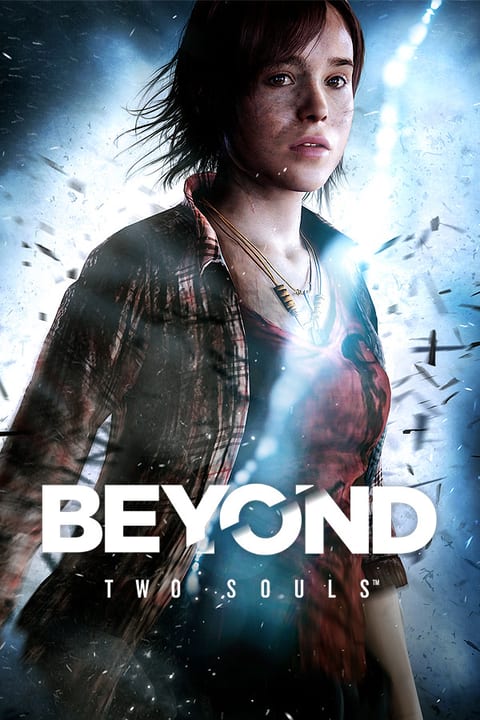
Beyond: Two Souls is a psychological action thriller about Jodie Holmes and the entity bound to her, Aiden, shaped by the choices you make. Play it in the cloud on WARPLAY.CLOUD.
Beyond: Two Souls must be in your Steam account. Nothing extra to buy from WARPLAY.CLOUD.
Short answers
- Own it on SteamDo I need to own it?
- On every planWhich plan?
- Almost any screenWhich devices?
- 15 Mbit/s for Full HDWhat internet?
Details
Beyond: Two Souls must be in your Steam account, the same copy you play at home. Nothing extra to buy from WARPLAY.CLOUD. How to start
Picture up to Full HD on FREE, up to 1440p on PRO, up to 4K on MAX. 60 FPS on every plan. Compare plans
Chrome or Edge on Windows, Mac, Linux, Chromebook and Android. Safari on iPhone and iPad. Apps for LG and Samsung TVs. All devices
25 Mbit/s for 1440p and 45 Mbit/s for 4K. A cable or 5 GHz Wi-Fi gives the lowest delay. More on internet speed
Works on
- Phones and tablets
- iPhone and iPadAndroid
How to start Beyond: Two Souls
- Open app.warplay.cloud in Chrome or Edge, or open the Windows, Mac or Linux app, and sign in.
- Find Beyond: Two Souls and press Play.
- Sign in to the Steam account that has Beyond: Two Souls. Your saves load from Steam Cloud.
- Install the WARPLAY.CLOUD app on your LG TV (webOS) or Samsung TV (Tizen) and sign in.
- Connect an Xbox or PlayStation gamepad, or another Bluetooth or USB controller.
- Pick Beyond: Two Souls and press Play. On Steam's sign-in screen, scan the QR code with the Steam Mobile app.
- On iPhone or iPad, open app.warplay.cloud in Safari and add it to the Home Screen. On Android, open it in Chrome.
- Connect a gamepad, or use the touch layout.
- Pick Beyond: Two Souls, press Play, then sign in to Steam.
Beyond: Two Souls on WARPLAY.CLOUD
Beyond: Two Souls supports both a gamepad and a keyboard and mouse setup on WARPLAY.CLOUD, so you can pick whichever suits the scene you are in. An Xbox or PlayStation controller, or another Bluetooth or USB pad, works for the action sequences; on phones a touch layout is also available. The game runs on a gaming PC in the WARPLAY.CLOUD network and streams at 60 FPS, with picture up to Full HD, 1440p or 4K depending on the plan. A cable connection or 5 GHz Wi-Fi keeps the delay low, and 15 Mbit/s is enough for Full HD.
You can play in Chrome or Edge on Windows, Mac, Linux, Chromebook and Android, in Safari on iPhone and iPad, or through the apps for LG and Samsung TVs.
The interface, voice and subtitles are available in many languages. English, French, Italian, German, Spanish from Spain, Dutch, Japanese, Polish, Portuguese from Portugal and from Brazil, Russian and Spanish from Latin America come with both voice and subtitles. Czech, Danish, Finnish, Greek, Hungarian, Korean, Norwegian, Simplified Chinese, Swedish, Traditional Chinese and Turkish offer an interface and subtitles without voice.
Beyond: Two Souls has to be in your own Steam account: you sign in to Steam in the session, and your saves load from Steam Cloud. There is nothing extra to buy from WARPLAY.CLOUD for a game you already own on Steam.
About the game
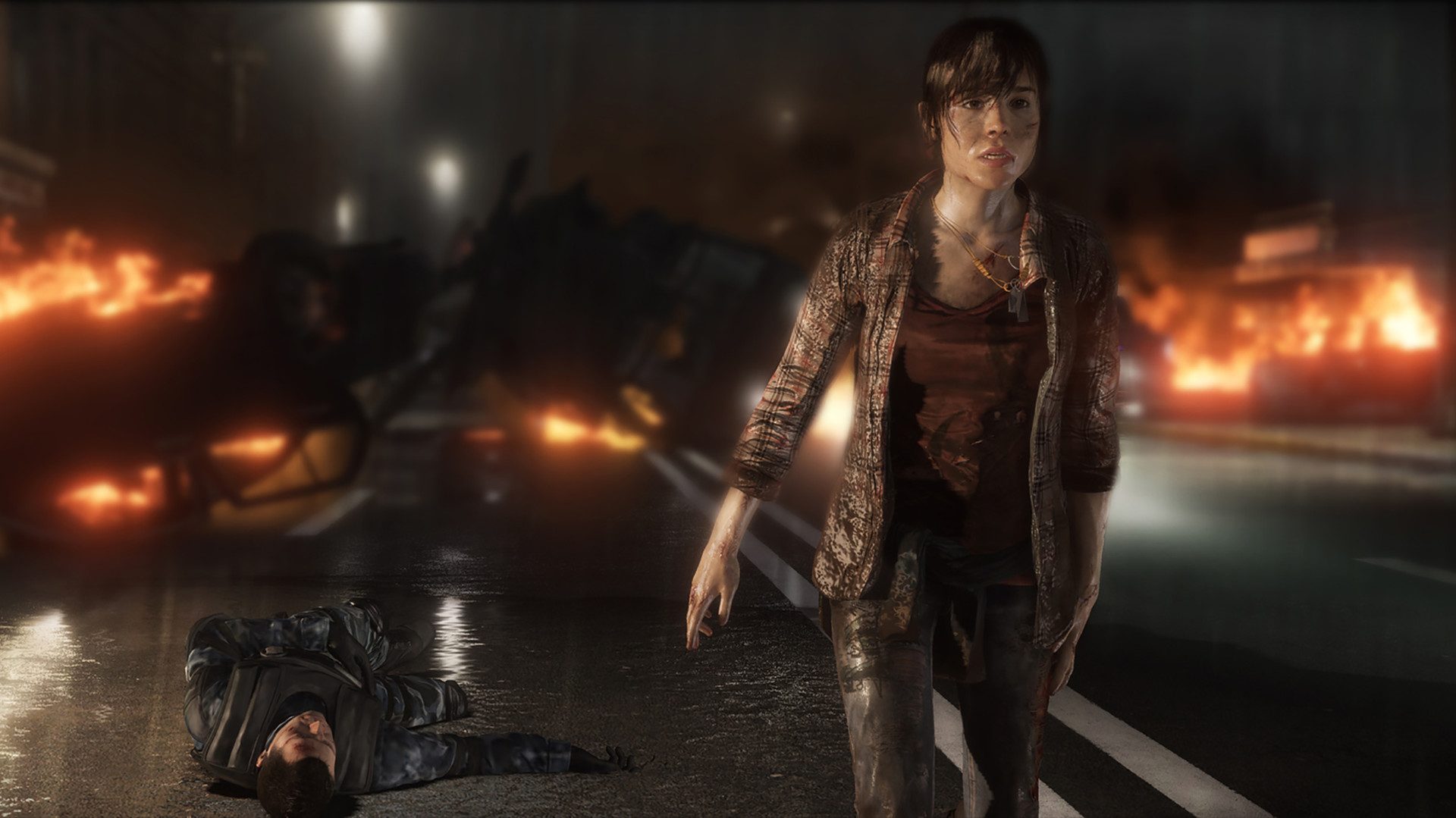
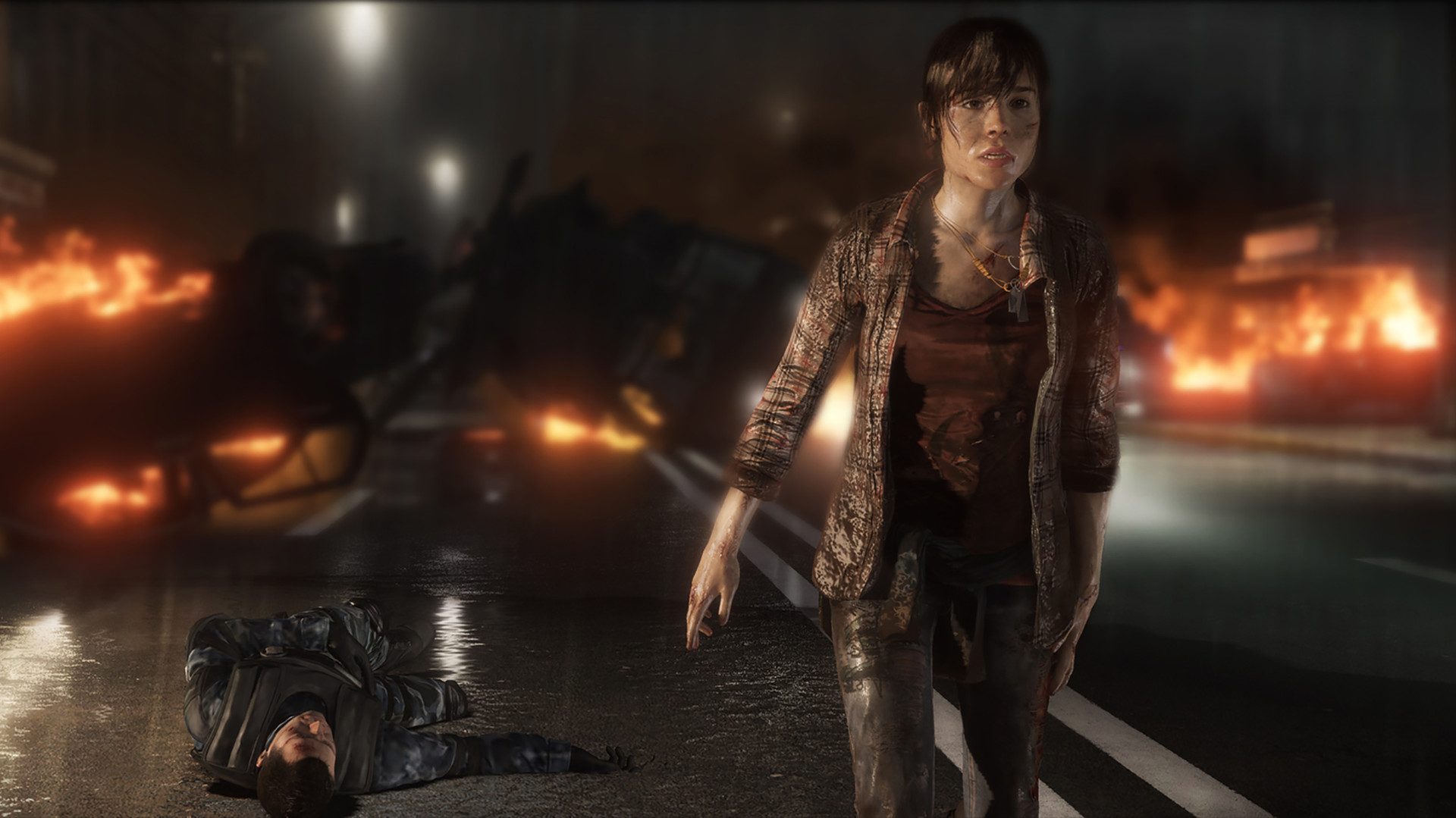
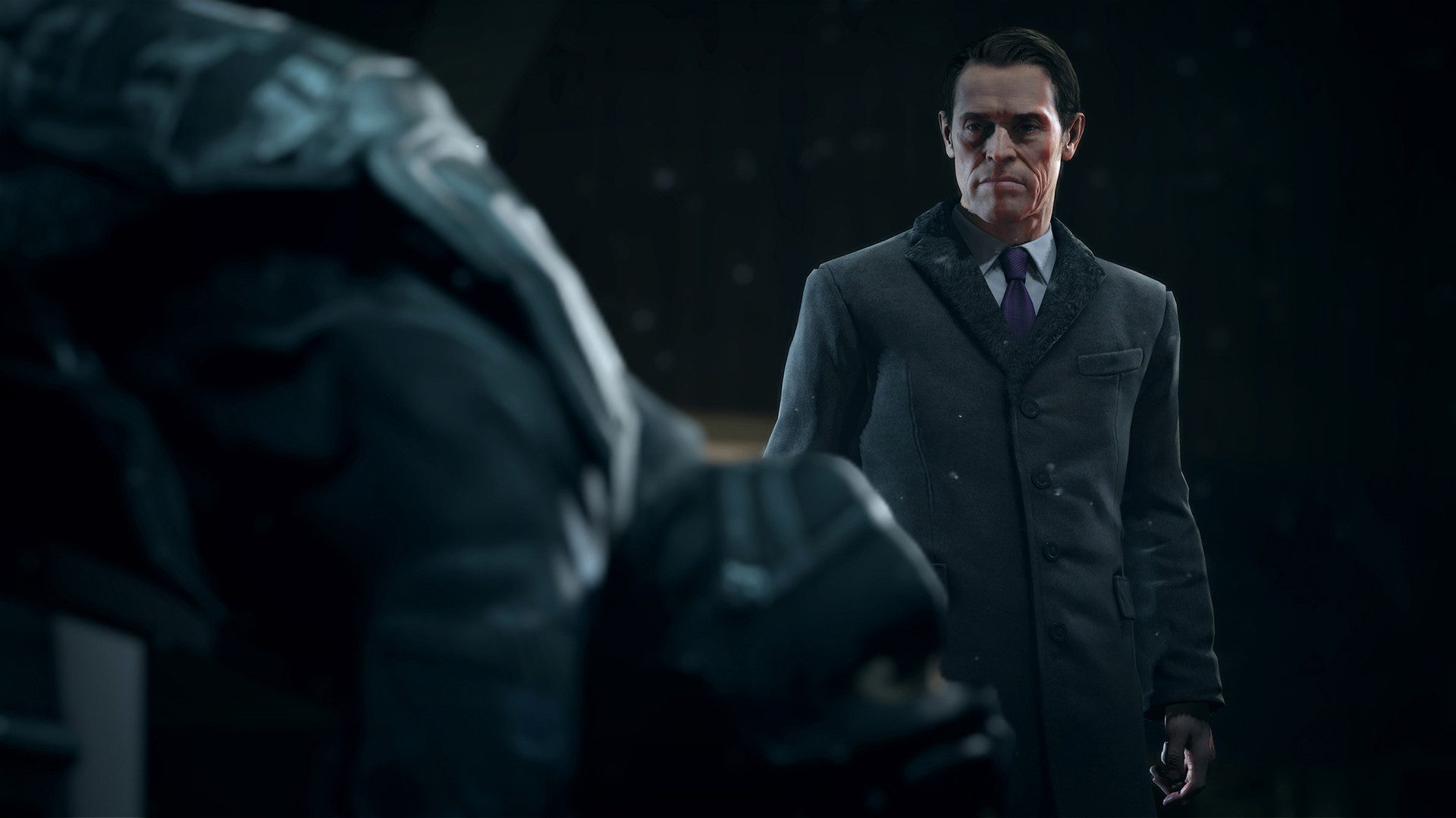
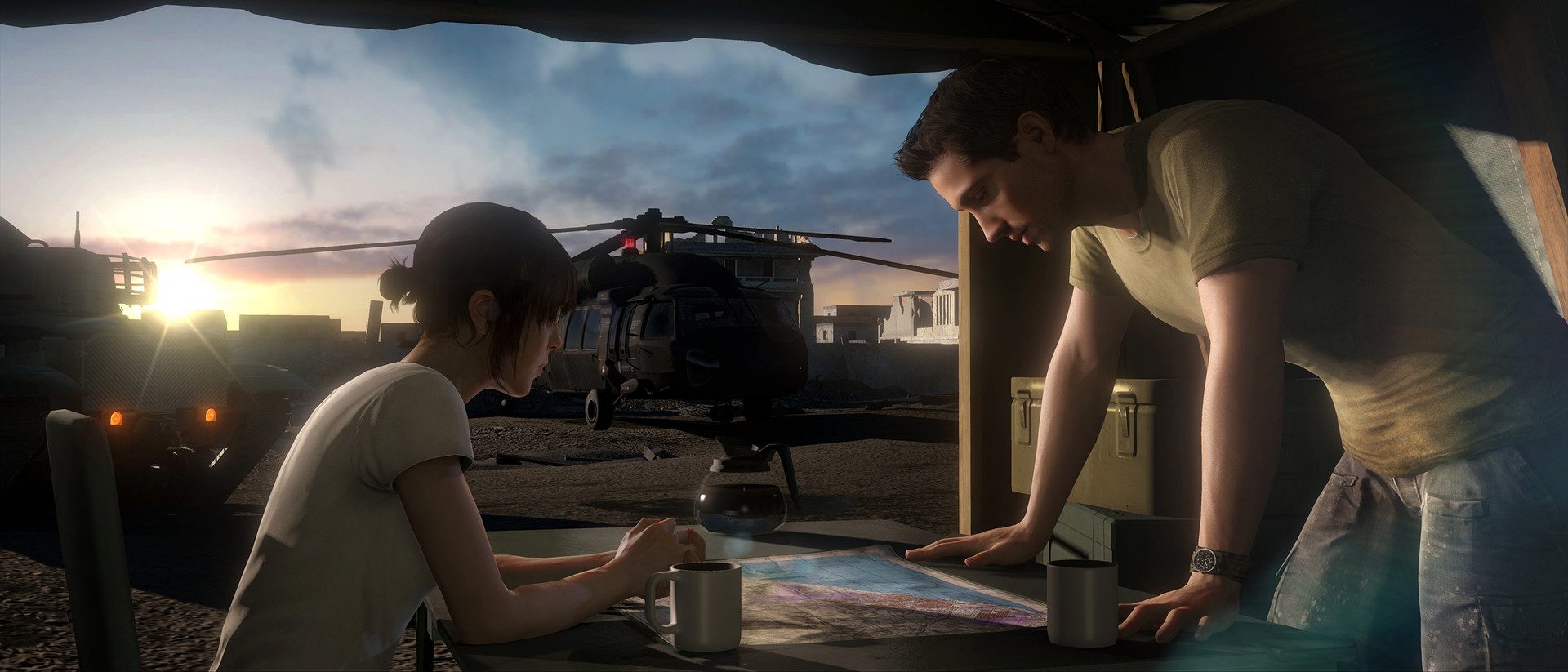
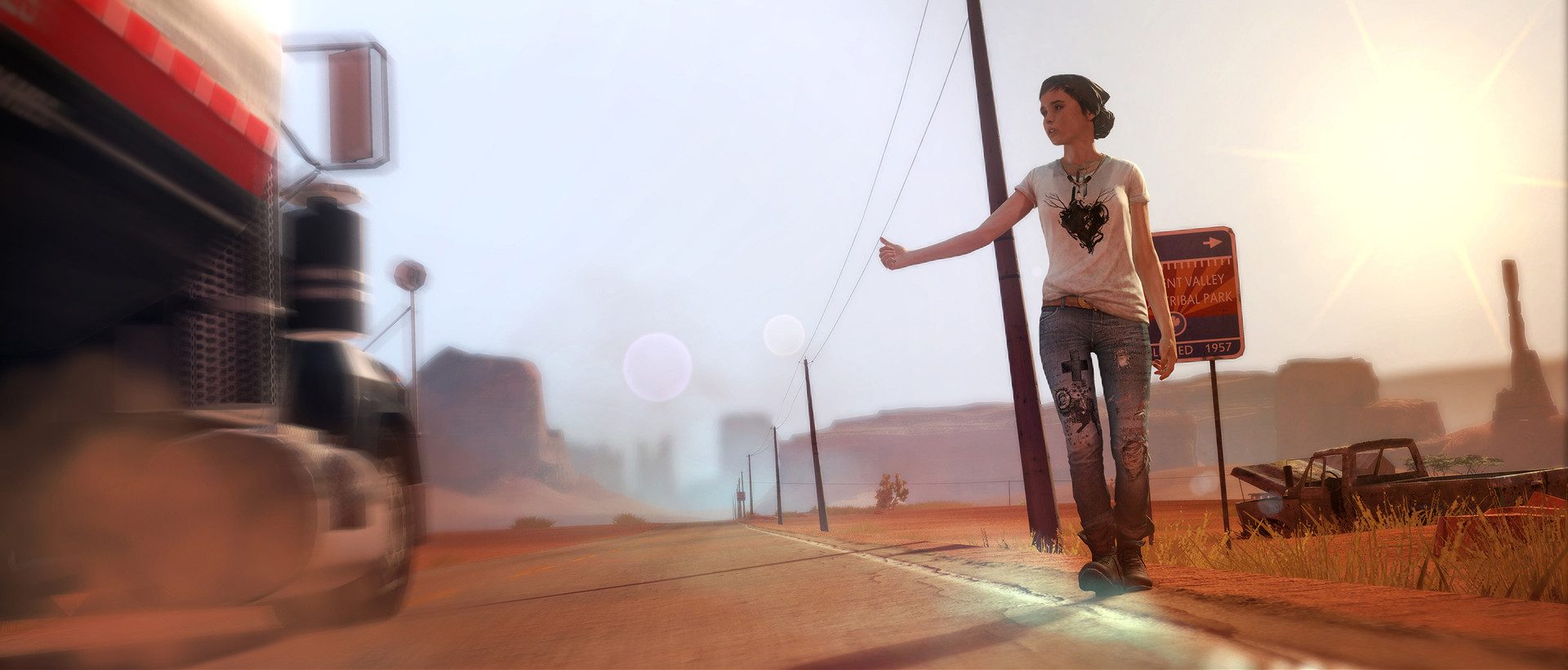
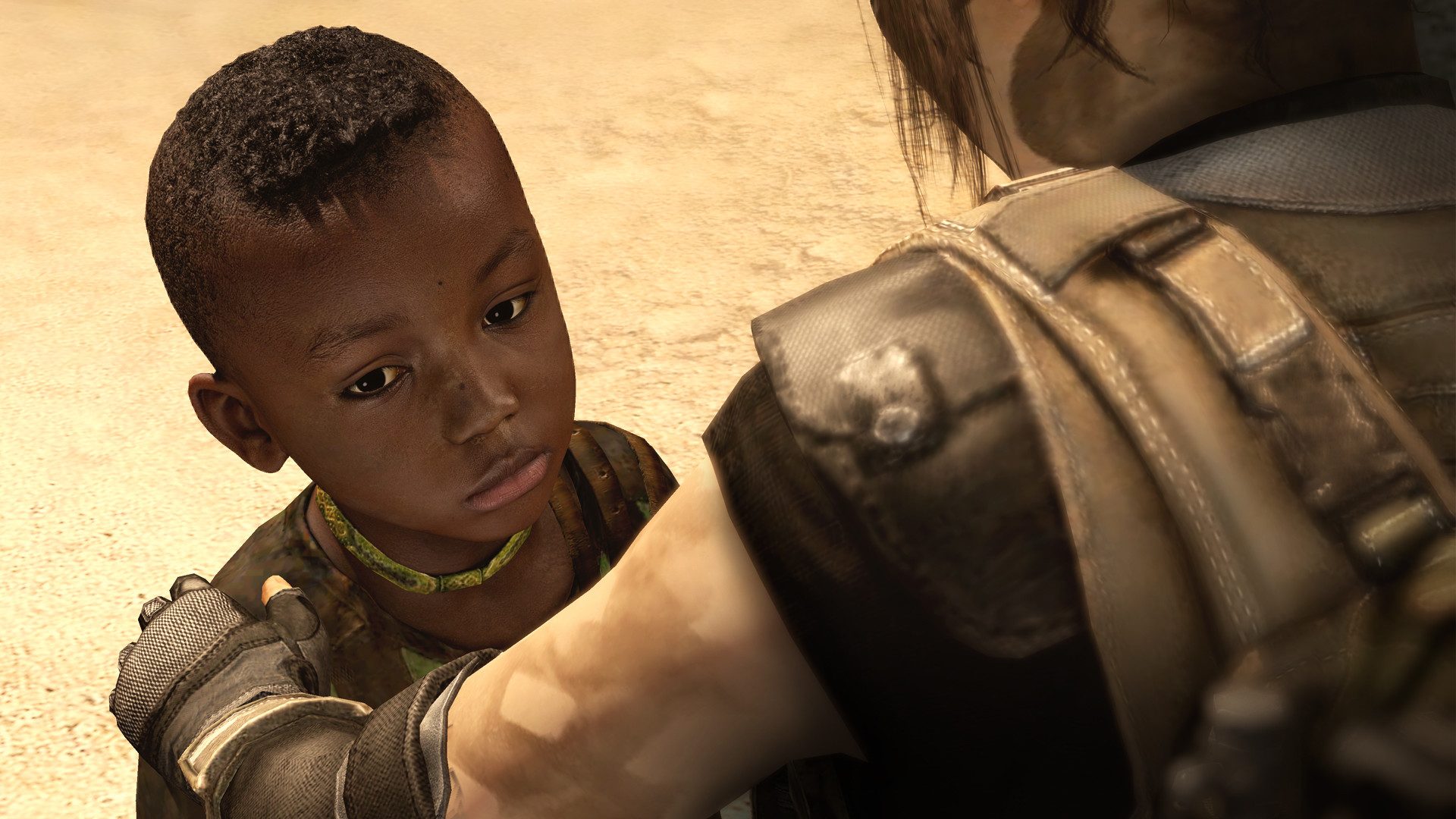
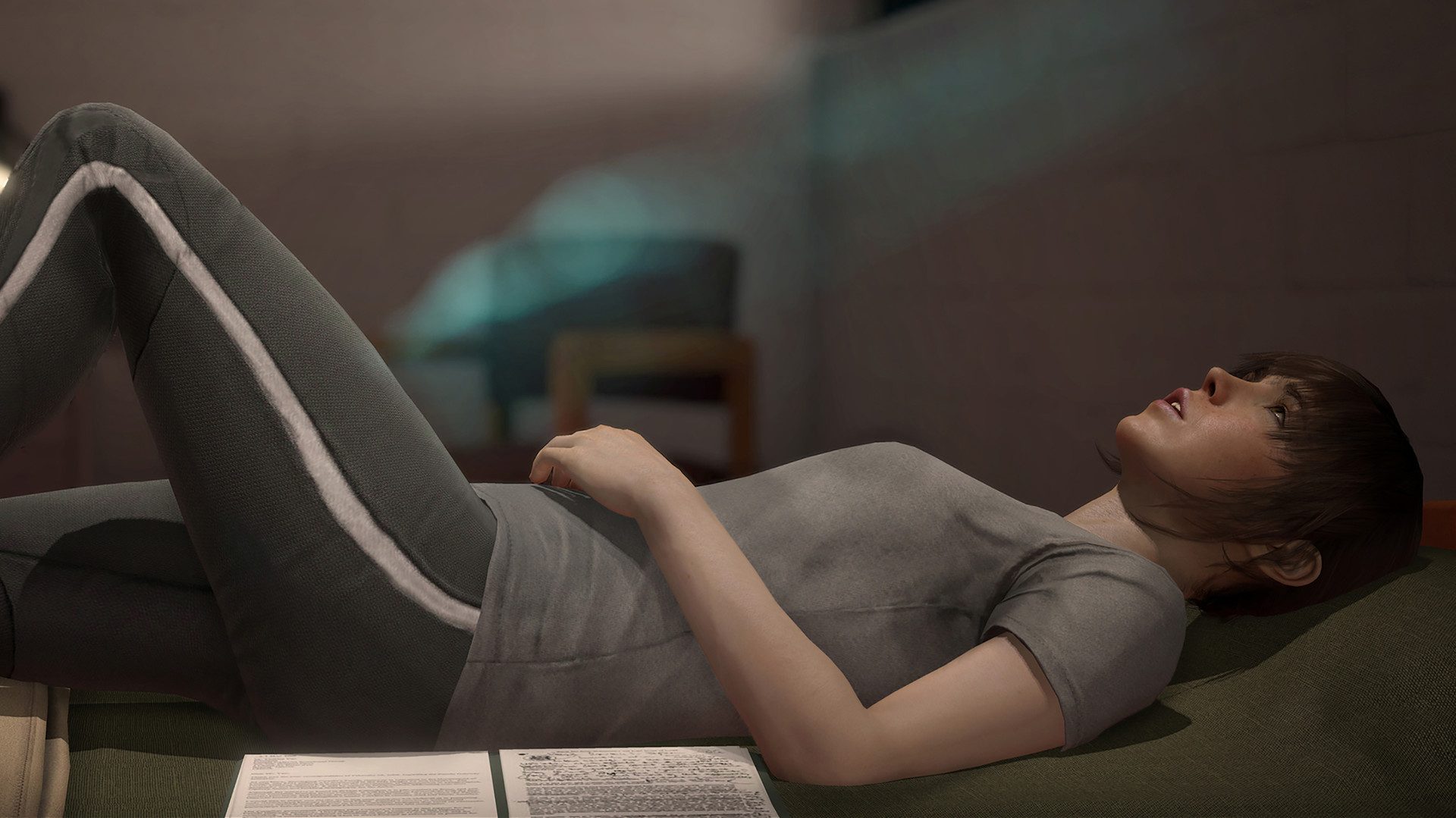
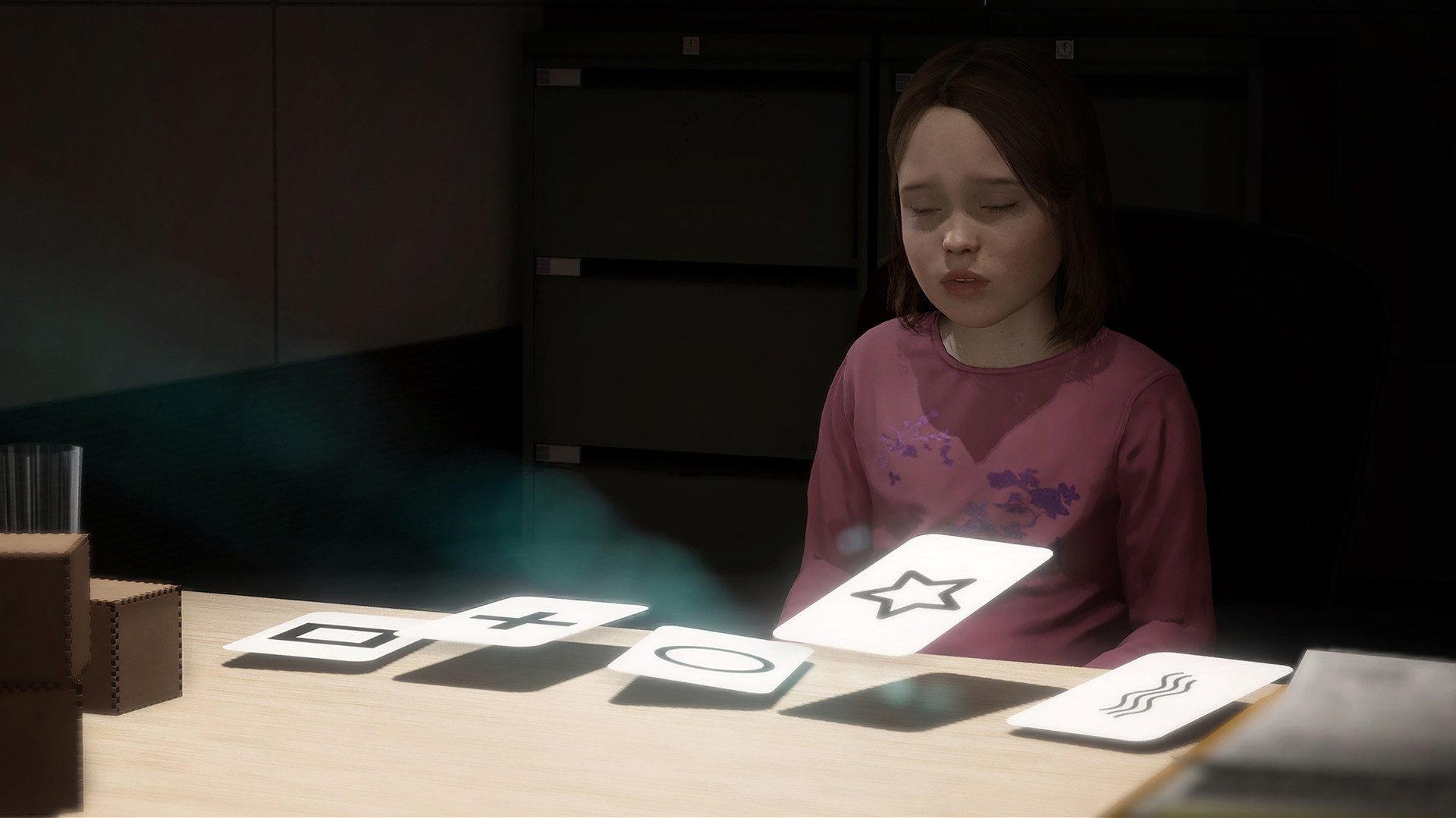
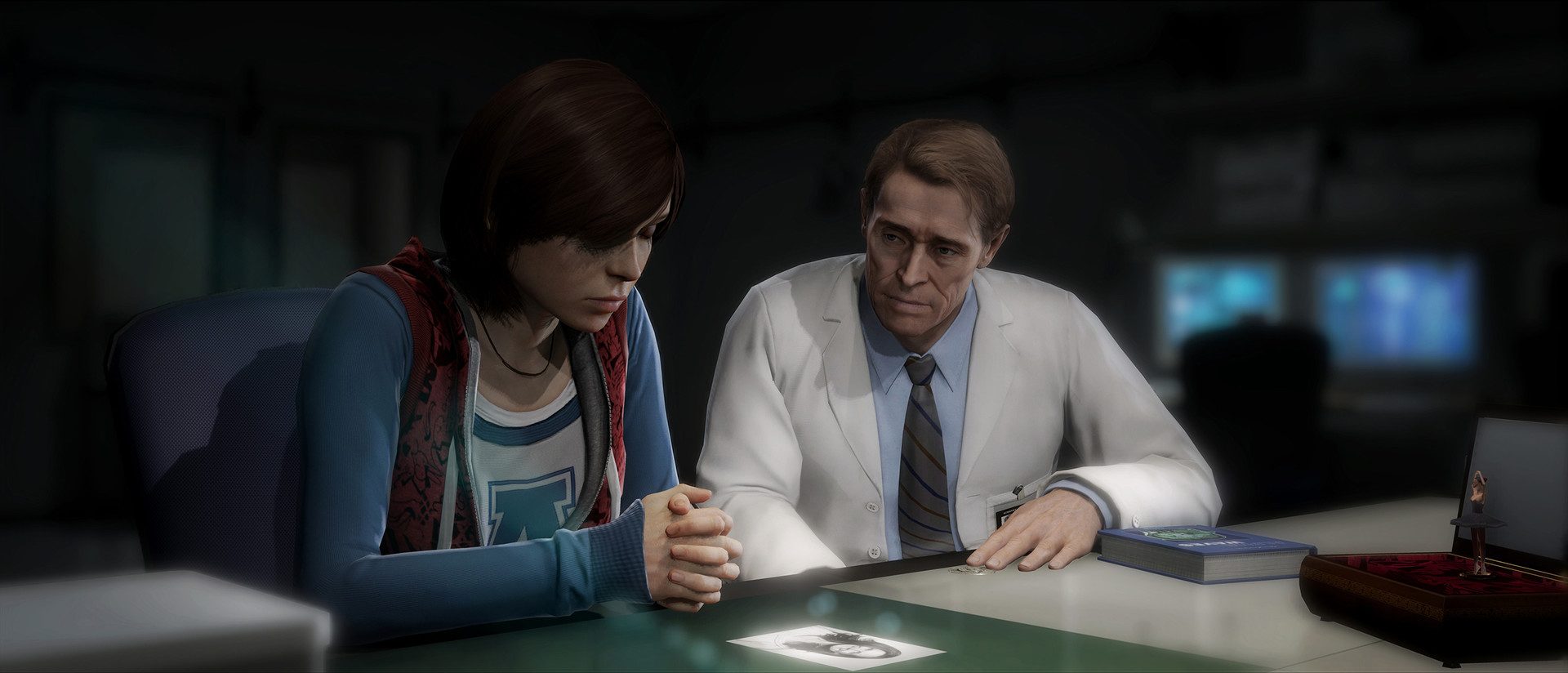
Beyond: Two Souls is a psychological action thriller from Quantic Dream that follows the life of Jodie Holmes, a woman born with a bond to a supernatural entity named Aiden. Elliot Page and Willem Dafoe take the leading roles, and their performances carry the story across several countries as Jodie grows from childhood into adulthood.
Read more
Because of her link to Aiden, Jodie is different from everyone around her. She faces danger, difficult tests and painful losses while trying to understand what she is and where she comes from. You control both characters: Jodie in the physical world and Aiden, whose abilities open paths she cannot take alone. The choices you make and the actions you perform shape how her life unfolds.
The PC release includes the Advanced Experiments mission that first appeared as extra content on PlayStation, and the whole story can be played in two difficulty modes. You can go through it alone in Solo mode or share it with another person in Duo mode, with one controller for Jodie and a second for Aiden. The narrative can be followed in cinematic order or rearranged into chronological order, so the same events can be experienced in a different sequence.
The game is presented with detailed visuals and supports widescreen displays as well as high-resolution output.
Video and screenshots
Beyond: Two Souls questions
Can I play Beyond: Two Souls in the cloud on WARPLAY.CLOUD?
Yes. The game runs on a gaming PC in the WARPLAY.CLOUD network and streams to your screen at 60 FPS, with picture up to Full HD, 1440p or 4K depending on the plan.
Do I need to own Beyond: Two Souls on Steam to play it here?
Yes. The game must be in your own Steam account. You sign in to Steam in the session, and your saves load from Steam Cloud.
Which controllers does Beyond: Two Souls support in the cloud?
Xbox and PlayStation controllers work, as do other Bluetooth or USB controllers. Keyboard and mouse are supported too, and phones have a touch layout.
What internet speed do I need for Beyond: Two Souls?
15 Mbit/s is enough for Full HD. A cable connection or 5 GHz Wi-Fi gives the lowest delay.
On which devices can I play Beyond: Two Souls on WARPLAY.CLOUD?
You can play in Chrome or Edge on Windows, Mac, Linux, Chromebook and Android, in Safari on iPhone and iPad, and through the apps for LG and Samsung TVs.
Will my Beyond: Two Souls saves be available in the cloud session?
Yes. Saves load from Steam Cloud when you start the game in your own Steam account.
Similar games
Play Beyond: Two Souls now