WARPLAY.CLOUD

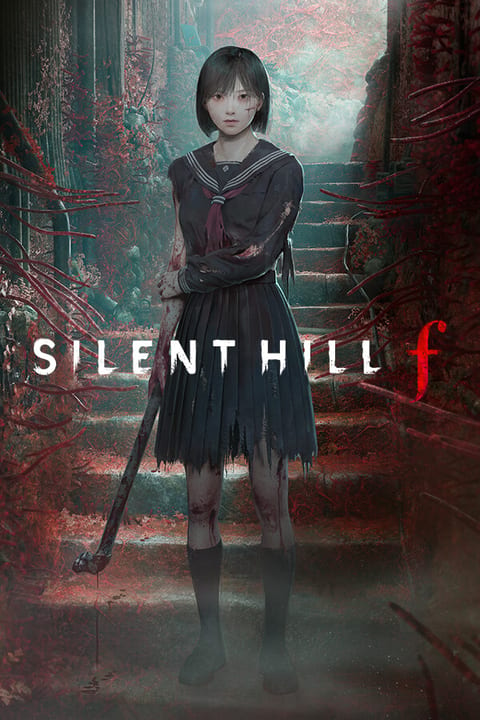
Play SILENT HILL f in the cloud
SILENT HILL f is a psychological horror action adventure set in a fog-covered Japanese mountain town in the 1960s. Play it in the cloud on WARPLAY.CLOUD.
SILENT HILL f must be in your Steam account. Nothing extra to buy from WARPLAY.CLOUD.
Short answers
- Own it on SteamDo I need to own it?
- On every planWhich plan?
- Almost any screenWhich devices?
- 15 Mbit/s for Full HDWhat internet?
Details
SILENT HILL f must be in your Steam account, the same copy you play at home. Nothing extra to buy from WARPLAY.CLOUD. How to start
Picture up to Full HD on FREE, up to 1440p on PRO, up to 4K on MAX. 60 FPS on every plan. Compare plans
Chrome or Edge on Windows, Mac, Linux, Chromebook and Android. Safari on iPhone and iPad. Apps for LG and Samsung TVs. All devices
25 Mbit/s for 1440p and 45 Mbit/s for 4K. A cable or 5 GHz Wi-Fi gives the lowest delay. More on internet speed
Works on
- Phones and tablets
- iPhone and iPadAndroid
How to start SILENT HILL f
- Open app.warplay.cloud in Chrome or Edge, or open the Windows, Mac or Linux app, and sign in.
- Find SILENT HILL f and press Play.
- Sign in to the Steam account that has SILENT HILL f. Your saves load from Steam Cloud.
- Install the WARPLAY.CLOUD app on your LG TV (webOS) or Samsung TV (Tizen) and sign in.
- Connect an Xbox or PlayStation gamepad, or another Bluetooth or USB controller.
- Pick SILENT HILL f and press Play. On Steam's sign-in screen, scan the QR code with the Steam Mobile app.
- On iPhone or iPad, open app.warplay.cloud in Safari and add it to the Home Screen. On Android, open it in Chrome.
- Connect a gamepad, or use the touch layout.
- Pick SILENT HILL f, press Play, then sign in to Steam.
SILENT HILL f on WARPLAY.CLOUD
SILENT HILL f works with a gamepad and with keyboard and mouse. An Xbox or PlayStation controller, wired or over Bluetooth, suits the slow exploration and the tense encounters, and it is the natural choice when the picture goes to a TV. Keyboard and mouse are there for players who prefer them on a PC.
The game streams in Chrome or Edge on Windows, Mac, Linux, Chromebook and Android, in Safari on iPhone and iPad, and through the apps for LG and Samsung TVs. On phones a touch layout is available as well.
Interface and subtitles come in English, French, Italian, German, Spanish for Spain and Latin America, Brazilian Portuguese, Polish, Russian, both Chinese scripts, Japanese and Korean. Voice acting is in English and Japanese only.
SILENT HILL f has to be in the player's own Steam account. The player signs in to Steam inside the session, and saves travel through Steam Cloud. There is nothing extra to buy from WARPLAY.CLOUD for a game already owned on Steam.
The picture reaches up to Full HD, 1440p or 4K depending on the plan, and the stream runs at 60 FPS. 15 Mbit/s is enough for Full HD; a cable or 5 GHz Wi-Fi keeps the delay lowest.
About the game
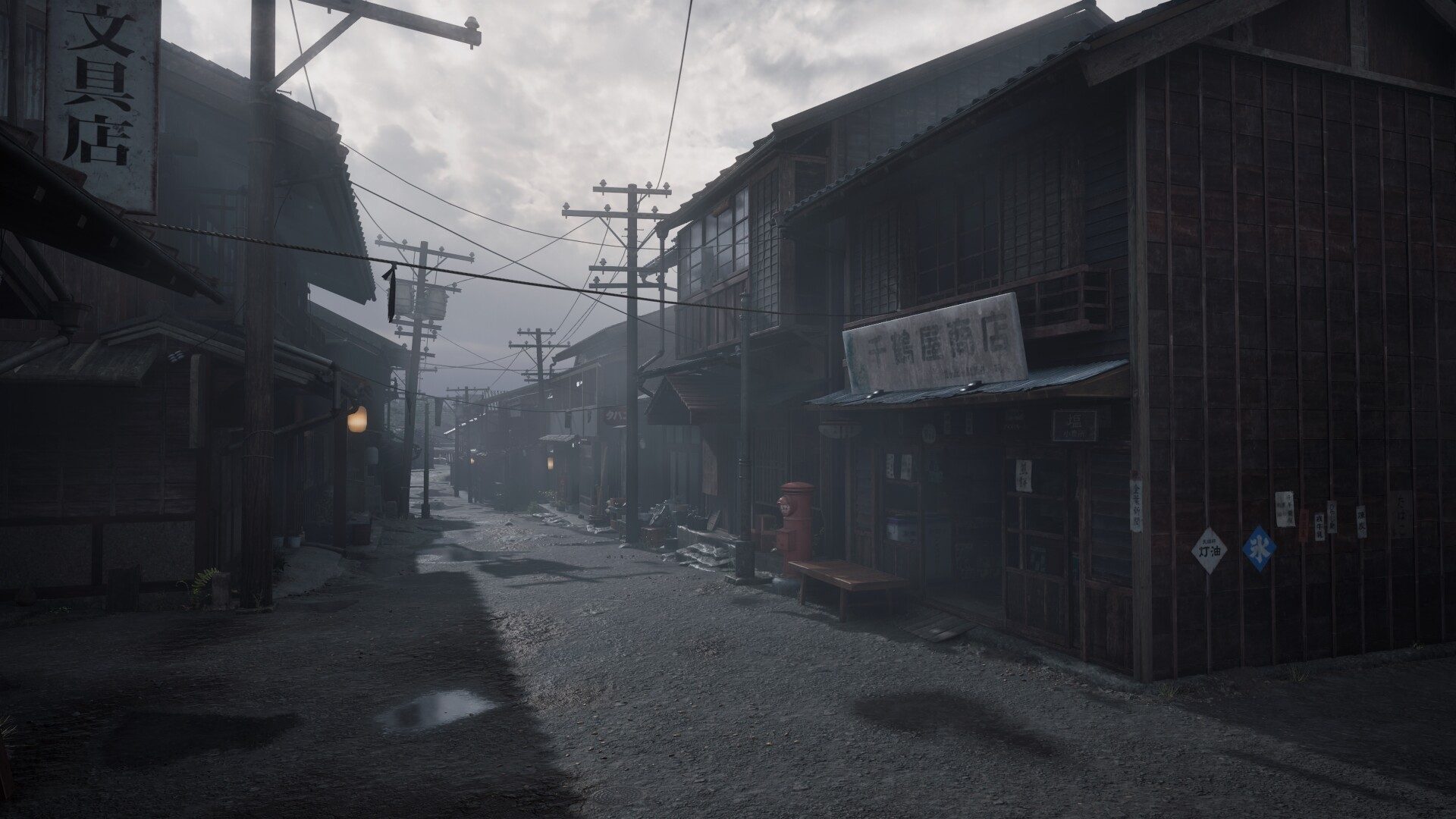
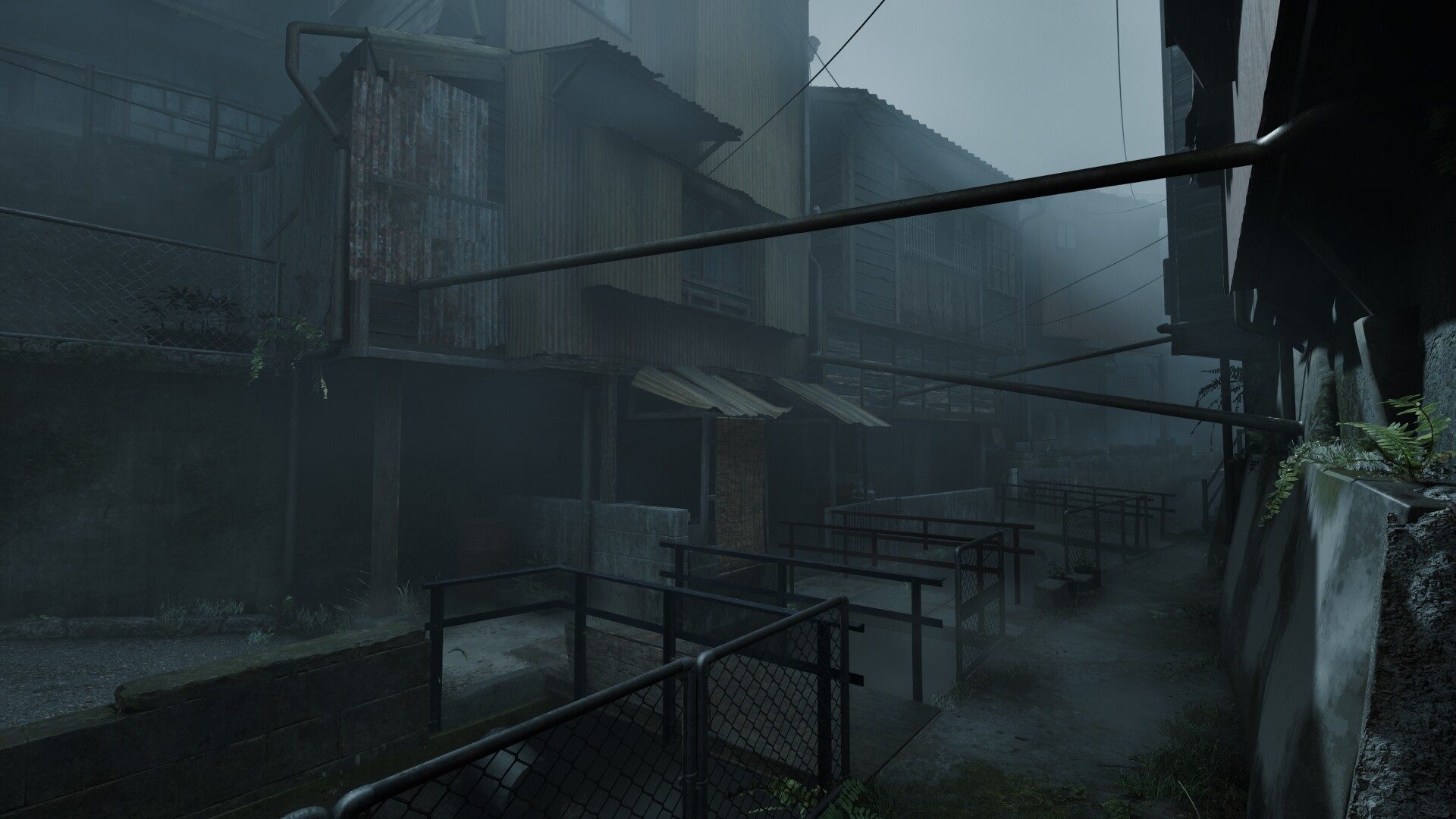
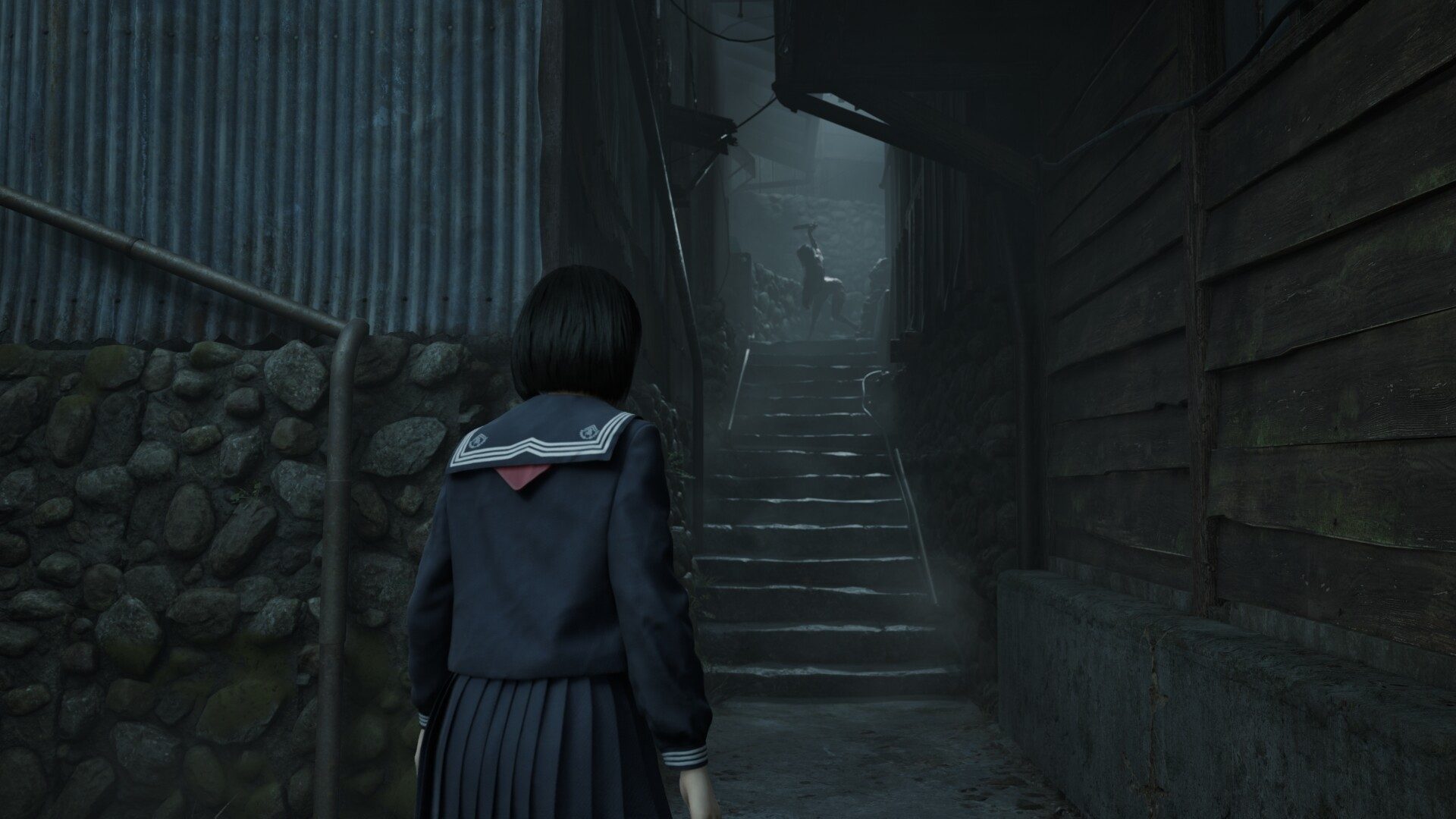
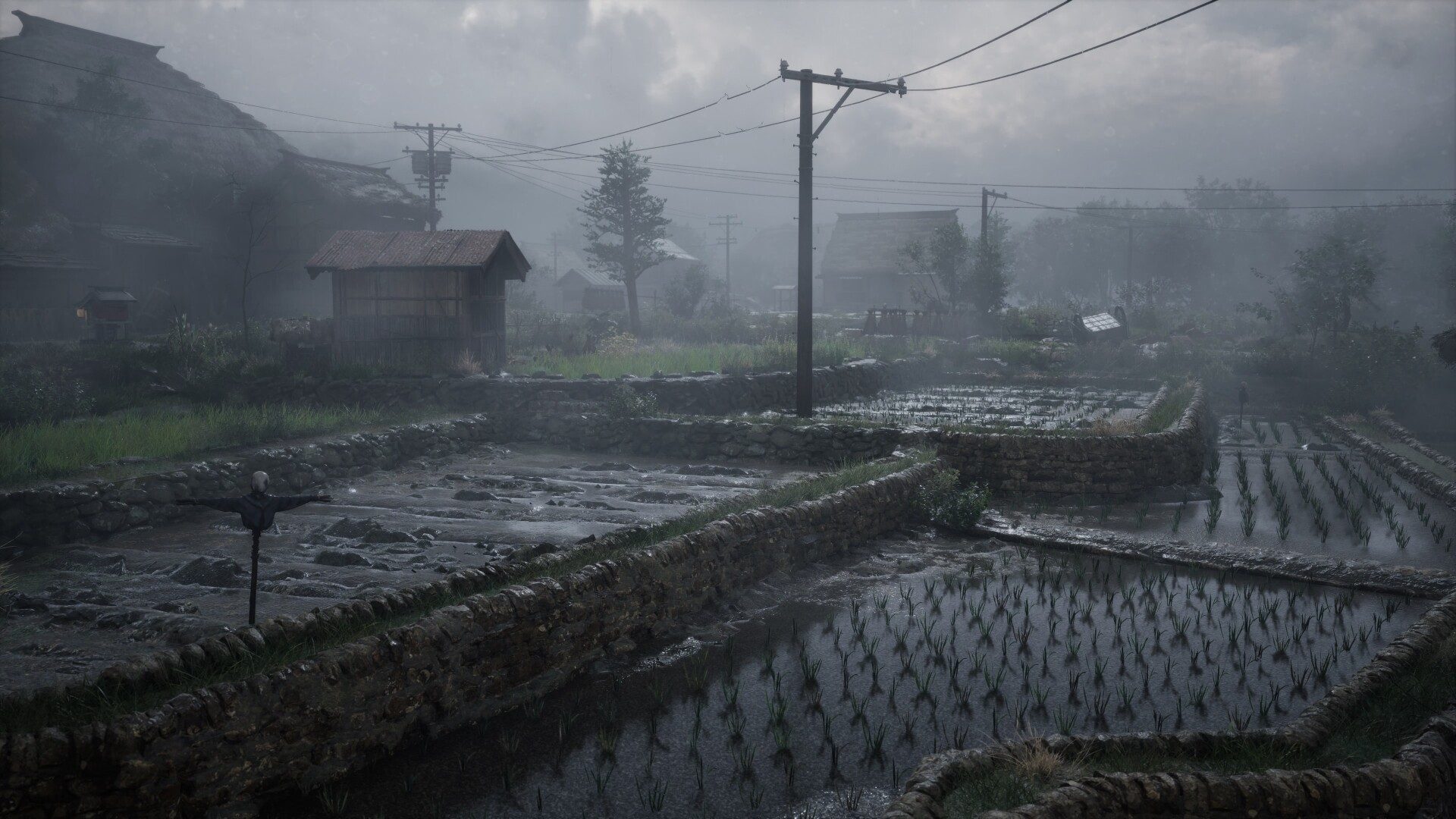
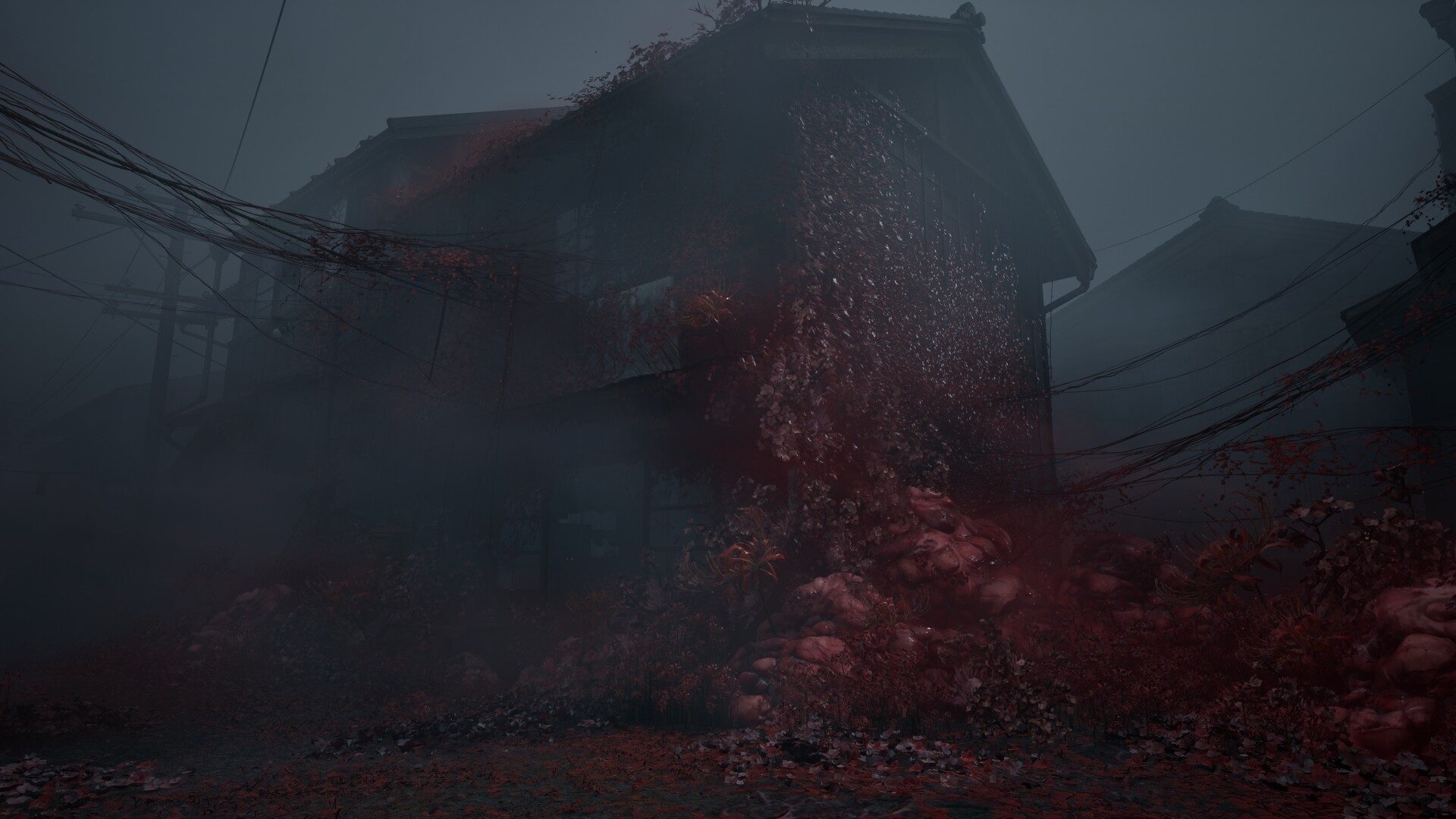
SILENT HILL f takes place in 1960s Japan, in Ebisugaoka, a small mountain town where Shimizu Hinako grew up. A sudden fog rolls in and swallows the place, the streets empty out and the familiar neighbourhood turns hostile. Hinako has to find her way through its distorted paths, work out its puzzles and hold her own against monstrous creatures if she wants to come through alive.
Read more
The story was written by Ryukishi07, and the soundtrack includes pieces by Akira Yamaoka. Doubt, regret and decisions that cannot be taken back run through the plot, and the question hanging over Hinako is whether she can accept the beauty that hides inside the horror or loses herself to the madness around her.
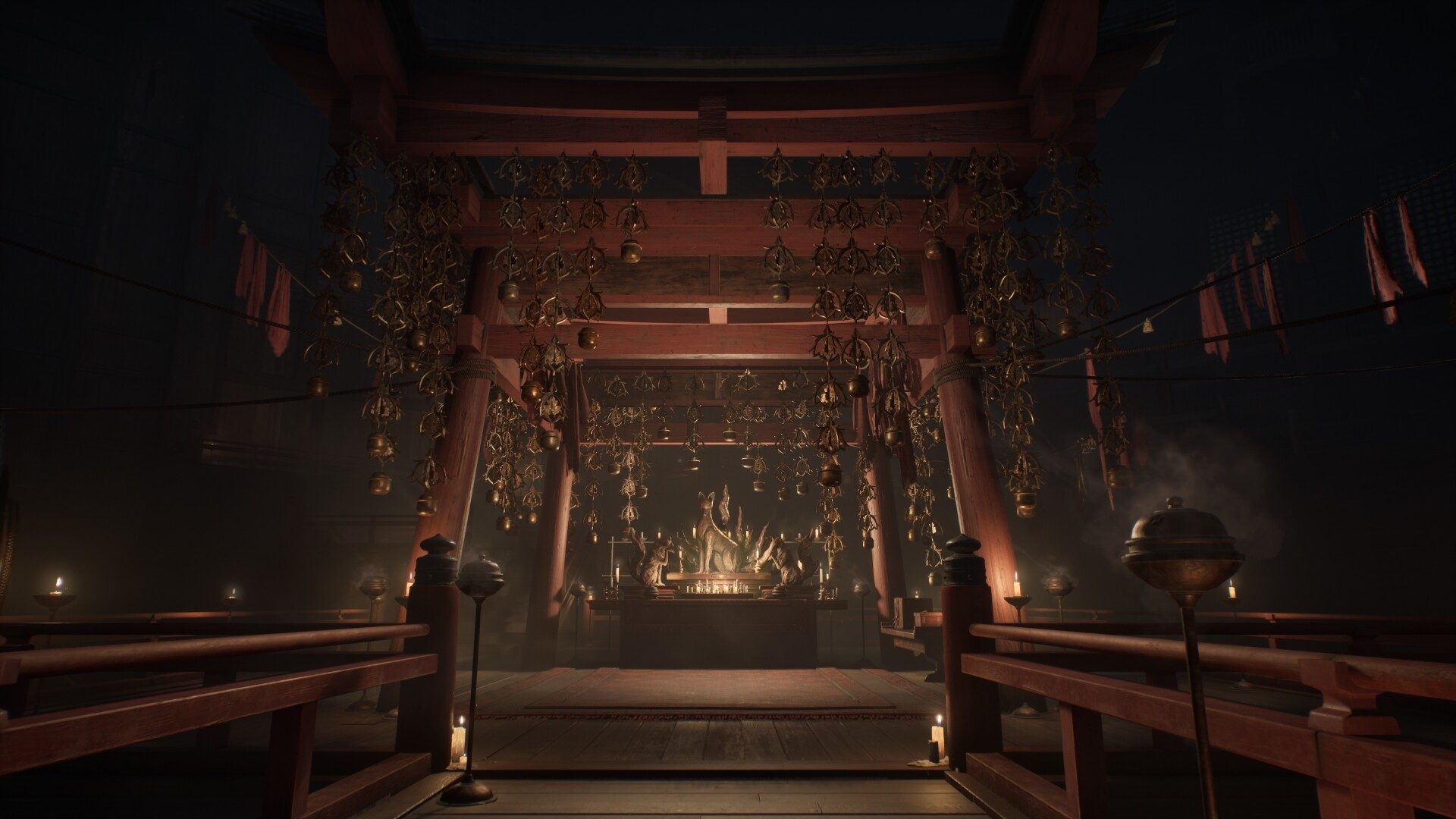
This is a standalone chapter in the SILENT HILL series: the town, the cast and the events were created for this game alone. The mystery keeps shifting. Strange things happen around Hinako, her friends say unsettling things, and it is never clear whether what she sees is real, a product of her imagination or something rooted in old local beliefs.
The first playthrough closes on a set ending. From the second run onward, the choices the player makes change how the story finishes, and there are five endings in all.
Screenshots


SILENT HILL f questions
Do I need to own SILENT HILL f on Steam to play it in the cloud?
Yes. The game must be in your own Steam account. You sign in to Steam inside the WARPLAY.CLOUD session and launch it from there.
Which controllers does SILENT HILL f support on WARPLAY.CLOUD?
Xbox and PlayStation controllers work, connected over Bluetooth or USB, and so do other Bluetooth or USB gamepads. Keyboard and mouse are supported too, and phones add a touch layout.
Can I play SILENT HILL f on a phone, tablet or TV?
Yes. It runs in Chrome or Edge on Windows, Mac, Linux, Chromebook and Android, in Safari on iPhone and iPad, and through the apps for LG and Samsung TVs.
What internet speed do I need for SILENT HILL f in the cloud?
15 Mbit/s is enough for Full HD. A cable connection or 5 GHz Wi-Fi gives the lowest delay.
Which languages are available in SILENT HILL f?
The interface and subtitles come in English, French, Italian, German, Spanish for Spain and Latin America, Brazilian Portuguese, Polish, Russian, both Chinese scripts, Japanese and Korean. Voice acting is in English and Japanese.
What picture quality and frame rate does SILENT HILL f stream at?
The stream runs at 60 FPS, with the picture reaching up to Full HD, 1440p or 4K depending on the plan.
Similar games






Play SILENT HILL f now