WARPLAY.CLOUD

Play Back 4 Blood in the cloud
Back 4 Blood is a cooperative first-person shooter in which immune survivors push back against parasite-infected Ridden. Play the campaign solo or with friends, or take the fight into PvP, streamed to your screen on WARPLAY.CLOUD.
Back 4 Blood must be in your Steam account. Nothing extra to buy from WARPLAY.CLOUD.
Short answers
- Own it on SteamDo I need to own it?
- On every planWhich plan?
- Almost any screenWhich devices?
- 15 Mbit/s for Full HDWhat internet?
Details
Back 4 Blood must be in your Steam account, the same copy you play at home. Nothing extra to buy from WARPLAY.CLOUD. How to start
Picture up to Full HD on FREE, up to 1440p on PRO, up to 4K on MAX. 60 FPS on every plan. Compare plans
Chrome or Edge on Windows, Mac, Linux, Chromebook and Android. Safari on iPhone and iPad. Apps for LG and Samsung TVs. All devices
25 Mbit/s for 1440p and 45 Mbit/s for 4K. A cable or 5 GHz Wi-Fi gives the lowest delay. More on internet speed
Works on
- Phones and tablets
- iPhone and iPadAndroid
How to start Back 4 Blood
- Open app.warplay.cloud in Chrome or Edge, or open the Windows, Mac or Linux app, and sign in.
- Find Back 4 Blood and press Play.
- Sign in to the Steam account that has Back 4 Blood. Your saves load from Steam Cloud.
- Install the WARPLAY.CLOUD app on your LG TV (webOS) or Samsung TV (Tizen) and sign in.
- Connect an Xbox or PlayStation gamepad, or another Bluetooth or USB controller.
- Pick Back 4 Blood and press Play. On Steam's sign-in screen, scan the QR code with the Steam Mobile app.
- On iPhone or iPad, open app.warplay.cloud in Safari and add it to the Home Screen. On Android, open it in Chrome.
- Connect a gamepad, or use the touch layout.
- Pick Back 4 Blood, press Play, then sign in to Steam.
Back 4 Blood on WARPLAY.CLOUD
Back 4 Blood works with both a gamepad and a keyboard and mouse on WARPLAY.CLOUD, so you can choose what suits a fast shooter. Xbox and PlayStation controllers are supported, along with other Bluetooth or USB gamepads, and on a phone the touch layout is available as well. A controller feels natural for the co-op campaign, while keyboard and mouse gives finer aim in competitive matches.
The game runs on a gaming PC in the WARPLAY.CLOUD network and streams at 60 FPS, with picture up to Full HD, 1440p or 4K. For the lowest delay, use a cable or 5 GHz Wi-Fi, and allow at least 15 Mbit/s for Full HD. You can play in Chrome or Edge on Windows, Mac, Linux, Chromebook and Android, in Safari on iPhone and iPad, and through the apps for LG and Samsung TVs.
The interface and subtitles come in 15 languages, among them English, French, Italian, German, Spanish, Arabic, Japanese, Korean, Polish, Portuguese, Russian, Chinese and Turkish. Voice-over is available in English, French, Italian, German, Spanish for Spain, Portuguese for Brazil and Spanish for Latin America; the other languages are interface and subtitles only.
Back 4 Blood has to be in your own Steam account: you sign in to Steam inside the session and start the game from there. Saves load from Steam Cloud, and nothing extra has to be bought from WARPLAY.CLOUD. The game is rated 18+.
About the game
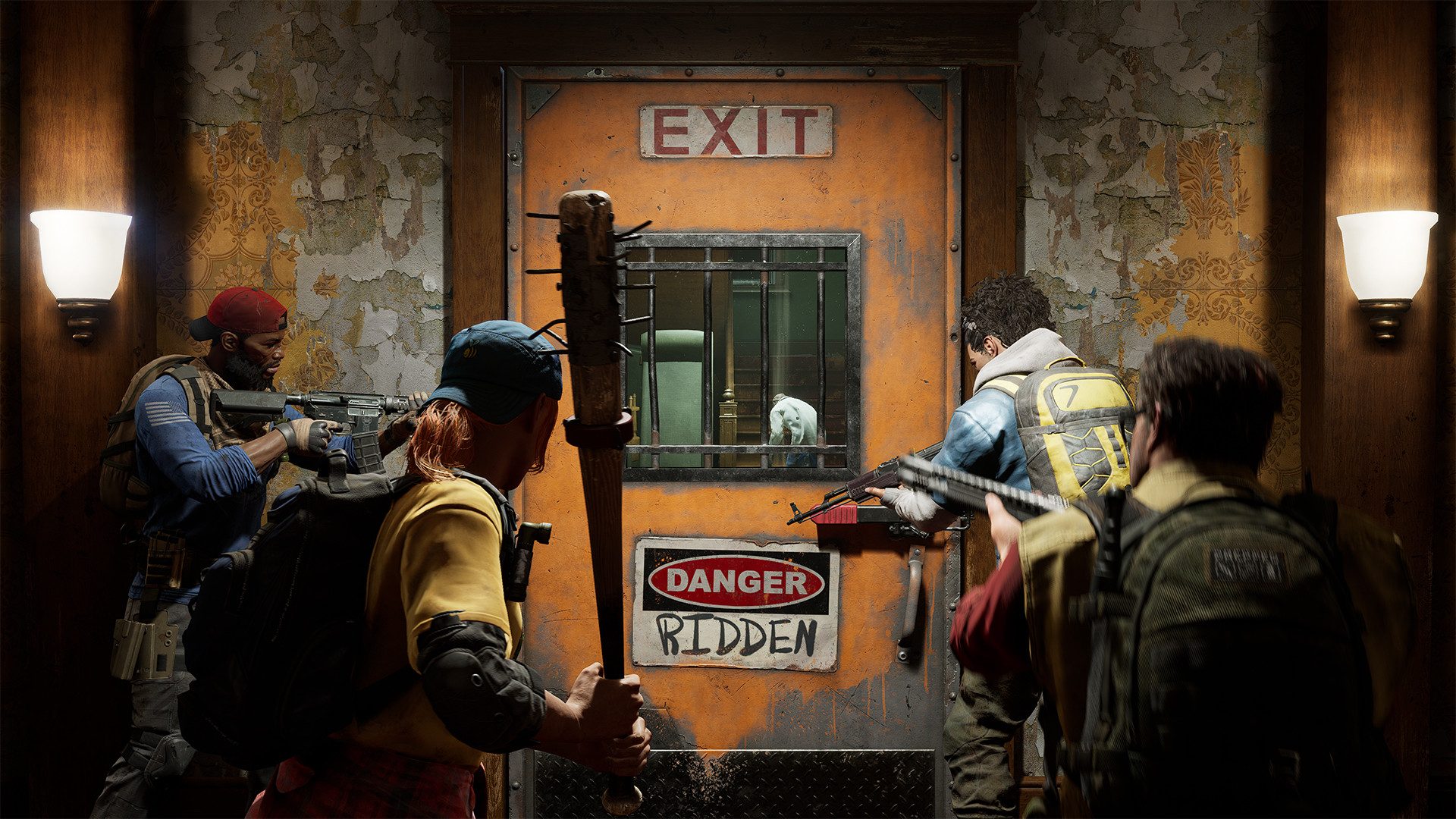
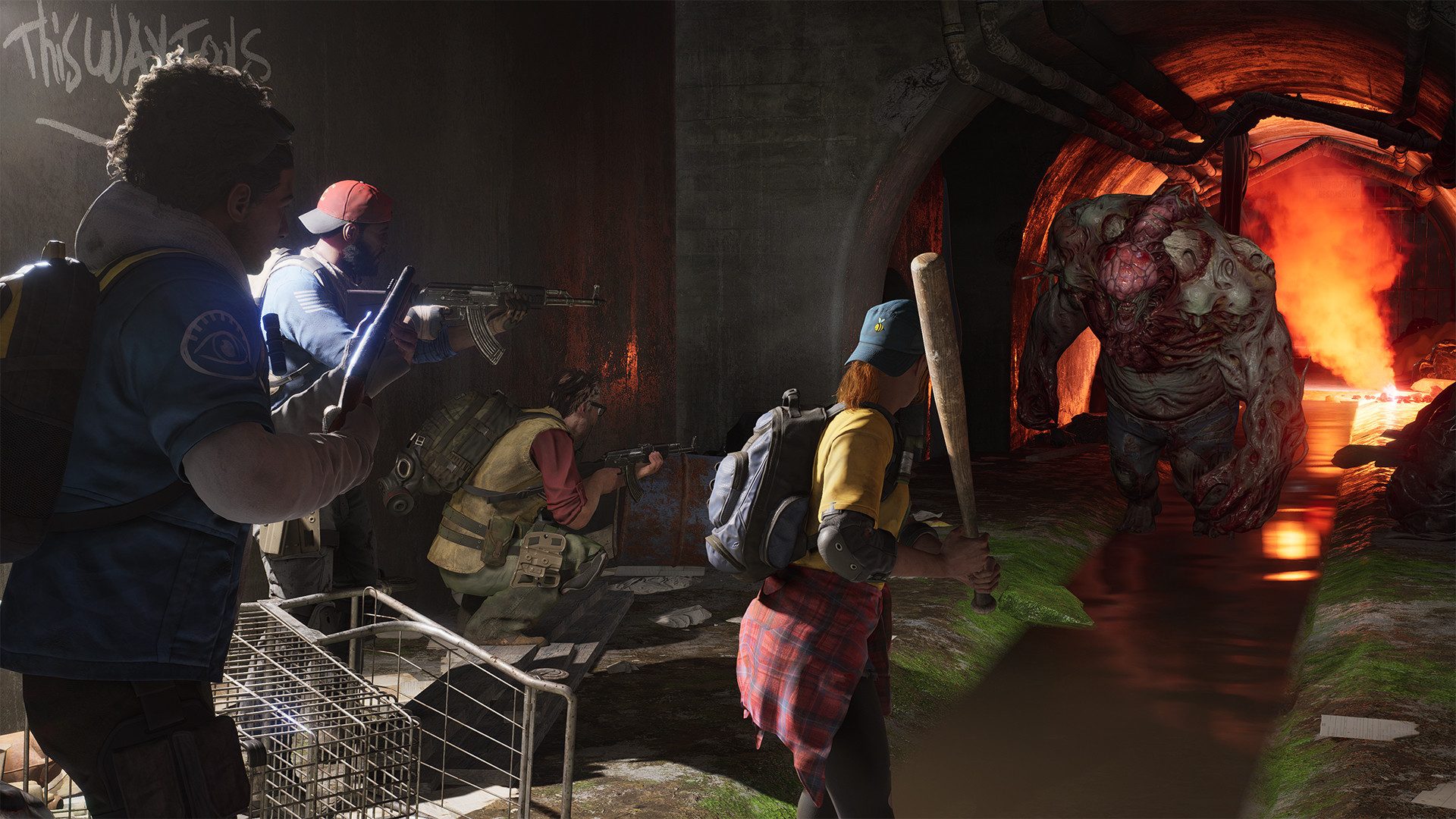
Back 4 Blood is a cooperative first-person shooter about a war against the Ridden, humans seized by a deadly parasite and changed into creatures that threaten what remains of civilization. The resistance is led by the Cleaners, immune survivors who carry the fight to the infected.
Read more
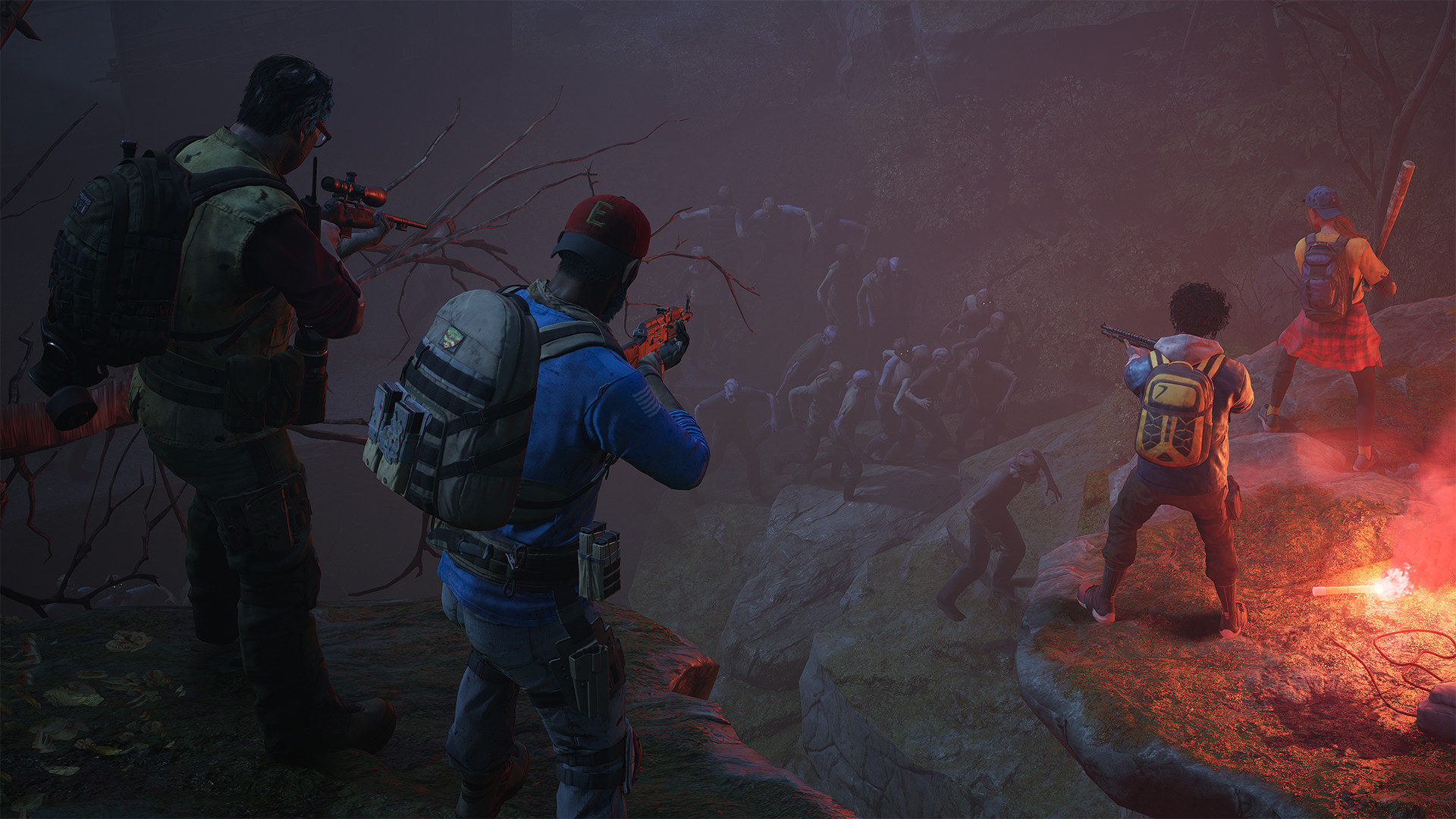
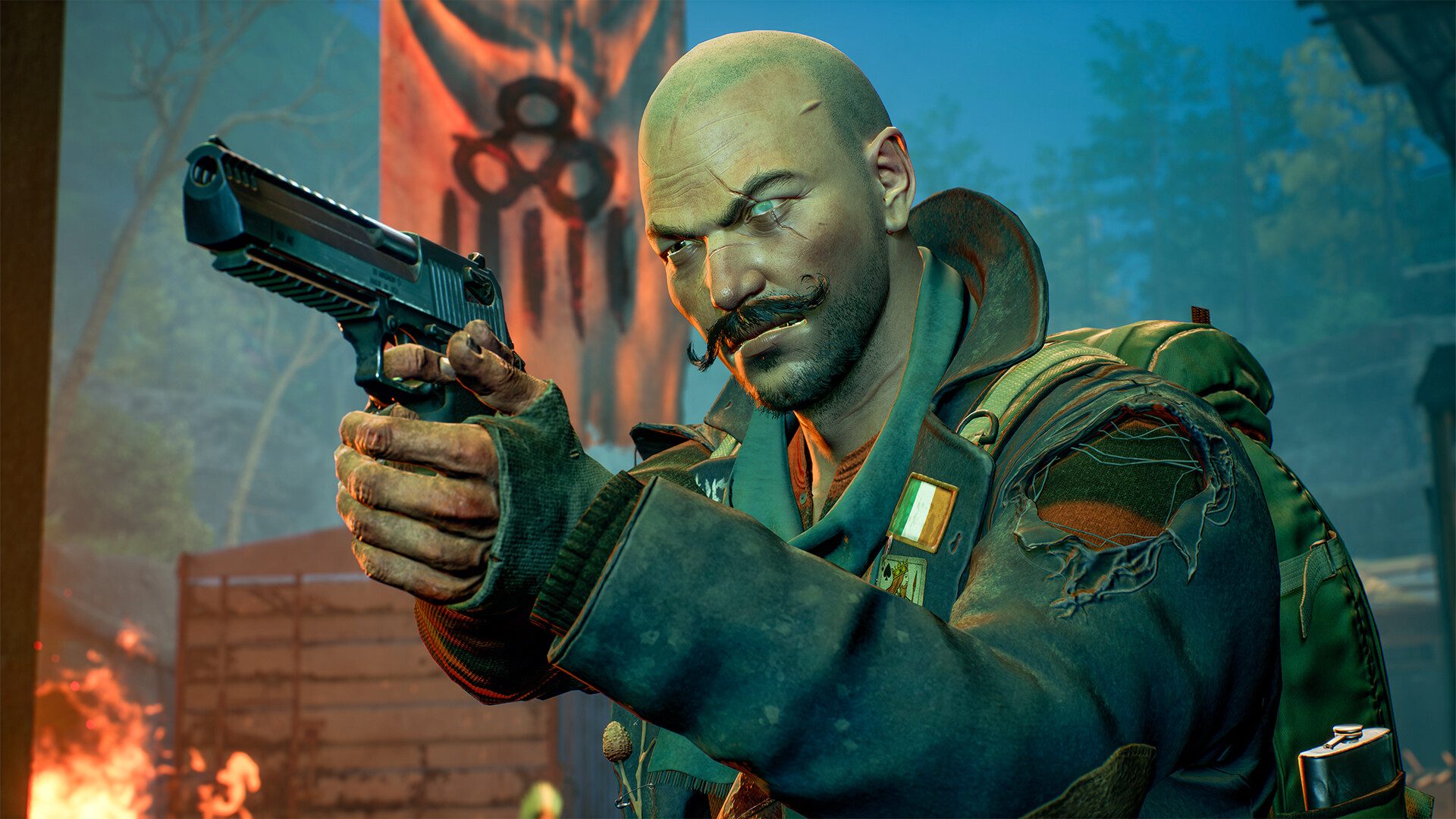
The story campaign is built for four players who have to work as a team through dangerous, shifting locations, with missions that become harder as the group moves on. You can play with up to three friends online, or go in solo and command your own squad. Eight customizable Cleaners are available, each able to carry a range of weapons and items, and the enemy keeps changing, so a plan has to adapt.
Competitive multiplayer lets you play with or against friends, switching between a Cleaner with special perks and a Ridden with its own weapons and abilities.
A card system gives each run a different shape: you craft a deck, try different builds and take on more demanding fights. A Game Director reacts to what players do, keeping encounters varied and sending tougher groups of enemies, including mutated boss types that can stand 20 feet tall.
Video and screenshots




Back 4 Blood questions
Can I play Back 4 Blood in the cloud on WARPLAY.CLOUD?
Yes. The game runs on a gaming PC in the WARPLAY.CLOUD network and streams to your screen at 60 FPS, with picture up to Full HD, 1440p or 4K.
Do I need to own Back 4 Blood on Steam to play it here?
Yes. The game has to be in your own Steam account. You sign in to Steam in the session and start the game from that account.
Which controllers can I use for Back 4 Blood?
Xbox and PlayStation controllers work, as do other Bluetooth or USB gamepads, and keyboard and mouse are supported too. On a phone you can also use the touch layout.
What internet speed do I need for Back 4 Blood in the cloud?
15 Mbit/s is enough for Full HD. A cable or 5 GHz Wi-Fi connection gives the lowest delay.
Can I play the Back 4 Blood campaign with friends?
Yes. The story campaign is made for four players, so you can team up with up to three friends online, or play solo and lead your own squad.
Are my saves kept when I play Back 4 Blood on WARPLAY.CLOUD?
Yes. Saves load from Steam Cloud in your own Steam account, so progress carries over between sessions.
Similar games





Play Back 4 Blood now