WARPLAY.CLOUD
Play Counter-Strike in the cloud
Counter-Strike is a team-based online action shooter where two sides fight over round objectives, from taking out enemy sites to rescuing hostages. It runs in the cloud on WARPLAY.CLOUD, streamed from a gaming PC to your screen.
Counter-Strike must be in your Steam account. Nothing extra to buy from WARPLAY.CLOUD.
Short answers
- Own it on SteamDo I need to own it?
- On every planWhich plan?
- Almost any screenWhich devices?
- 15 Mbit/s for Full HDWhat internet?
Details
Counter-Strike must be in your Steam account, the same copy you play at home. Nothing extra to buy from WARPLAY.CLOUD. How to start
Picture up to Full HD on FREE, up to 1440p on PRO, up to 4K on MAX. 60 FPS on every plan. Compare plans
Chrome or Edge on Windows, Mac, Linux, Chromebook and Android. Safari on iPhone and iPad. Apps for LG and Samsung TVs. All devices
25 Mbit/s for 1440p and 45 Mbit/s for 4K. A cable or 5 GHz Wi-Fi gives the lowest delay. More on internet speed
Works on
- Phones and tablets
- iPhone and iPadAndroid
How to start Counter-Strike
- Open app.warplay.cloud in Chrome or Edge, or open the Windows, Mac or Linux app, and sign in.
- Find Counter-Strike and press Play.
- Sign in to the Steam account that has Counter-Strike. Your saves load from Steam Cloud.
Counter-Strike on WARPLAY.CLOUD
Counter-Strike is played with a keyboard and mouse. Gamepads are not supported, so a controller will not give you the input the game expects, and the touch layout used on phones is not a fit either; expect to play at a desk with a keyboard and mouse connected.
That setup works in Chrome or Edge on Windows, Mac, Linux, Chromebook and Android, and in Safari on iPhone and iPad. On a TV the game runs through the LG and Samsung apps, but you would still need a keyboard and mouse paired to the device. A cable or 5 GHz Wi-Fi connection keeps the delay lowest, which matters in a fast online shooter.
The interface, voice and subtitles come in English, French, German, Italian, Spanish (Spain), Simplified Chinese, Traditional Chinese and Korean.
You need to own Counter-Strike on Steam. You sign in to your own Steam account inside the session and the game starts from there, with saves loading from Steam Cloud. There is nothing extra to buy from WARPLAY.CLOUD for a game you already own.
The stream runs at 60 FPS, and the picture goes up to Full HD, 1440p or 4K depending on your plan. Full HD needs at least 15 Mbit/s.
About the game
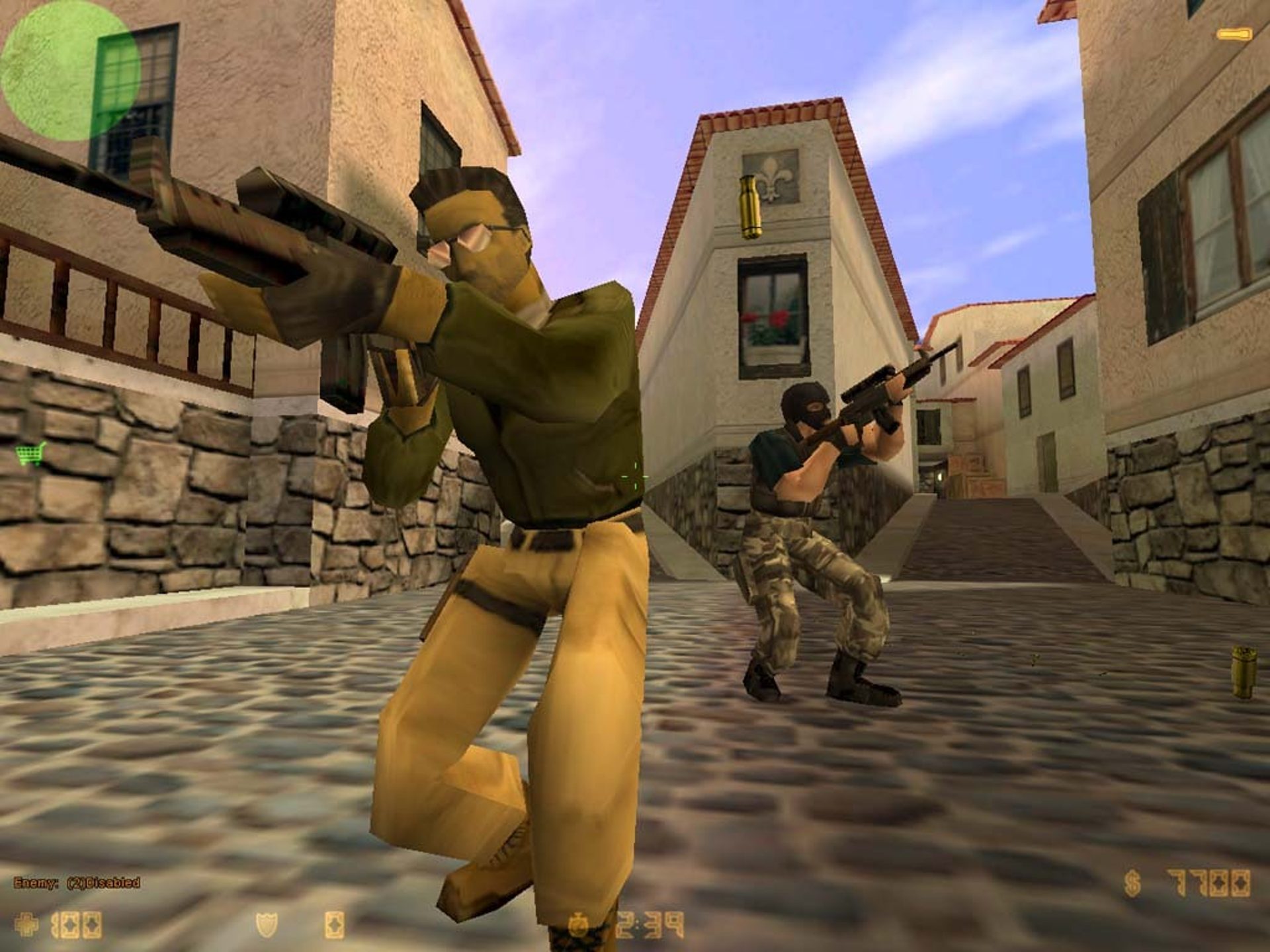
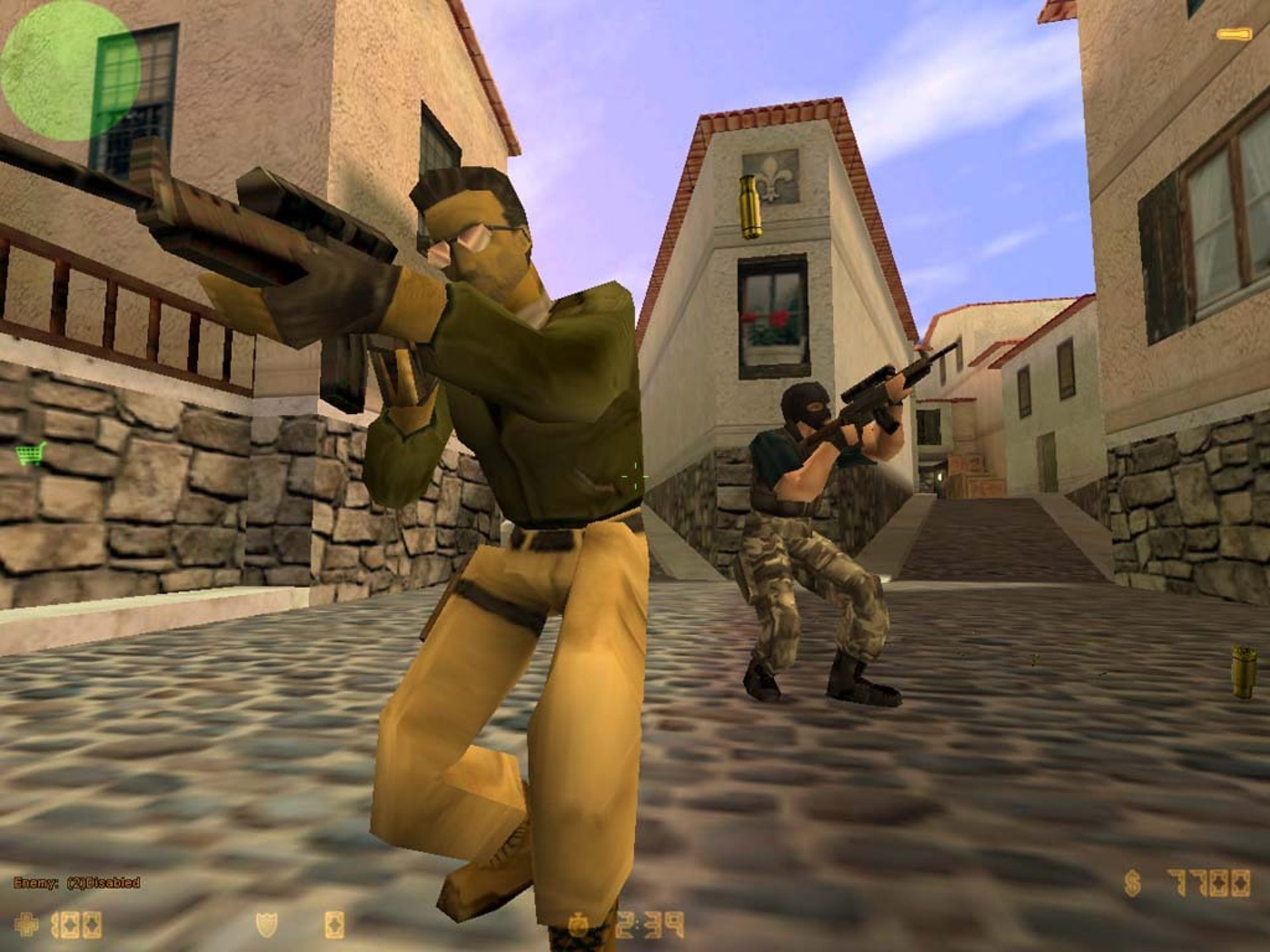
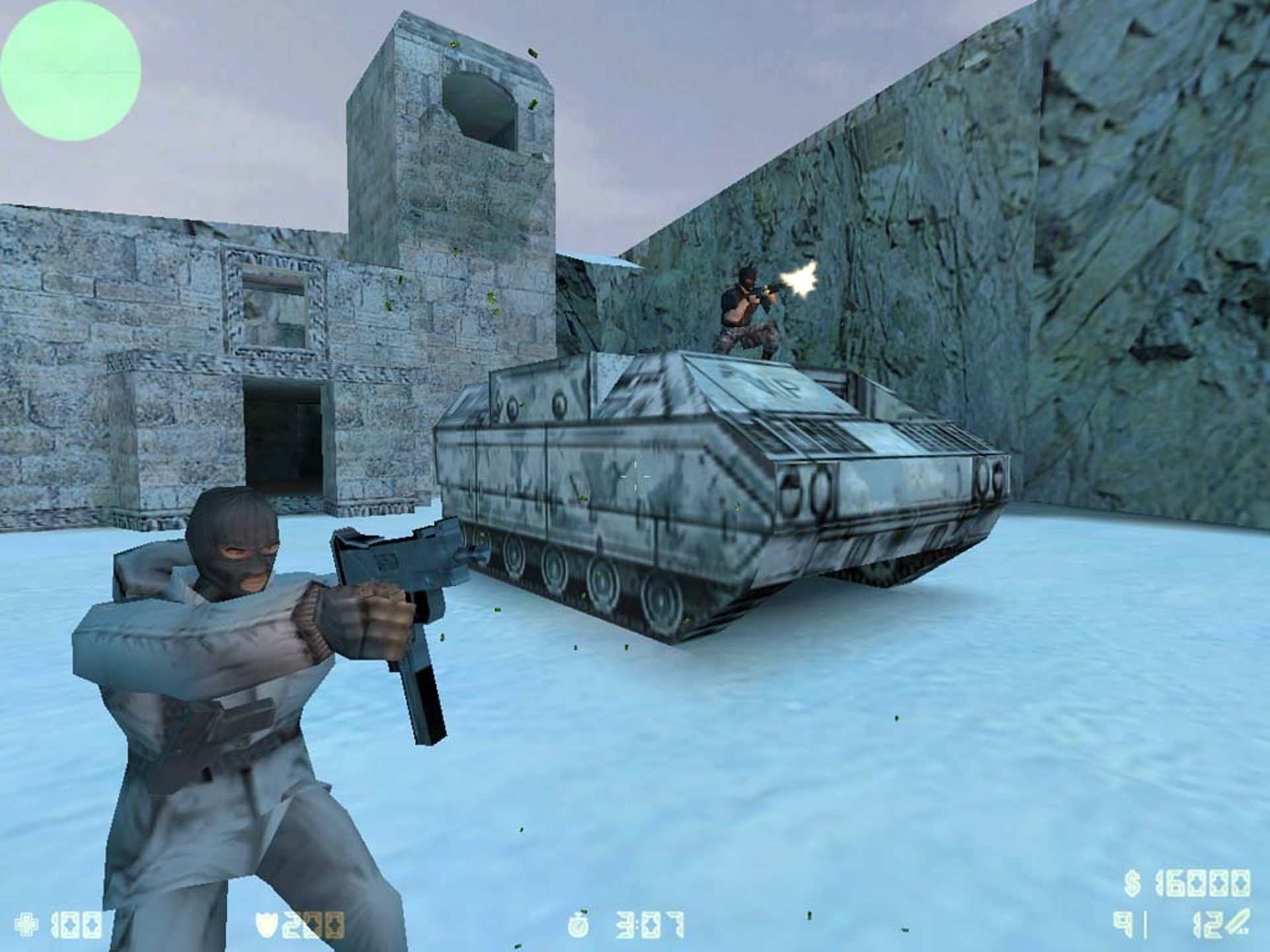
Counter-Strike is a team-based online action shooter built around short, tense rounds of player-versus-player combat. Two sides face each other, and each round has a clear objective: one group works to carry out a strategic mission while the other tries to stop it. Missions include taking out enemy sites and rescuing hostages, so play swings between attacking and defending as the rounds go by.
Read more
Every player has a role, and that role shapes how the team does. A round can turn on how well teammates cover each other, share what they see and time their push or their hold. Individual skill counts, but the result belongs to the group, which is a large part of why this online action title has stayed popular since Valve released it in 2000.
Matches are played online against other players in a classic multiplayer PvP format. There is no story campaign here: the draw is the repeating cycle of rounds, the changing objectives and the coordination a team needs to win them. It is an action game first, and the tension comes from knowing that one bad round can decide the match.
Screenshots
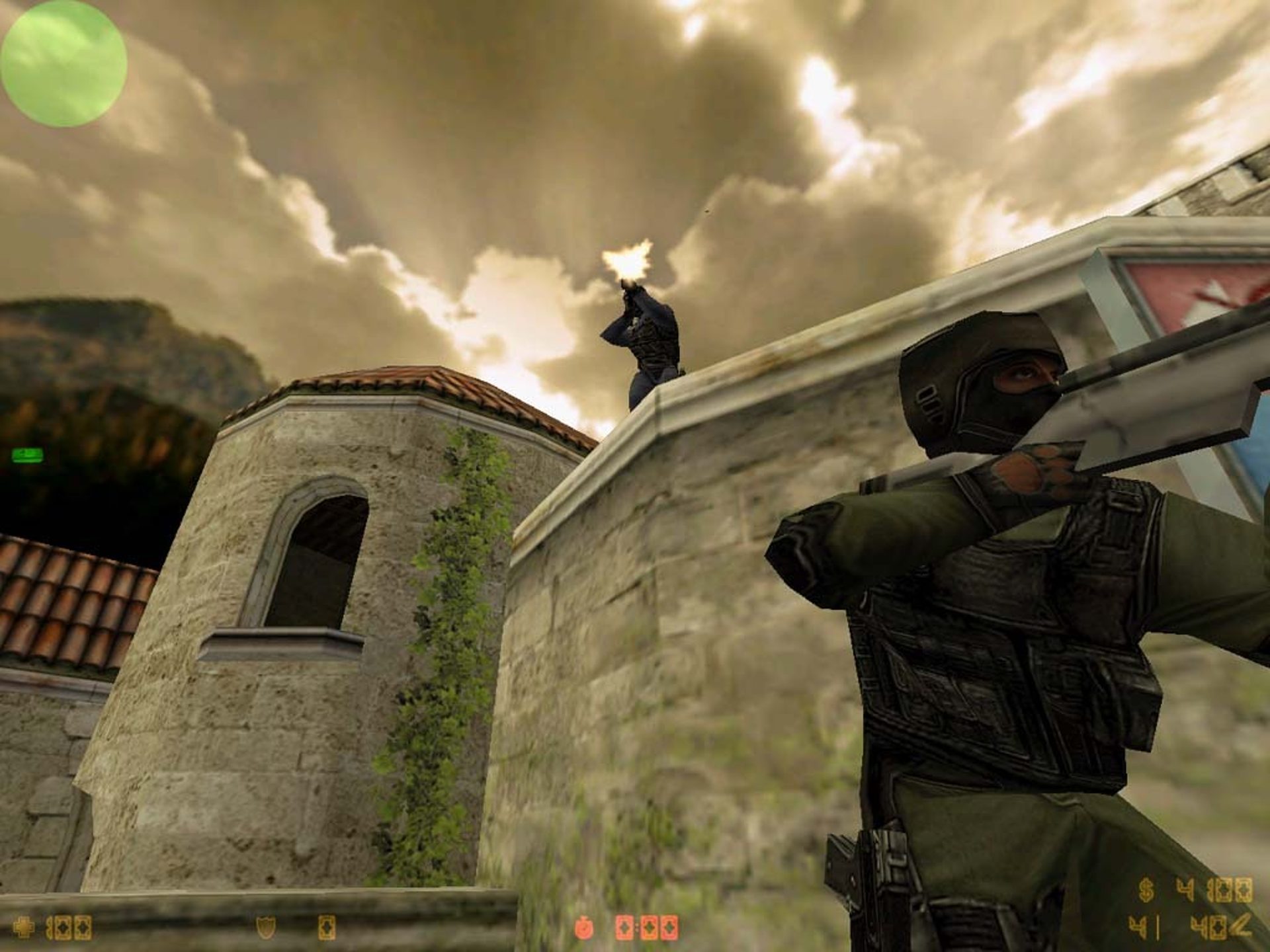
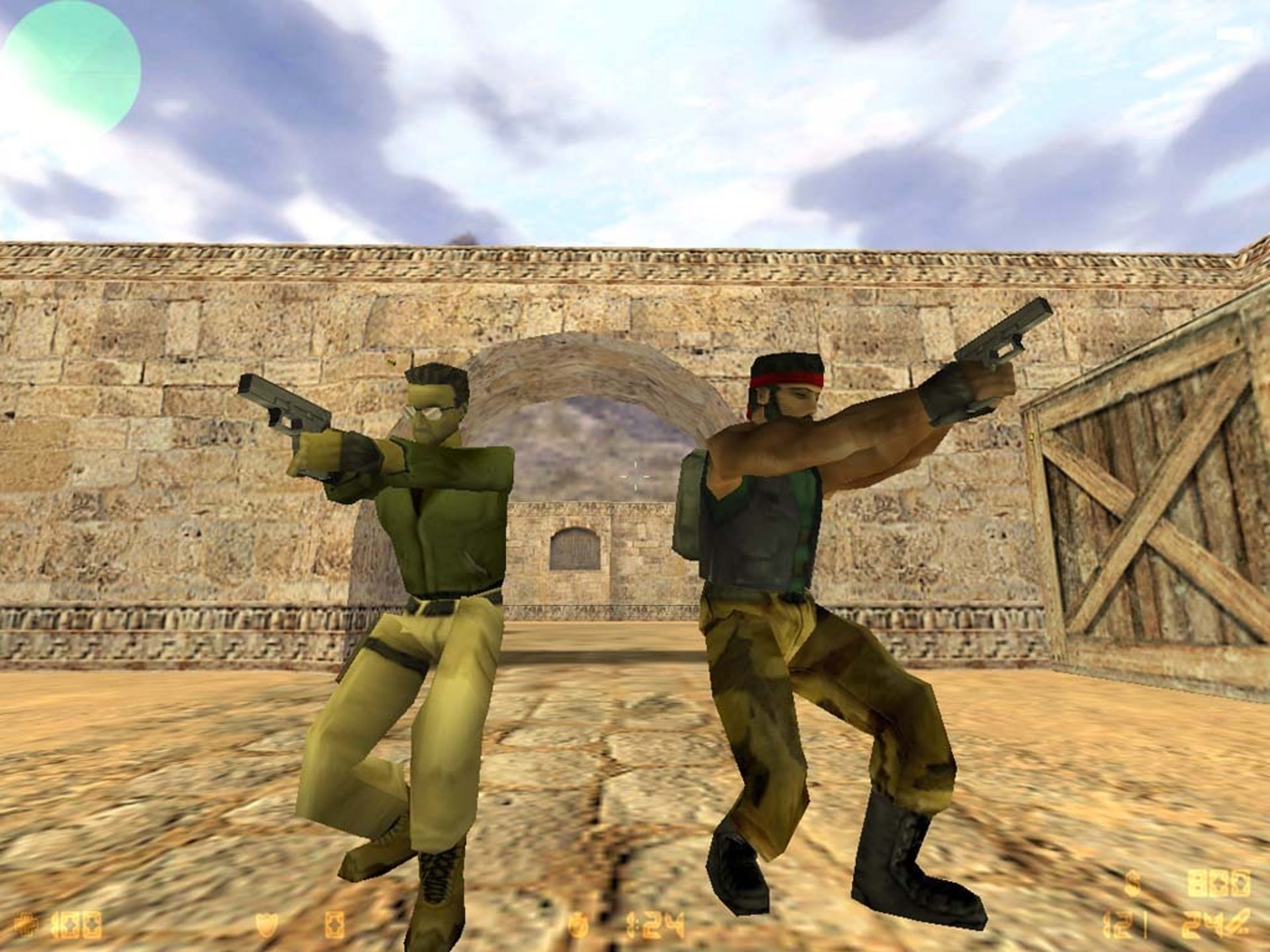
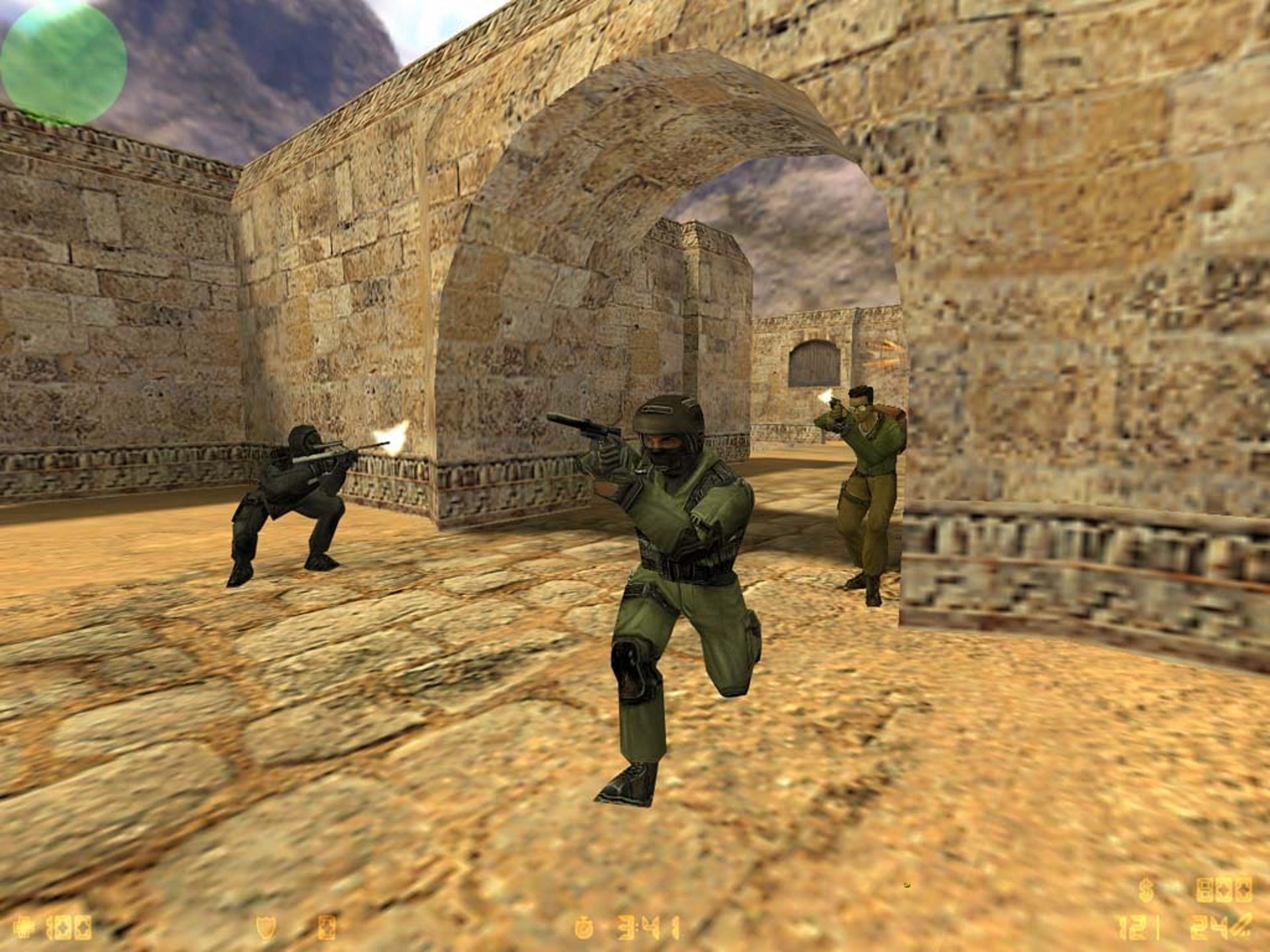
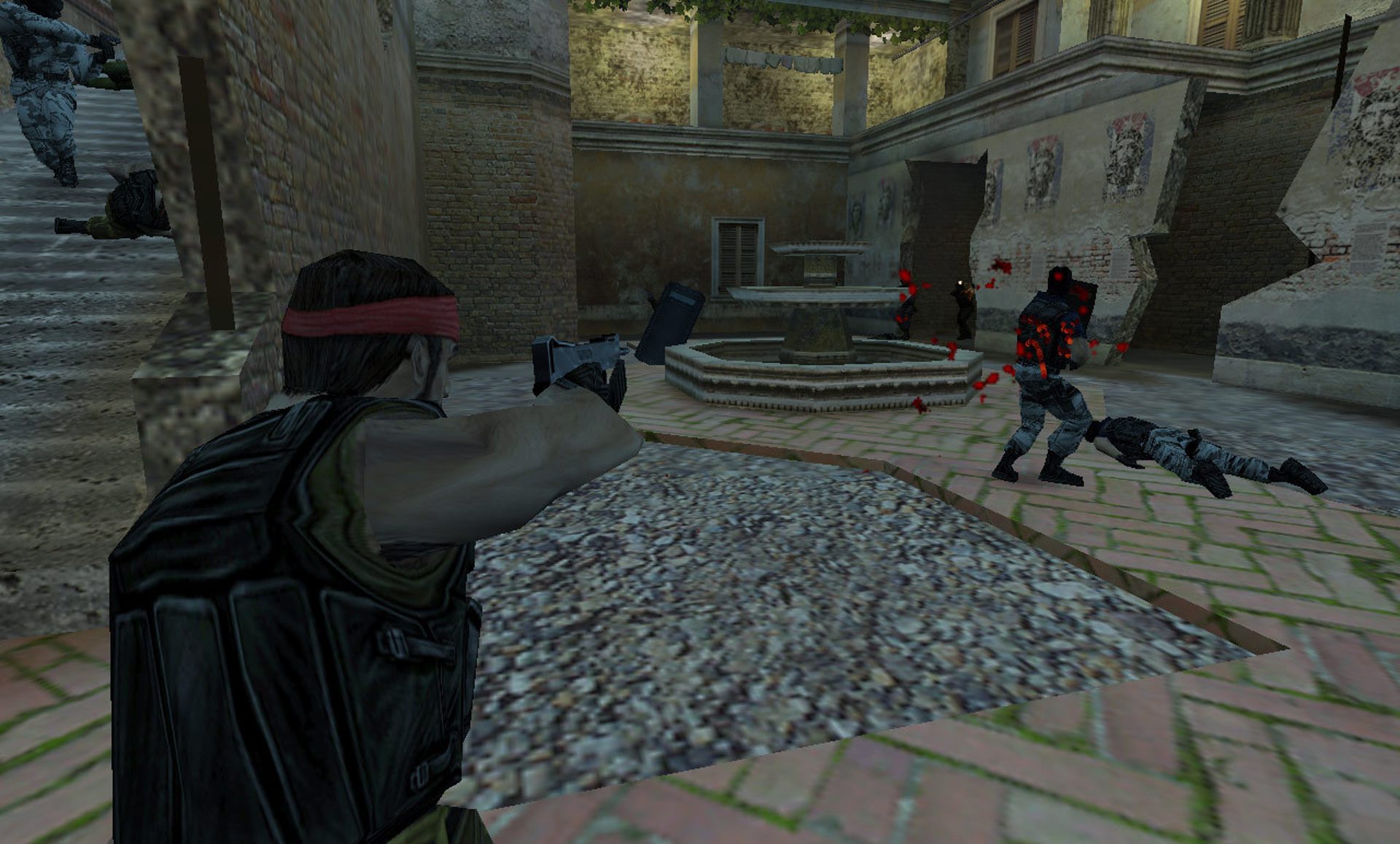
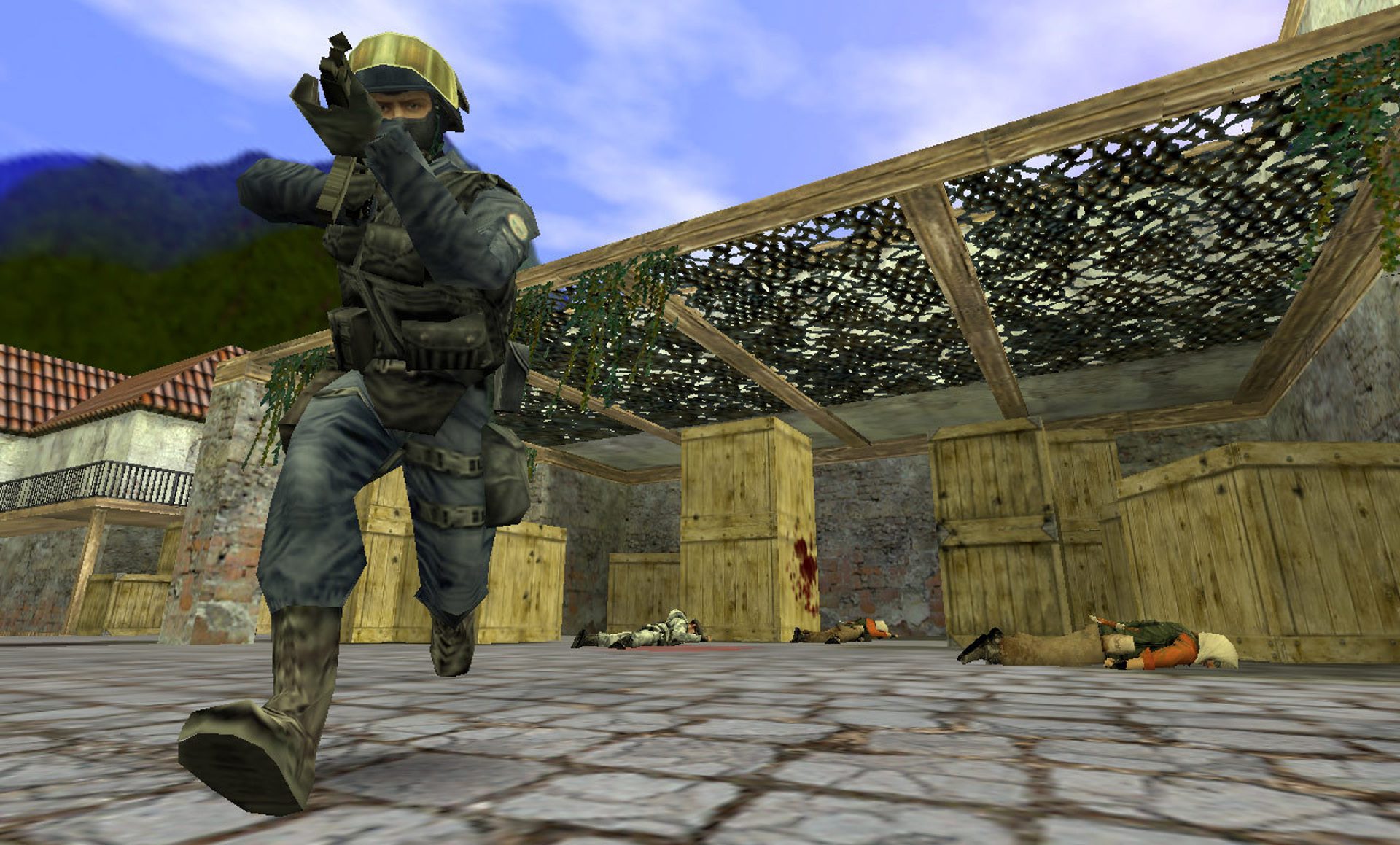
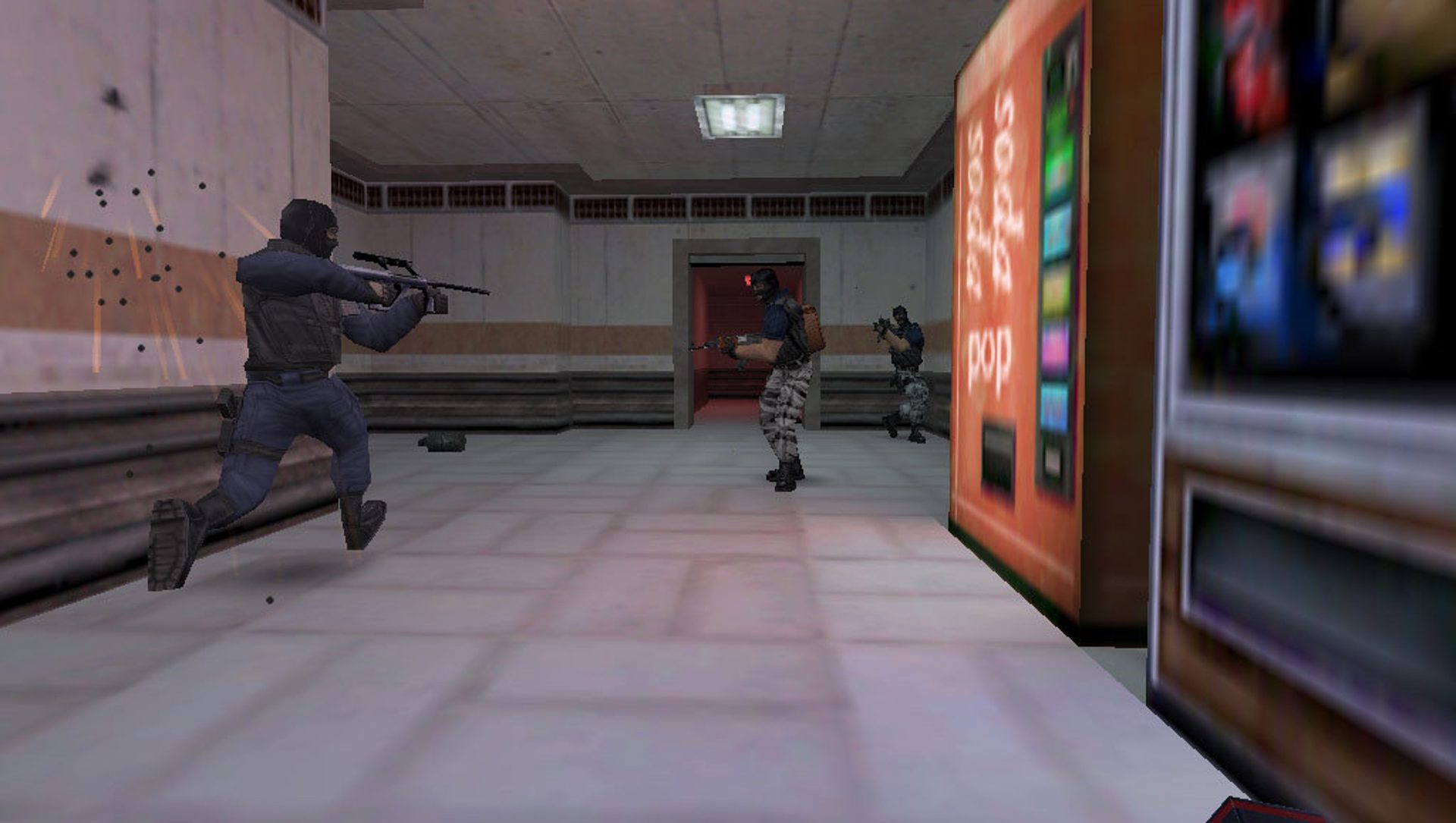
Counter-Strike questions
Do I need to own Counter-Strike on Steam to play it on WARPLAY.CLOUD?
Yes. The game starts in your own Steam account, which you sign in to during the session, and it has to be in that account to launch.
Can I play Counter-Strike in the cloud without buying it anywhere?
No. The game must already be in your own Steam account, since it is not one of the titles you can start without owning it.
What controls does Counter-Strike use in the cloud?
Keyboard and mouse. Gamepads are not supported for this game, and the touch layout available on phones is not a good fit for it.
Which devices can I play Counter-Strike on with WARPLAY.CLOUD?
Chrome or Edge on Windows, Mac, Linux, Chromebook and Android, Safari on iPhone and iPad, and the LG and Samsung TV apps. A keyboard and mouse are needed on any of them.
What internet speed and picture quality do I get?
Full HD needs at least 15 Mbit/s, and the picture can go up to Full HD, 1440p or 4K depending on your plan. The stream runs at 60 FPS; a cable or 5 GHz Wi-Fi gives the lowest delay.
Which languages does Counter-Strike support?
English, French, German, Italian, Spanish (Spain), Simplified Chinese, Traditional Chinese and Korean. Each of them covers the interface, voice and subtitles.
Similar games





Play Counter-Strike now