WARPLAY.CLOUD
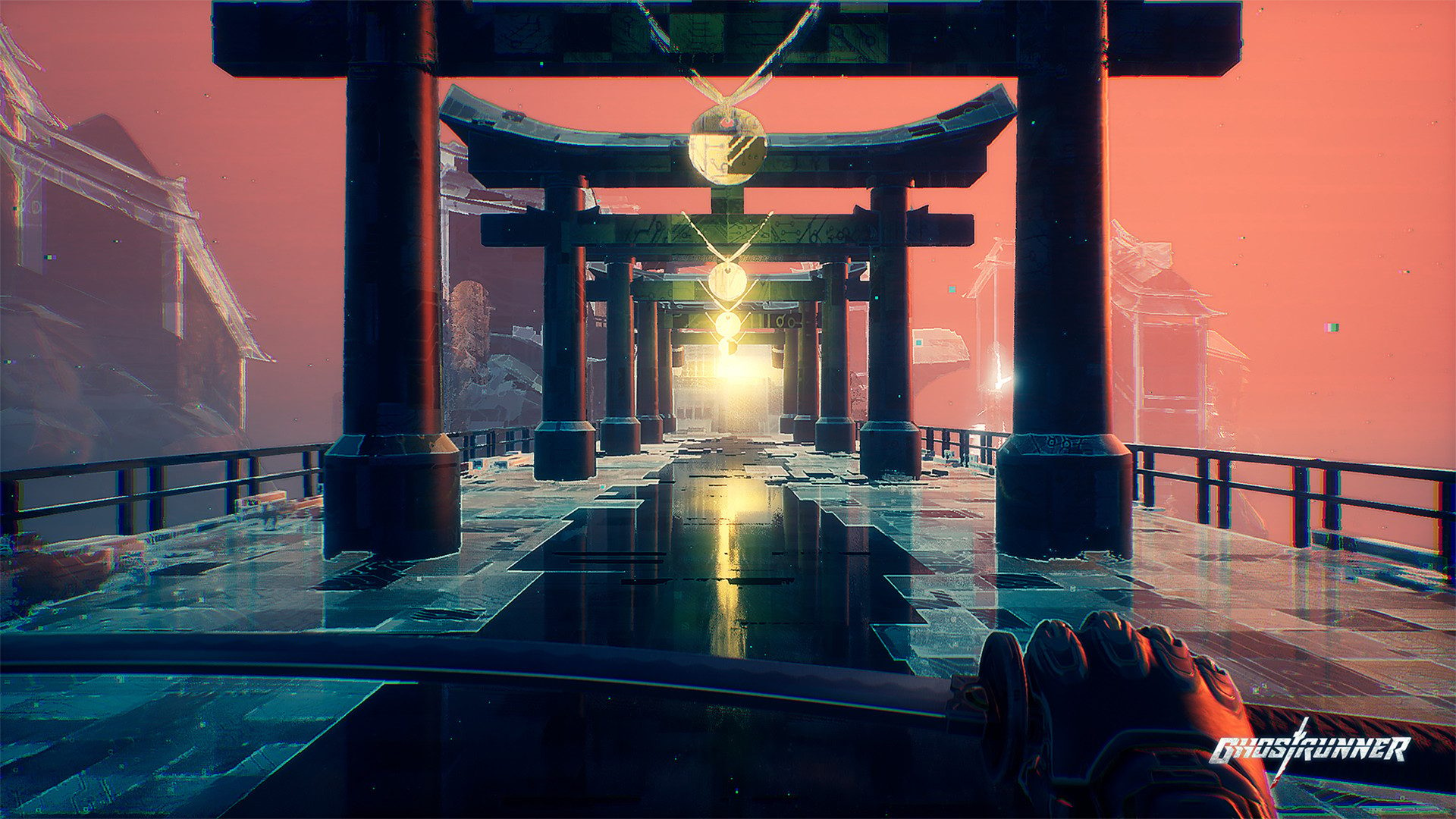
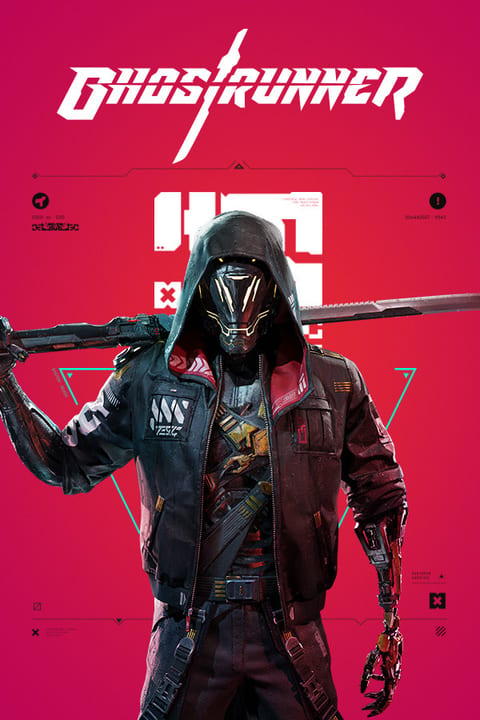
Play Ghostrunner in the cloud
Ghostrunner is a first-person action game about a blade fighter climbing a cyberpunk tower after the end of the world. Play it in the cloud on WARPLAY.CLOUD, streamed from a gaming PC in the network.
Ghostrunner must be in your Steam account. Nothing extra to buy from WARPLAY.CLOUD.
Short answers
- Own it on SteamDo I need to own it?
- On every planWhich plan?
- Almost any screenWhich devices?
- 15 Mbit/s for Full HDWhat internet?
Details
Ghostrunner must be in your Steam account, the same copy you play at home. Nothing extra to buy from WARPLAY.CLOUD. How to start
Picture up to Full HD on FREE, up to 1440p on PRO, up to 4K on MAX. 60 FPS on every plan. Compare plans
Chrome or Edge on Windows, Mac, Linux, Chromebook and Android. Safari on iPhone and iPad. Apps for LG and Samsung TVs. All devices
25 Mbit/s for 1440p and 45 Mbit/s for 4K. A cable or 5 GHz Wi-Fi gives the lowest delay. More on internet speed
Works on
- Phones and tablets
- iPhone and iPadAndroid
How to start Ghostrunner
- Open app.warplay.cloud in Chrome or Edge, or open the Windows, Mac or Linux app, and sign in.
- Find Ghostrunner and press Play.
- Sign in to the Steam account that has Ghostrunner. Your saves load from Steam Cloud.
- Install the WARPLAY.CLOUD app on your LG TV (webOS) or Samsung TV (Tizen) and sign in.
- Connect an Xbox or PlayStation gamepad, or another Bluetooth or USB controller.
- Pick Ghostrunner and press Play. On Steam's sign-in screen, scan the QR code with the Steam Mobile app.
- On iPhone or iPad, open app.warplay.cloud in Safari and add it to the Home Screen. On Android, open it in Chrome.
- Connect a gamepad, or use the touch layout.
- Pick Ghostrunner, press Play, then sign in to Steam.
Ghostrunner on WARPLAY.CLOUD
Ghostrunner runs on a gaming PC in the WARPLAY.CLOUD network and is streamed to your screen at 60 FPS, with the picture going up to Full HD, 1440p or 4K. The game supports a keyboard and mouse as well as a gamepad, so the choice depends on the device. On Windows, Mac, Linux or a Chromebook in Chrome or Edge, keyboard and mouse give precise aiming and fast turning. On an LG or Samsung TV through the app, and on a phone or tablet, an Xbox or PlayStation controller or another Bluetooth or USB gamepad fits the game. Phones also have a touch layout.
Ghostrunner must be in the player's own Steam account: the player signs in to Steam inside the session, and saves load from Steam Cloud. There is nothing extra to buy from WARPLAY.CLOUD for a game already owned on Steam.
The interface and subtitles come in fourteen languages, among them English, French, German, Italian, Japanese, Polish, Russian, Korean, Ukrainian, Spanish for Spain and for Latin America, Brazilian Portuguese and both Chinese variants. Voice acting is in English only. For a steady stream, 15 Mbit/s is enough for Full HD, and a cable connection or 5 GHz Wi-Fi gives the lowest delay.
About the game
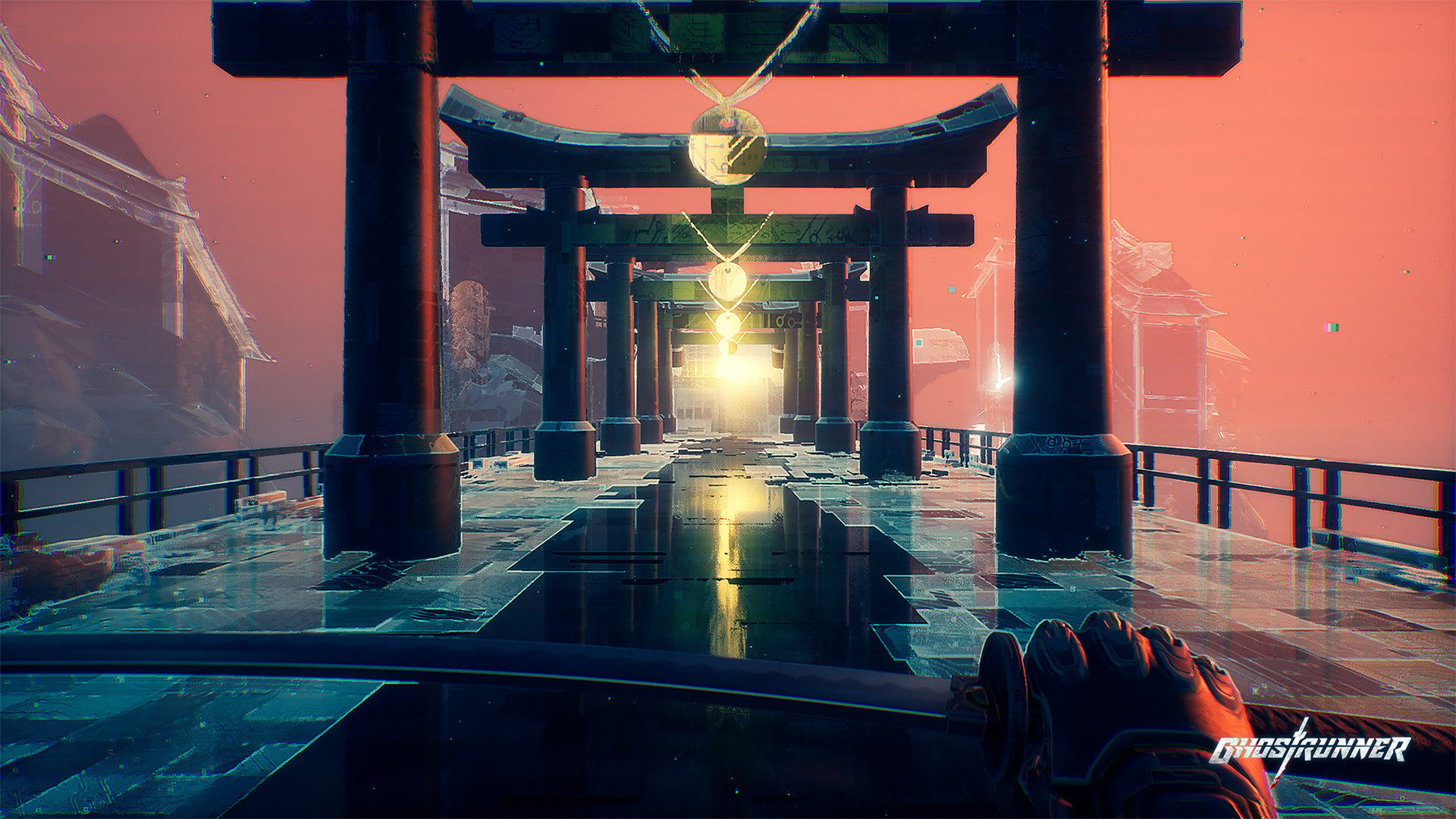
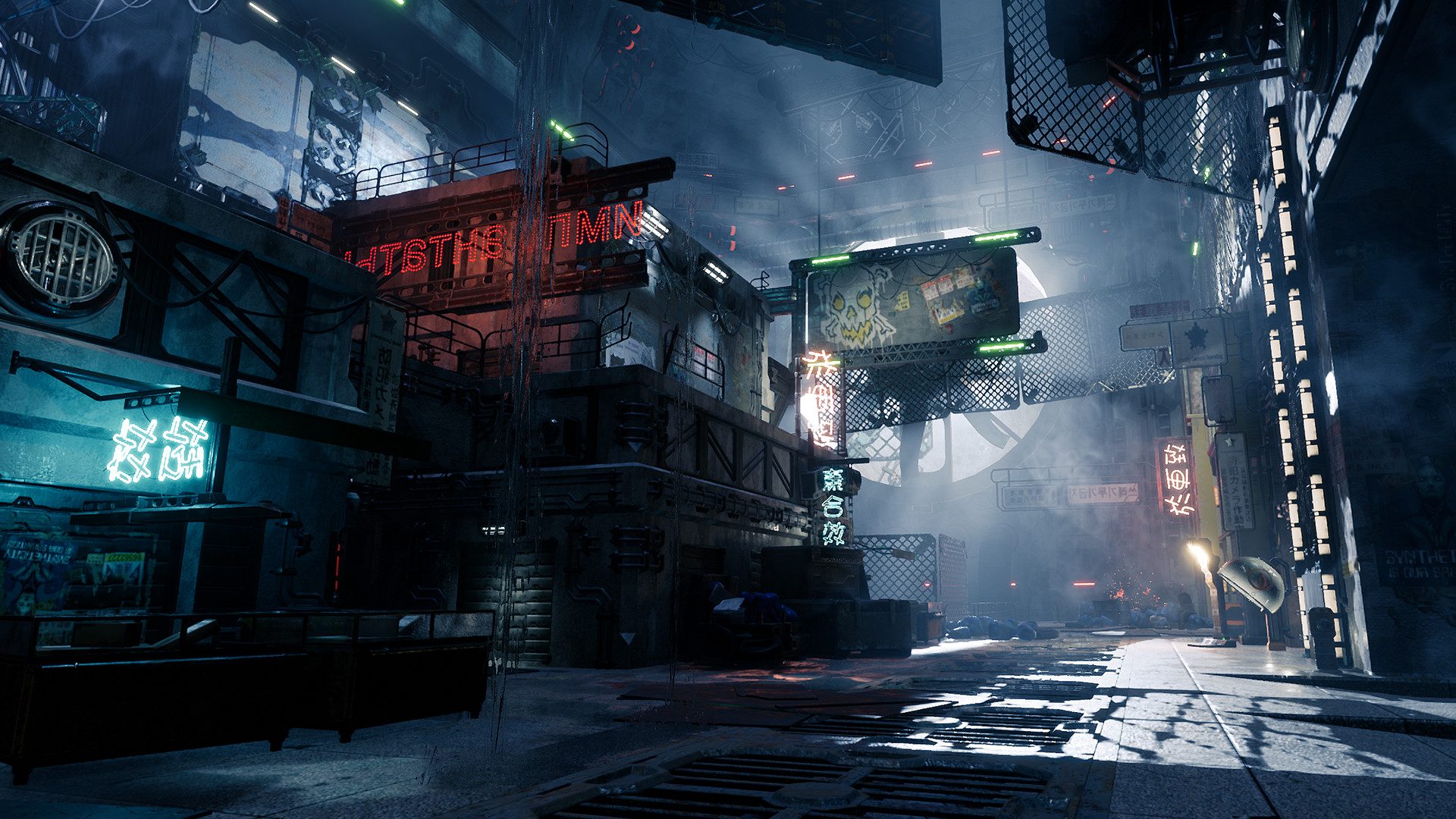
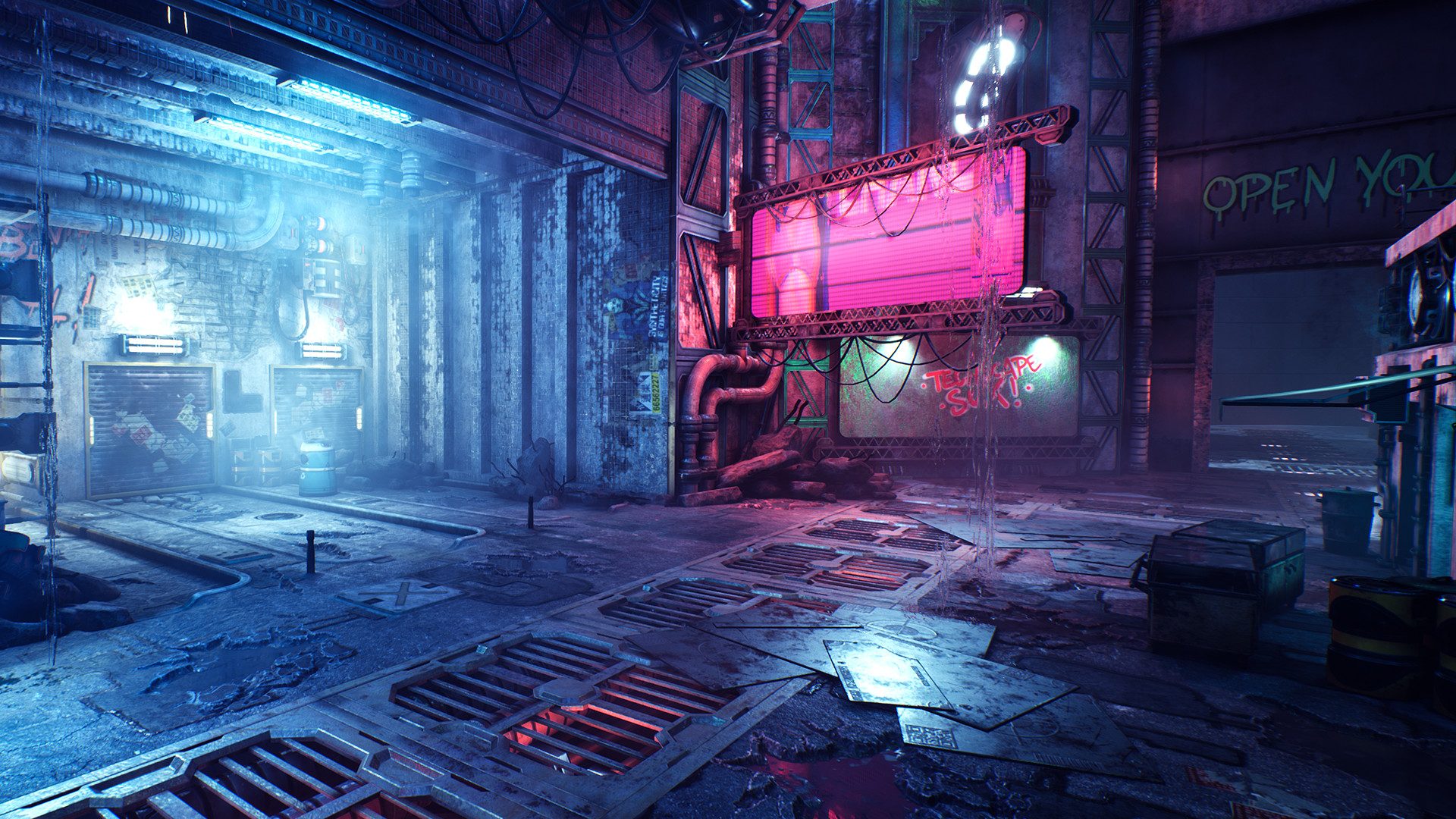
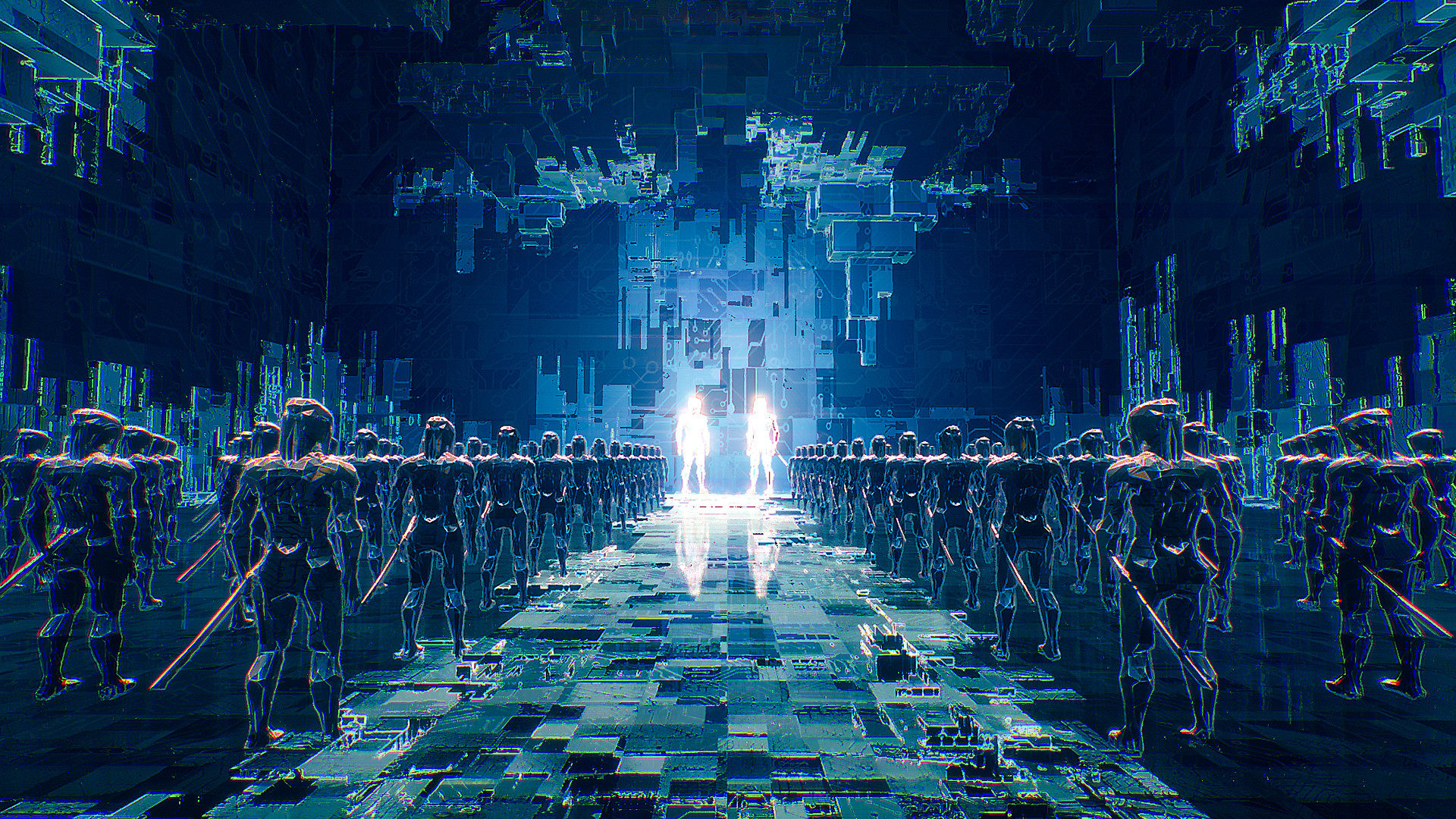
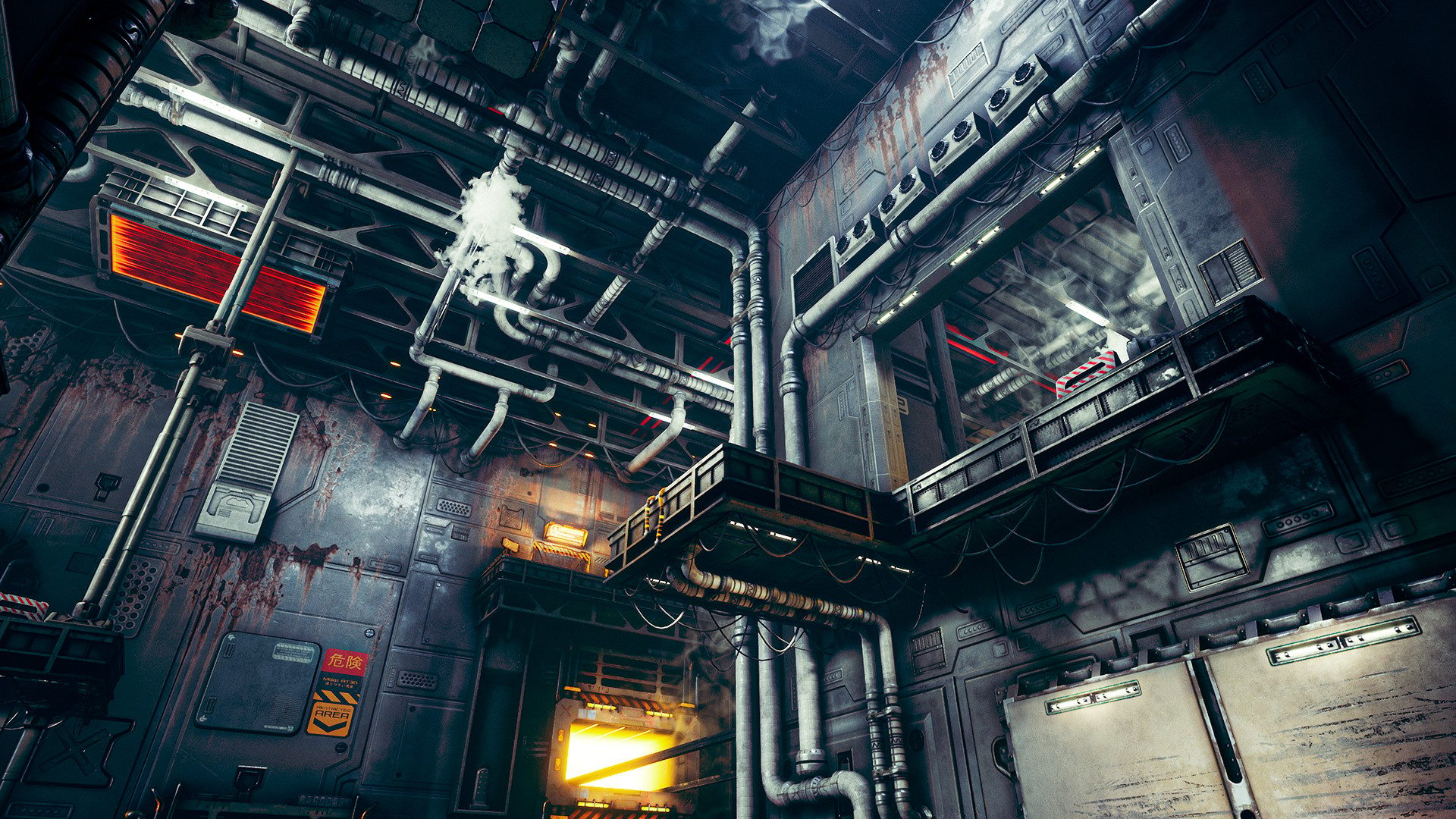
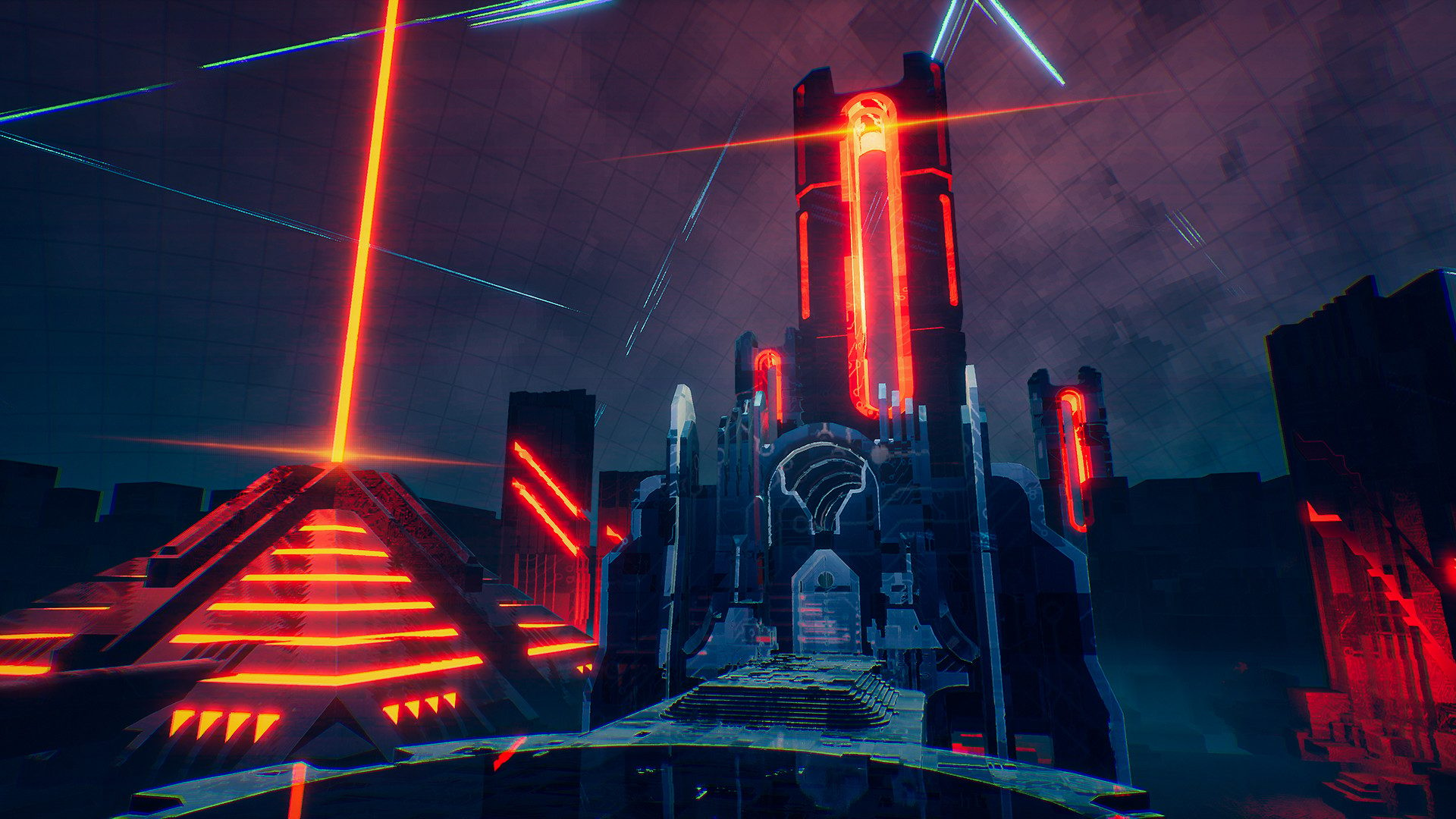
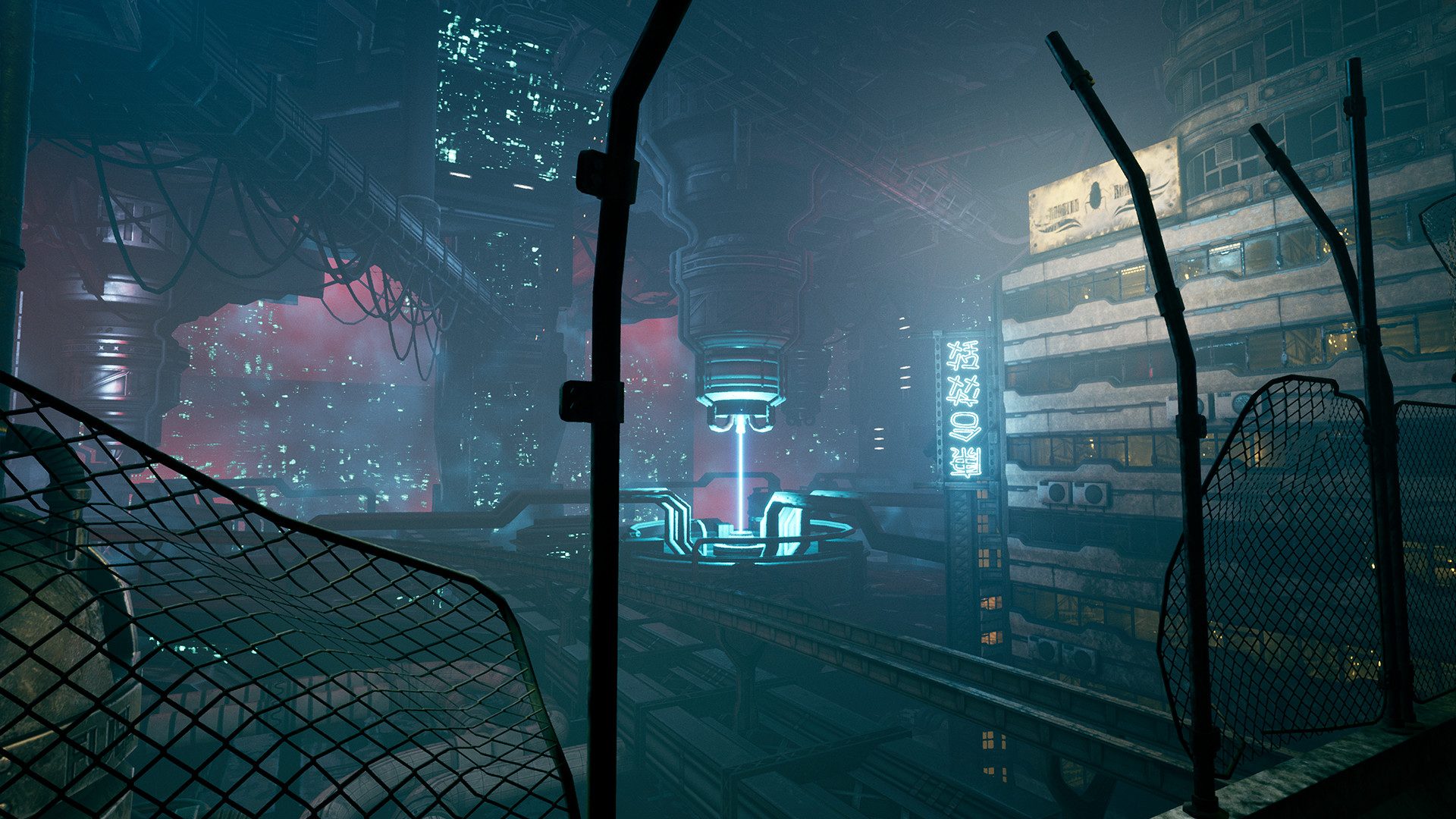
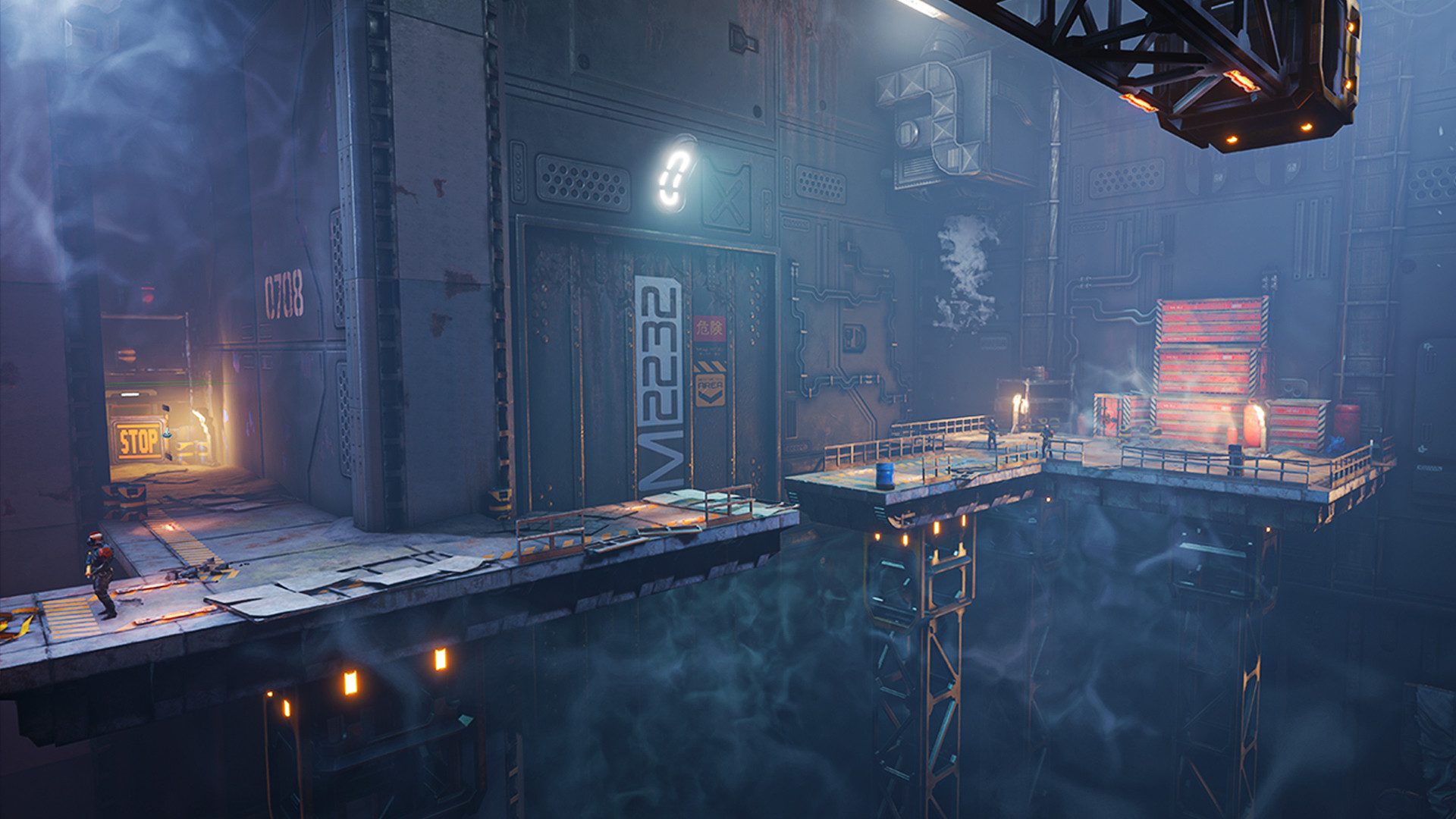
Ghostrunner is a first-person action game built around close-range blade combat in a cyberpunk tower. After a cataclysm has ended the world, the surviving part of humanity lives inside Dharma Tower, a huge vertical city. The player takes the role of an advanced blade fighter who climbs from the bottom levels toward the top to confront the Keymaster, Mara, whose rule is harsh and who values human life very little.
Read more
Life in the tower is violent and resources are running out. Those with power take from those without, and the remaining order is close to collapse. The story builds toward a final attempt to put things right before humanity disappears.
Fights are quick and punishing: a single successful hit decides a duel, both for the enemies and for the player. The hero carries a monomolecular katana, dodges bullets thanks to superhuman reflexes and uses a set of special techniques to win when surrounded. Mobility is as important as attack timing, and frequent checkpoints keep the pace high, so a failed attempt costs only a short stretch of the climb.
The game is a single-player experience that combines fast, violent combat with a setting mixing science fiction and post-apocalyptic themes, and it tells about a world that ended long ago and the people still trying to survive in it.
Video and screenshots
Ghostrunner questions
Can I play Ghostrunner in the cloud without a gaming PC?
Yes. The game runs on a gaming PC in the WARPLAY.CLOUD network and streams to your device at 60 FPS, with picture up to Full HD, 1440p or 4K.
Do I need to own Ghostrunner on Steam to play it on WARPLAY.CLOUD?
Yes. The game has to be in your own Steam account, and you sign in to Steam inside the session.
Will my Ghostrunner progress carry over between sessions?
Saves load from Steam Cloud, so your progress comes with your Steam account when you start the game in the cloud.
Which controllers work with Ghostrunner on WARPLAY.CLOUD?
Xbox and PlayStation controllers and other Bluetooth or USB gamepads work, and so do a keyboard and mouse. On phones a touch layout is also available.
What internet speed do I need for Ghostrunner in the cloud?
15 Mbit/s is enough for Full HD. A cable connection or 5 GHz Wi-Fi gives the lowest delay.
Which languages does Ghostrunner support?
The interface and subtitles are available in fourteen languages, including English, French, German, Italian, Japanese, Polish, Russian, Korean, Ukrainian, Spanish, Brazilian Portuguese and Chinese. Voice acting is in English only.
Similar games

Play Ghostrunner now