WARPLAY.CLOUD

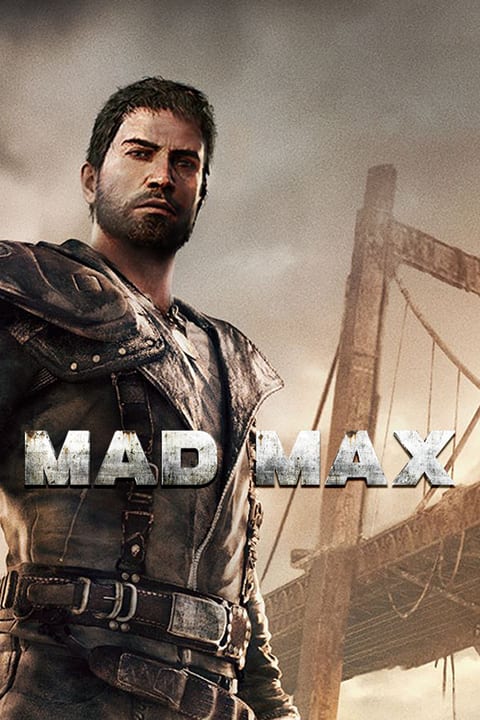
Play Mad Max in the cloud
Mad Max is a third-person open-world action-adventure set in a harsh post-apocalyptic wasteland where vehicles are central to survival. Play it in the cloud on WARPLAY.CLOUD.
Mad Max must be in your Steam account. Nothing extra to buy from WARPLAY.CLOUD.
Short answers
- Own it on SteamDo I need to own it?
- On every planWhich plan?
- Almost any screenWhich devices?
- 15 Mbit/s for Full HDWhat internet?
Details
Mad Max must be in your Steam account, the same copy you play at home. Nothing extra to buy from WARPLAY.CLOUD. How to start
Picture up to Full HD on FREE, up to 1440p on PRO, up to 4K on MAX. 60 FPS on every plan. Compare plans
Chrome or Edge on Windows, Mac, Linux, Chromebook and Android. Safari on iPhone and iPad. Apps for LG and Samsung TVs. All devices
25 Mbit/s for 1440p and 45 Mbit/s for 4K. A cable or 5 GHz Wi-Fi gives the lowest delay. More on internet speed
Works on
- Phones and tablets
- iPhone and iPadAndroid
How to start Mad Max
- Open app.warplay.cloud in Chrome or Edge, or open the Windows, Mac or Linux app, and sign in.
- Find Mad Max and press Play.
- Sign in to the Steam account that has Mad Max. Your saves load from Steam Cloud.
- Install the WARPLAY.CLOUD app on your LG TV (webOS) or Samsung TV (Tizen) and sign in.
- Connect an Xbox or PlayStation gamepad, or another Bluetooth or USB controller.
- Pick Mad Max and press Play. On Steam's sign-in screen, scan the QR code with the Steam Mobile app.
- On iPhone or iPad, open app.warplay.cloud in Safari and add it to the Home Screen. On Android, open it in Chrome.
- Connect a gamepad, or use the touch layout.
- Pick Mad Max, press Play, then sign in to Steam.
Mad Max on WARPLAY.CLOUD
Mad Max supports both a gamepad and a keyboard and mouse. A gamepad suits play on an LG or Samsung TV through the TV apps, and it also works on a PC, Mac, Linux system, Chromebook or Android device. Keyboard and mouse are the natural choice on a computer, where the game runs through Chrome or Edge. On iPhone and iPad, the game runs through Safari; on phones, WARPLAY.CLOUD also offers a touch layout. The game's interface and subtitles are available in English, French, Italian, German, Spanish - Spain, Japanese, Polish, Portuguese - Brazil and Russian. Voice-over is in English only. The game must be owned in the player's own Steam account. They sign in to Steam in the session, and saves load from Steam Cloud. Nothing extra needs to be bought from WARPLAY.CLOUD for a game the player already owns on Steam. The game streams at 60 FPS, with picture up to Full HD, 1440p or 4K depending on the plan. For Full HD, an internet connection of 15 Mbit/s is required; a cable or 5 GHz Wi-Fi gives the lowest delay.
About the game
Mad Max puts players in the role of a lone survivor in a brutal post-apocalyptic setting. The world is dominated by savage gangs, and Max would rather leave the chaos behind and reach the legendary Plains of Silence. Survival depends on fighting both on foot and behind the wheel. Players take on dangerous missions, search the hostile landscape for resources, and use what they find to assemble a combat vehicle. The game is a third-person, open-world action experience built around car combat and close-quarters battles. Max is portrayed as a reluctant hero driven by a strong instinct to stay alive. The journey takes him through a wasteland where every encounter can turn violent and where supplies are as important as fighting skill. The story follows his attempt to find some measure of peace while dealing with the gangs that control the roads and settlements. The vehicle becomes a key tool for moving through the world and taking on enemies. The game was developed by Avalanche Studios and published by Warner Bros. Games. It is an action-adventure title with single-player play. The game's online features were shut down on October 31, 2020.
Screenshots






Mad Max questions
Can I play Mad Max on WARPLAY.CLOUD?
Yes. The game runs on a gaming PC in the WARPLAY.CLOUD network and streams to your screen at 60 FPS.
Do I need to own Mad Max on Steam?
Yes. The game must be in your own Steam account. You sign in to Steam in the session, and saves load from Steam Cloud.
Which controllers work with Mad Max in the cloud?
Mad Max supports gamepads and keyboard and mouse. Xbox and PlayStation controllers and other Bluetooth or USB controllers work, and phones also have a touch layout.
What internet speed do I need for Mad Max?
For Full HD, you need 15 Mbit/s. A cable or 5 GHz Wi-Fi gives the lowest delay.
What languages does Mad Max support?
Interface and subtitles are available in English, French, Italian, German, Spanish - Spain, Japanese, Polish, Portuguese - Brazil and Russian. Voice-over is in English only.
What picture quality and frame rate can I get?
The game streams at 60 FPS. Picture goes up to Full HD, 1440p or 4K, depending on the plan.
Similar games






Play Mad Max now