WARPLAY.CLOUD
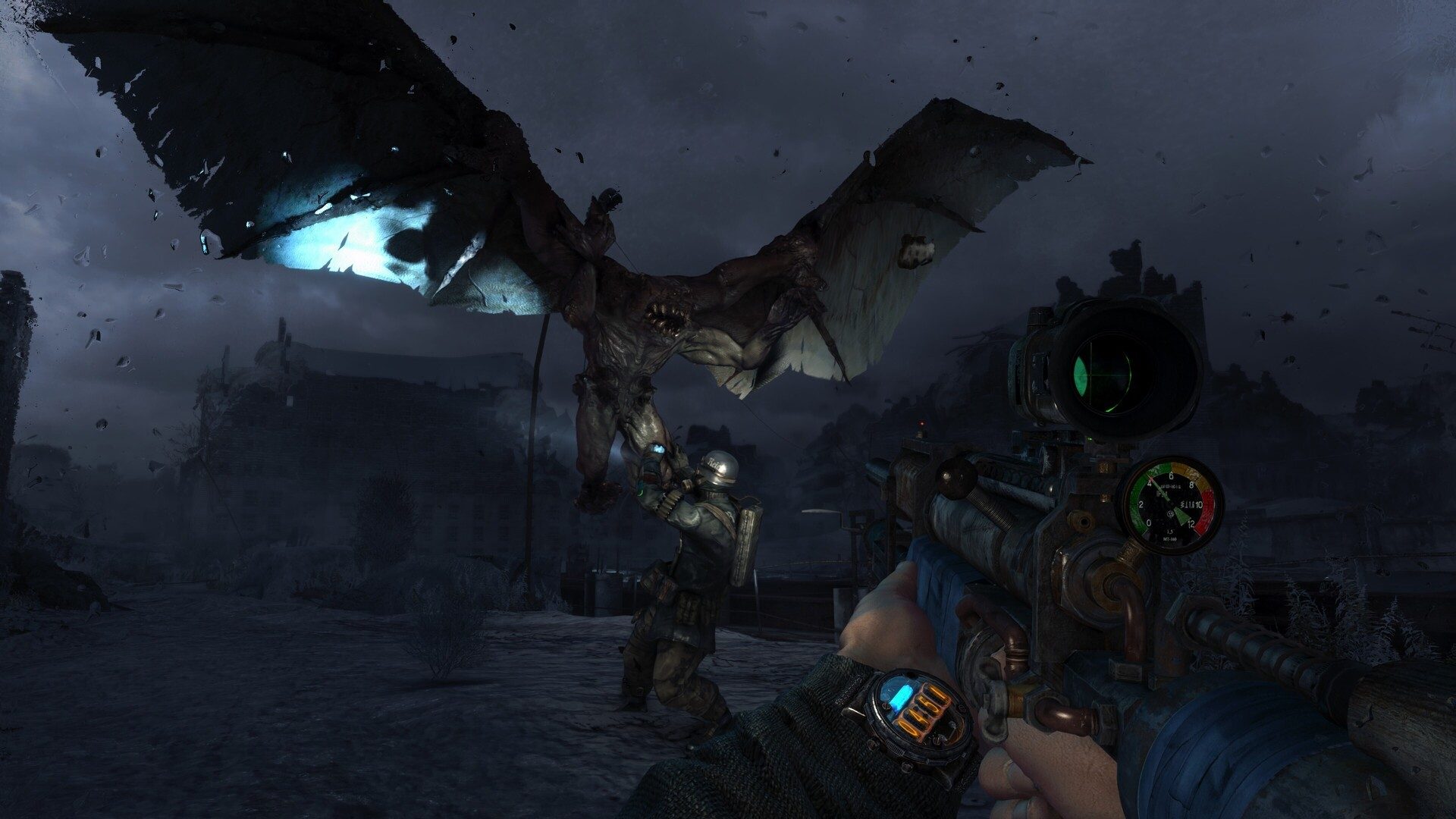
Play METRO 2033 Redux in the cloud
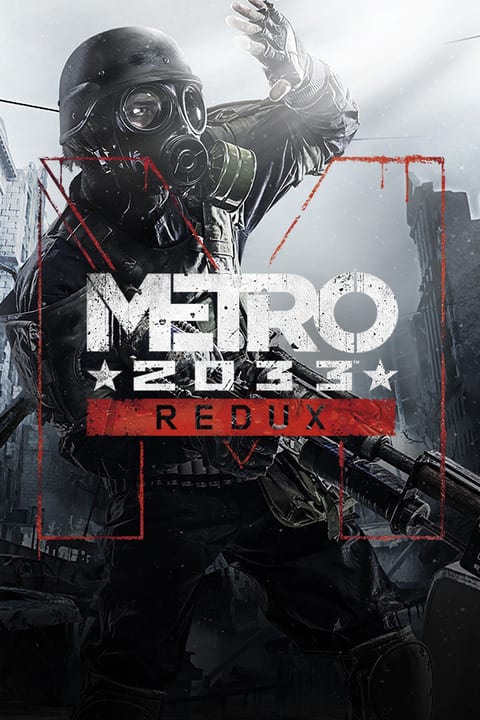
METRO 2033 Redux is a first-person action game set in the Moscow underground after an apocalypse, where Artyom crosses the Metro to warn the survivors of a coming threat. It runs in the cloud on WARPLAY.CLOUD.
METRO 2033 Redux must be in your Steam account. Nothing extra to buy from WARPLAY.CLOUD.
Short answers
- Own it on SteamDo I need to own it?
- On every planWhich plan?
- Almost any screenWhich devices?
- 15 Mbit/s for Full HDWhat internet?
Details
METRO 2033 Redux must be in your Steam account, the same copy you play at home. Nothing extra to buy from WARPLAY.CLOUD. How to start
Picture up to Full HD on FREE, up to 1440p on PRO, up to 4K on MAX. 60 FPS on every plan. Compare plans
Chrome or Edge on Windows, Mac, Linux, Chromebook and Android. Safari on iPhone and iPad. Apps for LG and Samsung TVs. All devices
25 Mbit/s for 1440p and 45 Mbit/s for 4K. A cable or 5 GHz Wi-Fi gives the lowest delay. More on internet speed
Works on
- Phones and tablets
- iPhone and iPadAndroid
How to start METRO 2033 Redux
- Open app.warplay.cloud in Chrome or Edge, or open the Windows, Mac or Linux app, and sign in.
- Find METRO 2033 Redux and press Play.
- Sign in to the Steam account that has METRO 2033 Redux. Your saves load from Steam Cloud.
- Install the WARPLAY.CLOUD app on your LG TV (webOS) or Samsung TV (Tizen) and sign in.
- Connect an Xbox or PlayStation gamepad, or another Bluetooth or USB controller.
- Pick METRO 2033 Redux and press Play. On Steam's sign-in screen, scan the QR code with the Steam Mobile app.
- On iPhone or iPad, open app.warplay.cloud in Safari and add it to the Home Screen. On Android, open it in Chrome.
- Connect a gamepad, or use the touch layout.
- Pick METRO 2033 Redux, press Play, then sign in to Steam.
METRO 2033 Redux on WARPLAY.CLOUD
METRO 2033 Redux supports both keyboard and mouse and a gamepad, so you can pick whichever suits the fight. A controller works well with the apps for LG and Samsung TVs, and with a phone or tablet paired to a Bluetooth pad; on Windows, Mac, Linux and Chromebook the mouse and keyboard setup is the natural choice. Phones and tablets also offer a touch layout when no controller is at hand.
The interface, voice-over and subtitles come in English, French, Italian, German, Spanish (Spain), Russian and Ukrainian. Czech, Dutch and Polish players get a translated interface and subtitles, without a dubbed voice.
The game is a Steam title, so it has to be in your own Steam account: you sign in to Steam inside the session, and saves load from Steam Cloud. Nothing extra has to be bought from WARPLAY.CLOUD for a game you already own there.
The game runs on a gaming PC in the WARPLAY.CLOUD network and streams at 60 FPS. The picture goes up to Full HD, 1440p or 4K depending on the plan. A connection of 15 Mbit/s is enough for Full HD, and a cable or 5 GHz Wi-Fi keeps the delay low.
About the game
In 2013 an apocalyptic event destroyed most of humanity and left the surface of the Earth a poisoned wasteland. The survivors who remained took shelter deep under Moscow, and civilization began again in the tunnels below.
Read more
By 2033 a whole generation has grown up underground. The station-cities of the Metro compete with one another for survival and defend themselves against the mutants that roam outside.
You are Artyom, born just before the disaster but raised below ground. He has never left the city limits, until one event sets him on a desperate journey through the Metro to warn the last remnants of humanity about a terrible threat drawing near.
The road leads from forgotten catacombs to the empty lands above, and your actions decide what happens to mankind. The story also asks whether the true danger might come from inside.
This is the first chapter of Artyom's story, rebuilt: the 2010 cult release was remade in 2014 on the engine and gameplay framework of METRO: Last Light. Two play styles, Spartan and Survival, let you approach the campaign as a slow-burn horror experience or play it as a Spartan Ranger with strong combat skills. Ranger Mode returns with no HUD or interface, tougher fights and scarce resources. Dmitry Glukhovsky's novel series is the source of the setting.
Video and screenshots
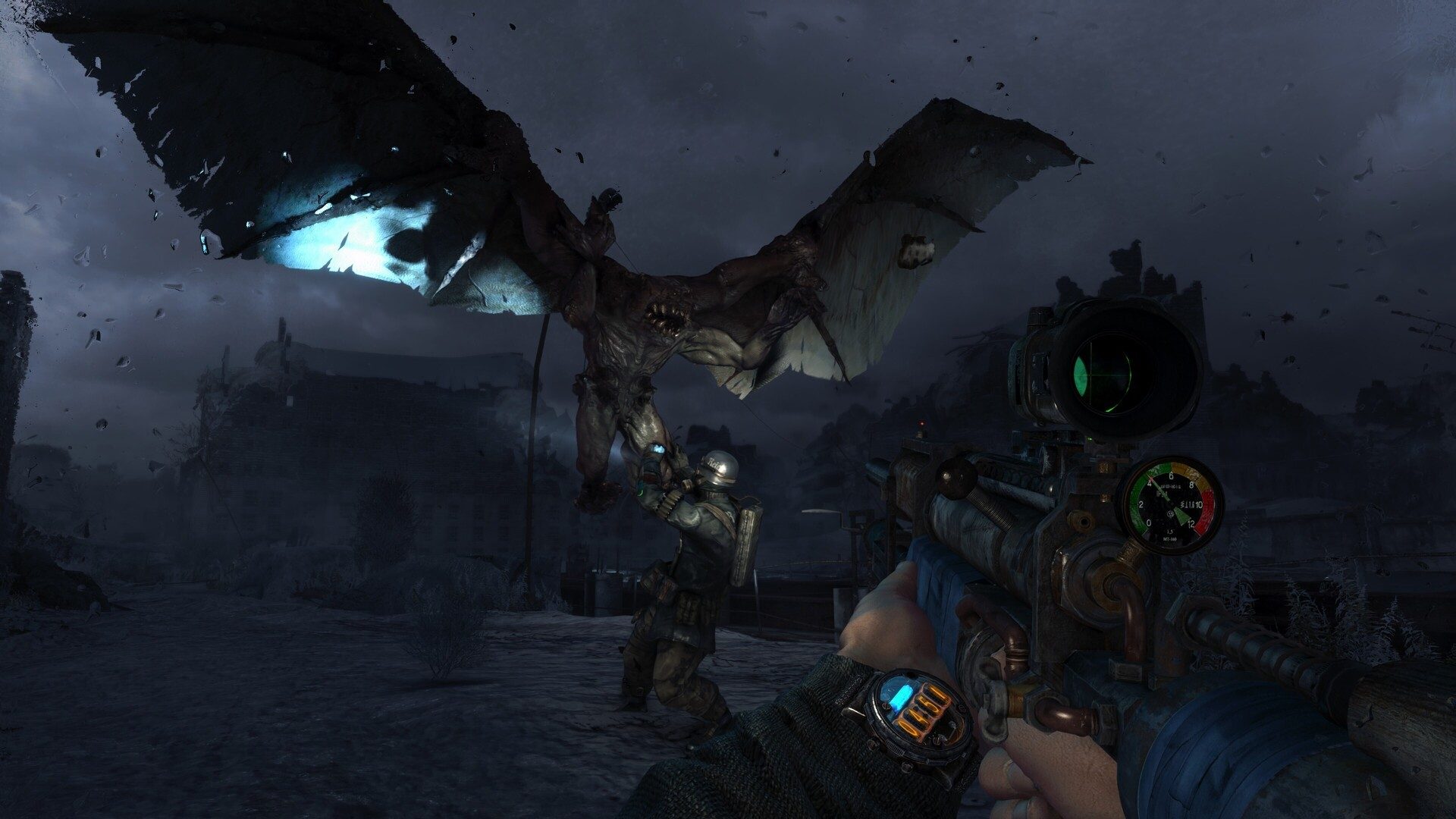
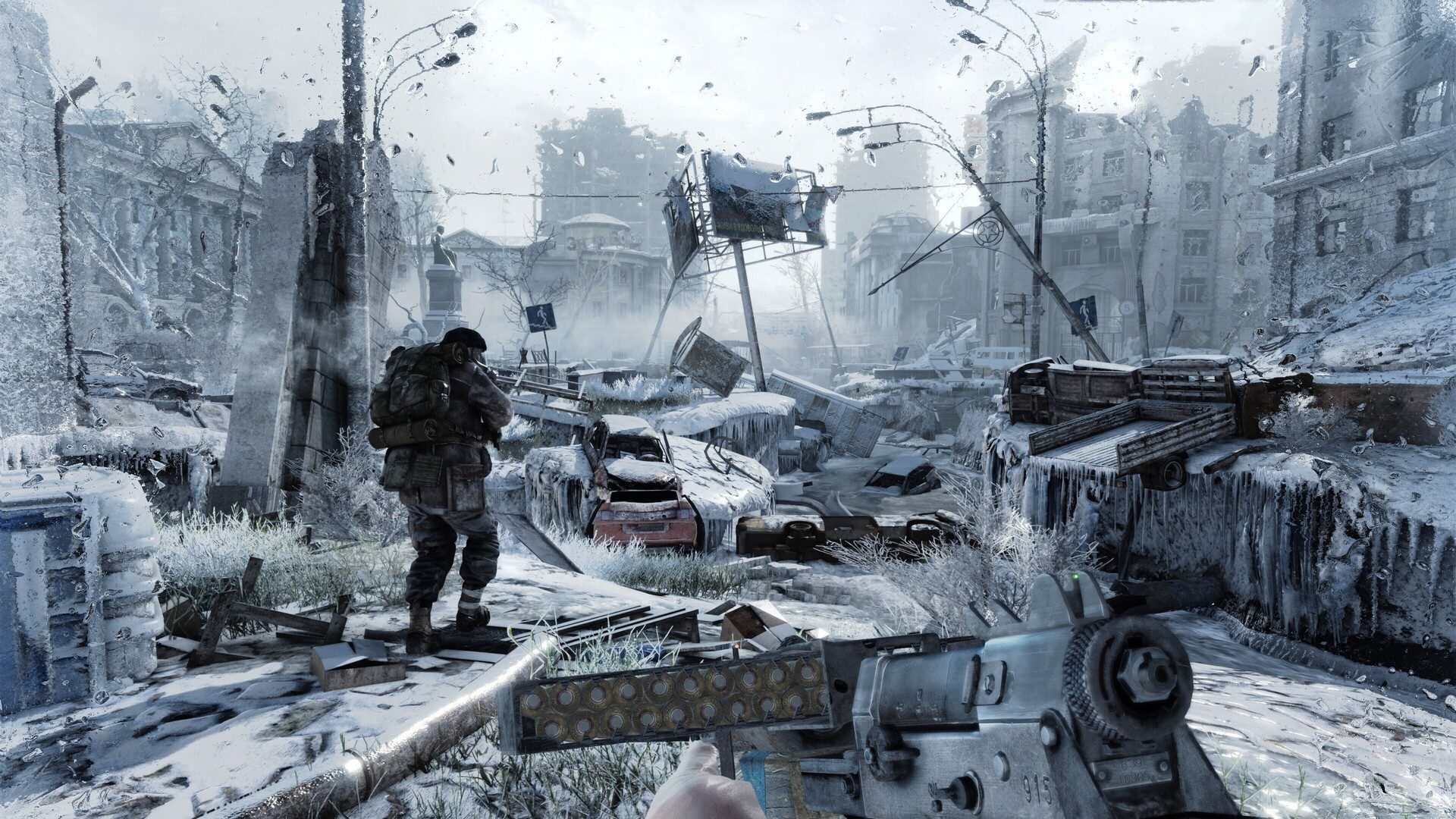
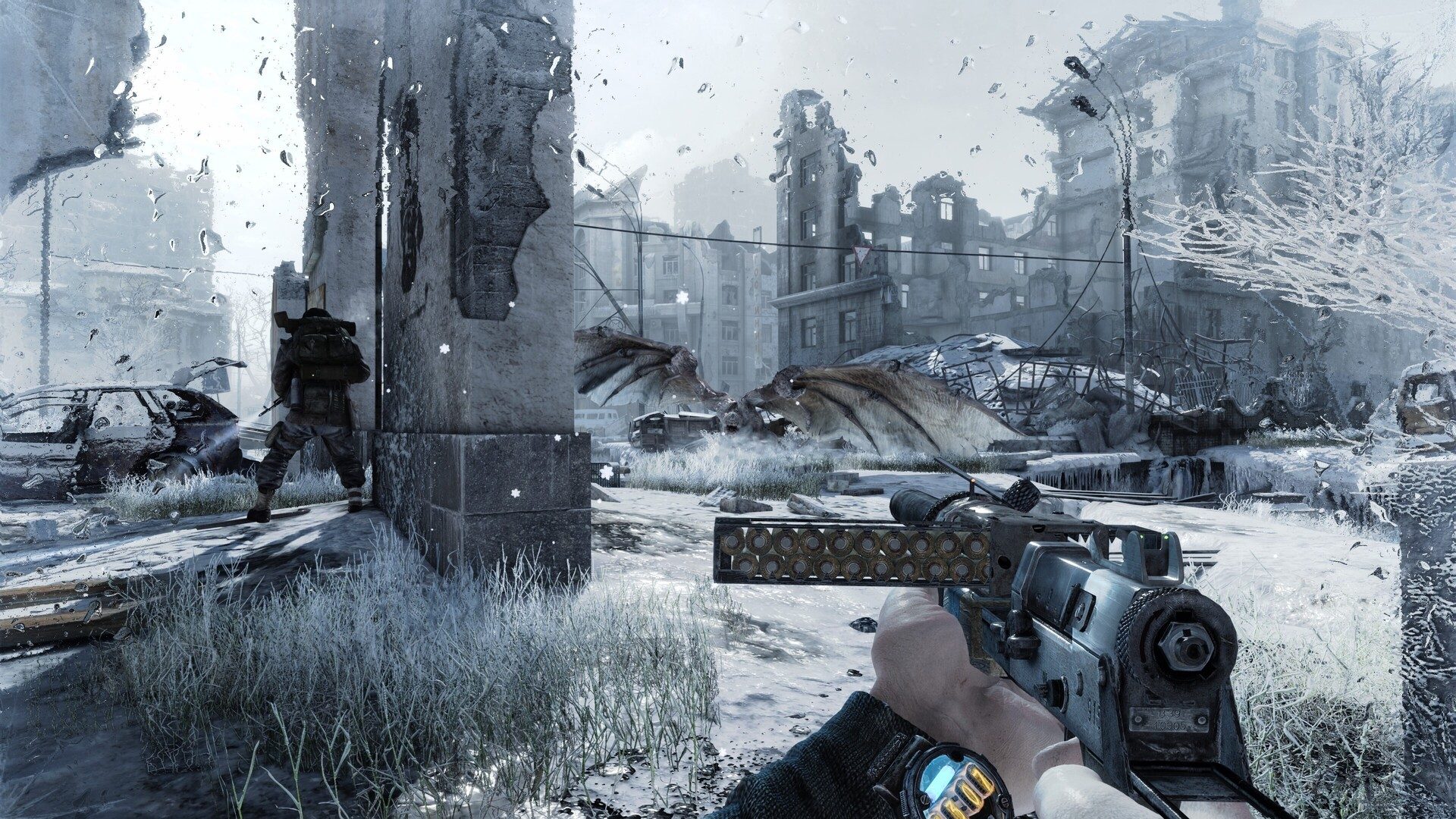
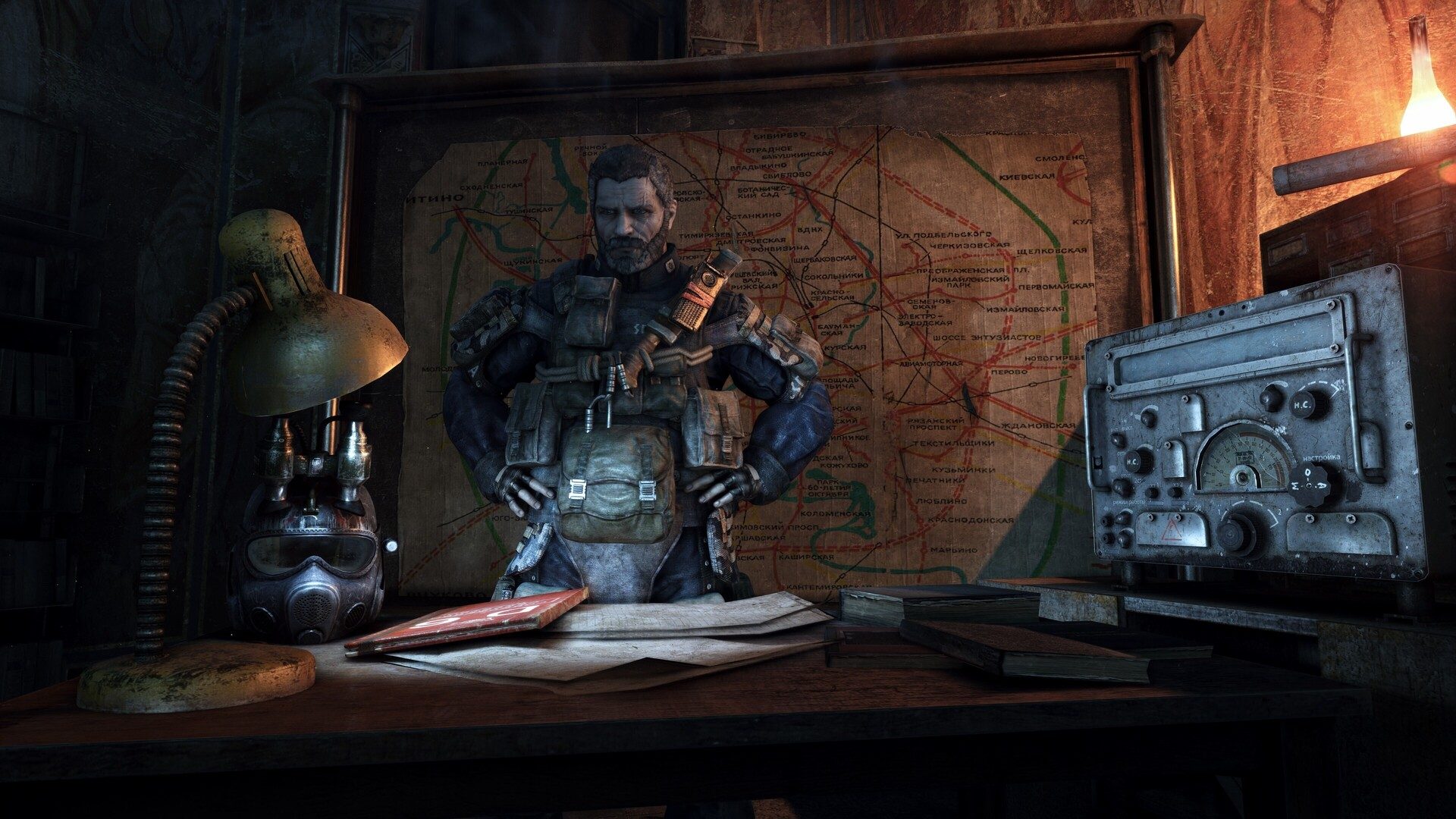
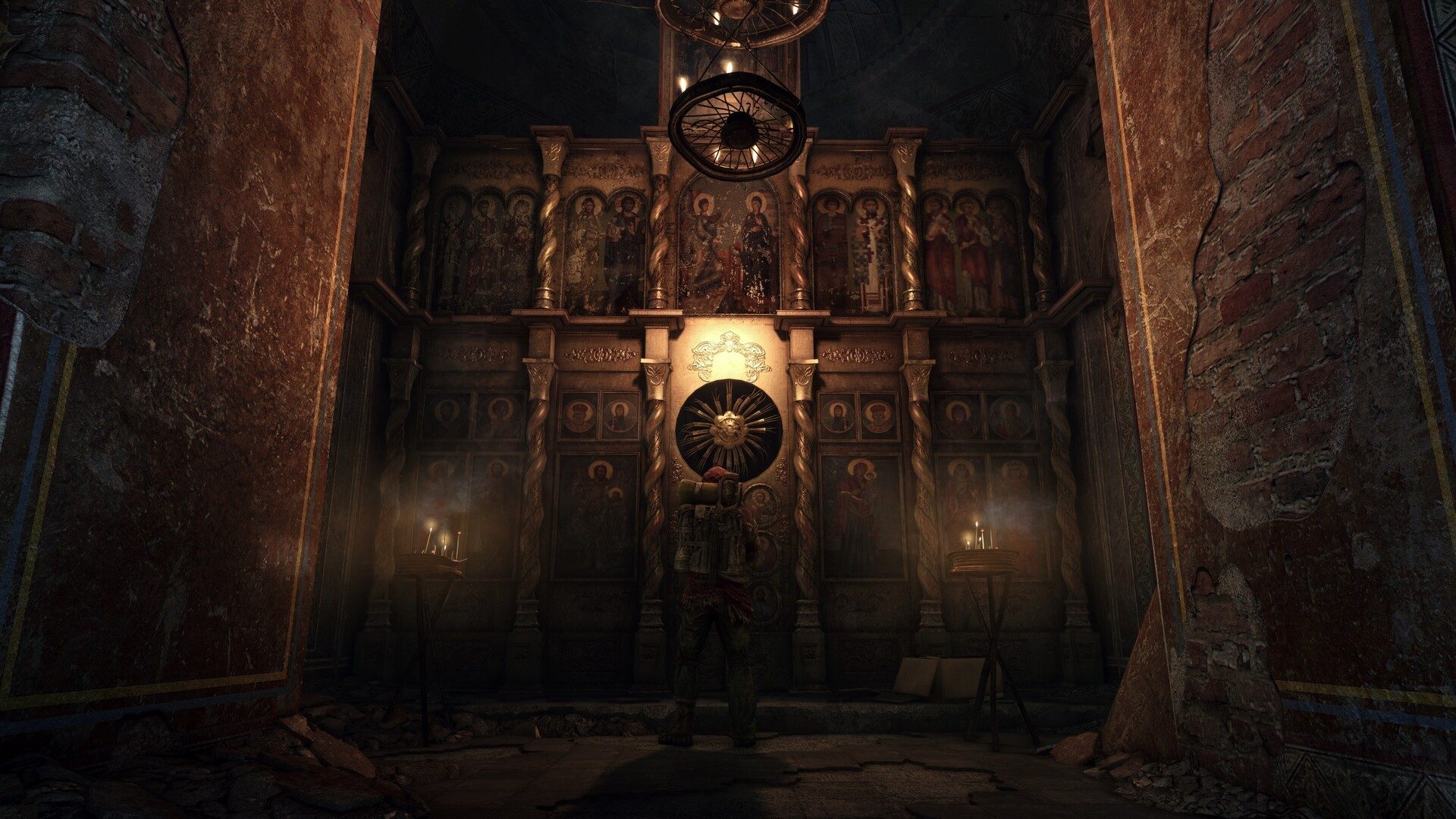
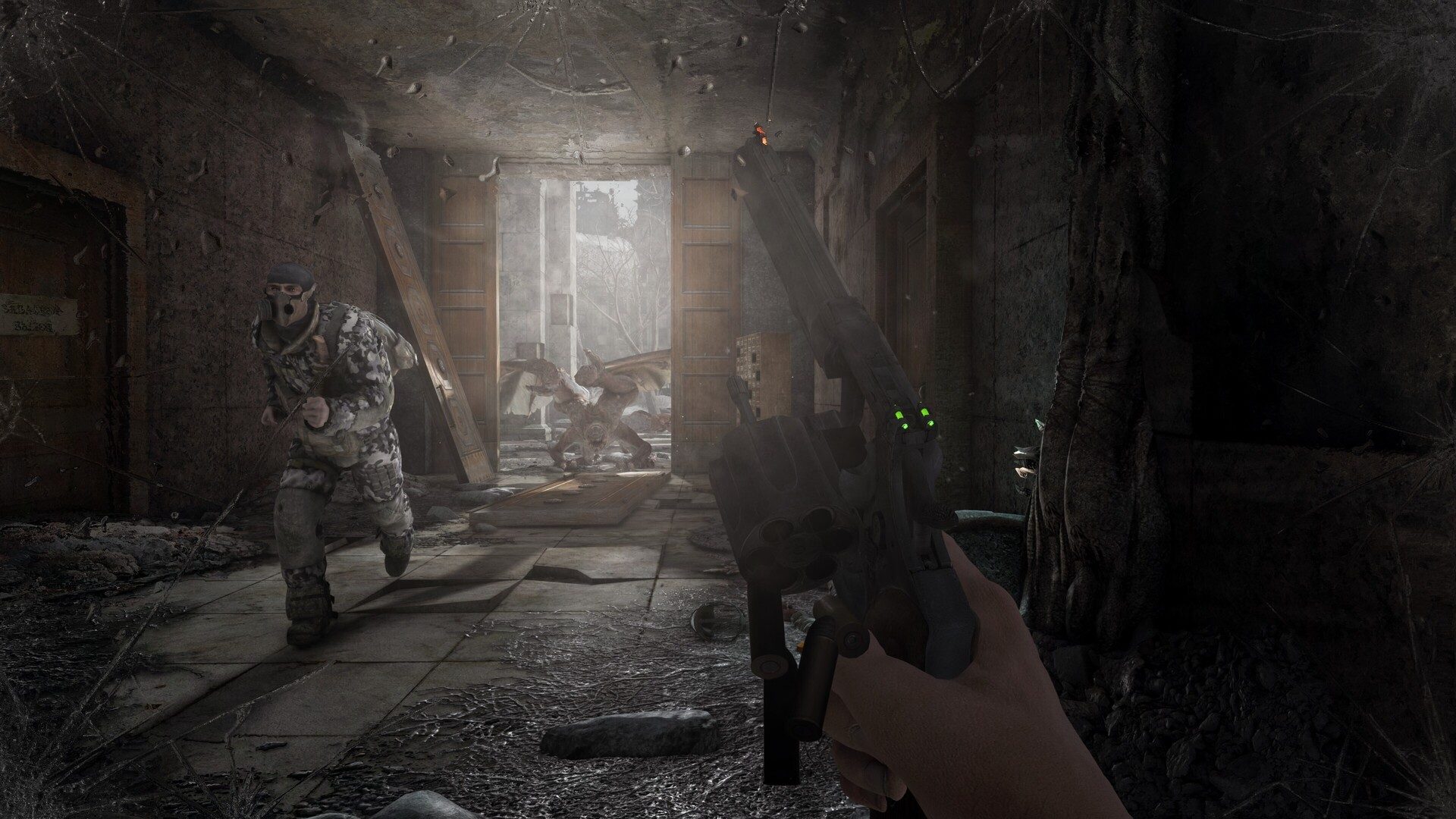
METRO 2033 Redux questions
Can I play METRO 2033 Redux in the cloud without installing it?
Yes. The game runs on a gaming PC in the WARPLAY.CLOUD network and streams to your screen at 60 FPS, so nothing has to be installed on your device.
Do I need to own METRO 2033 Redux on Steam?
Yes. It must be in your own Steam account. You sign in to Steam inside the session, and saves load from Steam Cloud.
Which controllers work with METRO 2033 Redux on WARPLAY.CLOUD?
Xbox and PlayStation controllers, other Bluetooth or USB gamepads, and keyboard and mouse. Phones and tablets also have a touch layout.
What internet speed do I need for this game?
15 Mbit/s is enough for Full HD. A cable or 5 GHz Wi-Fi gives the lowest delay.
What languages does METRO 2033 Redux support?
Interface, voice and subtitles are available in English, French, Italian, German, Spanish (Spain), Russian and Ukrainian. Czech, Dutch and Polish have interface and subtitles only.
What picture quality can I get in the cloud?
Up to Full HD, 1440p or 4K depending on the plan, streamed at 60 FPS.
Similar games
Play METRO 2033 Redux now