WARPLAY.CLOUD
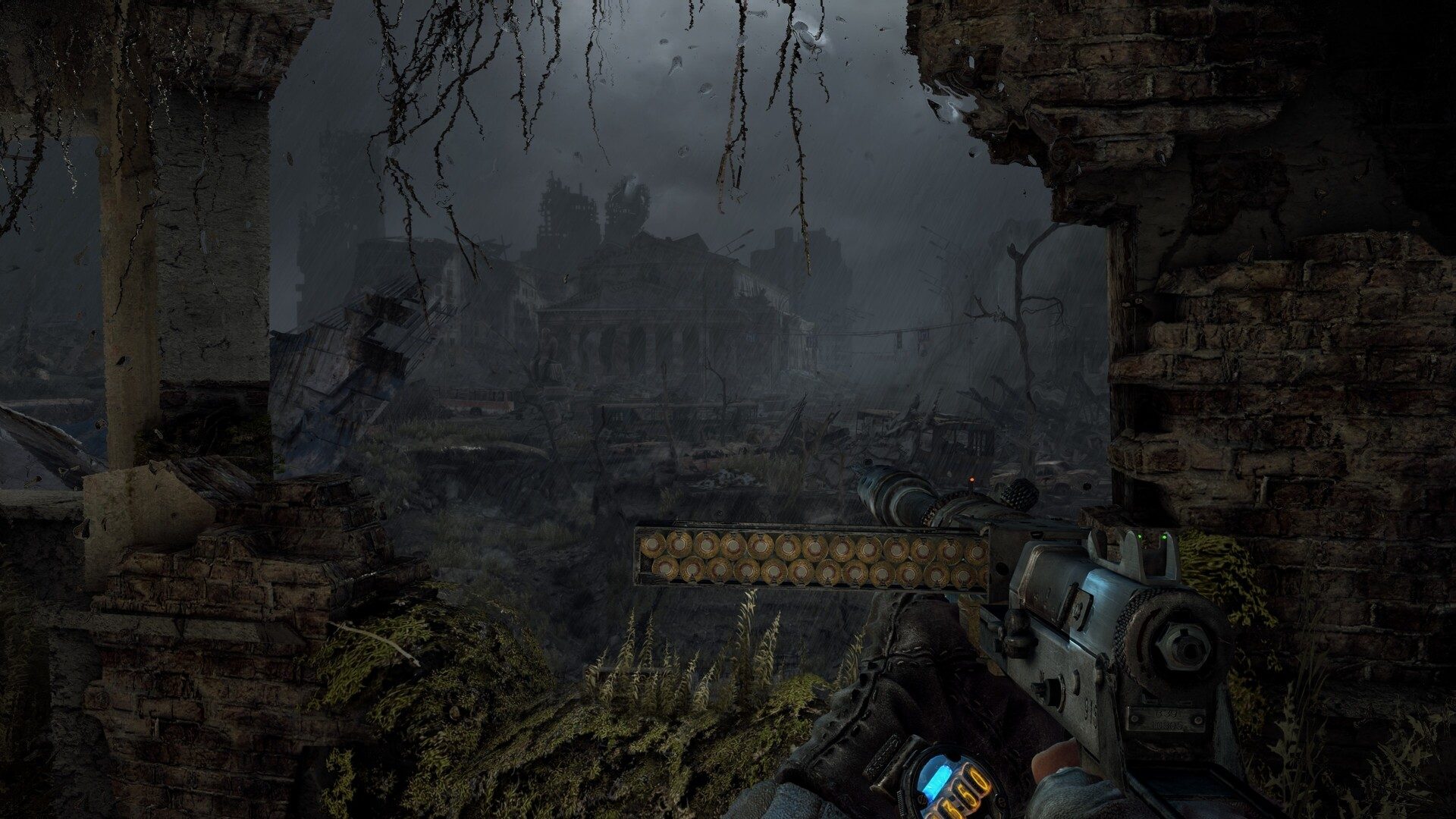
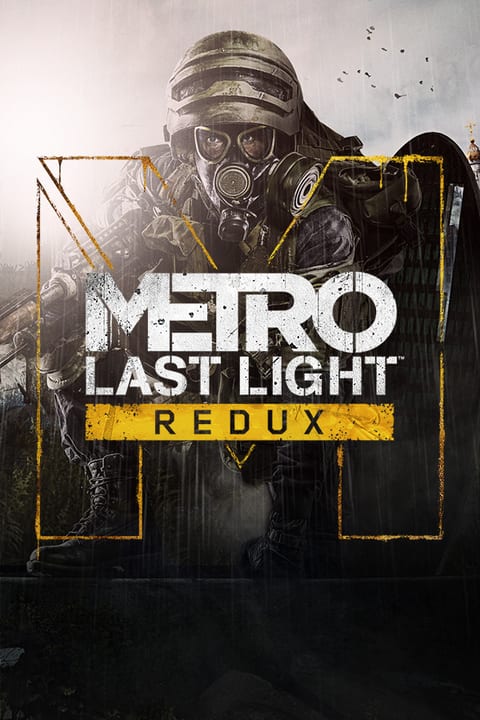
Play METRO Last Light Redux in the cloud
METRO Last Light Redux is a first-person action game set in the tunnels of the Moscow metro in 2034, where what is left of humanity fights mutants and its own kind. It runs in the cloud on WARPLAY.CLOUD and streams to your screen at 60 FPS.
METRO Last Light Redux must be in your Steam account. Nothing extra to buy from WARPLAY.CLOUD.
Short answers
- Own it on SteamDo I need to own it?
- On every planWhich plan?
- Almost any screenWhich devices?
- 15 Mbit/s for Full HDWhat internet?
Details
METRO Last Light Redux must be in your Steam account, the same copy you play at home. Nothing extra to buy from WARPLAY.CLOUD. How to start
Picture up to Full HD on FREE, up to 1440p on PRO, up to 4K on MAX. 60 FPS on every plan. Compare plans
Chrome or Edge on Windows, Mac, Linux, Chromebook and Android. Safari on iPhone and iPad. Apps for LG and Samsung TVs. All devices
25 Mbit/s for 1440p and 45 Mbit/s for 4K. A cable or 5 GHz Wi-Fi gives the lowest delay. More on internet speed
Works on
- Phones and tablets
- iPhone and iPadAndroid
How to start METRO Last Light Redux
- Open app.warplay.cloud in Chrome or Edge, or open the Windows, Mac or Linux app, and sign in.
- Find METRO Last Light Redux and press Play.
- Sign in to the Steam account that has METRO Last Light Redux. Your saves load from Steam Cloud.
- Install the WARPLAY.CLOUD app on your LG TV (webOS) or Samsung TV (Tizen) and sign in.
- Connect an Xbox or PlayStation gamepad, or another Bluetooth or USB controller.
- Pick METRO Last Light Redux and press Play. On Steam's sign-in screen, scan the QR code with the Steam Mobile app.
- On iPhone or iPad, open app.warplay.cloud in Safari and add it to the Home Screen. On Android, open it in Chrome.
- Connect a gamepad, or use the touch layout.
- Pick METRO Last Light Redux, press Play, then sign in to Steam.
METRO Last Light Redux on WARPLAY.CLOUD
METRO Last Light Redux is a single-player game. On WARPLAY.CLOUD it runs on a gaming PC in the network and streams to your screen at 60 FPS, with the picture reaching Full HD, 1440p or 4K depending on the plan you use.
Keyboard and mouse are supported, and so are gamepads: Xbox and PlayStation controllers as well as other Bluetooth or USB pads. On a computer — Chrome or Edge on Windows, Mac, Linux or a Chromebook, Safari on iPhone and iPad, Chrome on Android — the keyboard-and-mouse setup is the natural choice for aiming, while a controller suits play on an LG or Samsung TV through the app, where you sit further from the screen. On phones the touch layout is also available.
The interface, voice and subtitles come in English, French, Italian, German, Spanish (Spain), Russian and Ukrainian. Czech, Dutch and Polish players get a translated interface and subtitles without voice-over.
The game is a paid title, so it has to be in your own Steam account: you sign in to Steam inside the session and start the game from there, and saves load from Steam Cloud. Nothing extra needs to be bought from WARPLAY.CLOUD. For a steady picture, 15 Mbit/s is enough for Full HD, and a cable or 5 GHz Wi-Fi keeps the delay lowest.
About the game
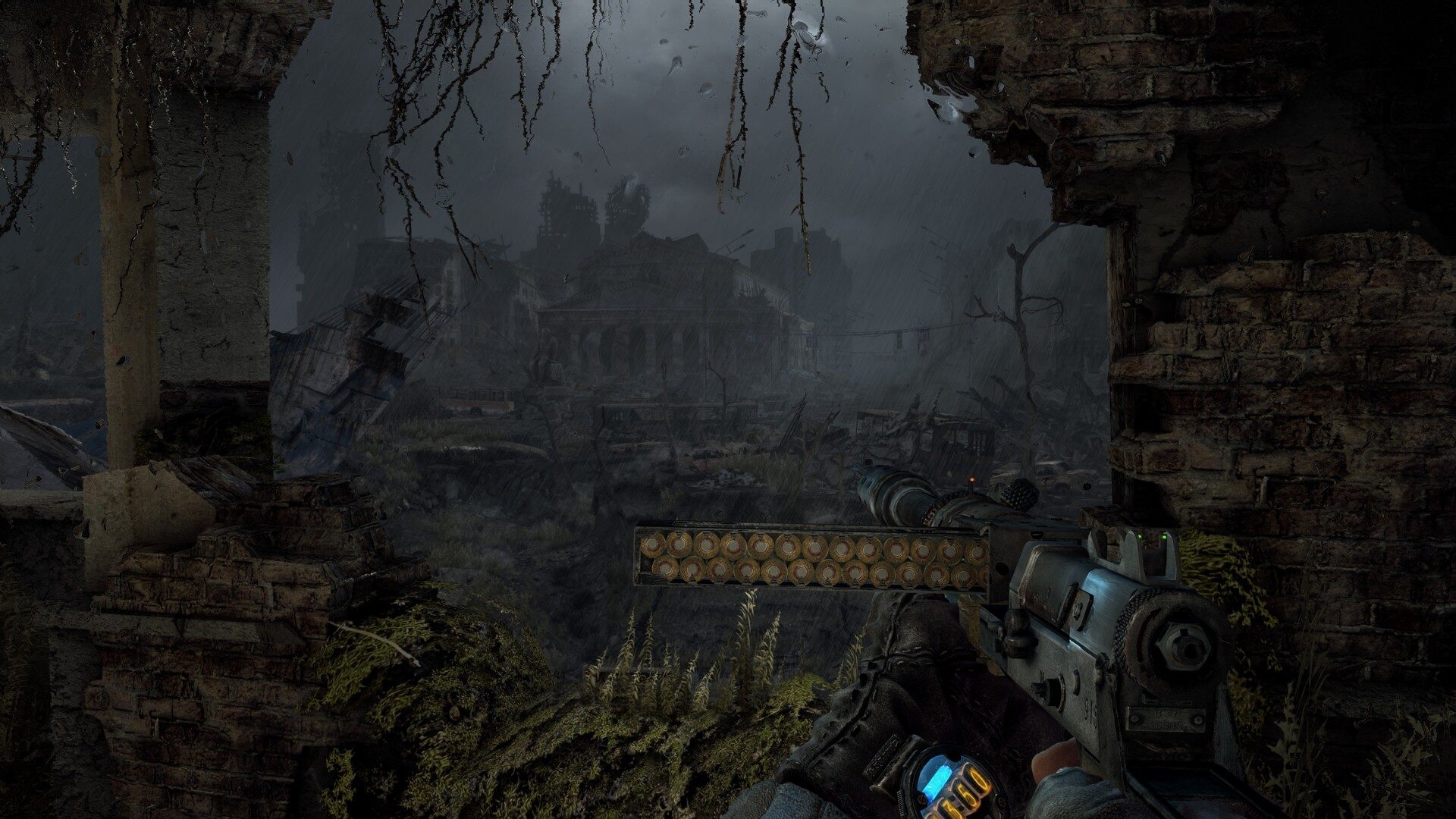
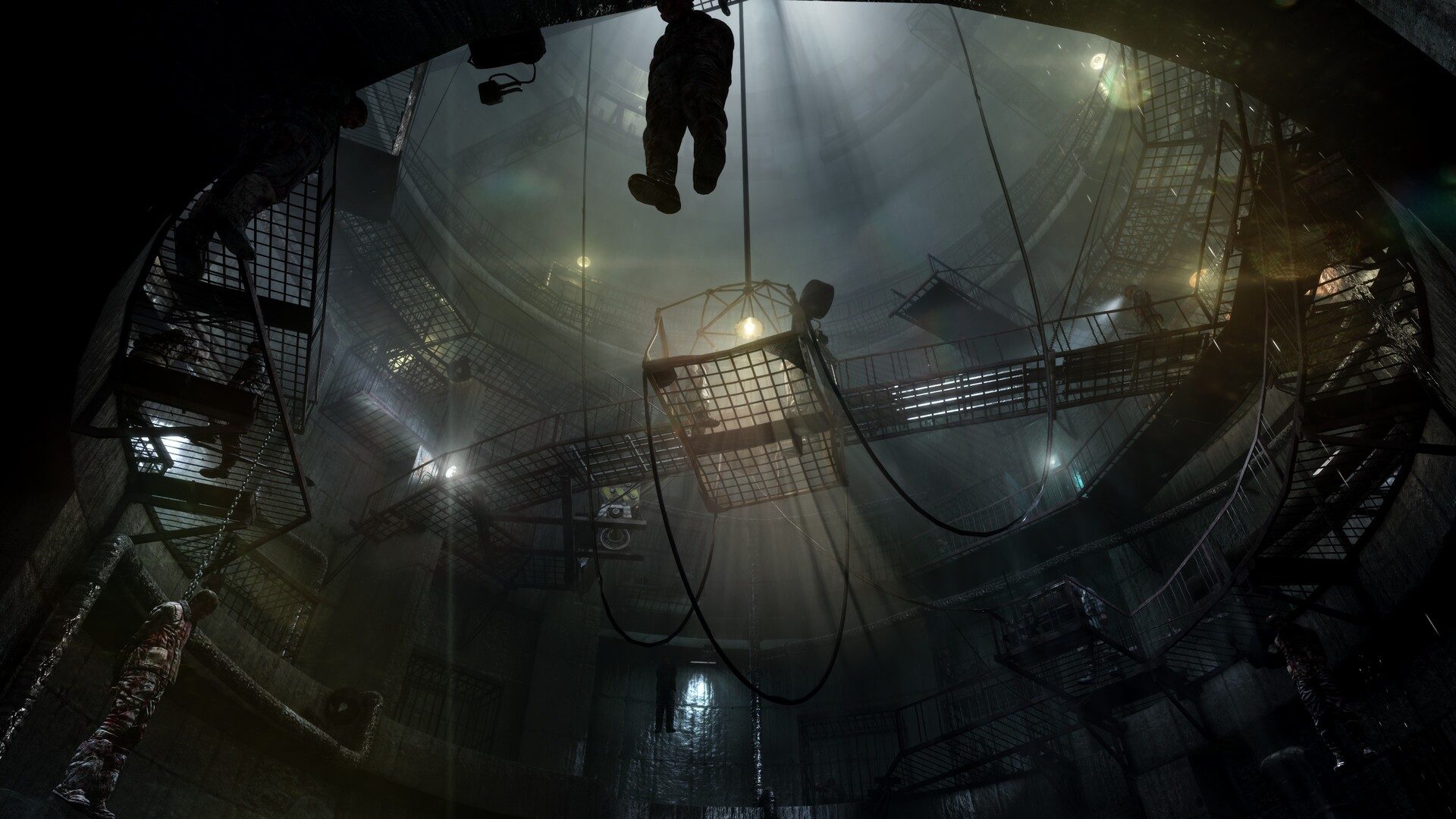
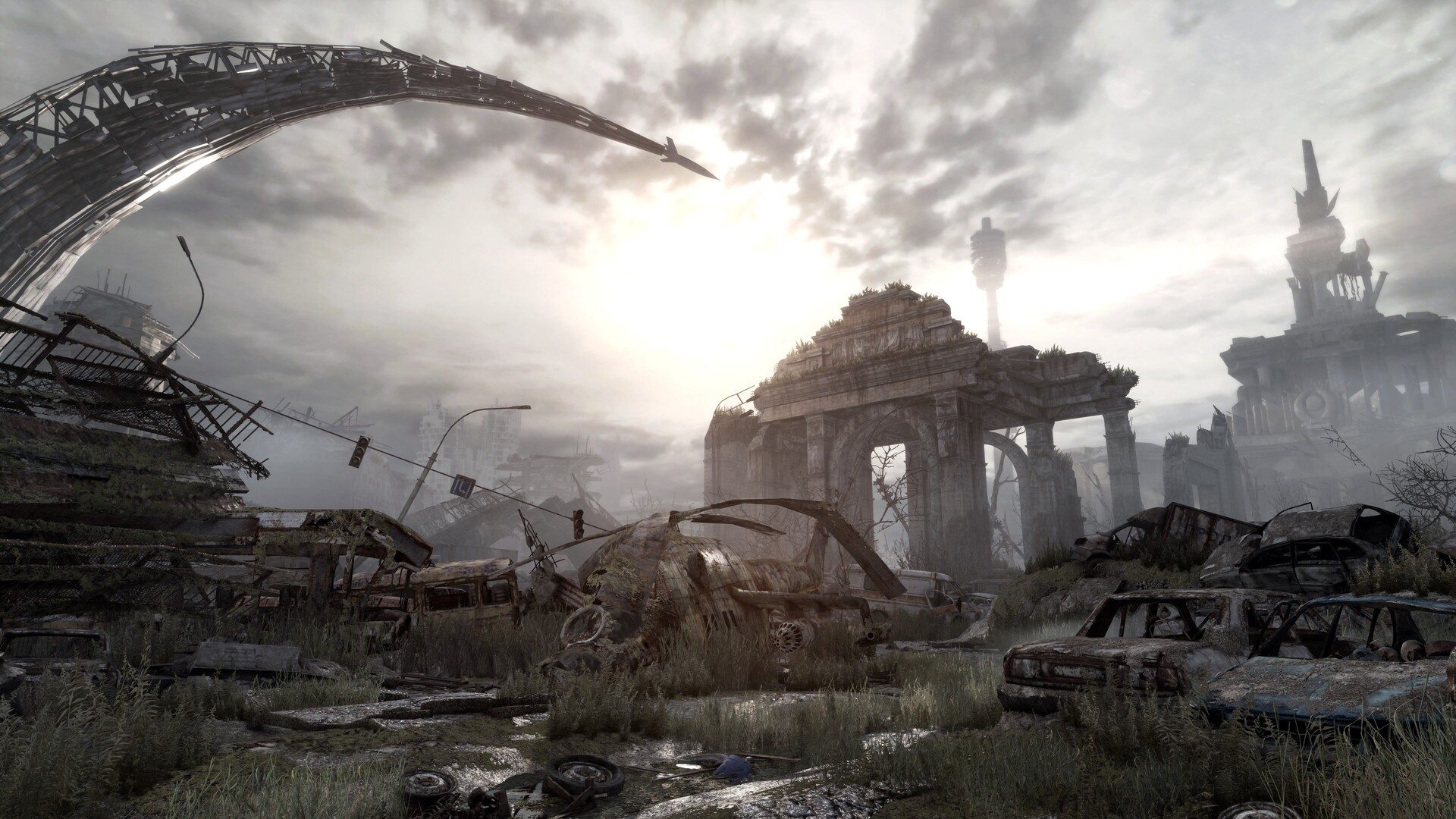
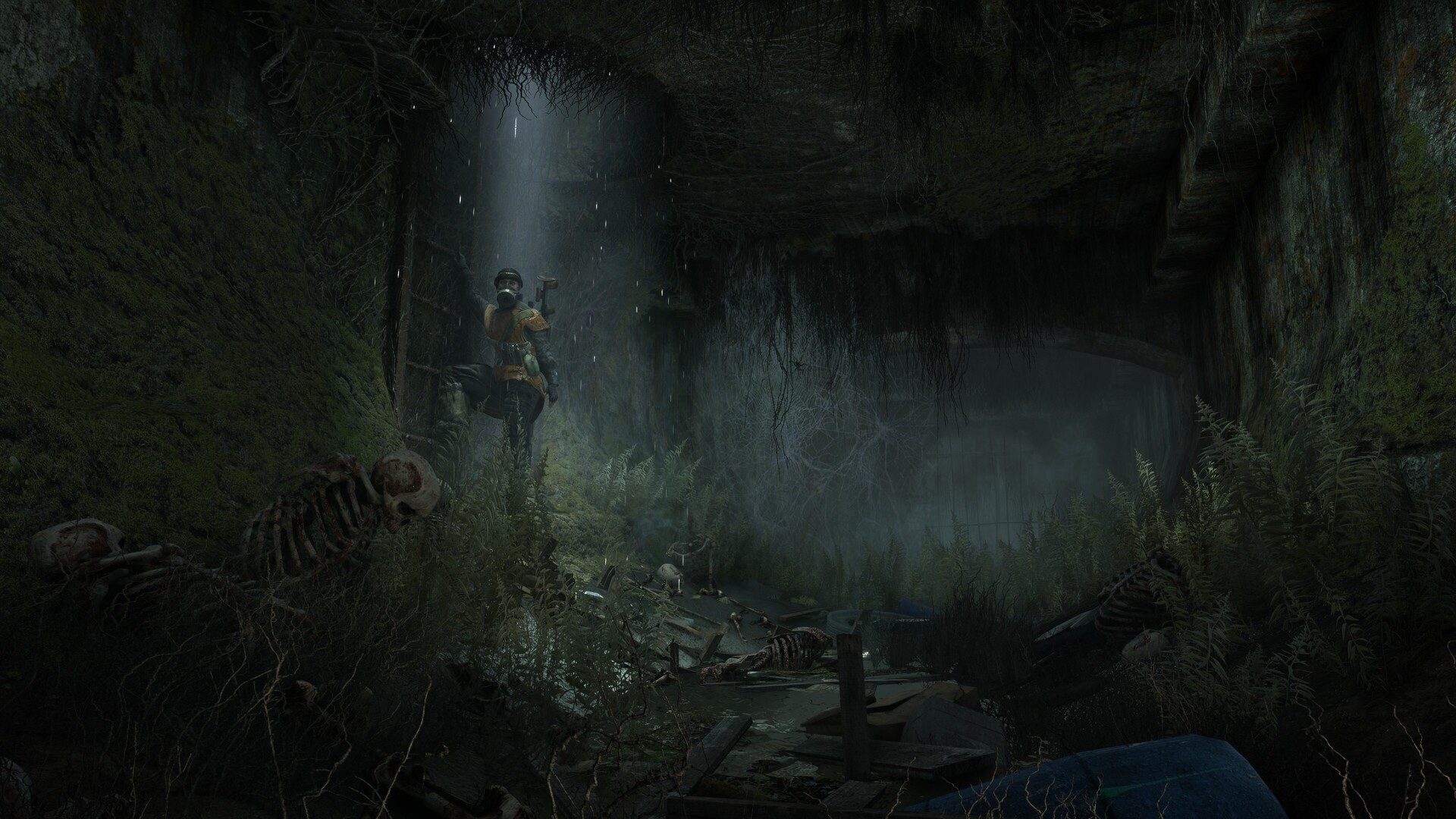
In 2034 the survivors of a ruined Moscow live in the stations of the underground metro. The surface is poisoned, mutants roam the tunnels below and the sky above, and the station-cities are not united: they are fighting over a doomsday device kept in the military vaults of D6. That rivalry is turning into a civil war that could end the human race for good.
Read more
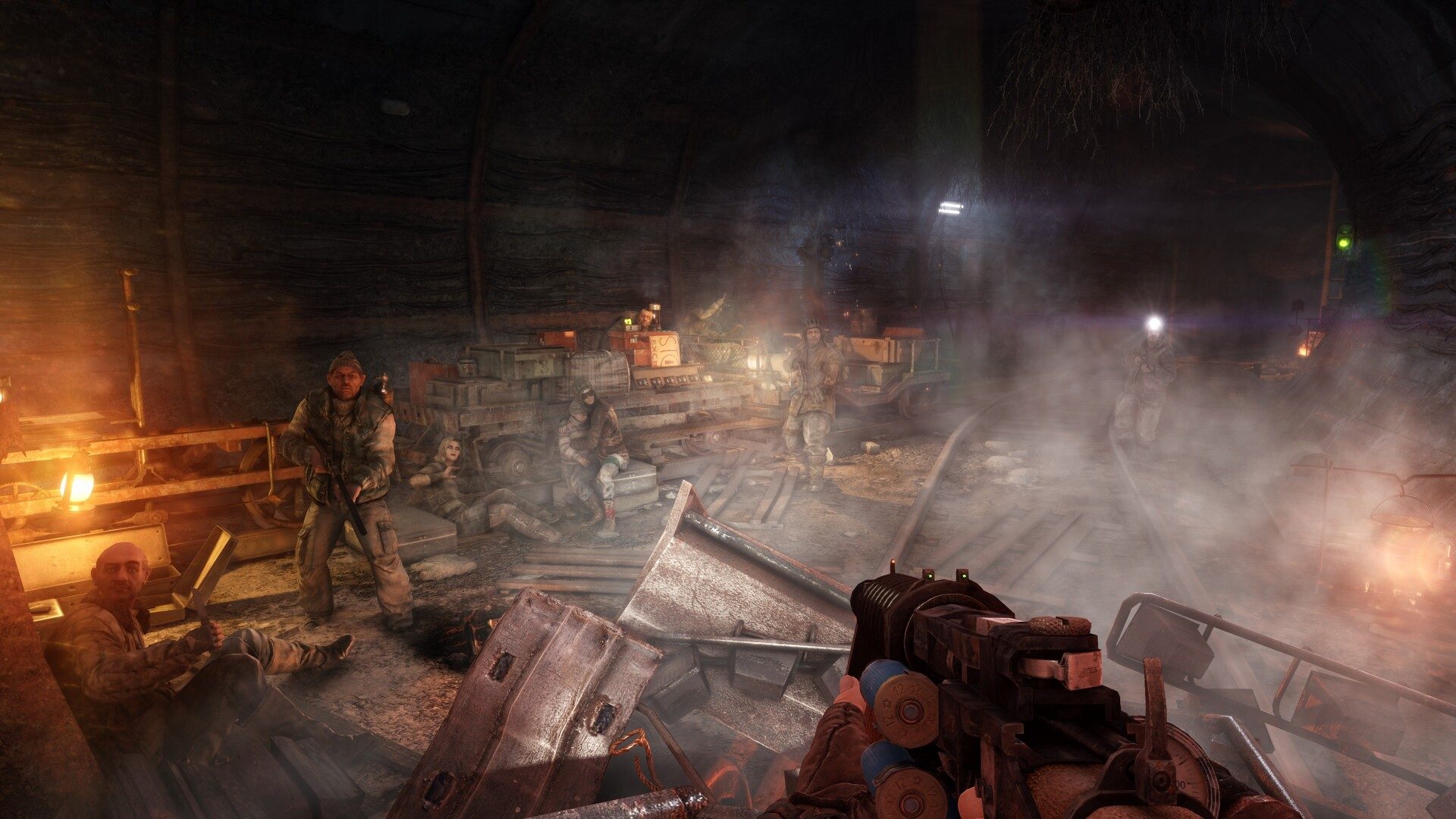
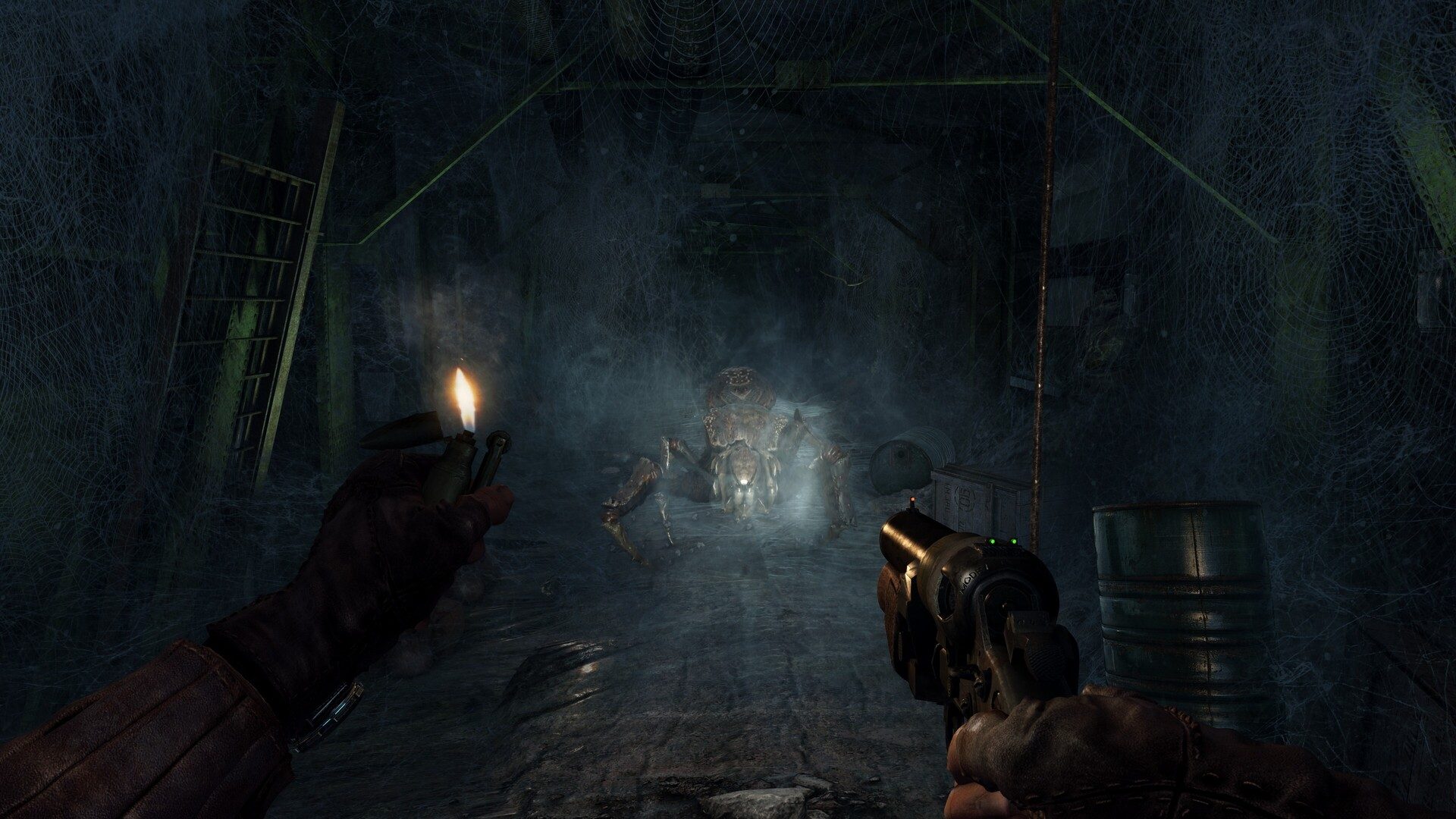
The player takes the role of Artyom, a man carrying guilt and hope in equal measure, who may hold the key to humanity's survival. The campaign is a first-person action game built around atmosphere: a gas mask, hand-made weapons, fights against mutants and human enemies, and encounters with phenomena that cannot be explained.
Two play styles shape the campaign. Survival leans toward a slow, tense horror approach with scarce supplies, while Spartan gives the player the combat training of a ranger. The legendary Ranger Mode returns as well, removing the HUD and interface, making combat deadlier and resources limited.
This Redux edition is the definitive version of the 2013 game, rebuilt in 2014 and later updated for modern hardware with sharper textures and geometry, refined materials, spatial audio, better animation and sound, upscaling support and trigger feedback on modern controllers. The story is based on the novel series by Dmitry Glukhovsky.
Video and screenshots
METRO Last Light Redux questions
Can I play METRO Last Light Redux in the cloud?
Yes. The game runs on a gaming PC in the WARPLAY.CLOUD network and streams to your screen at 60 FPS, with the picture up to Full HD, 1440p or 4K depending on the plan.
Do I need to own the game on Steam to play it here?
Yes. The game has to be in your own Steam account. You sign in to Steam inside the session and start it from there, and saves load from Steam Cloud.
Which controllers can I use?
Keyboard and mouse work, and so do Xbox and PlayStation controllers and other Bluetooth or USB pads. On phones a touch layout is also available.
What internet speed do I need?
15 Mbit/s is enough for Full HD. A cable or 5 GHz Wi-Fi connection gives the lowest delay.
What languages does the game support?
Interface, voice and subtitles are available in English, French, Italian, German, Spanish (Spain), Russian and Ukrainian. Czech, Dutch and Polish offer interface and subtitles without voice-over.
Which devices can I play it on?
Chrome or Edge on Windows, Mac, Linux, a Chromebook or Android, Safari on iPhone and iPad, and the apps for LG and Samsung TVs.
Similar games
Play METRO Last Light Redux now