WARPLAY.CLOUD
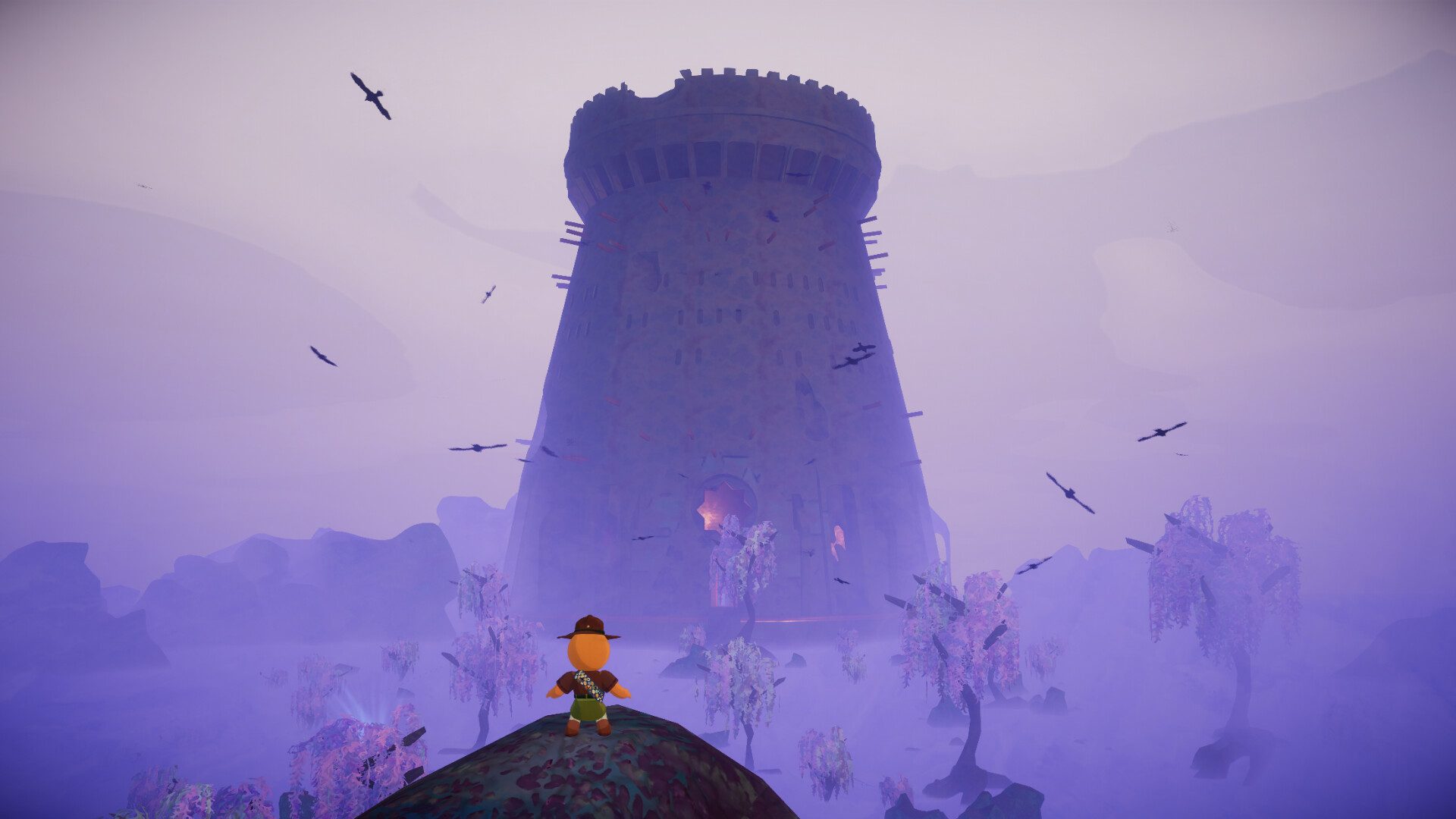

Play PEAK in the cloud
PEAK is a co-op climbing game about a group of lost nature scouts who have to scale the mountain at the centre of a mysterious island to be rescued. It streams in the cloud on WARPLAY.CLOUD.
PEAK must be in your Steam account. Nothing extra to buy from WARPLAY.CLOUD.
Short answers
- Own it on SteamDo I need to own it?
- On every planWhich plan?
- Almost any screenWhich devices?
- 15 Mbit/s for Full HDWhat internet?
Details
PEAK must be in your Steam account, the same copy you play at home. Nothing extra to buy from WARPLAY.CLOUD. How to start
Picture up to Full HD on FREE, up to 1440p on PRO, up to 4K on MAX. 60 FPS on every plan. Compare plans
Chrome or Edge on Windows, Mac, Linux, Chromebook and Android. Safari on iPhone and iPad. Apps for LG and Samsung TVs. All devices
25 Mbit/s for 1440p and 45 Mbit/s for 4K. A cable or 5 GHz Wi-Fi gives the lowest delay. More on internet speed
Works on
- Phones and tablets
- iPhone and iPadAndroid
How to start PEAK
- Open app.warplay.cloud in Chrome or Edge, or open the Windows, Mac or Linux app, and sign in.
- Find PEAK and press Play.
- Sign in to the Steam account that has PEAK. Your saves load from Steam Cloud.
- Install the WARPLAY.CLOUD app on your LG TV (webOS) or Samsung TV (Tizen) and sign in.
- Connect an Xbox or PlayStation gamepad, or another Bluetooth or USB controller.
- Pick PEAK and press Play. On Steam's sign-in screen, scan the QR code with the Steam Mobile app.
- On iPhone or iPad, open app.warplay.cloud in Safari and add it to the Home Screen. On Android, open it in Chrome.
- Connect a gamepad, or use the touch layout.
- Pick PEAK, press Play, then sign in to Steam.
PEAK on WARPLAY.CLOUD
PEAK runs on a gaming PC in the WARPLAY.CLOUD network and streams to your screen at 60 FPS, with the picture up to Full HD, 1440p or 4K depending on the plan.
The game takes both a gamepad and a keyboard with a mouse. On a TV through the LG or Samsung app, or on a phone or tablet, an Xbox or PlayStation controller — or any other Bluetooth or USB gamepad — is the comfortable choice. In Chrome or Edge on Windows, Mac, Linux, Chromebook and Android, and in Safari on iPhone and iPad, keyboard and mouse work too, and phones also offer a touch layout. A cable or 5 GHz Wi-Fi keeps the delay lowest, and 15 Mbit/s is enough for Full HD.
Interface and subtitles are translated into English, French, Italian, German, Spanish for Spain, Japanese, Korean, Brazilian Portuguese, Russian, Simplified Chinese, Latin American Spanish, Ukrainian, Polish, Turkish and Traditional Chinese. There is no voice-over, so all dialogue is read.
The game has to be in your own Steam account: you sign in to Steam inside the session and start it from there, and saves load from Steam Cloud. Nothing extra has to be bought from WARPLAY.CLOUD for a game you already own on Steam.
About the game
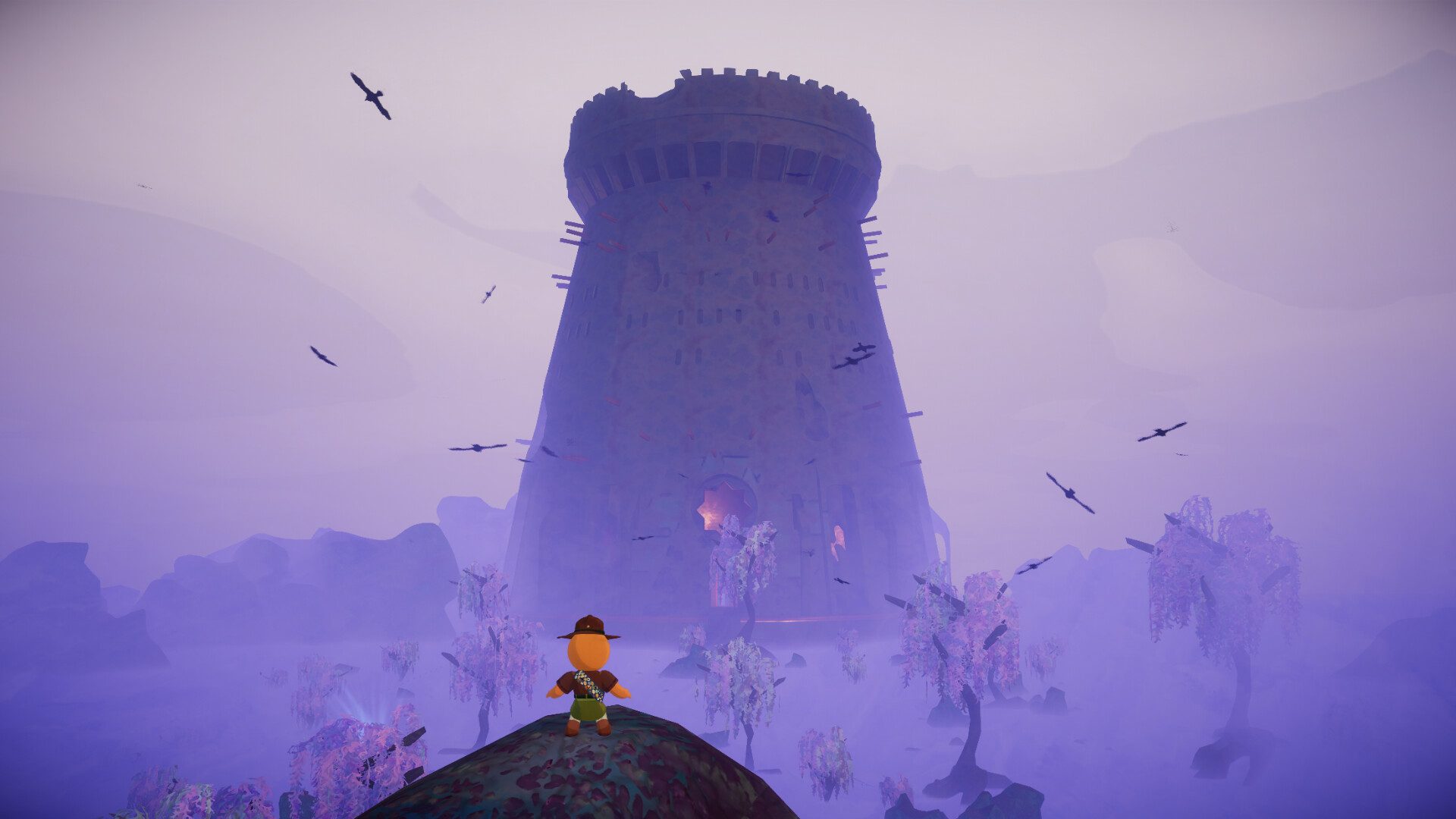
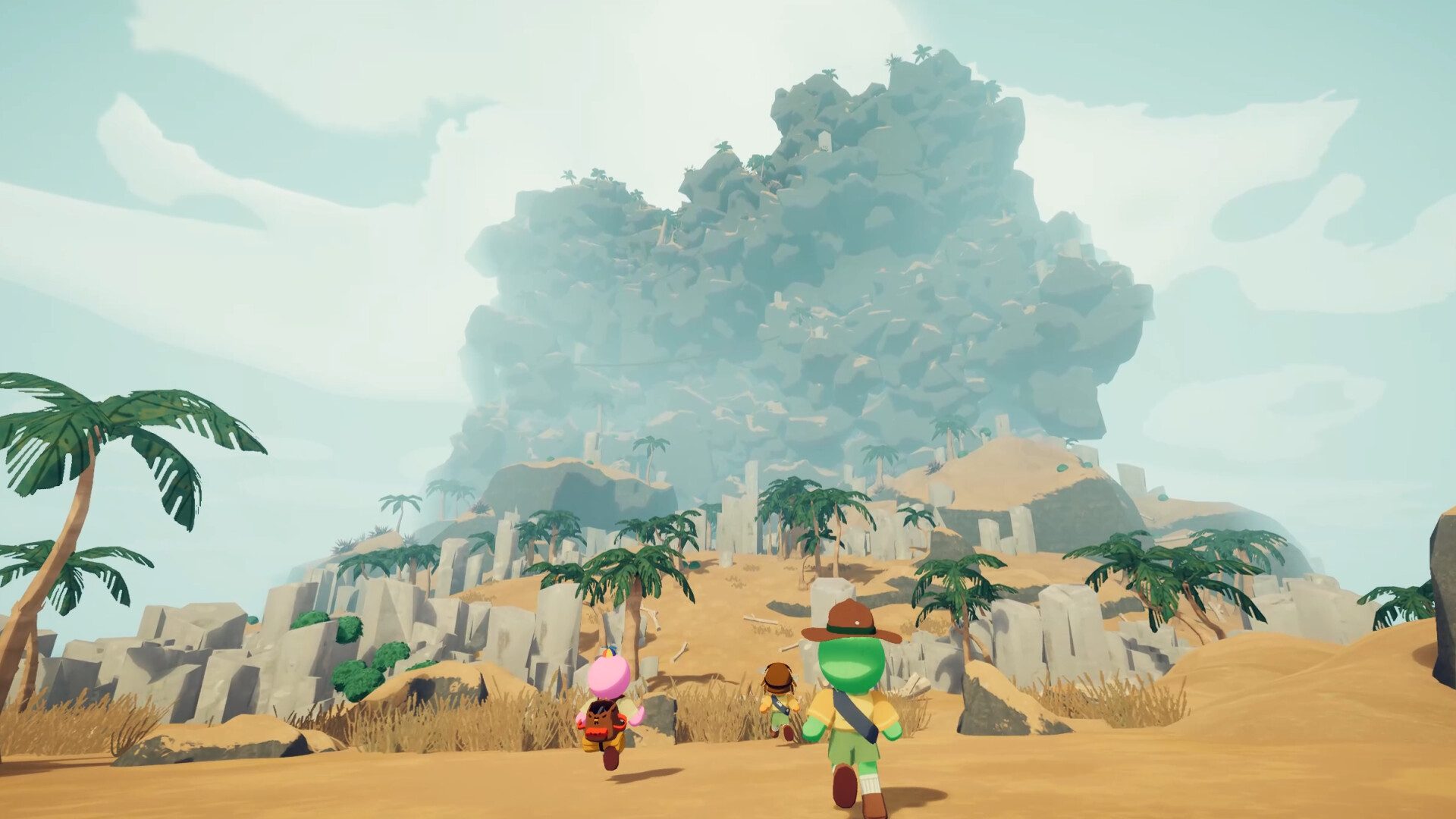
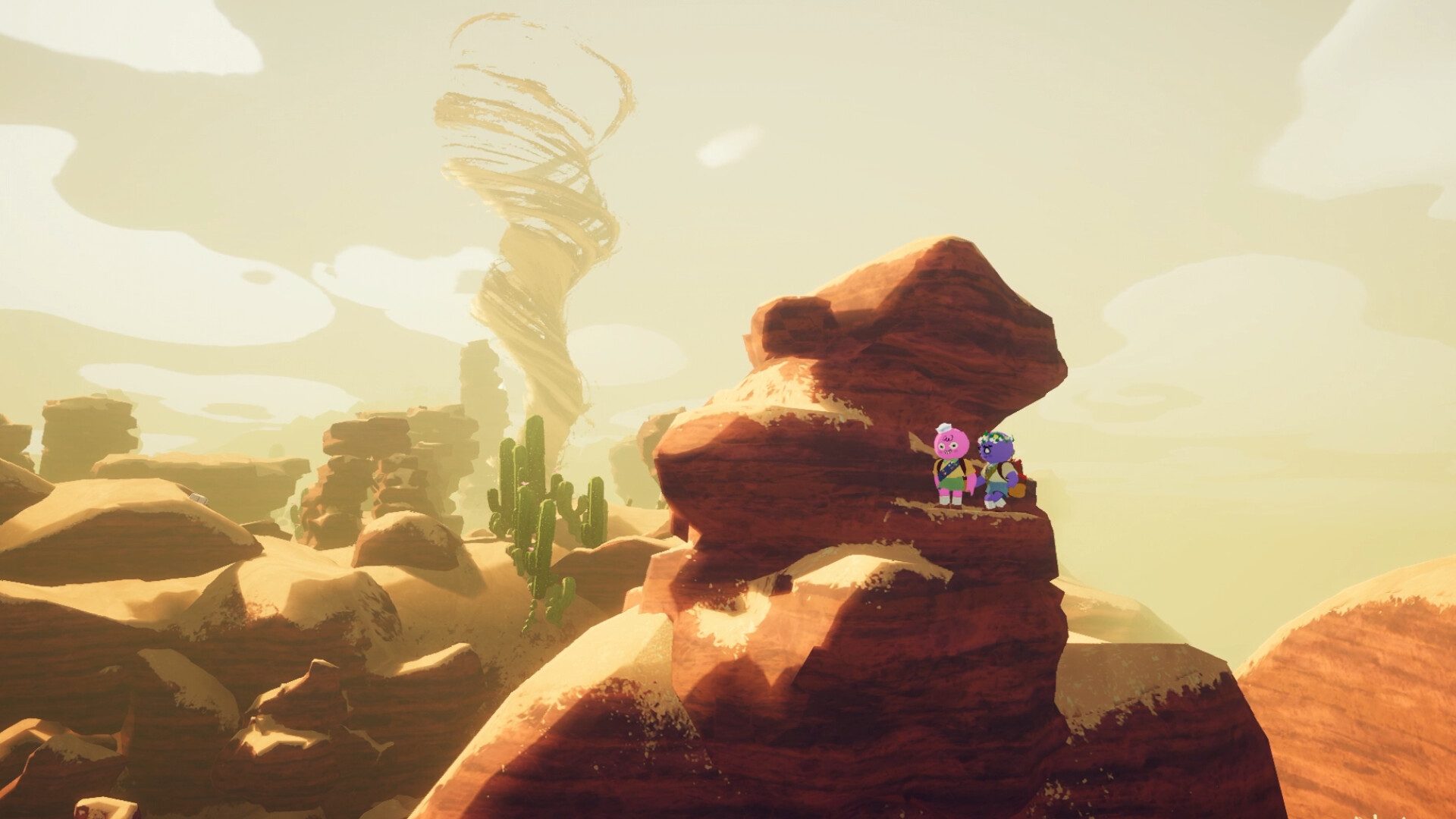
PEAK is a climbing game for one player or a small online team. A band of nature scouts is stranded on an island, and the only route home runs upward: the mountain in the middle of the land has to be conquered.
Read more
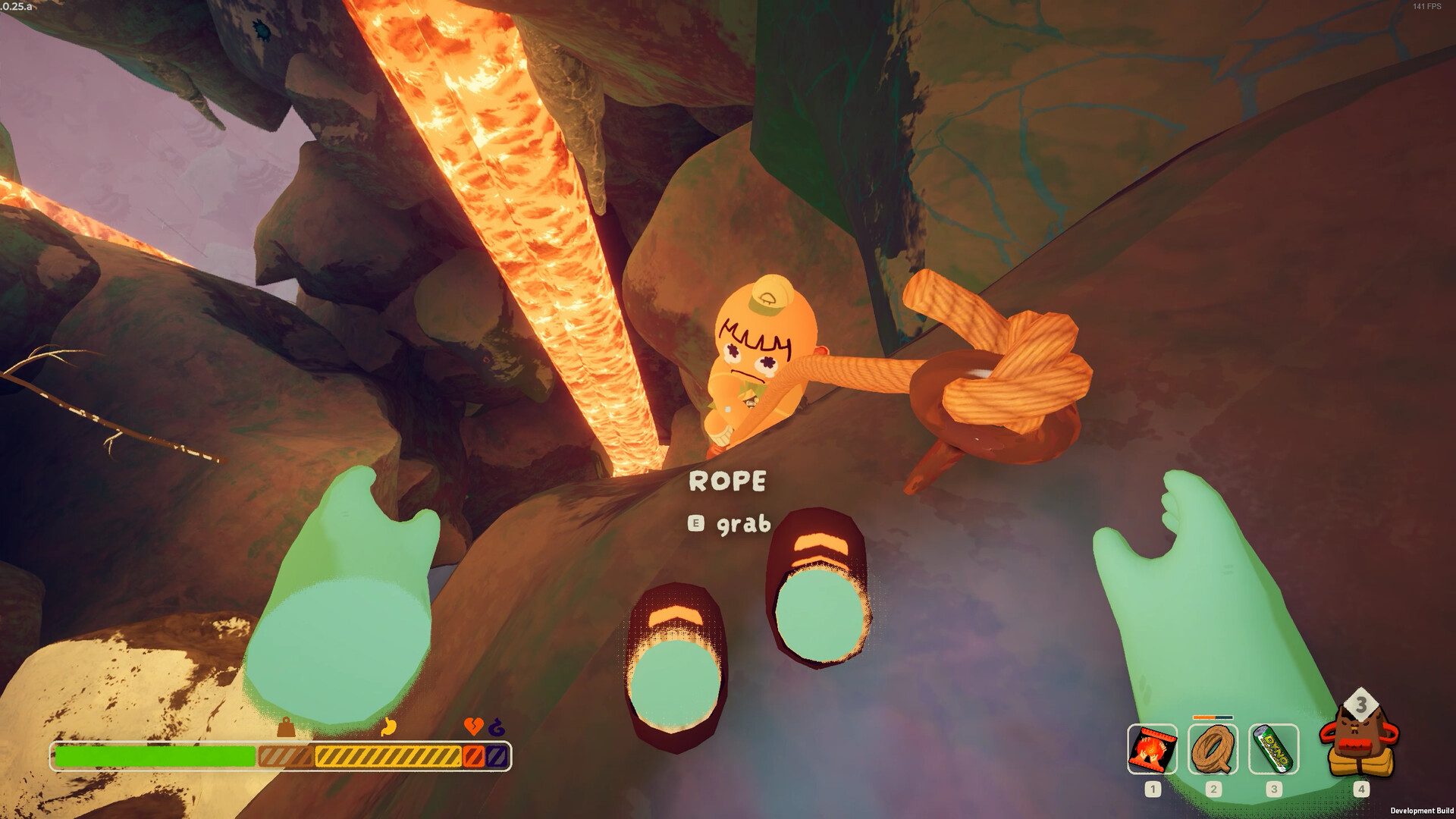
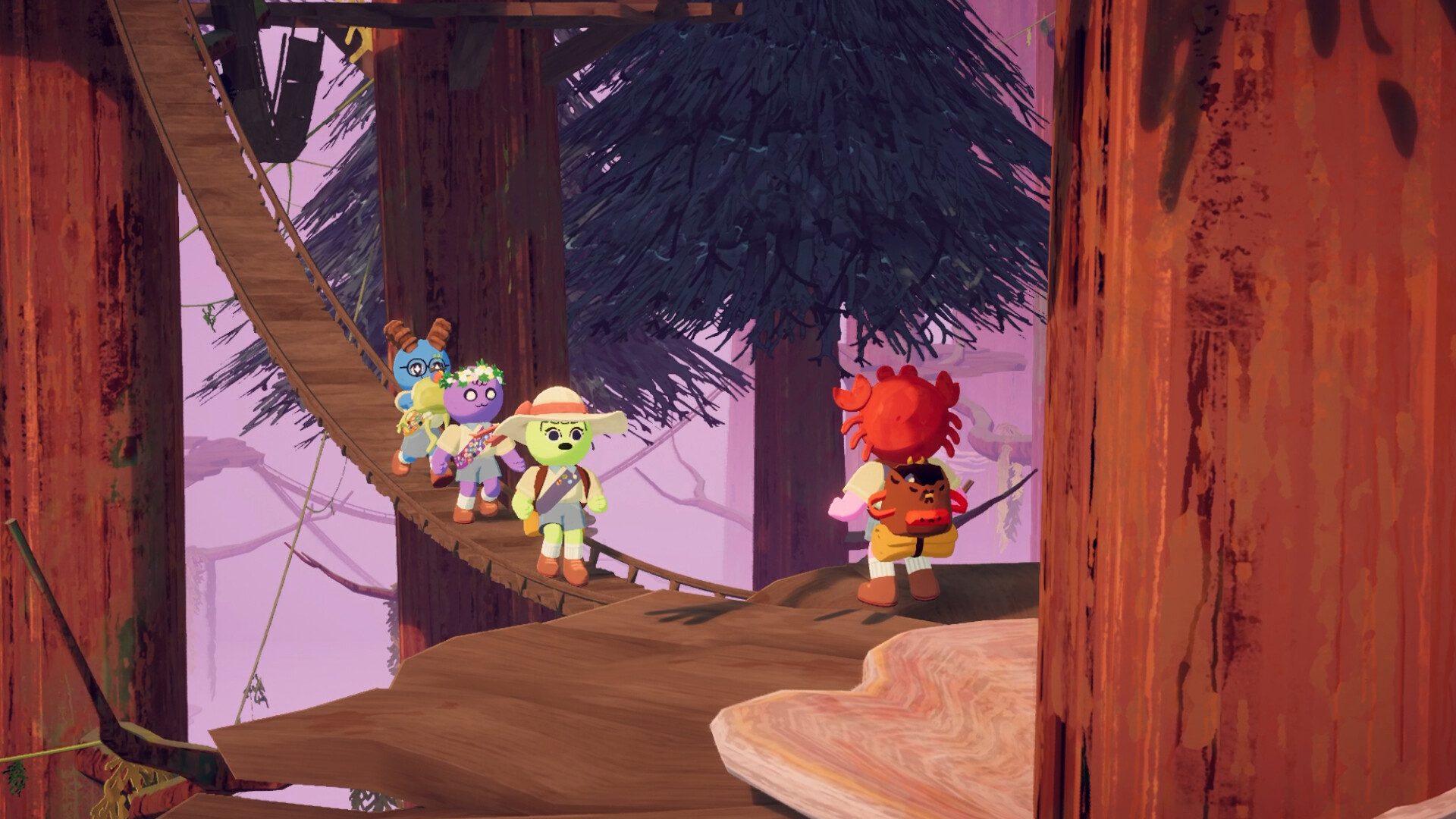
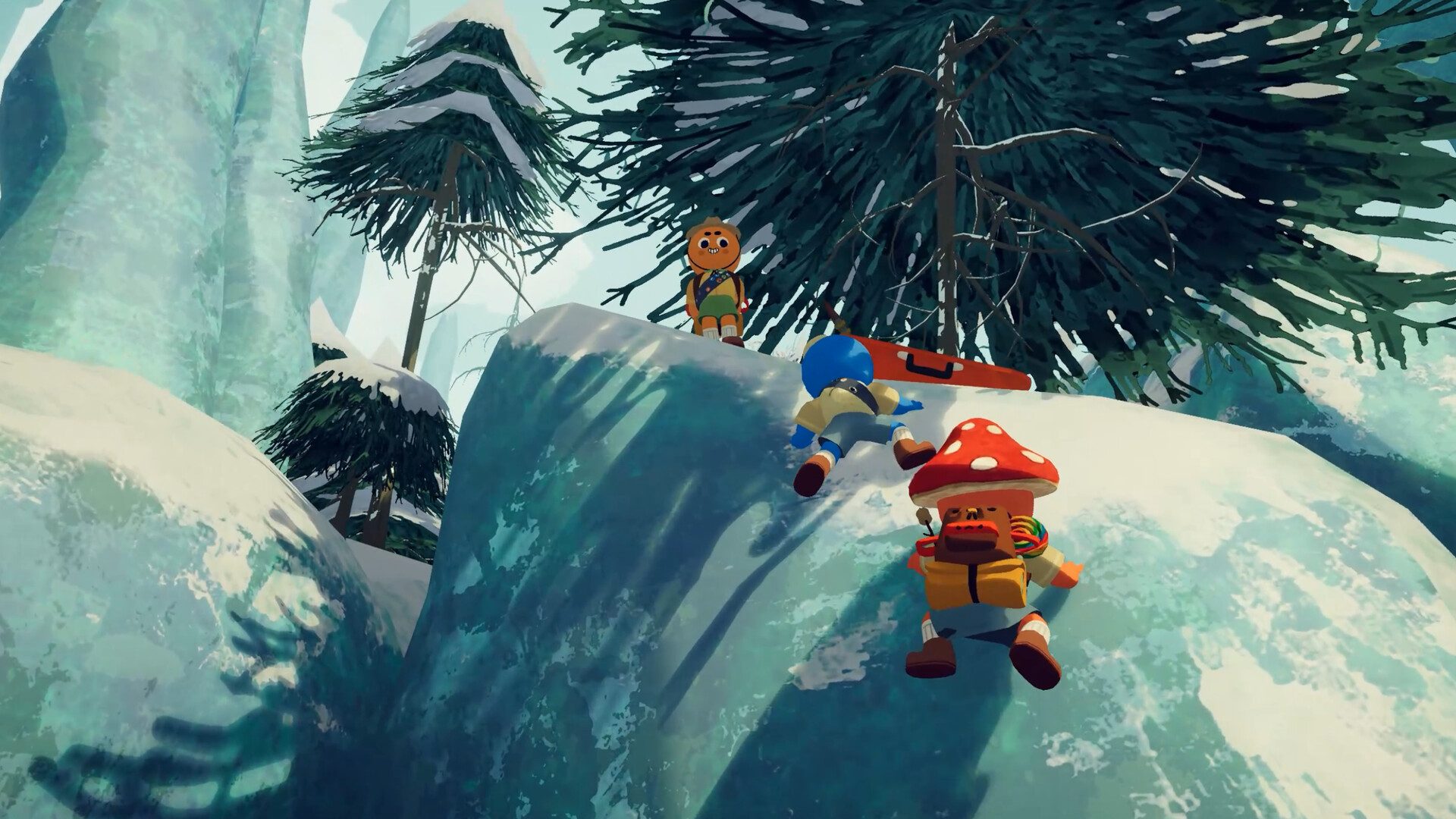
The climb is built around helping each other. Scouts lift teammates onto ledges and leave ropes and climbing spikes behind so that whoever follows has an easier passage. The mountain itself is not fixed — its layout is replaced with a different one every 24 hours, so the route has to be learned again, although the same island can be attempted several times within a day.
The ascent passes through 4 biomes, each with its own hazards. Injuries pile up and cut into stamina, which makes every further hold harder, so food has to be scavenged — much of it of doubtful quality — and every advantage has to be pressed. Survival gear runs from energy drinks to climbing spikes to an item known as the Anti-Rope.
Climbing brings badges to earn and cosmetics to unlock, and the scouts can be customized. Campfires and marshmallows are part of the trip, and fallen climbers may return as ghosts.
Multiplayer is friends-only: up to three other scouts can be invited to climb along, and there is an offline single-player mode for those who go alone. Proximity chat lets the team talk while they are near each other, and co-op works across platforms.
Screenshots


PEAK questions
Can I play PEAK in the cloud?
Yes. PEAK runs on a gaming PC in the WARPLAY.CLOUD network and streams to your browser, phone, tablet or TV app at 60 FPS, with the picture up to Full HD, 1440p or 4K depending on the plan.
Do I need to own PEAK on Steam to play it on WARPLAY.CLOUD?
Yes. The game must be in your own Steam account. You sign in to Steam inside the session and launch the game from there, and saves load from Steam Cloud.
Can I climb with friends in PEAK on WARPLAY.CLOUD?
Yes. Multiplayer is friends-only: you invite up to three other scouts to climb with you, and co-op works across platforms. Each player starts the game from their own Steam account.
Does PEAK work with a controller?
Yes. PEAK supports gamepads as well as keyboard and mouse. Xbox and PlayStation controllers and other Bluetooth or USB gamepads work, and phones also have a touch layout.
What frame rate and resolution does PEAK stream at?
The game streams at 60 FPS, with the picture up to Full HD, 1440p or 4K depending on the plan. A cable or 5 GHz Wi-Fi connection gives the lowest delay, and 15 Mbit/s is enough for Full HD.
Which languages does PEAK support?
The interface and subtitles come in English, French, Italian, German, Spanish for Spain, Japanese, Korean, Brazilian Portuguese, Russian, Simplified Chinese, Latin American Spanish, Ukrainian, Polish, Turkish and Traditional Chinese. There is no voice-over.
Similar games