WARPLAY.CLOUD

Play Poppy Playtime in the cloud
Poppy Playtime is a horror puzzle adventure set in an abandoned toy factory, where a pair of wired mechanical hands is the main tool for survival. Play it in the cloud on WARPLAY.CLOUD, streamed from a gaming PC.
Poppy Playtime is free to play. You need only a free Steam account.
Short answers
- Free to playDo I need to own it?
- On every planWhich plan?
- Almost any screenWhich devices?
- 15 Mbit/s for Full HDWhat internet?
Details
Poppy Playtime is free to play. You need only a free Steam account. How to start
Picture up to Full HD on FREE, up to 1440p on PRO, up to 4K on MAX. 60 FPS on every plan. Compare plans
Chrome or Edge on Windows, Mac, Linux, Chromebook and Android. Safari on iPhone and iPad. Apps for LG and Samsung TVs. All devices
25 Mbit/s for 1440p and 45 Mbit/s for 4K. A cable or 5 GHz Wi-Fi gives the lowest delay. More on internet speed
Works on
- Phones and tablets
- iPhone and iPadAndroid
How to start Poppy Playtime
- Open app.warplay.cloud in Chrome or Edge, or open the Windows, Mac or Linux app, and sign in.
- Find Poppy Playtime and press Play.
- Sign in to a free Steam account. Your saves load from Steam Cloud.
Poppy Playtime on WARPLAY.CLOUD
Poppy Playtime is played with a keyboard and mouse. Gamepads are not supported, so the keyboard layout is the one to use, and it works best on a desktop or laptop — Chrome or Edge on Windows, Mac, Linux or a Chromebook. The browser version also runs on Android devices, though a physical keyboard makes the controls easier there. On iPhone and iPad the game runs in Safari, and on LG and Samsung TVs through the apps; with no gamepad support, those screens are a poor fit for hands-on play.
The interface and subtitles come in English, French, Italian, German, Portuguese (Brazil), Russian, Spanish (Latin America), Japanese and Korean. Voice acting is in English, Portuguese (Brazil), Spanish (Latin America) and Korean, with the other languages carrying the dialogue as text.
The game is free to play, so the player signs in to Steam inside the session and starts it without buying anything. Saves load from Steam Cloud.
The game streams at 60 FPS, with the picture up to Full HD, 1440p or 4K depending on the plan. A steady connection matters: 15 Mbit/s is enough for Full HD, and a cable or 5 GHz Wi-Fi gives the lowest delay.
About the game
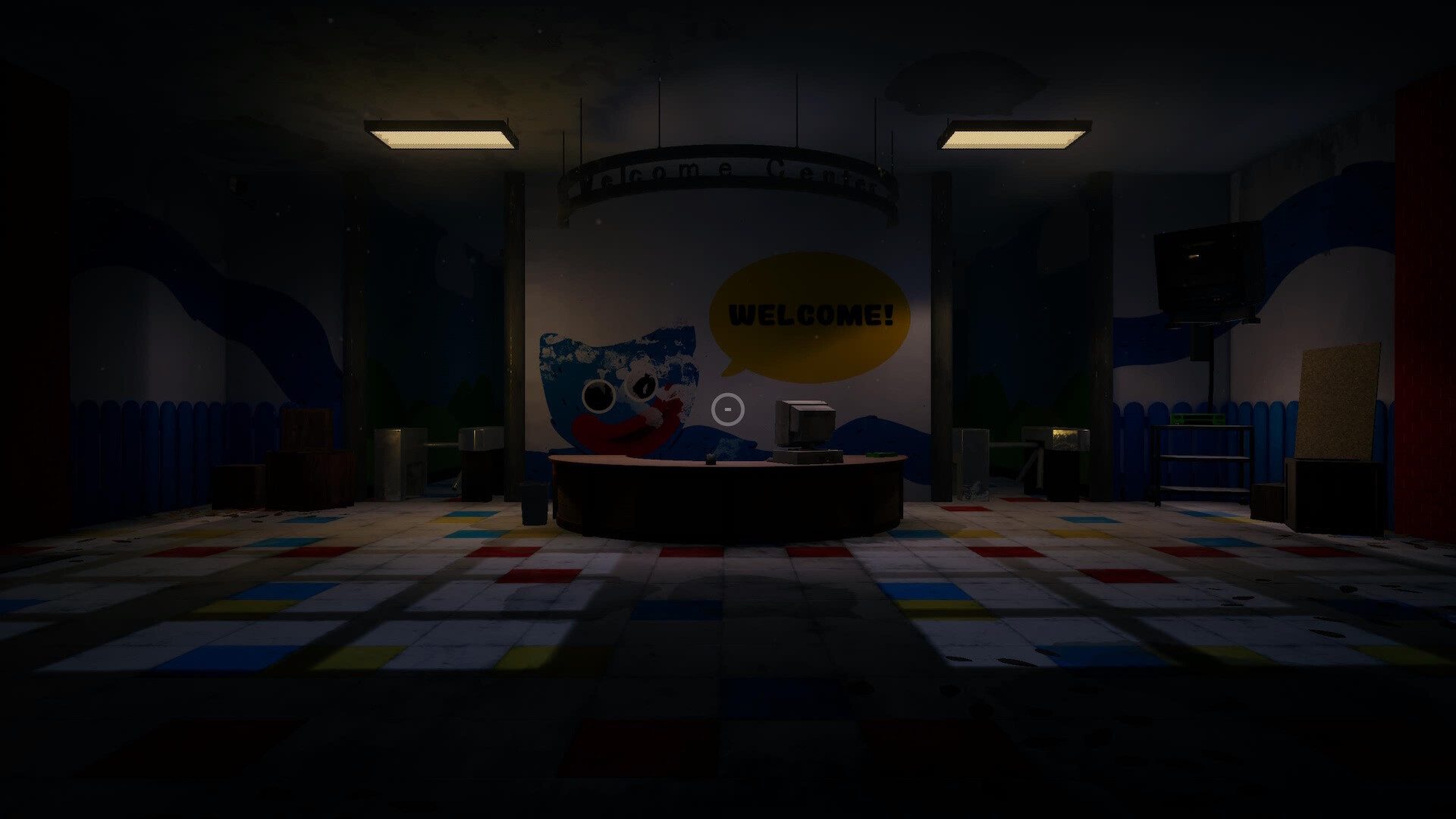
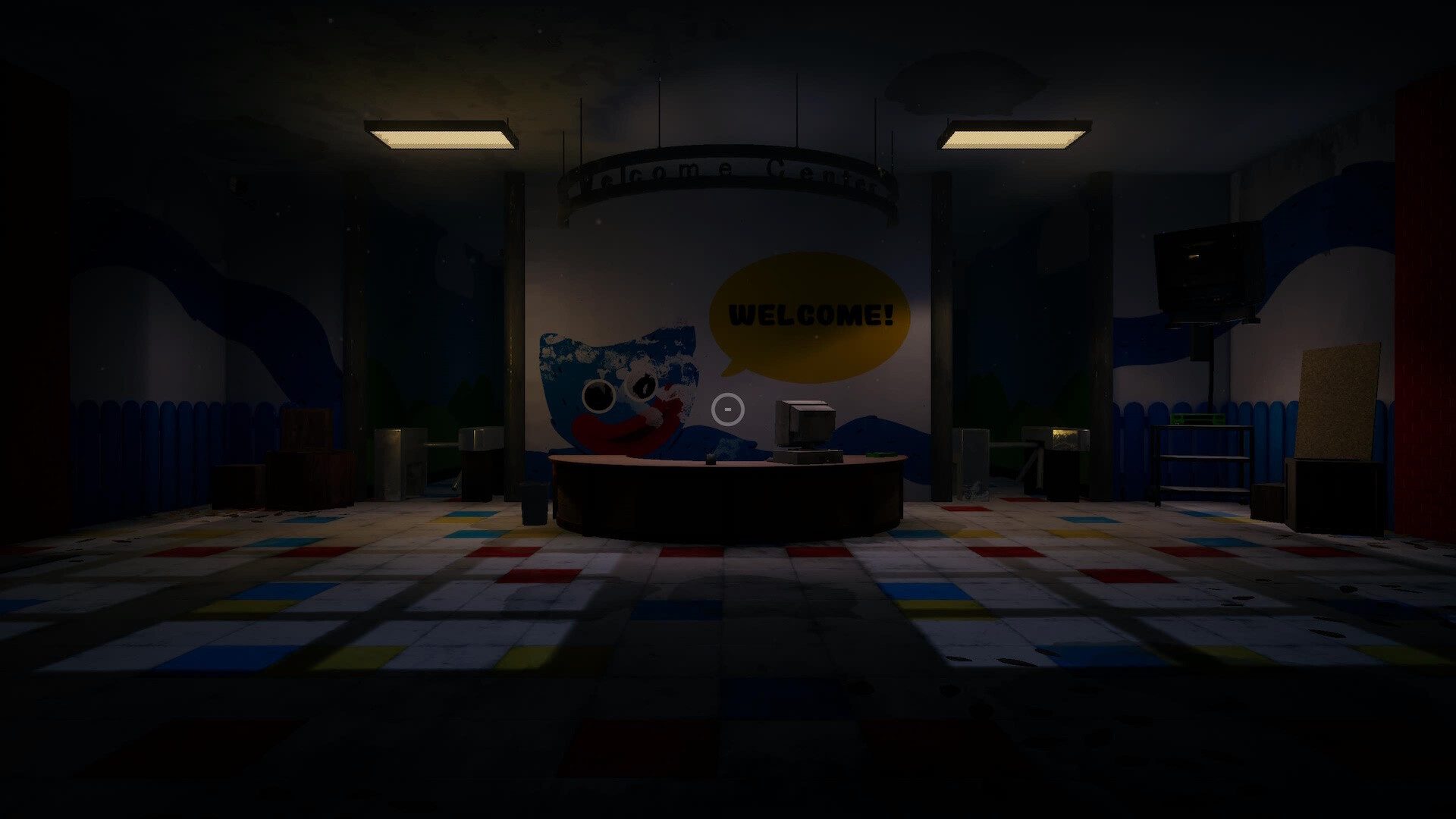
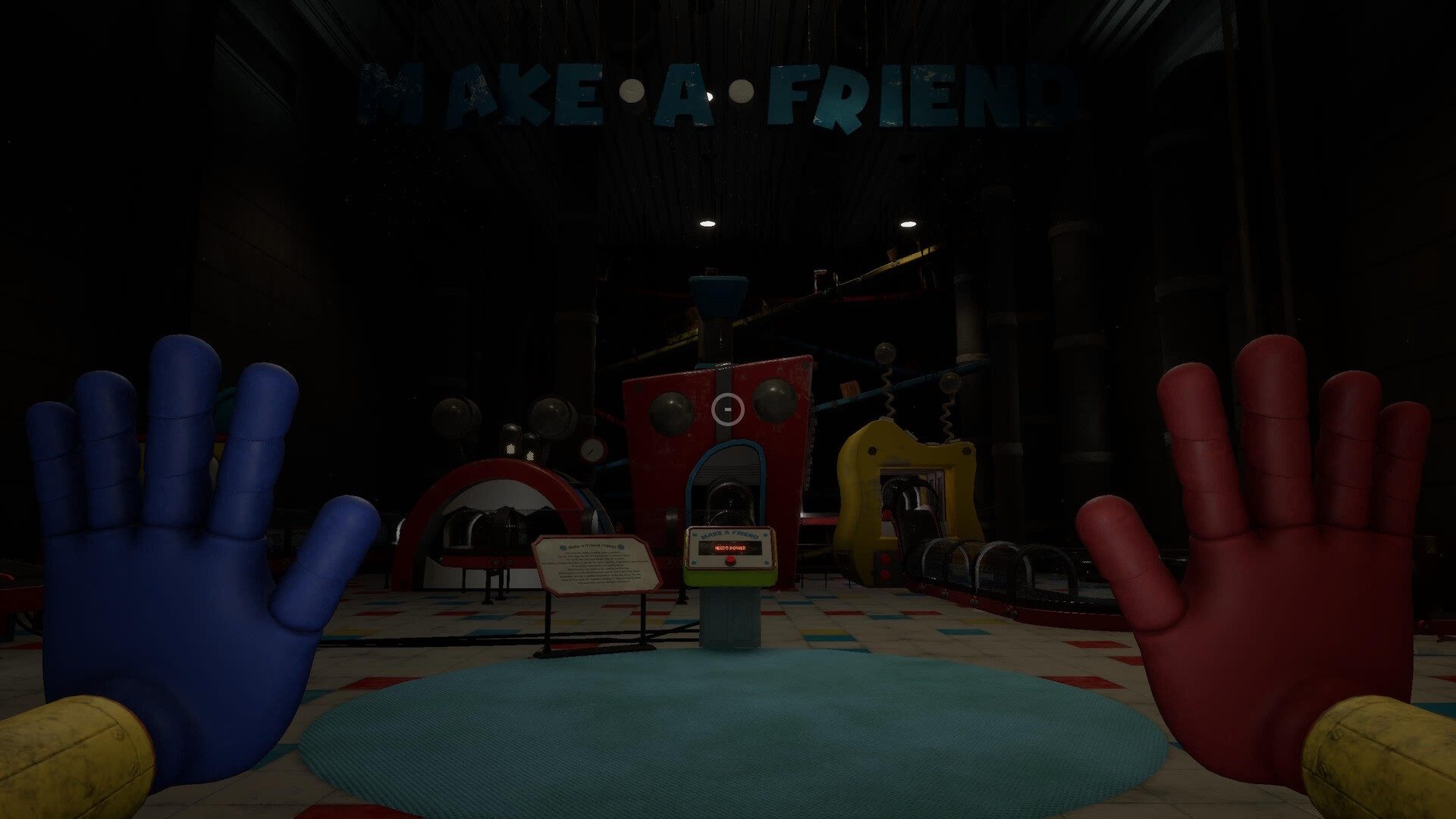
Playtime Co. was once the biggest name in toy manufacturing. Then everyone inside the factory disappeared in a single day, and the building was left to stand empty. Years later the player enters that deserted facility to work out what happened there.
Read more
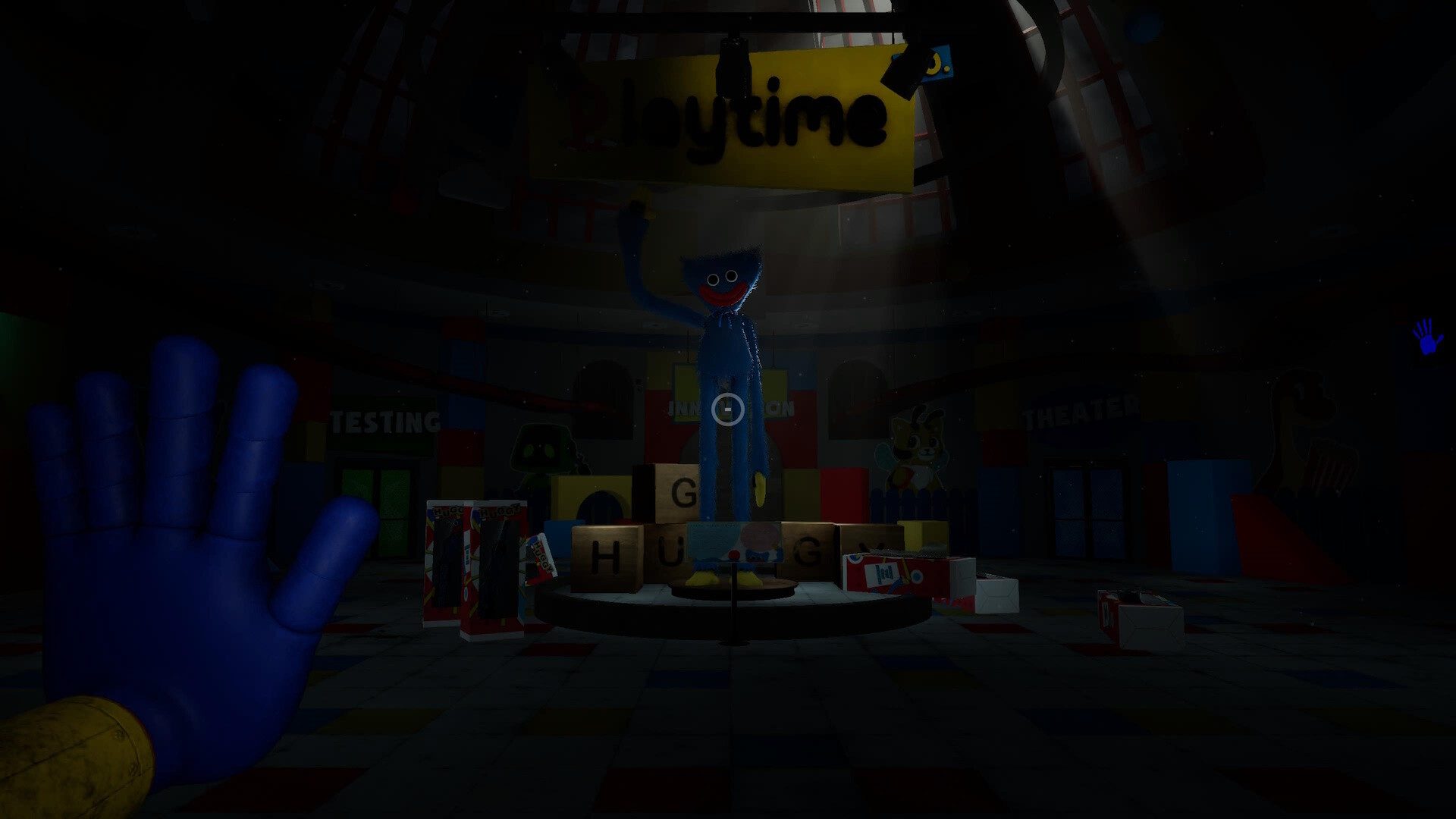
The factory is not as lifeless as it seems. Its toys are still around — a large cast of characters, among them Huggy, Poppy, Bot and Catbee — and they are not glad to see a visitor. Staying alive means moving carefully through the rooms, solving puzzles and keeping out of the reach of the toys that hunt the player.
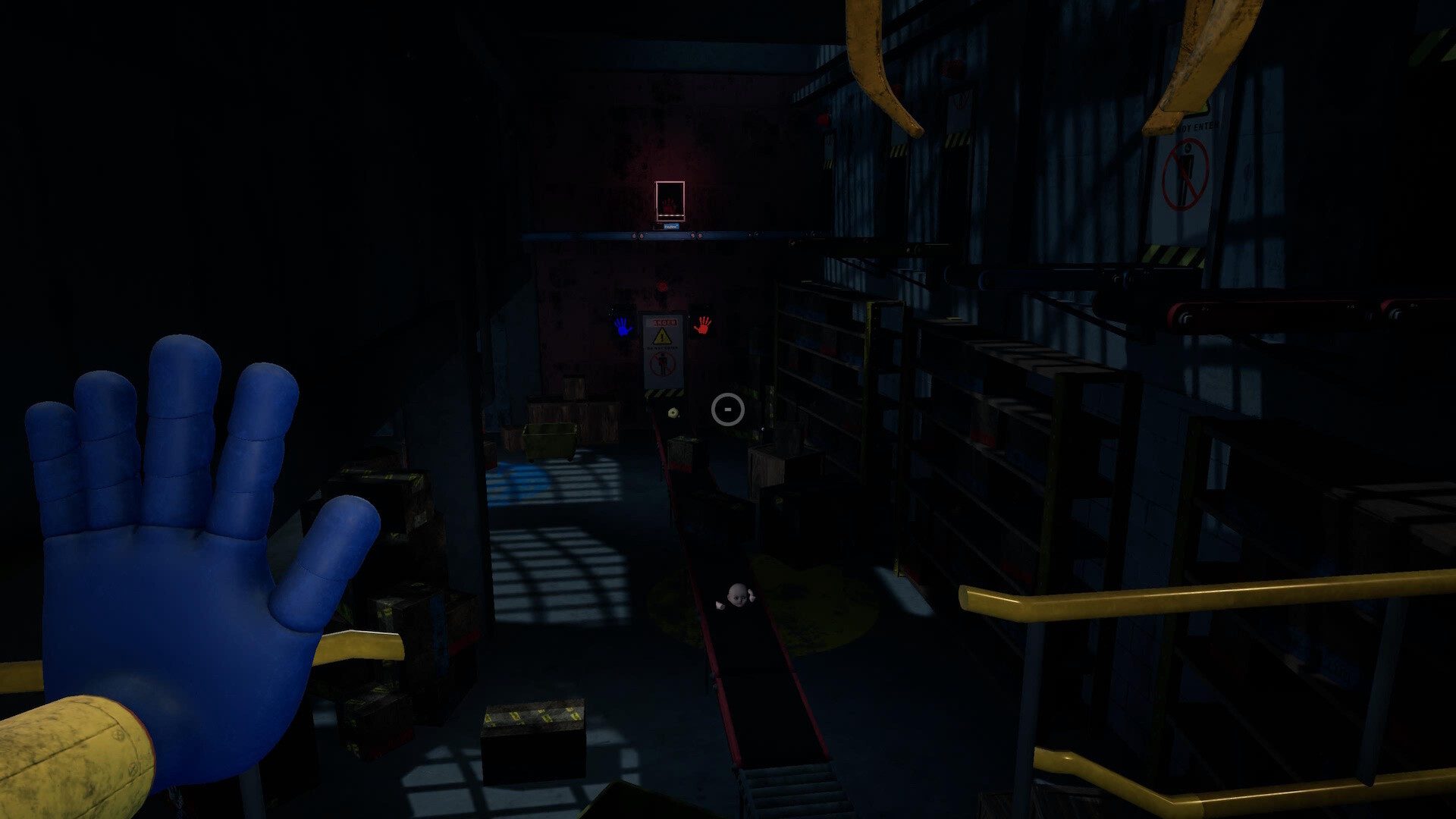
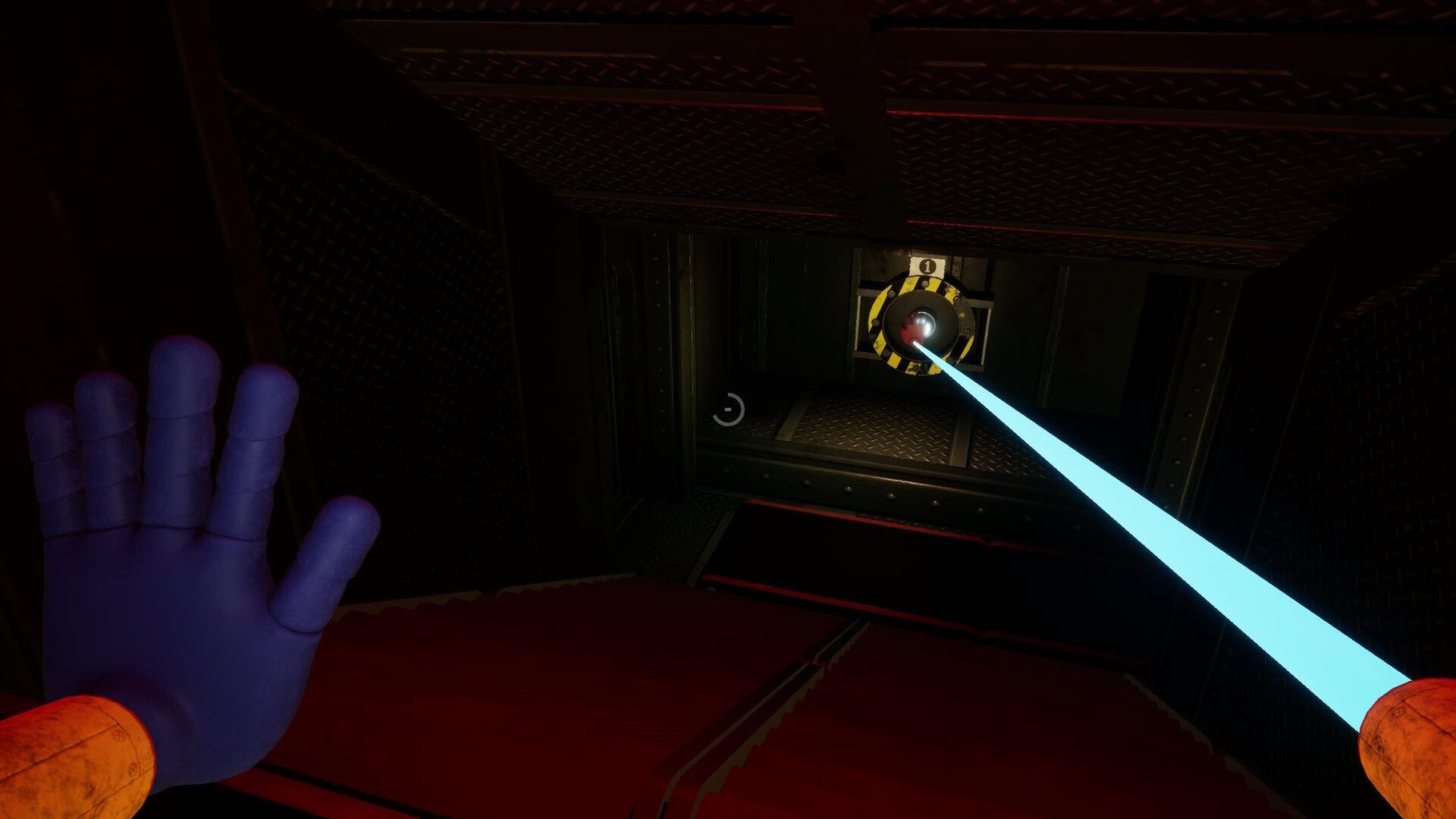
The central tool is the GrabPack, a wearable backpack with two artificial hands attached on steel wire. Its grip is strong enough to move heavy objects, the wire is long and flexible enough to reach whatever is needed at a distance, and it conducts electricity, which makes powering circuits possible. The only limit is how far the wire stretches. With it the player opens routes, restores power and pulls faraway items closer.
The game blends horror with puzzle adventure: exploring a mysterious facility, understanding how its systems work, and handling moments when being noticed is dangerous. The base game includes the opening chapter, and later chapters come as DLC.
Video and screenshots

Poppy Playtime questions
Is Poppy Playtime free to play on WARPLAY.CLOUD?
Yes, the game is free to play. The player signs in to Steam in the session and starts it without buying anything.
Do I need Poppy Playtime in my own Steam account?
The game is free to play, so nothing has to be in the library beyond signing in to Steam in the session. Saves load from Steam Cloud.
Can I play Poppy Playtime with a controller?
No, gamepads are not supported. The game is played with a keyboard and mouse.
Which devices can run Poppy Playtime in the cloud?
Chrome or Edge on Windows, Mac, Linux, Chromebook and Android, Safari on iPhone and iPad, and the apps for LG and Samsung TVs. A keyboard and mouse work best on a computer.
What internet speed does Poppy Playtime need in the cloud?
15 Mbit/s is enough for Full HD. A cable or 5 GHz Wi-Fi connection gives the lowest delay.
What picture quality and frame rate do I get?
The game streams at 60 FPS, with the picture up to Full HD, 1440p or 4K depending on the plan.
Similar games






Play Poppy Playtime now