WARPLAY.CLOUD

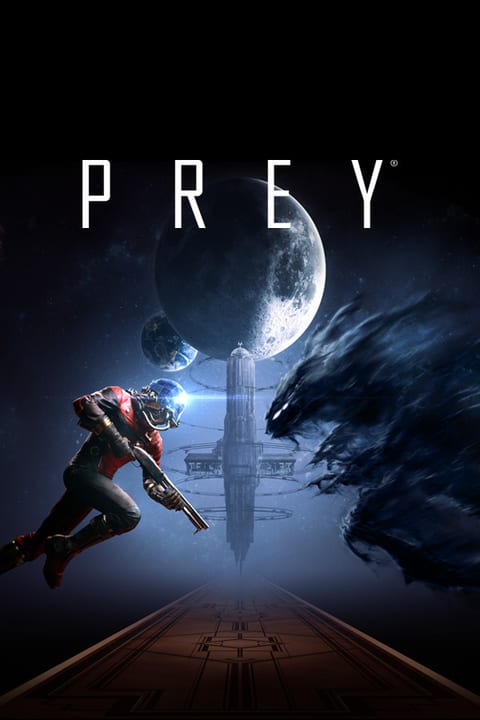
Play Prey in the cloud
Prey is a first-person sci-fi action adventure set aboard a space station that hostile alien life has taken over, where you survive with weapons, improvised tools and abilities taken from the aliens themselves. Play it in the cloud on WARPLAY.CLOUD.
Prey must be in your Steam account. Nothing extra to buy from WARPLAY.CLOUD.
Short answers
- Own it on SteamDo I need to own it?
- On every planWhich plan?
- Almost any screenWhich devices?
- 15 Mbit/s for Full HDWhat internet?
Details
Prey must be in your Steam account, the same copy you play at home. Nothing extra to buy from WARPLAY.CLOUD. How to start
Picture up to Full HD on FREE, up to 1440p on PRO, up to 4K on MAX. 60 FPS on every plan. Compare plans
Chrome or Edge on Windows, Mac, Linux, Chromebook and Android. Safari on iPhone and iPad. Apps for LG and Samsung TVs. All devices
25 Mbit/s for 1440p and 45 Mbit/s for 4K. A cable or 5 GHz Wi-Fi gives the lowest delay. More on internet speed
Works on
- Phones and tablets
- iPhone and iPadAndroid
How to start Prey
- Open app.warplay.cloud in Chrome or Edge, or open the Windows, Mac or Linux app, and sign in.
- Find Prey and press Play.
- Sign in to the Steam account that has Prey. Your saves load from Steam Cloud.
- Install the WARPLAY.CLOUD app on your LG TV (webOS) or Samsung TV (Tizen) and sign in.
- Connect an Xbox or PlayStation gamepad, or another Bluetooth or USB controller.
- Pick Prey and press Play. On Steam's sign-in screen, scan the QR code with the Steam Mobile app.
- On iPhone or iPad, open app.warplay.cloud in Safari and add it to the Home Screen. On Android, open it in Chrome.
- Connect a gamepad, or use the touch layout.
- Pick Prey, press Play, then sign in to Steam.
Prey on WARPLAY.CLOUD
Prey runs on a gaming PC in the WARPLAY.CLOUD network and streams to your screen at 60 FPS, with the picture reaching Full HD, 1440p or 4K depending on the plan. Nothing extra needs to be bought from WARPLAY.CLOUD: the game starts in your own Steam account, so you sign in to Steam inside the session and the game must be in that account. Saves load from Steam Cloud.
The game supports both keyboard and mouse and a gamepad. On a computer, through Chrome or Edge on Windows, Mac, Linux or a Chromebook, the keyboard and mouse setup suits aiming and reading the station's terminals. On a TV through the LG or Samsung app, or on an Android device, an Xbox or PlayStation controller works well, and other Bluetooth or USB controllers are supported as well. On phones the touch layout is available alongside a controller.
Interface, voice-over and subtitles come in English, French, Italian, German, Spanish (Spain), Polish, Portuguese (Brazil), Russian and Japanese. Traditional Chinese and Simplified Chinese offer interface and subtitles without voice-over.
For the lowest delay, use a cable or 5 GHz Wi-Fi; 15 Mbit/s is enough for Full HD.
About the game
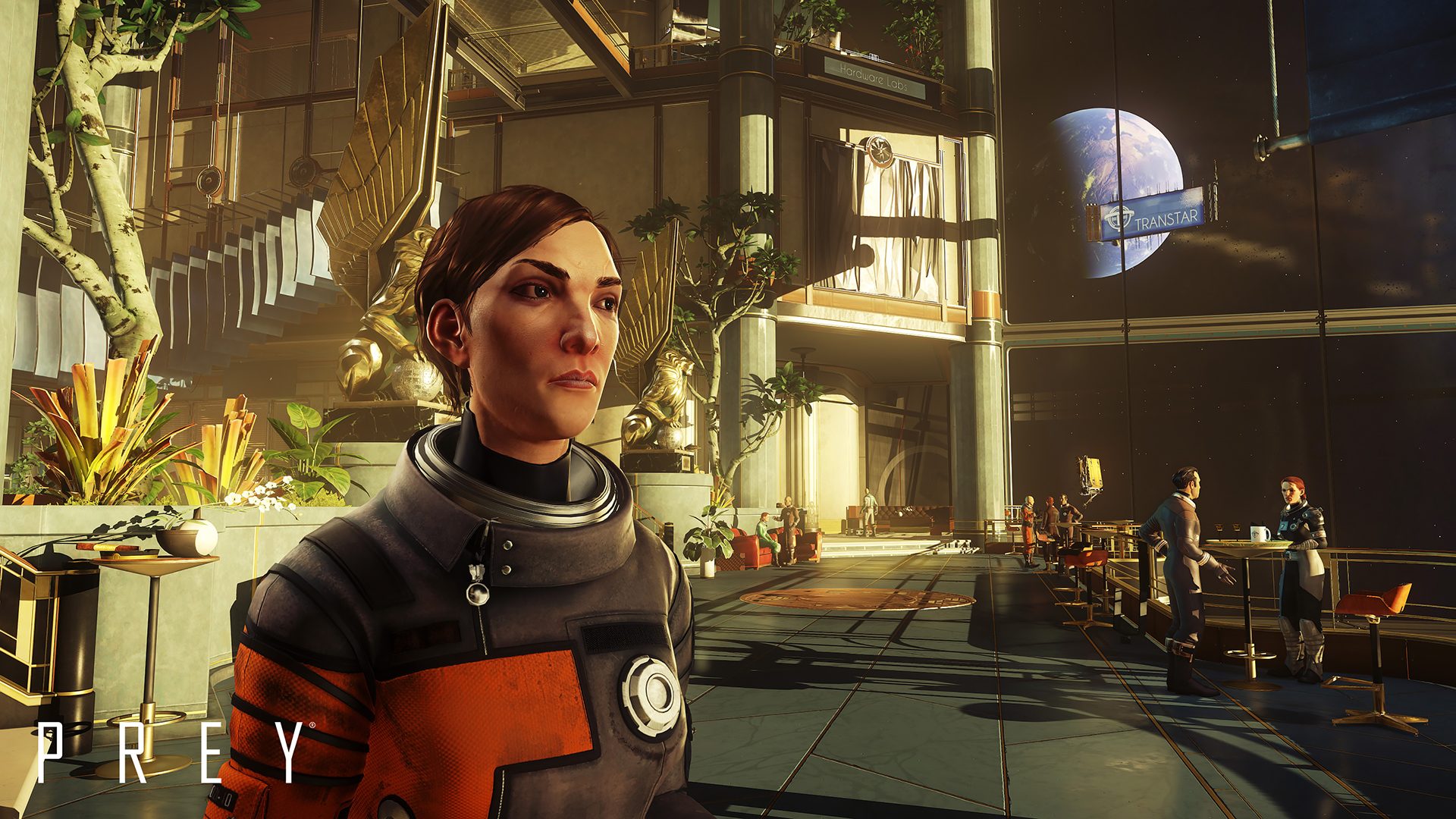
Prey is a first-person sci-fi thriller set in 2032 aboard Talos I, a private space station circling the Moon. You wake up as Morgan Yu, the central figure of an experiment with far-reaching intentions, and quickly learn that hostile alien life has taken over the station. The corridors are no longer safe, and something is actively hunting you.
Read more
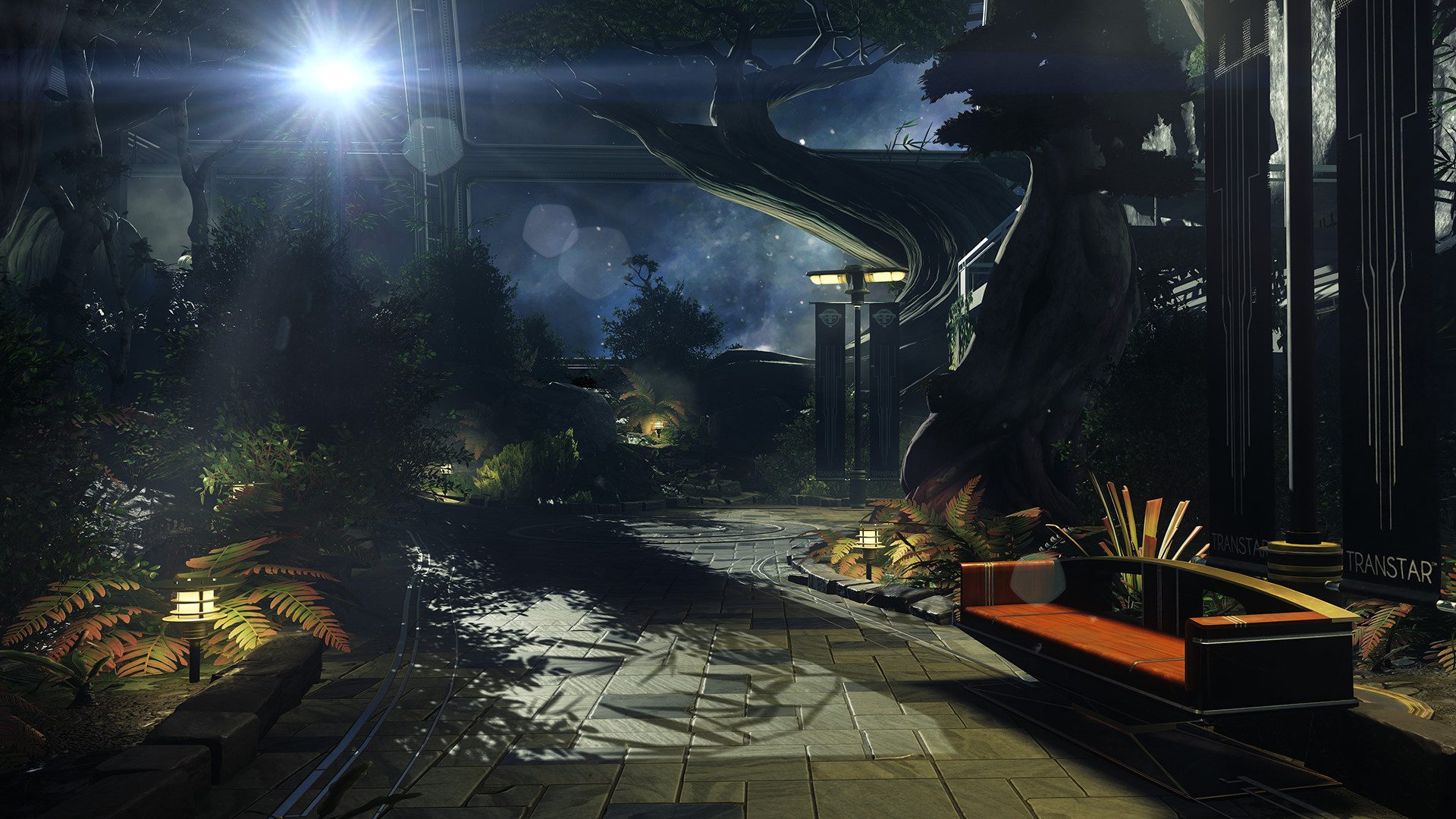
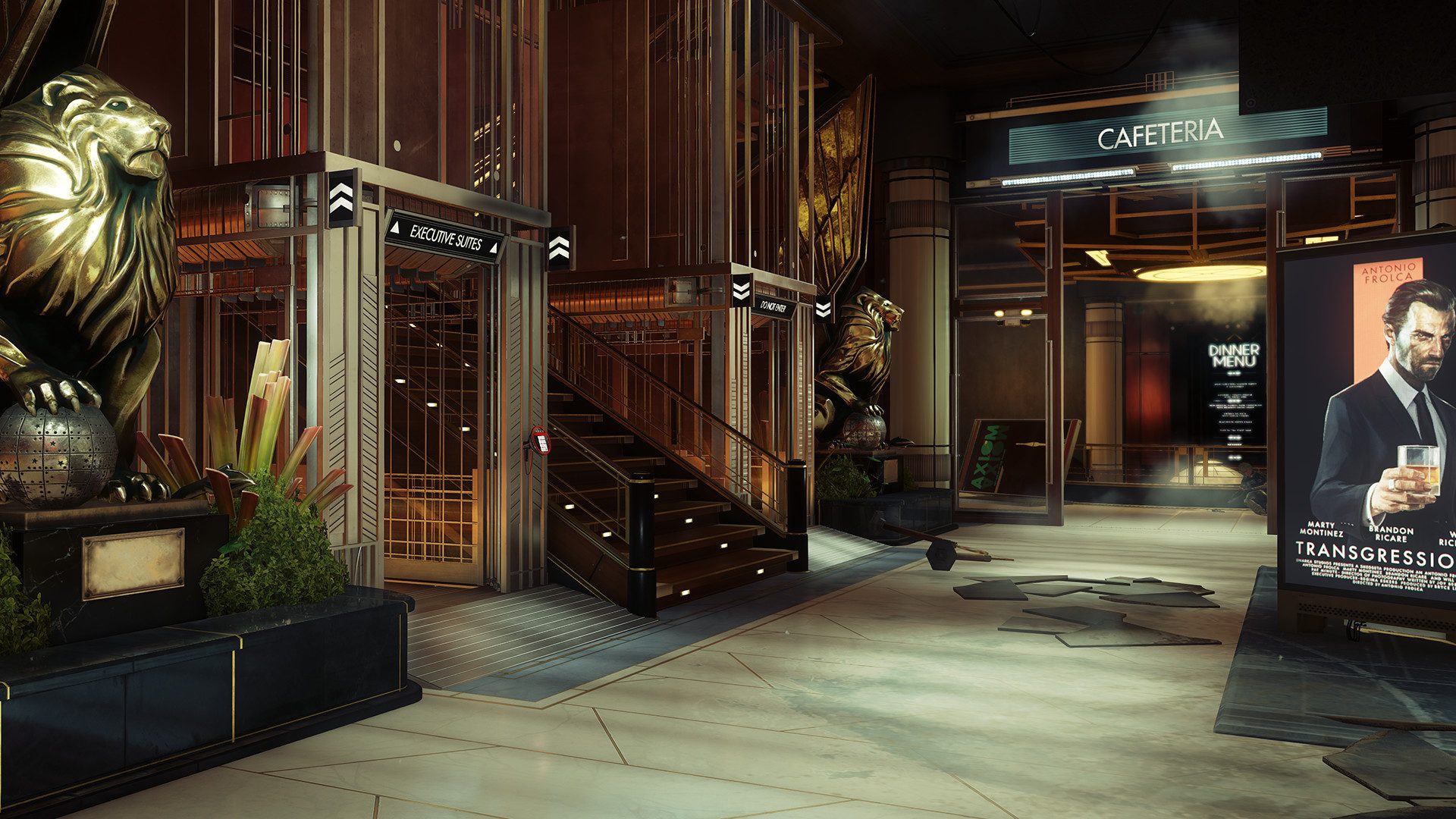
The station itself is the centrepiece: a lavish craft built to reflect the corporate style of the 1960s, with interconnected routes that reward exploration and hide a great many secrets. Uncovering what happened means following clues your own character left behind and piecing together your past, your part in TranStar's plans, and the nature of the threat spreading through the decks.
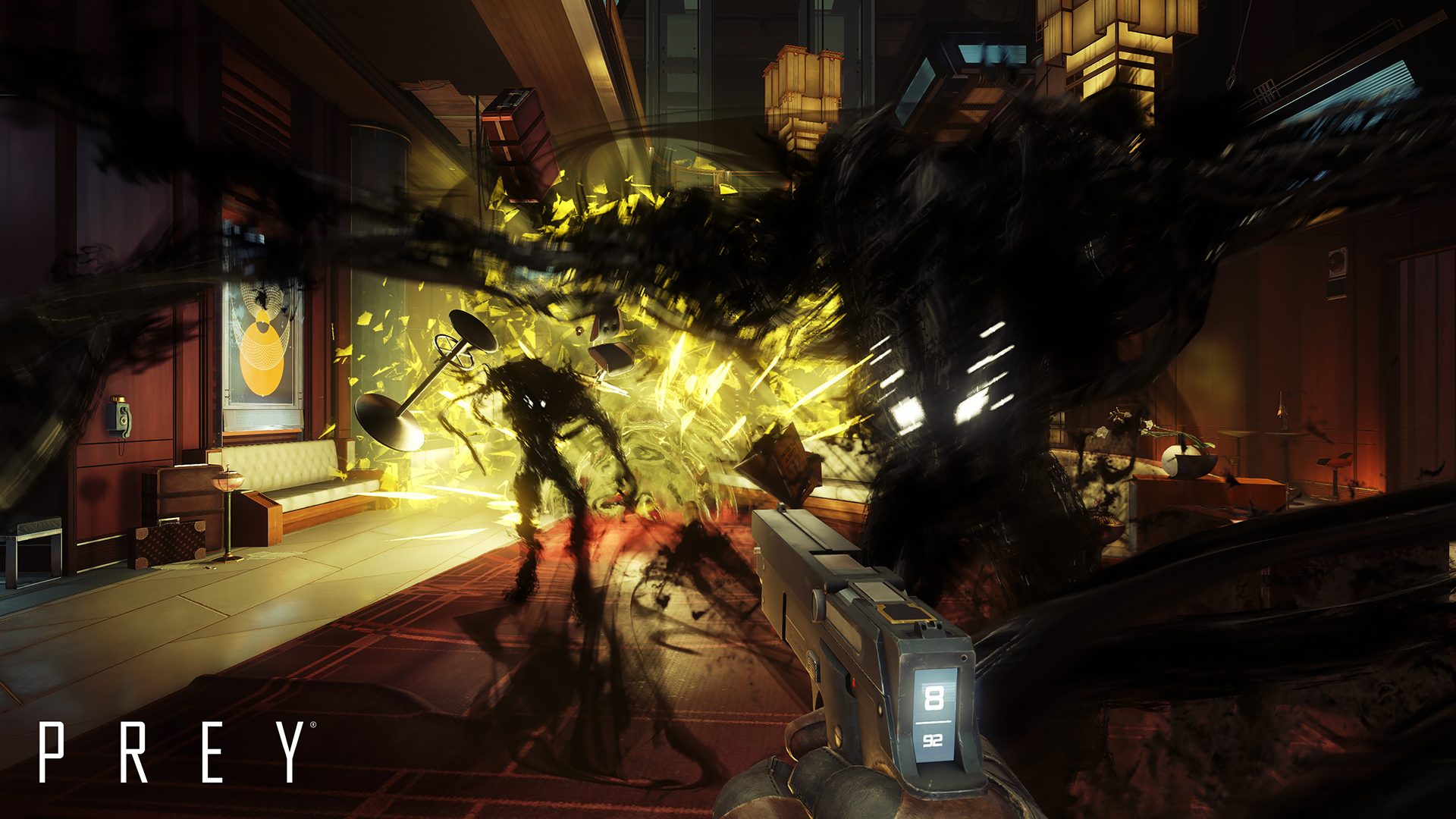
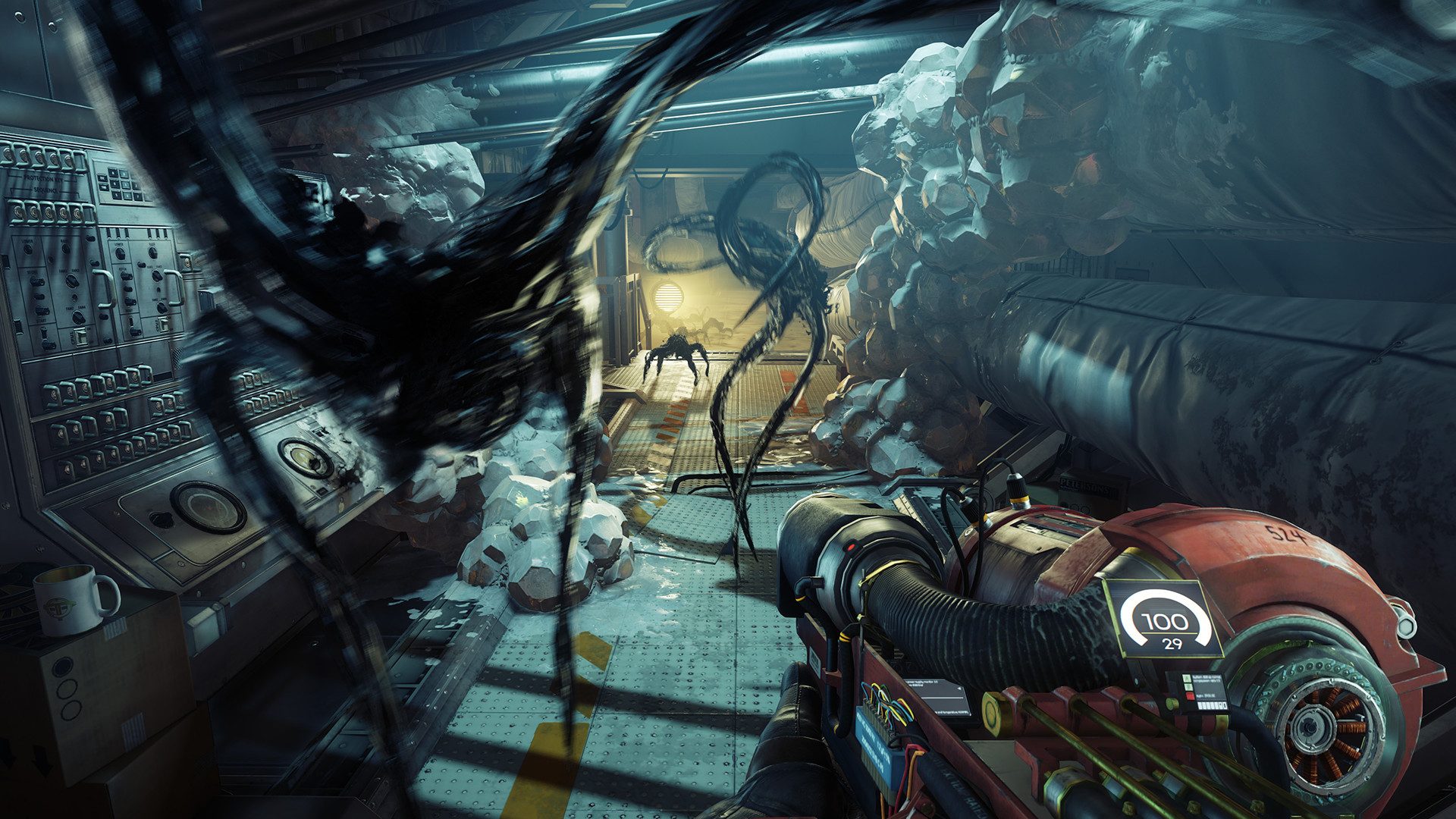
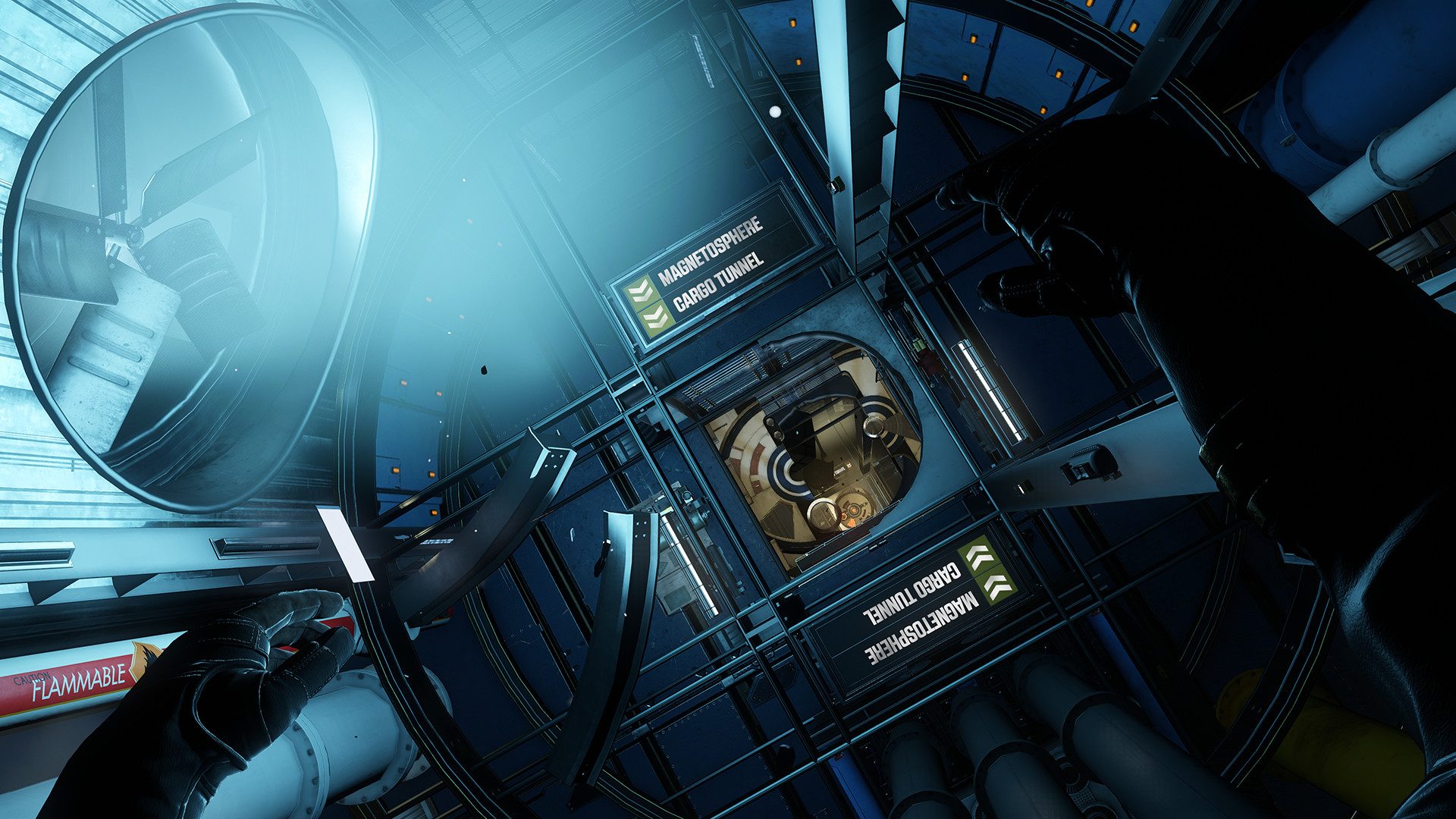
The alien presence behaves like a living ecology rather than a set of simple enemies, and you are among the few survivors left to stop it. Progress comes from combining what is on board: weapons, improvised gadgets, blueprints for crafting, and powers drawn from the aliens themselves. Skill upgrades and alien abilities can be mixed into a build of your own choosing, so obstacles can be handled with stealth, force or invention.
The result is a single-player action adventure about improvisation and discovery, where the station's layout and the abilities you assemble shape how each problem gets solved.
Video and screenshots



Prey questions
Can I play Prey in the cloud on WARPLAY.CLOUD?
Yes. The game runs on a gaming PC in the WARPLAY.CLOUD network and streams to your screen at 60 FPS, with picture up to Full HD, 1440p or 4K depending on the plan.
Do I need to own Prey on Steam to play it here?
Yes. The game has to be in your own Steam account. You sign in to Steam inside the session, and saves load from Steam Cloud.
Which controllers work with Prey on WARPLAY.CLOUD?
Xbox and PlayStation controllers are supported, along with other Bluetooth or USB controllers. Keyboard and mouse also work, and phones offer a touch layout.
What internet speed do I need for Prey in the cloud?
15 Mbit/s is enough for Full HD. A cable or 5 GHz Wi-Fi connection gives the lowest delay.
Can I play Prey on a phone or a TV?
Yes. The service works through Chrome or Edge on Android, through Safari on iPhone and iPad, and through apps for LG and Samsung TVs.
What languages does Prey support?
Interface, voice and subtitles are available in English, French, Italian, German, Spanish (Spain), Polish, Portuguese (Brazil), Russian and Japanese. Traditional and Simplified Chinese provide interface and subtitles only.
Similar games