WARPLAY.CLOUD

Play Resident Evil 2 in the cloud
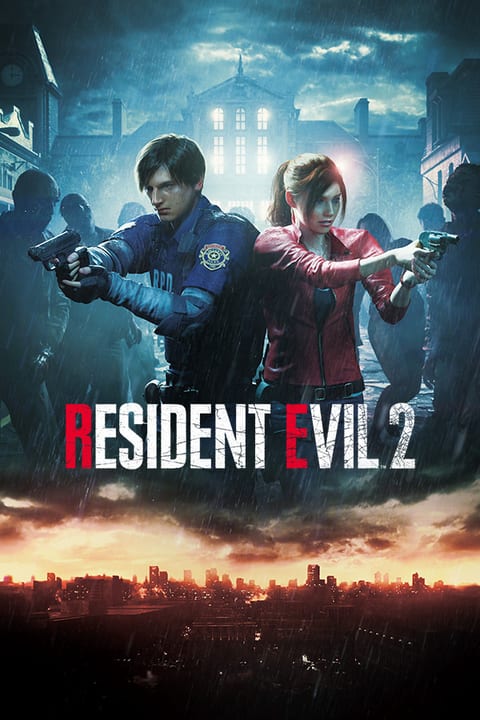
Resident Evil 2 is a survival horror action game in which Leon Kennedy and Claire Redfield try to escape a zombie-infested Raccoon City. Play it in the cloud on WARPLAY.CLOUD.
Resident Evil 2 must be in your Steam account. Nothing extra to buy from WARPLAY.CLOUD.
Short answers
- Own it on SteamDo I need to own it?
- On every planWhich plan?
- Almost any screenWhich devices?
- 15 Mbit/s for Full HDWhat internet?
Details
Resident Evil 2 must be in your Steam account, the same copy you play at home. Nothing extra to buy from WARPLAY.CLOUD. How to start
Picture up to Full HD on FREE, up to 1440p on PRO, up to 4K on MAX. 60 FPS on every plan. Compare plans
Chrome or Edge on Windows, Mac, Linux, Chromebook and Android. Safari on iPhone and iPad. Apps for LG and Samsung TVs. All devices
25 Mbit/s for 1440p and 45 Mbit/s for 4K. A cable or 5 GHz Wi-Fi gives the lowest delay. More on internet speed
Works on
- Phones and tablets
- iPhone and iPadAndroid
How to start Resident Evil 2
- Open app.warplay.cloud in Chrome or Edge, or open the Windows, Mac or Linux app, and sign in.
- Find Resident Evil 2 and press Play.
- Sign in to the Steam account that has Resident Evil 2. Your saves load from Steam Cloud.
- Install the WARPLAY.CLOUD app on your LG TV (webOS) or Samsung TV (Tizen) and sign in.
- Connect an Xbox or PlayStation gamepad, or another Bluetooth or USB controller.
- Pick Resident Evil 2 and press Play. On Steam's sign-in screen, scan the QR code with the Steam Mobile app.
- On iPhone or iPad, open app.warplay.cloud in Safari and add it to the Home Screen. On Android, open it in Chrome.
- Connect a gamepad, or use the touch layout.
- Pick Resident Evil 2, press Play, then sign in to Steam.
Resident Evil 2 on WARPLAY.CLOUD
Resident Evil 2 supports both a gamepad and keyboard and mouse, so aiming over the shoulder works either way. An Xbox or PlayStation controller, or another Bluetooth or USB pad, connects to the session, and on a phone the touch layout is also available. A mouse gives the most precise aiming and quick turns, while a controller suits players who prefer analogue movement.
The game streams from a gaming PC in the WARPLAY.CLOUD network at 60 FPS, and the picture goes up to Full HD, 1440p or 4K depending on the plan. A cable or 5 GHz Wi-Fi keeps the delay lowest, and 15 Mbit/s is enough for Full HD. You can play in Chrome or Edge on Windows, Mac, Linux, Chromebook and Android, in Safari on iPhone and iPad, and through the apps for LG and Samsung TVs.
Interface, voice and subtitles come in English, French, Italian, German, Spanish (Spain), Simplified Chinese and Japanese. Polish, Russian, Traditional Chinese, Korean, Portuguese (Brazil), Arabic, Thai and Spanish (Latin America) offer interface and subtitles without voice.
Resident Evil 2 is a Steam game, so it has to be in your own Steam account. You sign in to Steam inside the session, and saves load from Steam Cloud. There is nothing extra to buy from WARPLAY.CLOUD for a game you already own on Steam.
About the game
Resident Evil 2 is a survival horror action game that reworks the 1998 original for modern systems. The story opens in September 1998, when a virus spreads through the people of Raccoon City, turns them into aggressive undead and throws the streets into disorder.
Read more
Two characters carry the story: Leon S. Kennedy, a rookie police officer on his first day, and Claire Redfield, a college student searching for her brother. The outbreak brings them together, and each has a separate campaign, so events can be followed from two points of view.
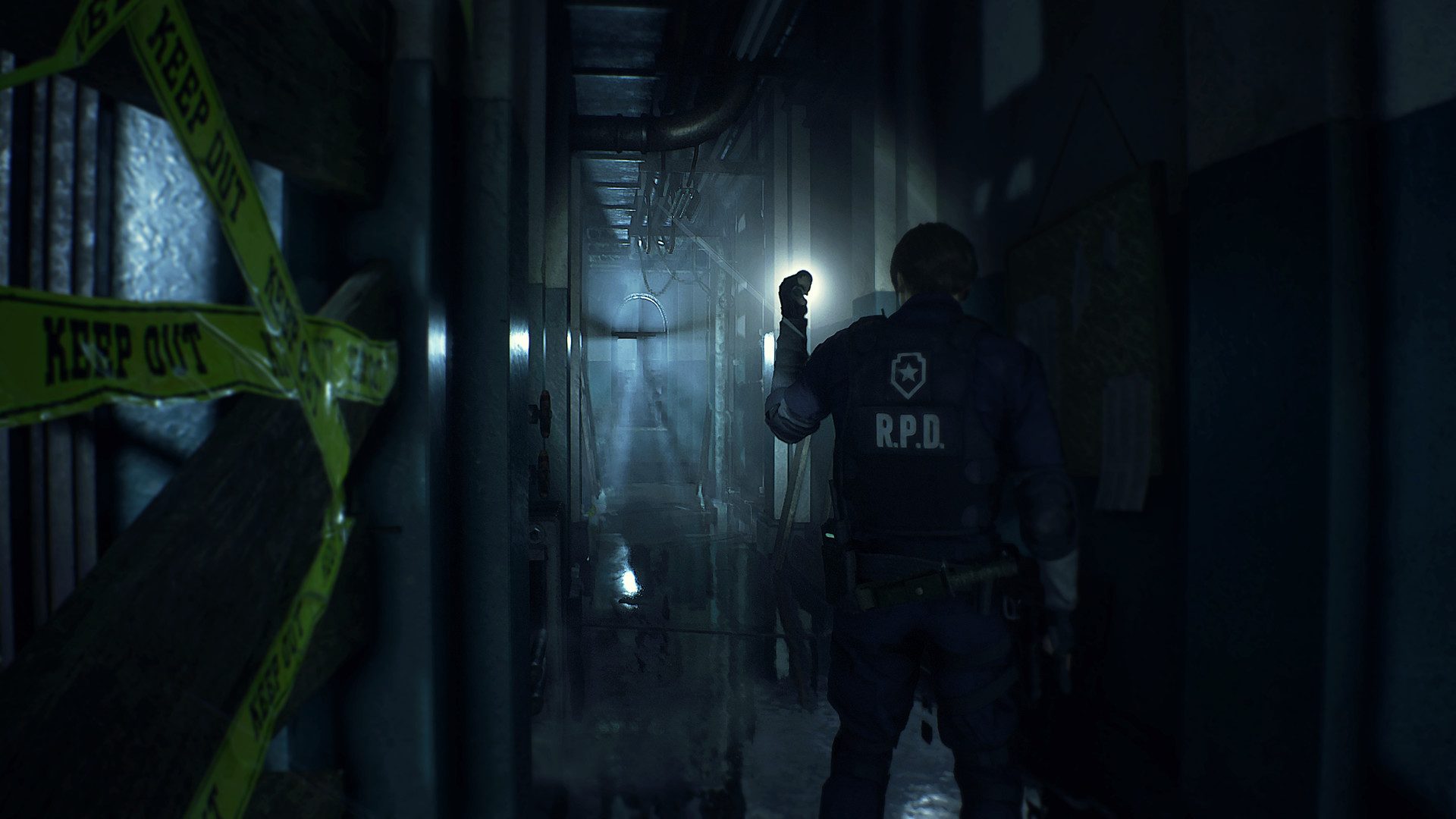
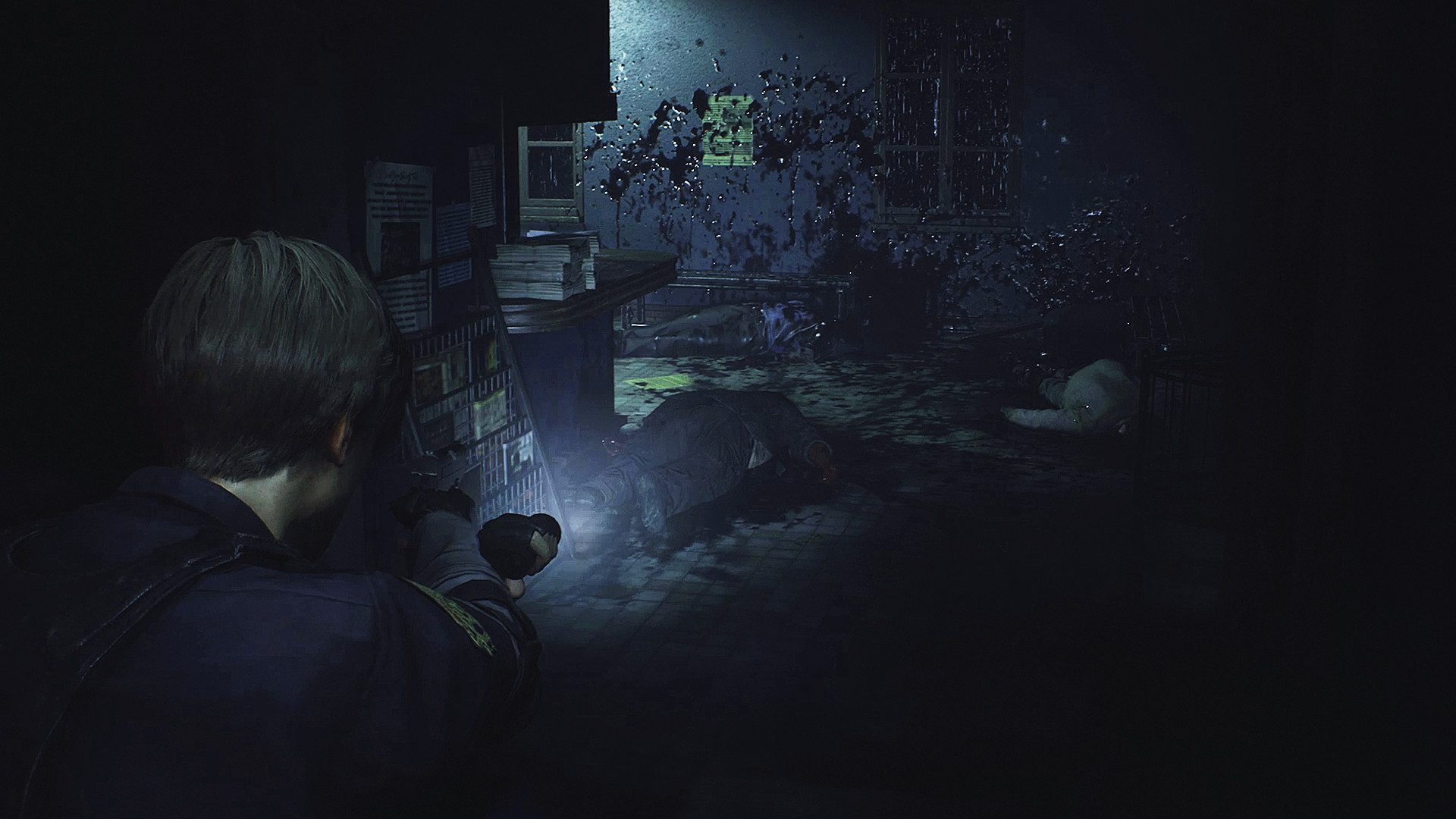
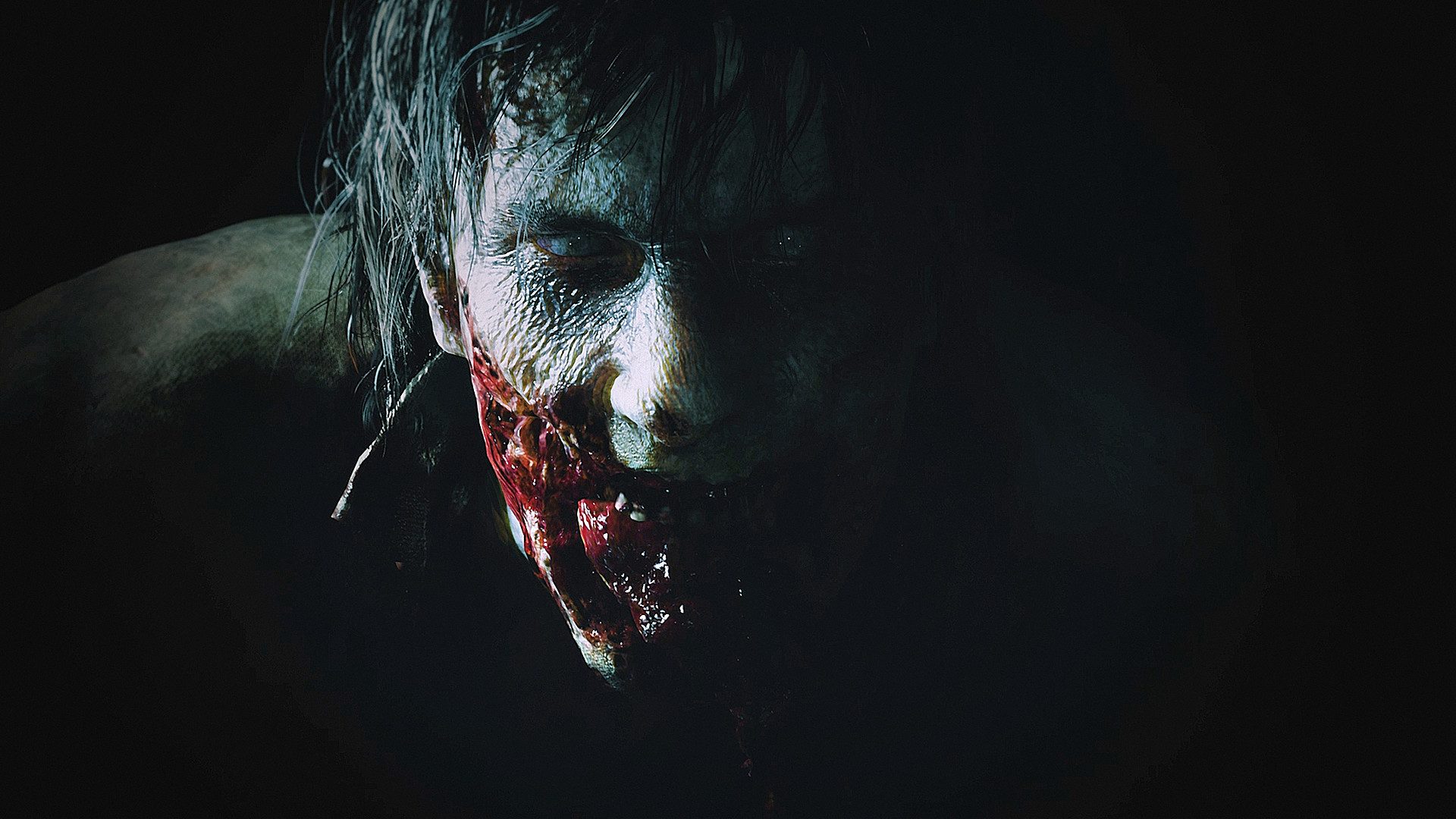
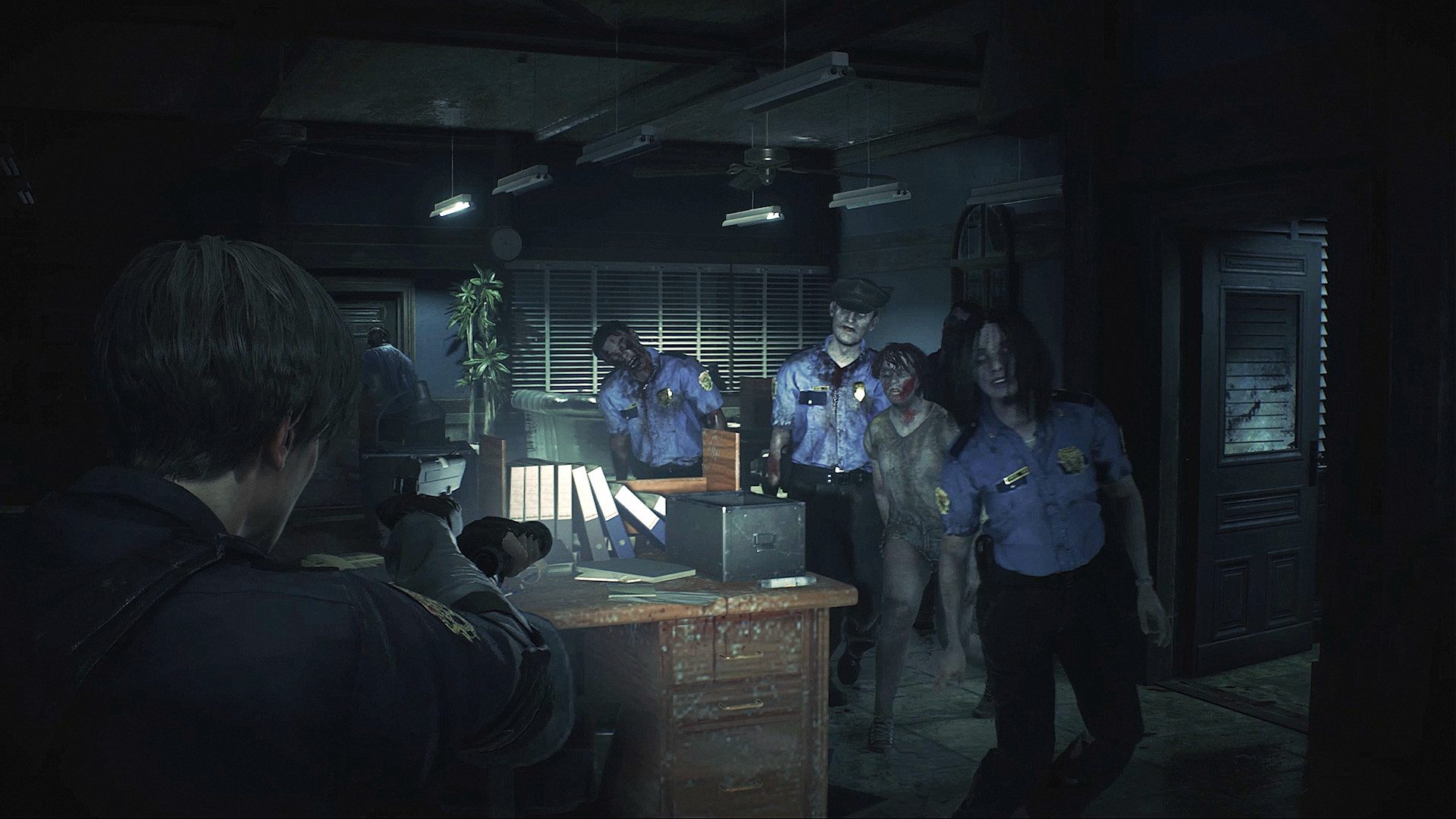
The camera sits over the shoulder and the controls are modernized, while gameplay modes from the 1998 release remain. Exploring dark corridors, solving puzzles and fighting enemies form the core loop. Items found in the environment are collected and used, ammunition is limited, and zombies react to hits in real time with visible damage.
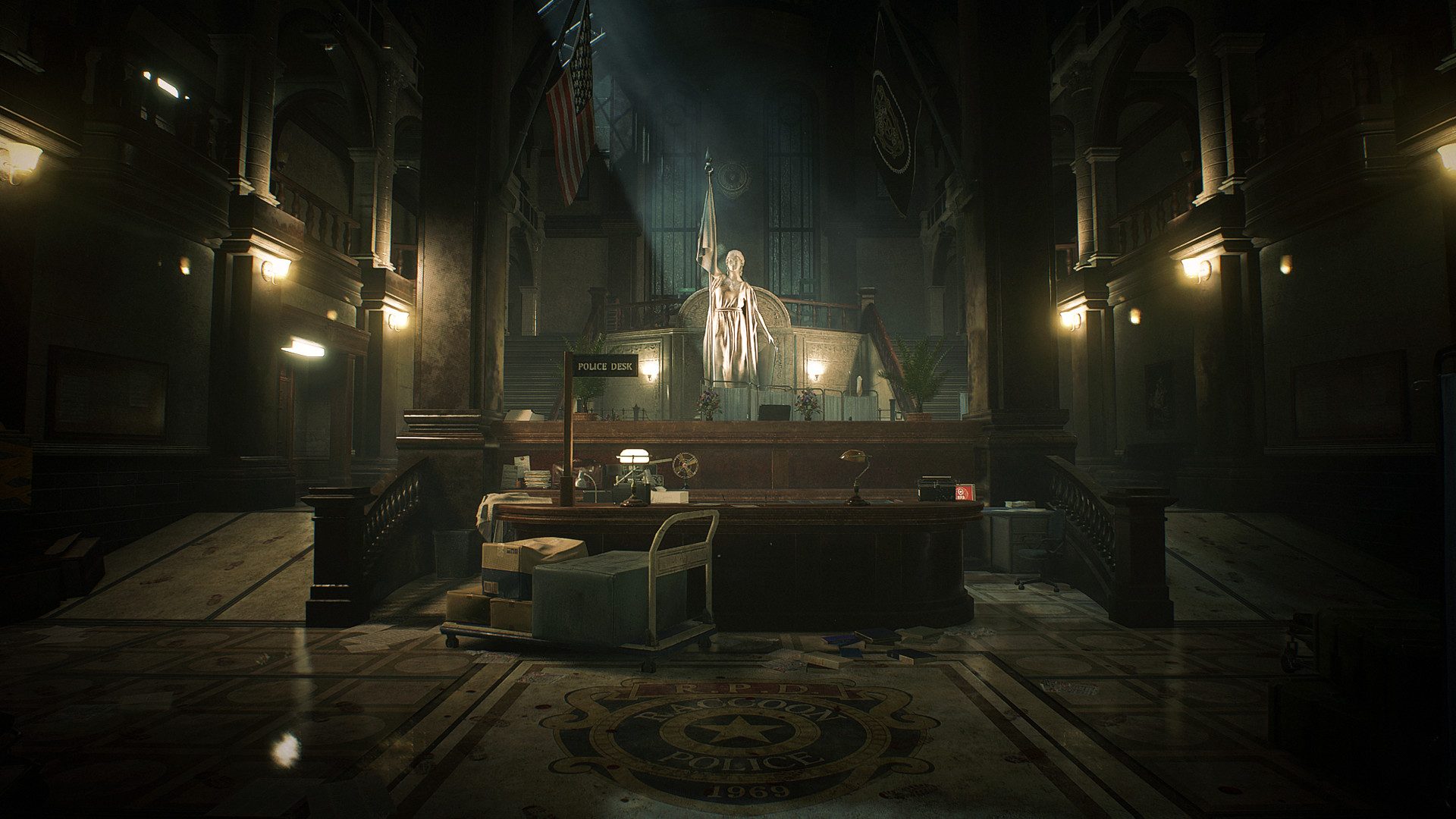
Visuals are built on Capcom's RE Engine, and the lighting shapes the atmosphere of the Raccoon City Police Department. The audio is made to hold tension. The game is single-player and rated 18+.
Screenshots



Resident Evil 2 questions
Can I play Resident Evil 2 in the cloud?
Yes. The game runs on a gaming PC in the WARPLAY.CLOUD network and streams to your screen at 60 FPS, with the picture going up to Full HD, 1440p or 4K depending on the plan.
Do I need to own Resident Evil 2 on Steam to play it here?
Yes. It is a Steam game, so it must be in your own Steam account, and you sign in to Steam inside the session. Saves load from Steam Cloud.
Which controllers work with Resident Evil 2 on WARPLAY.CLOUD?
Both a gamepad and keyboard and mouse are supported. Xbox and PlayStation controllers and other Bluetooth or USB pads work, and phones also have a touch layout.
What devices can I use to play Resident Evil 2?
Chrome or Edge on Windows, Mac, Linux, Chromebook and Android, Safari on iPhone and iPad, and the apps for LG and Samsung TVs.
What internet speed and picture quality do I get?
15 Mbit/s is enough for Full HD, and a cable or 5 GHz Wi-Fi gives the lowest delay. Picture goes up to Full HD, 1440p or 4K depending on the plan, at 60 FPS.
Which languages does Resident Evil 2 support?
Interface, voice and subtitles are available in English, French, Italian, German, Spanish (Spain), Simplified Chinese and Japanese. Several other languages, including Polish, Russian and Korean, offer interface and subtitles without voice.
Similar games




Play Resident Evil 2 now