WARPLAY.CLOUD
Play Team Fortress 2 in the cloud
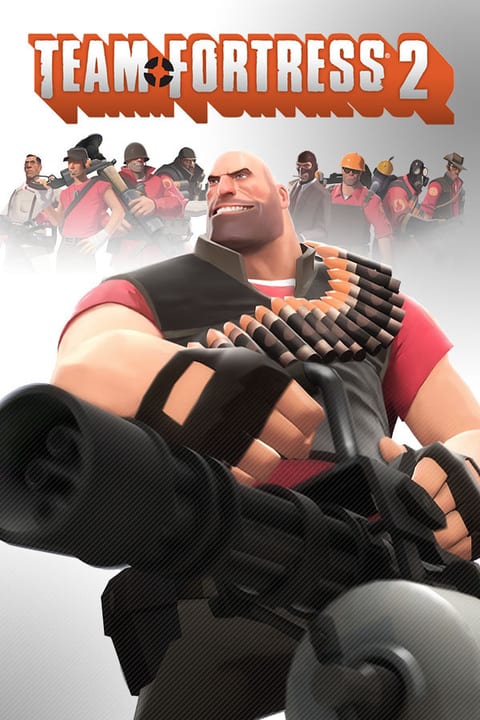
Team Fortress 2 is a free-to-play multiplayer action shooter from Valve where nine classes fight over objectives on a range of maps. It runs on a gaming PC in the WARPLAY.CLOUD network and streams to your screen.
Team Fortress 2 is free to play. You need only a free Steam account.
Short answers
- Free to playDo I need to own it?
- On every planWhich plan?
- Almost any screenWhich devices?
- 15 Mbit/s for Full HDWhat internet?
Details
Team Fortress 2 is free to play. You need only a free Steam account. How to start
Picture up to Full HD on FREE, up to 1440p on PRO, up to 4K on MAX. 60 FPS on every plan. Compare plans
Chrome or Edge on Windows, Mac, Linux, Chromebook and Android. Safari on iPhone and iPad. Apps for LG and Samsung TVs. All devices
25 Mbit/s for 1440p and 45 Mbit/s for 4K. A cable or 5 GHz Wi-Fi gives the lowest delay. More on internet speed
Works on
- Phones and tablets
- iPhone and iPadAndroid
How to start Team Fortress 2
- Open app.warplay.cloud in Chrome or Edge, or open the Windows, Mac or Linux app, and sign in.
- Find Team Fortress 2 and press Play.
- Sign in to a free Steam account. Your saves load from Steam Cloud.
- Install the WARPLAY.CLOUD app on your LG TV (webOS) or Samsung TV (Tizen) and sign in.
- Connect an Xbox or PlayStation gamepad, or another Bluetooth or USB controller.
- Pick Team Fortress 2 and press Play. On Steam's sign-in screen, scan the QR code with the Steam Mobile app.
- On iPhone or iPad, open app.warplay.cloud in Safari and add it to the Home Screen. On Android, open it in Chrome.
- Connect a gamepad, or use the touch layout.
- Pick Team Fortress 2, press Play, then sign in to Steam.
Team Fortress 2 on WARPLAY.CLOUD
Team Fortress 2 supports keyboard and mouse as well as gamepad. Xbox and PlayStation controllers work, along with other Bluetooth or USB controllers. Keyboard and mouse suit the fast aiming and quick class switching best on a PC or laptop, while a gamepad is the natural choice in front of a TV. On phones a touch layout is also available.
The game streams to Chrome or Edge on Windows, Mac, Linux, Chromebook and Android, to Safari on iPhone and iPad, and through apps for LG and Samsung TVs. A connection of 15 Mbit/s is enough for Full HD, and a cable or 5 GHz Wi-Fi gives the lowest delay.
Team Fortress 2 is free to play, so nothing has to be bought for it on WARPLAY.CLOUD. You sign in to Steam in the session, and saves load from Steam Cloud.
The picture goes up to Full HD, 1440p or 4K, and the stream runs at 60 FPS. The interface and subtitles are available in many languages, among them English, German, French, Spanish, Italian, Russian, Polish, Turkish, Japanese, Korean and both Chinese variants; the voice-over is in English.
About the game
Team Fortress 2 is a multiplayer action shooter in which two teams of strongly characterised mercenaries compete over objectives across a variety of maps. Matches are team-based and built around objectives. Nine classes are on offer, and each brings its own set of tactical tools and a distinct personality, so a wide range of play styles and skill levels can find a role.
Read more
The game costs nothing to play and is updated regularly with additional modes, maps, weapons and cosmetic gear, hats among them.
Newcomers can start with the offline practice and training options to get comfortable before joining live matches. Among the modes are Control Point, Capture the Flag, Payload, King of the Hill and Arena, plus others.
Weapons, hats and further items number in the hundreds and can be collected, crafted, bought or traded, letting players tune a favourite class to their own taste. Buying is not needed to stay competitive, since almost every item can also be earned simply by playing.
Screenshots
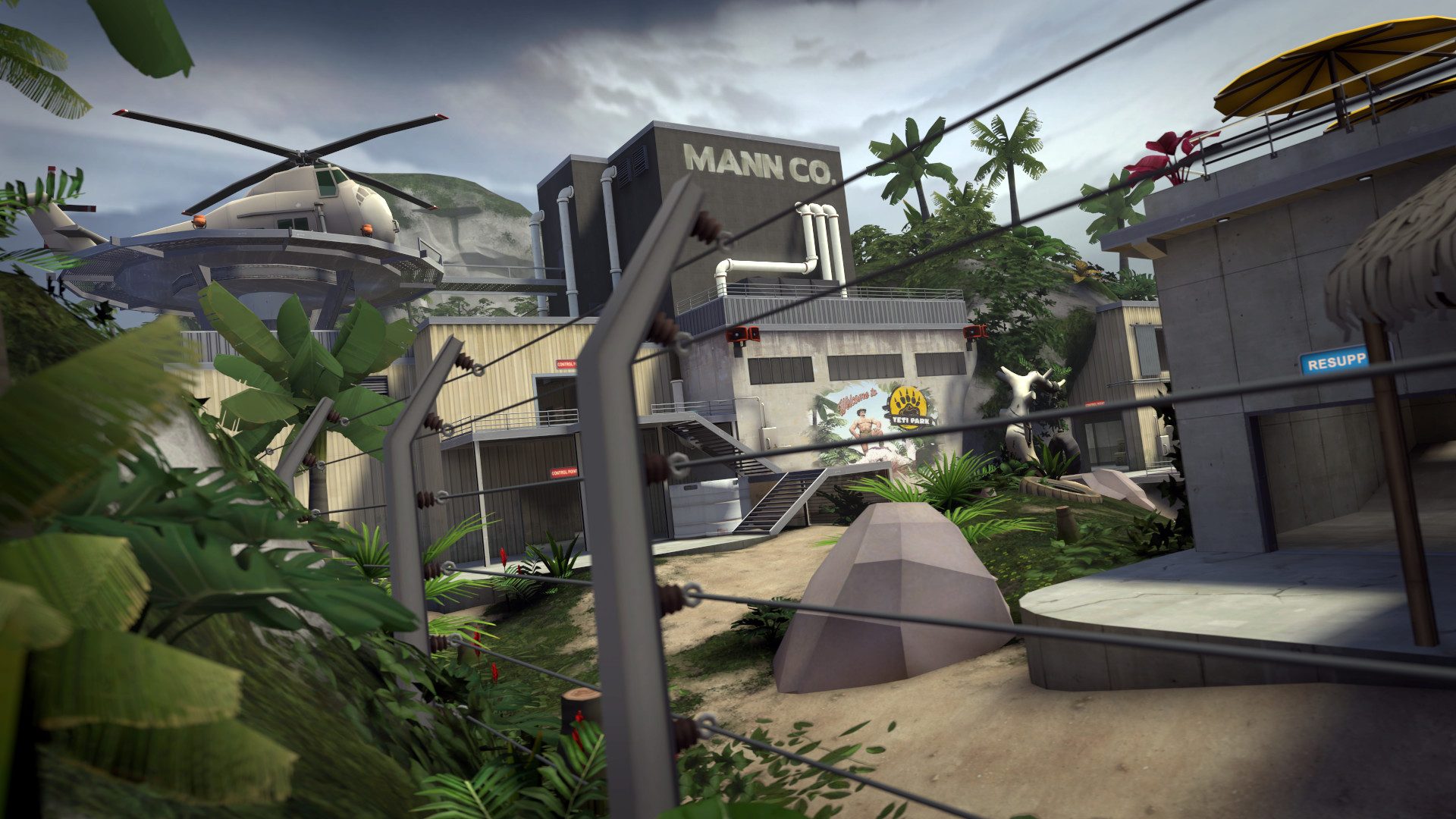
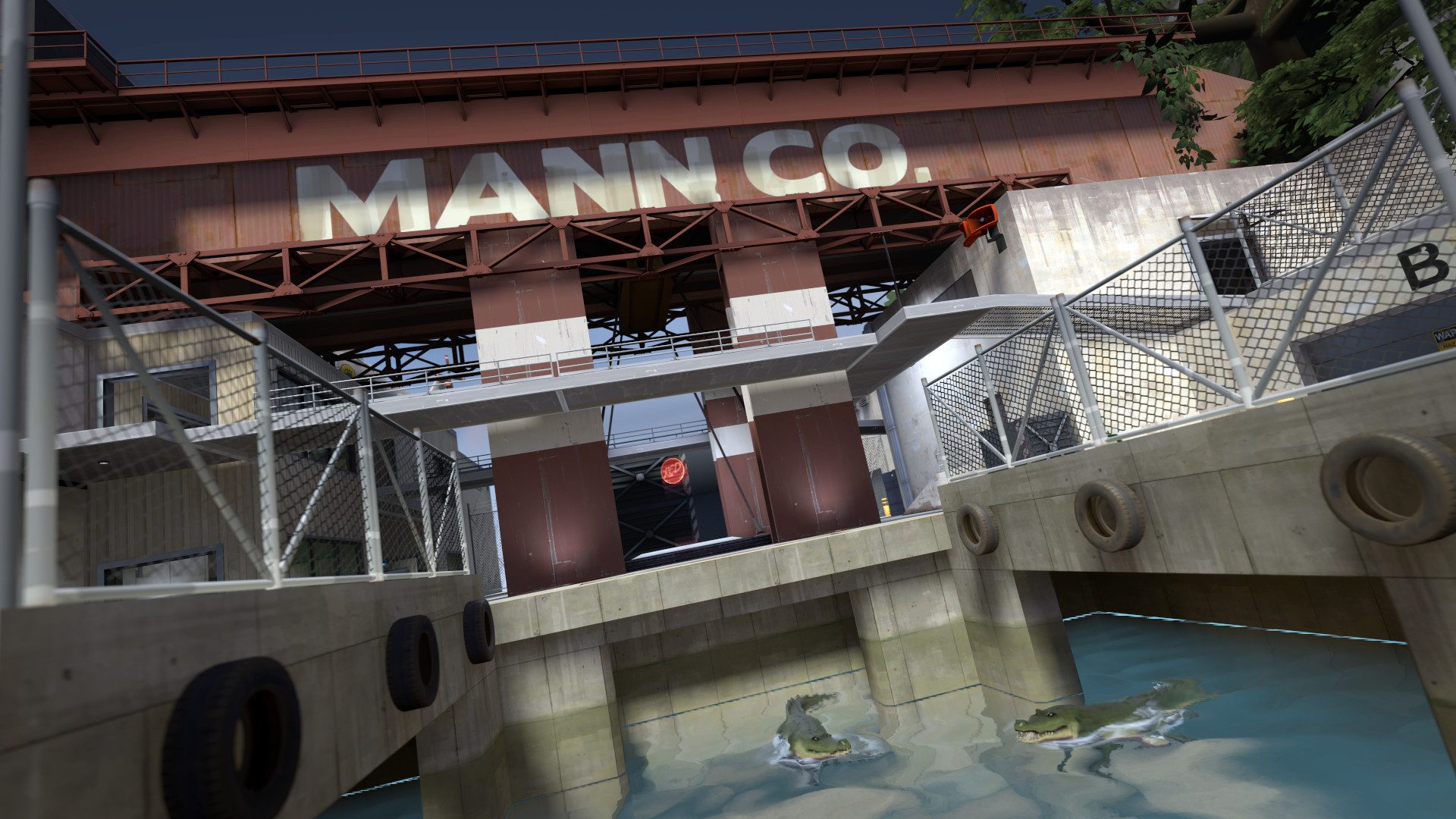
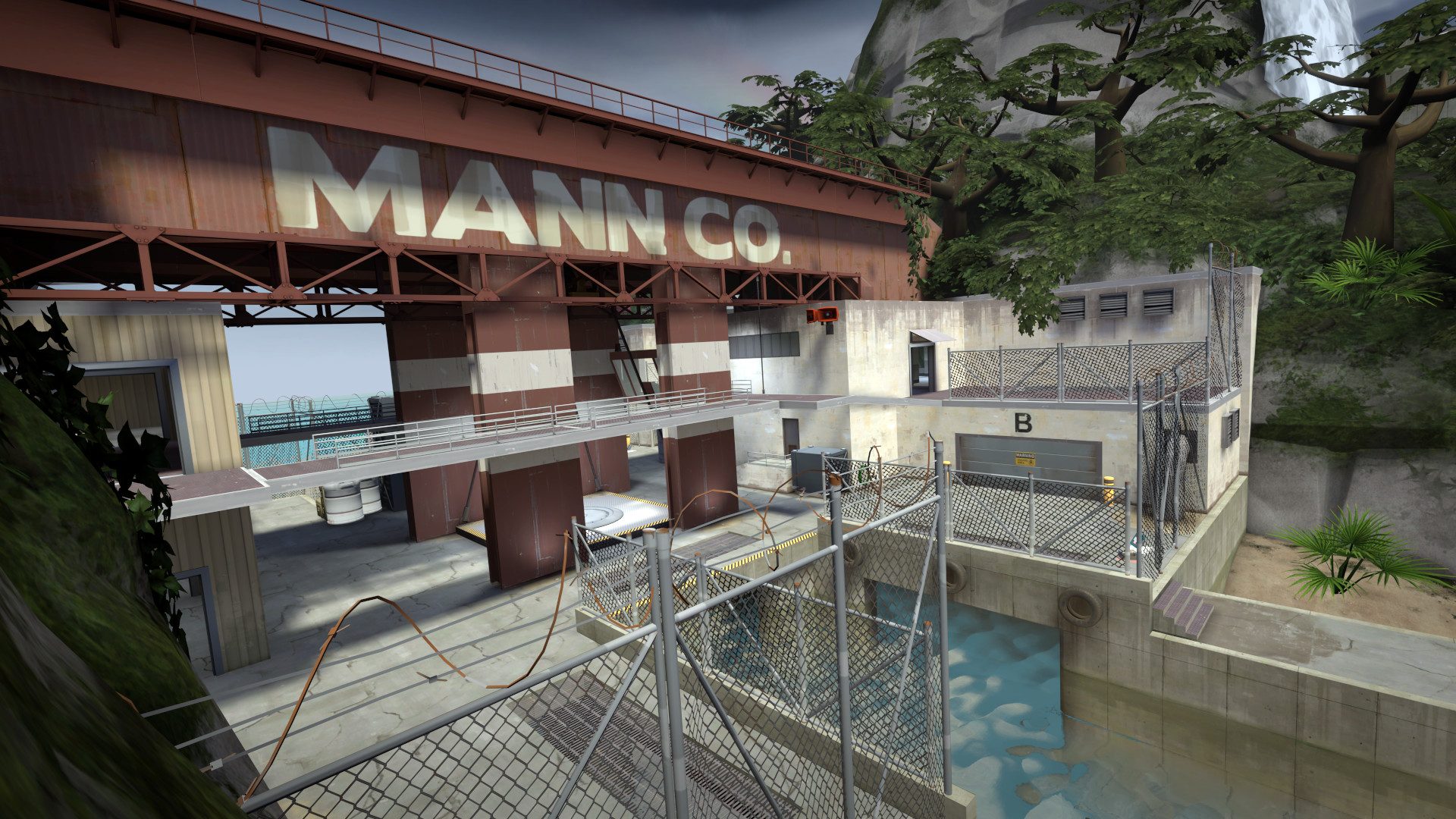
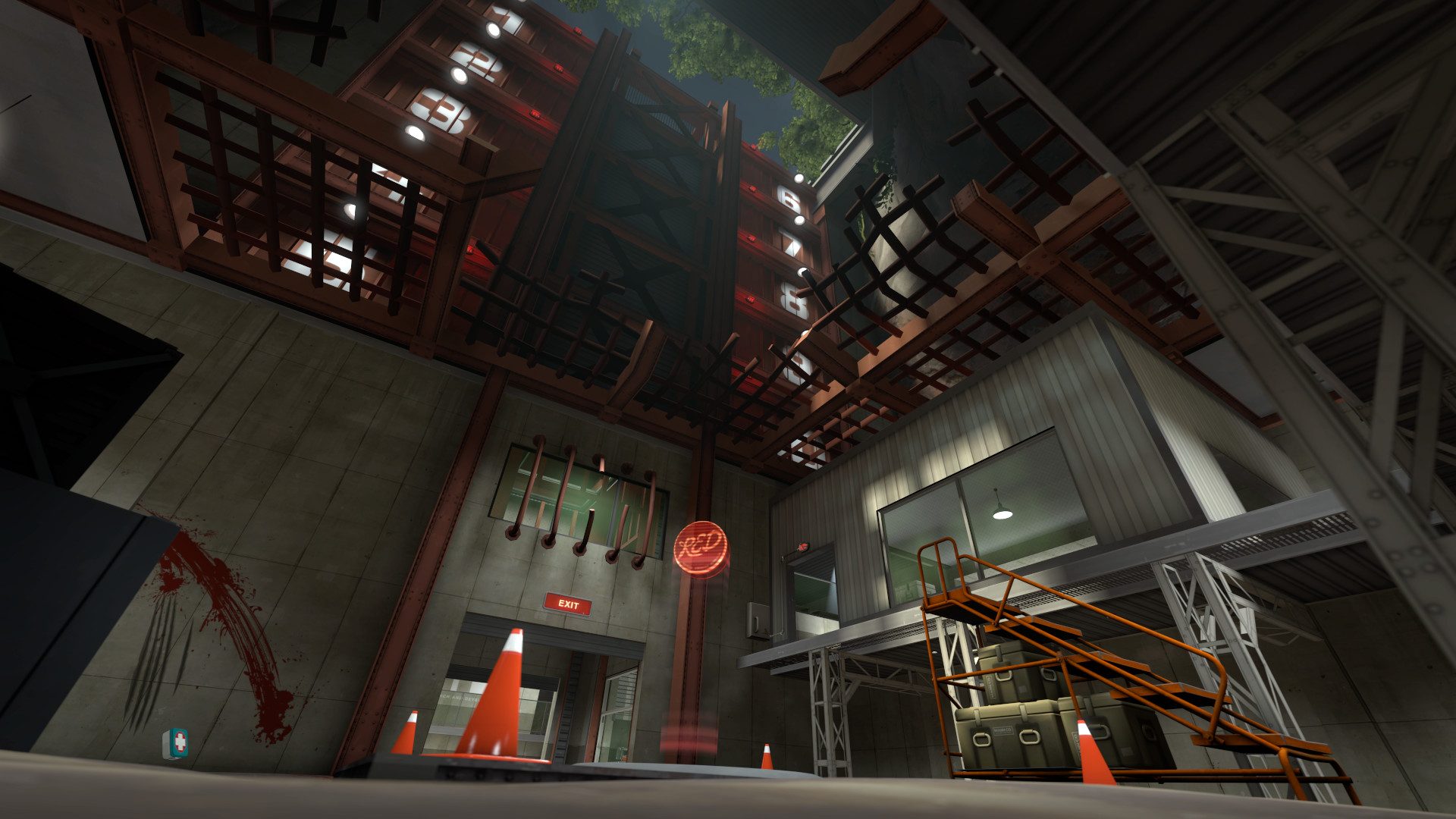
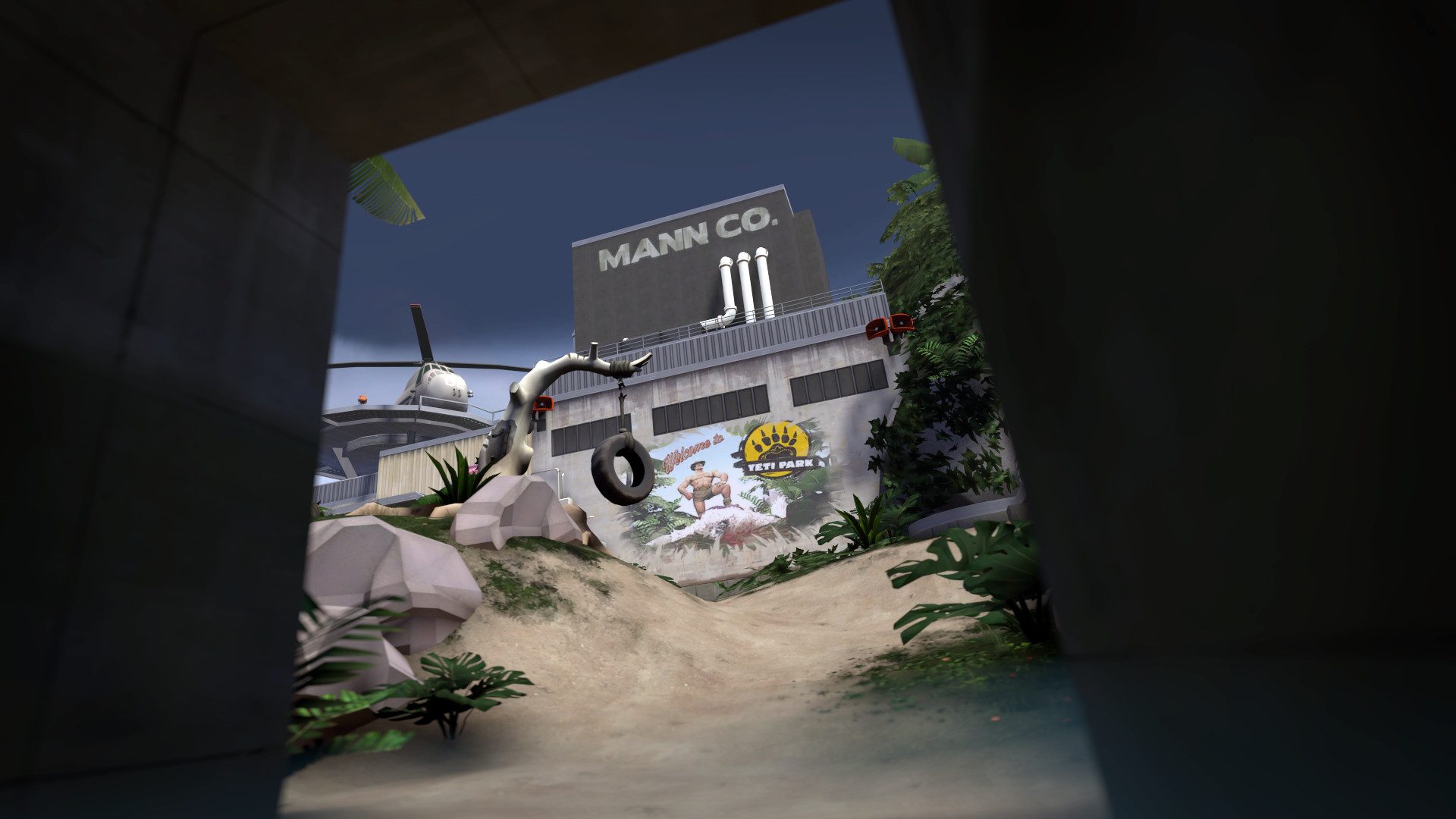
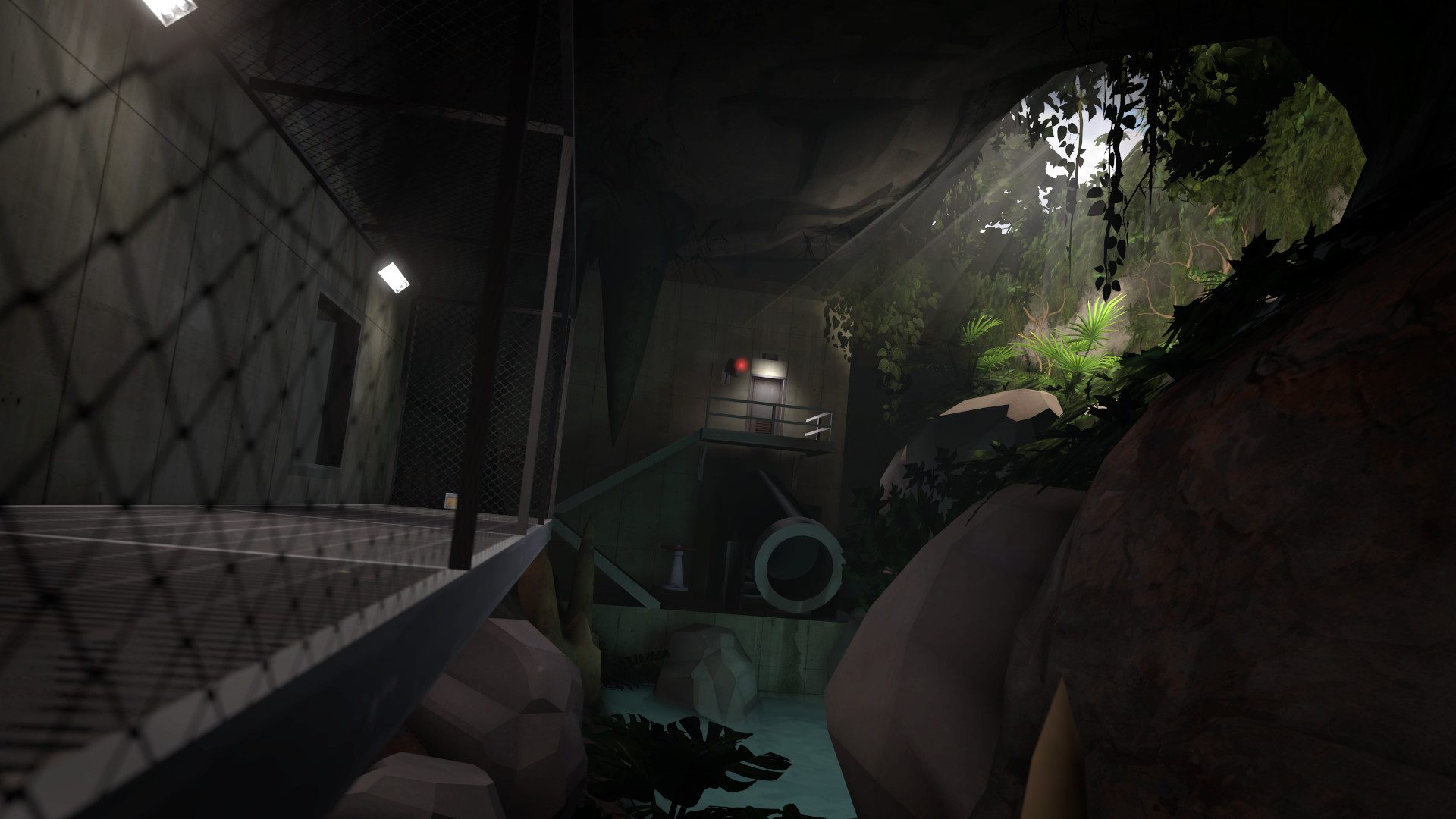
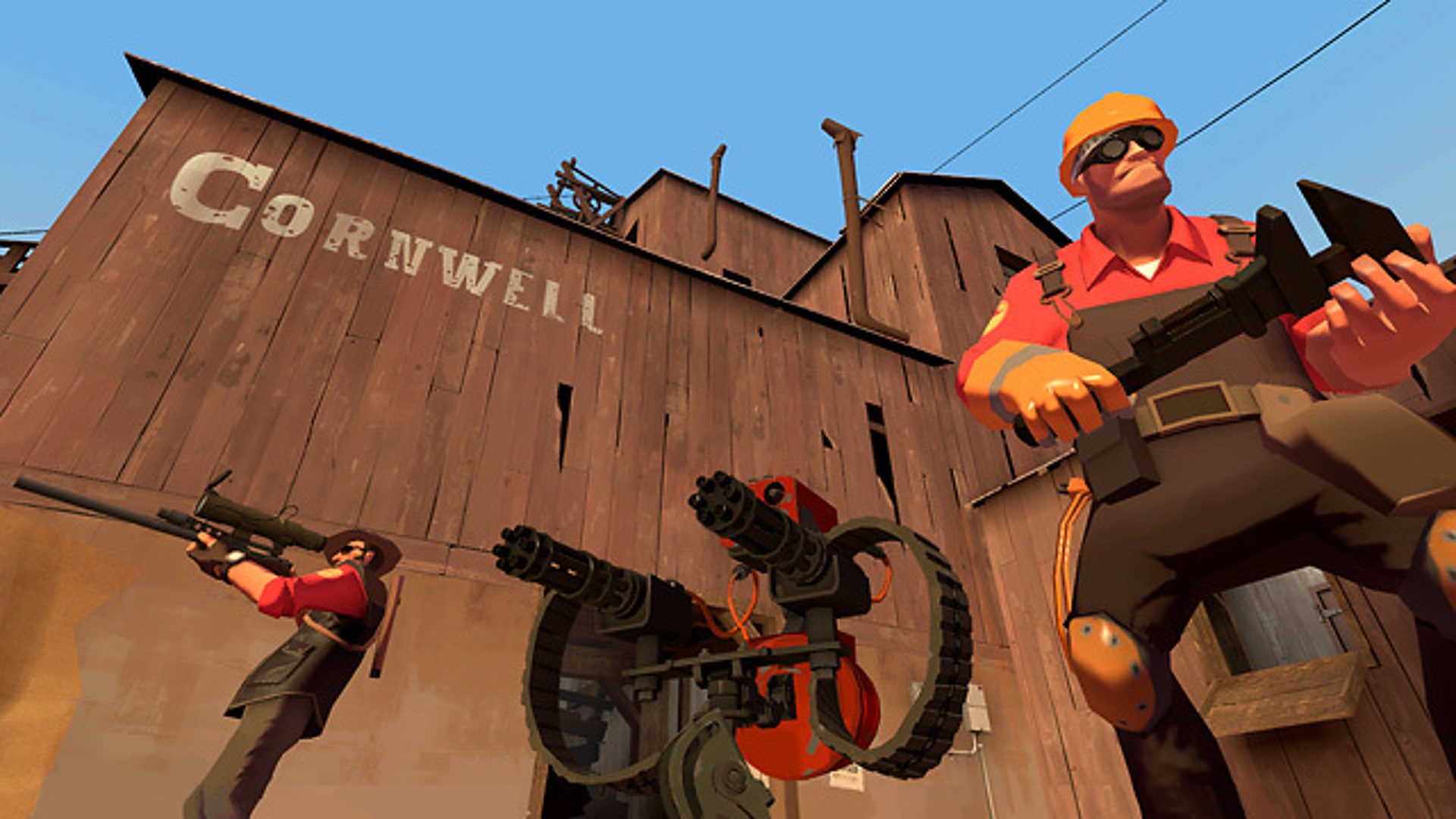
Team Fortress 2 questions
Is Team Fortress 2 free to play on WARPLAY.CLOUD?
Yes, the game is free to play. You sign in to Steam in the session and start playing; nothing extra has to be bought from WARPLAY.CLOUD.
Do I need the game in my own Steam account?
Team Fortress 2 is free to play, so it does not have to be bought. You still sign in to your Steam account in the session, and saves load from Steam Cloud.
Which controllers work with Team Fortress 2 in the cloud?
Keyboard and mouse work, as do Xbox and PlayStation controllers and other Bluetooth or USB controllers. On phones a touch layout is also available.
What internet speed do I need?
15 Mbit/s is enough for Full HD. A cable connection or 5 GHz Wi-Fi gives the lowest delay.
What picture quality and frame rate can I expect?
The stream runs at 60 FPS, with the picture going up to Full HD, 1440p or 4K.
Can I play it on a TV or a phone?
Yes. There are apps for LG and Samsung TVs, Chrome or Edge on Android, and Safari on iPhone and iPad.
Similar games


Play Team Fortress 2 now