WARPLAY.CLOUD
Play The Callisto Protocol™ in the cloud
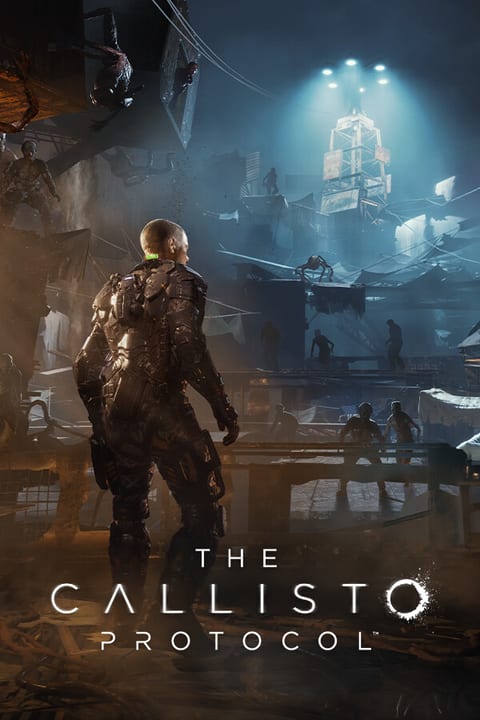
The Callisto Protocol is a survival horror adventure played from a third-person view, following an inmate inside Black Iron Prison on Jupiter's moon Callisto. It runs in the cloud on WARPLAY.CLOUD.
The Callisto Protocol™ must be in your Steam account. Nothing extra to buy from WARPLAY.CLOUD.
Short answers
- Own it on SteamDo I need to own it?
- On every planWhich plan?
- Almost any screenWhich devices?
- 15 Mbit/s for Full HDWhat internet?
Details
The Callisto Protocol™ must be in your Steam account, the same copy you play at home. Nothing extra to buy from WARPLAY.CLOUD. How to start
Picture up to Full HD on FREE, up to 1440p on PRO, up to 4K on MAX. 60 FPS on every plan. Compare plans
Chrome or Edge on Windows, Mac, Linux, Chromebook and Android. Safari on iPhone and iPad. Apps for LG and Samsung TVs. All devices
25 Mbit/s for 1440p and 45 Mbit/s for 4K. A cable or 5 GHz Wi-Fi gives the lowest delay. More on internet speed
Works on
- Phones and tablets
- iPhone and iPadAndroid
How to start The Callisto Protocol™
- Open app.warplay.cloud in Chrome or Edge, or open the Windows, Mac or Linux app, and sign in.
- Find The Callisto Protocol™ and press Play.
- Sign in to the Steam account that has The Callisto Protocol™. Your saves load from Steam Cloud.
- Install the WARPLAY.CLOUD app on your LG TV (webOS) or Samsung TV (Tizen) and sign in.
- Connect an Xbox or PlayStation gamepad, or another Bluetooth or USB controller.
- Pick The Callisto Protocol™ and press Play. On Steam's sign-in screen, scan the QR code with the Steam Mobile app.
- On iPhone or iPad, open app.warplay.cloud in Safari and add it to the Home Screen. On Android, open it in Chrome.
- Connect a gamepad, or use the touch layout.
- Pick The Callisto Protocol™, press Play, then sign in to Steam.
The Callisto Protocol™ on WARPLAY.CLOUD
The Callisto Protocol runs on a gaming PC in the WARPLAY.CLOUD network and streams to your screen at 60 FPS, with picture up to Full HD, 1440p or 4K depending on the plan. For a game you own on Steam there is nothing extra to buy from WARPLAY.CLOUD.
Keyboard and mouse work, and so do gamepads: Xbox and PlayStation controllers, plus other Bluetooth or USB controllers. A gamepad fits the close-quarters fighting on a TV, while a mouse gives finer aiming for ranged combat. On phones the touch layout is available.
Devices: Chrome or Edge on Windows, Mac, Linux, Chromebook and Android; Safari on iPhone and iPad; apps for LG and Samsung TVs.
Interface, voice and subtitles come in English, French, Italian, German, Spanish (Spain), Japanese, Korean and Simplified Chinese. Polish, Portuguese (Brazil), Spanish (Latin America) and Russian offer interface and subtitles without voice. The game carries an 18+ age rating.
The game is on Steam, so you sign in to Steam inside your session and the title has to be in your own account; saves load from Steam Cloud. For the lowest delay use a cable or 5 GHz Wi-Fi, and at least 15 Mbit/s for Full HD.
About the game
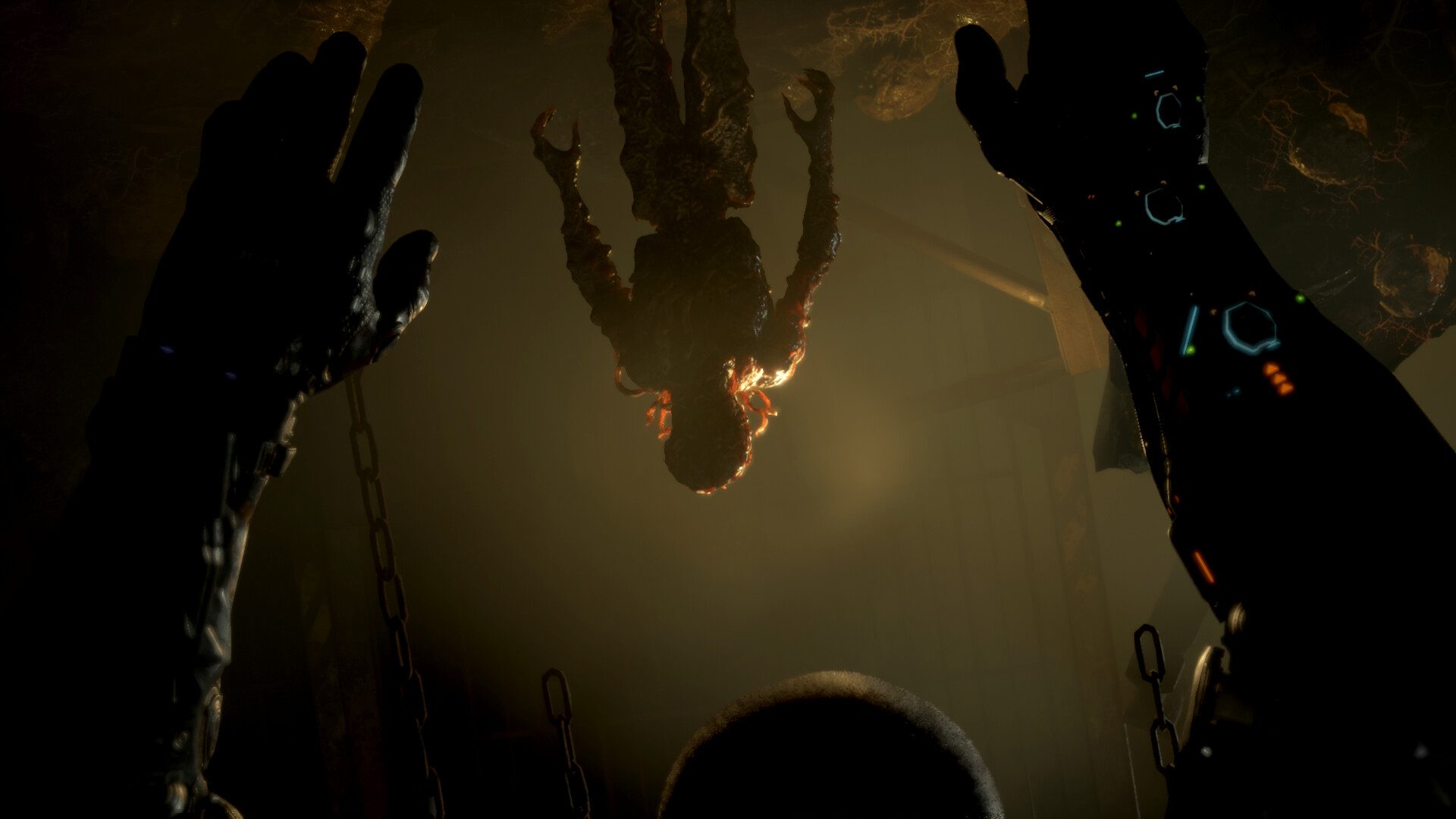
Jacob Lee is an inmate at Black Iron Prison, a maximum-security facility on Callisto, one of Jupiter's moons. The action unfolds in the year 2320, and the story is told from a third-person perspective with a strong narrative focus.
Read more
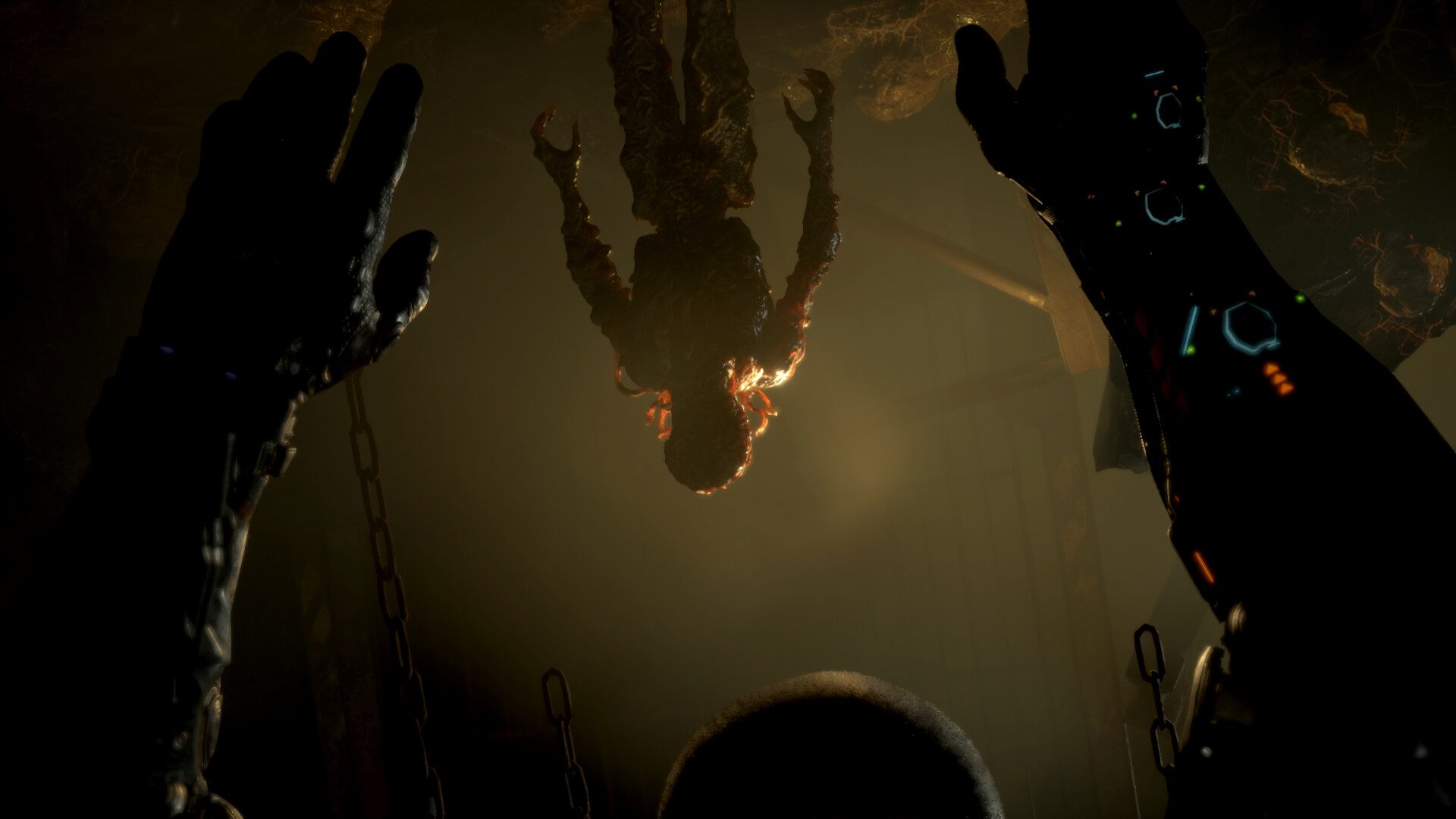
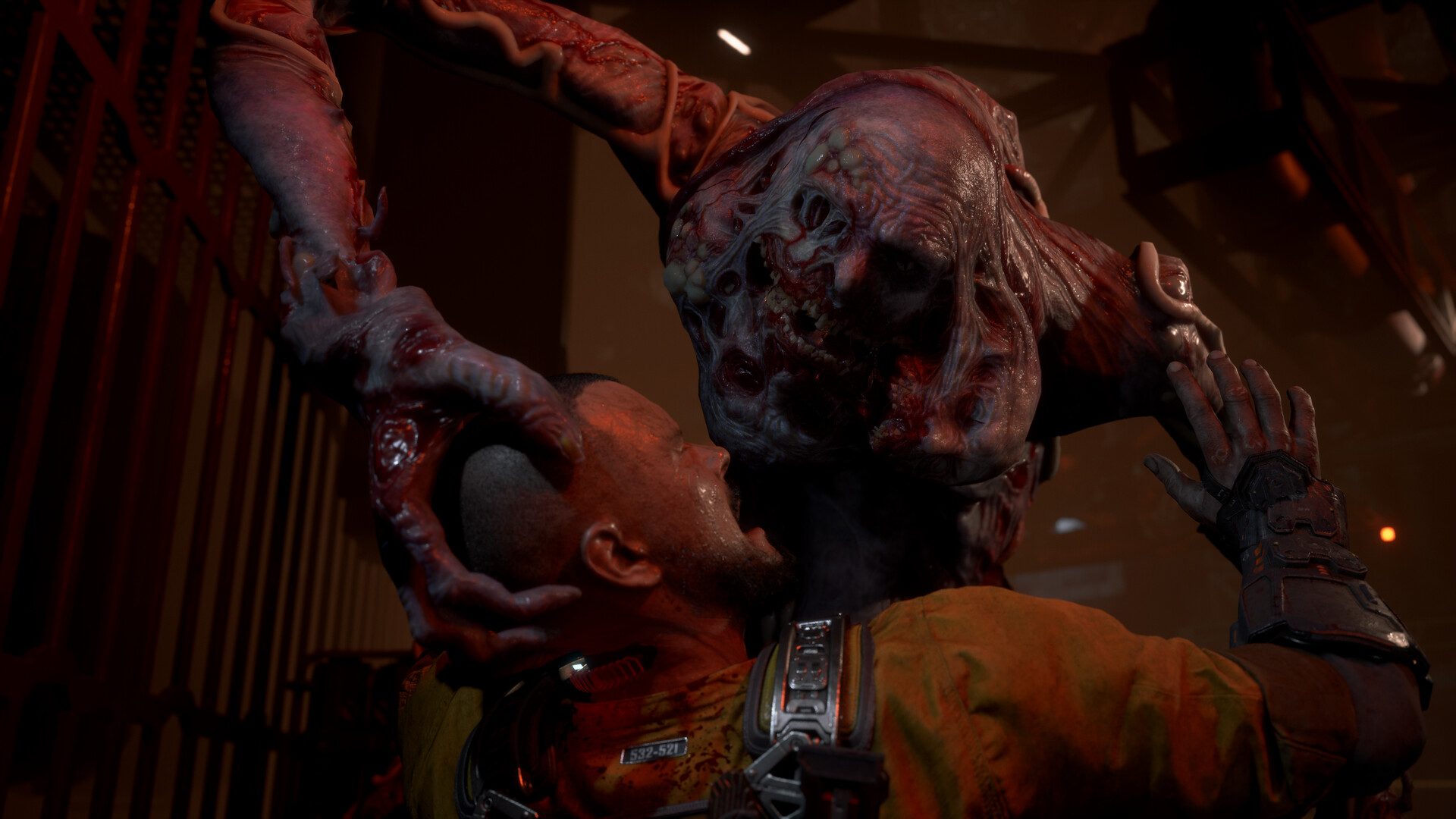
When the prisoners begin turning into monstrous creatures, the facility falls into chaos. Jacob has to fight his way toward safety and get off the moon, and along the way he digs into what caused the outbreak and what the United Jupiter Company keeps hidden beneath the surface.
Combat mixes gunfire with close-quarters fighting. Jacob can take limbs apart, use whatever comes to hand, and turn a gravity weapon that Black Iron guards once used to control the inmates against the creatures. The enemies keep changing as the fight goes on, so tactics have to change with them. Scavenging brings new weapons, gear and abilities that help against the growing threat.
The setting is isolated and hostile: a dead moon, a prison, and secrets that are centuries old, both above ground and below it. The game comes from Striking Distance Studios, with Glen Schofield behind it, and it leans on atmosphere and tension rather than on safety.
Screenshots
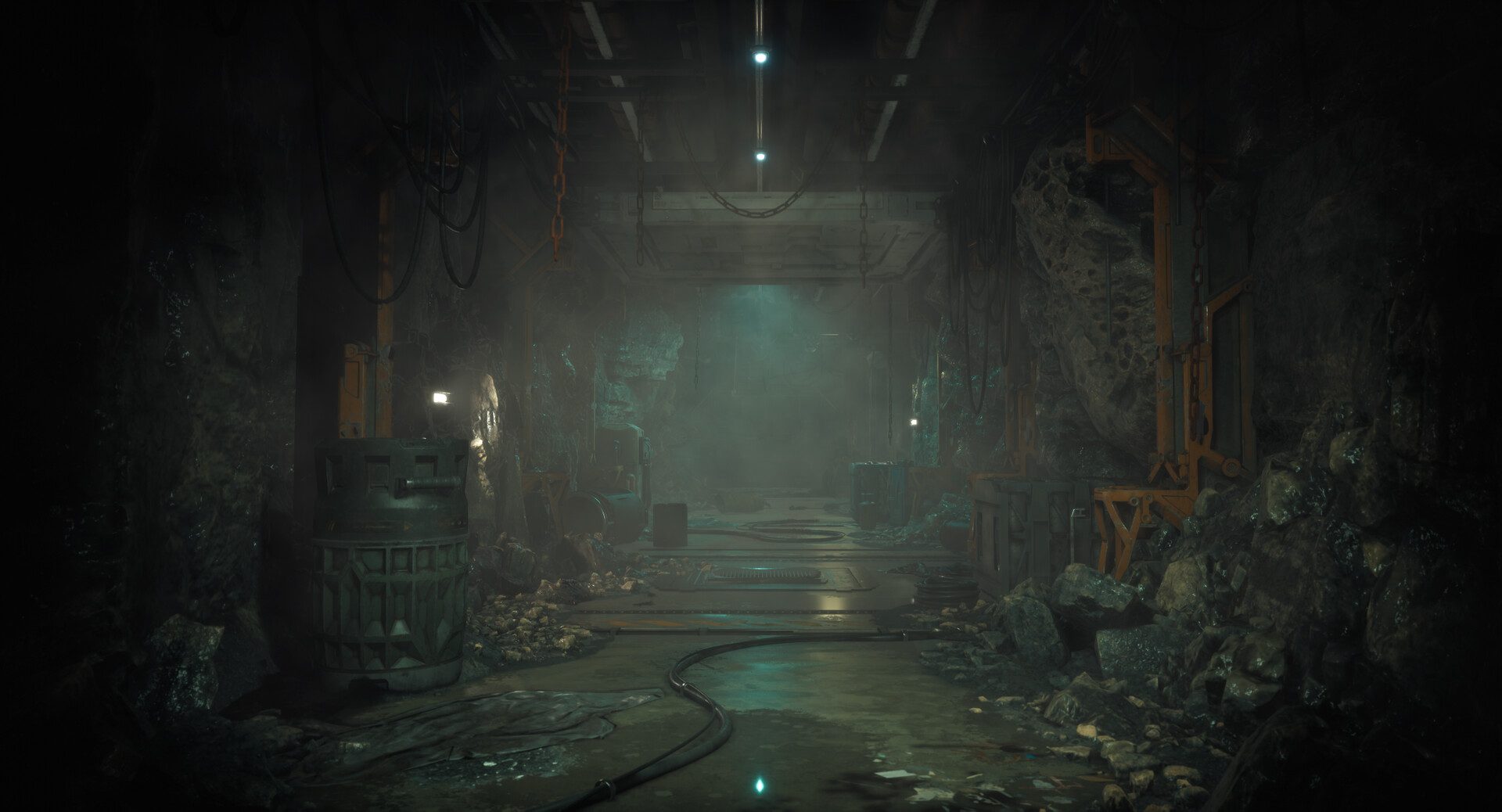


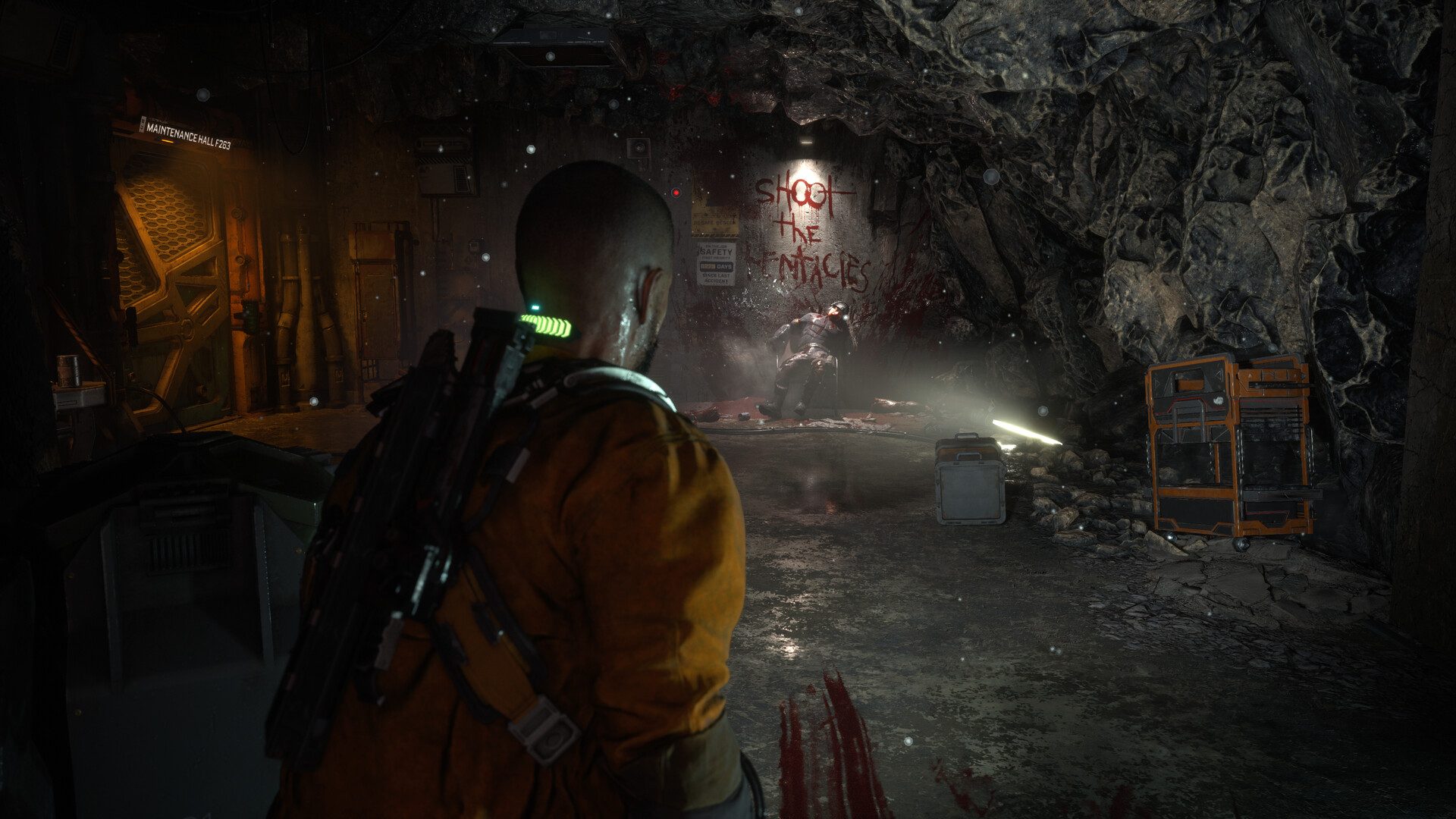
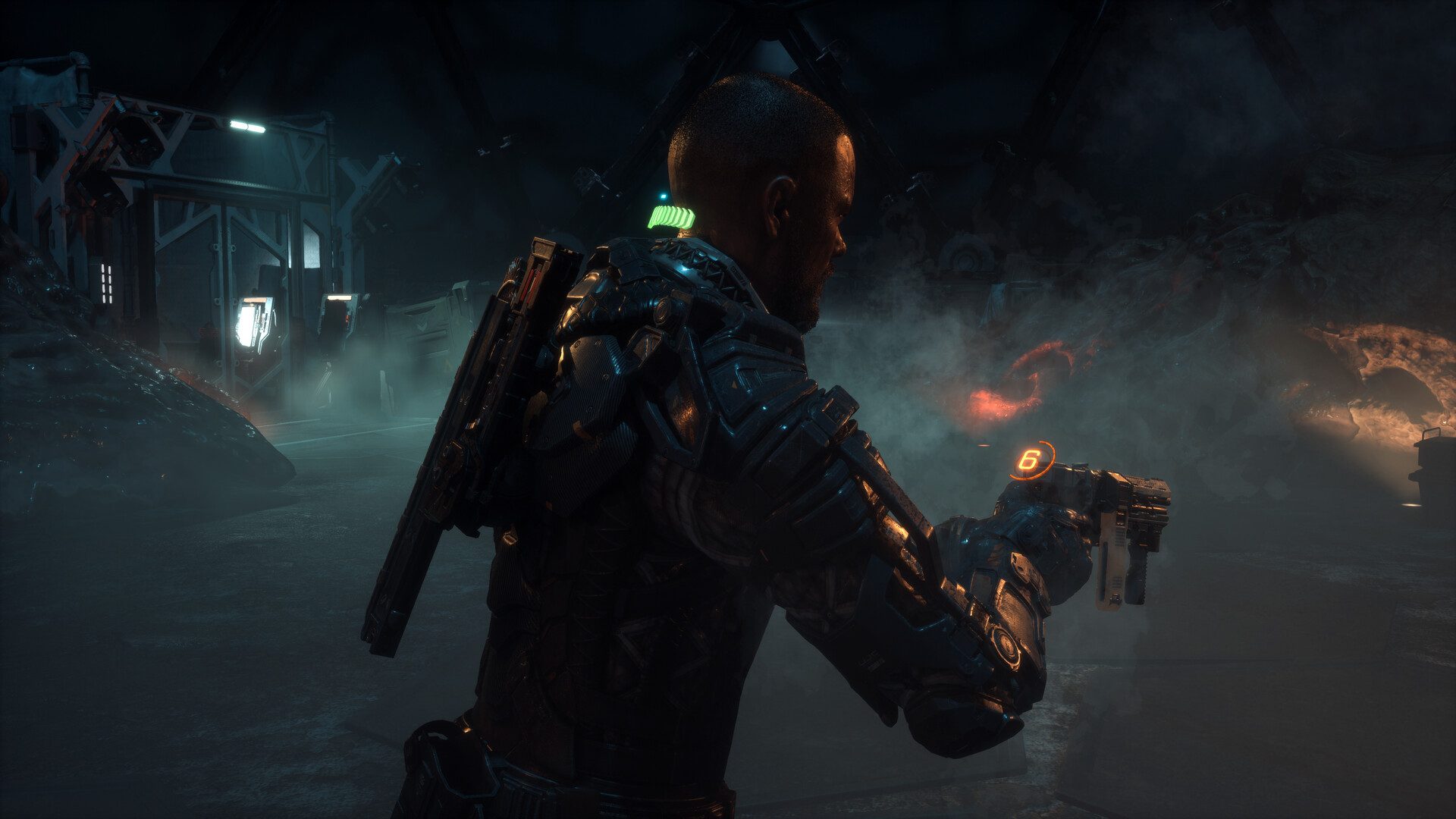

The Callisto Protocol™ questions
Do I need to own The Callisto Protocol on Steam to play it on WARPLAY.CLOUD?
Yes. You sign in to Steam in your session, and the game has to be present in that account.
What internet speed do I need for The Callisto Protocol in the cloud?
15 Mbit/s is enough for Full HD. A cable or 5 GHz Wi-Fi gives the lowest delay.
Can I play The Callisto Protocol with a controller on WARPLAY.CLOUD?
Yes. Xbox and PlayStation controllers work, as do other Bluetooth or USB controllers. Keyboard and mouse are also supported, and phones have a touch layout.
Which devices can run The Callisto Protocol on WARPLAY.CLOUD?
Chrome or Edge on Windows, Mac, Linux, Chromebook and Android, Safari on iPhone and iPad, and the apps for LG and Samsung TVs.
What picture quality and frame rate does the cloud version give?
The game streams at 60 FPS, with picture up to Full HD, 1440p or 4K depending on the plan.
Will my saves carry over when I play The Callisto Protocol in the cloud?
Yes. Saves load from Steam Cloud, so progress in your own Steam account is there in the session.
Similar games





Play The Callisto Protocol™ now