WARPLAY.CLOUD
Play Warframe in the cloud
Warframe is a free-to-play online third-person action RPG from Digital Extremes. Play it in the cloud on WARPLAY.CLOUD.
Warframe is free to play. You need only a free Steam account.
Short answers
- Free to playDo I need to own it?
- On every planWhich plan?
- Almost any screenWhich devices?
- 15 Mbit/s for Full HDWhat internet?
Details
Warframe is free to play. You need only a free Steam account. How to start
Picture up to Full HD on FREE, up to 1440p on PRO, up to 4K on MAX. 60 FPS on every plan. Compare plans
Chrome or Edge on Windows, Mac, Linux, Chromebook and Android. Safari on iPhone and iPad. Apps for LG and Samsung TVs. All devices
25 Mbit/s for 1440p and 45 Mbit/s for 4K. A cable or 5 GHz Wi-Fi gives the lowest delay. More on internet speed
Works on
- Phones and tablets
- iPhone and iPadAndroid
How to start Warframe
- Open app.warplay.cloud in Chrome or Edge, or open the Windows, Mac or Linux app, and sign in.
- Find Warframe and press Play.
- Sign in to a free Steam account. Your saves load from Steam Cloud.
- Install the WARPLAY.CLOUD app on your LG TV (webOS) or Samsung TV (Tizen) and sign in.
- Connect an Xbox or PlayStation gamepad, or another Bluetooth or USB controller.
- Pick Warframe and press Play. On Steam's sign-in screen, scan the QR code with the Steam Mobile app.
- On iPhone or iPad, open app.warplay.cloud in Safari and add it to the Home Screen. On Android, open it in Chrome.
- Connect a gamepad, or use the touch layout.
- Pick Warframe, press Play, then sign in to Steam.
Warframe on WARPLAY.CLOUD
Warframe supports gamepad and keyboard and mouse controls on WARPLAY.CLOUD. Xbox and PlayStation controllers and other Bluetooth or USB controllers are supported, and phones have a touch layout. A gamepad is an option for TV, desktop and phone play; keyboard and mouse are options for desktop and laptop play. The game runs on a gaming PC in the WARPLAY.CLOUD network and streams at 60 FPS. Picture quality can reach Full HD, 1440p or 4K, depending on the plan. For Full HD, an internet connection of 15 Mbit/s is enough; a cable or 5 GHz Wi-Fi gives the lowest delay.
The game can be opened in Chrome or Edge on Windows, Mac, Linux, Chromebook and Android, and in Safari on iPhone and iPad. Apps for LG and Samsung TVs are available as well.
English includes interface, voice and subtitles. German, French, Italian, Korean, Spanish - Spain, Simplified Chinese, Russian, Japanese, Polish, Portuguese - Brazil, Traditional Chinese, Turkish, Ukrainian and Thai include interface and subtitles, without voice.
Warframe is free-to-play, so it does not need to be owned in the player's Steam account. The player signs in to Steam in the session, and saves load from Steam Cloud. For a game the player owns on Steam, there is nothing extra to buy from WARPLAY.CLOUD.
About the game
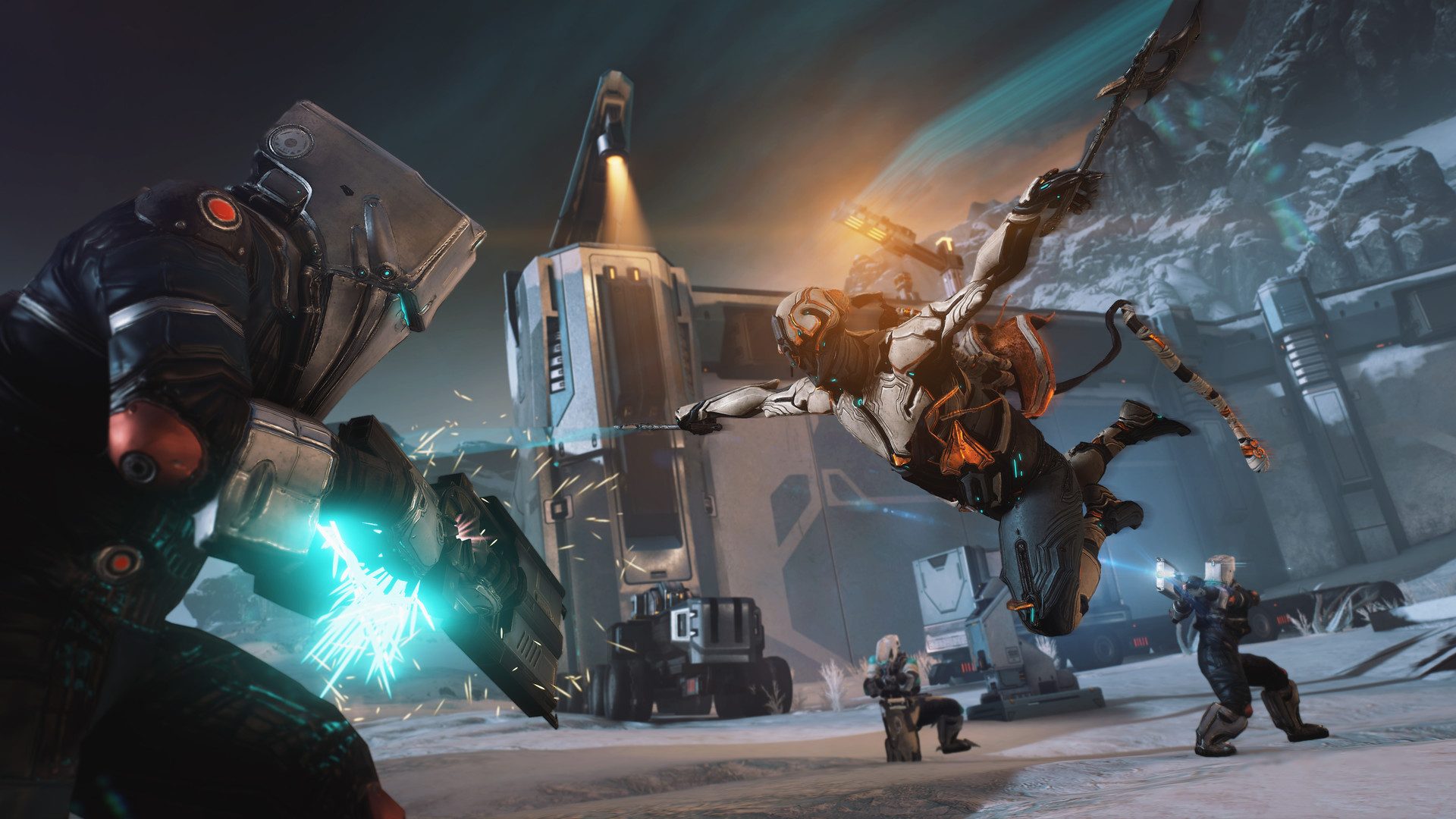
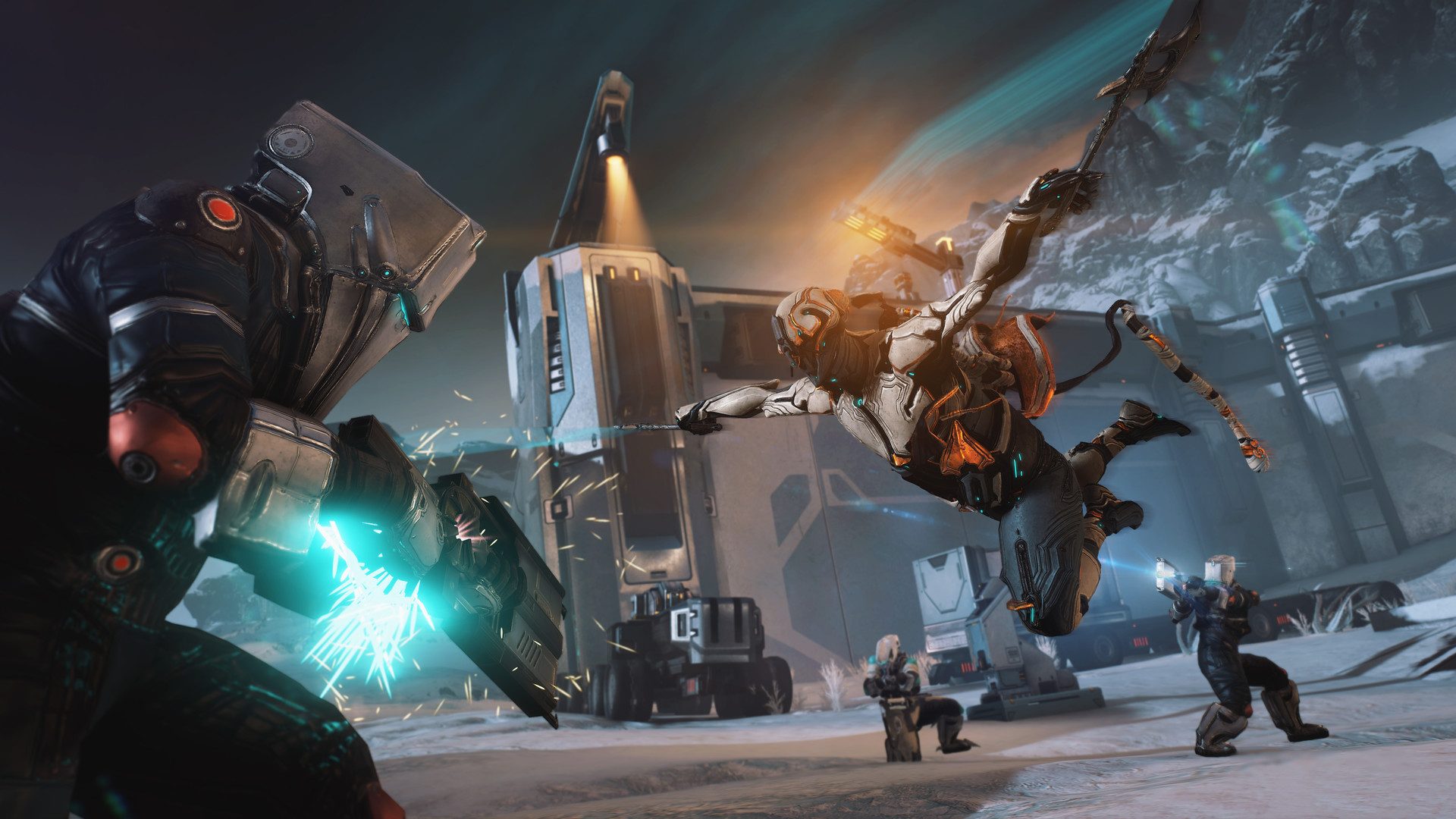
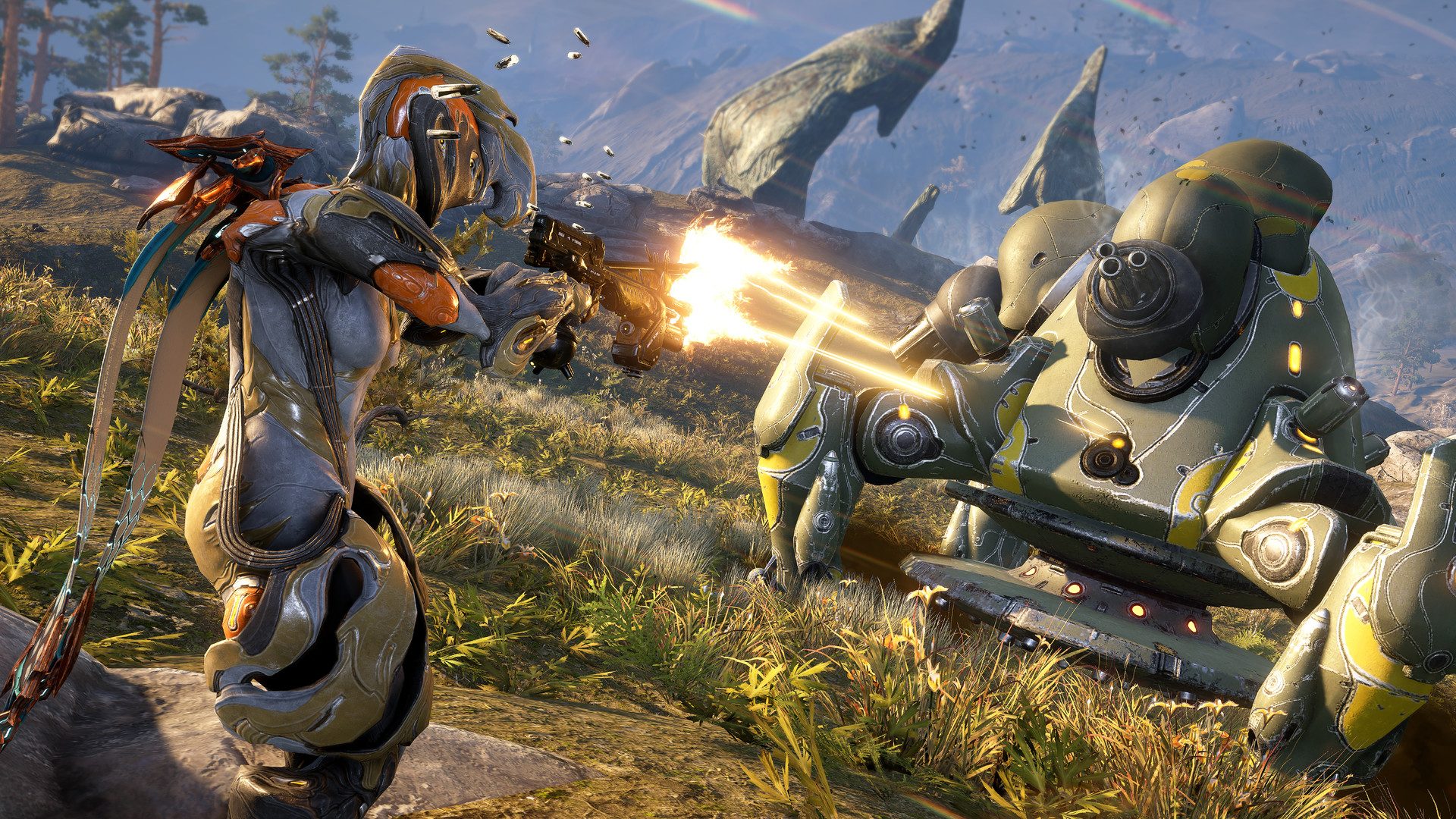
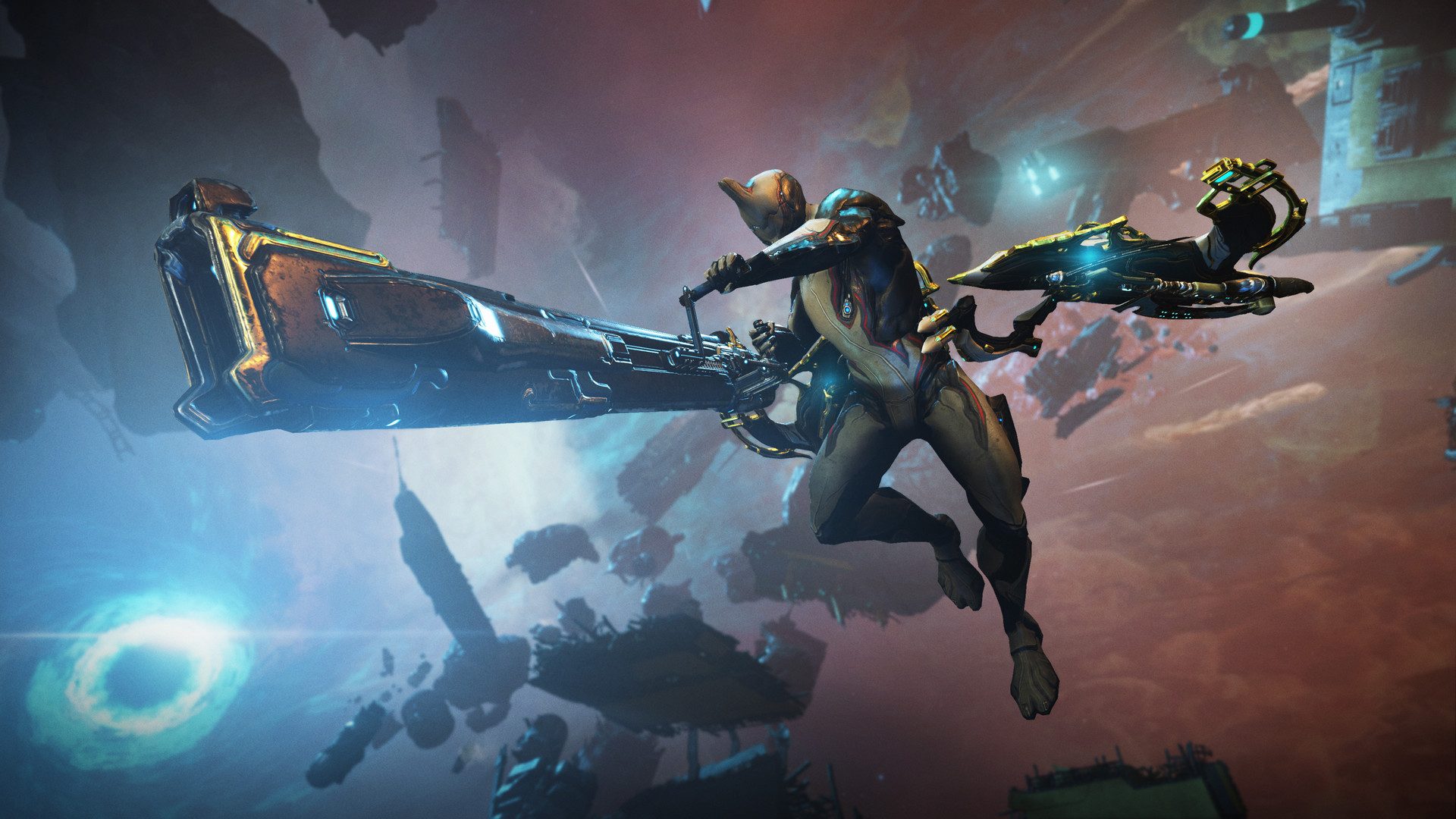
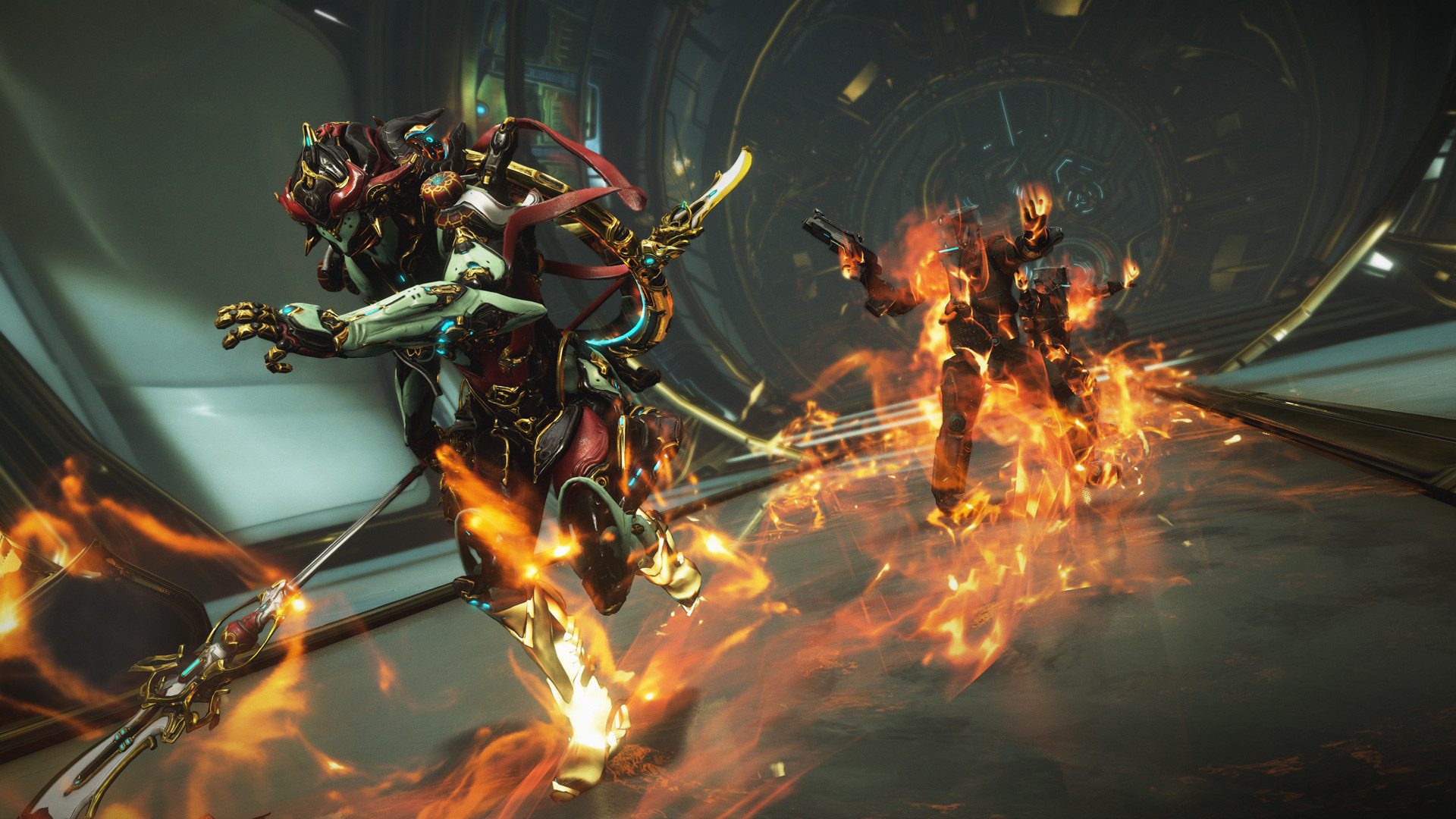
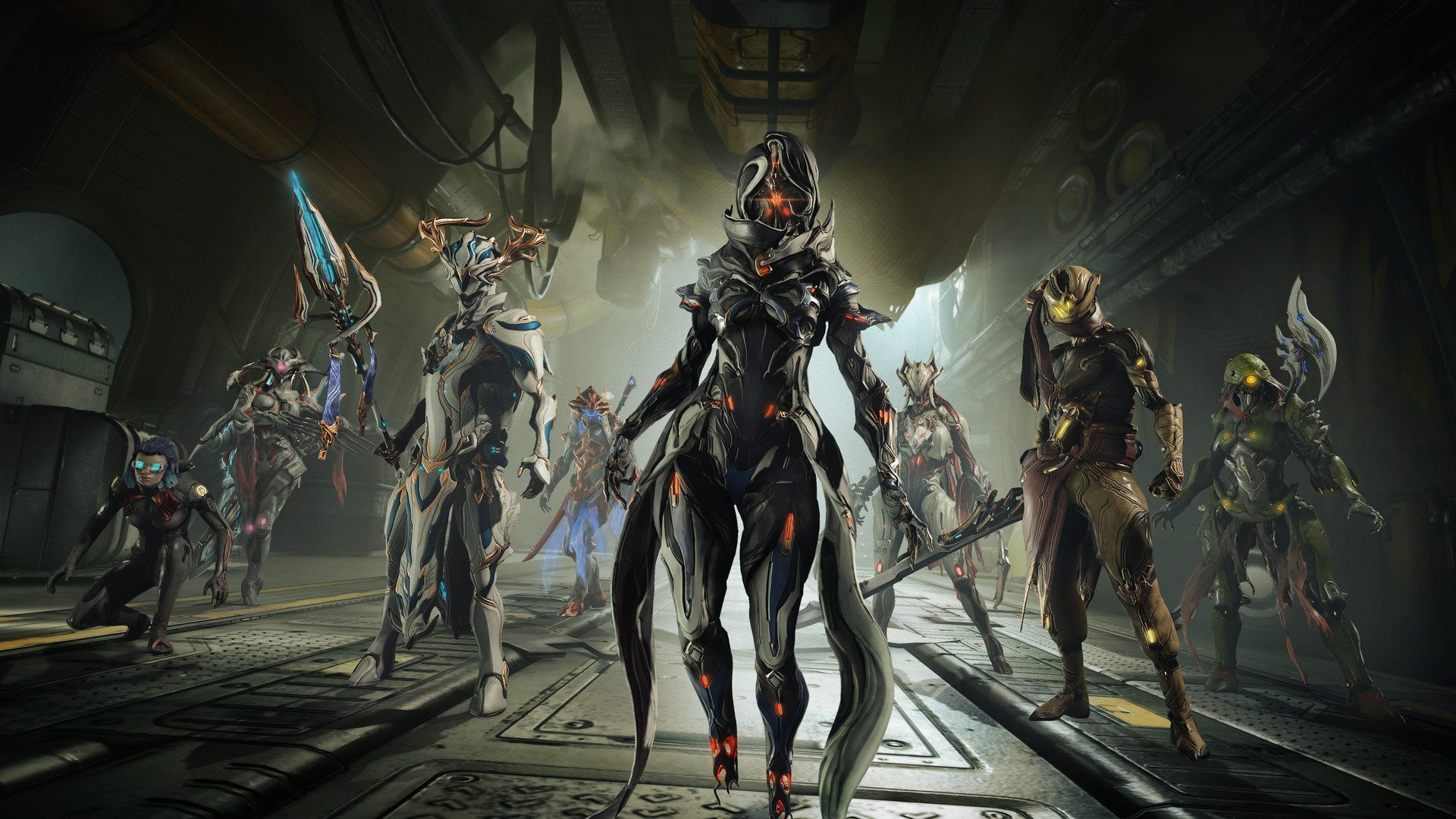
Warframe places players in the Origin System, where several factions are at war and a figure called the Lotus guides the player's path. The player takes control of a Warframe, a bio-metal suit that grants unusual powers. Each suit has its own set of abilities, and these can be combined with a broad selection of weapons to clear groups of enemies. More than 60 Warframes exist, so there is room to change approach and revisit missions with a different power set.
Read more
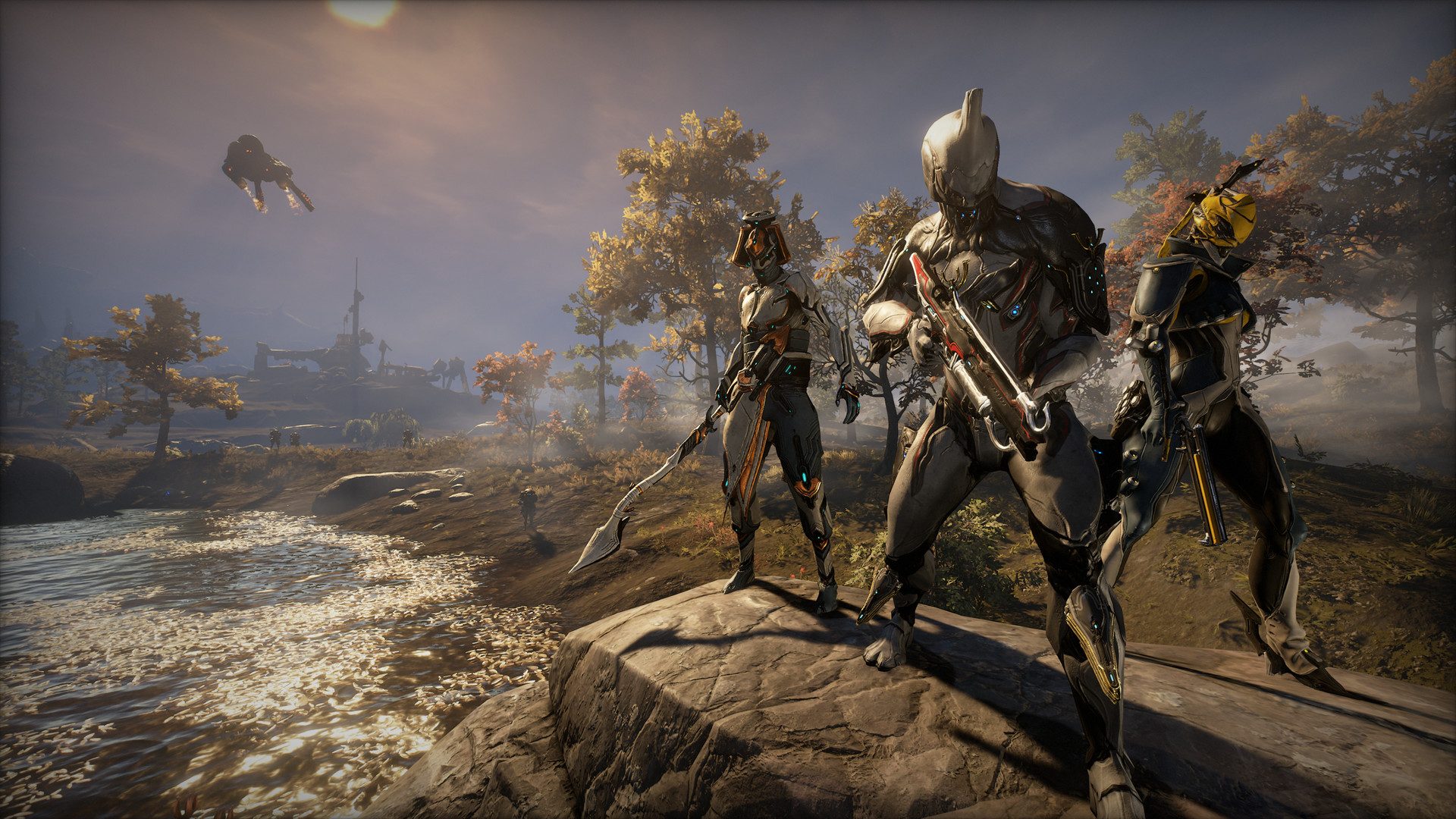
The game is built around co-op. Players can team up with friends and finish missions as a group, earning bonus rewards. Abilities can support allies, draw enemy attention or help the squad reach its goal. Matchmaking connects players with other Tenno when a mission needs more hands.
Movement is a major part of play. Warframes use parkour to cross ground missions, and players can also fly customizable spacecraft into large ship-to-ship fights. The Origin System includes open-world areas with friendly and hostile lifeforms to meet. The story is presented through cinematic sequences and spans five expansions and more than 30 quests. At the start, the player chooses one of three original Warframes and then develops skills while looking into the reason for their awakening.
Gear grows over time. The first weapons are only a starting point; players can craft many weapons, vehicles and Companions, then level them and test combinations. Appearance can also be adjusted, with many customization choices for the Warframe, weapons and loadout. The result is a third-person combat game that mixes action, role-playing progression, group play and long-term collection.
Screenshots
Warframe questions
Can I play Warframe on WARPLAY.CLOUD?
Yes. The game runs on a gaming PC in the WARPLAY.CLOUD network and streams at 60 FPS.
Do I need to own Warframe on Steam?
No. Warframe is free-to-play, and the player signs in to Steam in the session. A game that is not free to play must be in that account.
Which controllers work with Warframe on WARPLAY.CLOUD?
Xbox and PlayStation controllers and other Bluetooth or USB controllers are supported. Keyboard and mouse are also supported, and phones have a touch layout.
What devices can I use to play Warframe in the cloud?
Chrome or Edge on Windows, Mac, Linux, Chromebook and Android, Safari on iPhone and iPad, and apps for LG and Samsung TVs.
What internet speed do I need for Full HD?
15 Mbit/s is enough for Full HD. A cable or 5 GHz Wi-Fi gives the lowest delay.
What languages does Warframe support on WARPLAY.CLOUD?
English includes interface, voice and subtitles. German, French, Italian, Korean, Spanish - Spain, Simplified Chinese, Russian, Japanese, Polish, Portuguese - Brazil, Traditional Chinese, Turkish, Ukrainian and Thai include interface and subtitles without voice.
Similar games




Play Warframe now