WARPLAY.CLOUD
Play American Truck Simulator in the cloud
American Truck Simulator is a driving simulation from SCS Software in which you haul freight across California, Nevada and Arizona in licensed American trucks. It runs in the cloud on WARPLAY.CLOUD and streams to your screen.
American Truck Simulator must be in your Steam account. Nothing extra to buy from WARPLAY.CLOUD.
Short answers
- Own it on SteamDo I need to own it?
- On every planWhich plan?
- Almost any screenWhich devices?
- 15 Mbit/s for Full HDWhat internet?
Details
American Truck Simulator must be in your Steam account, the same copy you play at home. Nothing extra to buy from WARPLAY.CLOUD. How to start
Picture up to Full HD on FREE, up to 1440p on PRO, up to 4K on MAX. 60 FPS on every plan. Compare plans
Chrome or Edge on Windows, Mac, Linux, Chromebook and Android. Safari on iPhone and iPad. Apps for LG and Samsung TVs. All devices
25 Mbit/s for 1440p and 45 Mbit/s for 4K. A cable or 5 GHz Wi-Fi gives the lowest delay. More on internet speed
Works on
- Computers
- BrowserWindowsMacLinuxChromebook
- Phones and tablets
- iPhone and iPadAndroid
How to start American Truck Simulator
- Open app.warplay.cloud in Chrome or Edge, or open the Windows, Mac or Linux app, and sign in.
- Find American Truck Simulator and press Play.
- Sign in to the Steam account that has American Truck Simulator. Your saves load from Steam Cloud.
- Install the WARPLAY.CLOUD app on your LG TV (webOS) or Samsung TV (Tizen) and sign in.
- Connect an Xbox or PlayStation gamepad, or another Bluetooth or USB controller.
- Pick American Truck Simulator and press Play. On Steam's sign-in screen, scan the QR code with the Steam Mobile app.
- On iPhone or iPad, open app.warplay.cloud in Safari and add it to the Home Screen. On Android, open it in Chrome.
- Connect a gamepad, or use the touch layout.
- Pick American Truck Simulator, press Play, then sign in to Steam.
American Truck Simulator on WARPLAY.CLOUD
American Truck Simulator works with a gamepad and with keyboard and mouse, and it also supports steering wheels and other input devices. On WARPLAY.CLOUD you can pair an Xbox or PlayStation controller, or any other Bluetooth or USB pad, and drive from a desk or a couch; on a phone or tablet the touch layout is available too. A pad suits long hauls, while keyboard and mouse are handy for menus and camera work.
The game runs on a gaming PC in the WARPLAY.CLOUD network and streams at 60 FPS. Picture goes up to Full HD, 1440p or 4K, depending on the plan. Full HD needs at least 15 Mbit/s, and a cable or 5 GHz Wi-Fi gives the lowest delay, which matters when steering input has to arrive promptly. You can play in Chrome or Edge on Windows, Mac, Linux, Chromebook and Android, in Safari on iPhone and iPad, and through the apps for LG and Samsung TVs.
The interface and subtitles come in many languages, including English, French, Italian, German, Spanish, Polish, Russian, Turkish, Japanese, Korean, and both Simplified and Traditional Chinese. There is no voice-over, so everything you read is on screen as text.
You need the game in your own Steam account: you sign in to Steam inside the session, and the title must be there. Saves load from Steam Cloud, so progress made elsewhere is available when you start. Nothing extra has to be bought from WARPLAY.CLOUD for a game you already own on Steam.
About the game
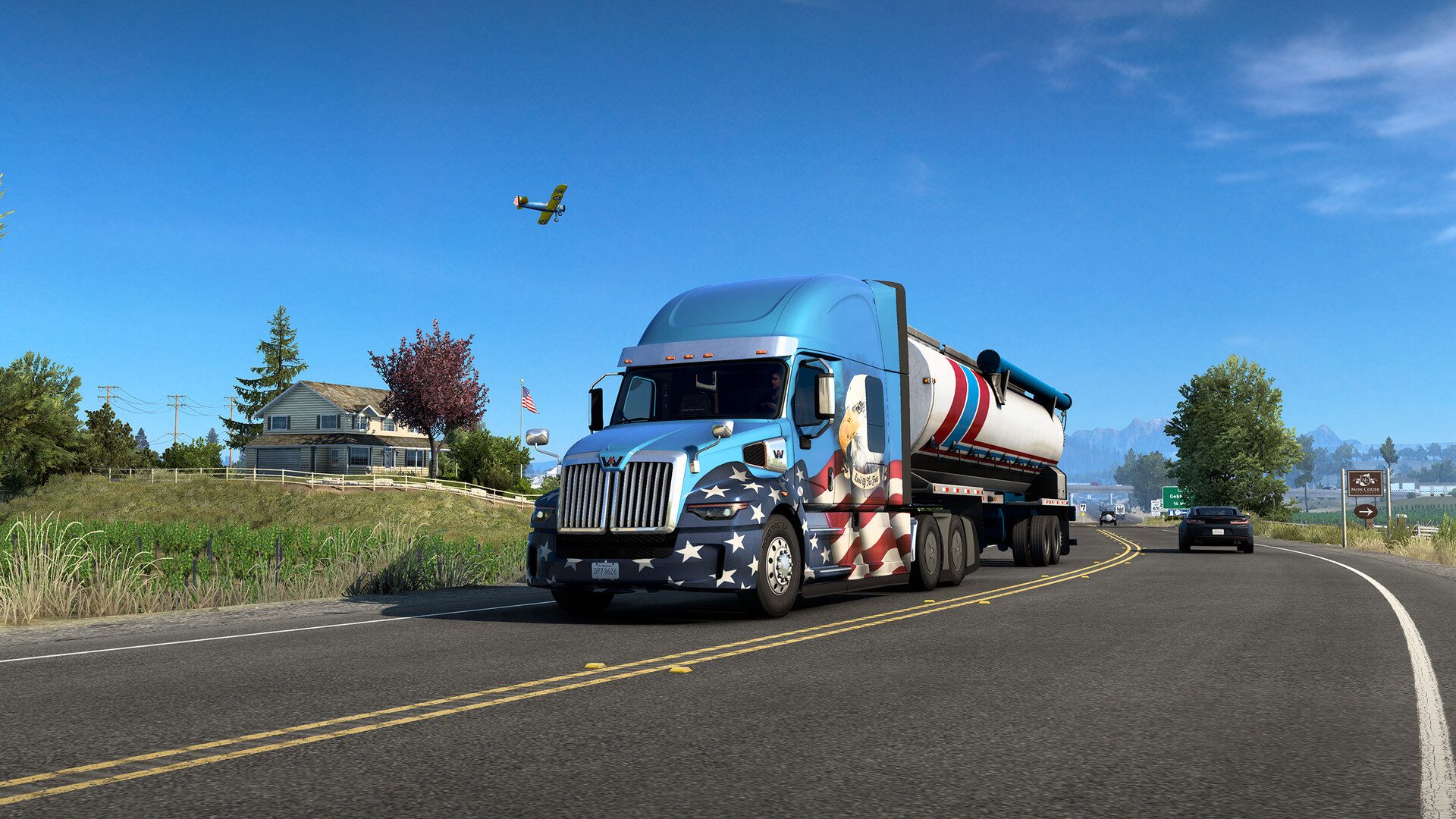
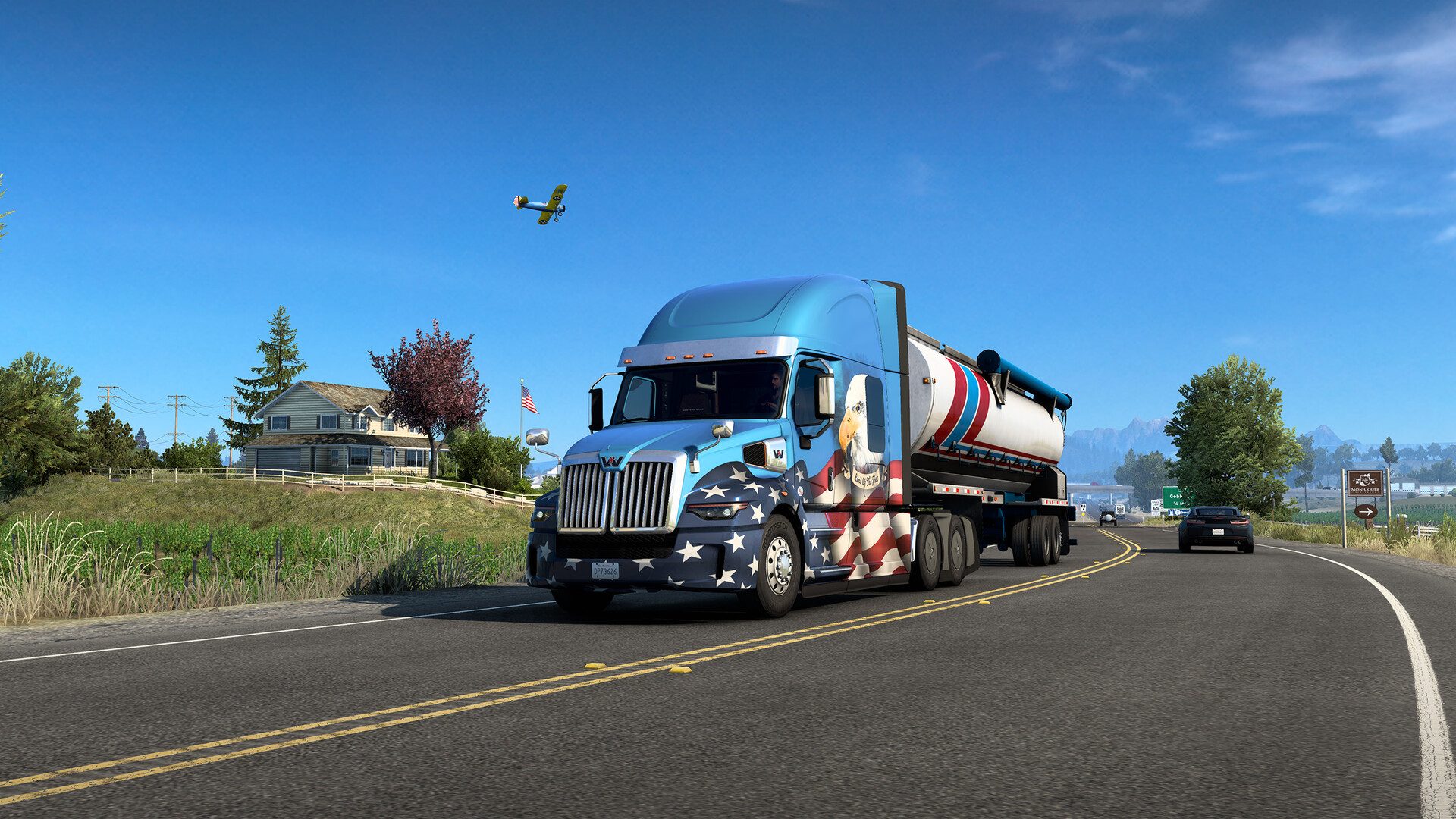
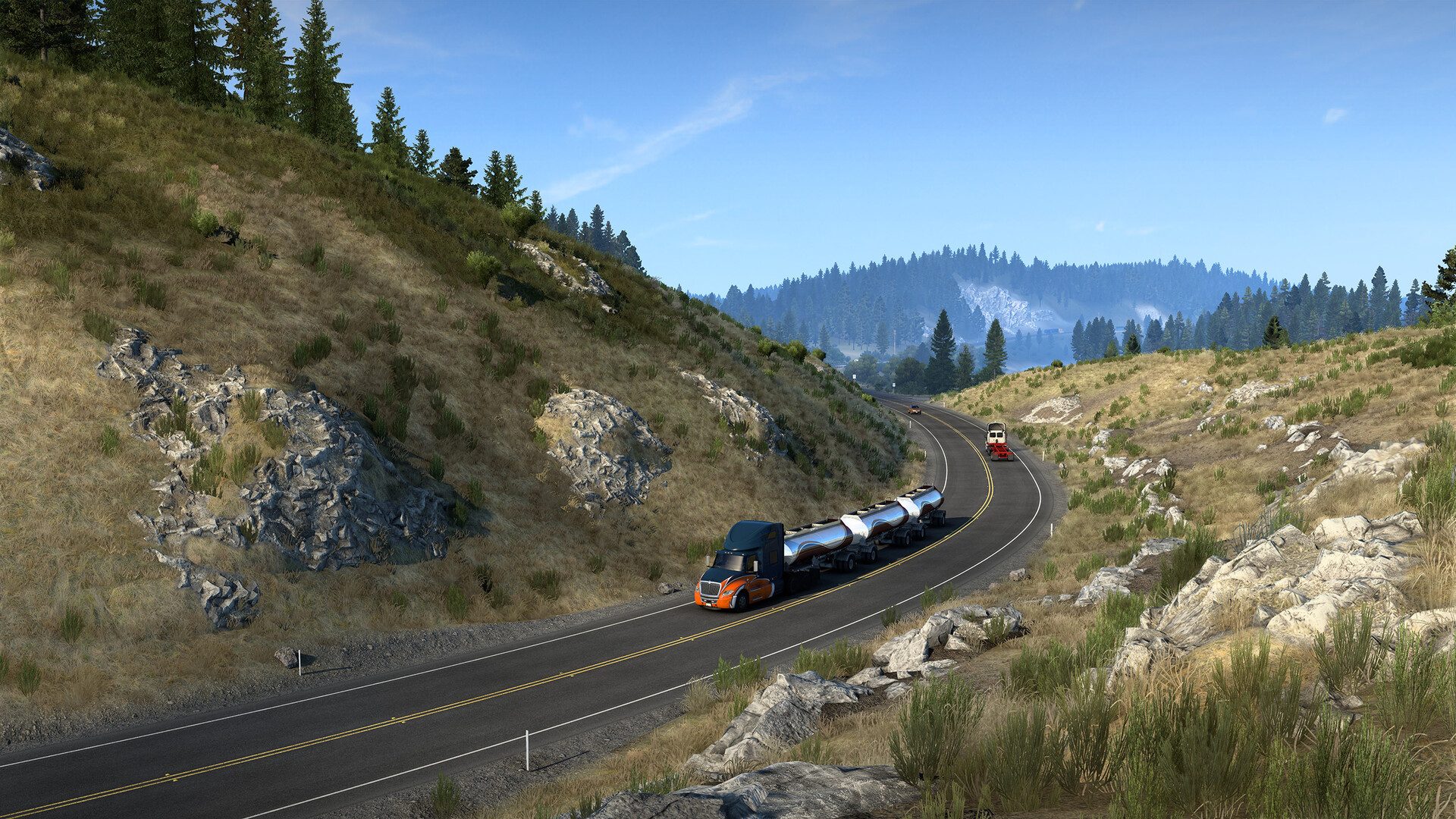
American Truck Simulator is a trucking simulation from SCS Software. You sit behind the wheel of officially licensed American trucks and carry loads through California, Nevada and Arizona, past sunlit coastal roads, desert highways and well-known local landmarks.
Read more
The career starts modestly: you are a driver for hire in the local freight market. Delivering cargo safely and improving your skills moves you up until you can work as an owner-operator, then build a fleet, buy garages, hire other drivers and run a transport company of your own.
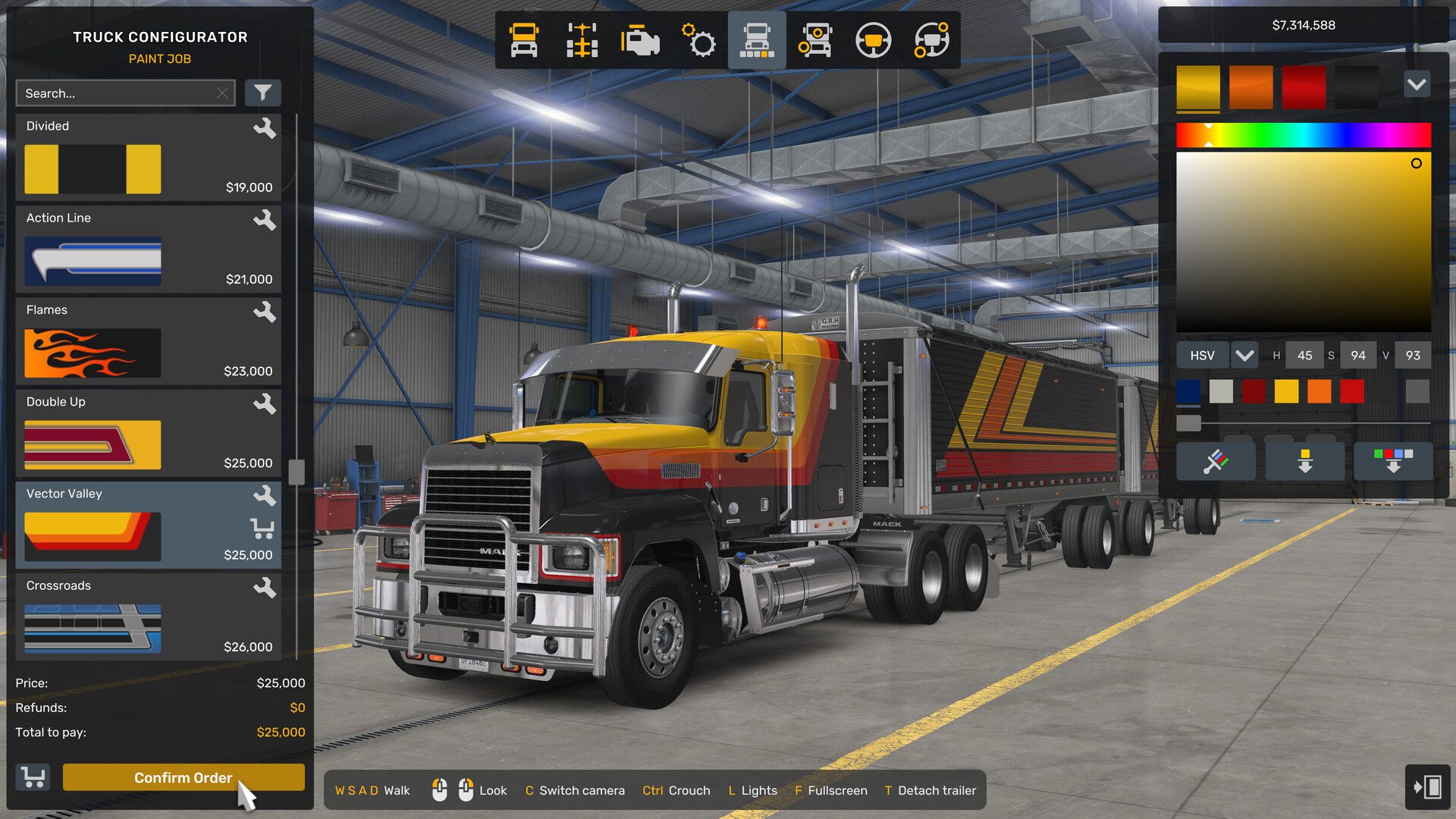
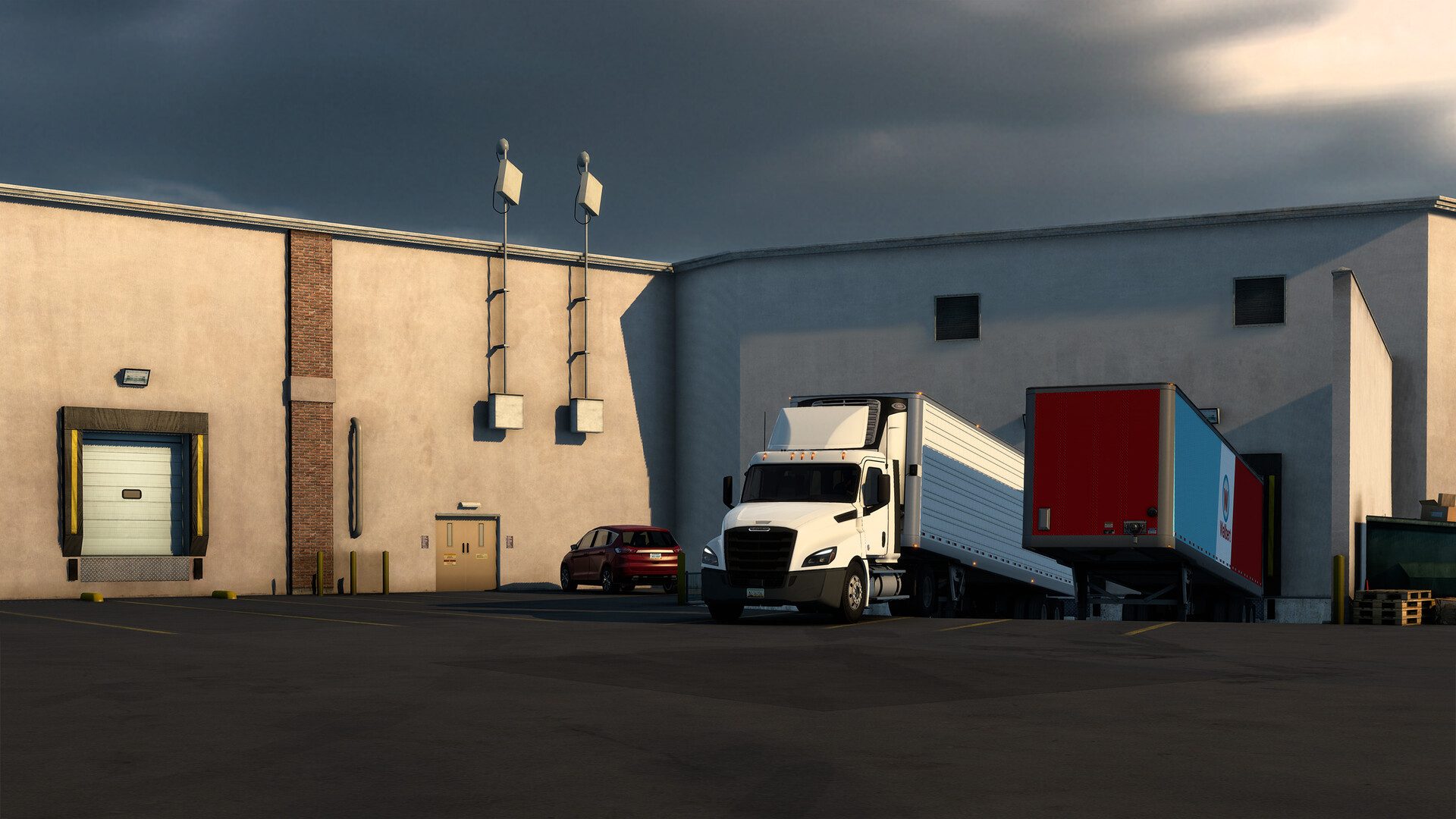
The trucks can be reworked to suit you, with different cabins, chassis, paintwork, tuning parts and more powerful engines. Freight ranges from food and machinery to hazardous cargo, and it rides on several trailer types, among them refrigerated trailers, flatbeds, dumpers, lowboys and goosenecks. Destinations include fuel depots, car plants, filling stations, roadworks and other industrial sites.
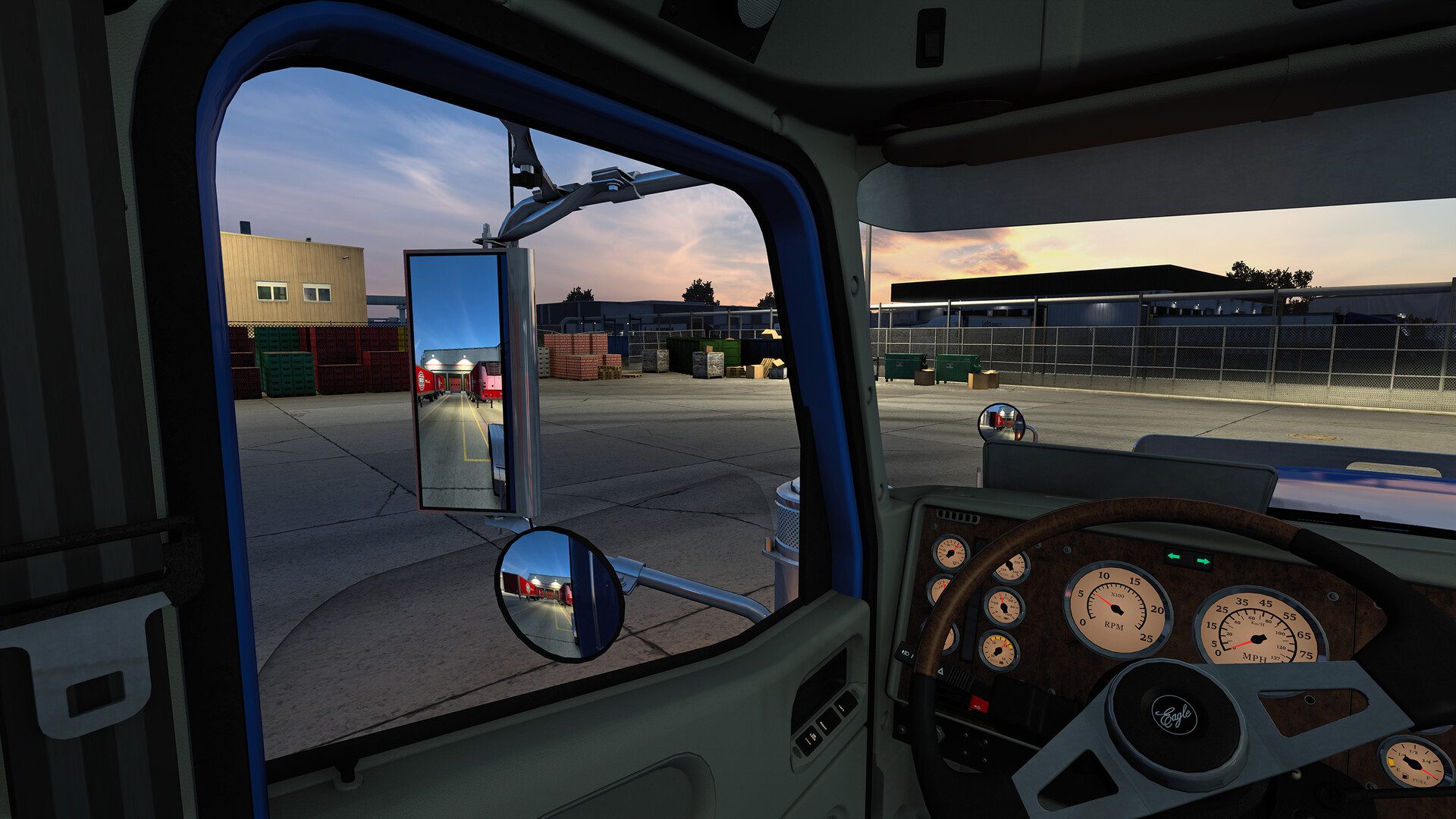
For players who want depth, the simulation settings cover air brakes, retarder, Jake brake and trailer brake behaviour, gearboxes taken from real trucks and brake intensity. Inside the cabin you can move the seat, the mirrors and your head position. Traffic rules are enforced: police fine careless driving, and weigh scales check that a load is not overweight. A route adviser assists with navigation, a built-in player handles music and radio streaming, and a photo mode with editing options keeps your favourite views. The optional World of Trucks community lets drivers share screenshots and use custom avatars and licence plates.
Screenshots



American Truck Simulator questions
Can I play American Truck Simulator in the cloud?
Yes. The game runs on a gaming PC in the WARPLAY.CLOUD network and streams to your device at 60 FPS, with picture up to Full HD, 1440p or 4K depending on the plan.
Do I need to own American Truck Simulator on Steam?
Yes. You sign in to Steam in your session and the game must be in that account. Saves load from Steam Cloud.
Which controllers can I use?
Xbox and PlayStation controllers, other Bluetooth or USB gamepads, and keyboard and mouse. On phones a touch layout is also available.
What internet speed is needed?
At least 15 Mbit/s for Full HD. A cable or 5 GHz Wi-Fi connection gives the lowest delay.
Are there voice-over and subtitle languages?
The interface and subtitles are available in many languages, among them English, German, French, Spanish, Polish, Russian, Japanese and Chinese. There is no voice-over.
Can I play it on a TV or a phone?
Yes. There are apps for LG and Samsung TVs, and the game runs in Chrome or Edge on Android and in Safari on iPhone and iPad.
Similar games






Play American Truck Simulator now