WARPLAY.CLOUD
Play Geometry Dash in the cloud
Geometry Dash is a rhythm-based action platformer in which every level moves to its own soundtrack and a single mistake sends you back to the beginning. It can be played in the cloud on WARPLAY.CLOUD.
Geometry Dash must be in your Steam account. Nothing extra to buy from WARPLAY.CLOUD.
Short answers
- Own it on SteamDo I need to own it?
- On every planWhich plan?
- Almost any screenWhich devices?
- 15 Mbit/s for Full HDWhat internet?
Details
Geometry Dash must be in your Steam account, the same copy you play at home. Nothing extra to buy from WARPLAY.CLOUD. How to start
Picture up to Full HD on FREE, up to 1440p on PRO, up to 4K on MAX. 60 FPS on every plan. Compare plans
Chrome or Edge on Windows, Mac, Linux, Chromebook and Android. Safari on iPhone and iPad. Apps for LG and Samsung TVs. All devices
25 Mbit/s for 1440p and 45 Mbit/s for 4K. A cable or 5 GHz Wi-Fi gives the lowest delay. More on internet speed
Works on
- Computers
- BrowserWindowsMacLinuxChromebook
- Phones and tablets
- iPhone and iPadAndroid
How to start Geometry Dash
- Open app.warplay.cloud in Chrome or Edge, or open the Windows, Mac or Linux app, and sign in.
- Find Geometry Dash and press Play.
- Sign in to the Steam account that has Geometry Dash. Your saves load from Steam Cloud.
- Install the WARPLAY.CLOUD app on your LG TV (webOS) or Samsung TV (Tizen) and sign in.
- Connect an Xbox or PlayStation gamepad, or another Bluetooth or USB controller.
- Pick Geometry Dash and press Play. On Steam's sign-in screen, scan the QR code with the Steam Mobile app.
- On iPhone or iPad, open app.warplay.cloud in Safari and add it to the Home Screen. On Android, open it in Chrome.
- Connect a gamepad, or use the touch layout.
- Pick Geometry Dash, press Play, then sign in to Steam.
Geometry Dash on WARPLAY.CLOUD
Geometry Dash supports keyboard and mouse and also gamepads, and both work on WARPLAY.CLOUD. The input is simple, mostly a jump, so a keyboard suits a desktop or laptop, while an Xbox or PlayStation controller, or another Bluetooth or USB pad, fits play on a TV or a phone; phones also offer a touch layout. The interface and subtitles are in English, and there is no voice track.
You play in your own Steam account. You sign in to Steam inside the session, and Geometry Dash has to be in that account, since it is not a title you can start without owning it. Nothing extra needs to be bought from WARPLAY.CLOUD for a game you already own on Steam, and saves load from Steam Cloud.
The game runs on a gaming PC in the WARPLAY.CLOUD network and streams at 60 FPS, with the picture reaching Full HD, 1440p or 4K depending on the plan. Chrome or Edge on Windows, Mac, Linux, Chromebook and Android will do, as will Safari on iPhone and iPad, and there are apps for LG and Samsung TVs. A 15 Mbit/s connection covers Full HD, and a cable or 5 GHz Wi-Fi gives the lowest delay, which matters in a game built on timing.
About the game
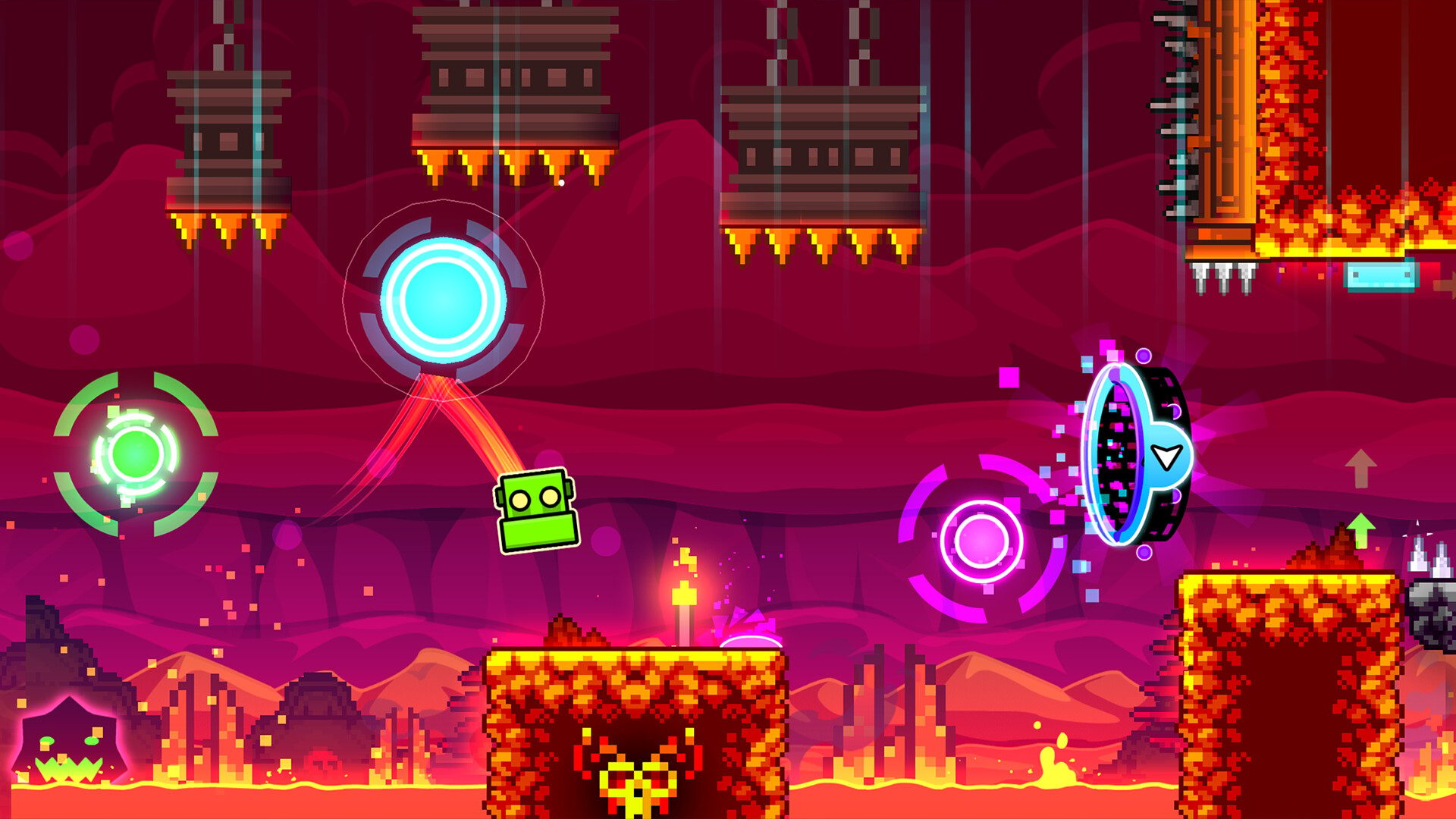
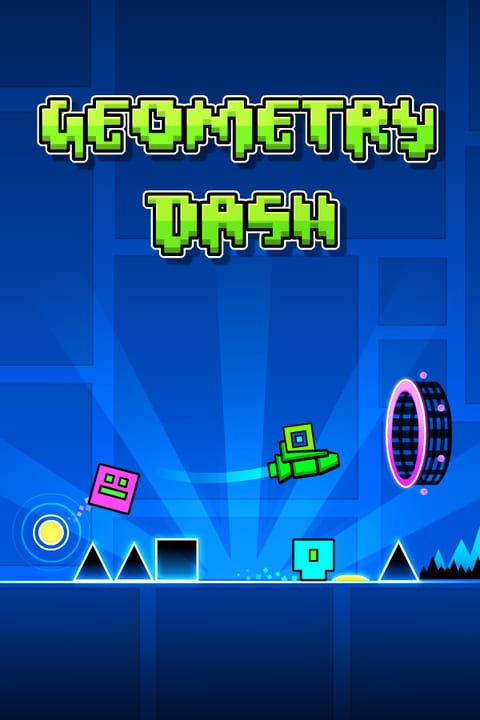
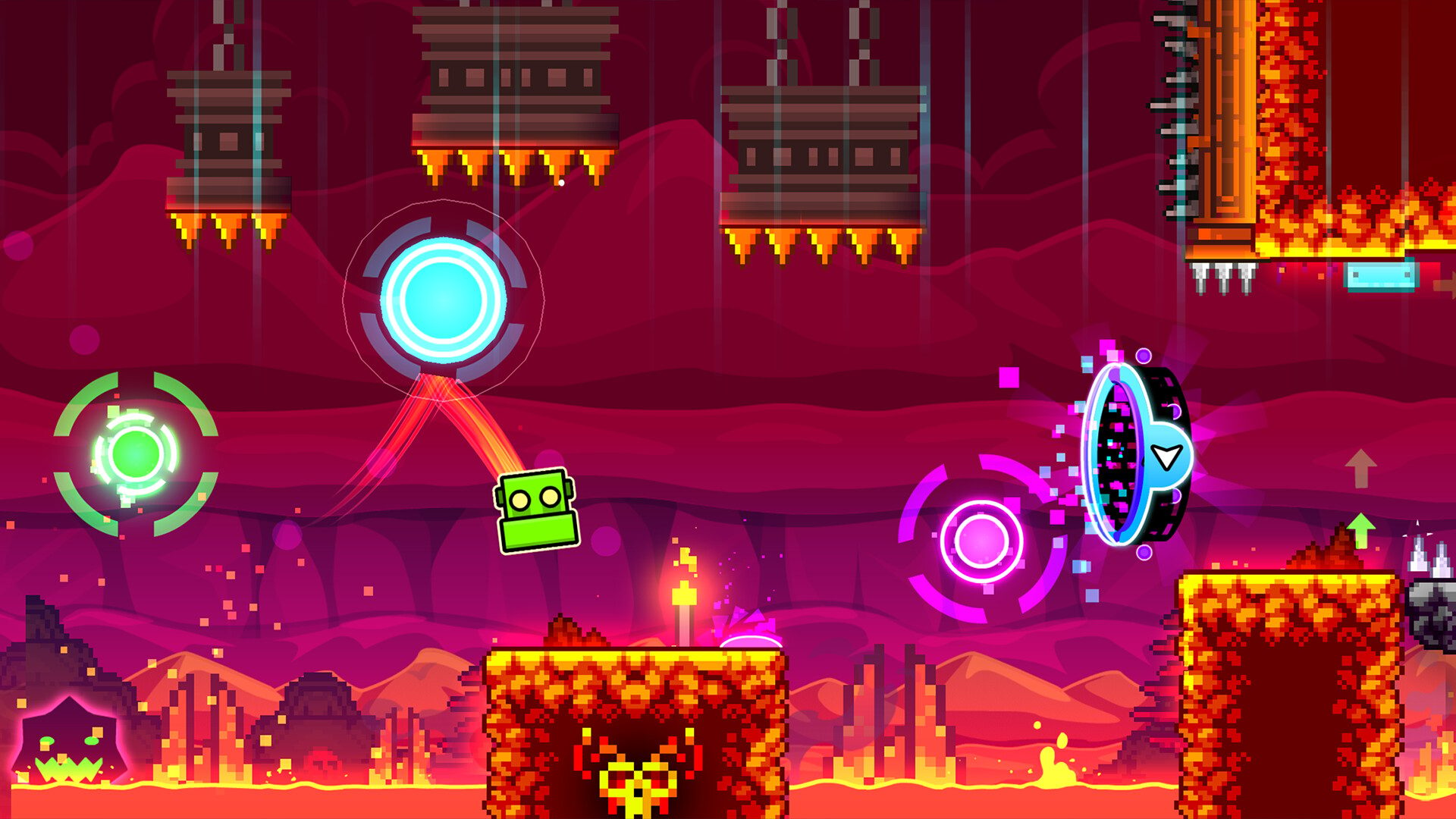
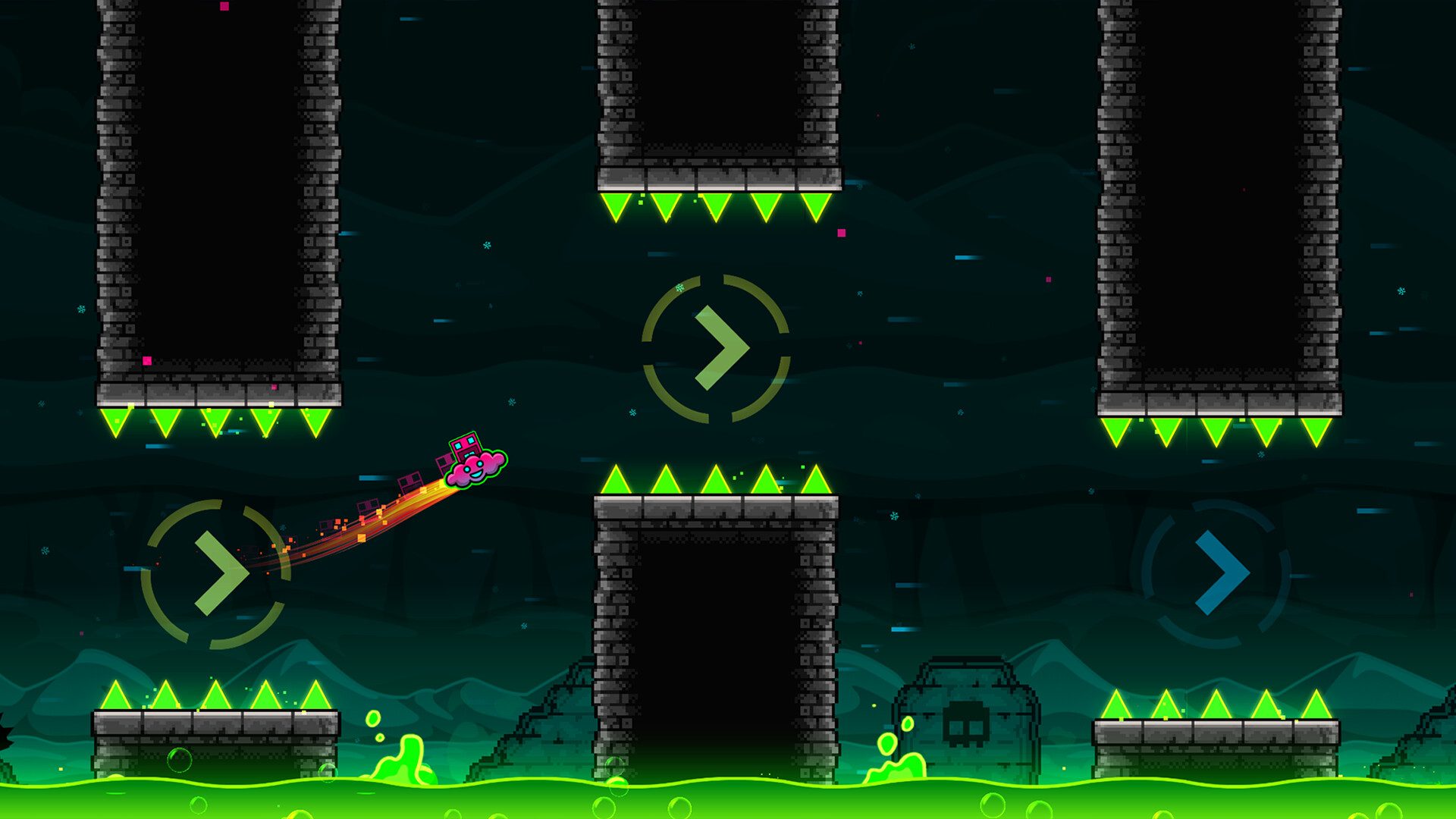
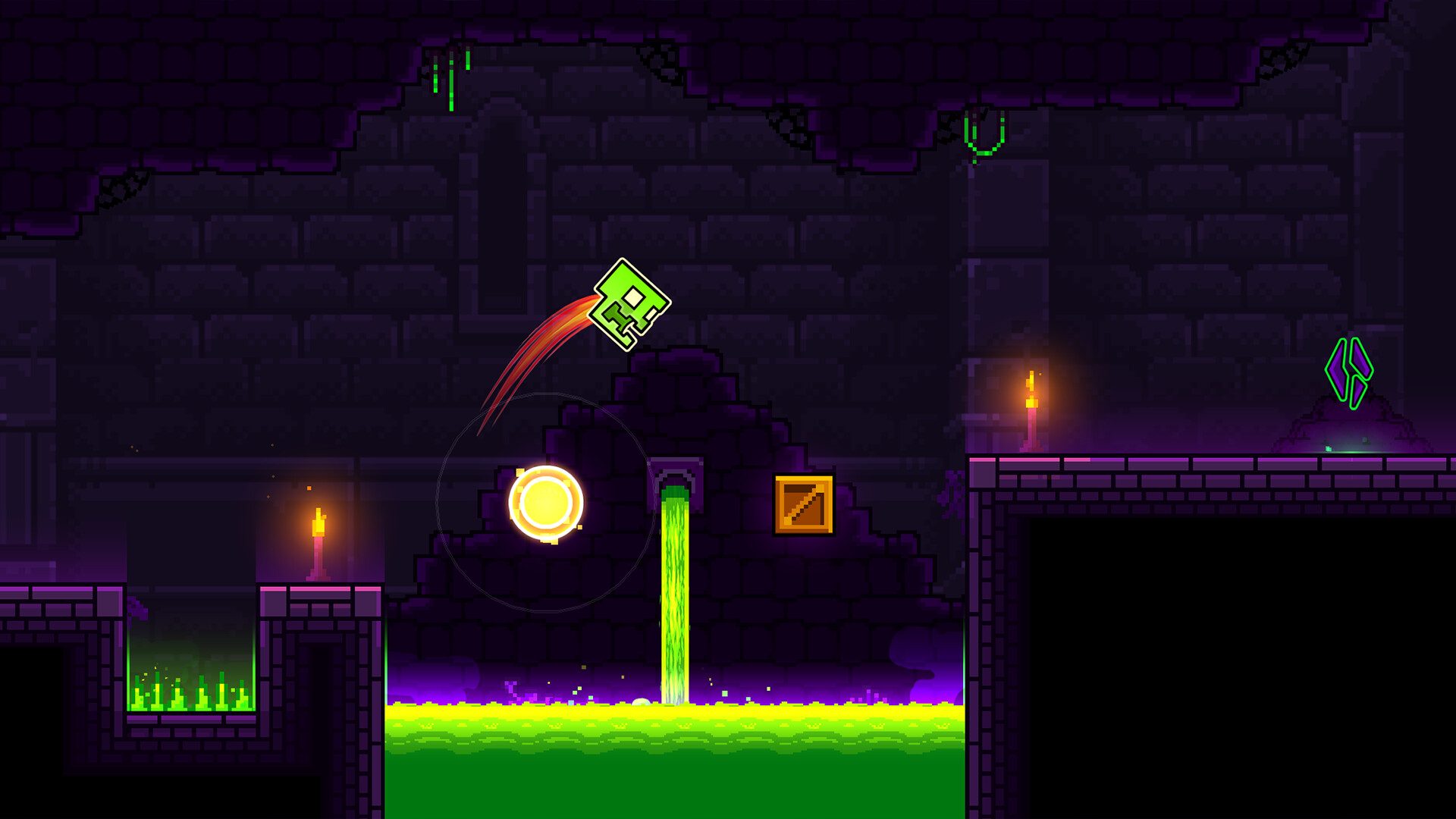
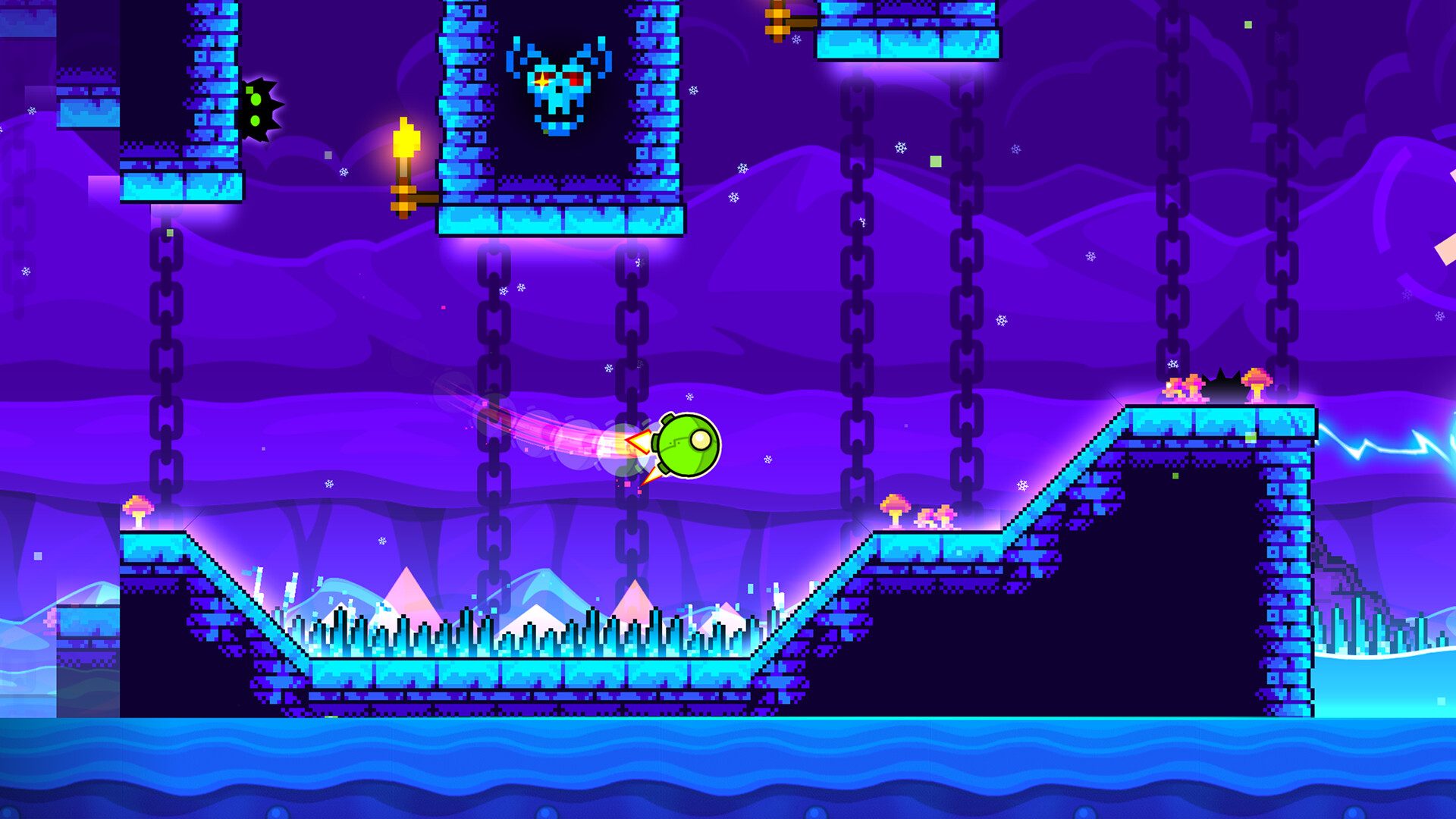
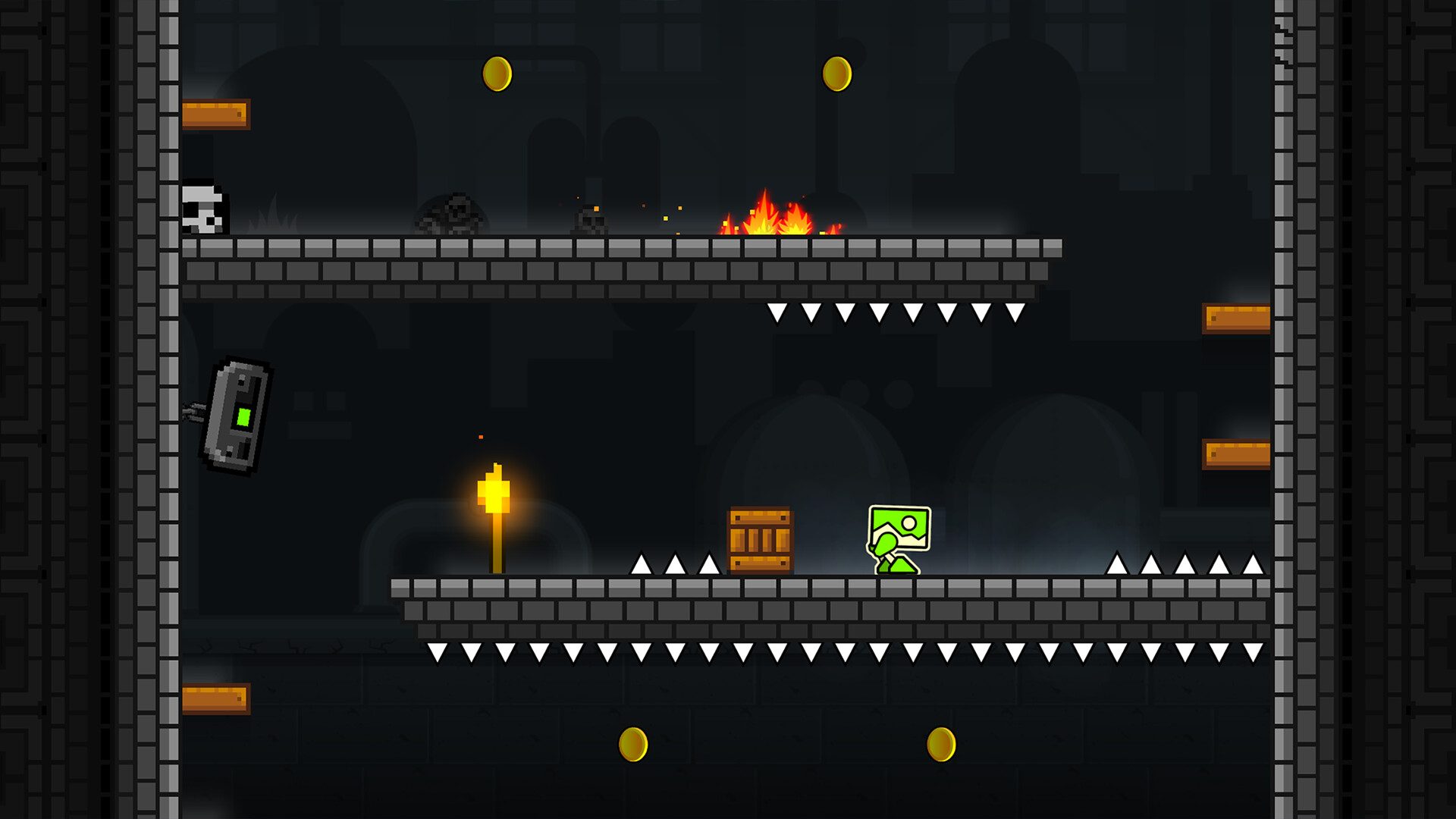
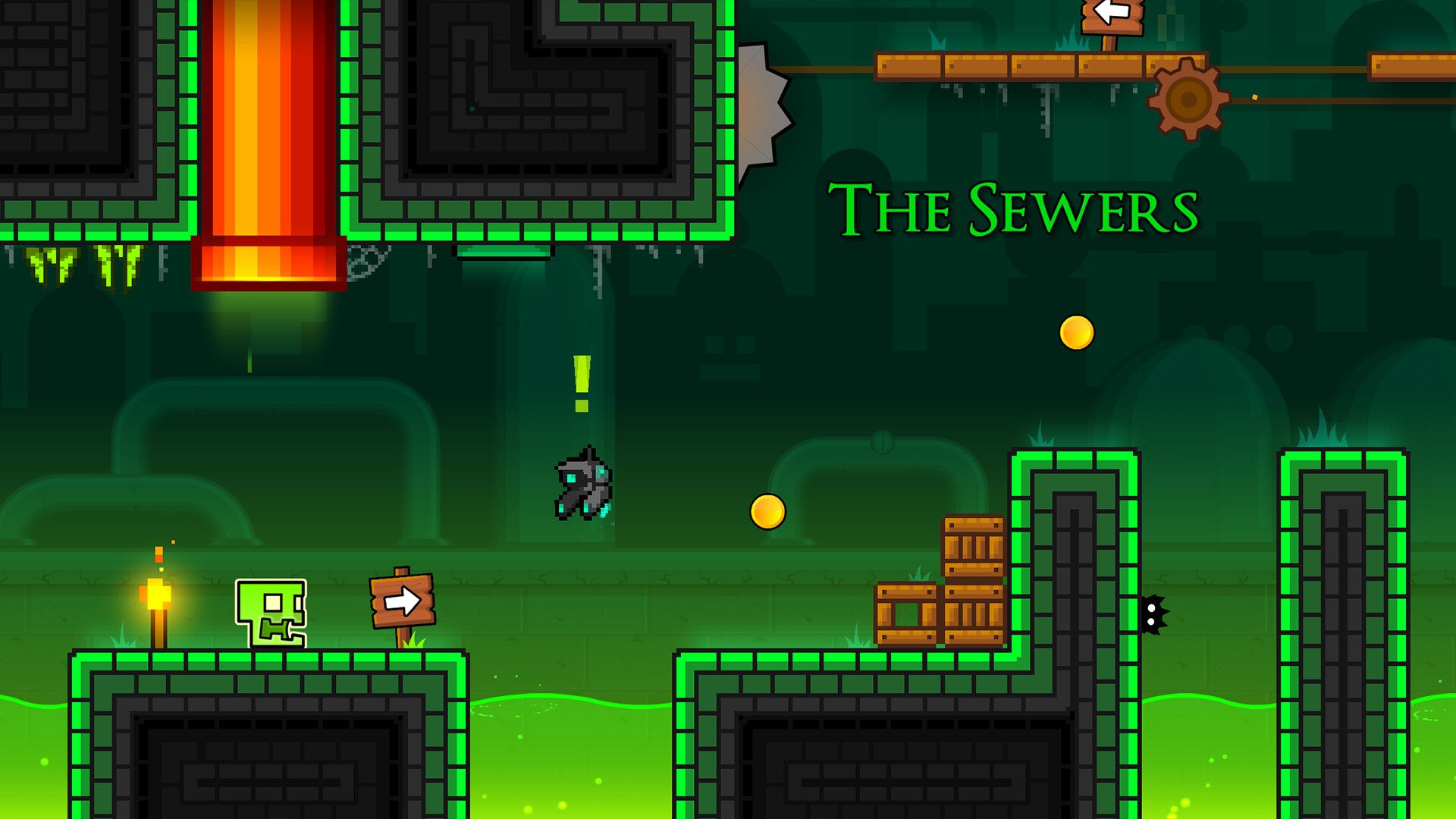
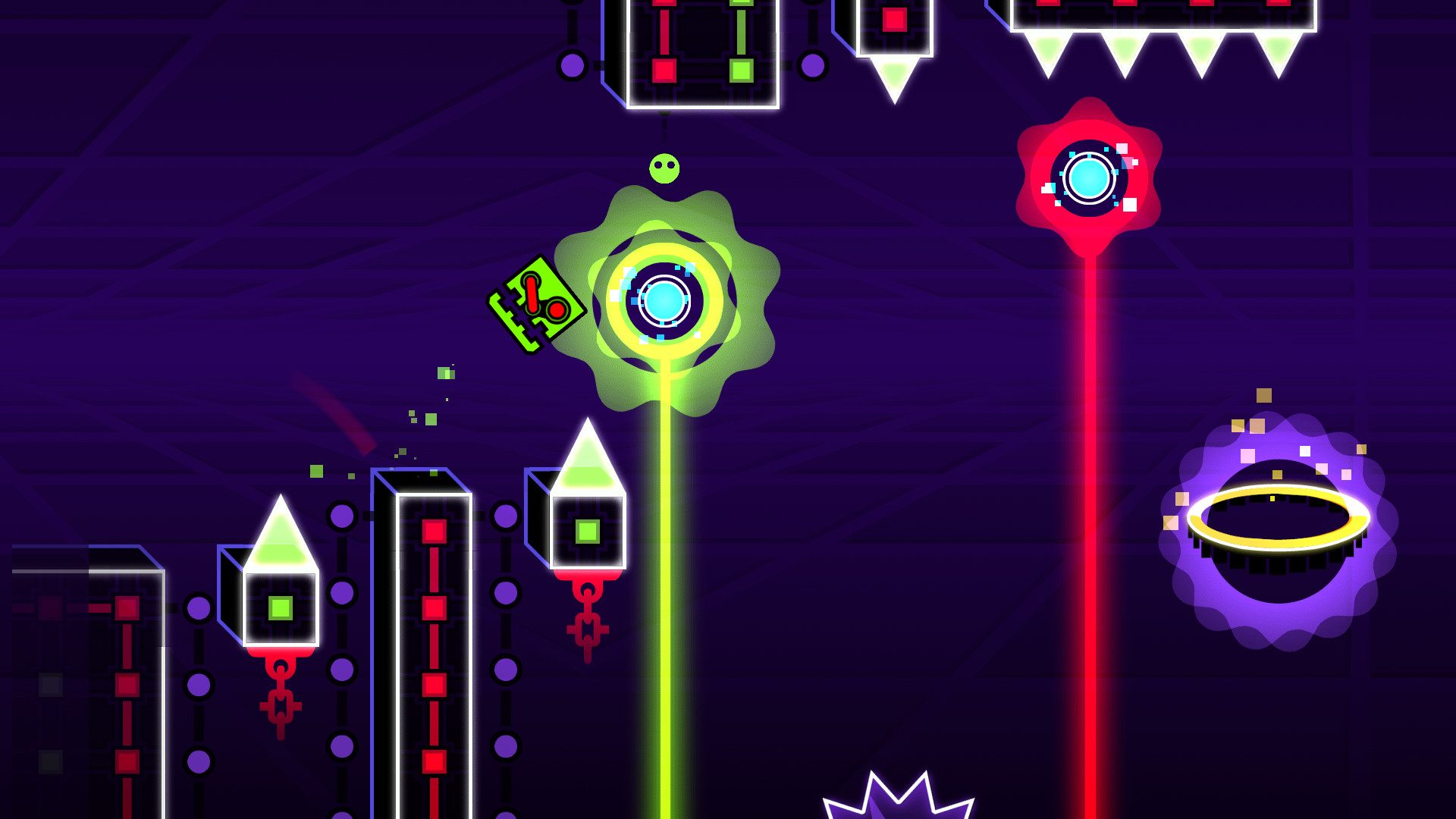
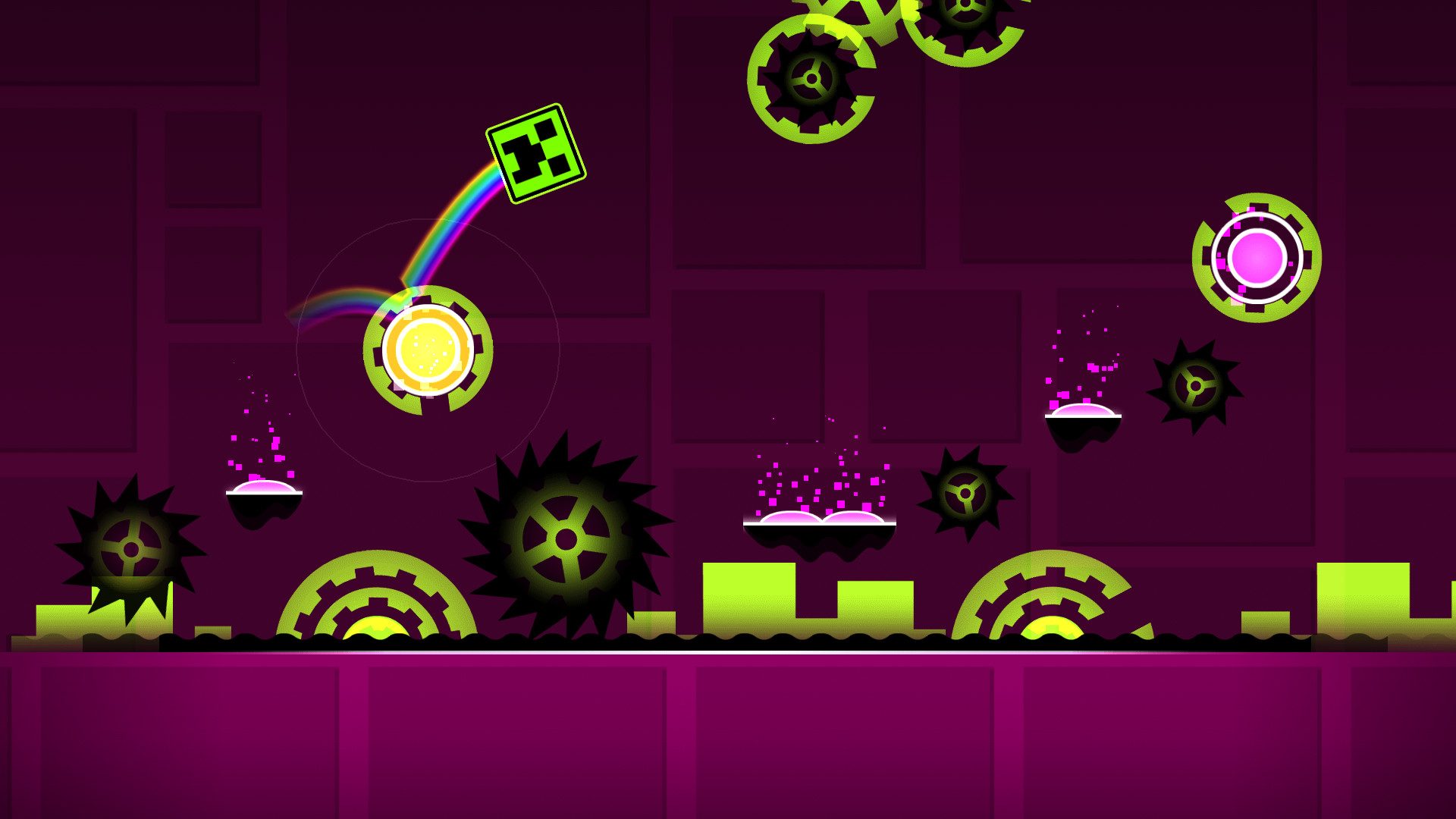
Geometry Dash is a rhythm-driven action platformer from RobTop Games. Each stage is built around a piece of music, and the obstacles arrive in time with it, so getting through depends on learning the beat as much as the layout. Touching a spike or a wall ends the attempt and restarts the run.
Read more
The character moves forward by itself. The player controls the jump, and later stages change the rules: flight in a rocket, flipped gravity and other shifts that arrive with the track. Practice mode lets you place checkpoints and rehearse a difficult section before attempting it in one piece.
A level editor is part of the game. Players use it to build their own stages and share them with others, and the resulting library of player-made levels is large, which gives the game a long tail beyond the built-in content. Finishing stages and collecting rewards unlock new icons and colors for the character, and there are achievements to work toward.
Difficulty is the point of the design: the stages are meant to be demanding and to be repeated until the sequence of inputs becomes automatic. Steam users also get two exclusive icons to unlock.
Video and screenshots
Geometry Dash questions
Can I play Geometry Dash in the cloud on WARPLAY.CLOUD?
Yes. The game runs on a gaming PC in the WARPLAY.CLOUD network and streams to your screen at 60 FPS, so nothing has to be installed locally.
Do I need Geometry Dash on Steam to play it here?
Yes. Steam games start in the player's own Steam account: you sign in to Steam in the session, and this game must already be in that account.
Which controllers work with Geometry Dash on WARPLAY.CLOUD?
Keyboard and mouse are supported, as are Xbox and PlayStation controllers and other Bluetooth or USB pads. On phones there is also a touch layout.
What internet speed do I need for Geometry Dash?
15 Mbit/s is enough for Full HD. A cable or 5 GHz Wi-Fi gives the lowest delay, which helps in a rhythm game where timing decides the run.
What languages does Geometry Dash offer?
The interface and subtitles are available in English. There is no voice track in the game.
What picture quality and frame rate can I expect?
The stream runs at 60 FPS, and the picture goes up to Full HD, 1440p or 4K depending on the plan.
Similar games



Play Geometry Dash now