WARPLAY.CLOUD

Play Phasmophobia in the cloud
Phasmophobia is a psychological horror game for online co-op, where up to four investigators gather evidence in haunted places. Play it in the cloud on WARPLAY.CLOUD.
Phasmophobia must be in your Steam account. Nothing extra to buy from WARPLAY.CLOUD.
Short answers
- Own it on SteamDo I need to own it?
- On every planWhich plan?
- Almost any screenWhich devices?
- 15 Mbit/s for Full HDWhat internet?
Details
Phasmophobia must be in your Steam account, the same copy you play at home. Nothing extra to buy from WARPLAY.CLOUD. How to start
Picture up to Full HD on FREE, up to 1440p on PRO, up to 4K on MAX. 60 FPS on every plan. Compare plans
Chrome or Edge on Windows, Mac, Linux, Chromebook and Android. Safari on iPhone and iPad. Apps for LG and Samsung TVs. All devices
25 Mbit/s for 1440p and 45 Mbit/s for 4K. A cable or 5 GHz Wi-Fi gives the lowest delay. More on internet speed
Works on
- Computers
- BrowserWindowsMacLinuxChromebook
- Phones and tablets
- iPhone and iPadAndroid
How to start Phasmophobia
- Open app.warplay.cloud in Chrome or Edge, or open the Windows, Mac or Linux app, and sign in.
- Find Phasmophobia and press Play.
- Sign in to the Steam account that has Phasmophobia. Your saves load from Steam Cloud.
- Install the WARPLAY.CLOUD app on your LG TV (webOS) or Samsung TV (Tizen) and sign in.
- Connect an Xbox or PlayStation gamepad, or another Bluetooth or USB controller.
- Pick Phasmophobia and press Play. On Steam's sign-in screen, scan the QR code with the Steam Mobile app.
- On iPhone or iPad, open app.warplay.cloud in Safari and add it to the Home Screen. On Android, open it in Chrome.
- Connect a gamepad, or use the touch layout.
- Pick Phasmophobia, press Play, then sign in to Steam.
Phasmophobia on WARPLAY.CLOUD
Phasmophobia supports both a keyboard and mouse setup and a gamepad, and players using either can share a session. On WARPLAY.CLOUD the game runs on a gaming PC in the network and streams to your screen at 60 FPS, so the picture stays smooth while you move through a dark building.
A keyboard and mouse suit the equipment menus and the fine aiming of cameras and readers; a gamepad works well if you prefer playing from a couch. Xbox and PlayStation controllers are supported, along with other Bluetooth or USB controllers. On a phone the touch layout is available, though the small screen makes dark interiors harder to read.
The game streams in a browser: Chrome or Edge on Windows, Mac, Linux, Chromebook and Android, or Safari on iPhone and iPad. There are also apps for LG and Samsung TVs, where a controller is the natural choice. Picture quality goes up to Full HD, 1440p or 4K depending on the plan, and a cable or 5 GHz Wi-Fi connection keeps the delay low. For Full HD you need at least 15 Mbit/s.
The interface and subtitles are translated into many languages, including English, German, French, Spanish, Italian, Polish, Russian, Japanese, Korean, Simplified and Traditional Chinese, Turkish, Ukrainian and Arabic. Voice acting is in English only.
Phasmophobia is sold on Steam, so it has to be in your own Steam account. You sign in to Steam inside the session, and saves load from Steam Cloud. Nothing extra needs to be bought from WARPLAY.CLOUD for a game you already own there.
About the game
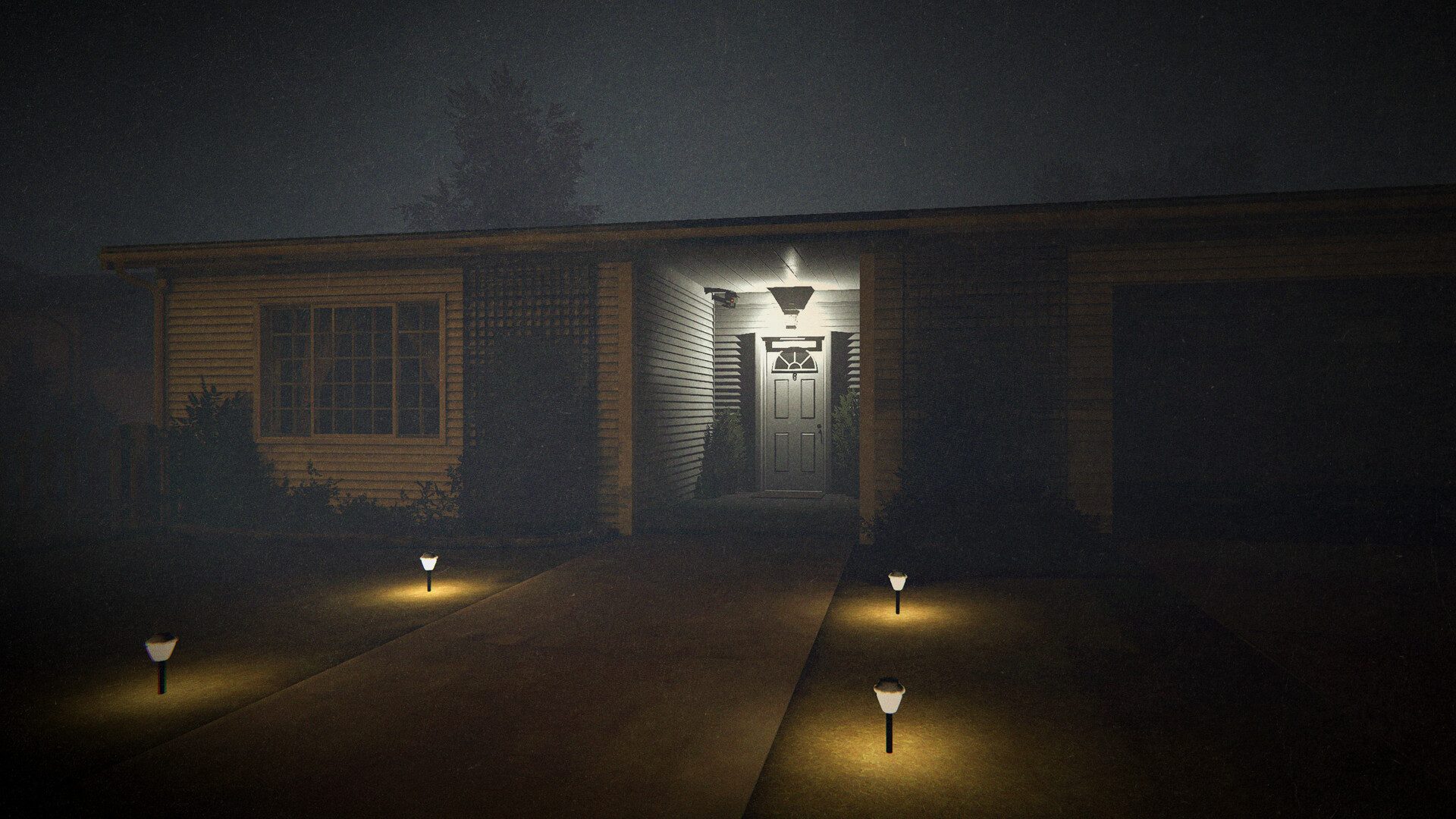
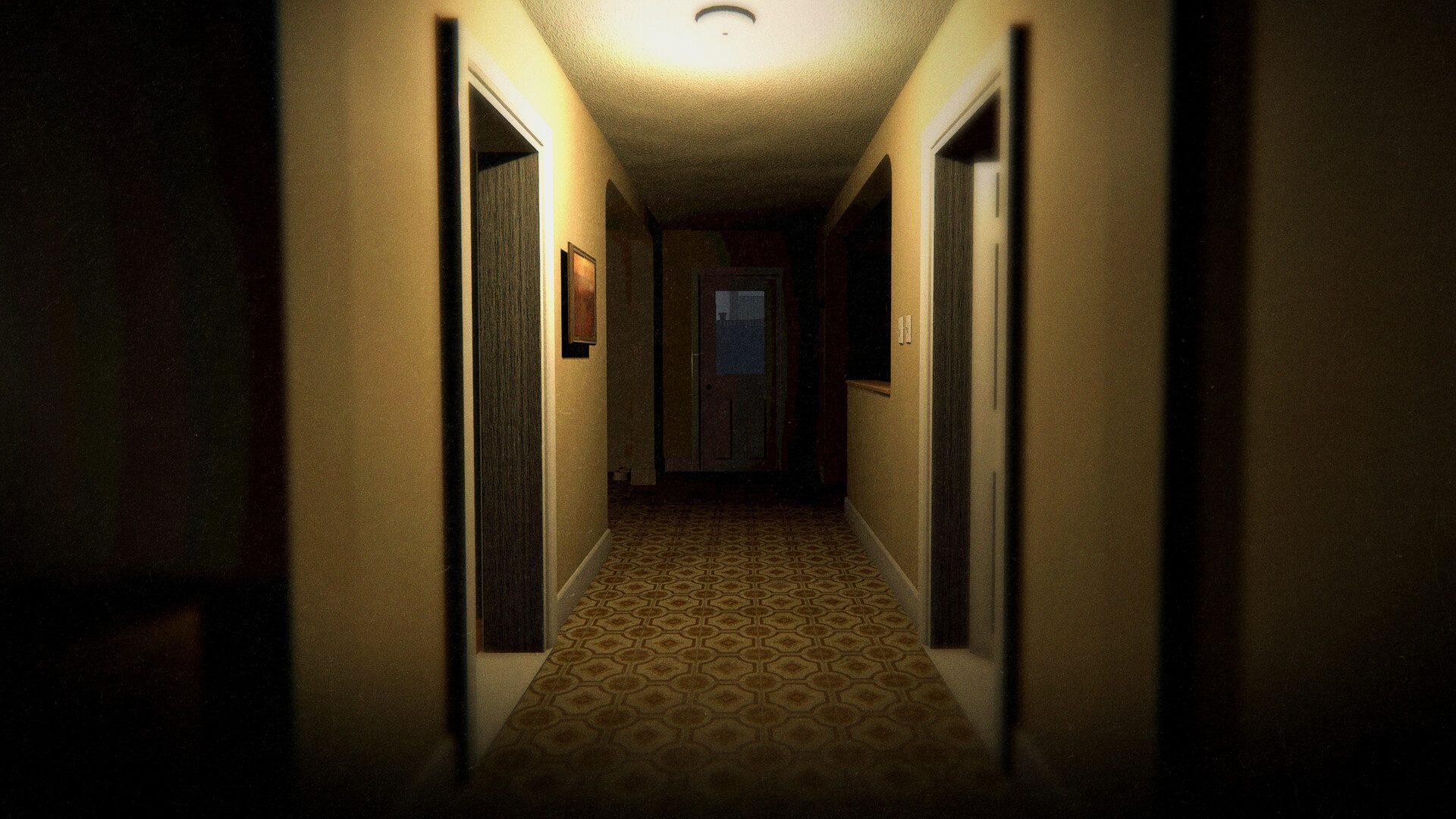
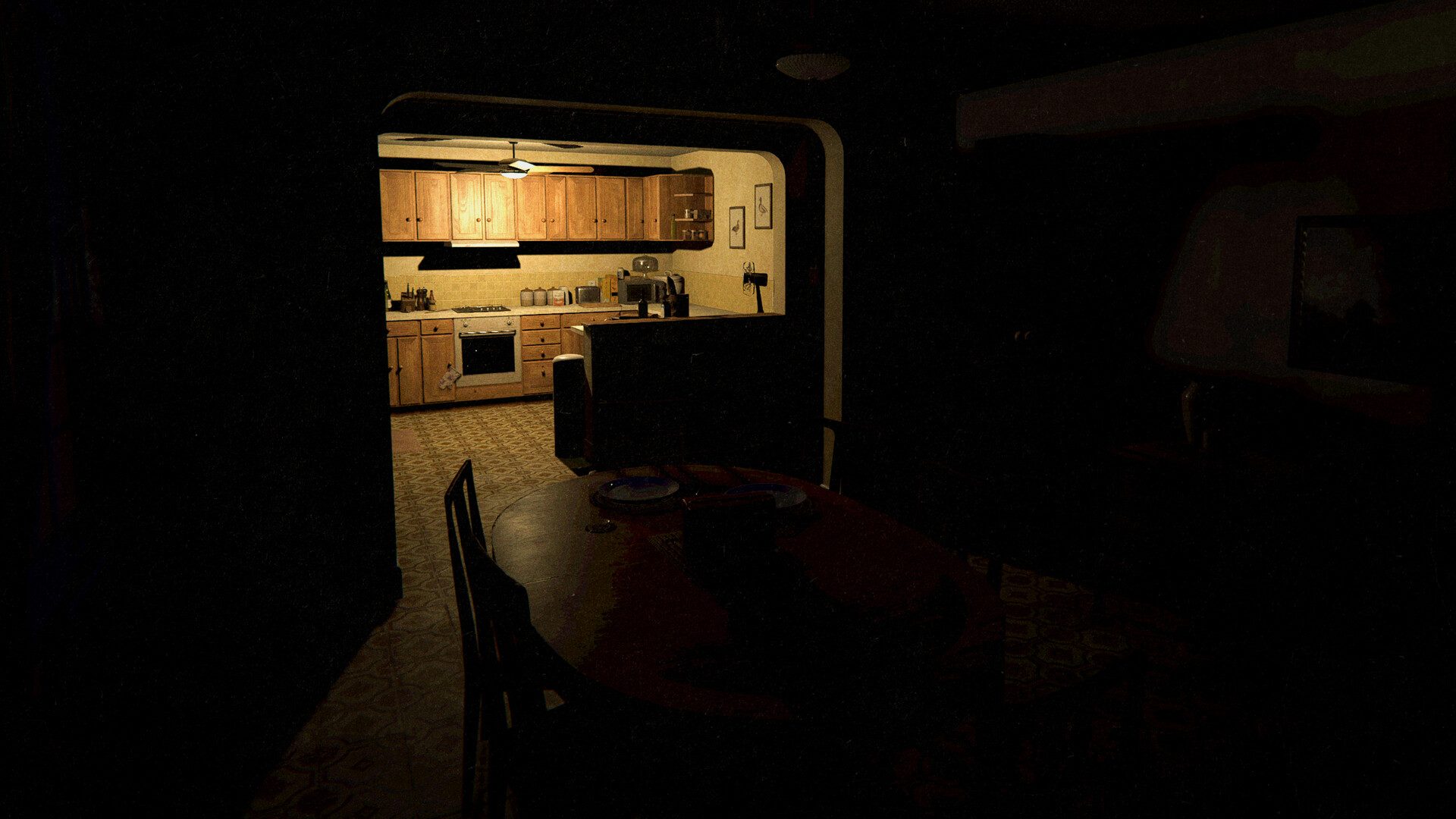
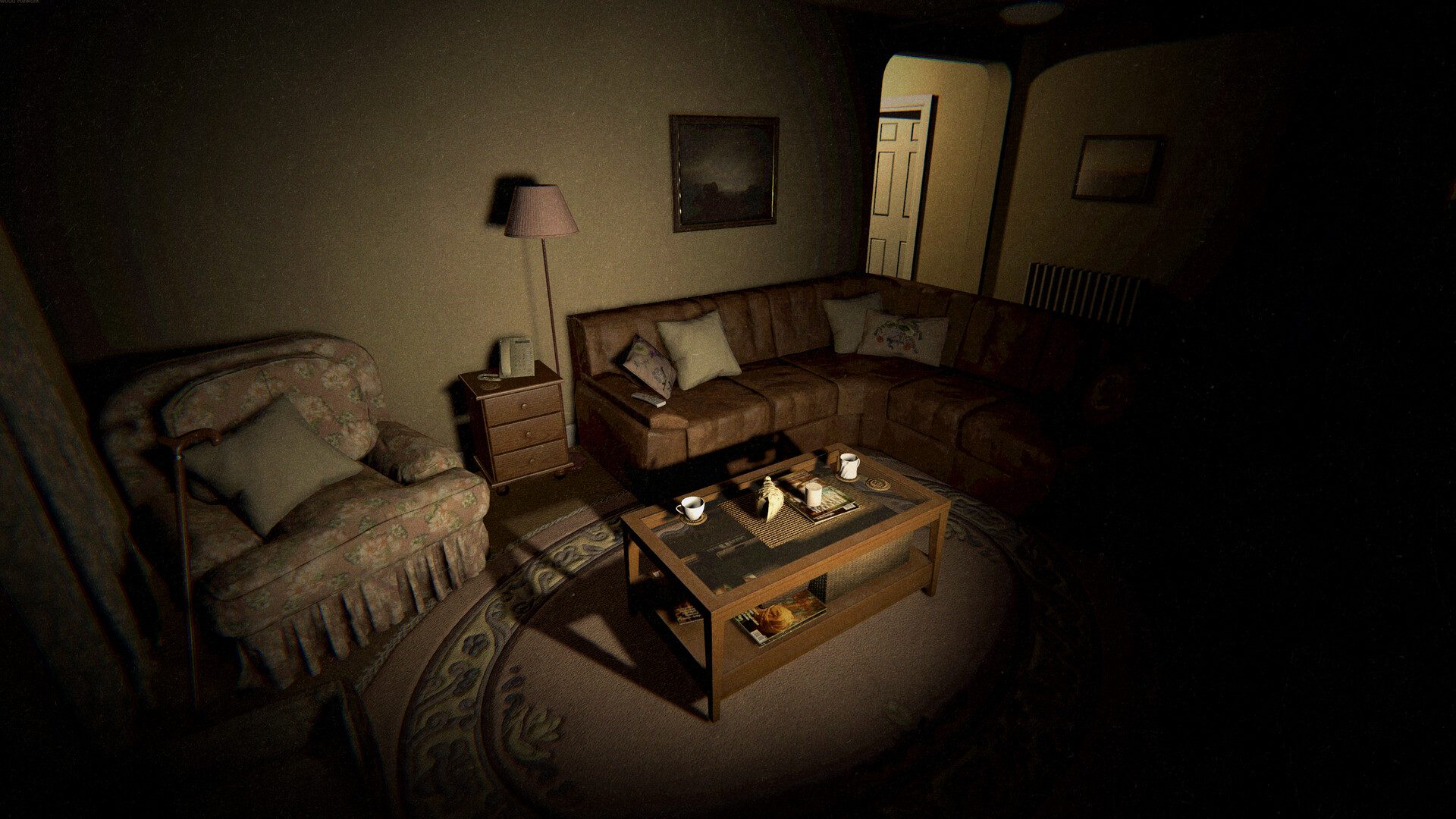
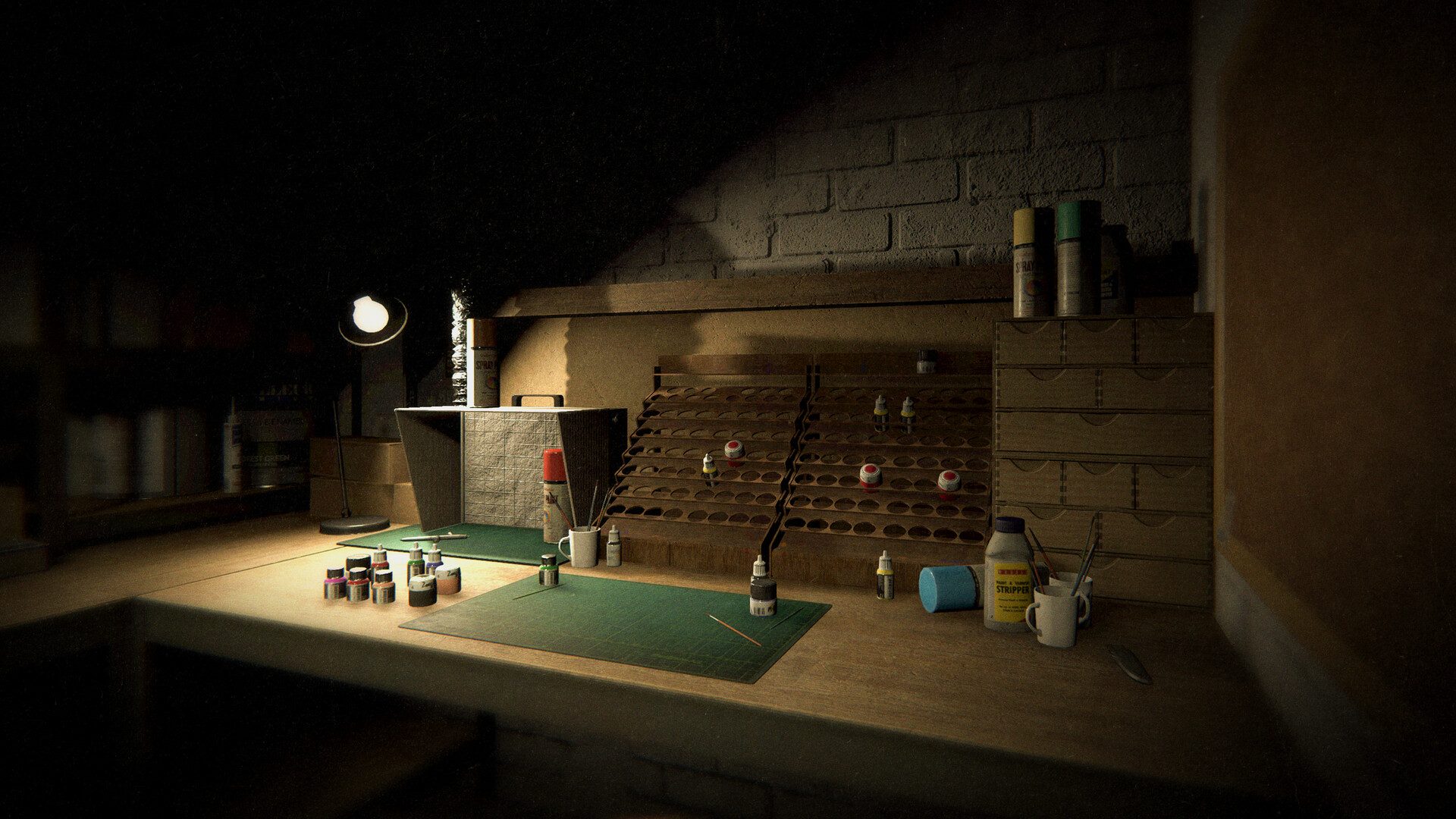
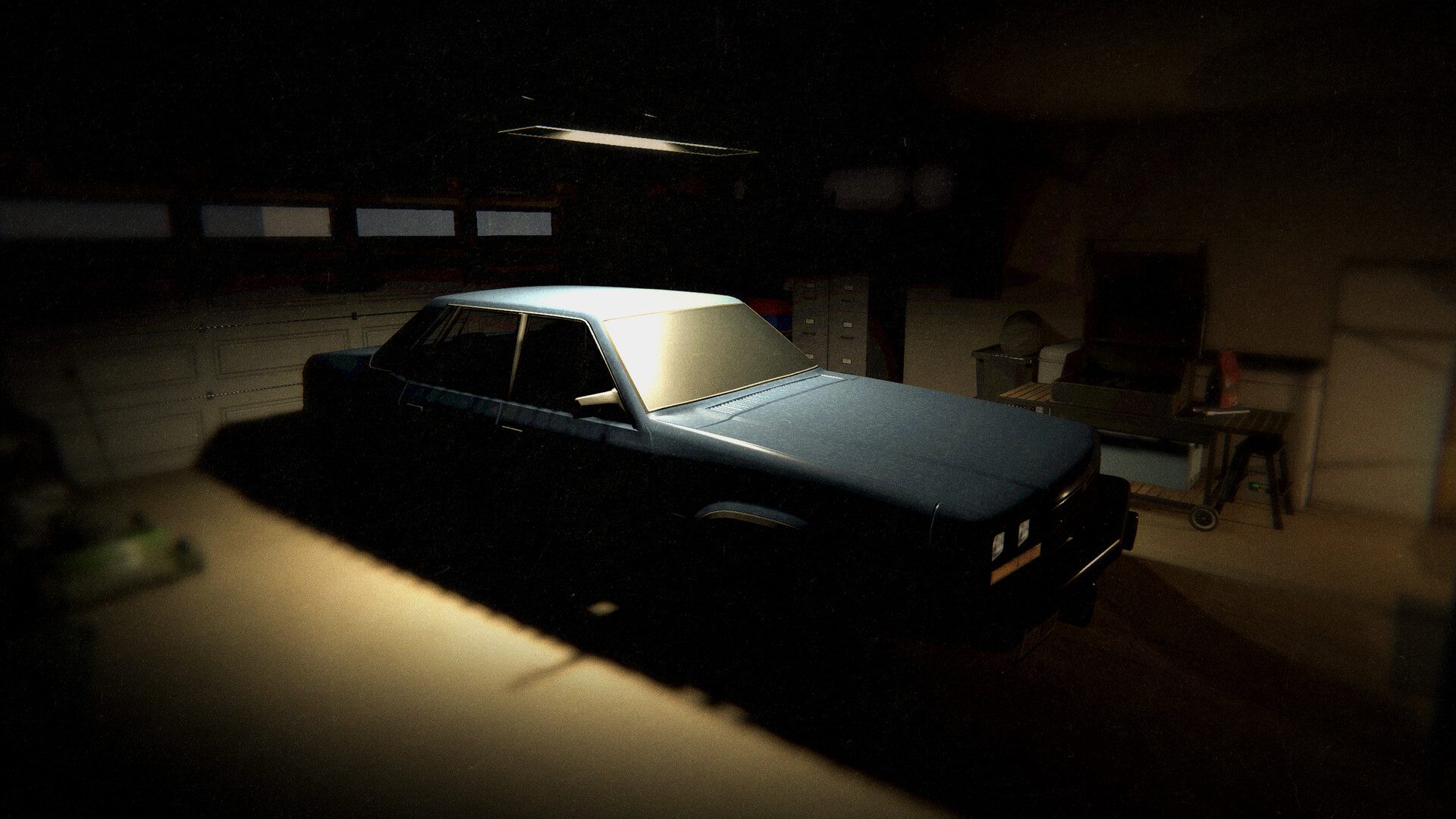
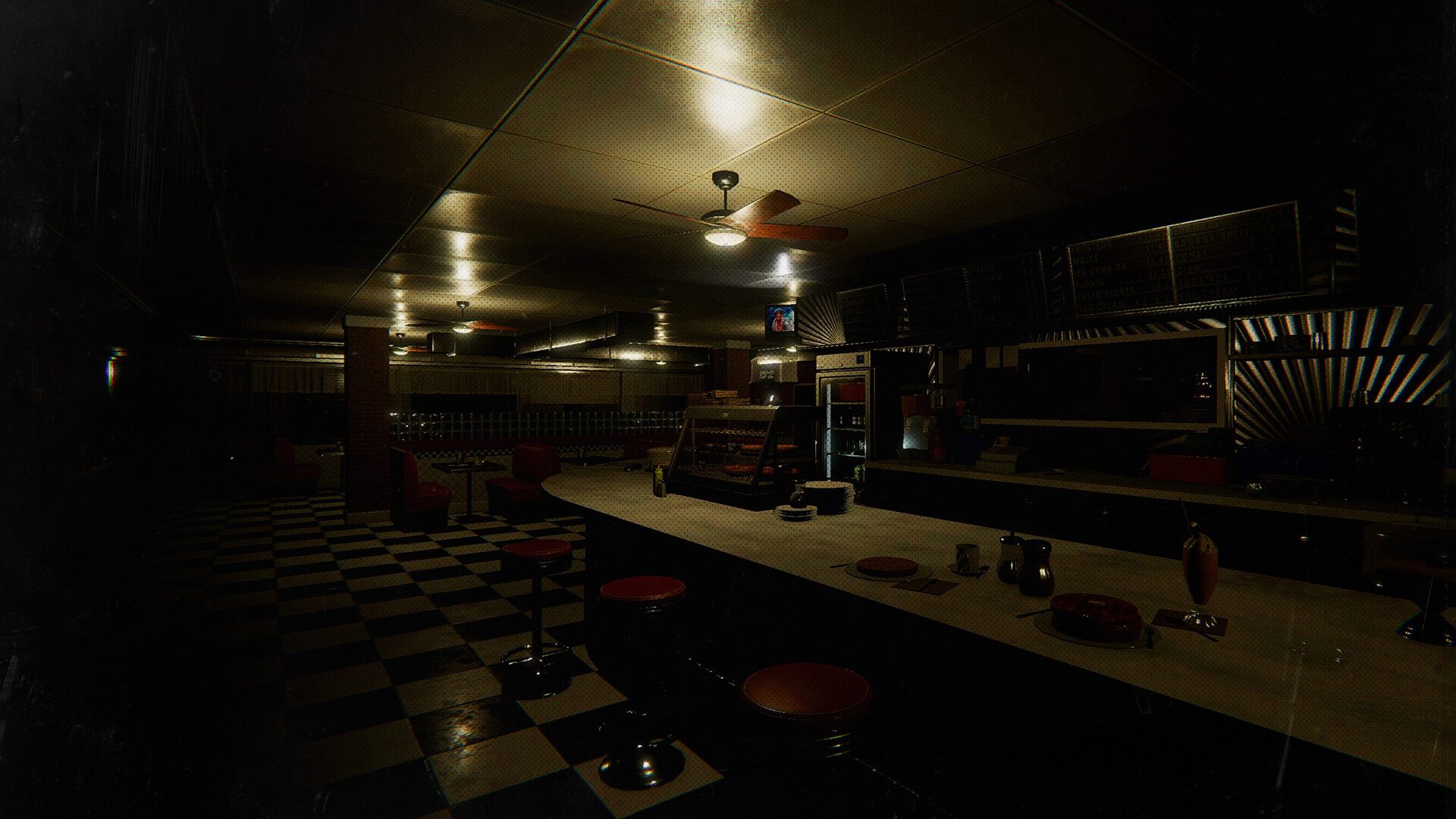
Phasmophobia is a psychological horror game built around online co-op, with teams of up to four investigators working haunted sites together.
Read more
Every contract sends the group into a building where something unnatural is present. The task is to collect proof of what is there before the situation turns dangerous. Players carry familiar ghost-hunting tools — an EMF reader, a spirit box, a thermometer and a night vision camera — and use them to narrow down what they are dealing with. Cursed possessions can also be found; they hand over information or abilities, but the price is paid in sanity.
There are more than 20 ghost types, each behaving differently, so two investigations rarely feel the same. Over 10 haunted locations are available, with their own layouts, hiding places and quirks. Five default difficulties are included, along with weekly challenges built by the developers, and custom difficulty settings let a group adjust the rules and rewards to their own taste.
Voice recognition plays a part: speaking aloud into a spirit box or through an Ouija board can draw a response from the ghost.
Teams can split the work. Some players search rooms on foot, while others stay in the truck and follow the investigation through CCTV and motion sensors, calling out what they see. A minimal interface and detailed sound design keep attention on the environment.
Up to four players can join the same session, and players using different input types can play together.
Screenshots

Phasmophobia questions
Can I play Phasmophobia in the cloud?
Yes. The game runs on a gaming PC in the WARPLAY.CLOUD network and streams to your device at 60 FPS, with picture up to Full HD, 1440p or 4K depending on the plan.
Do I need to own Phasmophobia on Steam to play it on WARPLAY.CLOUD?
Yes. It is a Steam game, so it must be in your own Steam account. You sign in to Steam inside the session, and saves load from Steam Cloud.
Does Phasmophobia work with a controller?
Yes. Keyboard and mouse and gamepad are both supported, including Xbox and PlayStation controllers and other Bluetooth or USB controllers. Phones also have a touch layout.
What internet speed is needed for Phasmophobia in the cloud?
At least 15 Mbit/s for Full HD. A cable or a 5 GHz Wi-Fi connection gives the lowest delay.
Can I play Phasmophobia on a TV or a phone?
Yes. There are apps for LG and Samsung TVs, and the game streams in Chrome or Edge on Android or in Safari on iPhone and iPad. A controller works best on a TV.
Which languages does Phasmophobia support?
The interface and subtitles are available in many languages, among them English, German, French, Spanish, Italian, Polish, Russian, Japanese, Korean and Chinese. Voice acting is in English only.
Similar games





Play Phasmophobia now