WARPLAY.CLOUD
Play Stardew Valley in the cloud
Stardew Valley is an open-structured RPG about country life: you inherit a neglected farm and build a life around it. It can be played in the cloud on WARPLAY.CLOUD, streamed from a gaming PC to your own screen.
Stardew Valley must be in your Steam account. Nothing extra to buy from WARPLAY.CLOUD.
Short answers
- Own it on SteamDo I need to own it?
- On every planWhich plan?
- Almost any screenWhich devices?
- 15 Mbit/s for Full HDWhat internet?
Details
Stardew Valley must be in your Steam account, the same copy you play at home. Nothing extra to buy from WARPLAY.CLOUD. How to start
Picture up to Full HD on FREE, up to 1440p on PRO, up to 4K on MAX. 60 FPS on every plan. Compare plans
Chrome or Edge on Windows, Mac, Linux, Chromebook and Android. Safari on iPhone and iPad. Apps for LG and Samsung TVs. All devices
25 Mbit/s for 1440p and 45 Mbit/s for 4K. A cable or 5 GHz Wi-Fi gives the lowest delay. More on internet speed
Works on
- Computers
- BrowserWindowsMacLinuxChromebook
- Phones and tablets
- iPhone and iPadAndroid
How to start Stardew Valley
- Open app.warplay.cloud in Chrome or Edge, or open the Windows, Mac or Linux app, and sign in.
- Find Stardew Valley and press Play.
- Sign in to the Steam account that has Stardew Valley. Your saves load from Steam Cloud.
- Install the WARPLAY.CLOUD app on your LG TV (webOS) or Samsung TV (Tizen) and sign in.
- Connect an Xbox or PlayStation gamepad, or another Bluetooth or USB controller.
- Pick Stardew Valley and press Play. On Steam's sign-in screen, scan the QR code with the Steam Mobile app.
- On iPhone or iPad, open app.warplay.cloud in Safari and add it to the Home Screen. On Android, open it in Chrome.
- Connect a gamepad, or use the touch layout.
- Pick Stardew Valley, press Play, then sign in to Steam.
Stardew Valley on WARPLAY.CLOUD
Stardew Valley supports both a gamepad and keyboard and mouse. An Xbox controller works with rumble, and PlayStation controllers and other Bluetooth or USB controllers connect as well. The game does ask for a keyboard when you need to type, for example when naming your character or your farm, so on a TV or a phone it helps to have one nearby. On phones a touch layout is available for the rest of the controls.
The game runs on a gaming PC in the WARPLAY.CLOUD network and streams at 60 FPS, with the picture going up to Full HD, 1440p or 4K depending on your plan. You can play in Chrome or Edge on Windows, Mac, Linux, Chromebook and Android, in Safari on iPhone and iPad, and through the apps for LG and Samsung TVs.
Interface and subtitles are available in 12 languages: English, German, Spanish (Spain), Japanese, Portuguese (Brazil), Russian, Simplified Chinese, French, Italian, Hungarian, Korean and Turkish. There is no voice acting, so all dialogue is read on screen.
You need to own Stardew Valley on Steam. The session starts in your own Steam account, where you sign in, and the game must be in that account. Saves load from Steam Cloud, and there is nothing extra to buy from WARPLAY.CLOUD for a game you already own on Steam.
For the lowest delay, use a cable or 5 GHz Wi-Fi; 15 Mbit/s is enough for Full HD.
About the game
Stardew Valley is a role-playing game set in the countryside, and it lets you decide what your days look like. Your grandfather has left you his old farm plot, a set of hand-me-down tools and a little coin, and the game begins as you arrive to take the place over. The fields are overgrown, but the valley around them has room for someone willing to put in the work.
Read more
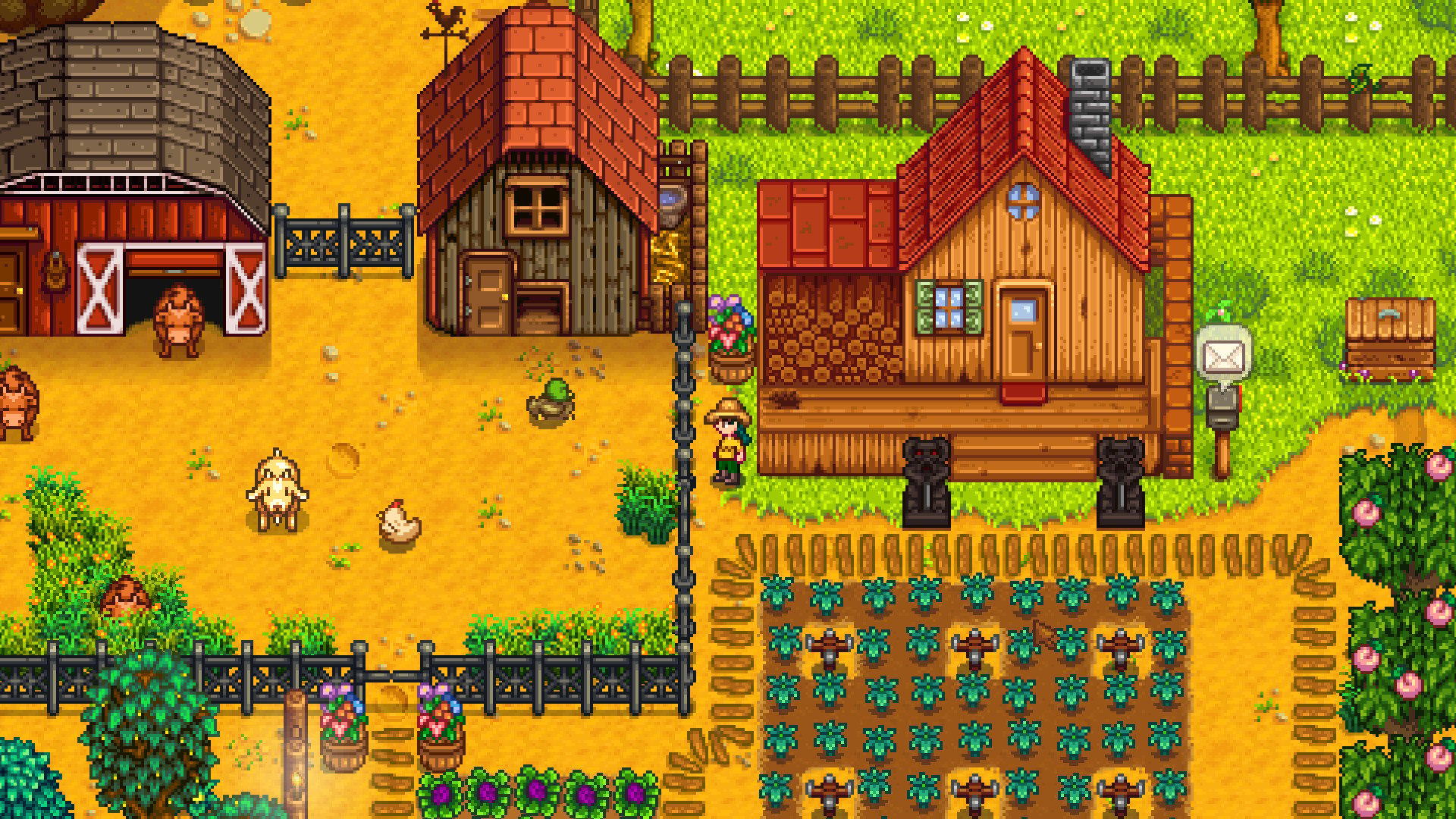
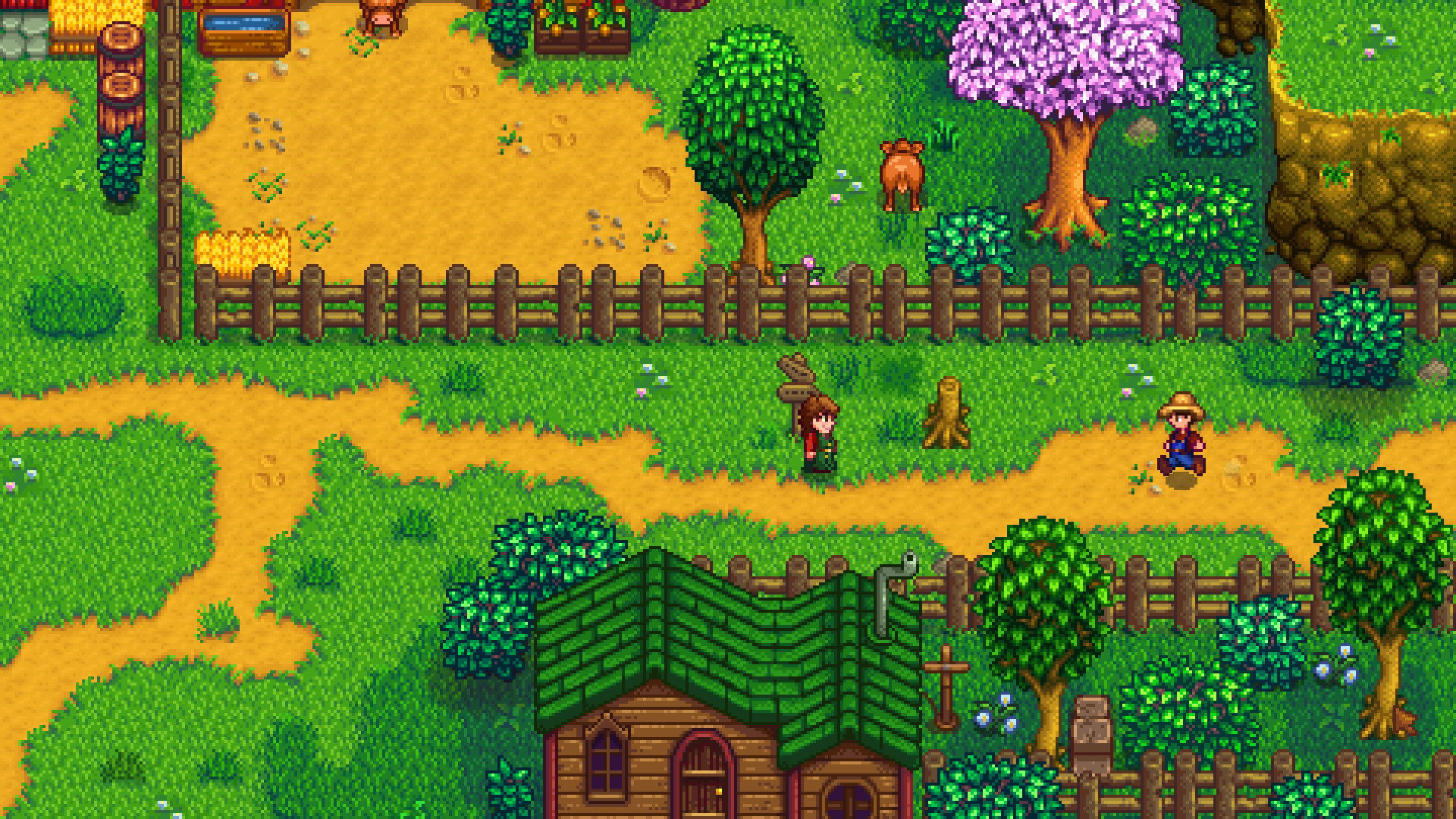
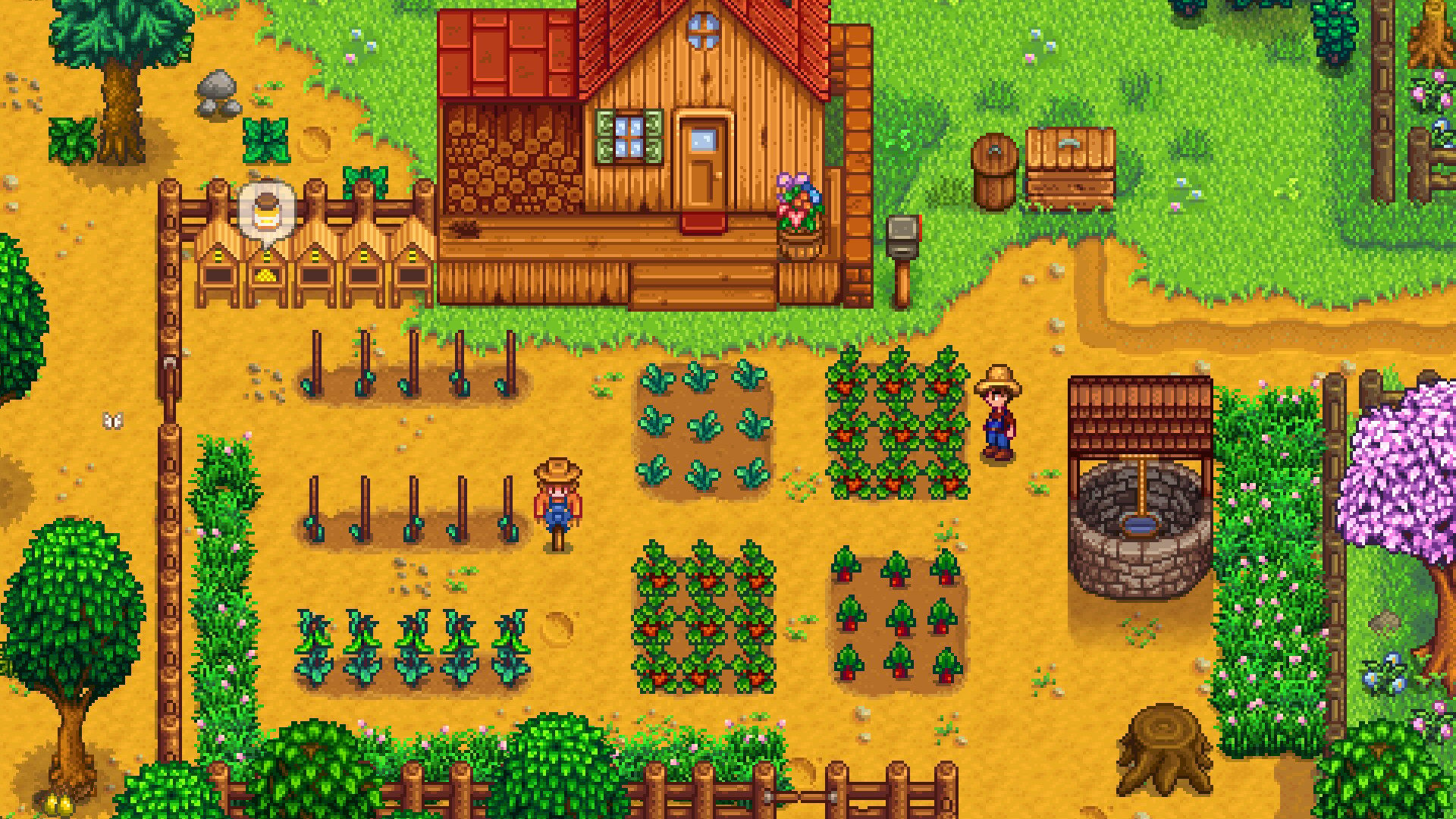
Farming sits at the center of the game. You clear the land, plant crops, keep animals, start an orchard and build machines that turn raw produce into something more valuable. There is plenty of space to arrange the farm the way you want it.
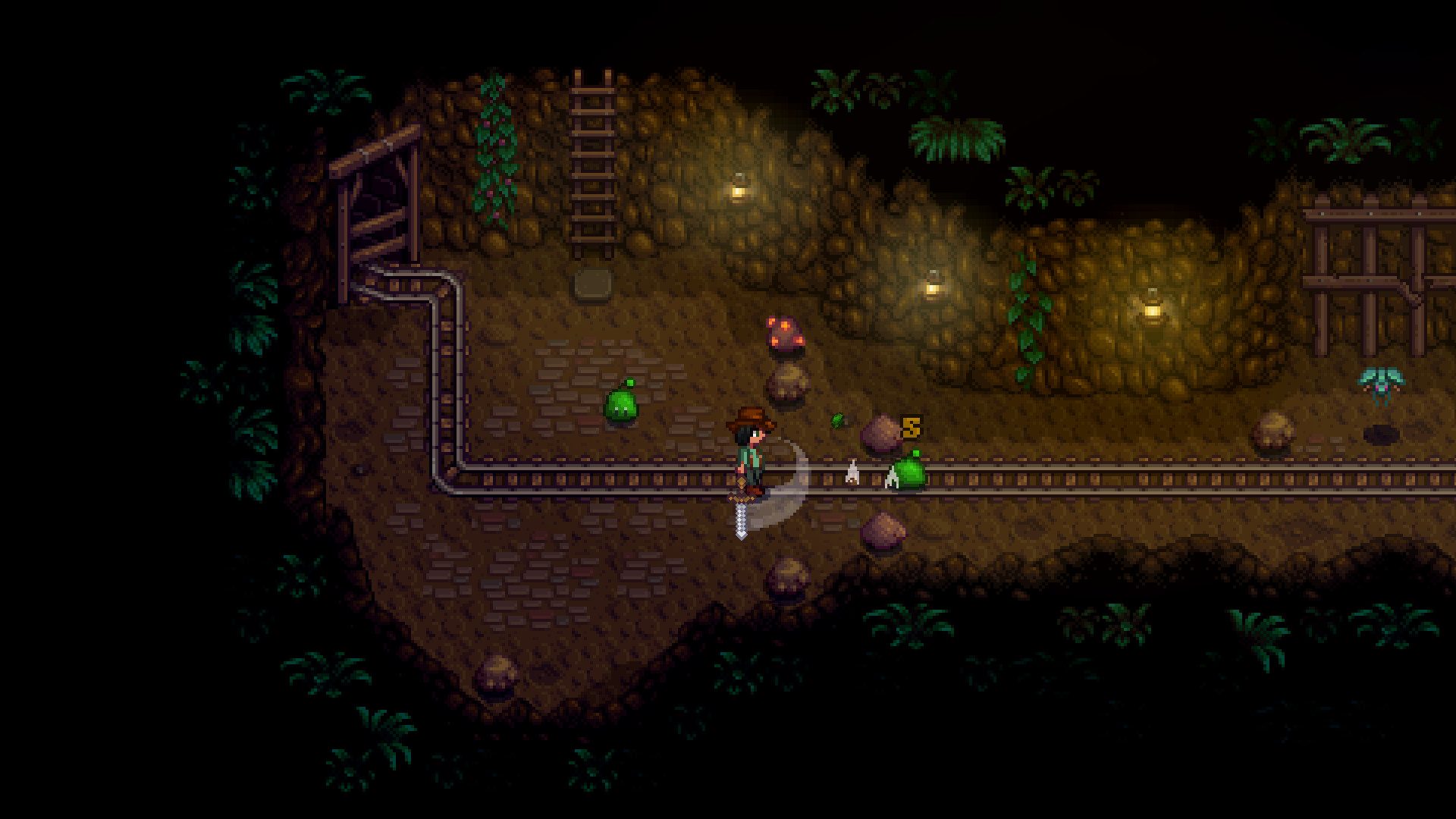
Progress comes through five skills: farming, fishing, foraging, mining and combat. Each level teaches new cooking and crafting recipes, opens up new places and lets you choose professions that shape your character. Below the valley a large cave system waits, and deeper levels hold stronger monsters, better weapons, gemstones and materials for tool upgrades.
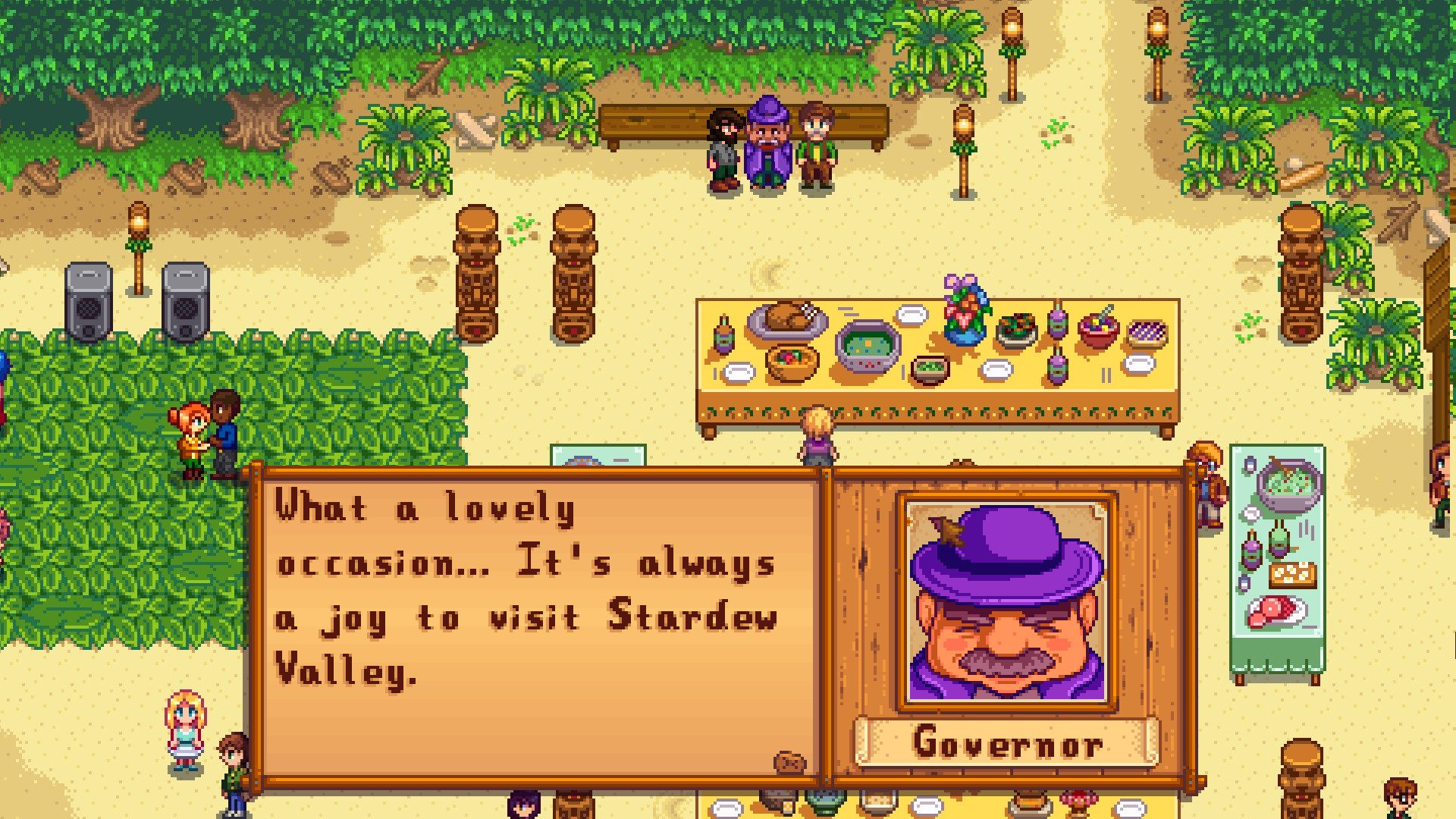
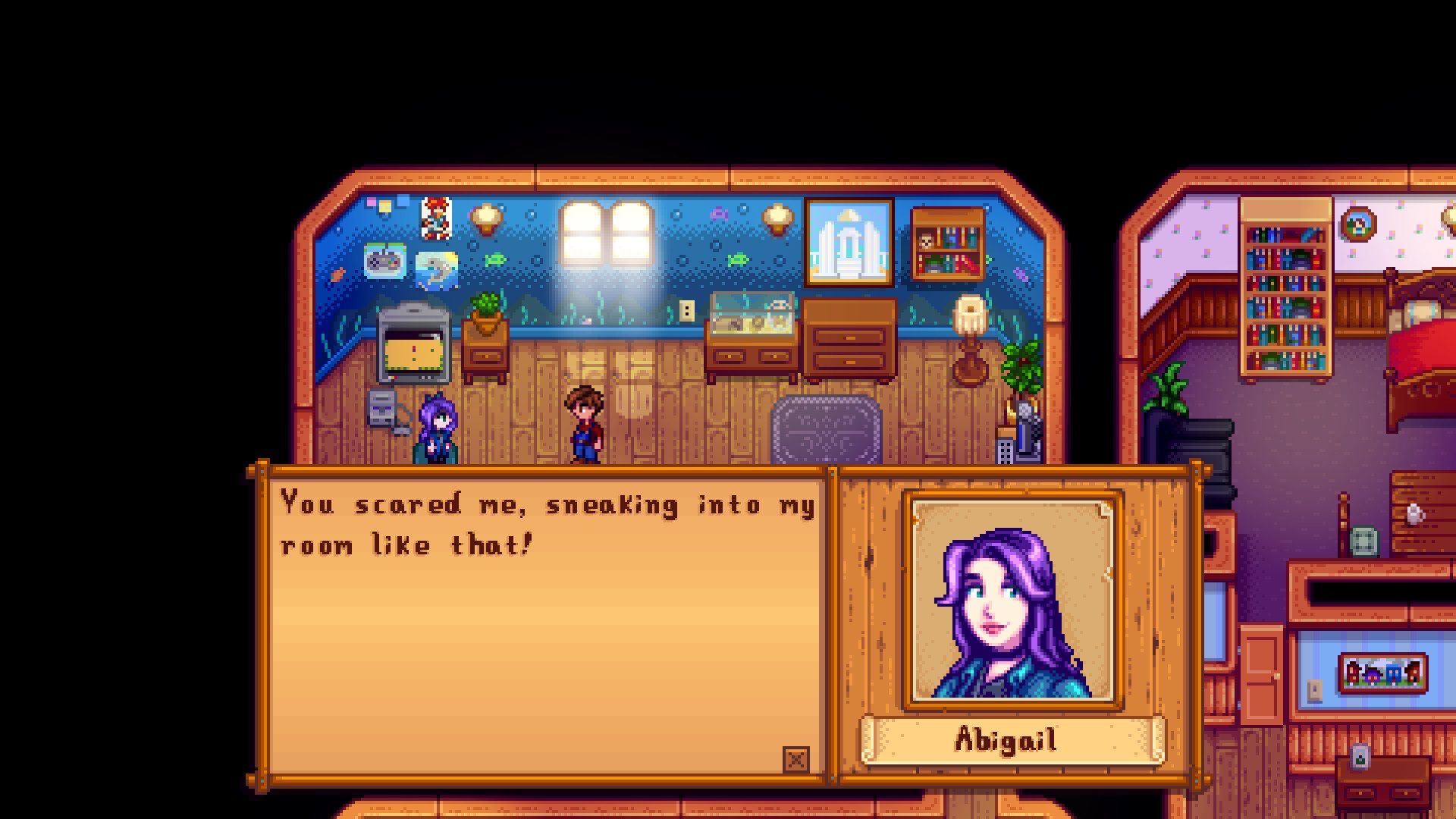
The town has more than 30 residents, each with a daily routine, a birthday and scenes of their own. Talking to them builds friendship, and some will share their troubles or their secrets. Seasonal festivals give the year a rhythm. You can also court one of 12 bachelors and bachelorettes, marry, and share the farm with your partner.
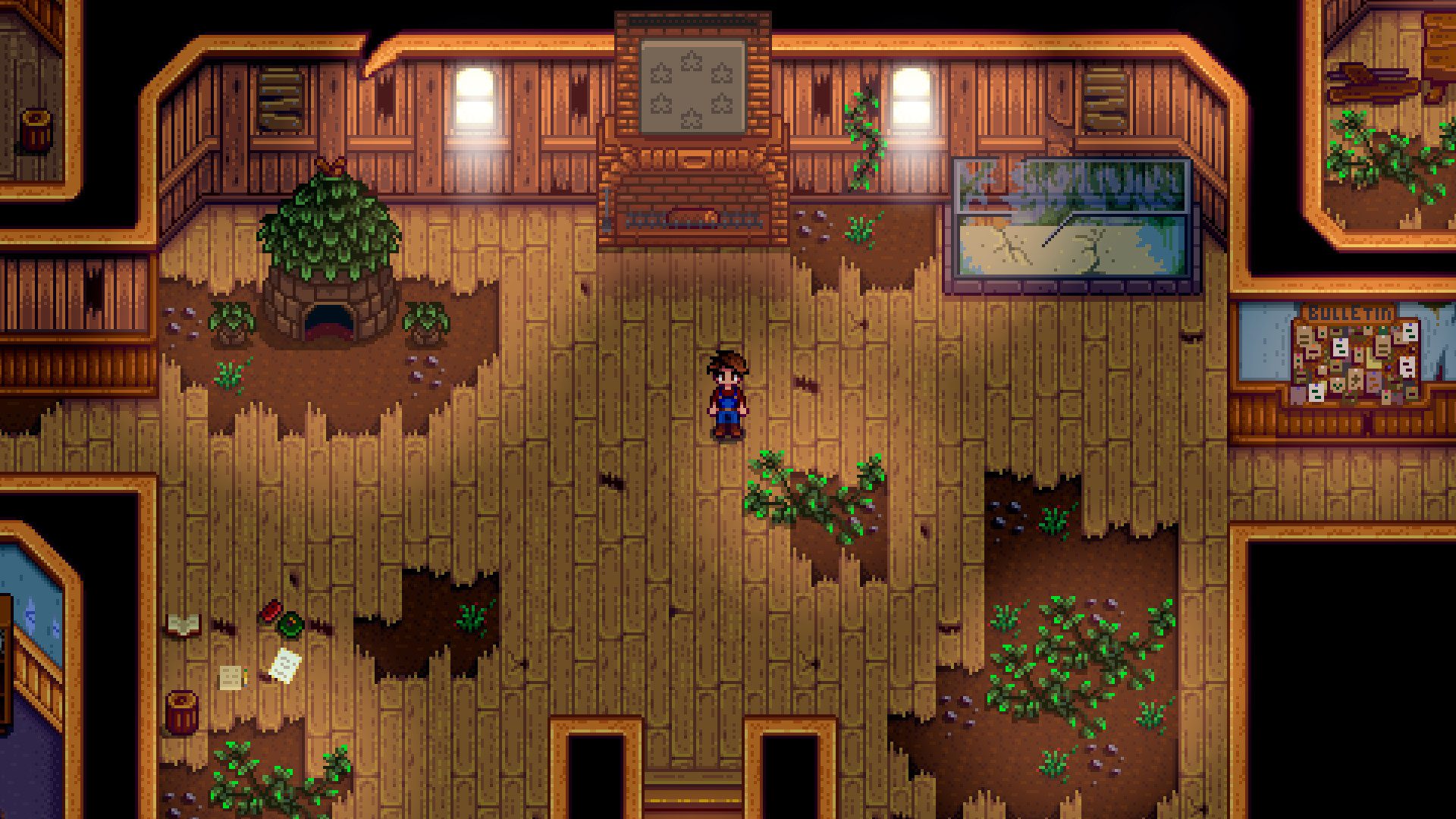
Joja Corporation has changed life in the valley, and the community center stands in disrepair. Restoring it is one path; siding with Joja is another. Fishing spots, a museum that accepts artifacts and minerals, and over 100 cooking and crafting recipes fill the quieter days.
Up to eight players can farm together online, sharing resources and working the same land. Characters and houses can be customized with decorative items, and the soundtrack runs for more than two hours.
Screenshots
Stardew Valley questions
Can I play Stardew Valley in the cloud on WARPLAY.CLOUD?
Yes. The game runs on a gaming PC in the WARPLAY.CLOUD network and streams to your screen at 60 FPS, so you do not need a gaming PC of your own.
Do I need to own Stardew Valley on Steam to play it here?
Yes. The session starts in your own Steam account: you sign in to Steam, and the game must be in that account.
Will my Stardew Valley save carry over to the cloud?
Yes. Saves load from Steam Cloud once you sign in to Steam in the session.
Can I use a controller to play Stardew Valley on WARPLAY.CLOUD?
Yes. Xbox and PlayStation controllers and other Bluetooth or USB controllers work, and Xbox controllers support rumble. A keyboard is still needed for text input.
Can I play Stardew Valley co-op in the cloud?
The game supports online co-op for up to eight players, so you can invite others to farm with you.
What internet speed do I need for Stardew Valley?
15 Mbit/s is enough for Full HD. A cable or 5 GHz Wi-Fi connection gives the lowest delay.
Similar games



Play Stardew Valley now