WARPLAY.CLOUD
Play Don't Starve Together in the cloud
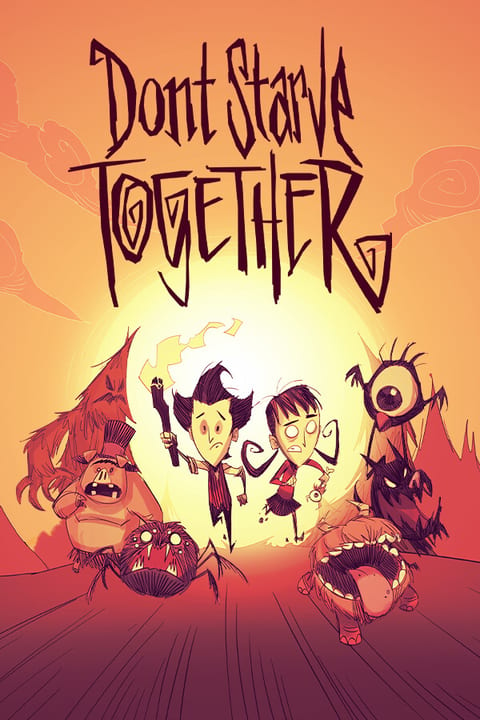
Don't Starve Together is a wilderness survival game for one player or a group, with crafting, farming and exploration, and it can be played in the cloud on WARPLAY.CLOUD.
Don't Starve Together must be in your Steam account. Nothing extra to buy from WARPLAY.CLOUD.
Short answers
- Own it on SteamDo I need to own it?
- On every planWhich plan?
- Almost any screenWhich devices?
- 15 Mbit/s for Full HDWhat internet?
Details
Don't Starve Together must be in your Steam account, the same copy you play at home. Nothing extra to buy from WARPLAY.CLOUD. How to start
Picture up to Full HD on FREE, up to 1440p on PRO, up to 4K on MAX. 60 FPS on every plan. Compare plans
Chrome or Edge on Windows, Mac, Linux, Chromebook and Android. Safari on iPhone and iPad. Apps for LG and Samsung TVs. All devices
25 Mbit/s for 1440p and 45 Mbit/s for 4K. A cable or 5 GHz Wi-Fi gives the lowest delay. More on internet speed
Works on
- Computers
- BrowserWindowsMacLinuxChromebook
- Phones and tablets
- iPhone and iPadAndroid
How to start Don't Starve Together
- Open app.warplay.cloud in Chrome or Edge, or open the Windows, Mac or Linux app, and sign in.
- Find Don't Starve Together and press Play.
- Sign in to the Steam account that has Don't Starve Together. Your saves load from Steam Cloud.
- Install the WARPLAY.CLOUD app on your LG TV (webOS) or Samsung TV (Tizen) and sign in.
- Connect an Xbox or PlayStation gamepad, or another Bluetooth or USB controller.
- Pick Don't Starve Together and press Play. On Steam's sign-in screen, scan the QR code with the Steam Mobile app.
- On iPhone or iPad, open app.warplay.cloud in Safari and add it to the Home Screen. On Android, open it in Chrome.
- Connect a gamepad, or use the touch layout.
- Pick Don't Starve Together, press Play, then sign in to Steam.
Don't Starve Together on WARPLAY.CLOUD
Don't Starve Together runs on a gaming PC in the WARPLAY.CLOUD network and streams to your screen at 60 FPS, so you do not need a powerful machine of your own. Picture quality goes up to Full HD, 1440p or 4K depending on your plan.
Keyboard and mouse and gamepad are both supported. A gamepad works well for running, fighting and sorting a backpack from a couch or a TV, while a mouse is handy for arranging a crowded inventory and placing structures. Xbox and PlayStation controllers are supported, as are other Bluetooth or USB pads. On phones the game also offers a touch layout.
You can open it in Chrome or Edge on Windows, Mac, Linux, Chromebook and Android, in Safari on iPhone and iPad, and through the apps for LG and Samsung TVs.
The interface, voice and subtitles come in English, Simplified Chinese, Traditional Chinese, French, Italian, German, Japanese, Korean, Polish, Portuguese - Portugal, Russian and Spanish - Latin America.
This is a Steam game, so it starts in your own Steam account: you sign in to Steam inside the session, and the game has to be in that account. Saves load from Steam Cloud. There is nothing extra to buy from WARPLAY.CLOUD for a game you already own on Steam.
For the lowest delay, use a cable or 5 GHz Wi-Fi. A connection of 15 Mbit/s is enough for Full HD.
About the game
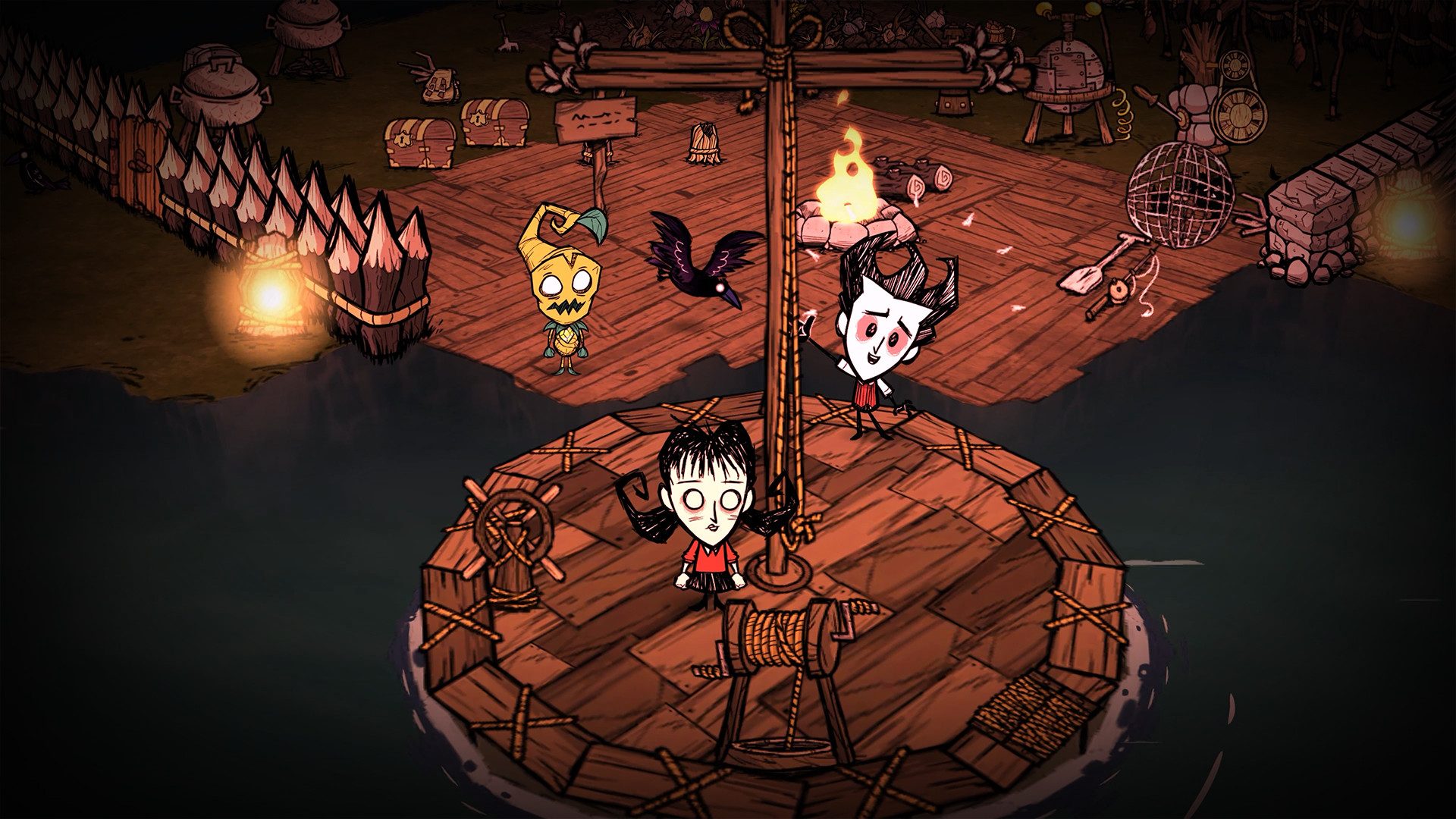
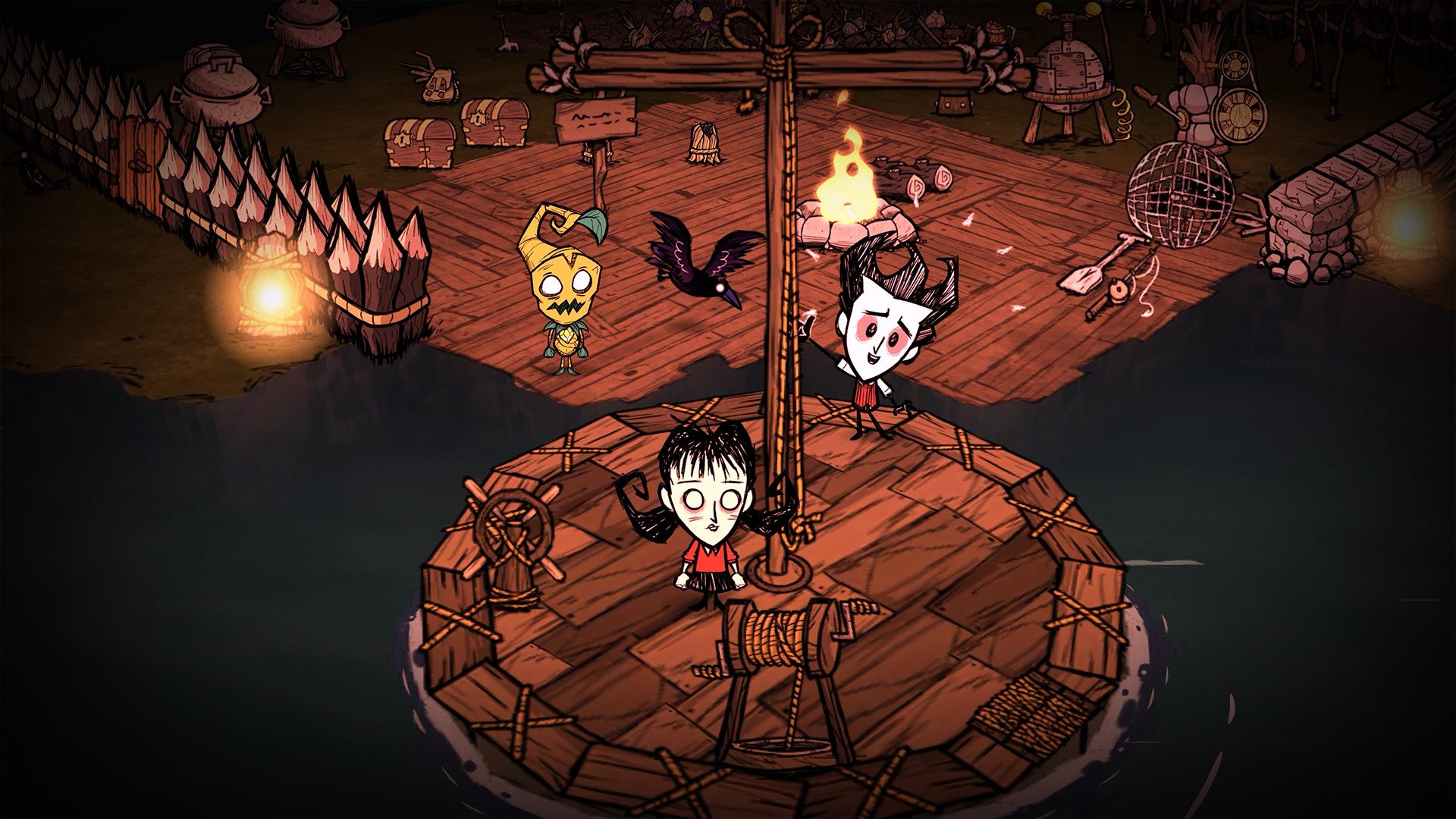
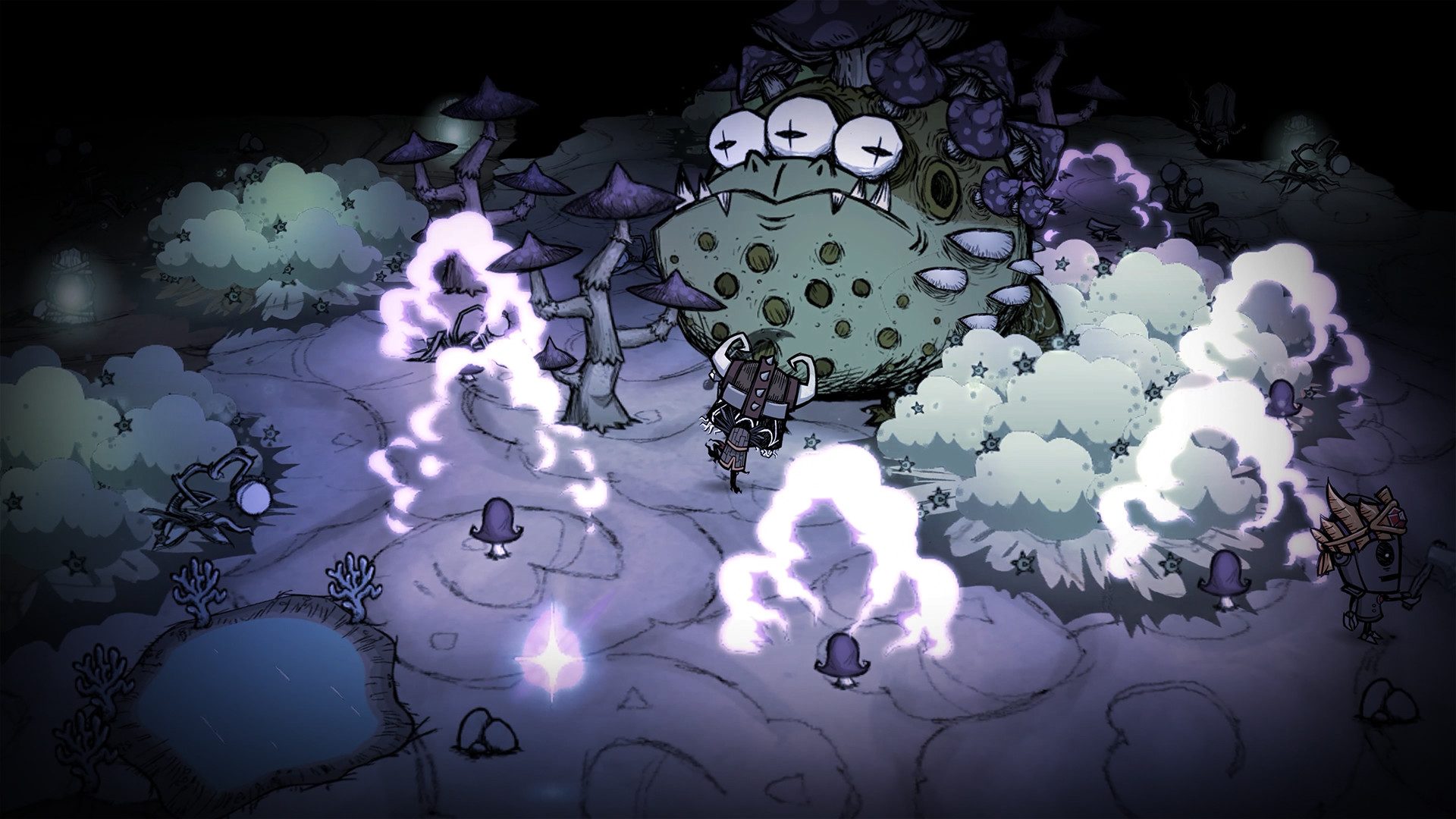
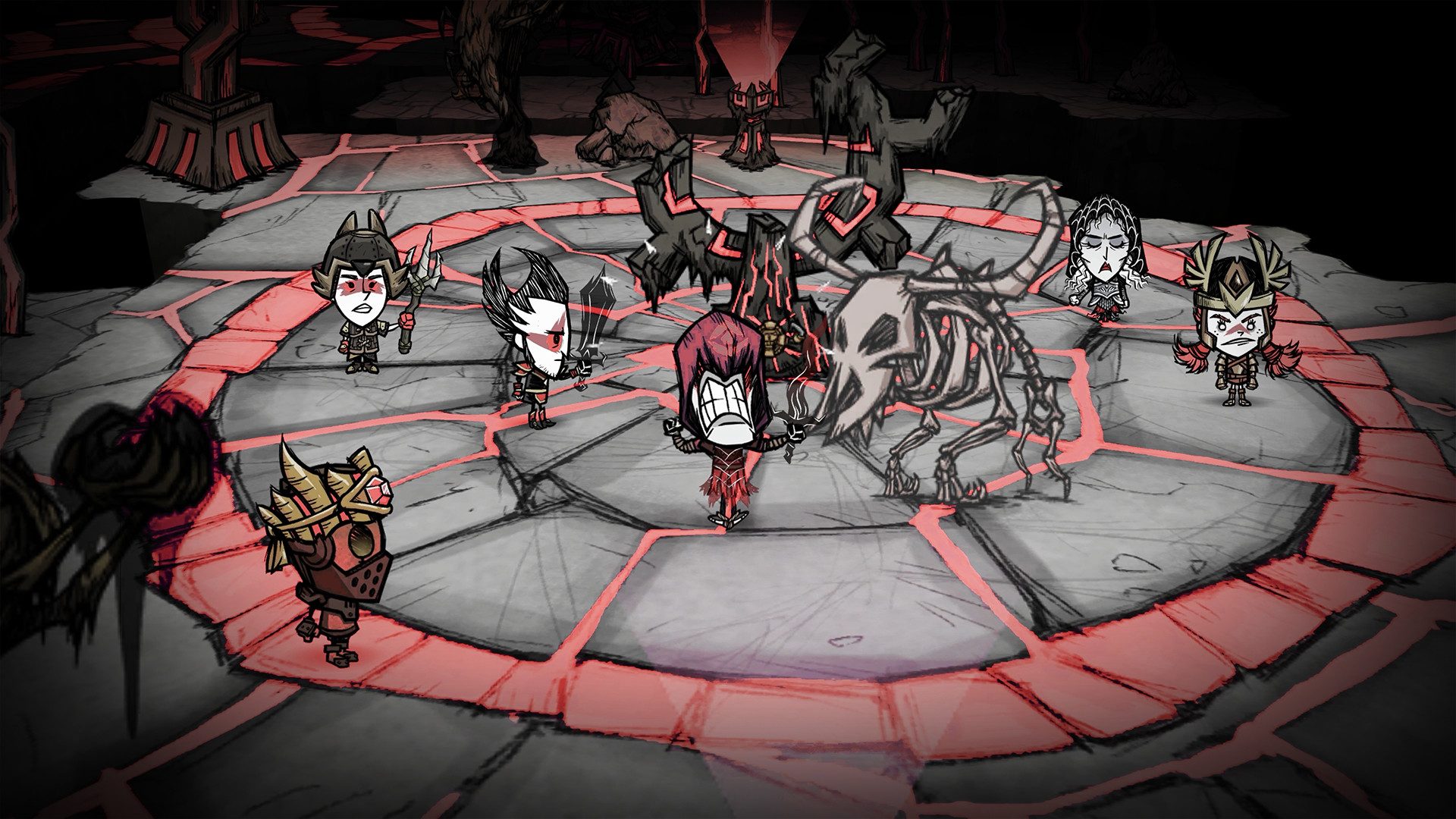
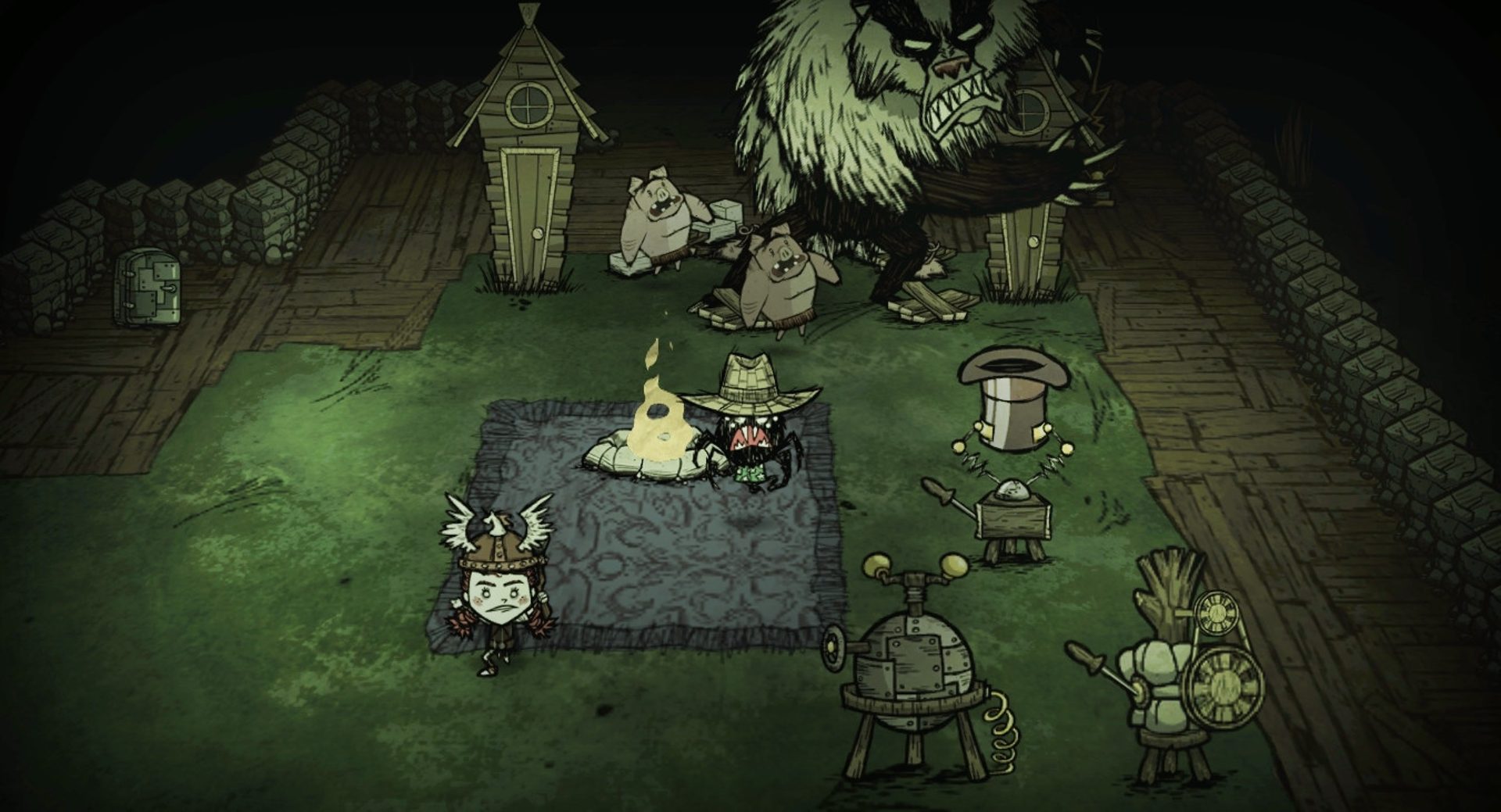
Don't Starve Together drops you into a strange, procedurally generated world known as The Constant. Every map mixes biomes, resources and threats in its own way, so the layout and the dangers you meet change from run to run. You start with almost nothing and have to gather what the land offers in order to craft tools, clothing and structures, then decide what kind of survivor you want to be: a careful builder, a restless explorer or something in between.
Read more
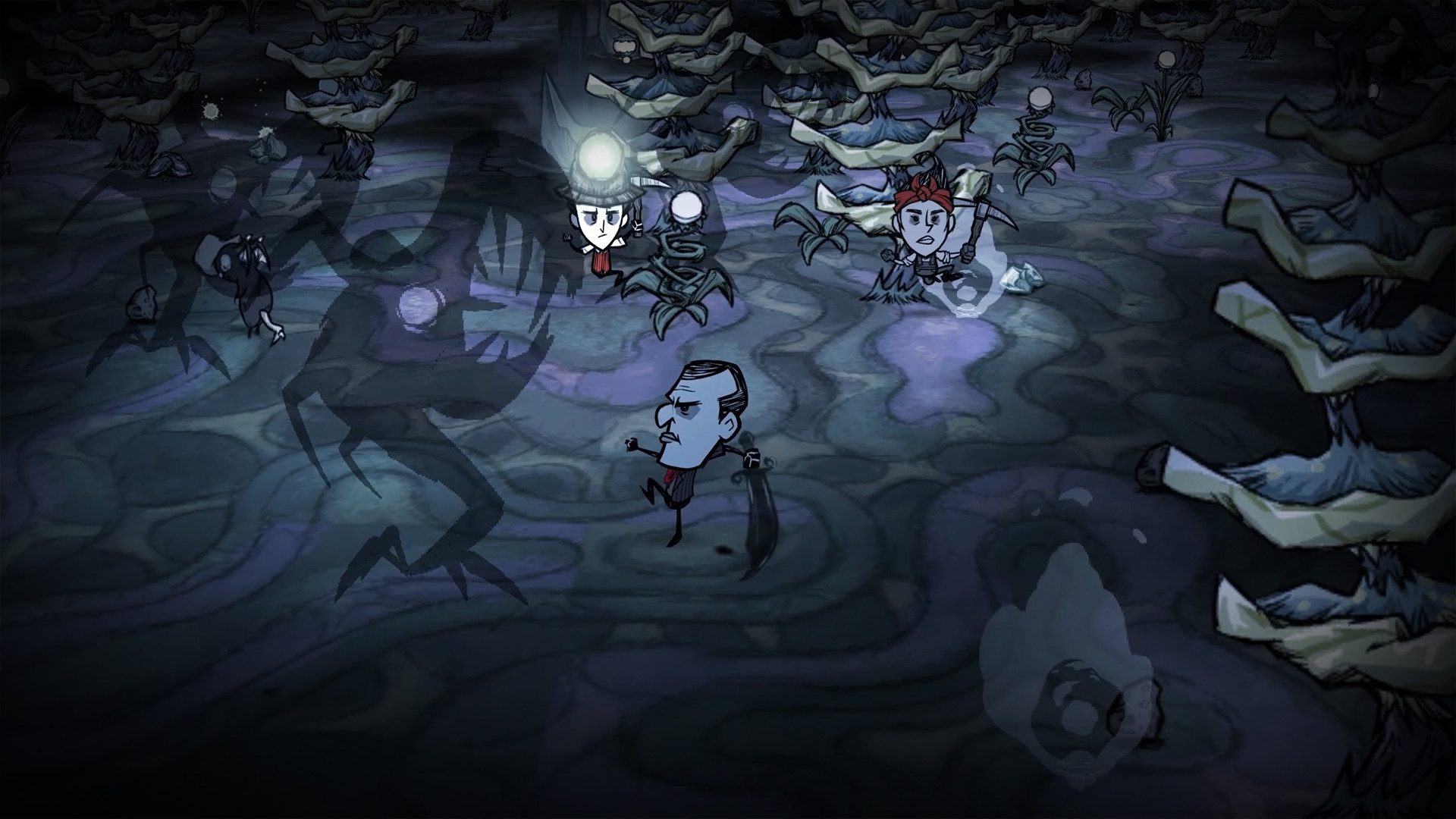
The world does not help you. Each season brings its own bosses, wandering menaces and shadow creatures that appear when a survivor's grip on reality slips, and much of the local flora and fauna would rather see you dead. Going down turns you into a ghost, and getting a body back becomes a job for whoever is still standing.
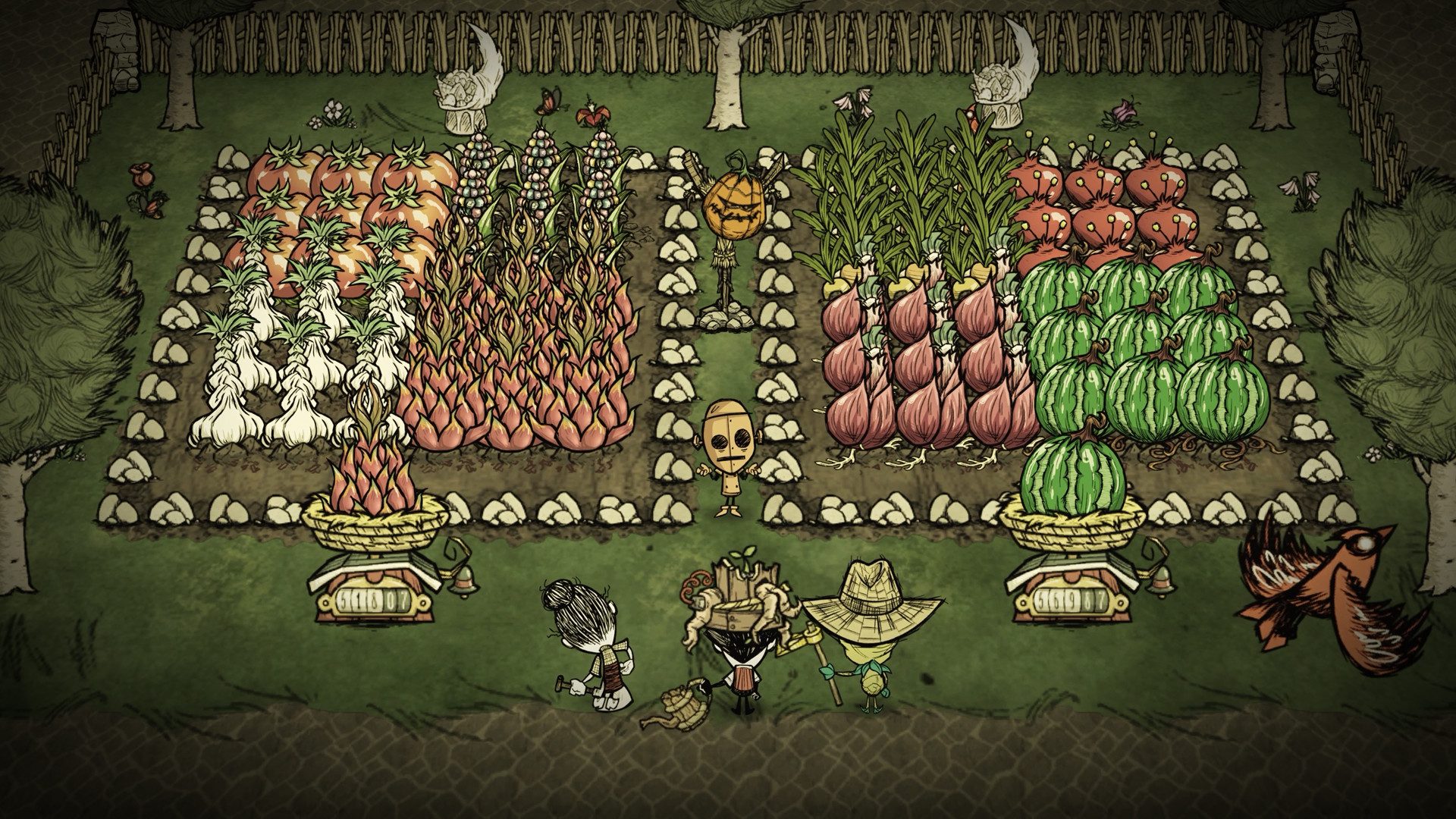
There is plenty to do on the surface, and below it the caves, the Ancient Archive and the Lunar islands make longer expeditions possible. Farming is part of the routine too: plough fields, sow seeds and tend crops so that the group stays fed through the hard stretches.
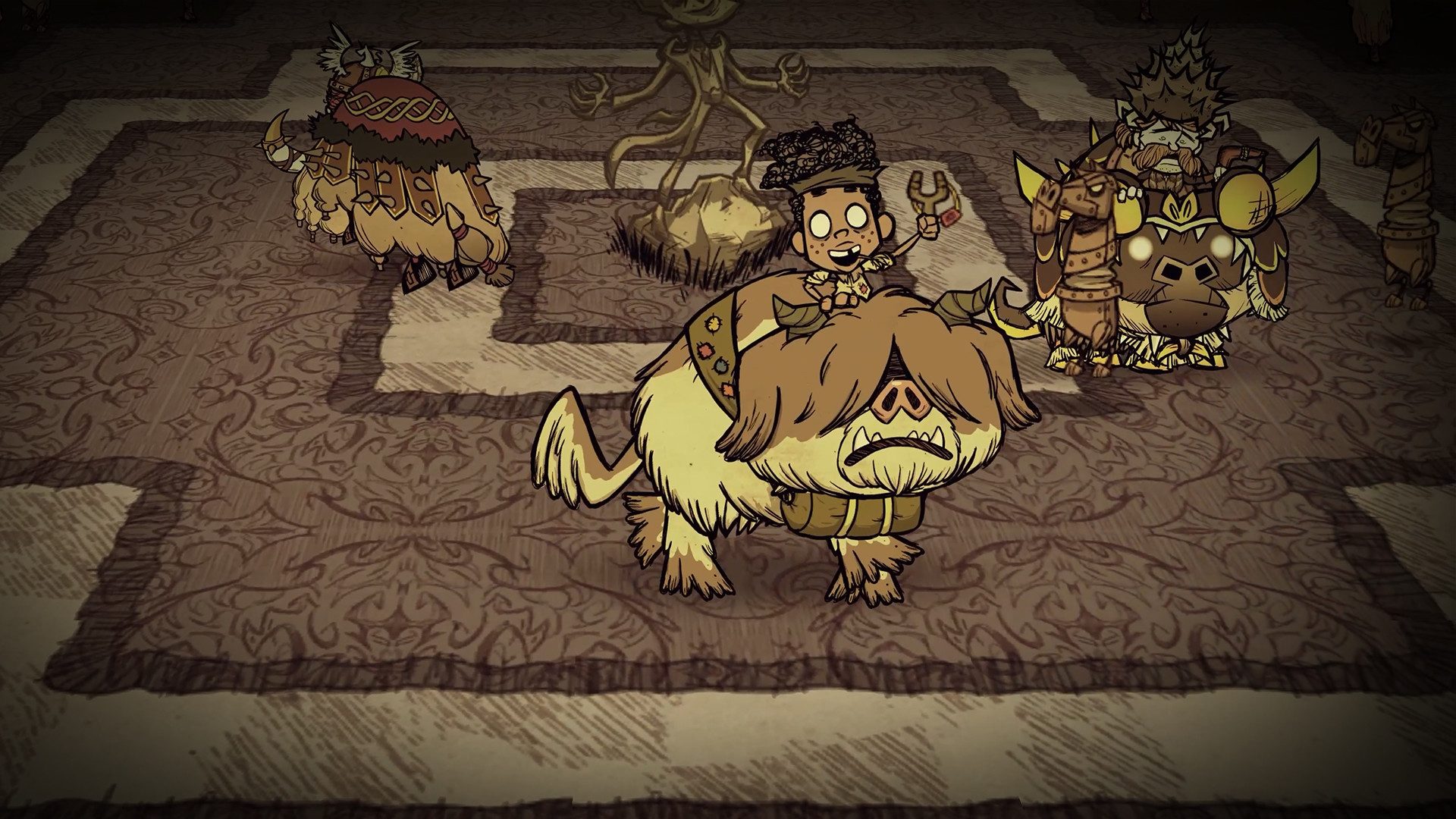
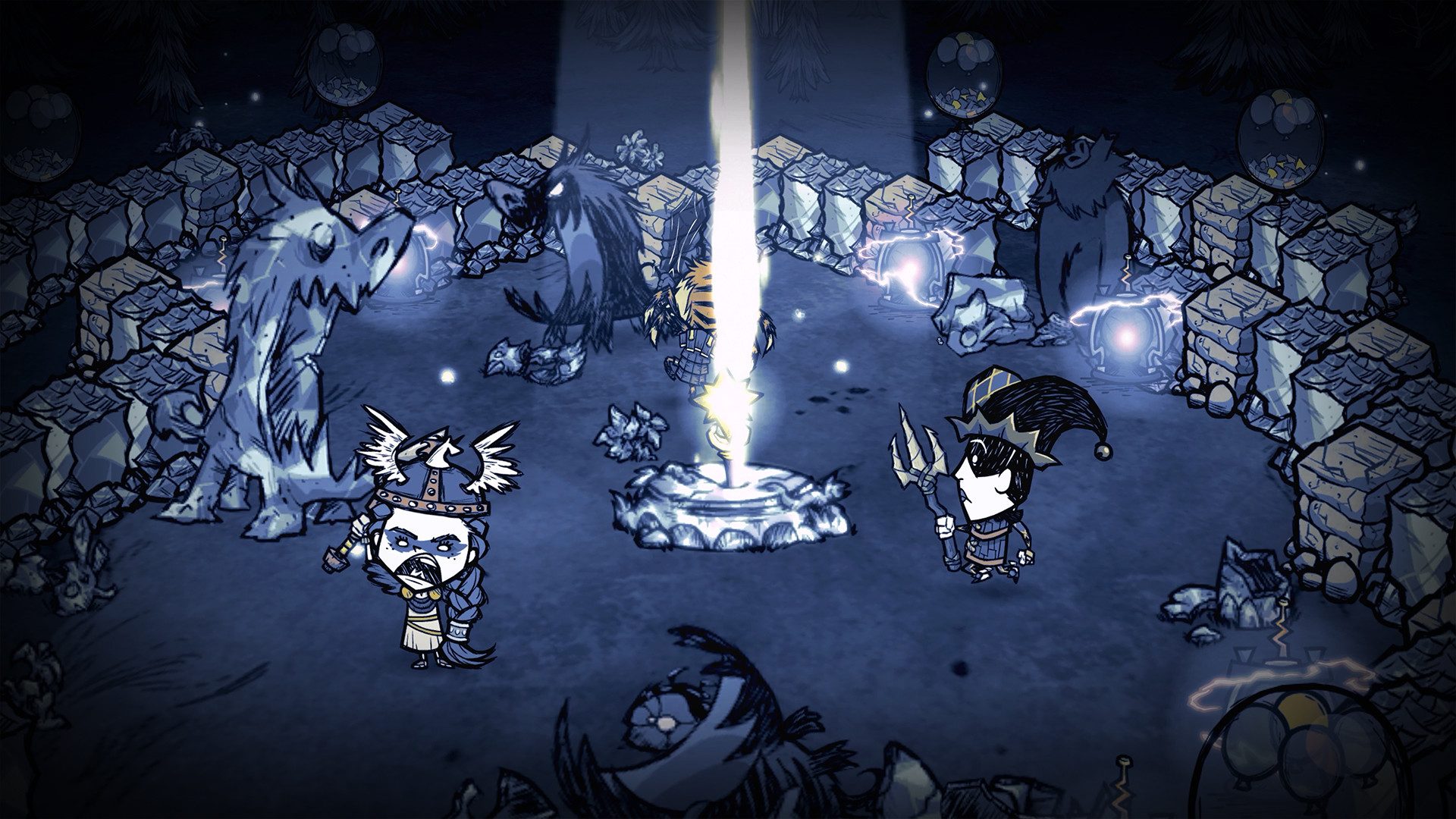
You can survive alone, share a private world with friends, or join a public one and meet strangers there. Teamwork makes the environment easier to handle, though nothing forces you to cooperate. Build, cook, fight and explore, and try to keep everyone alive.
Screenshots
Don't Starve Together questions
Can I play Don't Starve Together in the cloud?
Yes. The game runs on a gaming PC in the WARPLAY.CLOUD network and streams to your screen at 60 FPS, with picture up to Full HD, 1440p or 4K depending on your plan.
Do I need the game in my own Steam account?
Yes. Steam games start in the player's own Steam account, so you sign in to Steam in the session and the game must be in that account. Saves load from Steam Cloud.
Does Don't Starve Together work with a controller?
Yes. Xbox and PlayStation controllers and other Bluetooth or USB controllers are supported, and keyboard and mouse work as well.
Can I play it on my phone or tablet?
Yes. Use Chrome or Edge on Android, or Safari on iPhone and iPad. Phones also get a touch layout for controls.
What internet speed do I need?
15 Mbit/s is enough for Full HD. A cable or 5 GHz Wi-Fi gives the lowest delay.
Is there anything extra to buy from WARPLAY.CLOUD?
No. For a game you already own on Steam there is nothing extra to buy from WARPLAY.CLOUD.
Similar games


Play Don't Starve Together now