WARPLAY.CLOUD

Play Fallout 4 in the cloud
Fallout 4 is an open-world role-playing game set in a post-nuclear Commonwealth, where your choices shape what the wasteland becomes. It runs in the cloud on WARPLAY.CLOUD.
Fallout 4 must be in your Steam account. Nothing extra to buy from WARPLAY.CLOUD.
Short answers
- Own it on SteamDo I need to own it?
- On every planWhich plan?
- Almost any screenWhich devices?
- 15 Mbit/s for Full HDWhat internet?
Details
Fallout 4 must be in your Steam account, the same copy you play at home. Nothing extra to buy from WARPLAY.CLOUD. How to start
Picture up to Full HD on FREE, up to 1440p on PRO, up to 4K on MAX. 60 FPS on every plan. Compare plans
Chrome or Edge on Windows, Mac, Linux, Chromebook and Android. Safari on iPhone and iPad. Apps for LG and Samsung TVs. All devices
25 Mbit/s for 1440p and 45 Mbit/s for 4K. A cable or 5 GHz Wi-Fi gives the lowest delay. More on internet speed
Works on
- Computers
- BrowserWindowsMacLinuxChromebook
- Phones and tablets
- iPhone and iPadAndroid
How to start Fallout 4
- Open app.warplay.cloud in Chrome or Edge, or open the Windows, Mac or Linux app, and sign in.
- Find Fallout 4 and press Play.
- Sign in to the Steam account that has Fallout 4. Your saves load from Steam Cloud.
- Install the WARPLAY.CLOUD app on your LG TV (webOS) or Samsung TV (Tizen) and sign in.
- Connect an Xbox or PlayStation gamepad, or another Bluetooth or USB controller.
- Pick Fallout 4 and press Play. On Steam's sign-in screen, scan the QR code with the Steam Mobile app.
- On iPhone or iPad, open app.warplay.cloud in Safari and add it to the Home Screen. On Android, open it in Chrome.
- Connect a gamepad, or use the touch layout.
- Pick Fallout 4, press Play, then sign in to Steam.
Fallout 4 on WARPLAY.CLOUD
Fallout 4 supports both a gamepad and a keyboard and mouse on WARPLAY.CLOUD, so you can pick whichever suits you: a controller for exploring and fighting, or mouse and keyboard for menus, settlement building and precise aiming. Xbox and PlayStation pads work, as do other Bluetooth or USB controllers. On phones the game can also be played with a touch layout.
The game runs on a gaming PC in the WARPLAY.CLOUD network and streams at 60 FPS, with picture up to Full HD, 1440p or 4K depending on the plan. It plays in Chrome or Edge on Windows, Mac, Linux, Chromebook and Android, in Safari on iPhone and iPad, and through the apps for LG and Samsung TVs. A cable or 5 GHz Wi-Fi gives the lowest delay, and 15 Mbit/s is enough for Full HD.
The interface and subtitles come in English, French, Italian, German, Spanish (Spain), Polish, Portuguese (Brazil), Russian, Traditional Chinese and Japanese. Voice-over is available in English, French, Italian, German, Spanish (Spain) and Japanese; the remaining languages are text only.
Fallout 4 is a Steam game. You sign in to your own Steam account in the session, and the game must be in that account. Saves load from Steam Cloud, and there is nothing extra to buy from WARPLAY.CLOUD.
About the game
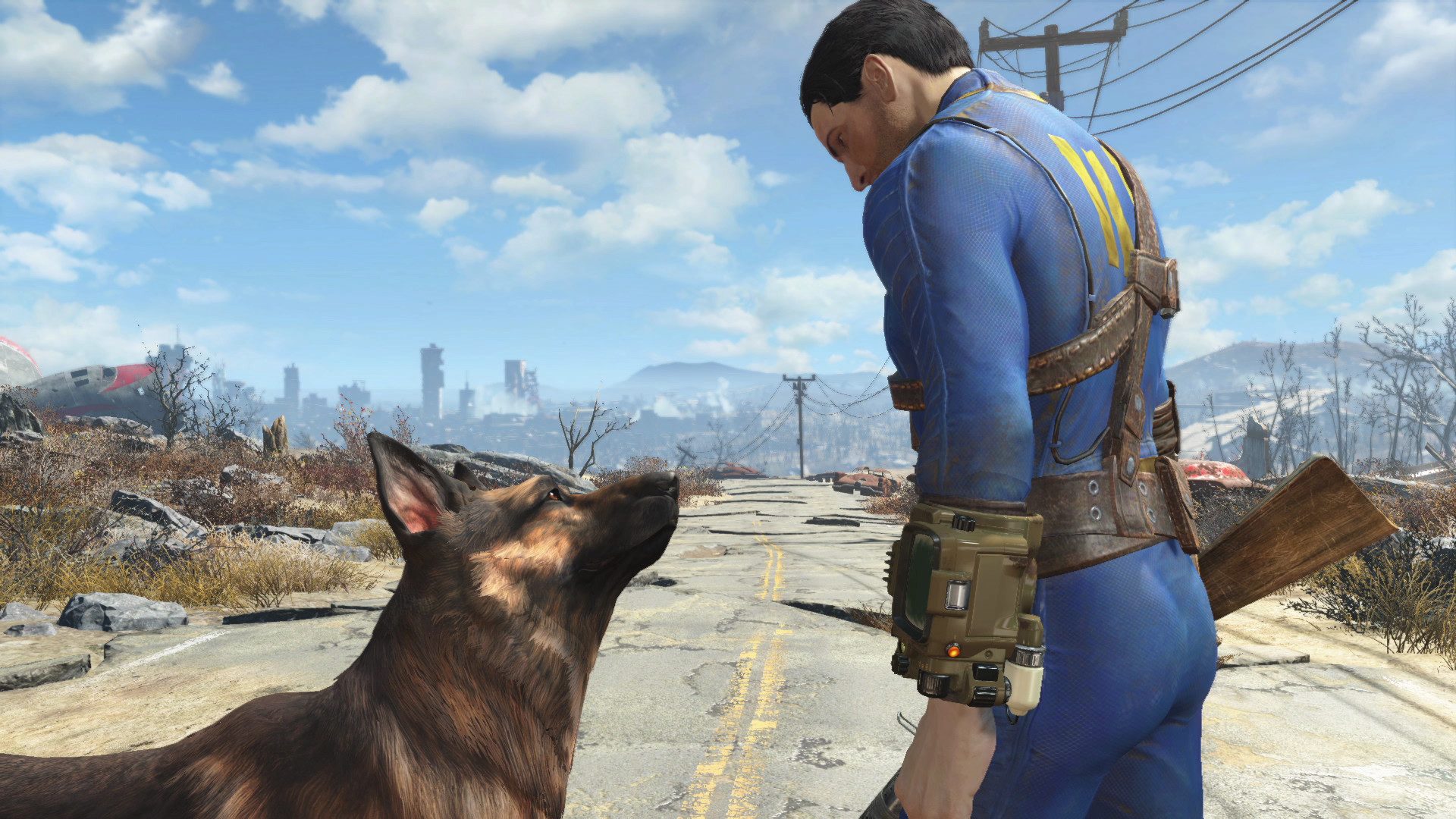
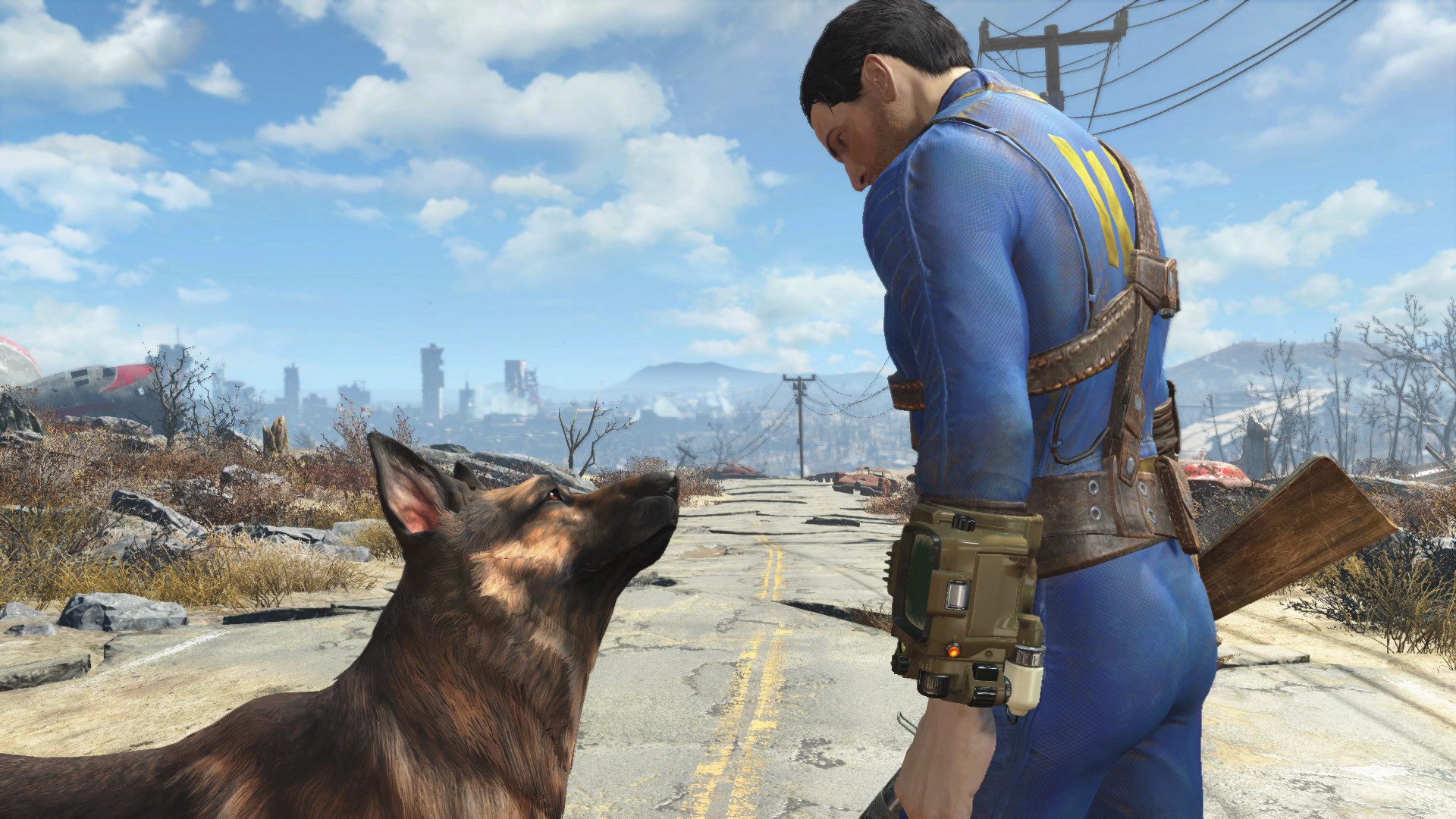
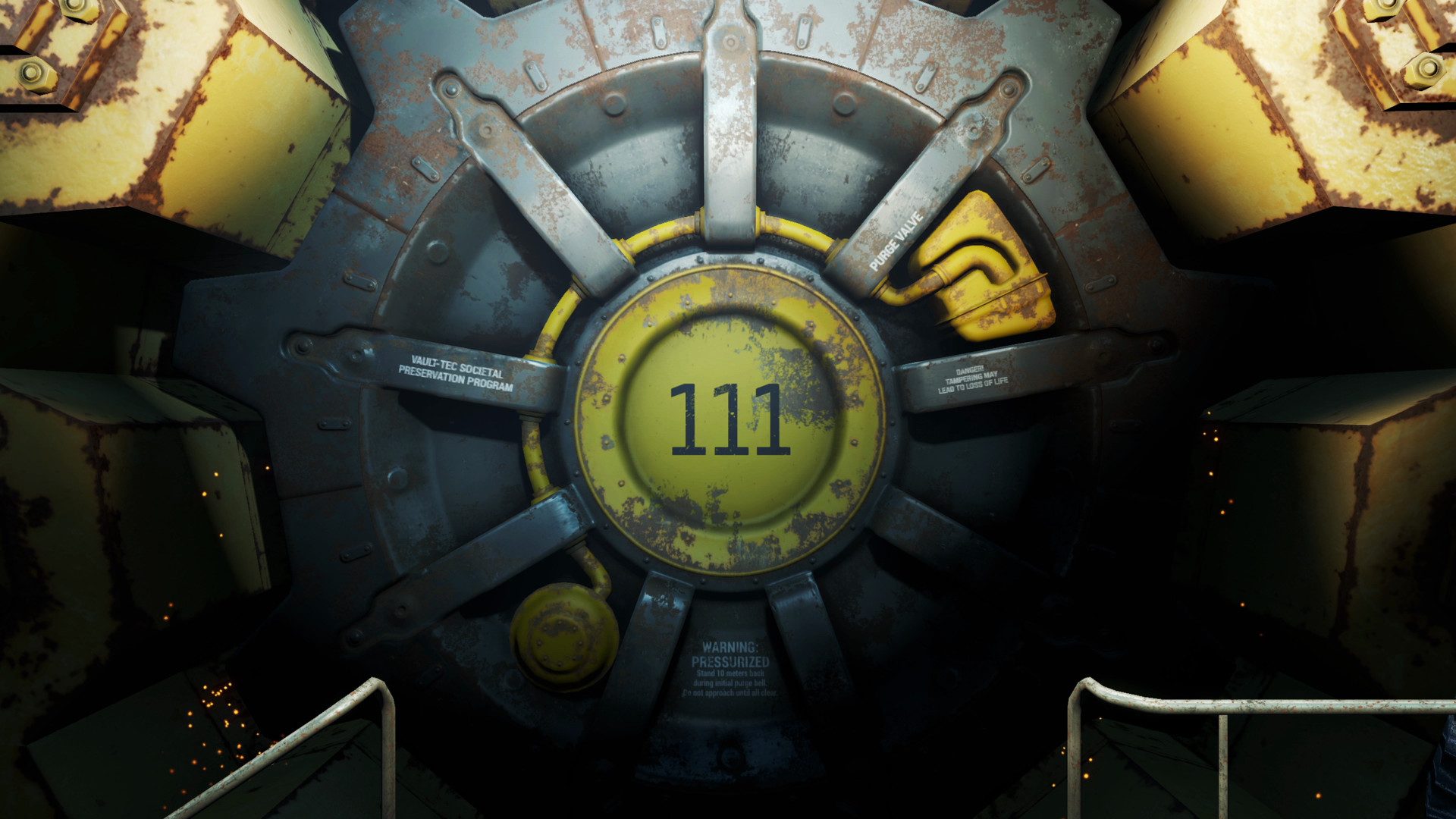
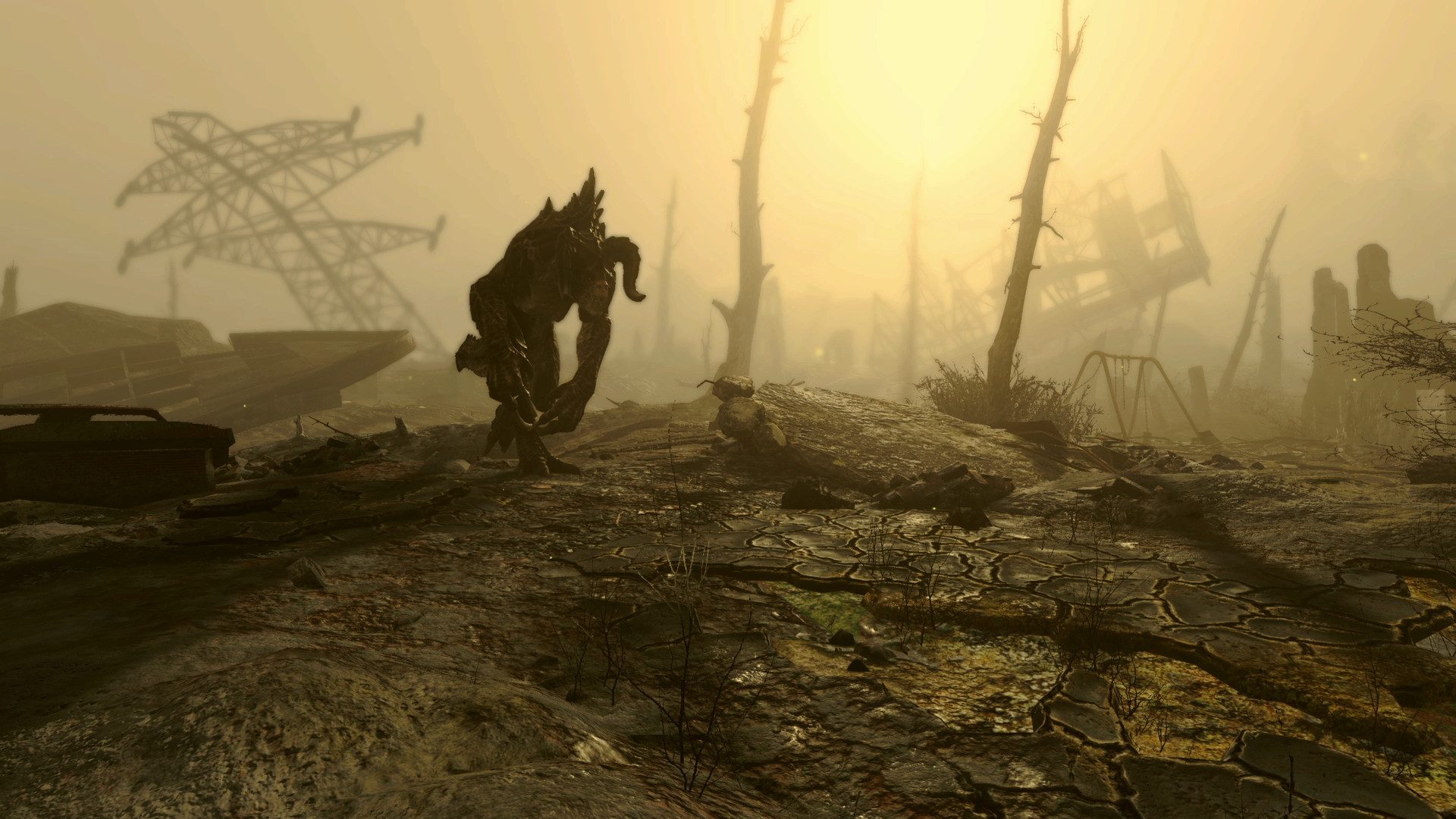
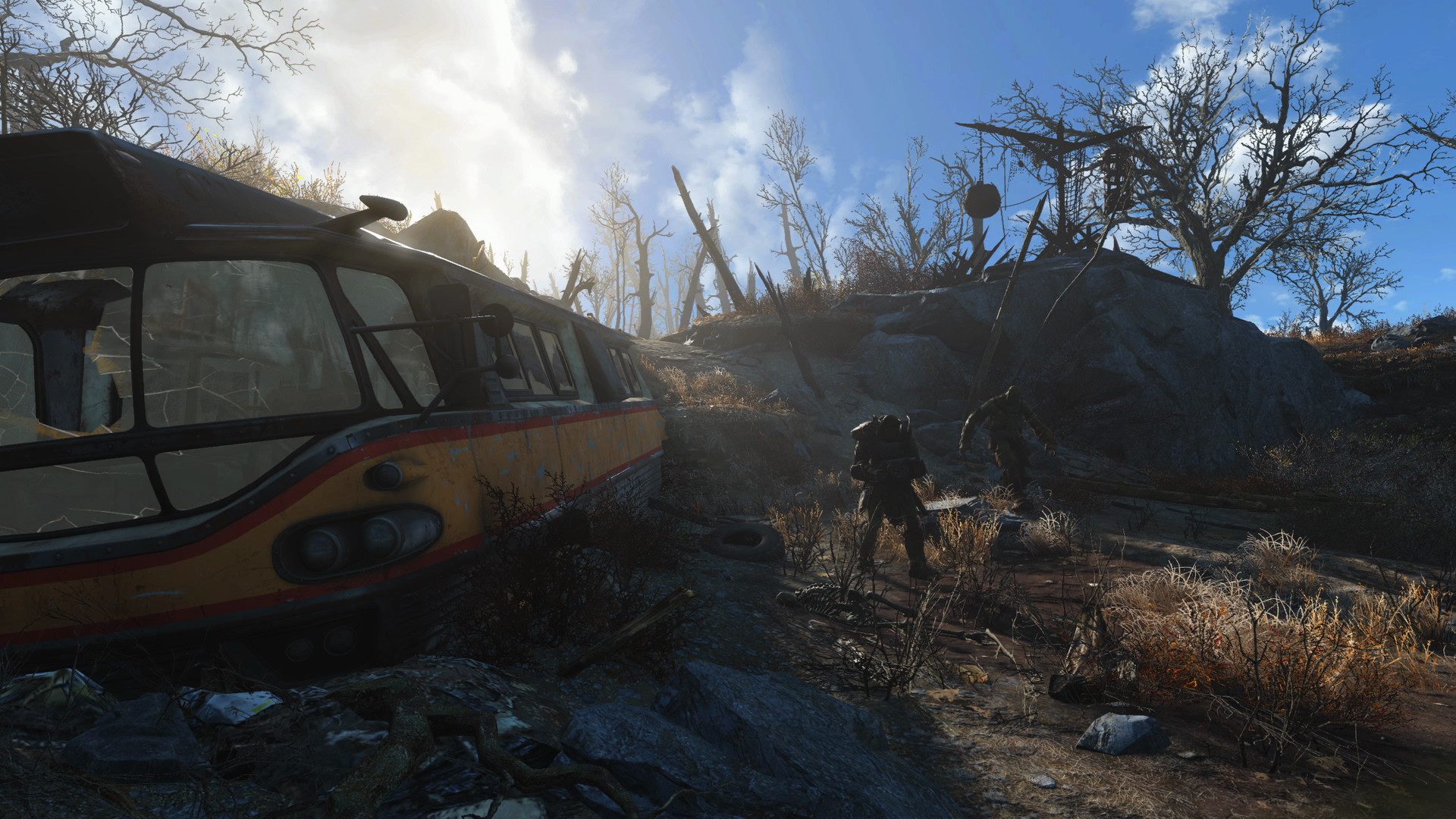
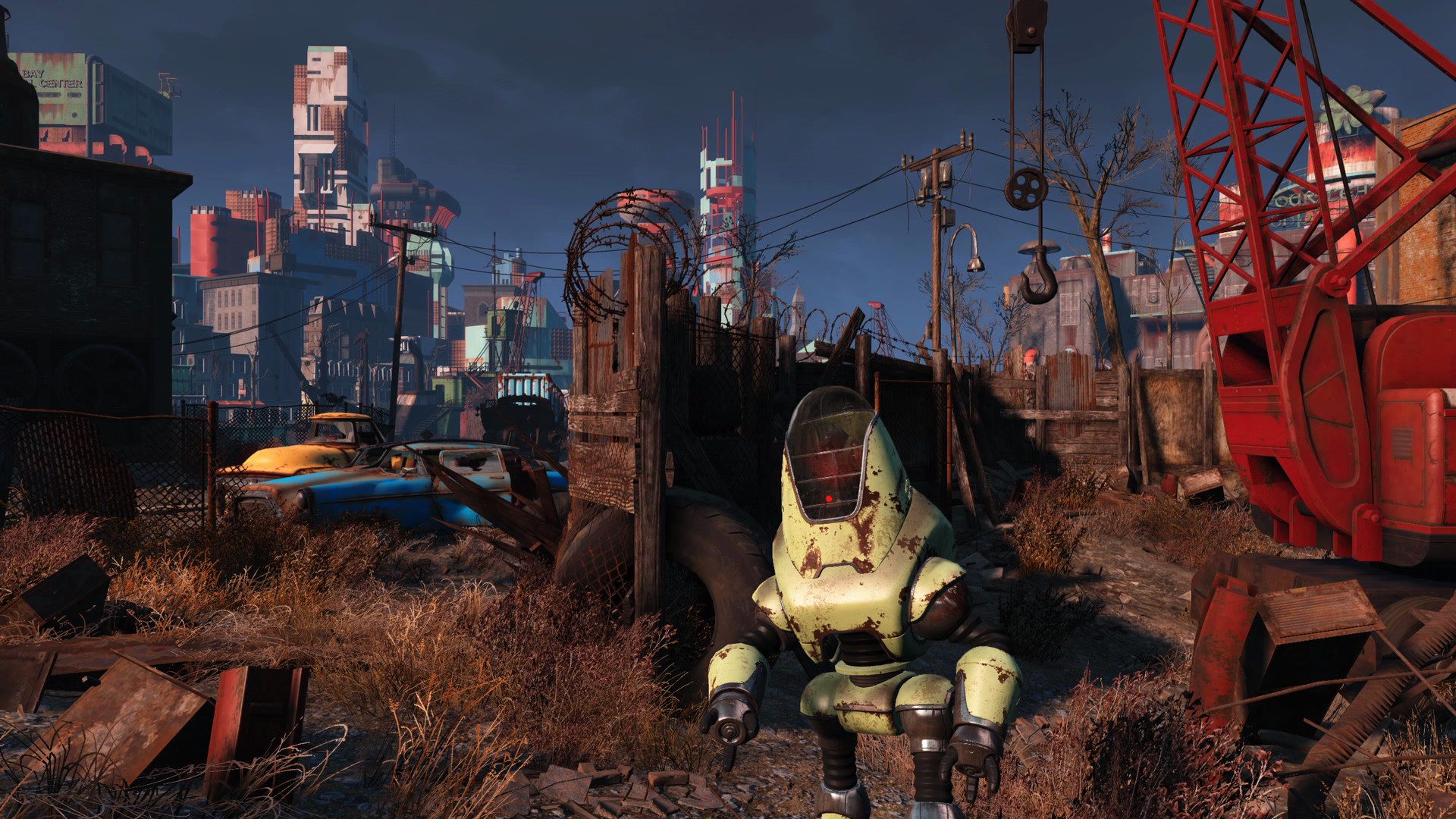
Fallout 4 is an open-world role-playing game from Bethesda Game Studios. It opens in a world before the bombs fall and then moves to the aftermath: you are the only survivor of Vault 111, stepping out into the Commonwealth, a region reduced to ash by nuclear war. From that point the game is both a fight to stay alive and a chance to decide what the wasteland will become.
Read more
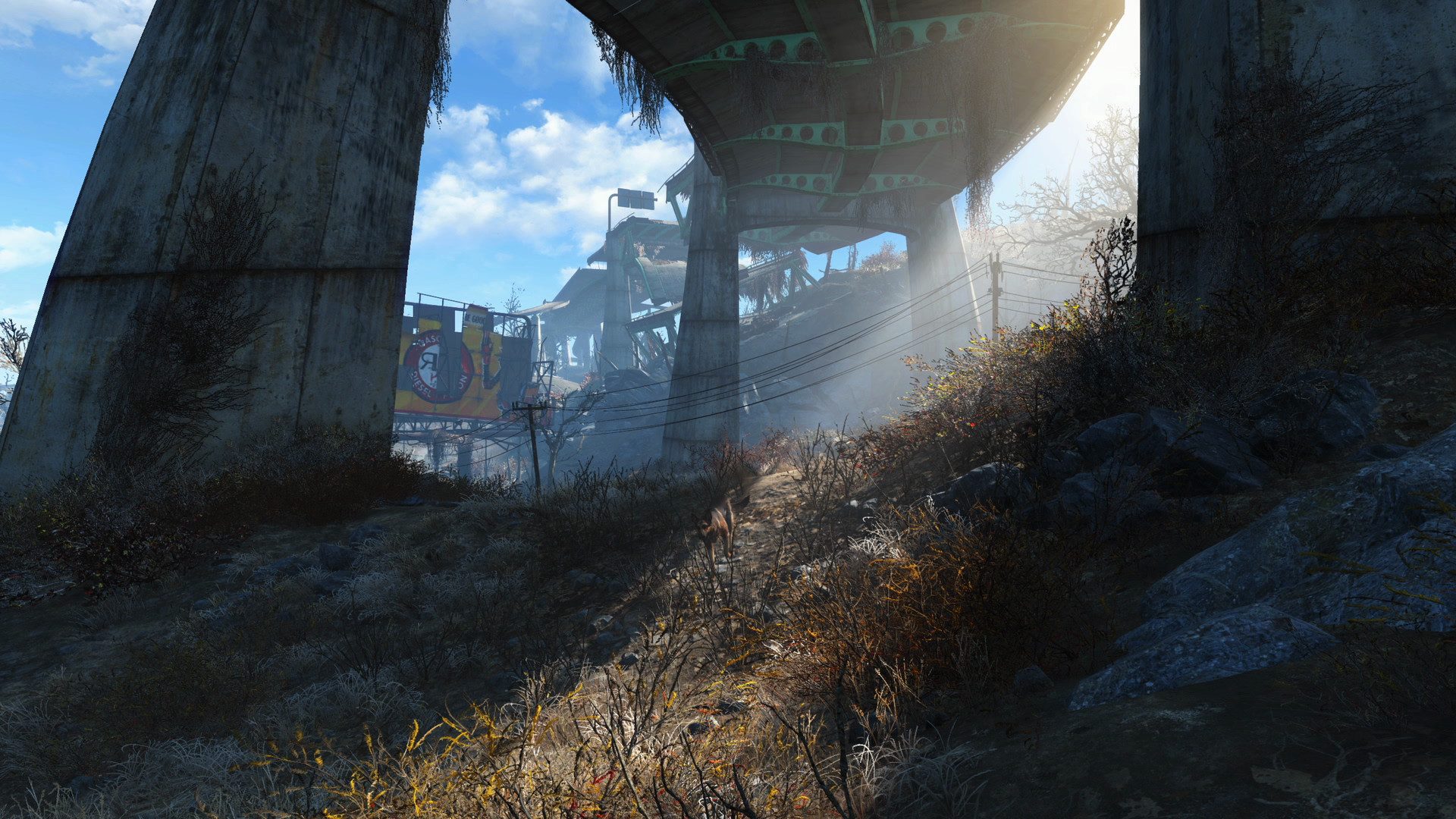
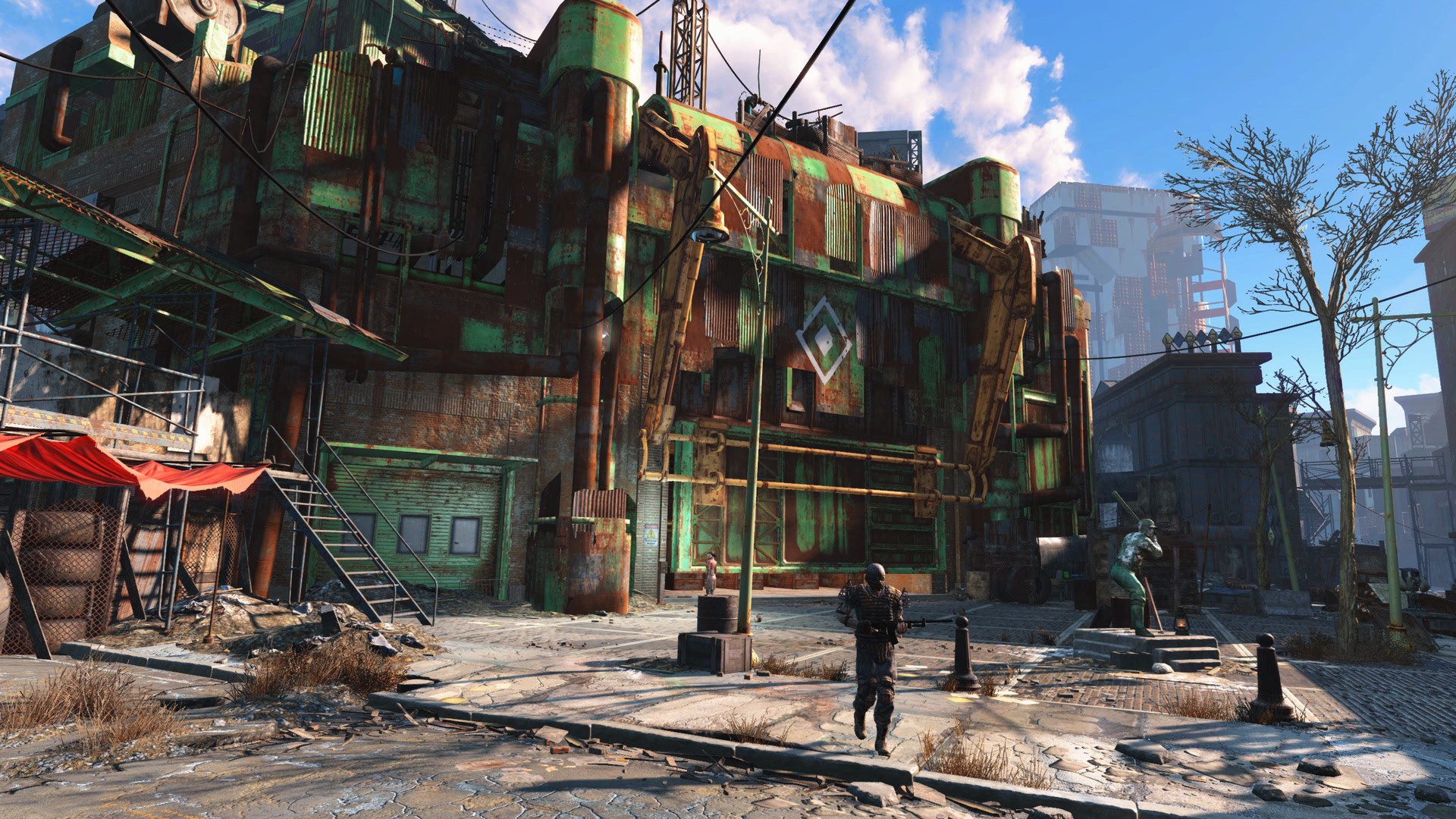
The world is large and open. You can travel where you like, meet its inhabitants, take on quests and side with factions or refuse them all. Decisions carry weight and change how the story develops around you.
Character building starts from a set of core attributes, and perks let you shape a playstyle: a persuasive talker, a quiet sniper, or a heavily armoured fighter in Power Armor. Combat can be handled in real time with gunplay, or slowed down through a targeting mode that lets you pick out individual enemies with care.
Crafting and settlement building run alongside the main story. You scavenge materials, make armour, weapons and food, and can construct and manage settlements across the region. The game is built for a single player, with a long campaign and a great deal of optional exploration around it.
Screenshots

Fallout 4 questions
Can I play Fallout 4 in the cloud?
Yes. Fallout 4 runs on a gaming PC in the WARPLAY.CLOUD network and streams to your screen at 60 FPS, with picture up to Full HD, 1440p or 4K depending on the plan.
Do I need to own Fallout 4 on Steam to play it here?
Yes. It is a Steam game, so you sign in to your own Steam account in the session and the game must be in that account. Saves load from Steam Cloud.
Which controllers work with Fallout 4 on WARPLAY.CLOUD?
The game supports a gamepad and a keyboard and mouse. Xbox and PlayStation controllers work, along with other Bluetooth or USB controllers, and phones have a touch layout.
What internet speed do I need?
15 Mbit/s is enough for Full HD. A cable or 5 GHz Wi-Fi connection gives the lowest delay.
What languages does Fallout 4 support?
Interface and subtitles are available in ten languages, including English, French, German, Spanish (Spain), Polish, Russian and Japanese. Voice-over is in English, French, Italian, German, Spanish (Spain) and Japanese.
On which devices can I play Fallout 4 on WARPLAY.CLOUD?
It plays in Chrome or Edge on Windows, Mac, Linux, Chromebook and Android, in Safari on iPhone and iPad, and through the apps for LG and Samsung TVs.
Similar games




Play Fallout 4 now