WARPLAY.CLOUD
Play PAYDAY 2 in the cloud
PAYDAY 2 is a cooperative heist shooter with role-playing progression, where a crew of up to four pulls off robberies in Washington DC. Play it in the cloud on WARPLAY.CLOUD, streamed from a gaming PC to your screen.
PAYDAY 2 must be in your Steam account. Nothing extra to buy from WARPLAY.CLOUD.
Short answers
- Own it on SteamDo I need to own it?
- On every planWhich plan?
- Almost any screenWhich devices?
- 15 Mbit/s for Full HDWhat internet?
Details
PAYDAY 2 must be in your Steam account, the same copy you play at home. Nothing extra to buy from WARPLAY.CLOUD. How to start
Picture up to Full HD on FREE, up to 1440p on PRO, up to 4K on MAX. 60 FPS on every plan. Compare plans
Chrome or Edge on Windows, Mac, Linux, Chromebook and Android. Safari on iPhone and iPad. Apps for LG and Samsung TVs. All devices
25 Mbit/s for 1440p and 45 Mbit/s for 4K. A cable or 5 GHz Wi-Fi gives the lowest delay. More on internet speed
Works on
- Computers
- BrowserWindowsMacLinuxChromebook
- Phones and tablets
- iPhone and iPadAndroid
How to start PAYDAY 2
- Open app.warplay.cloud in Chrome or Edge, or open the Windows, Mac or Linux app, and sign in.
- Find PAYDAY 2 and press Play.
- Sign in to the Steam account that has PAYDAY 2. Your saves load from Steam Cloud.
- Install the WARPLAY.CLOUD app on your LG TV (webOS) or Samsung TV (Tizen) and sign in.
- Connect an Xbox or PlayStation gamepad, or another Bluetooth or USB controller.
- Pick PAYDAY 2 and press Play. On Steam's sign-in screen, scan the QR code with the Steam Mobile app.
- On iPhone or iPad, open app.warplay.cloud in Safari and add it to the Home Screen. On Android, open it in Chrome.
- Connect a gamepad, or use the touch layout.
- Pick PAYDAY 2, press Play, then sign in to Steam.
PAYDAY 2 on WARPLAY.CLOUD
PAYDAY 2 works with both a keyboard and mouse setup and gamepads. On a PC, Mac, Linux or Chromebook through Chrome or Edge, mouse aiming suits the shooting while a controller is comfortable for movement-heavy escapes; Xbox and PlayStation pads and other Bluetooth or USB controllers are recognised. Android phones and tablets use the same browsers, and phones also offer a touch layout. iPhone and iPad players use Safari, and there are apps for LG and Samsung TVs, where a gamepad is the natural choice.
The interface and subtitles are available in twelve languages: English, German, French, Italian, Spanish for Spain, Dutch, Russian, Japanese, Simplified Chinese, Spanish for Latin America, Korean and Polish. Voice acting is in English only.
PAYDAY 2 has to be in your own Steam account. You sign in to Steam inside the session and the game starts from there; saves come from Steam Cloud. Nothing extra needs to be bought from WARPLAY.CLOUD for a game you already own on Steam.
The game runs on a gaming PC in the WARPLAY.CLOUD network and streams at 60 FPS, with the picture reaching Full HD, 1440p or 4K depending on the plan. A 15 Mbit/s connection is enough for Full HD, and a cable or 5 GHz Wi-Fi keeps the delay lowest.
About the game
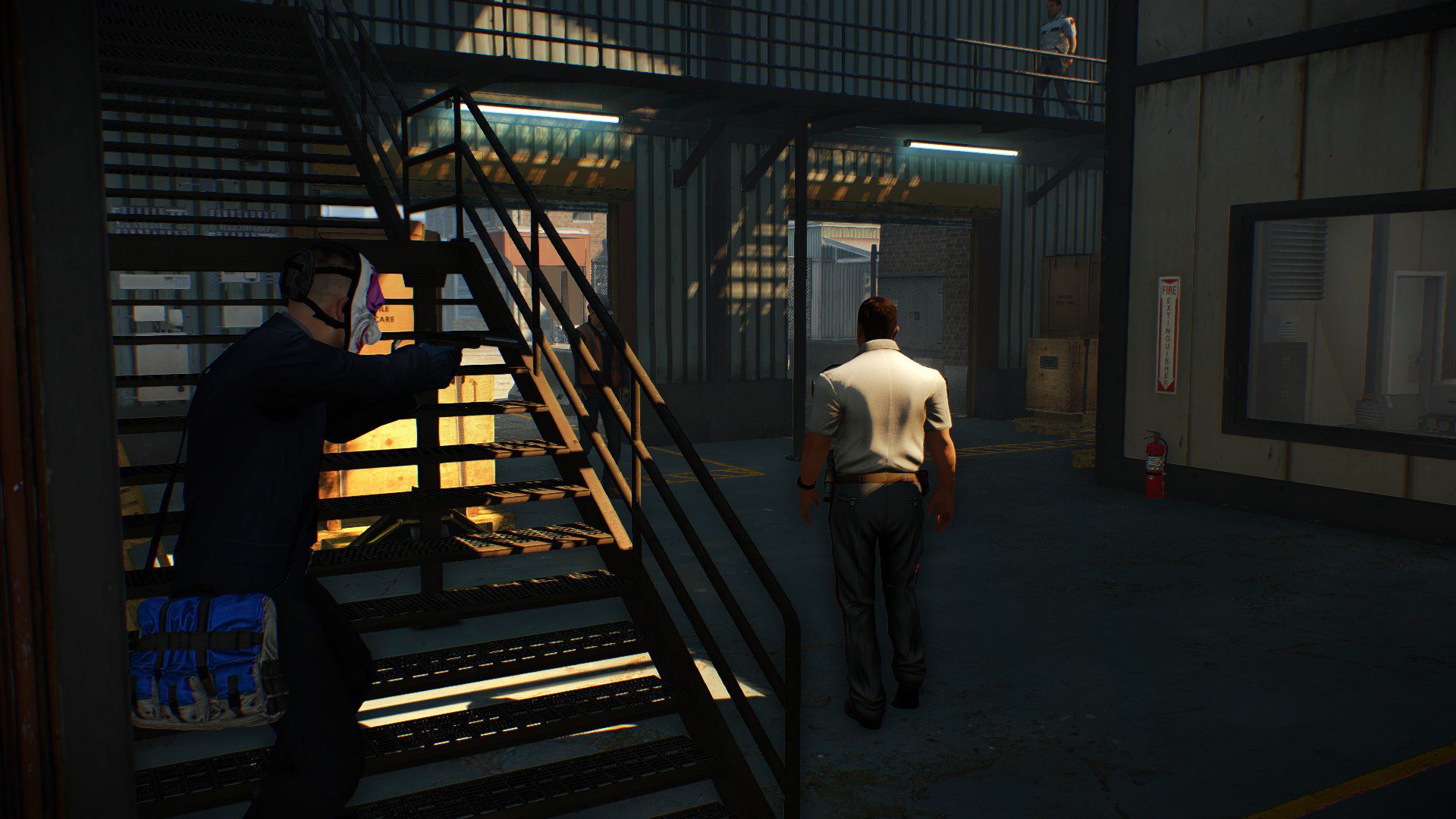
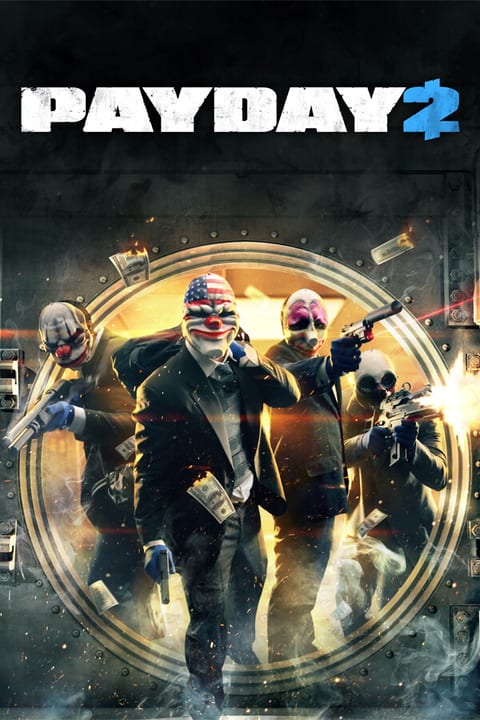
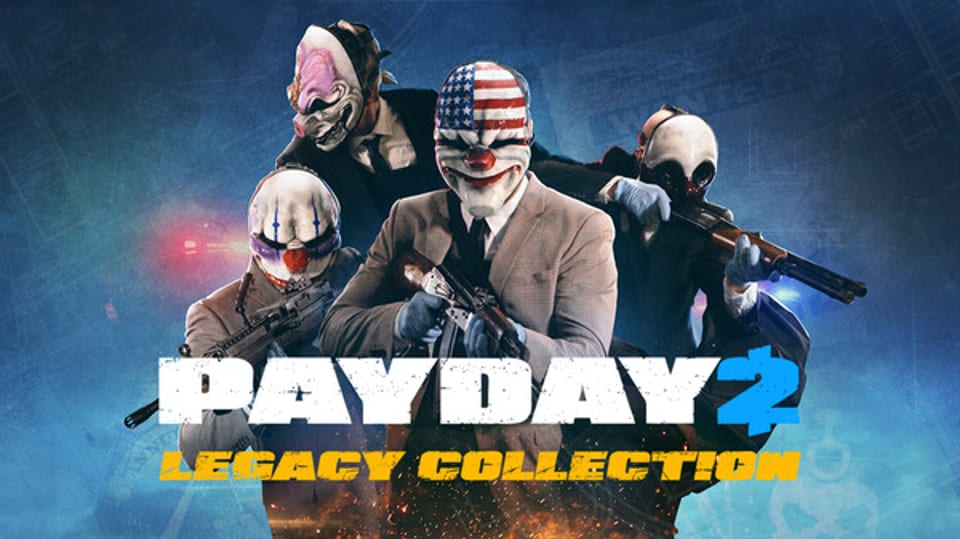
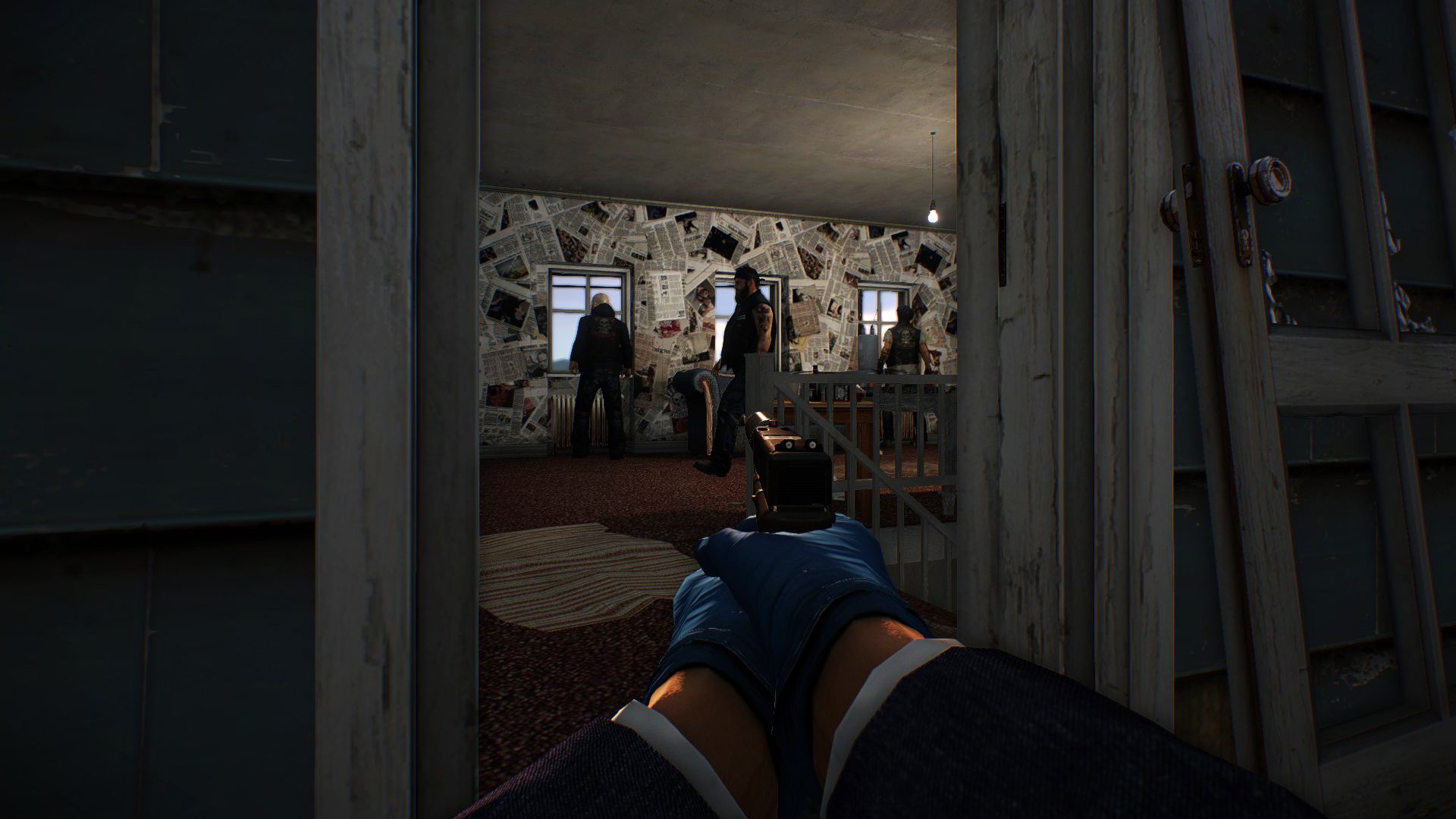
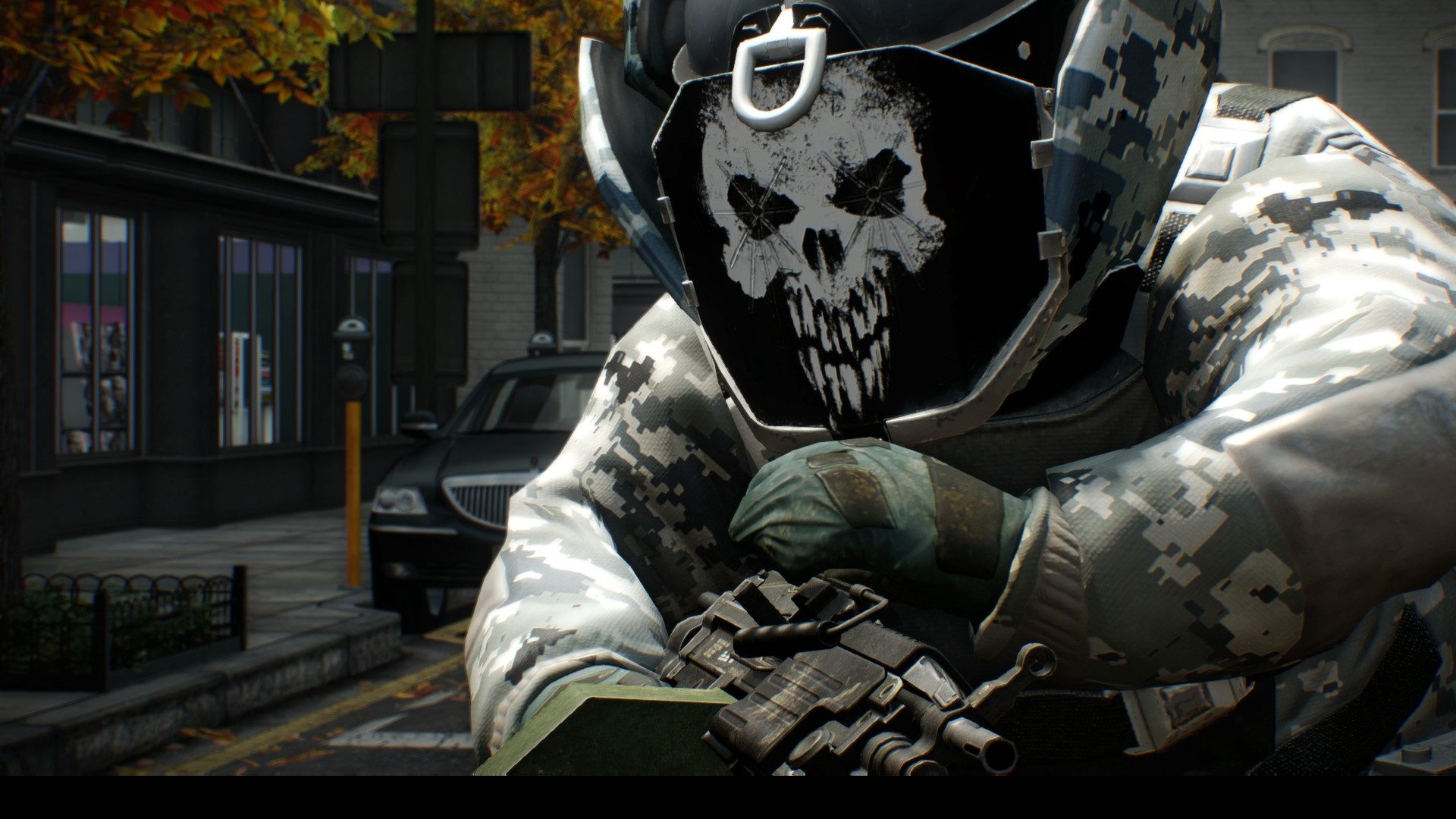
PAYDAY 2 puts players back behind the masks of the original crew — Chains, Wolf, Hoxton and Dallas — and sends them to Washington DC for a long run of robberies. It is a first-person shooter with role-playing layers: the action is fast, but planning, gear and team composition matter as much as aim.
Read more
Jobs come through CRIMENET, a contract database where fixers with their own interests hand out work. The range is broad, from small convenience store hits and kidnappings to cyber-crime and emptying bank vaults, and there are political errands to run around the city as well. Crews of up to four take these on, and as they earn money and reputation the contracts grow larger and pay better.
Progress feeds into a character build. There are five branches to invest in — Fugitive, Ghost, Mastermind, Technician and Enforcer — and points can be spread across them in any combination, so a crew can be put together around stealth, brute force, drilling, crowd control or a blend of them. The arsenal is wide, covering assault and sniper rifles as well as SMGs and compact PDWs, and each weapon accepts attachments such as scopes, suppressors, stocks and grips that alter how it handles, alongside purely cosmetic touches. Masks are crafted as well, from a colour and pattern the player picks.
Each job can be approached in different ways: a quiet infiltration or a direct assault with weapons out. Scenarios are built to vary, with random layout elements and occasional rare events, so the same contract rarely plays out identically. Since release the game has received more than 70 updates adding heists, characters, weapons and mechanics such as cars and forklifts you can drive.
Video and screenshots
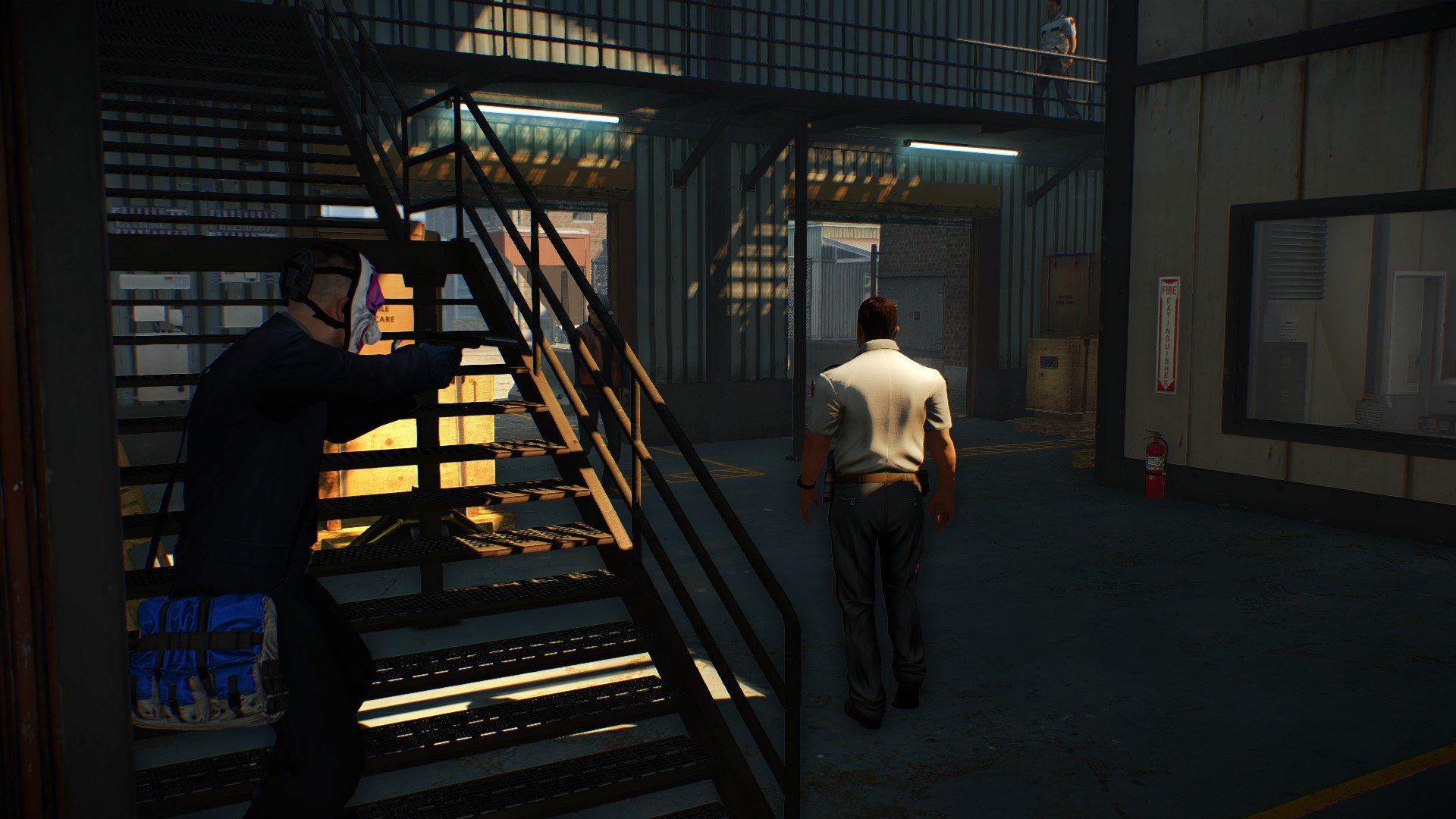
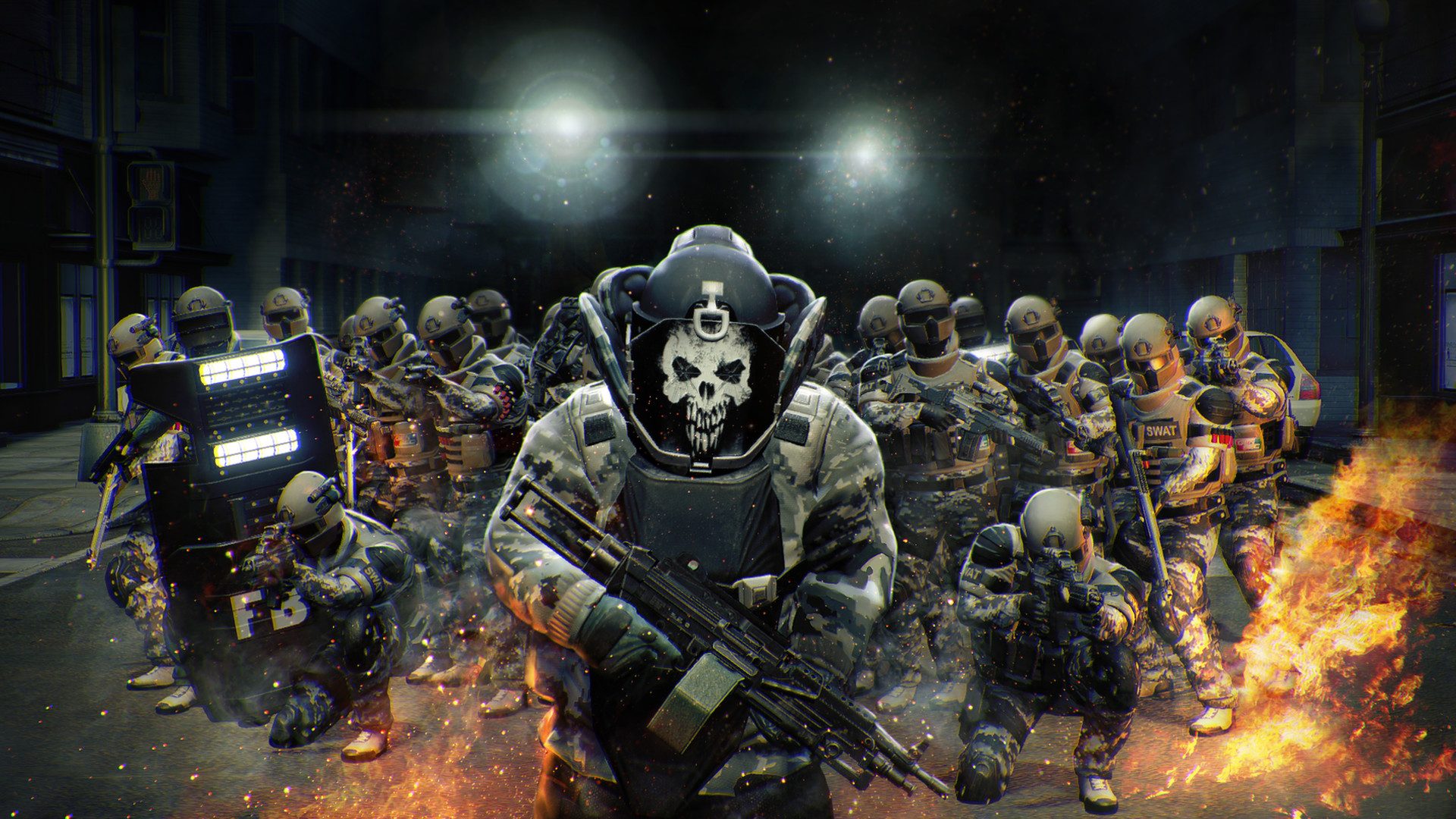
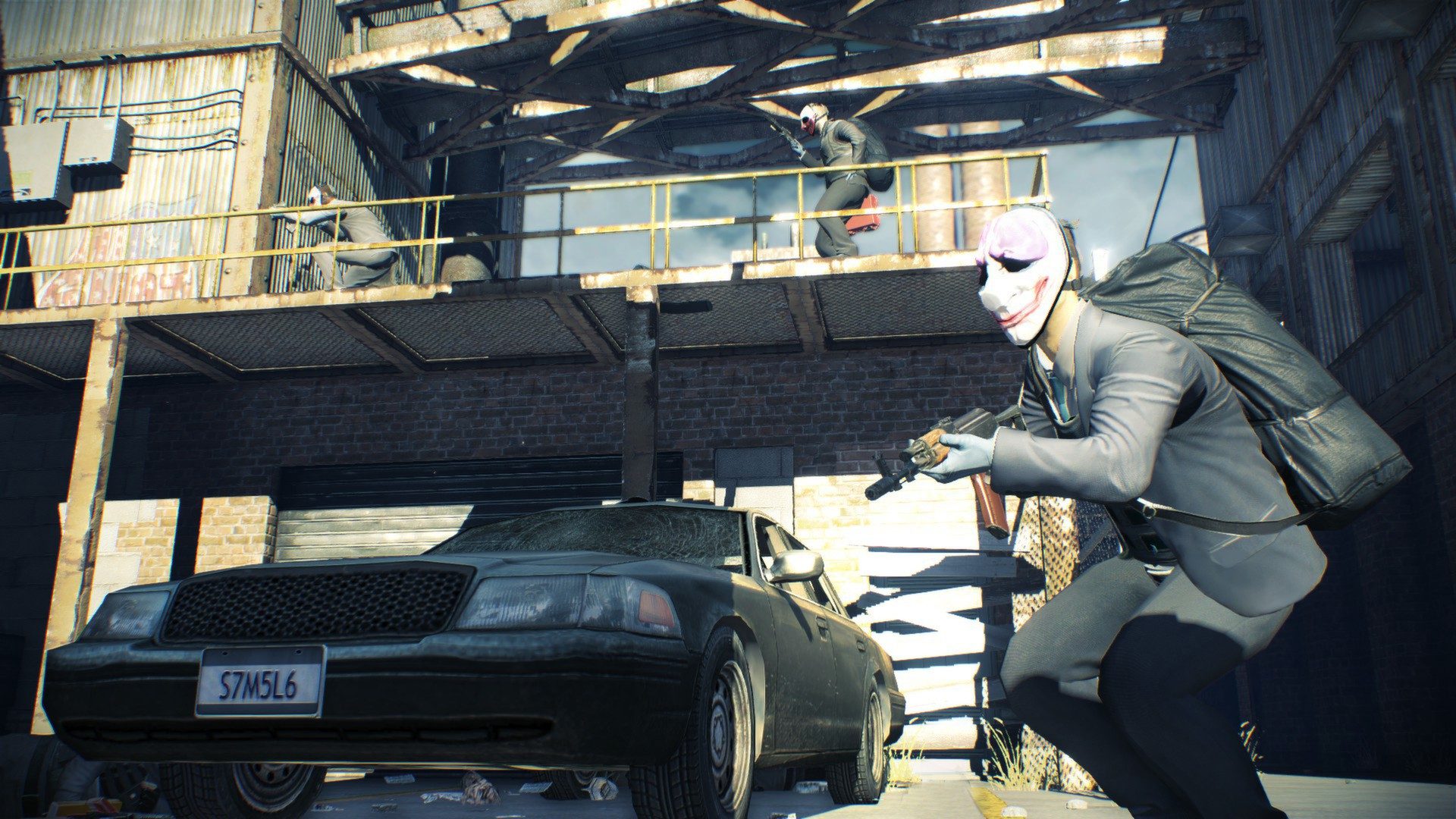


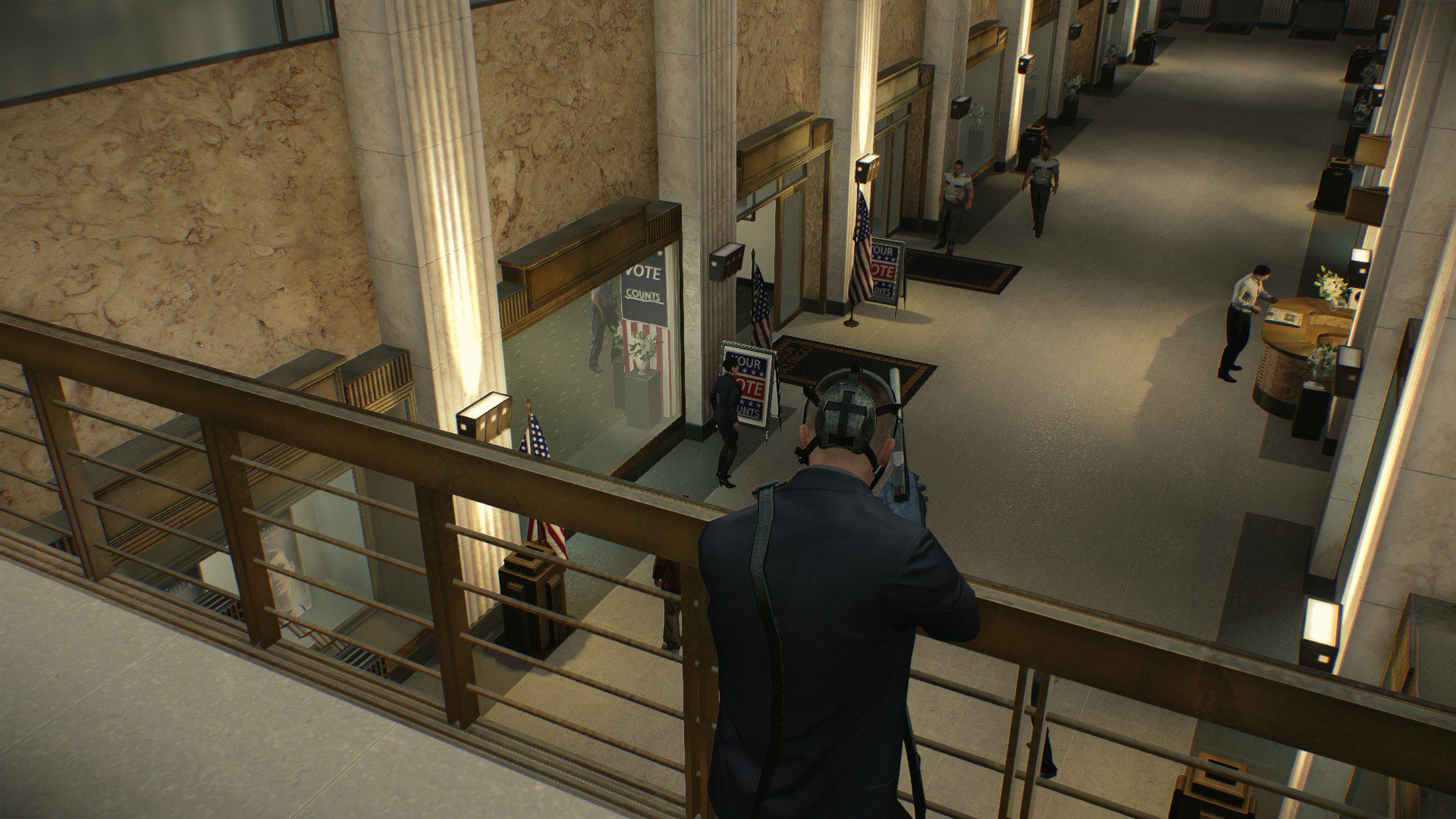
PAYDAY 2 questions
Do I need to own PAYDAY 2 on Steam to play it in the cloud?
Yes. The game must be in your own Steam account. You sign in to Steam in the session and launch it from there.
Can I play PAYDAY 2 on WARPLAY.CLOUD with a controller?
Yes. Xbox and PlayStation controllers and other Bluetooth or USB gamepads are supported, and keyboard and mouse work as well.
What internet speed do I need for PAYDAY 2 in the cloud?
15 Mbit/s is enough for Full HD streaming. A cable connection or 5 GHz Wi-Fi gives the lowest delay.
Which languages does PAYDAY 2 support?
The interface and subtitles come in twelve languages, including English, German, French, Russian, Japanese, Korean and Polish. Voice acting is in English only.
Can I play PAYDAY 2 on my phone or TV?
Yes. Android devices work through Chrome or Edge and phones have a touch layout, while iPhone and iPad use Safari. There are also apps for LG and Samsung TVs.
Will my PAYDAY 2 progress carry over to the cloud?
Saves load from Steam Cloud, so your progress is taken from your own Steam account. The game runs on a gaming PC in the WARPLAY.CLOUD network and streams at 60 FPS.
Similar games






Play PAYDAY 2 now