WARPLAY.CLOUD
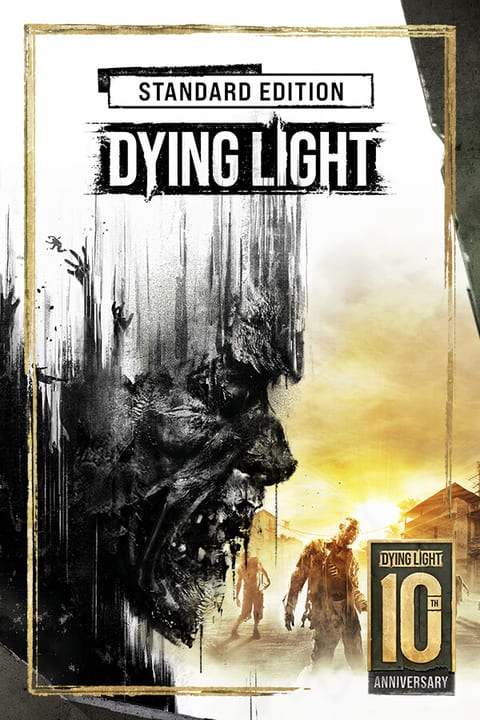
Play Dying Light in the cloud
Dying Light is a first-person action survival game set in an open city affected by a zombie virus. You can play it in the cloud on WARPLAY.CLOUD.
Dying Light must be in your Steam account. Nothing extra to buy from WARPLAY.CLOUD.
Short answers
- Own it on SteamDo I need to own it?
- On every planWhich plan?
- Almost any screenWhich devices?
- 15 Mbit/s for Full HDWhat internet?
Details
Dying Light must be in your Steam account, the same copy you play at home. Nothing extra to buy from WARPLAY.CLOUD. How to start
Picture up to Full HD on FREE, up to 1440p on PRO, up to 4K on MAX. 60 FPS on every plan. Compare plans
Chrome or Edge on Windows, Mac, Linux, Chromebook and Android. Safari on iPhone and iPad. Apps for LG and Samsung TVs. All devices
25 Mbit/s for 1440p and 45 Mbit/s for 4K. A cable or 5 GHz Wi-Fi gives the lowest delay. More on internet speed
Works on
- Computers
- BrowserWindowsMacLinuxChromebook
- Phones and tablets
- iPhone and iPadAndroid
How to start Dying Light
- Open app.warplay.cloud in Chrome or Edge, or open the Windows, Mac or Linux app, and sign in.
- Find Dying Light and press Play.
- Sign in to the Steam account that has Dying Light. Your saves load from Steam Cloud.
- Install the WARPLAY.CLOUD app on your LG TV (webOS) or Samsung TV (Tizen) and sign in.
- Connect an Xbox or PlayStation gamepad, or another Bluetooth or USB controller.
- Pick Dying Light and press Play. On Steam's sign-in screen, scan the QR code with the Steam Mobile app.
- On iPhone or iPad, open app.warplay.cloud in Safari and add it to the Home Screen. On Android, open it in Chrome.
- Connect a gamepad, or use the touch layout.
- Pick Dying Light, press Play, then sign in to Steam.
Dying Light on WARPLAY.CLOUD
Dying Light supports keyboard and mouse as well as gamepads. On WARPLAY.CLOUD you can use an Xbox or PlayStation controller, or another Bluetooth or USB controller. A controller suits play on a TV through the LG or Samsung TV apps, while keyboard and mouse fit desktop and laptop browsers. On phones, the touch layout is available as well. You can open the service in Chrome or Edge on Windows, Mac, Linux, Chromebook and Android, in Safari on iPhone and iPad, and through the LG and Samsung TV apps. The game runs on a gaming PC in the WARPLAY.CLOUD network and streams at 60 FPS. Picture quality can reach Full HD, 1440p or 4K depending on the selected streaming option. For Full HD, an internet connection of 15 Mbit/s is enough; a cable or 5 GHz Wi-Fi gives the lowest delay.
The interface and subtitles are available in many languages. Voice-over is included in English, French, Italian, German, Spanish for Spain, Polish and Portuguese for Brazil. The other listed languages provide interface and subtitles without voice.
Dying Light is a Steam game, so you sign in to your own Steam account in the session. The game must already be in that account. Saves load from Steam Cloud. There is nothing extra to buy from WARPLAY.CLOUD for a game you own on Steam.
About the game
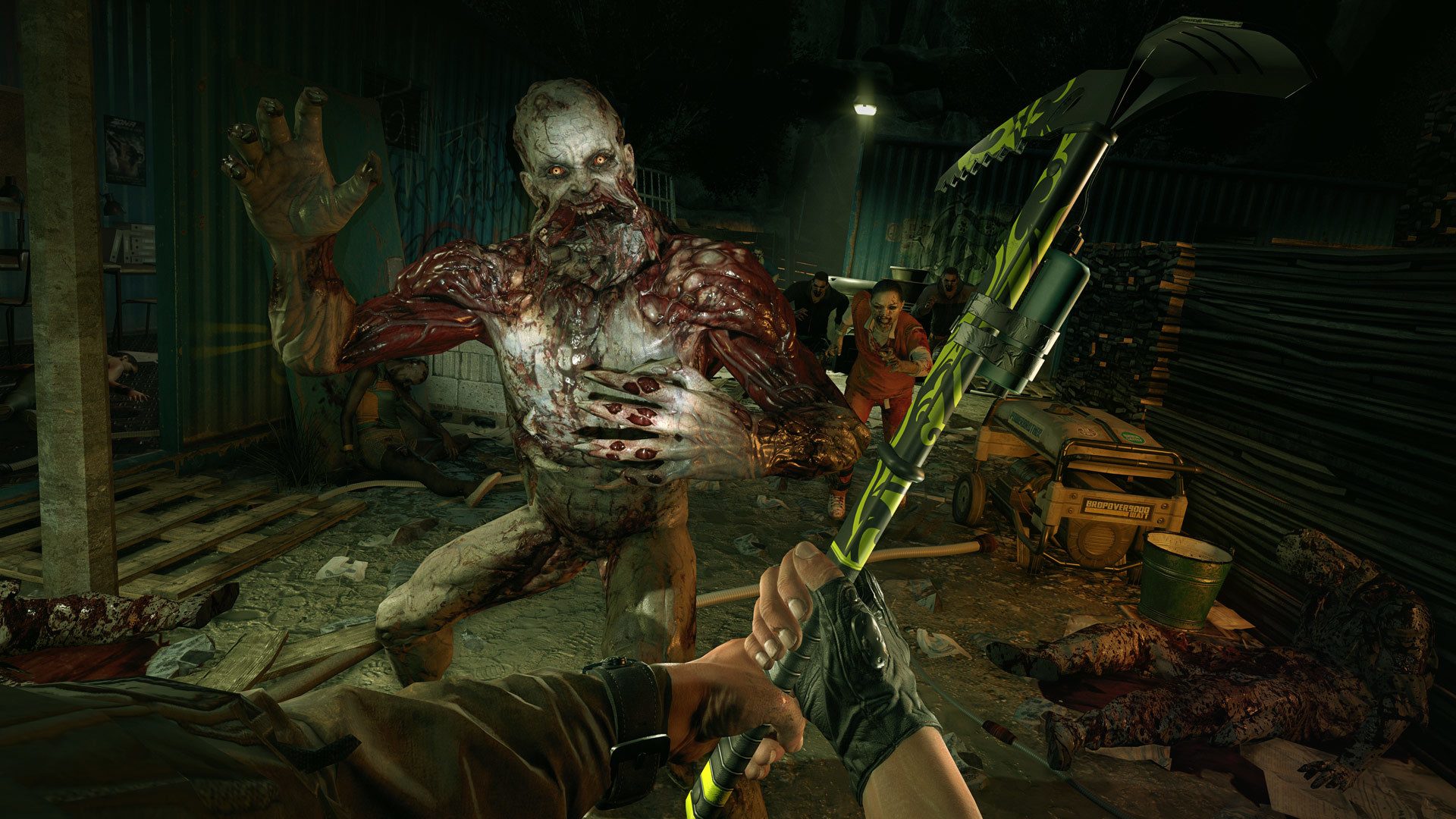
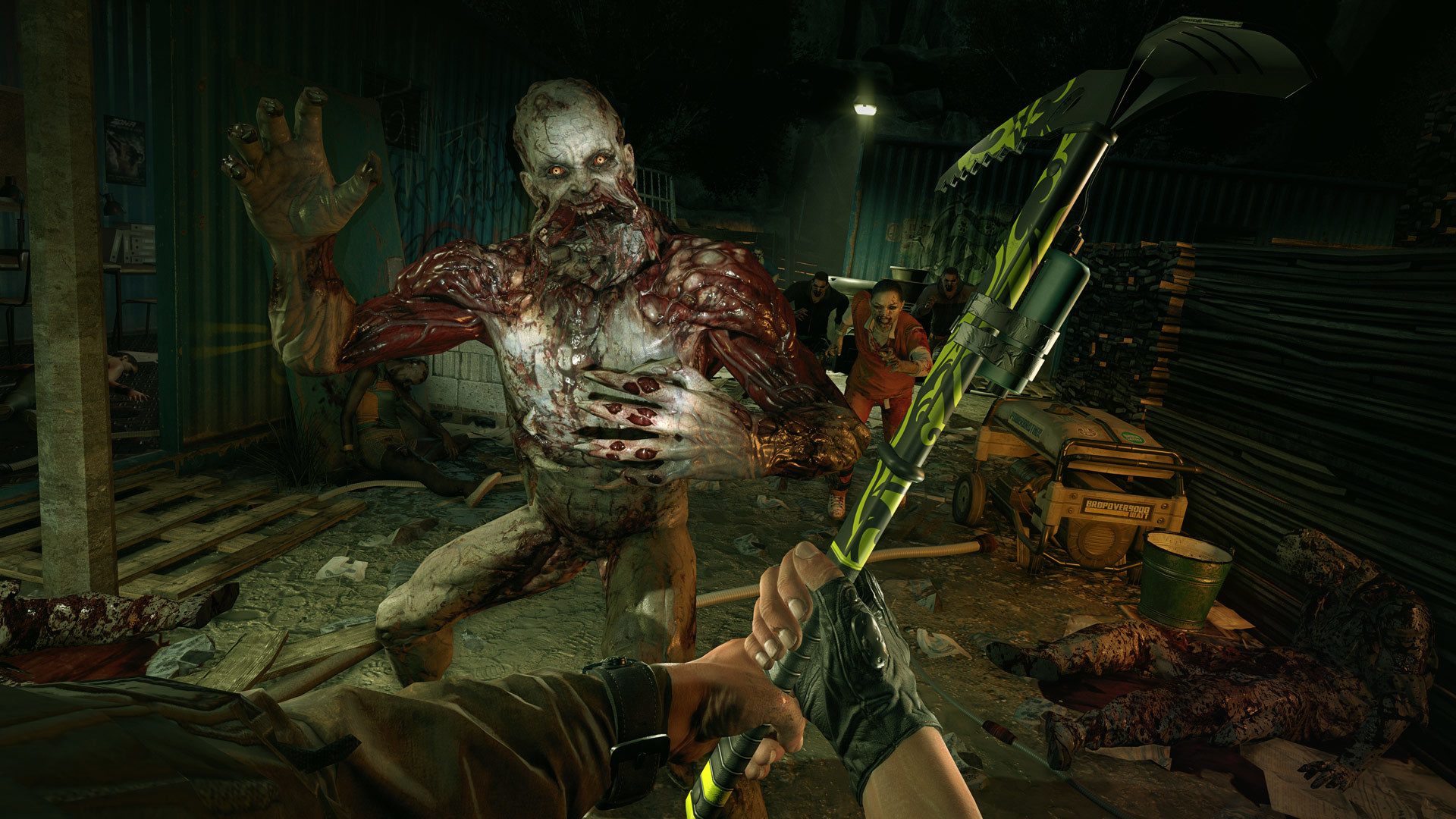
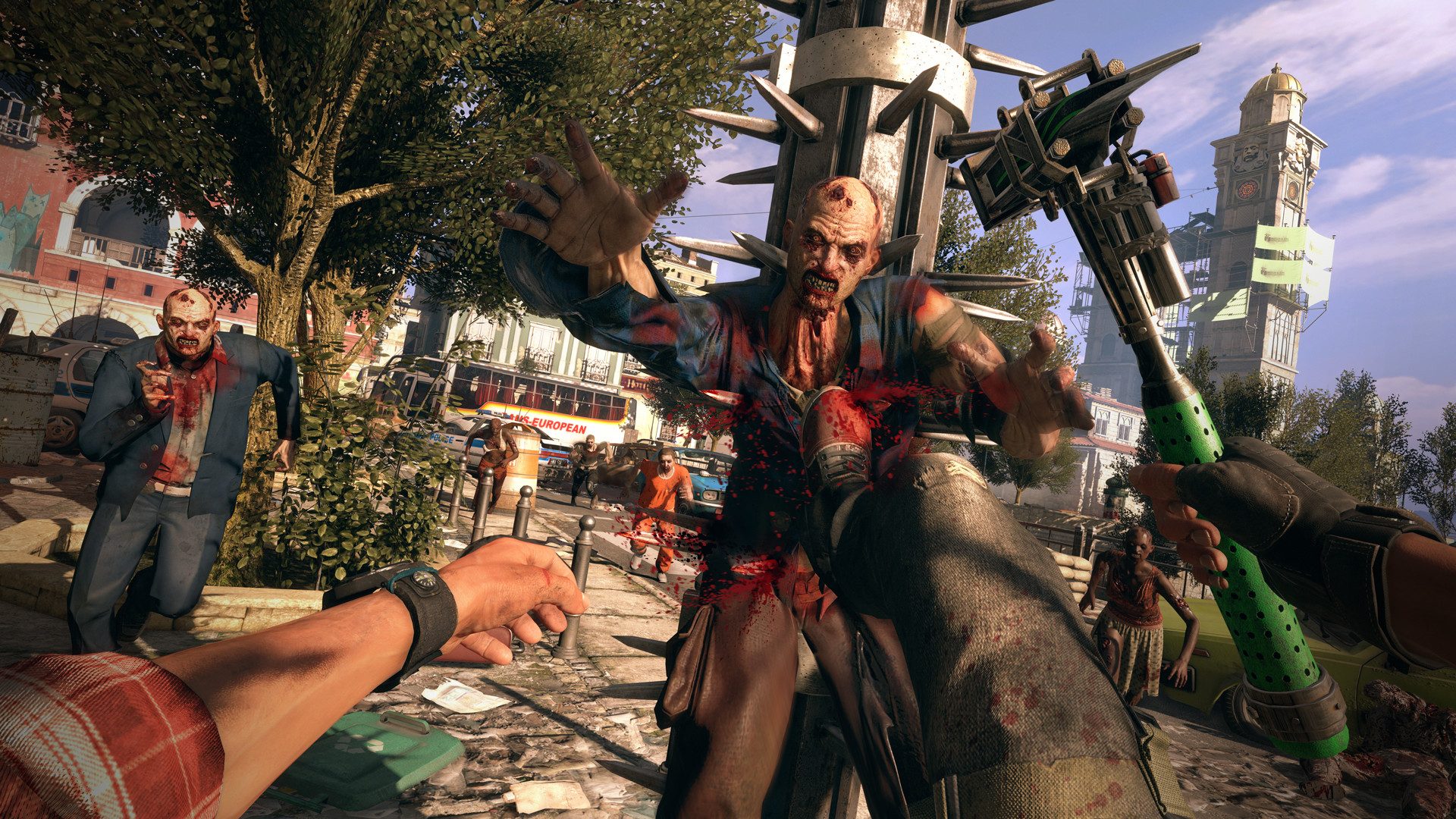
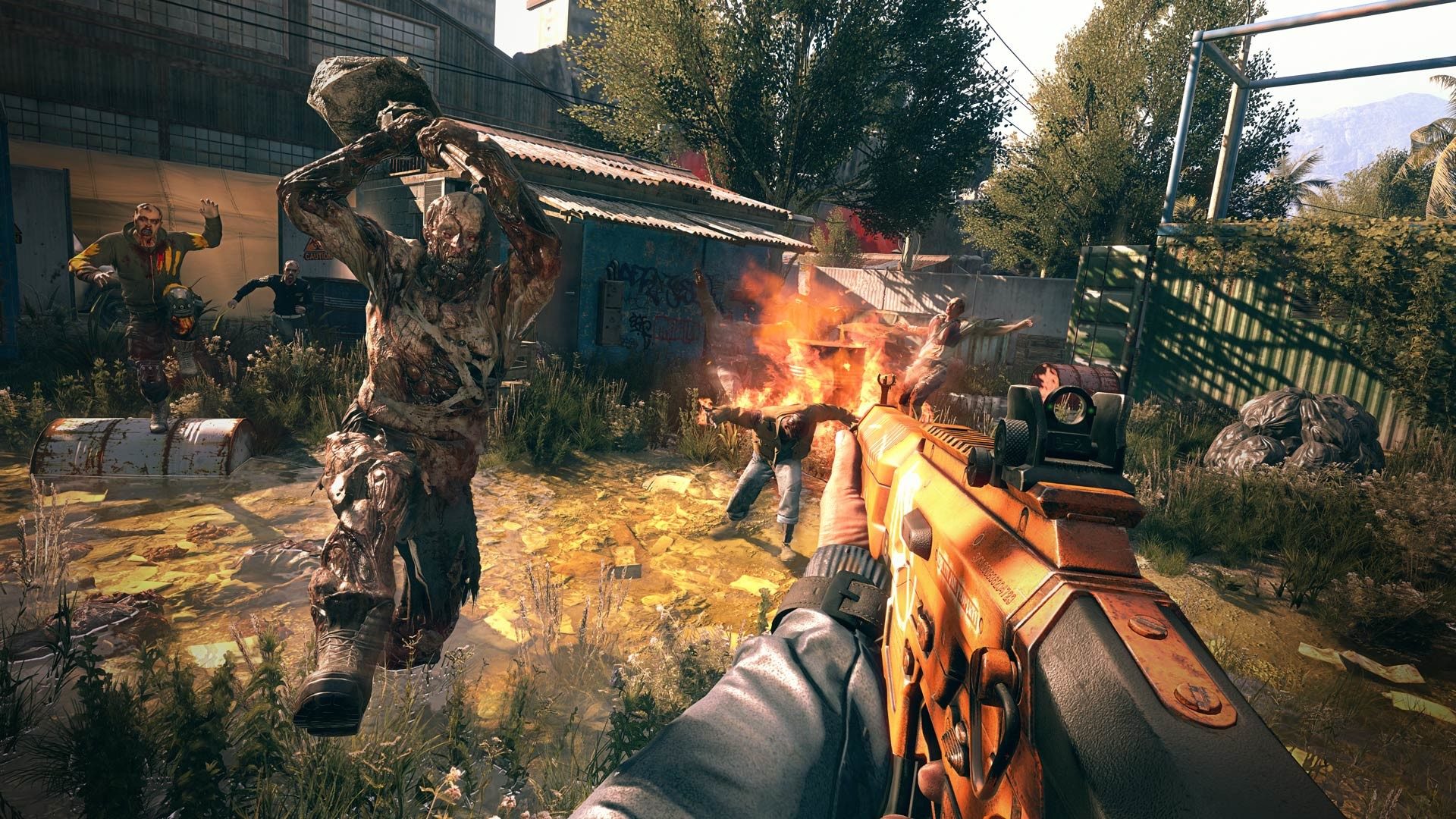
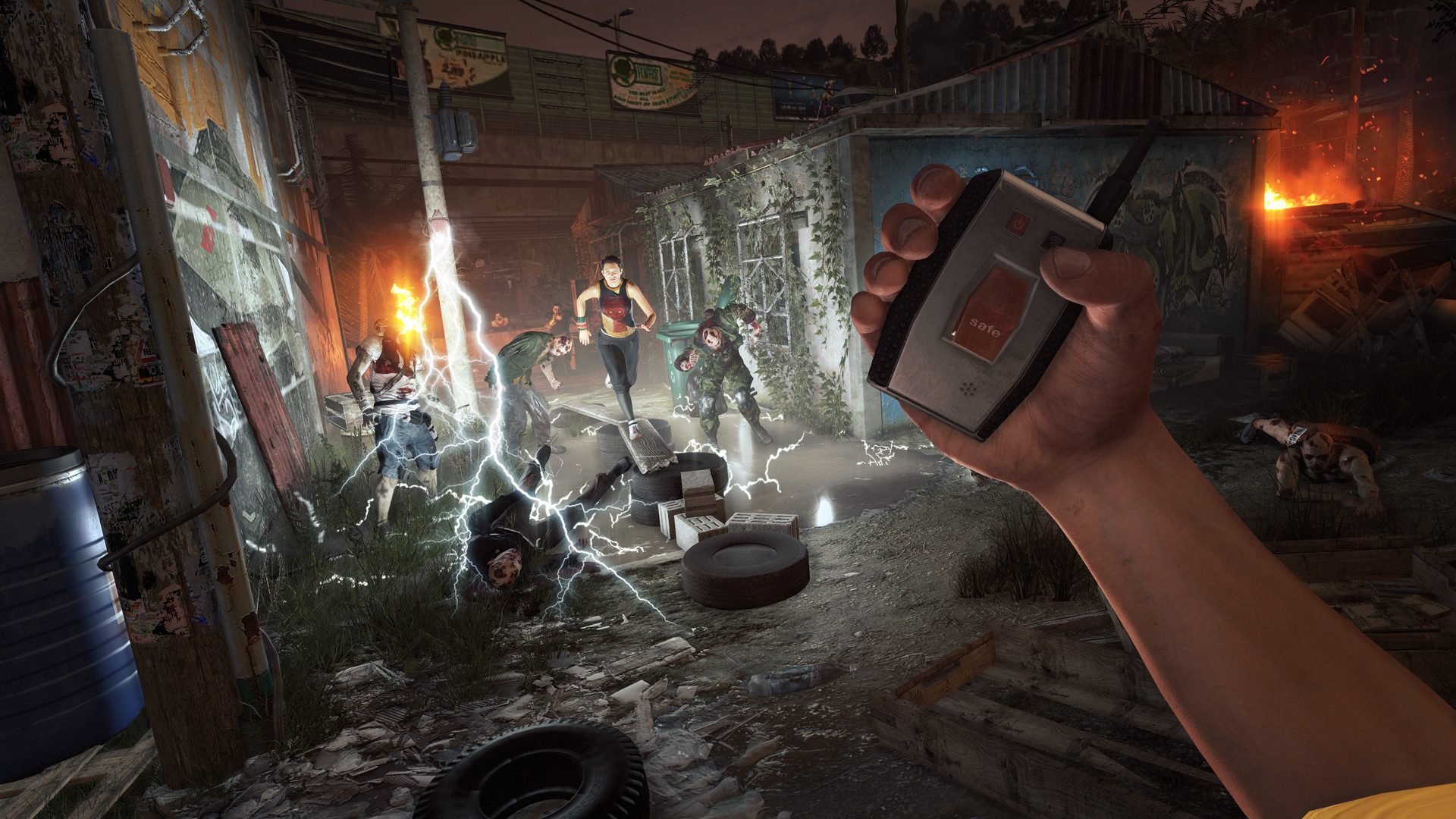
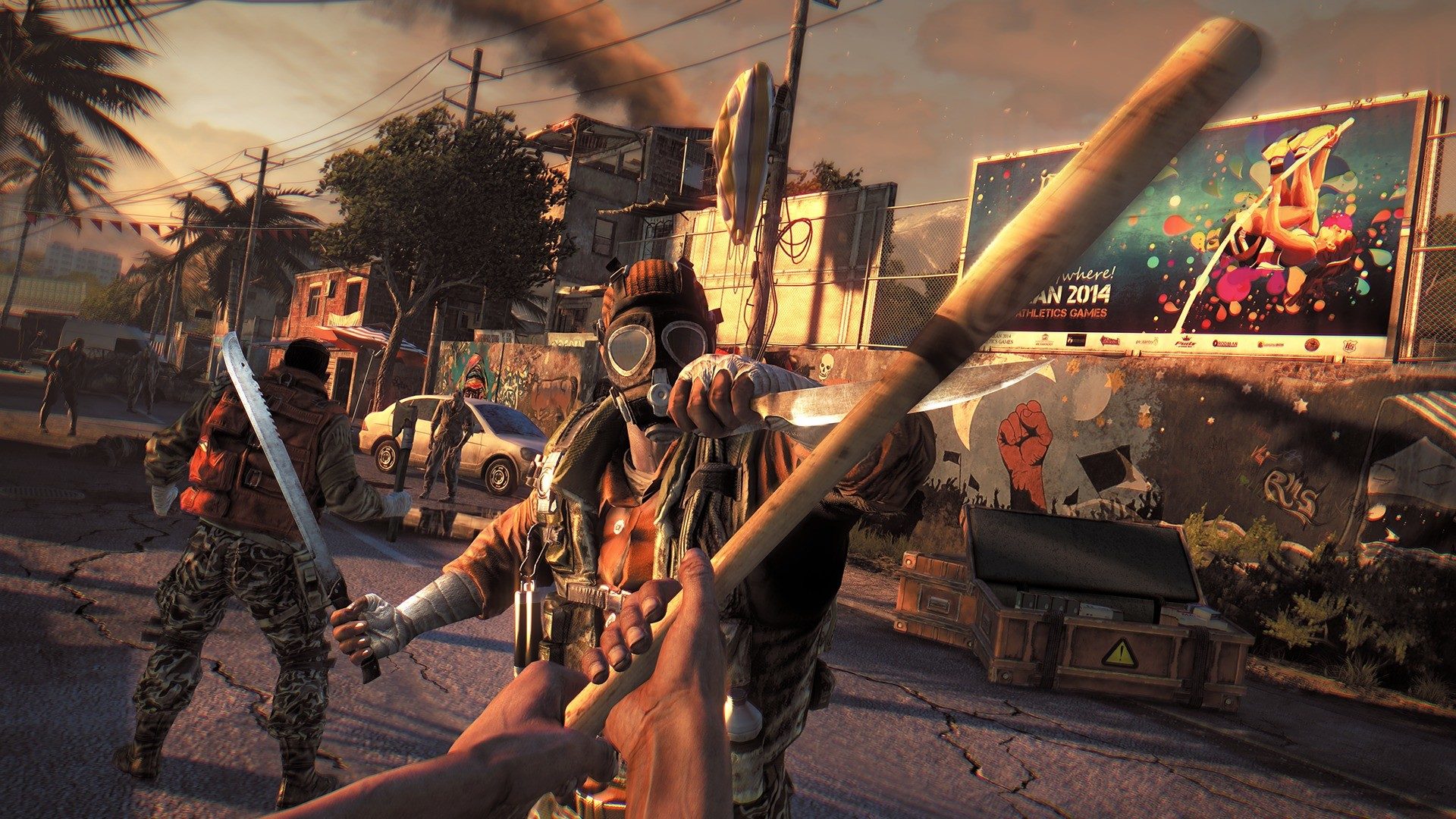
Dying Light is an action survival game played from a first-person view. It takes place in an open city hit by a virus that has turned many inhabitants into infected enemies. You move through the streets and buildings, search for supplies, and make weapons and tools from what you find. The city can be crossed with parkour, so climbing and roof routes are part of exploration and escape.
Read more
The story follows a secret mission, and the choices you make weigh duty to your superiors against helping survivors. The game mixes exploration, combat and character development. In combat you can use different weapon types, abilities and the surroundings to deal with enemies.
A day and night cycle changes the mood and danger. Daylight supports hunting and movement through the city; at sundown the balance shifts and you may become the one being hunted. You can face the threat or retreat.
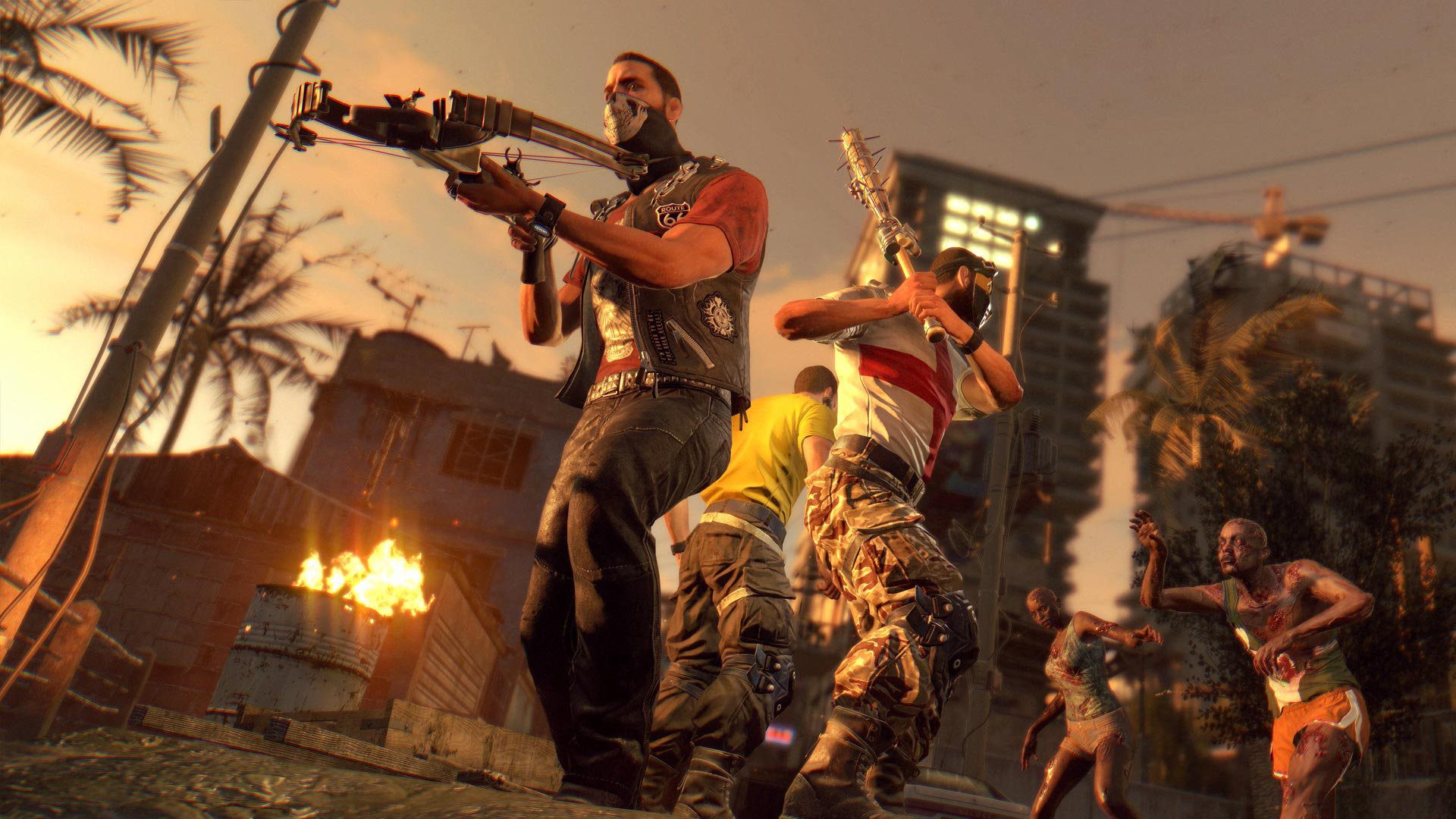
Dying Light also includes online play. Up to 4 players can join in co-op and go through the story campaign as a team. The game comes from Techland, the developer also known for Dead Island and for Call of Juarez. The Essentials Edition includes the base game and several DLC packs and bundles.
Video and screenshots



Dying Light questions
Can I play Dying Light on WARPLAY.CLOUD?
Yes. The game runs on a gaming PC in the WARPLAY.CLOUD network and streams to your screen at 60 FPS.
Do I need to own Dying Light on Steam to play it here?
Yes. Dying Light is a Steam title, and the game must be in your own Steam account; you sign in to Steam in the session.
Which controllers can I use for Dying Light in the cloud?
Keyboard and mouse are supported, as are Xbox and PlayStation controllers and other Bluetooth or USB controllers. On phones, a touch layout is also available.
What internet speed do I need for Dying Light on WARPLAY.CLOUD?
For Full HD, 15 Mbit/s is enough. A cable or 5 GHz Wi-Fi connection gives the lowest delay.
What picture quality and frame rate does the cloud stream offer?
The stream runs at 60 FPS. Picture can reach Full HD, 1440p or 4K depending on the selected streaming option.
Does Dying Light support co-op in the cloud?
Dying Light includes online co-op, and up to 4 players can tackle the story campaign together.
Similar games




Play Dying Light now