WARPLAY.CLOUD
Play Dying Light: The Beast in the cloud
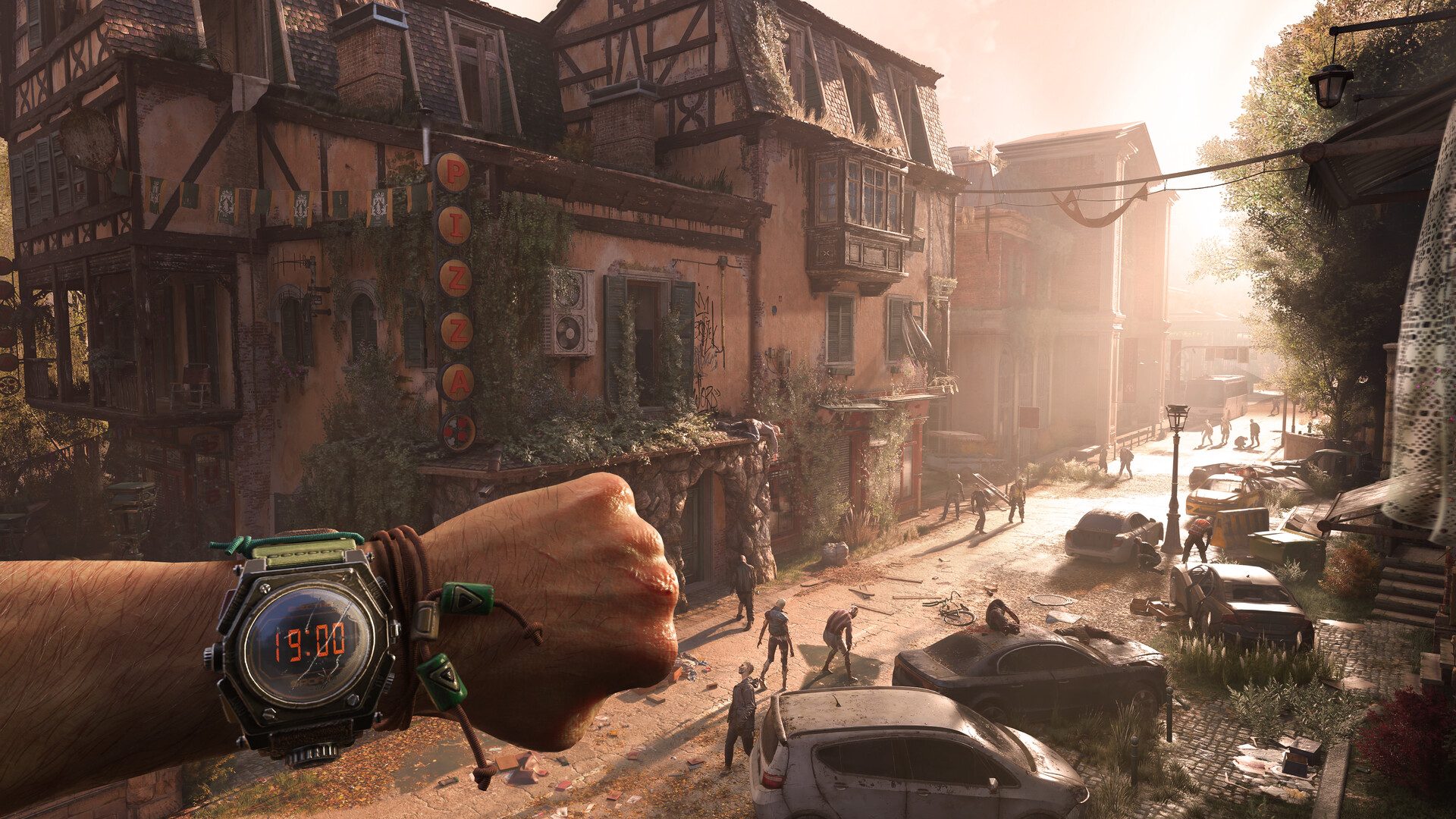
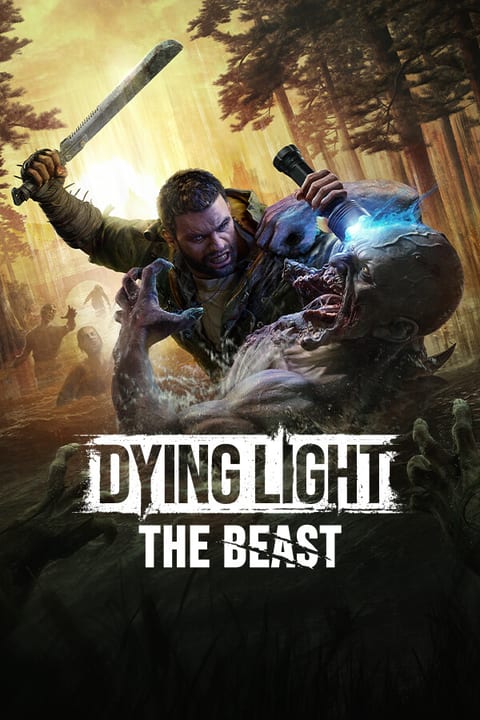
Dying Light: The Beast is a first-person survival horror action game set in an open world, built around melee combat, parkour and a day-night cycle. It can be played in the cloud on WARPLAY.CLOUD.
Dying Light: The Beast must be in your Steam account. Nothing extra to buy from WARPLAY.CLOUD.
Short answers
- Own it on SteamDo I need to own it?
- On every planWhich plan?
- Almost any screenWhich devices?
- 15 Mbit/s for Full HDWhat internet?
Details
Dying Light: The Beast must be in your Steam account, the same copy you play at home. Nothing extra to buy from WARPLAY.CLOUD. How to start
Picture up to Full HD on FREE, up to 1440p on PRO, up to 4K on MAX. 60 FPS on every plan. Compare plans
Chrome or Edge on Windows, Mac, Linux, Chromebook and Android. Safari on iPhone and iPad. Apps for LG and Samsung TVs. All devices
25 Mbit/s for 1440p and 45 Mbit/s for 4K. A cable or 5 GHz Wi-Fi gives the lowest delay. More on internet speed
Works on
- Computers
- BrowserWindowsMacLinuxChromebook
- Phones and tablets
- iPhone and iPadAndroid
How to start Dying Light: The Beast
- Open app.warplay.cloud in Chrome or Edge, or open the Windows, Mac or Linux app, and sign in.
- Find Dying Light: The Beast and press Play.
- Sign in to the Steam account that has Dying Light: The Beast. Your saves load from Steam Cloud.
- Install the WARPLAY.CLOUD app on your LG TV (webOS) or Samsung TV (Tizen) and sign in.
- Connect an Xbox or PlayStation gamepad, or another Bluetooth or USB controller.
- Pick Dying Light: The Beast and press Play. On Steam's sign-in screen, scan the QR code with the Steam Mobile app.
- On iPhone or iPad, open app.warplay.cloud in Safari and add it to the Home Screen. On Android, open it in Chrome.
- Connect a gamepad, or use the touch layout.
- Pick Dying Light: The Beast, press Play, then sign in to Steam.
Dying Light: The Beast on WARPLAY.CLOUD
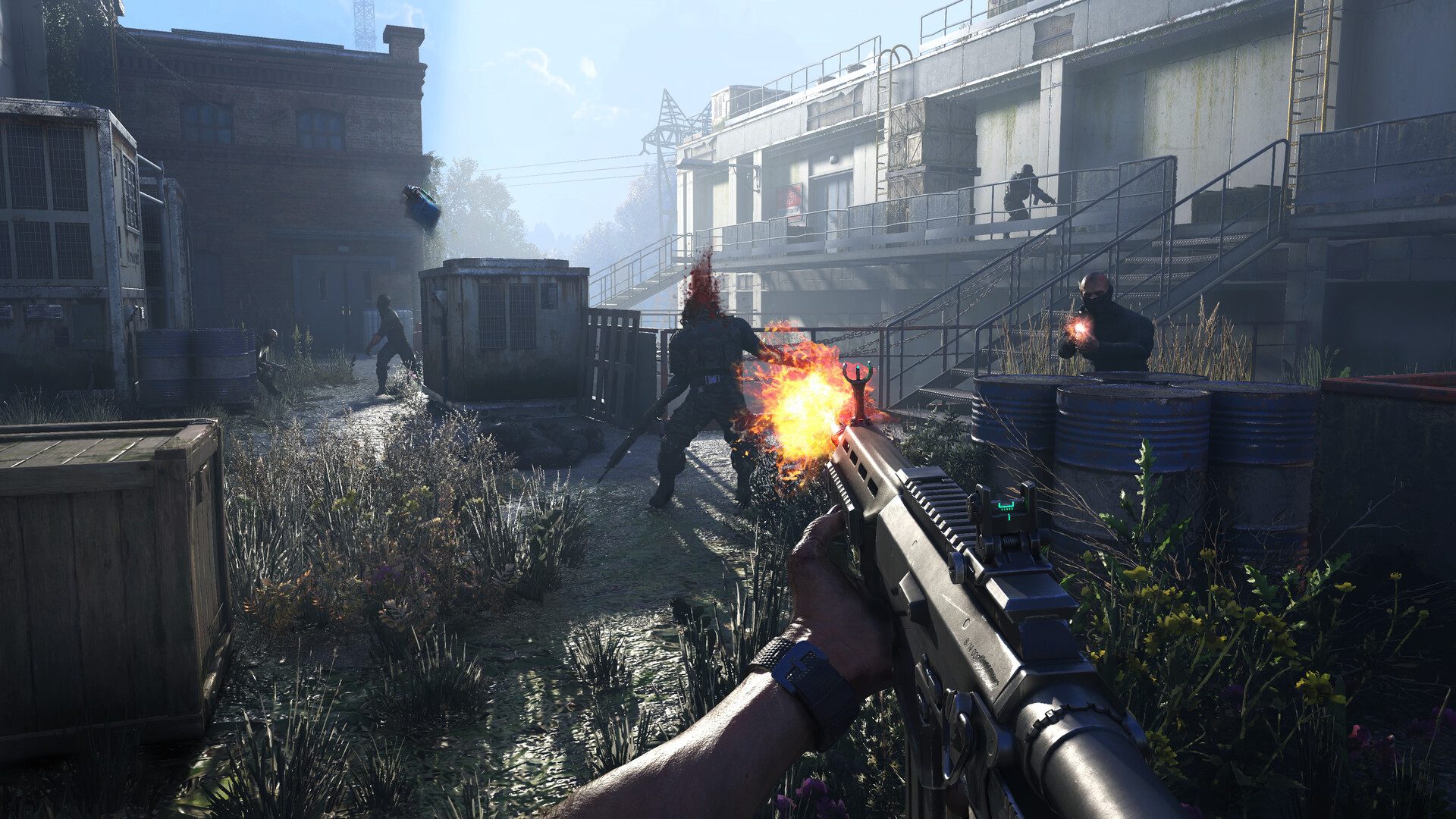
Dying Light: The Beast supports both a keyboard and mouse and a gamepad, and both work inside the cloud session. A controller suits the parkour and melee combat, while mouse aiming helps with ranged weapons. On phones and tablets a touch layout is available, though a Bluetooth or USB controller is the better fit for a game of this pace.
The game runs on a gaming PC in the WARPLAY.CLOUD network and streams at 60 FPS, with picture up to Full HD, 1440p or 4K. You can play in Chrome or Edge on Windows, Mac, Linux, Chromebook and Android, in Safari on iPhone and iPad, and through the apps for LG and Samsung TVs. A cable or 5 GHz Wi-Fi gives the lowest delay, and 15 Mbit/s is enough for Full HD.
Dying Light: The Beast has to be in your own Steam account to start. You sign in to Steam inside the session and launch the game from there, and saves load from Steam Cloud. There is nothing extra to buy from WARPLAY.CLOUD for a game you already own on Steam.
The interface and subtitles are available in many languages, among them English, French, Italian, German, Spanish, Arabic, Chinese, Czech, Japanese, Korean, Polish, Portuguese, Russian and Turkish. Voice-over is provided in a smaller set, including English, French, German, Spanish, Japanese, Polish, Brazilian Portuguese and Russian.
About the game
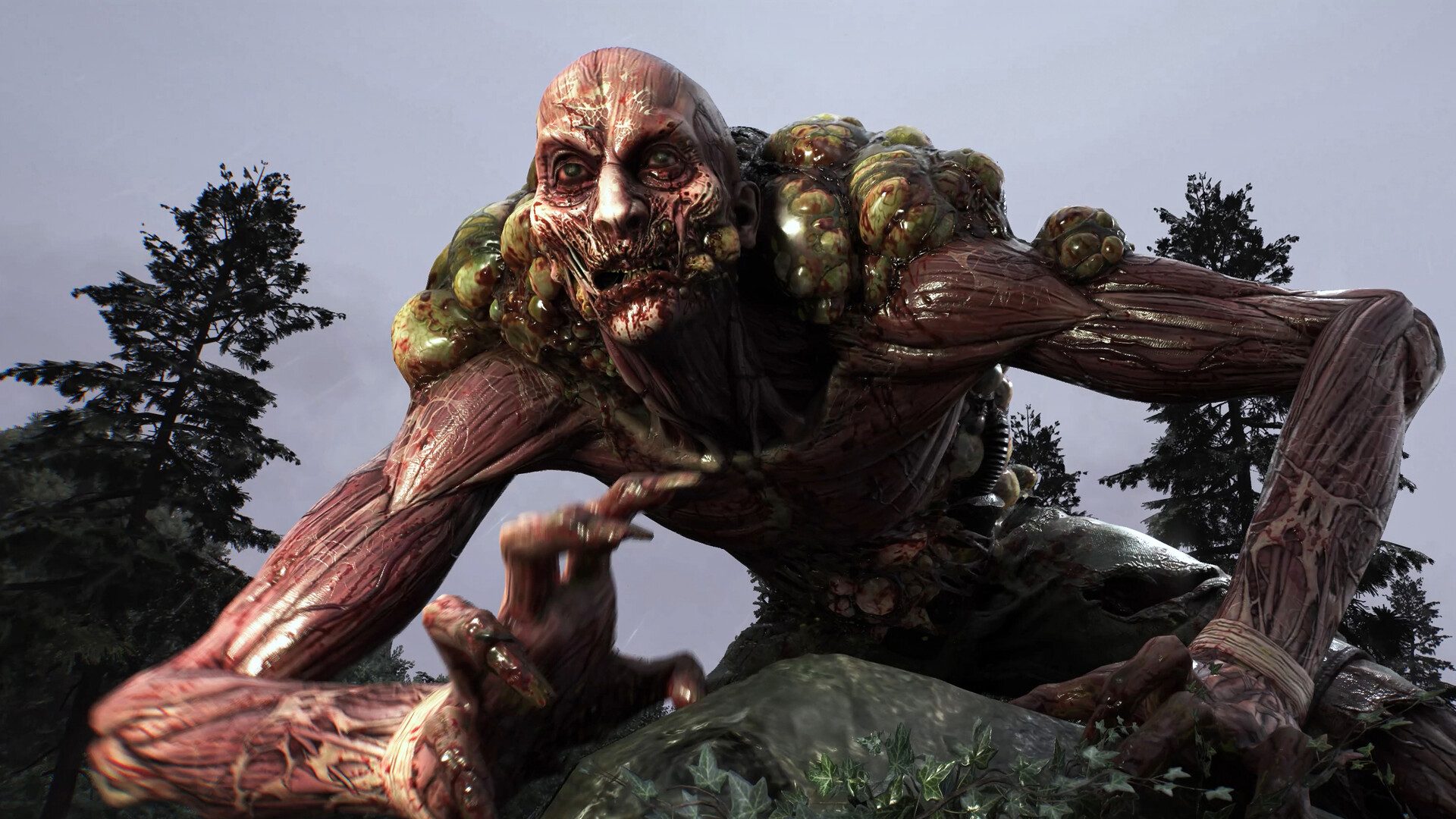
Dying Light: The Beast returns to the series' zombie apocalypse with Kyle Crane back in the lead. His is a story of revenge, and it carries him through a plot where alliances shift and the people he meets are rarely what they seem. The game is made for a single player and for online co-op alike.
Read more
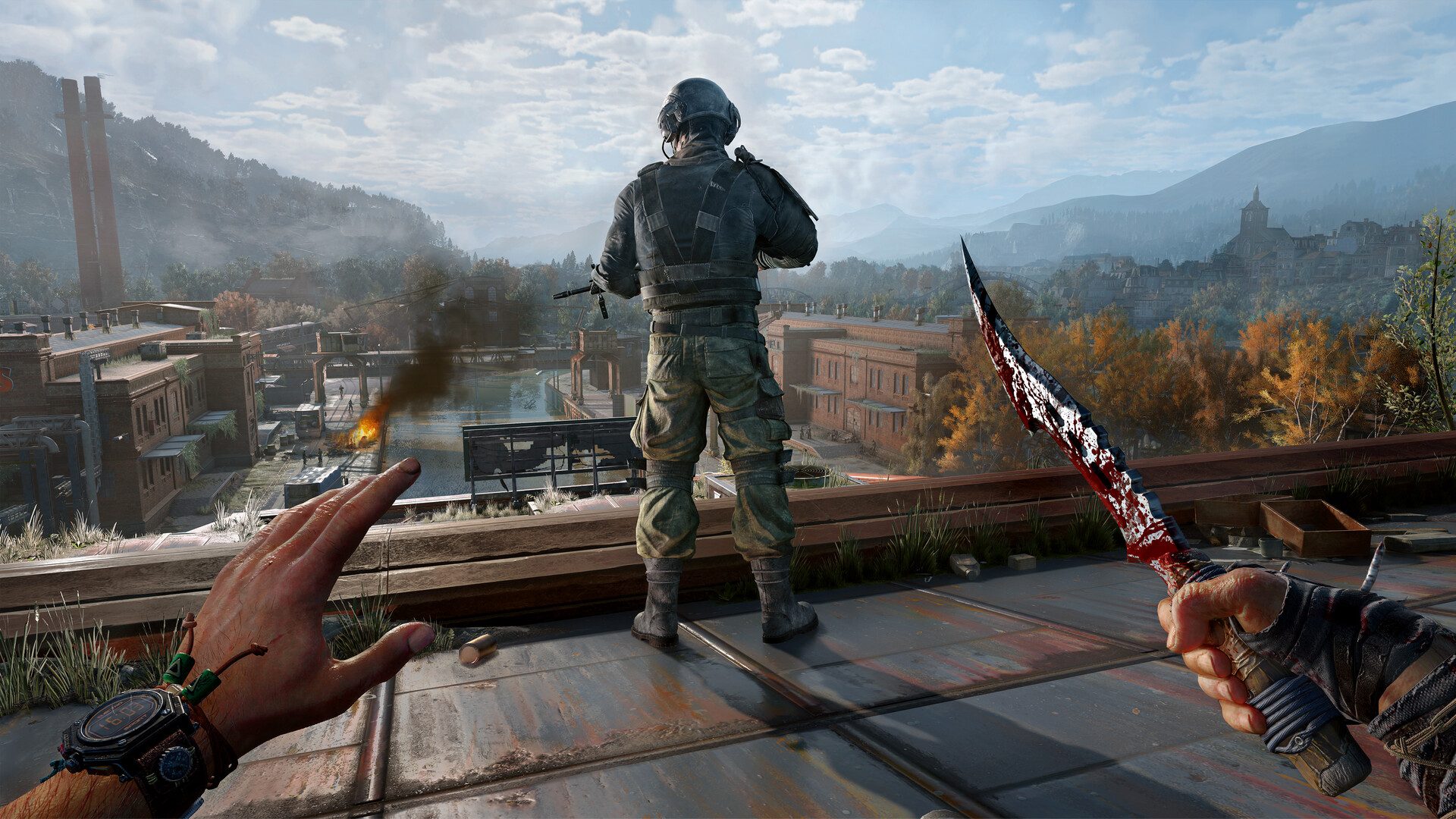
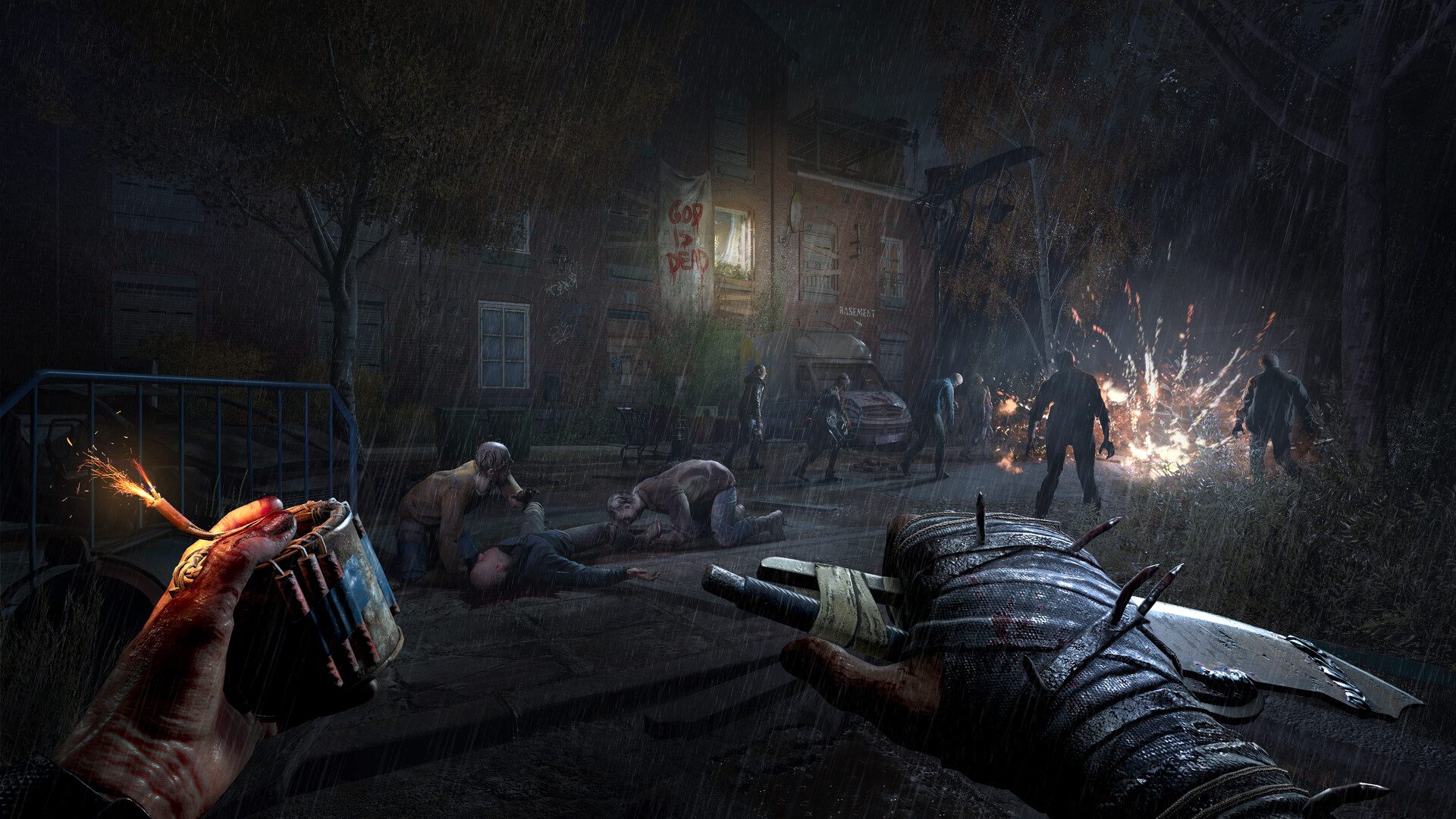
The setting is Castor Woods, a broad open region that mixes a tourist town, an industrial zone, a national park, farmland and swamps. You move on foot with first-person parkour — running, sliding, climbing and jumping across rooftops — and an off-road vehicle is there for the moments when driving through a horde beats going around it.
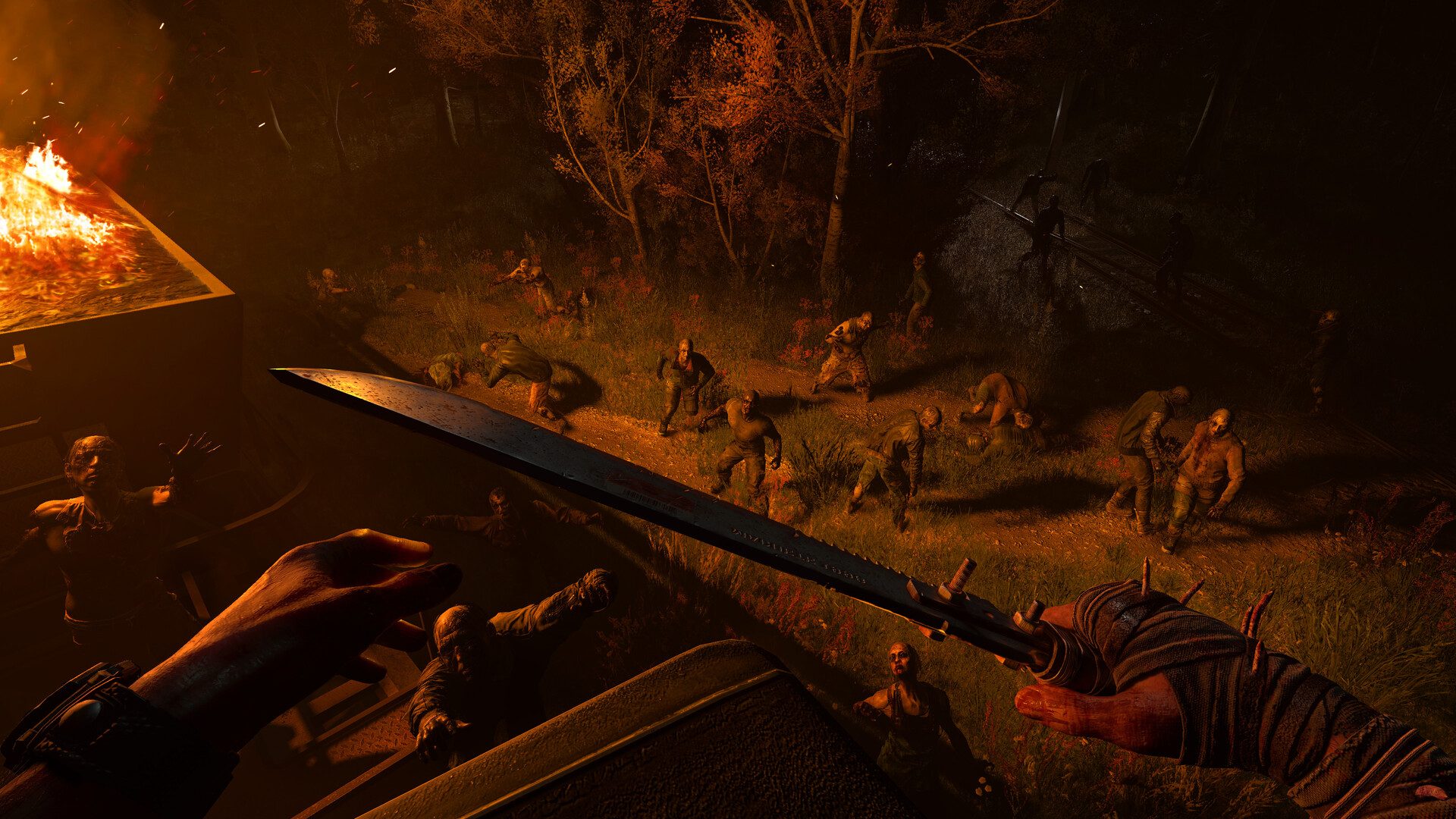
Combat is melee-focused and physical, with a large selection of weapons and modifiers to work with. Crane carries both human and beast traits and can switch between two playstyles, and the powers growing inside him add force to fights without taking away the challenge.
Day and night play as two different games. Daylight is for scavenging and travel, with the clock always running; once the sun is down the infected become far more dangerous, and the player chooses between running, hiding and fighting.
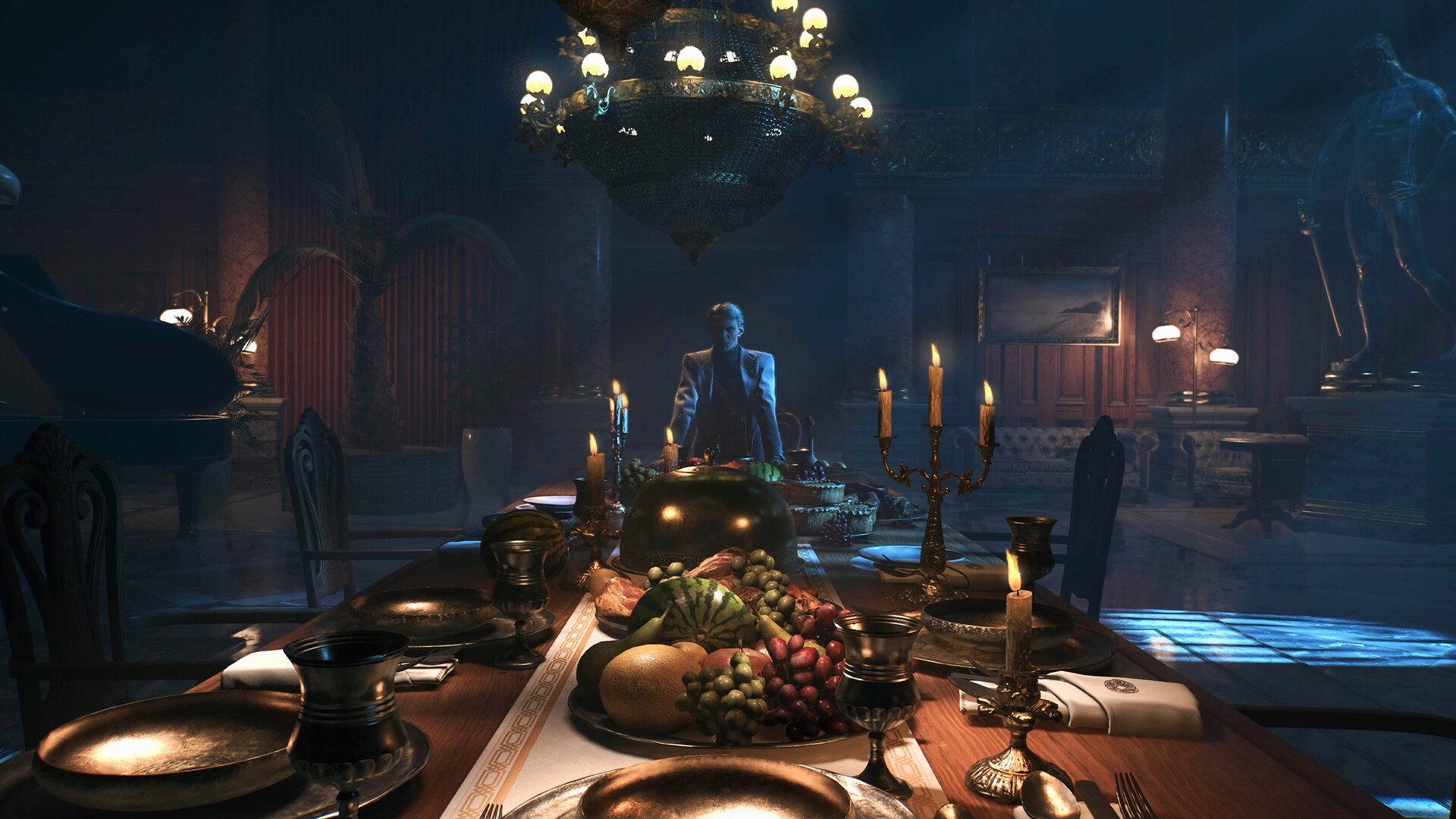
Castor Woods is built with detailed next-generation visuals, and co-op lets up to three other players join, with progress shared across the group.
Screenshots
Dying Light: The Beast questions
Do I need to own Dying Light: The Beast on Steam to play it on WARPLAY.CLOUD?
Yes. The game must be in your own Steam account. You sign in to Steam in the session and launch it from there.
Can I play Dying Light: The Beast with a controller in the cloud?
Yes. The game supports gamepads as well as keyboard and mouse, so Xbox or PlayStation controllers and other Bluetooth or USB controllers work.
Does Dying Light: The Beast support co-op on WARPLAY.CLOUD?
Yes, the game has online co-op for up to three other players with shared progress. Each player joins through their own cloud session and Steam account.
What internet speed do I need for Dying Light: The Beast in the cloud?
15 Mbit/s is enough for Full HD. A cable or 5 GHz Wi-Fi gives the lowest delay.
Will my saves carry over when I play Dying Light: The Beast in the cloud?
Saves load from Steam Cloud, so progress made in a cloud session stays with your Steam account. You can continue from the same save on your own PC.
Which languages does Dying Light: The Beast have in the cloud?
The interface and subtitles come in many languages, including English, French, German, Spanish, Polish, Russian, Japanese and Chinese. Voice-over is available in a smaller selection of those languages.
Similar games




Play Dying Light: The Beast now