WARPLAY.CLOUD
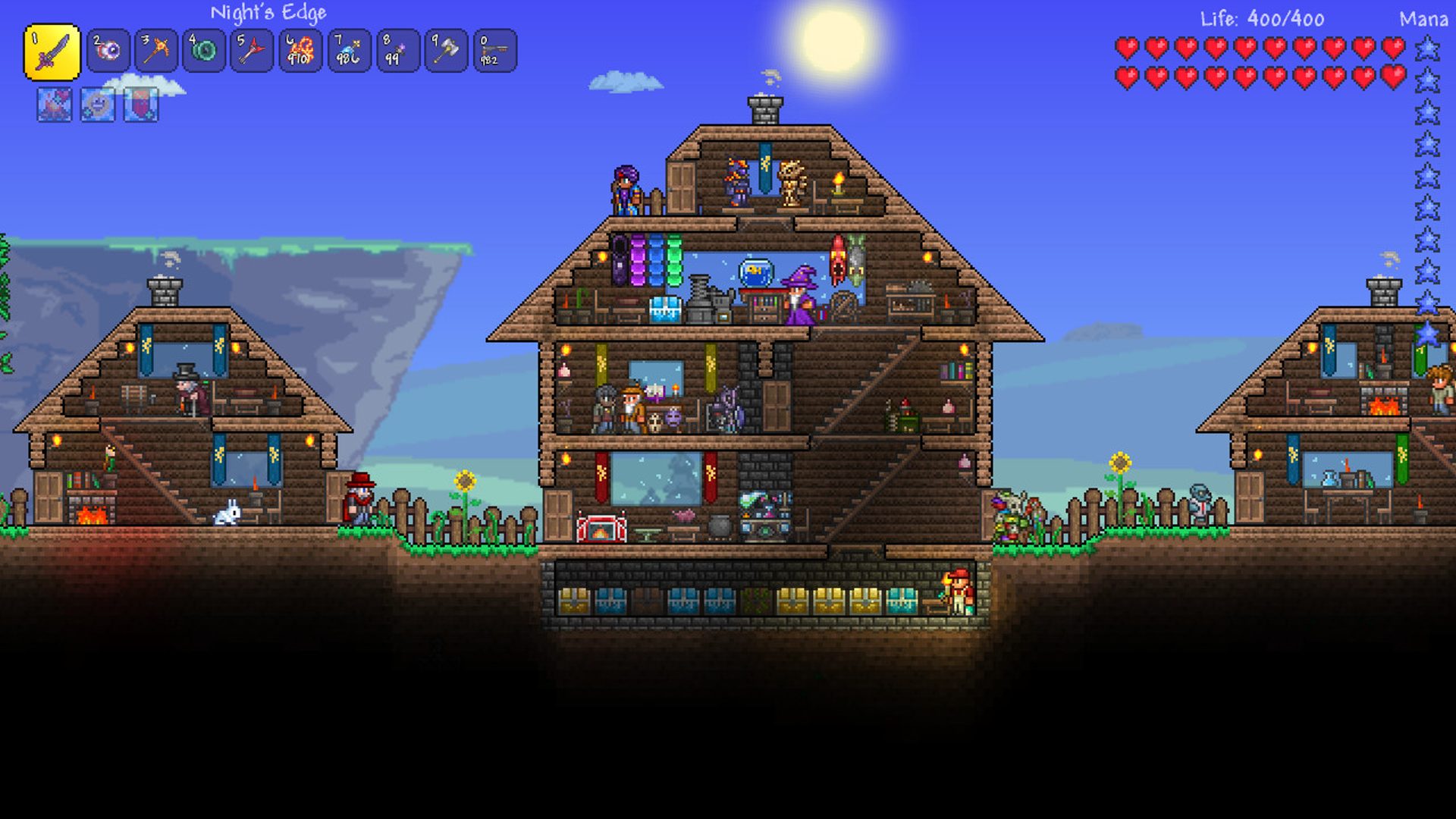
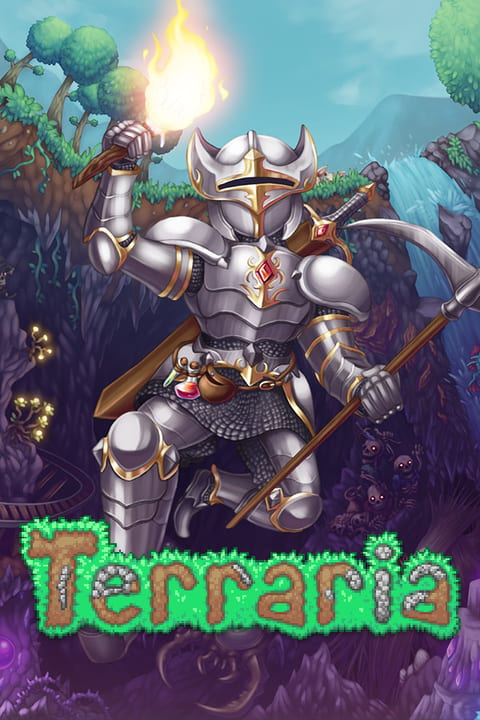
Play Terraria in the cloud
Terraria is a sandbox action adventure RPG about digging, building, exploring and fighting in procedurally generated worlds. It can be played in the cloud on WARPLAY.CLOUD.
Terraria must be in your Steam account. Nothing extra to buy from WARPLAY.CLOUD.
Short answers
- Own it on SteamDo I need to own it?
- On every planWhich plan?
- Almost any screenWhich devices?
- 15 Mbit/s for Full HDWhat internet?
Details
Terraria must be in your Steam account, the same copy you play at home. Nothing extra to buy from WARPLAY.CLOUD. How to start
Picture up to Full HD on FREE, up to 1440p on PRO, up to 4K on MAX. 60 FPS on every plan. Compare plans
Chrome or Edge on Windows, Mac, Linux, Chromebook and Android. Safari on iPhone and iPad. Apps for LG and Samsung TVs. All devices
25 Mbit/s for 1440p and 45 Mbit/s for 4K. A cable or 5 GHz Wi-Fi gives the lowest delay. More on internet speed
Works on
- Computers
- BrowserWindowsMacLinuxChromebook
- Phones and tablets
- iPhone and iPadAndroid
How to start Terraria
- Open app.warplay.cloud in Chrome or Edge, or open the Windows, Mac or Linux app, and sign in.
- Find Terraria and press Play.
- Sign in to the Steam account that has Terraria. Your saves load from Steam Cloud.
- Install the WARPLAY.CLOUD app on your LG TV (webOS) or Samsung TV (Tizen) and sign in.
- Connect an Xbox or PlayStation gamepad, or another Bluetooth or USB controller.
- Pick Terraria and press Play. On Steam's sign-in screen, scan the QR code with the Steam Mobile app.
- On iPhone or iPad, open app.warplay.cloud in Safari and add it to the Home Screen. On Android, open it in Chrome.
- Connect a gamepad, or use the touch layout.
- Pick Terraria, press Play, then sign in to Steam.
Terraria on WARPLAY.CLOUD
On WARPLAY.CLOUD, Terraria runs on a gaming PC in the service network and streams at 60 FPS. Picture quality can reach Full HD, 1440p or 4K. For Full HD streaming, an internet connection of 15 Mbit/s is the stated requirement. A cable or 5 GHz Wi-Fi connection gives the lowest delay.
Terraria supports keyboard and mouse and gamepad controls. Keyboard and mouse fit the browser options on Chrome or Edge for Windows, Mac, Linux, Chromebook and Android, and Safari on iPhone and iPad. A gamepad works with Xbox or PlayStation controllers and other Bluetooth or USB controllers; it is a practical choice for the LG and Samsung TV apps and for phones. Phones also offer a touch layout.
The interface and subtitles are available in English, French, Italian, German, Spanish (Spain), Polish, Portuguese (Brazil), Russian, Simplified Chinese, Japanese, Korean and Traditional Chinese. Voice is not available in any of the listed languages.
Terraria must be in your own Steam account. You sign in to Steam in the session, and saves load from Steam Cloud. If you own the game on Steam, there is nothing extra to buy from WARPLAY.CLOUD.
About the game
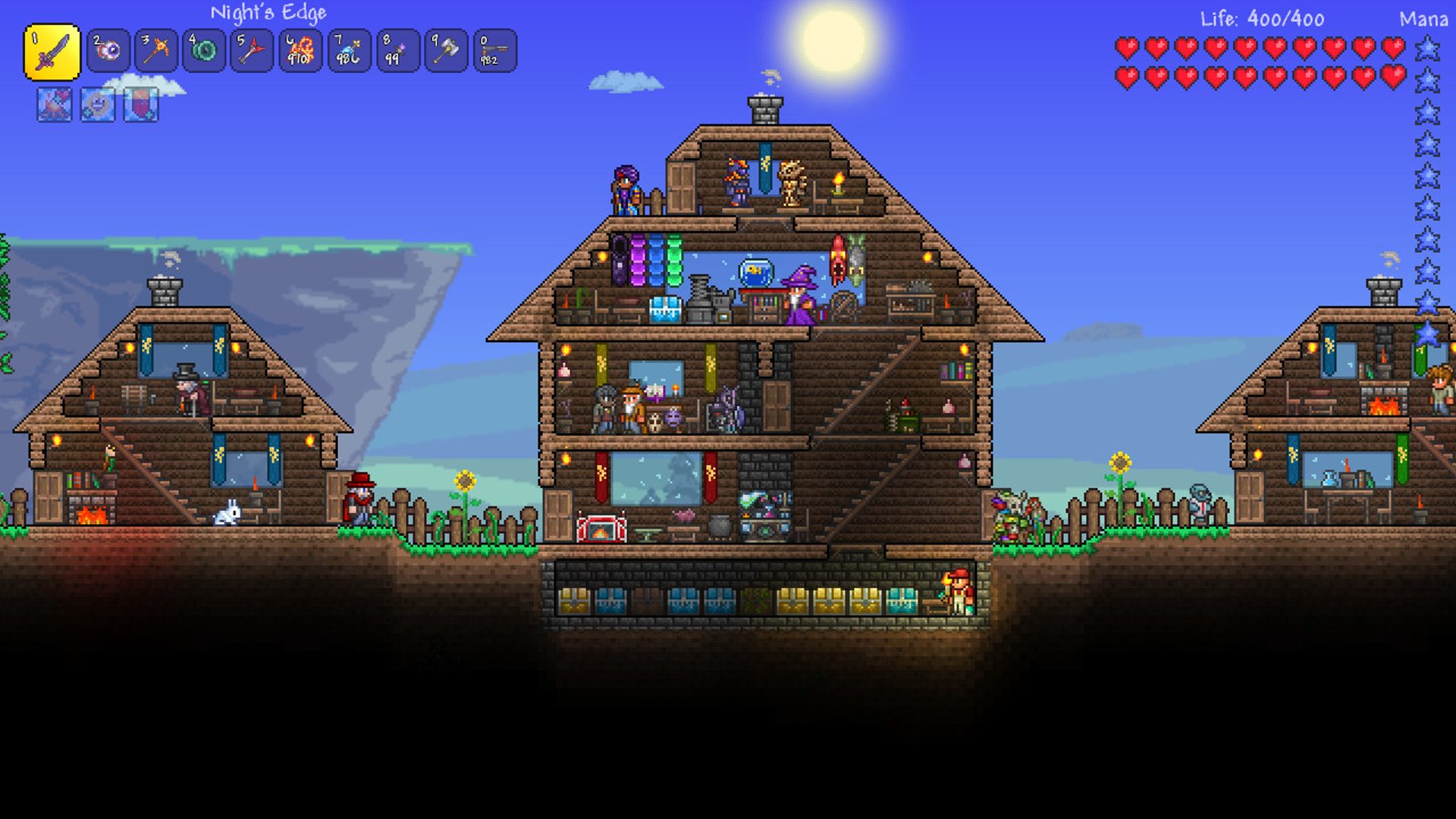
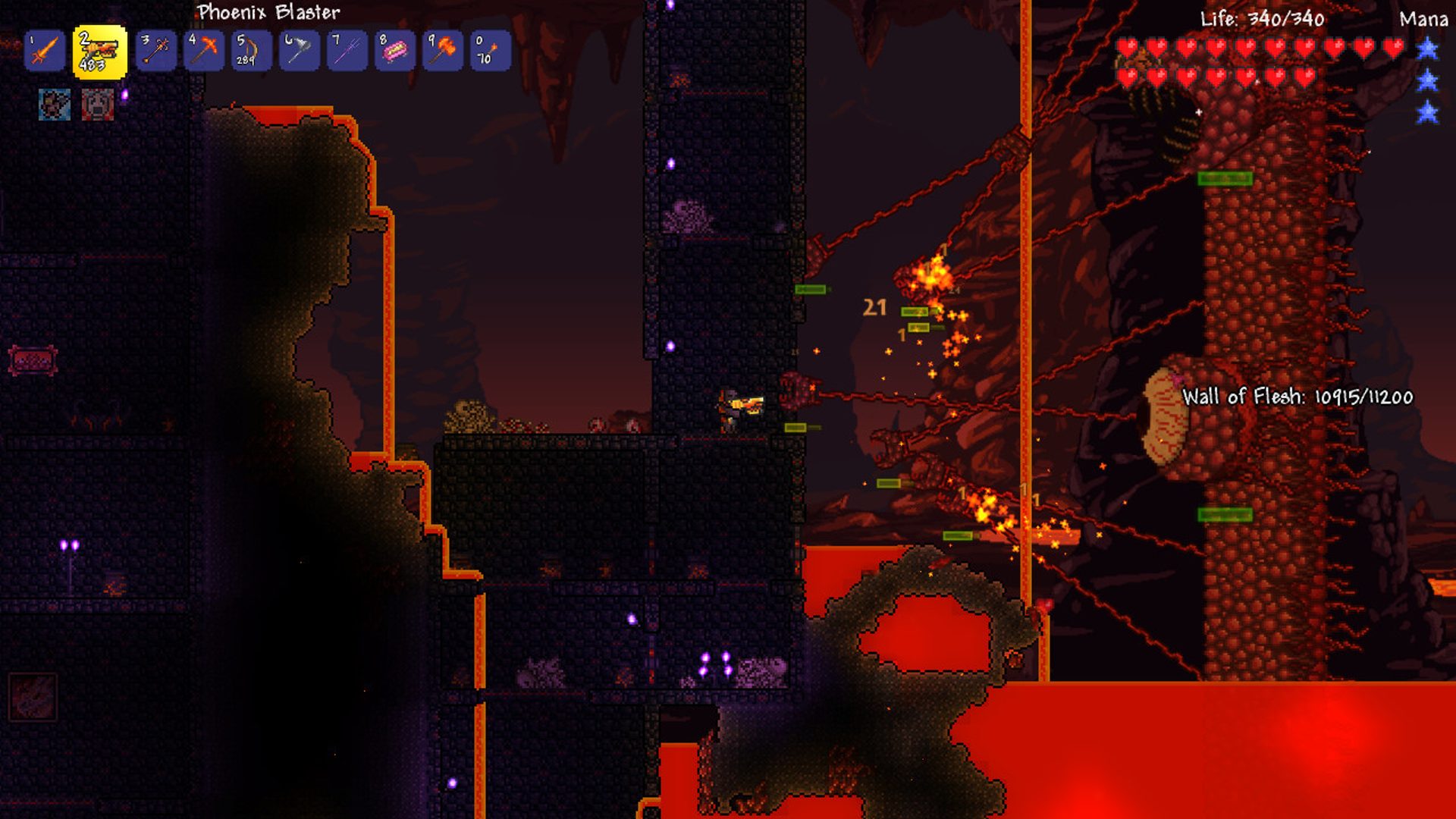
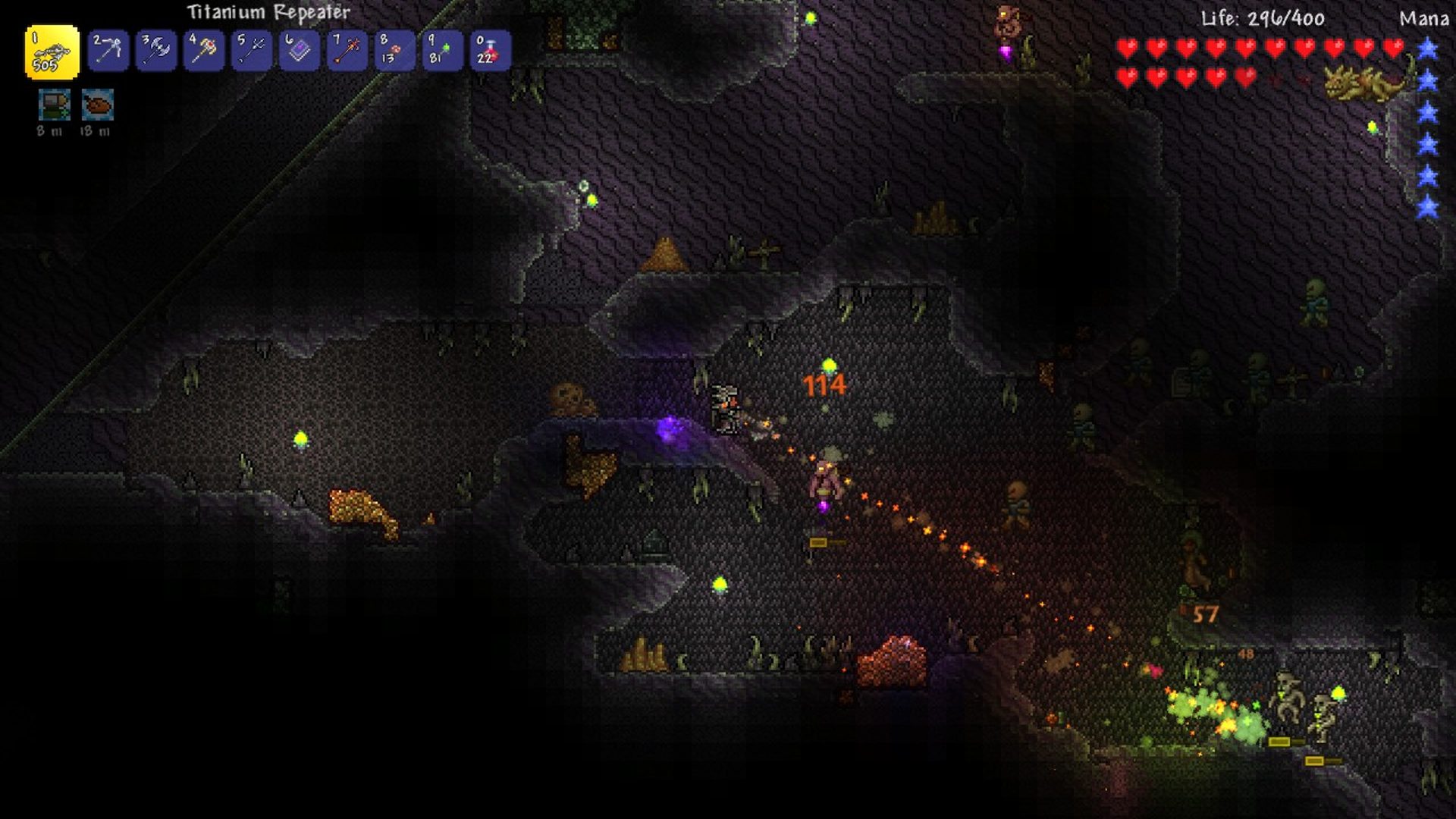
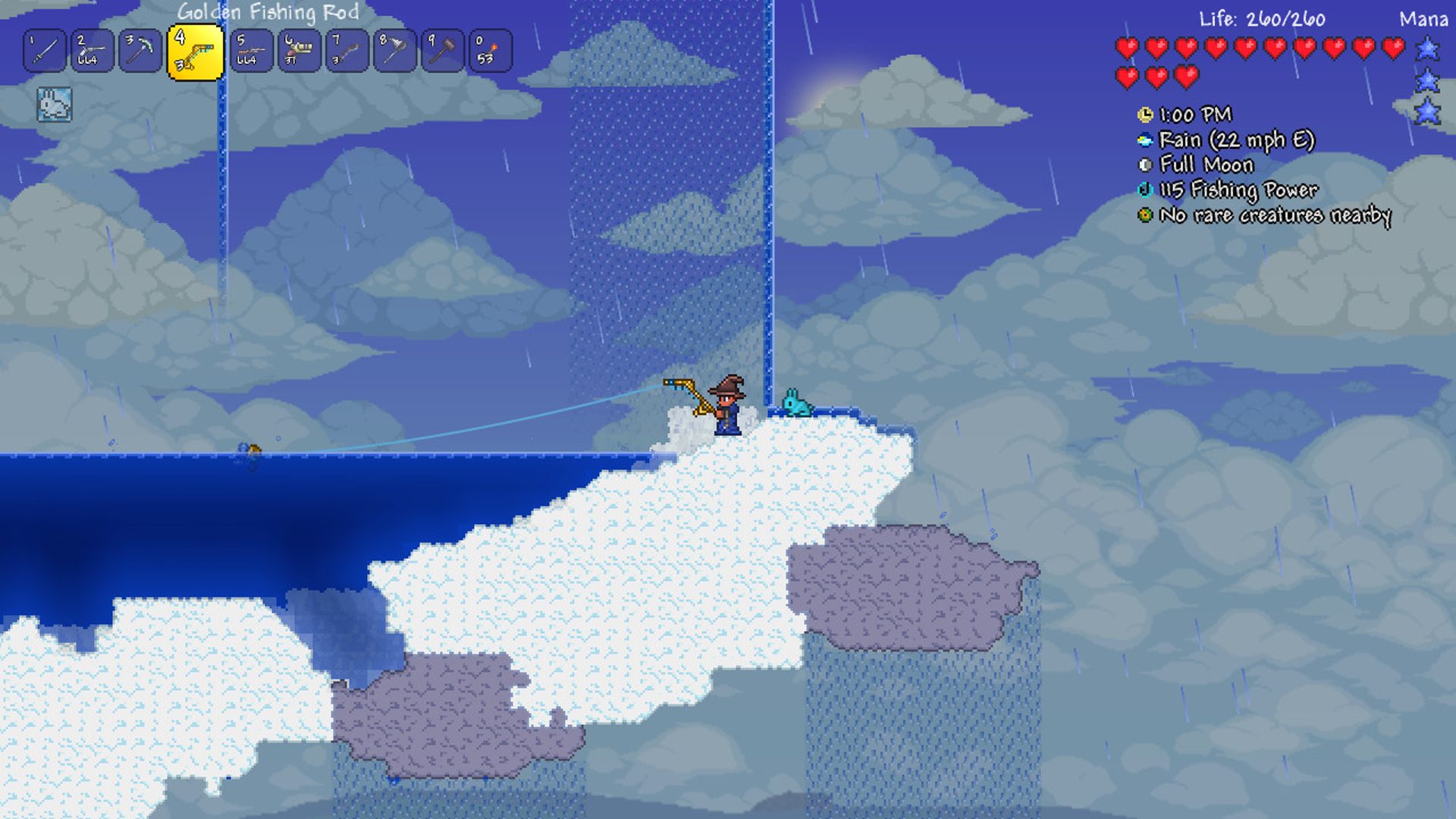
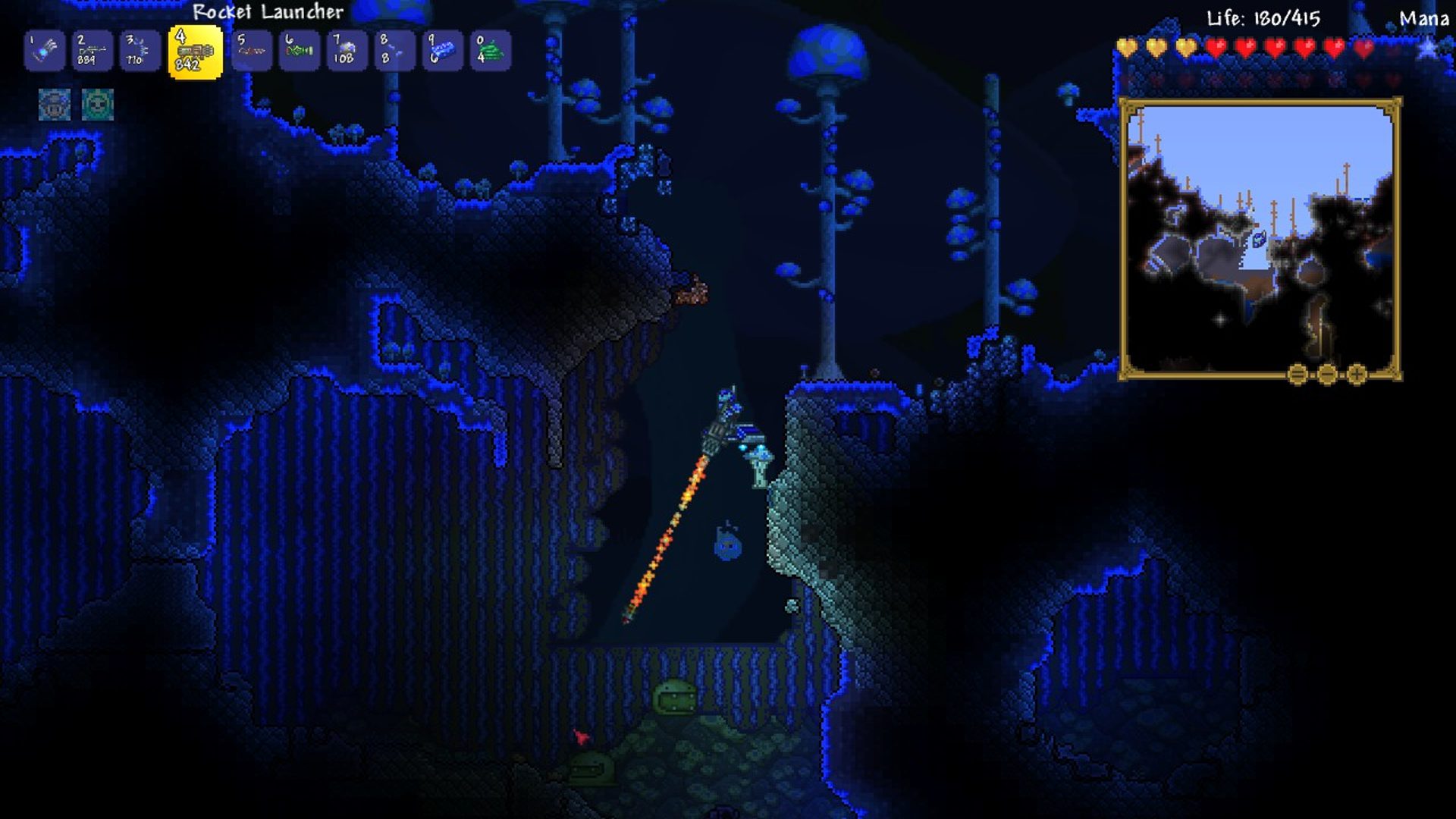
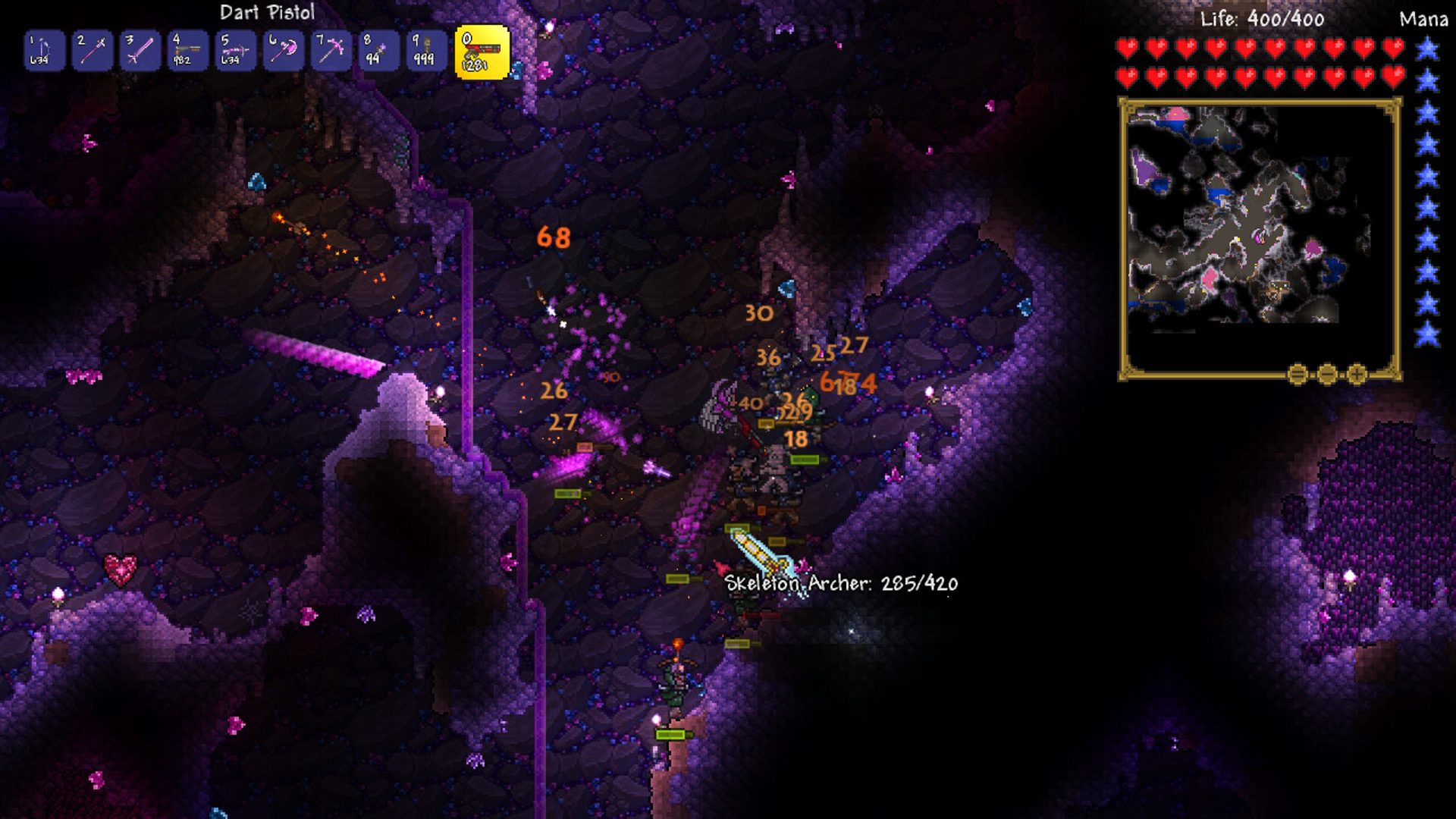
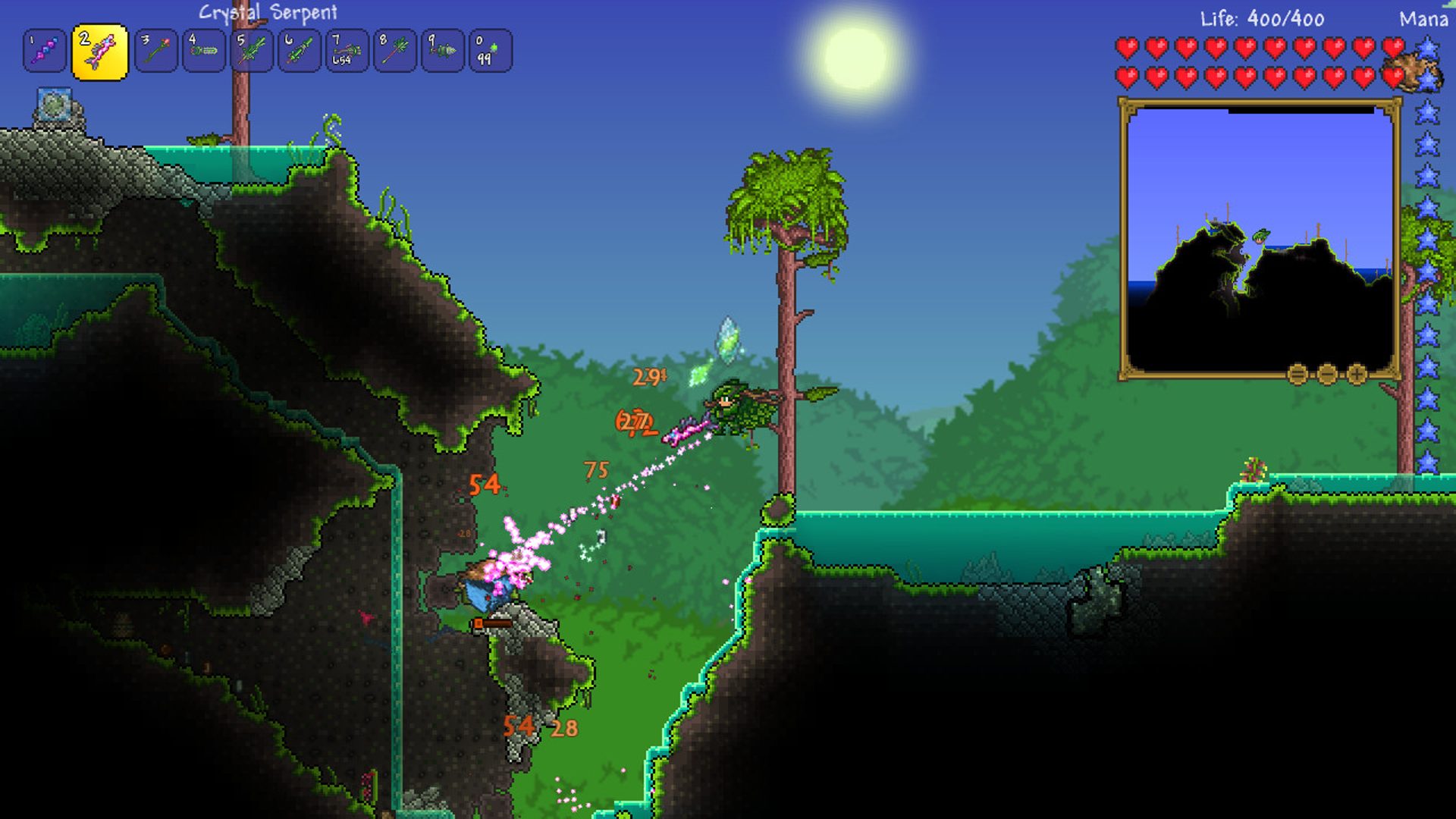
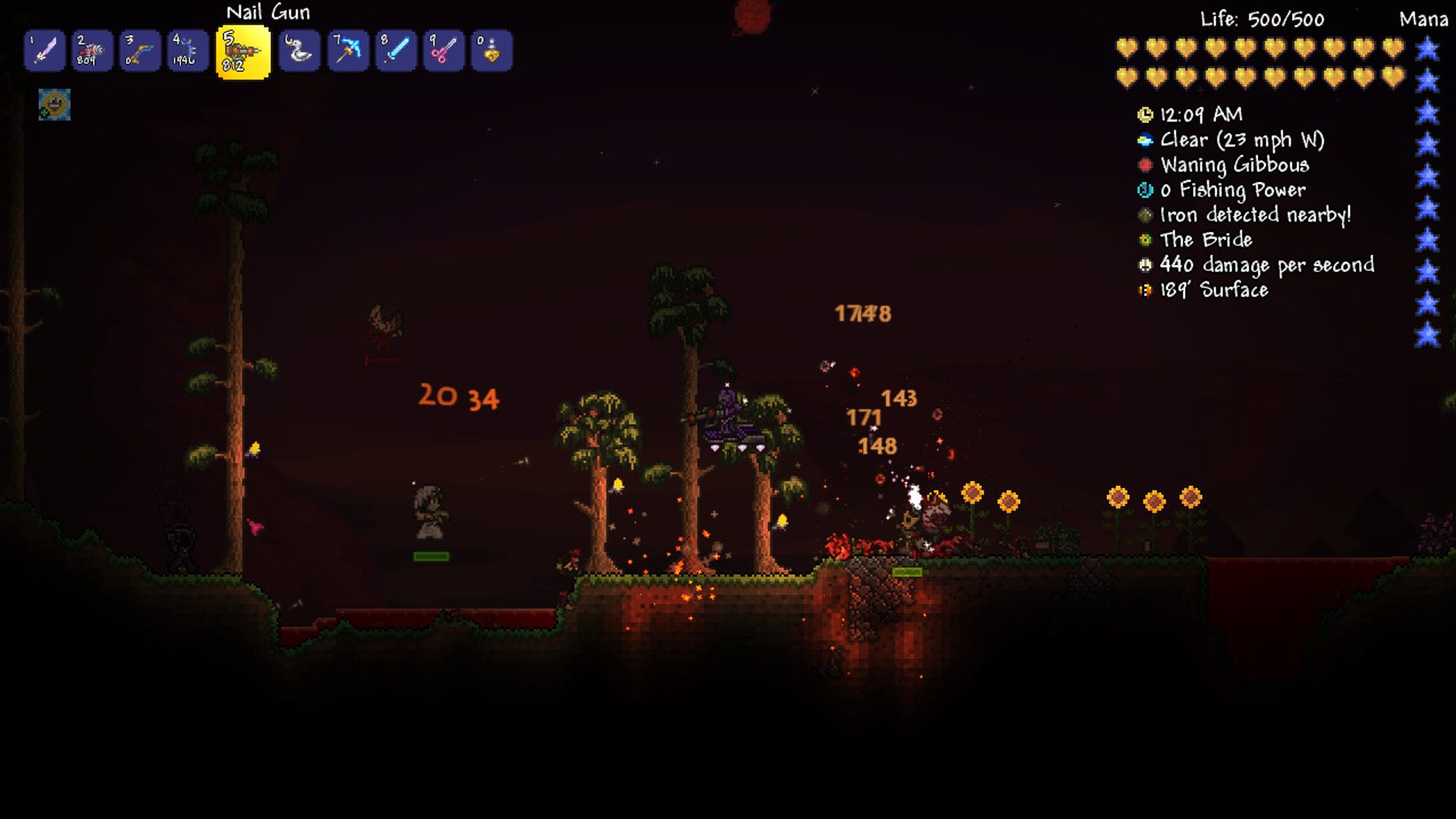
Terraria is an action adventure with sandbox, RPG and indie elements. It sets survival, wealth and renown as goals and lets the player decide how to pursue them. One route is underground: search caverns for treasure and raw materials, then use what you find to craft better gear, machinery and decorative items. Another route is combat: look for stronger opponents and test your skill against them. A third route is construction: build a settlement for the mysterious allies you meet while traveling.
Read more
The game combines classic action with the openness of a sandbox. The player controls the route and the goal, so there is no single required order for exploration, crafting, fighting or building. Worlds are generated randomly, which gives each run different terrain and resources to work with. The task is to explore, create and defend a world of your own.
Sandbox play is at the center, along with the loop of digging, fighting, exploring and building. The catalog also lists single-player, multiplayer, PvP and online PvP tags. Terraria is developed and published by Re-Logic and was released in 2011.
Screenshots
Terraria questions
Can I play Terraria on WARPLAY.CLOUD?
Yes. Terraria runs on a gaming PC in the WARPLAY.CLOUD network and streams to your device at 60 FPS.
Do I need to own Terraria on Steam to play it in the cloud?
Yes. Terraria must be in your own Steam account, and you sign in to Steam in the session.
What controls can I use for Terraria on WARPLAY.CLOUD?
Keyboard and mouse and gamepad controls are supported. A gamepad works with Xbox or PlayStation controllers and other Bluetooth or USB controllers, and phones also have a touch layout.
What internet speed do I need for Terraria in the cloud?
For Full HD streaming, 15 Mbit/s is required. A cable or 5 GHz Wi-Fi connection gives the lowest delay.
Are voice and subtitles available for Terraria?
The listed languages provide interface and subtitles but no voice. The languages include English, French, German, Spanish, Russian, Japanese and others.
Will my Terraria saves carry over to WARPLAY.CLOUD?
Saves load from Steam Cloud when you sign in to Steam in the session.
Similar games



Play Terraria now