WARPLAY.CLOUD
Play The Forest in the cloud
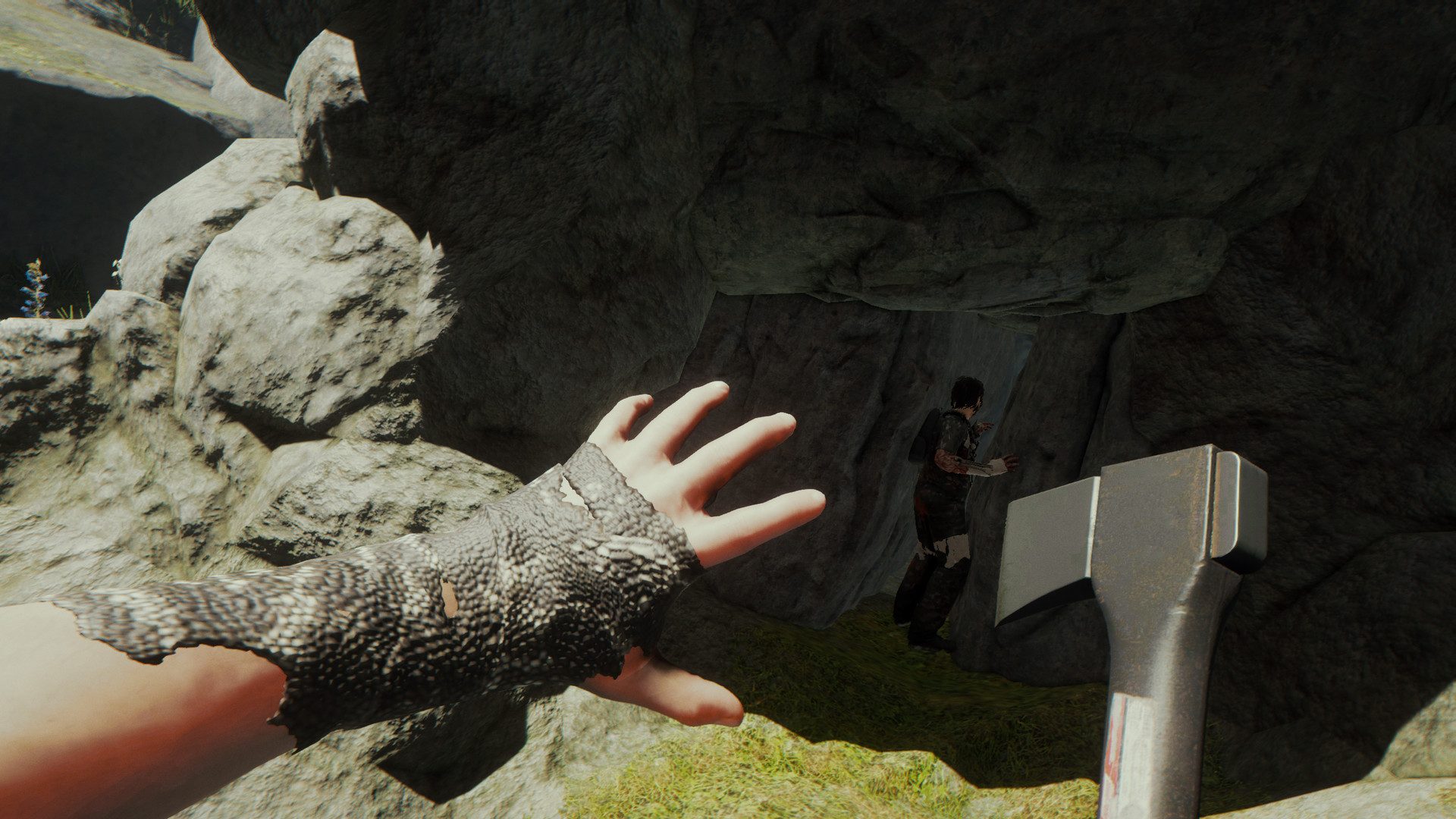
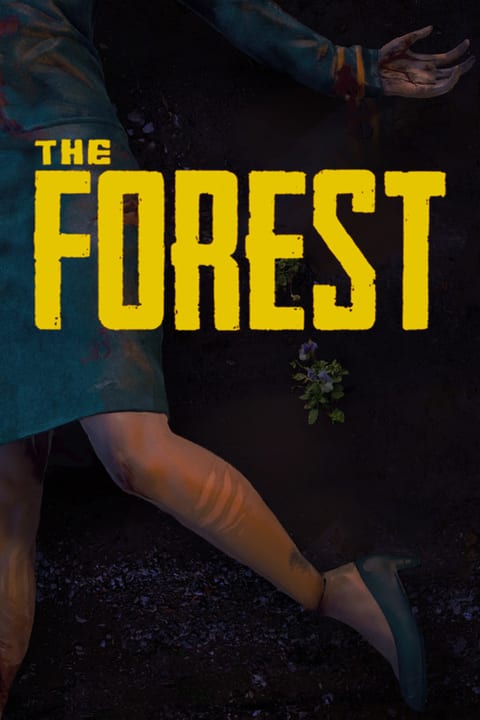
The Forest is a first-person survival horror game in which a plane crash survivor builds, explores and defends a base against cannibalistic mutants. It can be played in the cloud on WARPLAY.CLOUD.
The Forest must be in your Steam account. Nothing extra to buy from WARPLAY.CLOUD.
Short answers
- Own it on SteamDo I need to own it?
- On every planWhich plan?
- Almost any screenWhich devices?
- 15 Mbit/s for Full HDWhat internet?
Details
The Forest must be in your Steam account, the same copy you play at home. Nothing extra to buy from WARPLAY.CLOUD. How to start
Picture up to Full HD on FREE, up to 1440p on PRO, up to 4K on MAX. 60 FPS on every plan. Compare plans
Chrome or Edge on Windows, Mac, Linux, Chromebook and Android. Safari on iPhone and iPad. Apps for LG and Samsung TVs. All devices
25 Mbit/s for 1440p and 45 Mbit/s for 4K. A cable or 5 GHz Wi-Fi gives the lowest delay. More on internet speed
Works on
- Computers
- BrowserWindowsMacLinuxChromebook
- Phones and tablets
- iPhone and iPadAndroid
How to start The Forest
- Open app.warplay.cloud in Chrome or Edge, or open the Windows, Mac or Linux app, and sign in.
- Find The Forest and press Play.
- Sign in to the Steam account that has The Forest. Your saves load from Steam Cloud.
- Install the WARPLAY.CLOUD app on your LG TV (webOS) or Samsung TV (Tizen) and sign in.
- Connect an Xbox or PlayStation gamepad, or another Bluetooth or USB controller.
- Pick The Forest and press Play. On Steam's sign-in screen, scan the QR code with the Steam Mobile app.
- On iPhone or iPad, open app.warplay.cloud in Safari and add it to the Home Screen. On Android, open it in Chrome.
- Connect a gamepad, or use the touch layout.
- Pick The Forest, press Play, then sign in to Steam.
The Forest on WARPLAY.CLOUD
The Forest runs on a gaming PC in the WARPLAY.CLOUD network and is streamed to your screen at 60 FPS, with picture quality up to Full HD, 1440p or 4K. There is nothing extra to buy from WARPLAY.CLOUD for a game you already own on Steam.
The game has to be in your own Steam account. You sign in to Steam inside the session and start the game from there, and saves load from Steam Cloud.
The game supports both a gamepad and a keyboard and mouse. Xbox and PlayStation controllers work, as do other Bluetooth or USB controllers. On a computer — Chrome or Edge on Windows, Mac, Linux or a Chromebook, and Safari on iPhone or iPad — a keyboard and mouse suit the building menus and crafting, while a controller is comfortable for moving through the forest. Android phones and tablets use the same browsers, and phones also offer a touch layout. On LG and Samsung TVs the game runs through the app, where a controller is the natural choice.
The interface and subtitles come in many languages, among them English, French, German, Italian, Spanish, Polish, Russian, Turkish, Czech, Finnish, Swedish, Japanese, Korean, Portuguese for Brazil and both Chinese variants. Voice acting is in English only.
For Full HD you need at least 15 Mbit/s; a cable or 5 GHz Wi-Fi gives the lowest delay.
About the game
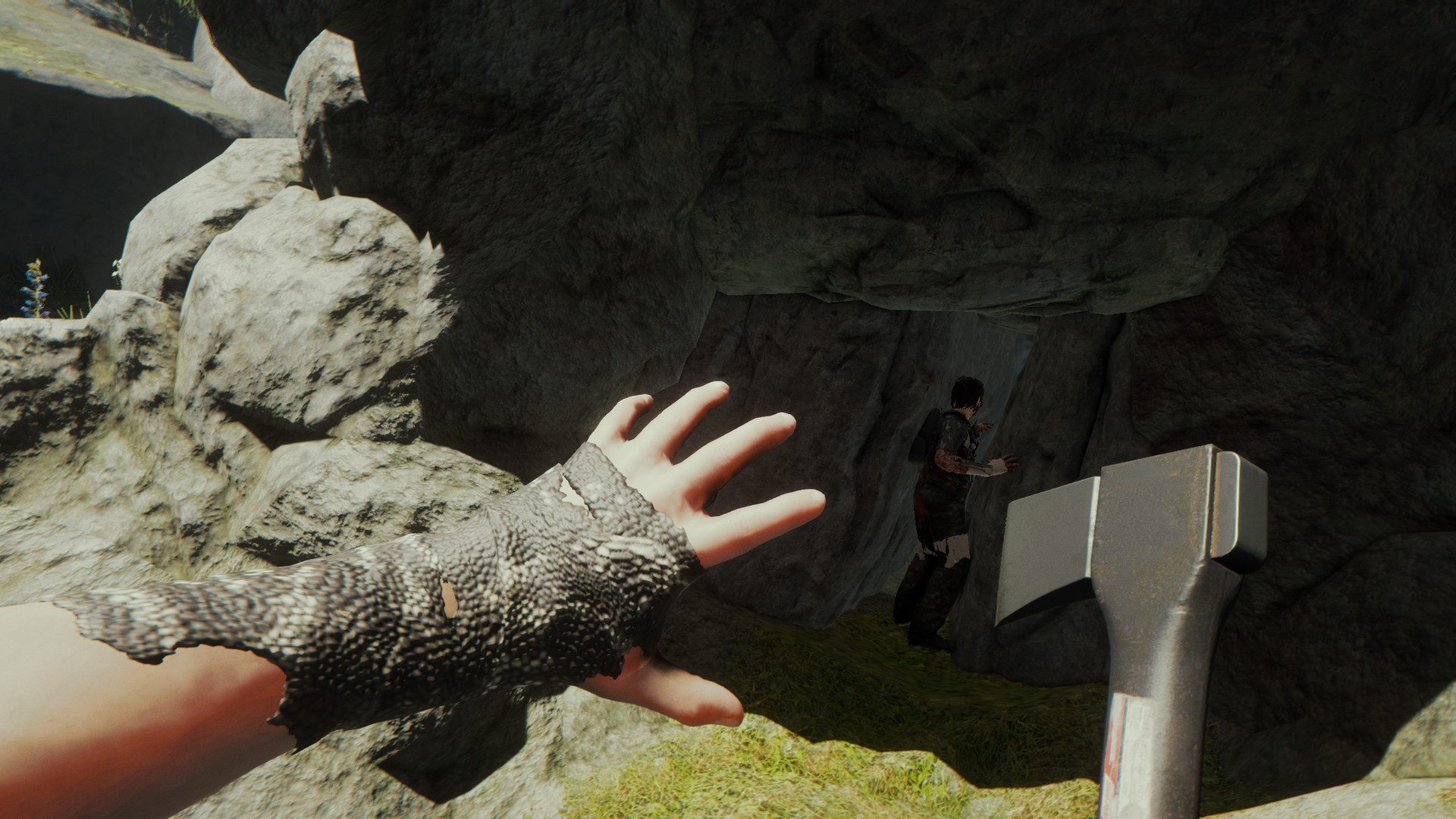
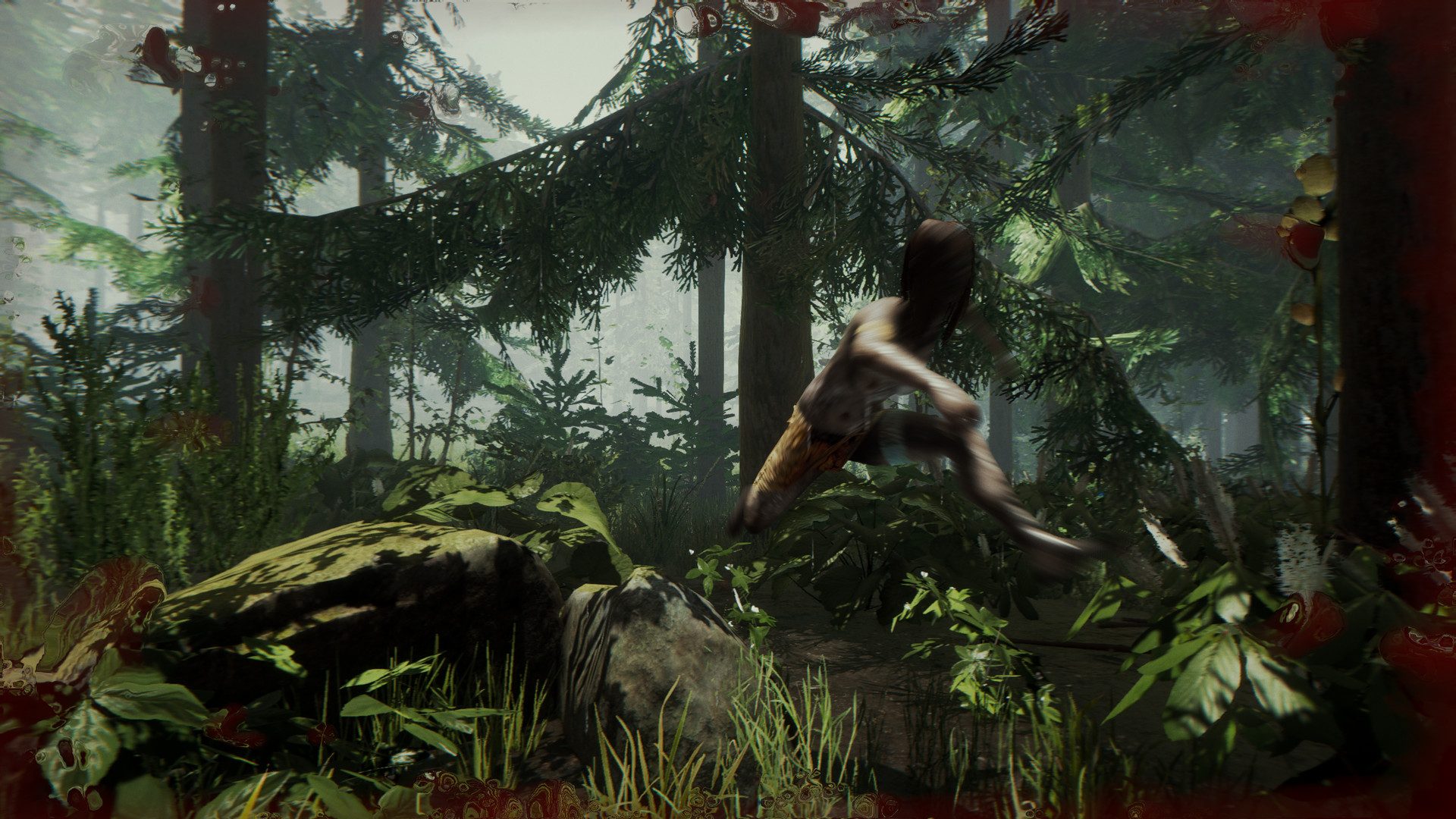
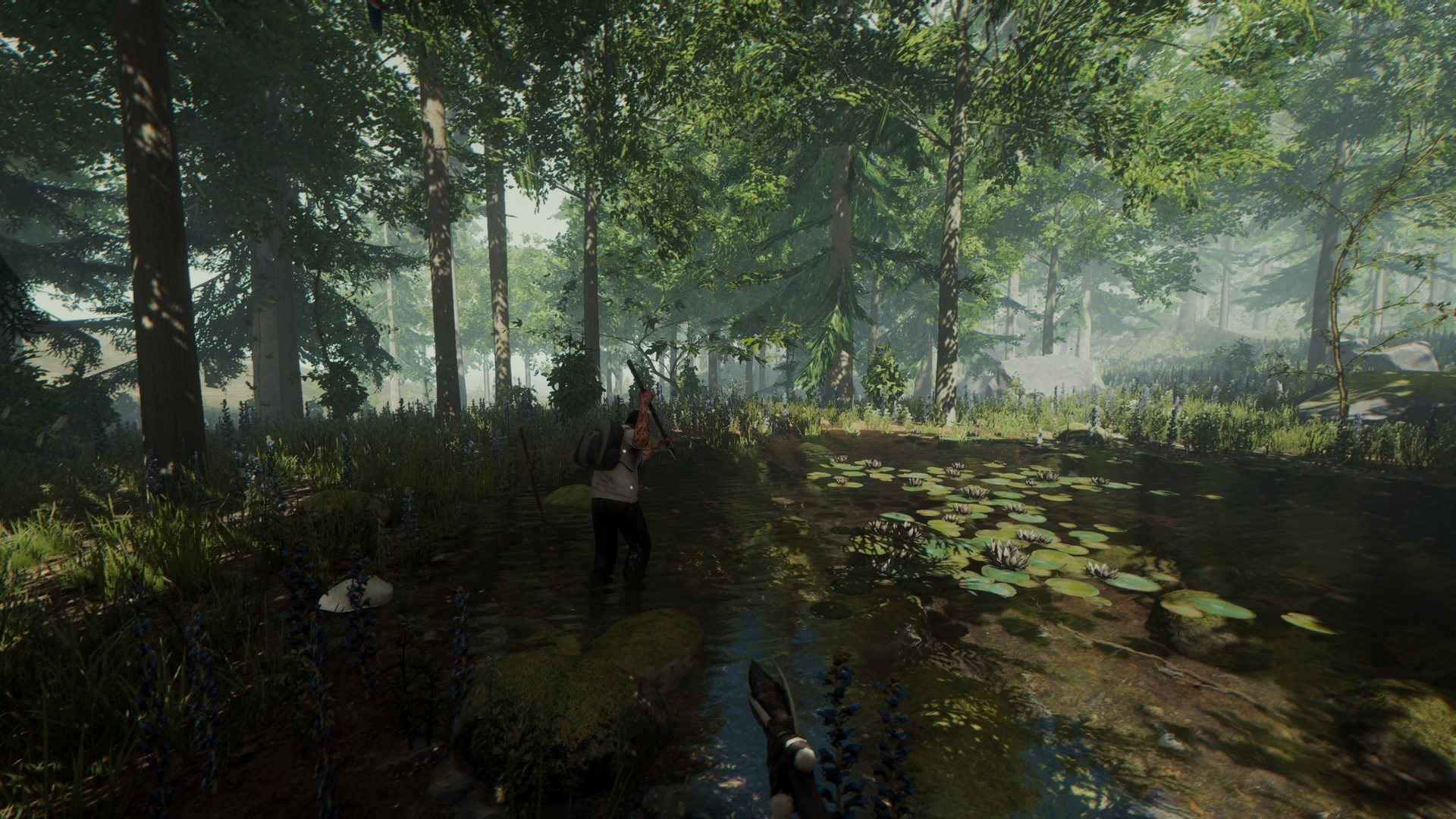
The Forest is a first-person survival horror game from Endnight Games Ltd. You are the only person to walk away from a passenger jet crash, and you find yourself alone in a forest where a community of cannibalistic mutants lives.
Read more
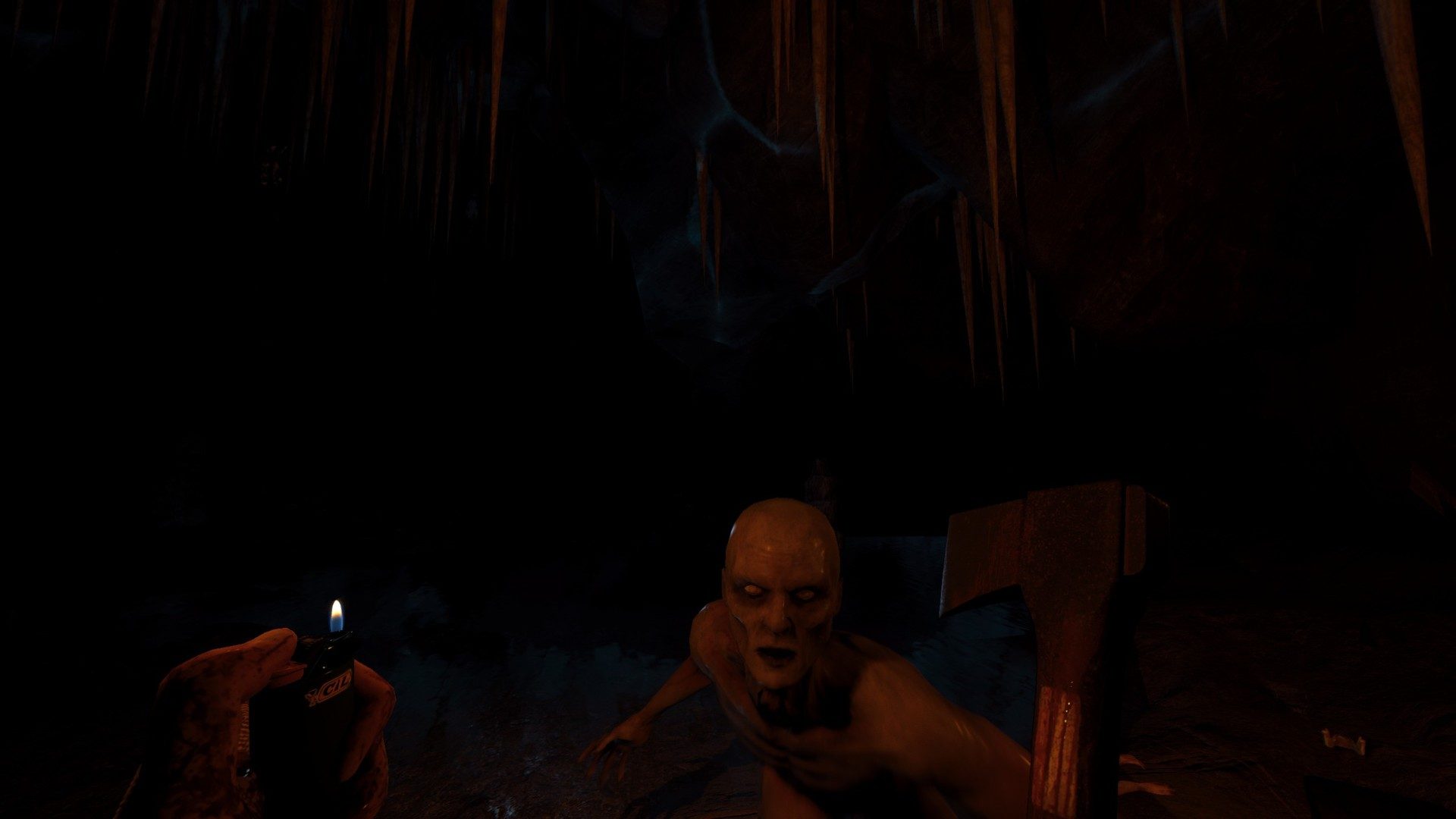
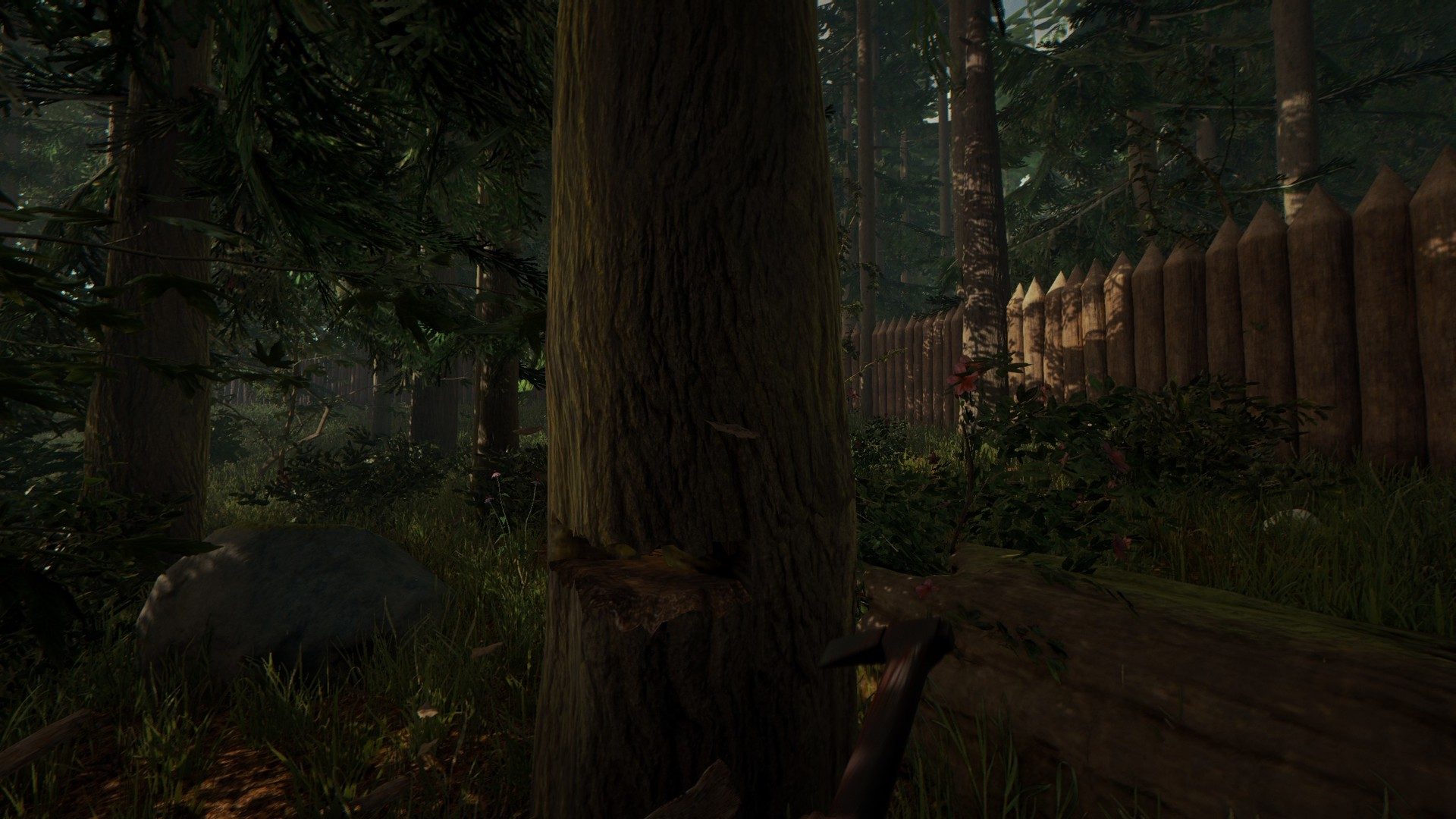
The forest is a world you can change. Trees and plants can be cut down, and below the ground there are caves and underground lakes to explore.
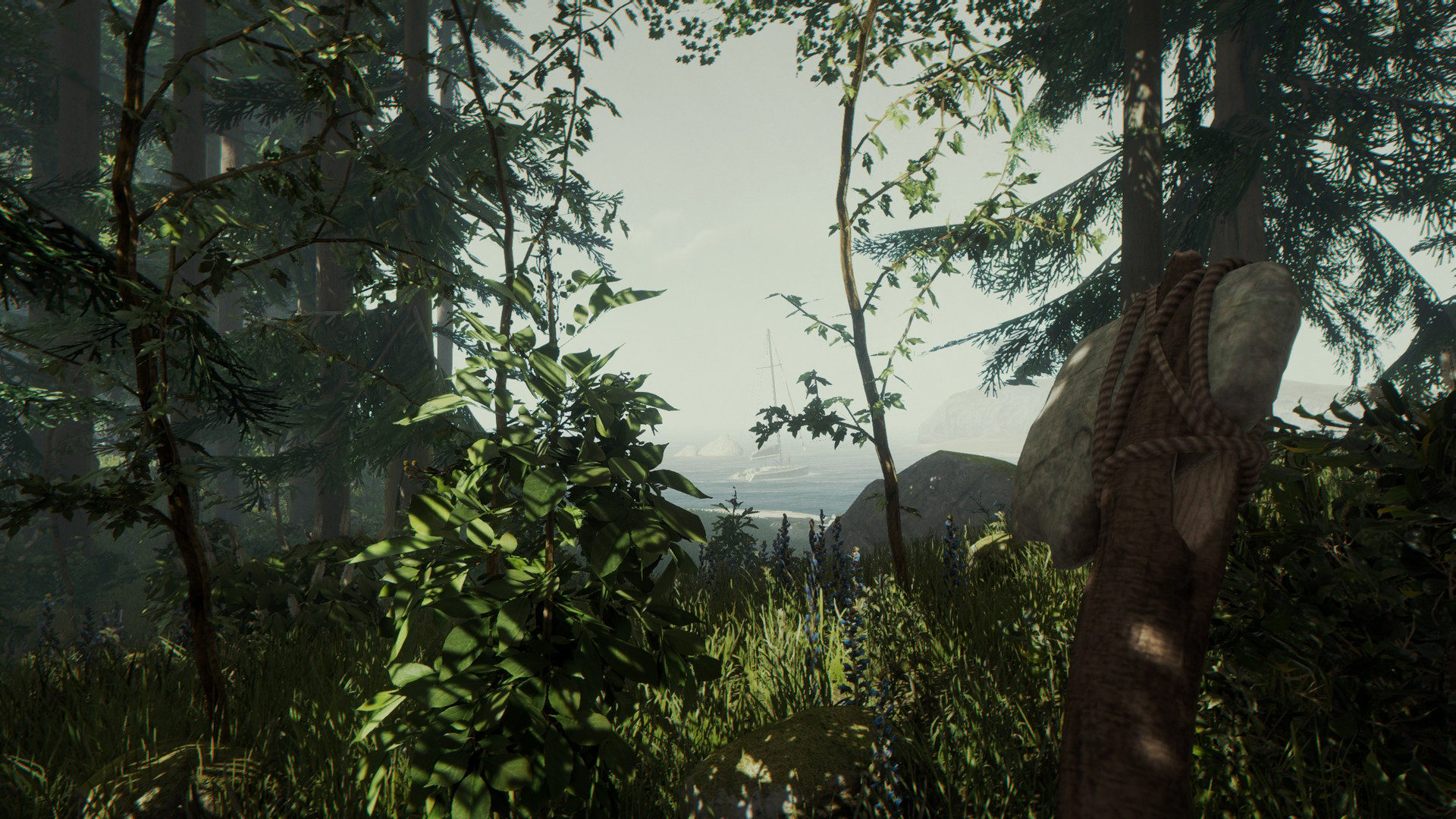
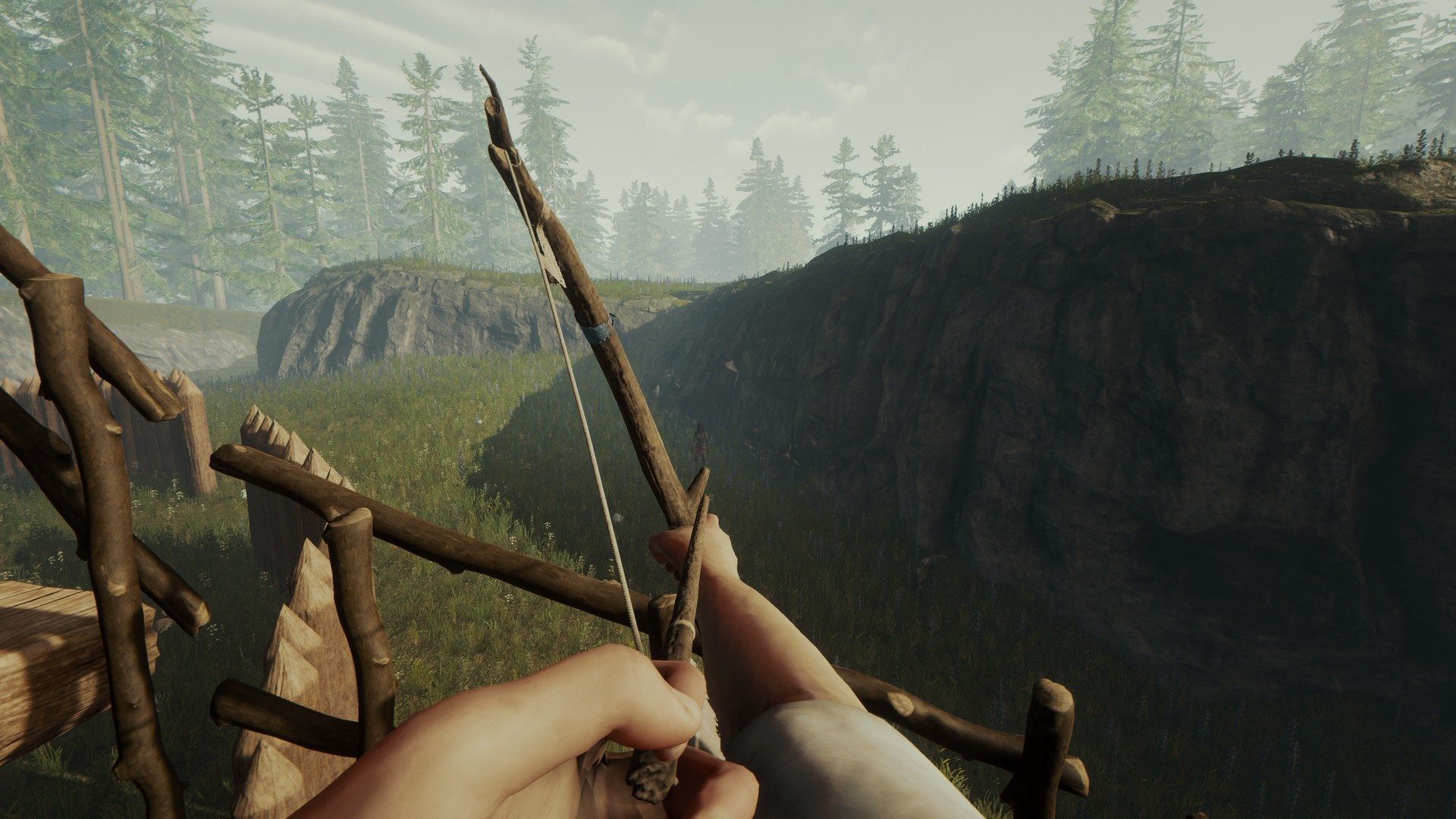
Survival begins with simple things: felling trees to put up a camp, lighting a fire to keep warm and gathering food so you do not starve. From there you can raise a small shelter or a fortified base by the sea, set traps and build defences to hold a safe perimeter. Daylight is for exploring and building, the night is for defending what you have made.
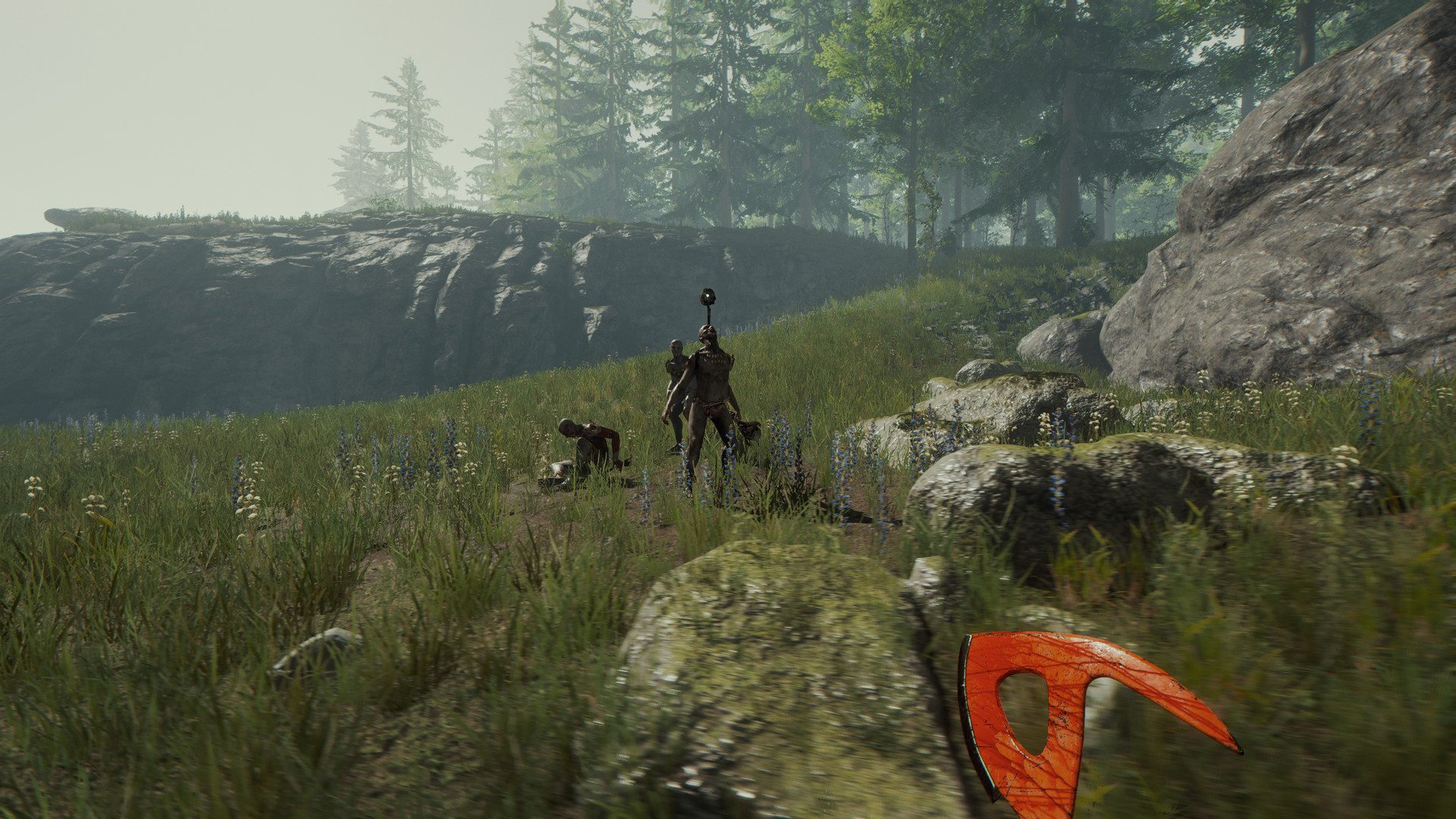
Weapons and tools are crafted from what the forest gives you, sticks and stones among it. You can stay hidden and slip past enemies, or fight them directly with crude gear. The enemies are a clan of genetically altered mutants who have beliefs, families and morals, and who look almost human.
The game can be played alone or in co-op, including online co-op.
Video and screenshots

The Forest questions
Can I play The Forest on WARPLAY.CLOUD?
Yes. The game runs on a gaming PC in the WARPLAY.CLOUD network and streams to your device at 60 FPS, with picture up to Full HD, 1440p or 4K.
Do I need to own The Forest on Steam to play it in the cloud?
Yes. The game must be in your own Steam account. You sign in to Steam during the session and launch it from there.
Which controllers can I use for The Forest?
A gamepad or a keyboard and mouse both work. Xbox and PlayStation controllers are supported, along with other Bluetooth or USB controllers, and phones have a touch layout.
What internet speed do I need?
At least 15 Mbit/s for Full HD. A cable connection or 5 GHz Wi-Fi gives the lowest delay.
Can I play The Forest on a phone, tablet or TV?
Yes. Chrome or Edge on Android and Safari on iPhone and iPad work, and phones also offer a touch layout. LG and Samsung TVs have an app for the service.
Will my saves carry over into the cloud session?
Saves load from Steam Cloud when you start the game in your own Steam account, so progress made elsewhere can be continued in the session.
Similar games


Play The Forest now