WARPLAY.CLOUD


Play Valheim in the cloud
Valheim is a co-op survival and exploration game where a band of players shares a Norse-inspired world to explore, build in and fight through. It runs in the cloud on WARPLAY.CLOUD, streamed from a gaming PC to your screen.
Valheim must be in your Steam account. Nothing extra to buy from WARPLAY.CLOUD.
Short answers
- Own it on SteamDo I need to own it?
- On every planWhich plan?
- Almost any screenWhich devices?
- 15 Mbit/s for Full HDWhat internet?
Details
Valheim must be in your Steam account, the same copy you play at home. Nothing extra to buy from WARPLAY.CLOUD. How to start
Picture up to Full HD on FREE, up to 1440p on PRO, up to 4K on MAX. 60 FPS on every plan. Compare plans
Chrome or Edge on Windows, Mac, Linux, Chromebook and Android. Safari on iPhone and iPad. Apps for LG and Samsung TVs. All devices
25 Mbit/s for 1440p and 45 Mbit/s for 4K. A cable or 5 GHz Wi-Fi gives the lowest delay. More on internet speed
Works on
- Computers
- BrowserWindowsMacLinuxChromebook
- Phones and tablets
- iPhone and iPadAndroid
How to start Valheim
- Open app.warplay.cloud in Chrome or Edge, or open the Windows, Mac or Linux app, and sign in.
- Find Valheim and press Play.
- Sign in to the Steam account that has Valheim. Your saves load from Steam Cloud.
- Install the WARPLAY.CLOUD app on your LG TV (webOS) or Samsung TV (Tizen) and sign in.
- Connect an Xbox or PlayStation gamepad, or another Bluetooth or USB controller.
- Pick Valheim and press Play. On Steam's sign-in screen, scan the QR code with the Steam Mobile app.
- On iPhone or iPad, open app.warplay.cloud in Safari and add it to the Home Screen. On Android, open it in Chrome.
- Connect a gamepad, or use the touch layout.
- Pick Valheim, press Play, then sign in to Steam.
Valheim on WARPLAY.CLOUD
Valheim runs on a gaming PC inside the WARPLAY.CLOUD network, and the picture is streamed to you at 60 FPS. Resolution reaches up to Full HD, 1440p or 4K.
Both control schemes are supported. Keyboard and mouse suit building, inventory work and menus, while a gamepad feels natural for combat and sailing. Xbox and PlayStation controllers work, as do other Bluetooth or USB controllers; on a phone you can use the touch layout instead.
The game plays in Chrome or Edge on Windows, Mac, Linux, Chromebook and Android, in Safari on iPhone and iPad, and through the apps for LG and Samsung TVs. Full HD needs 15 Mbit/s, and a cable or 5 GHz Wi-Fi keeps the delay down.
Valheim has to be in your own Steam account to start. You sign in to Steam inside the session, the game launches from there, and saves load from Steam Cloud. Once you own it on Steam, there is nothing extra to buy from WARPLAY.CLOUD.
Interface and subtitles come in a long list of languages, among them English, French, German, Spanish, Russian, Polish, Turkish, Japanese, Korean, Italian, Ukrainian, Portuguese (Brazil) and both Simplified and Traditional Chinese. Voice is not localized, so the text carries the content.
About the game
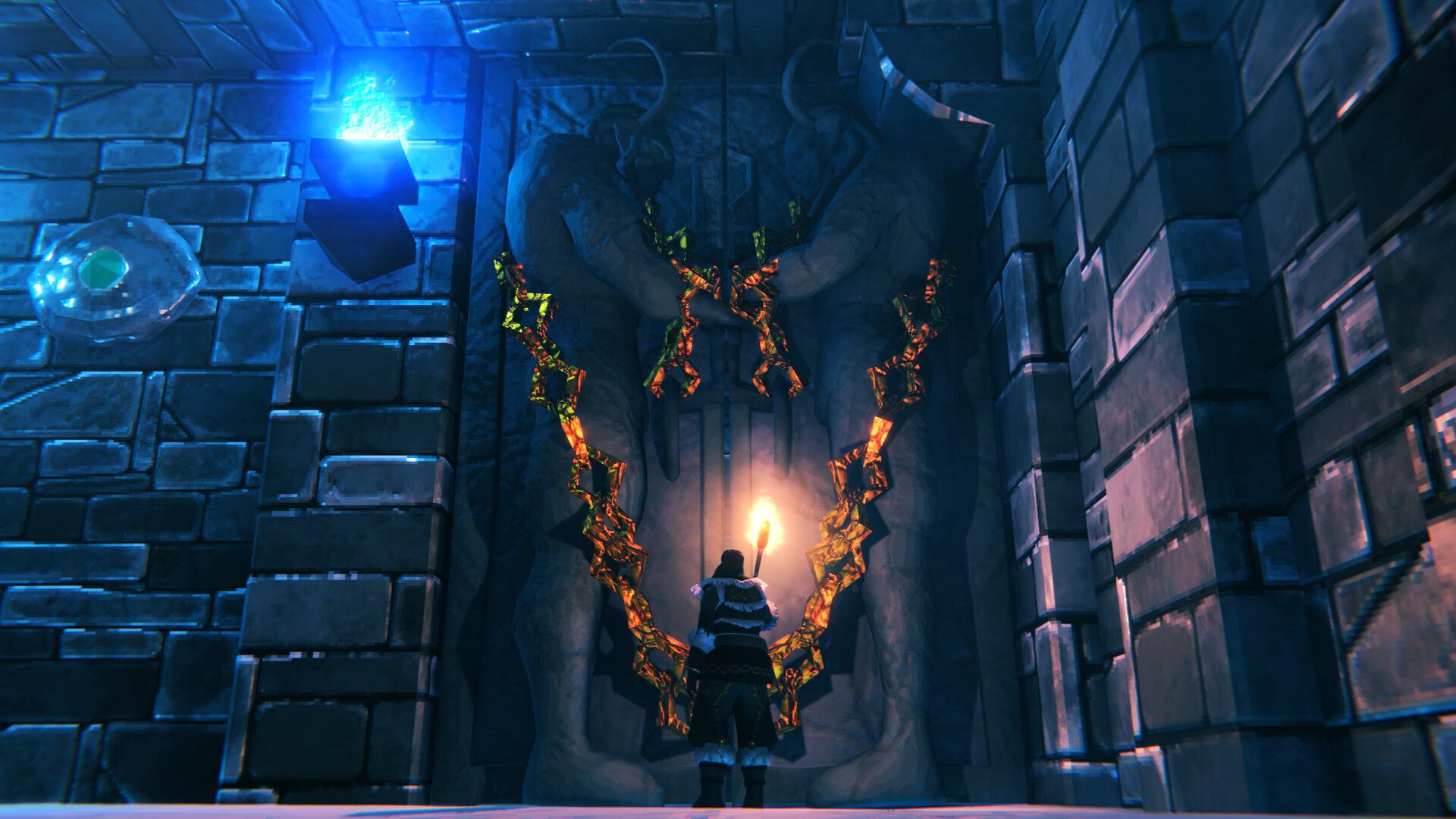
Valheim drops you into a world built by algorithm and rooted in Norse myth, alone or alongside other players, with the aim of earning Odin's approval. You begin with almost nothing and work upward: gathering wood and stone, making tools, and picking up new recipes whenever unfamiliar materials turn up.
Read more
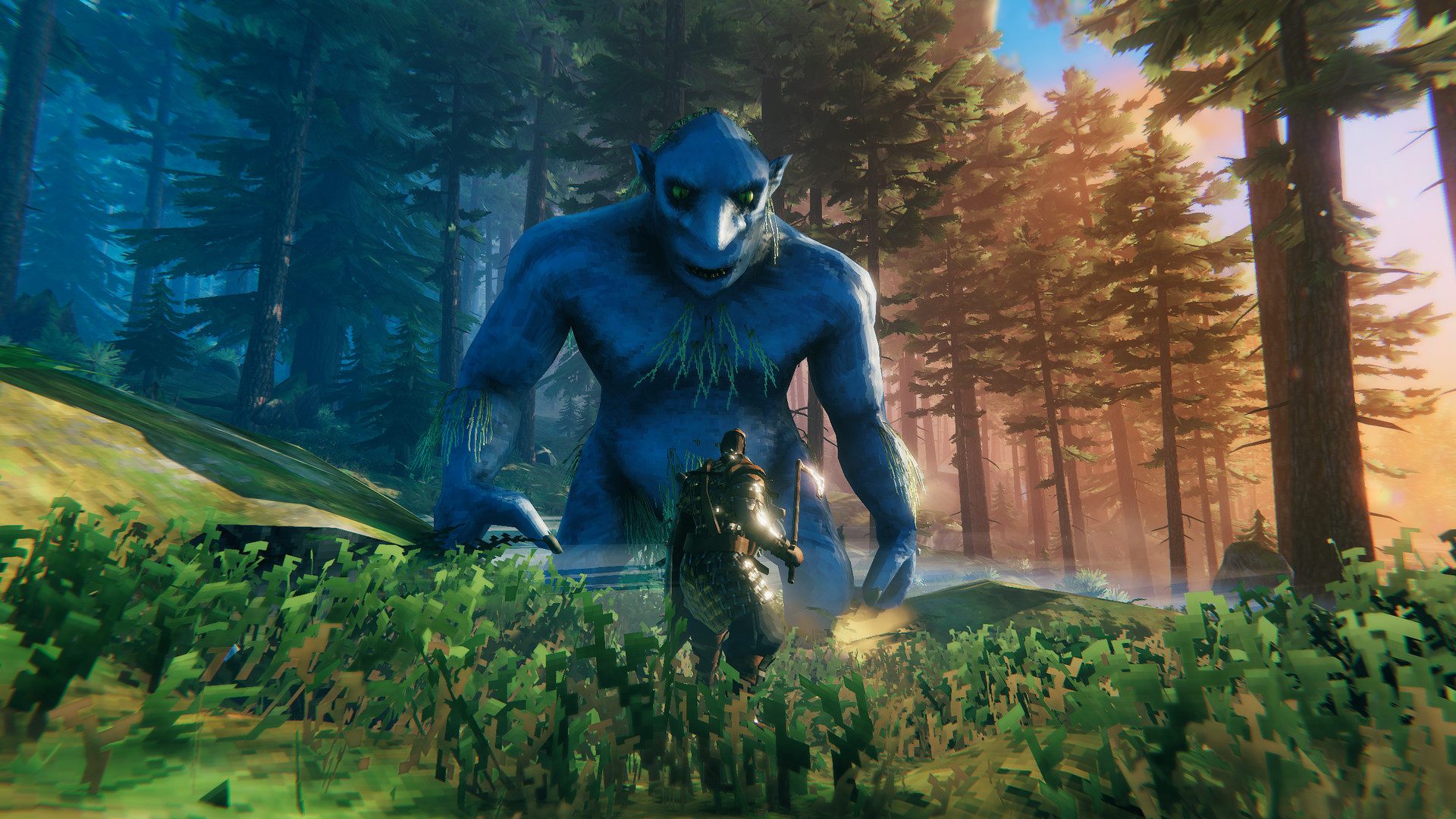
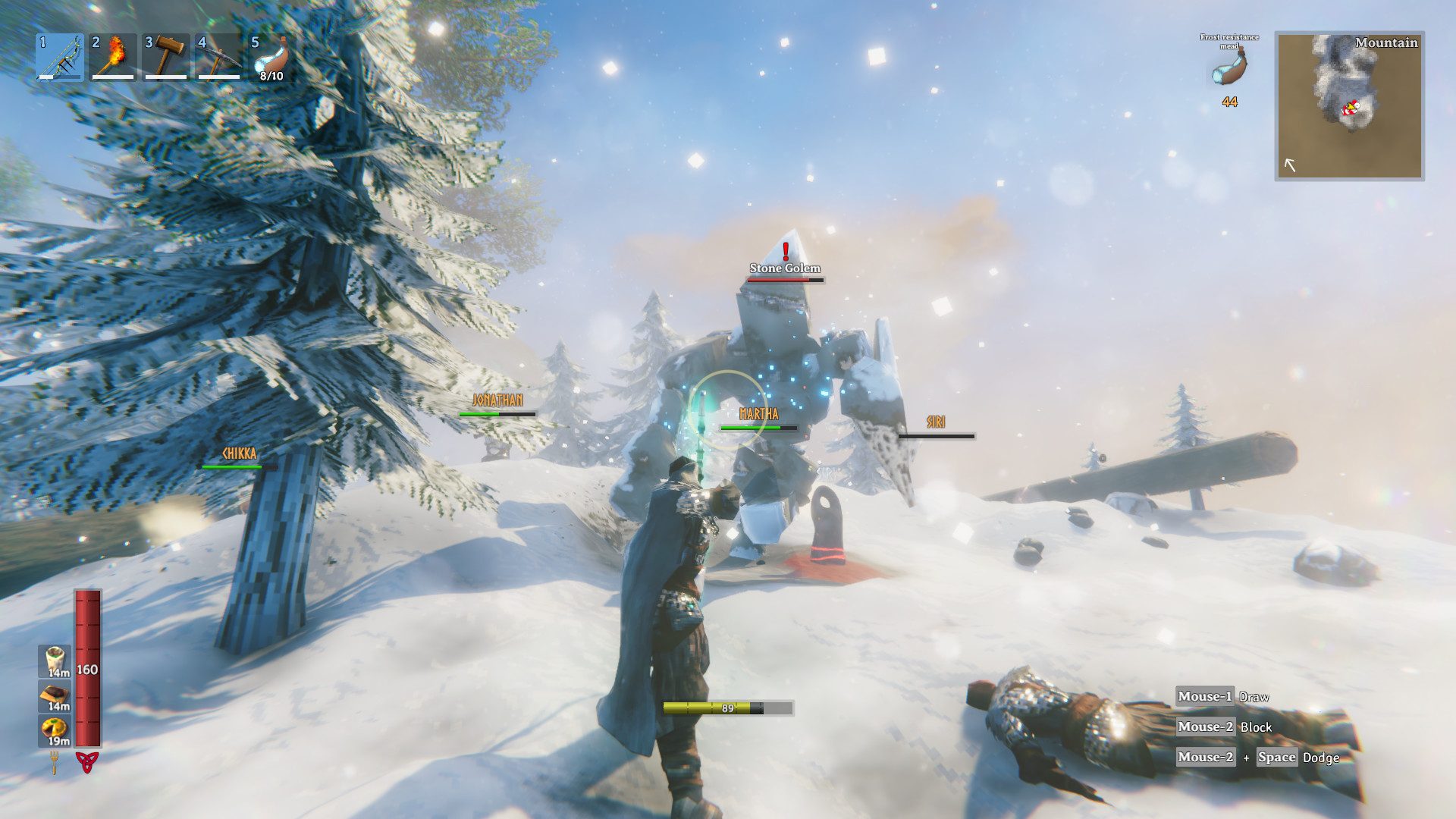
The land is split into biomes, and each brings its own scenery, resources and hostile wildlife. Sailing across open water is often how you reach the next one. Fighting sits at the centre of the game, with axes, swords and bows, and better equipment is what lets you push further from your base.
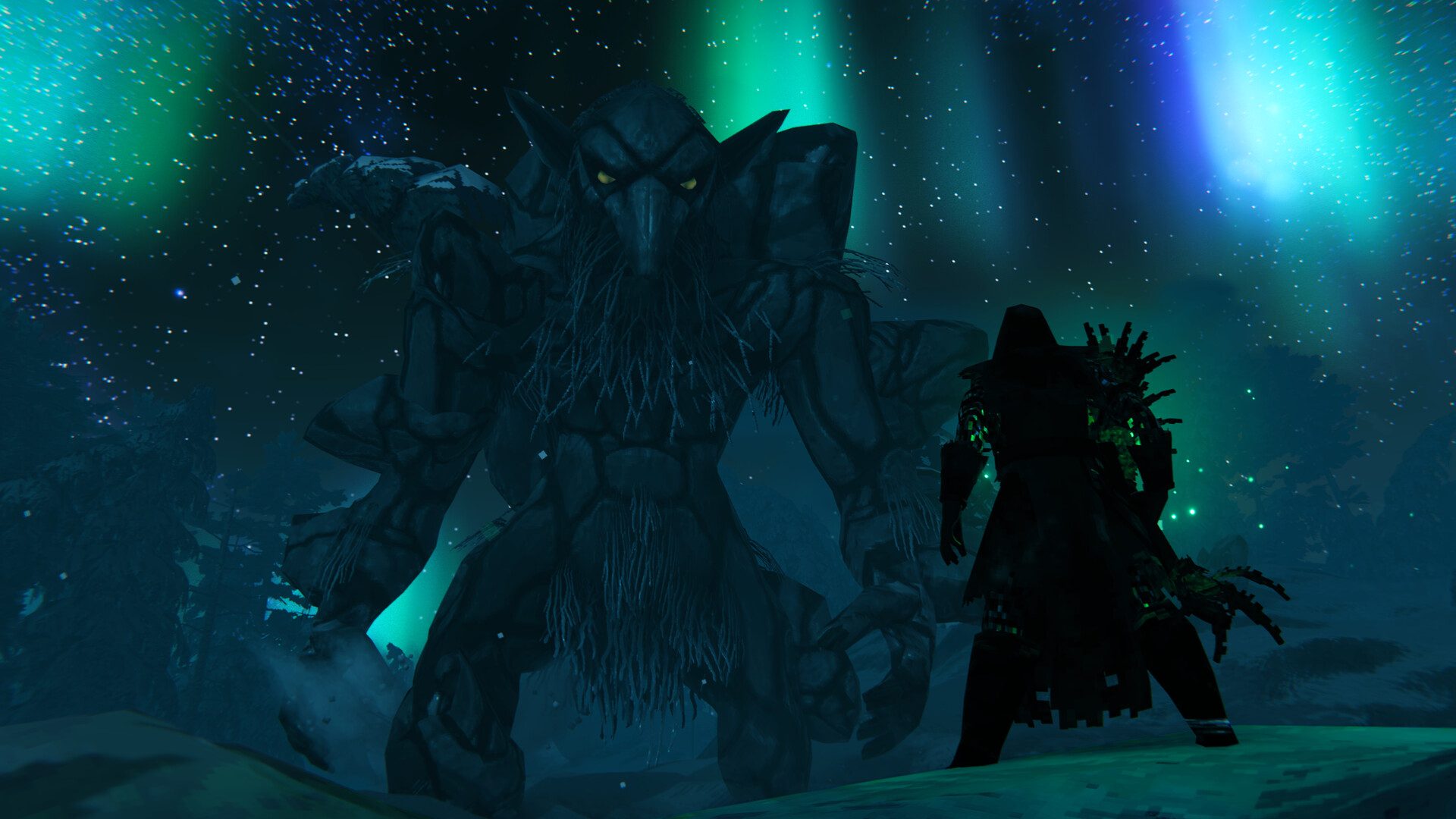
Progress is held back by the Forsaken, regional bosses that have corrupted the world; beating one opens the road onward. Between battles you put up longhouses, villages and hillside fortresses, watching structural integrity and defences while keeping the place comfortable to live in.
Food works as a system of benefits rather than a chore: what you eat shapes your health and stamina, and those two values often decide how a fight ends. The game can be played solo or in online co-op, and its text comes in a wide spread of languages, some translated by the community.
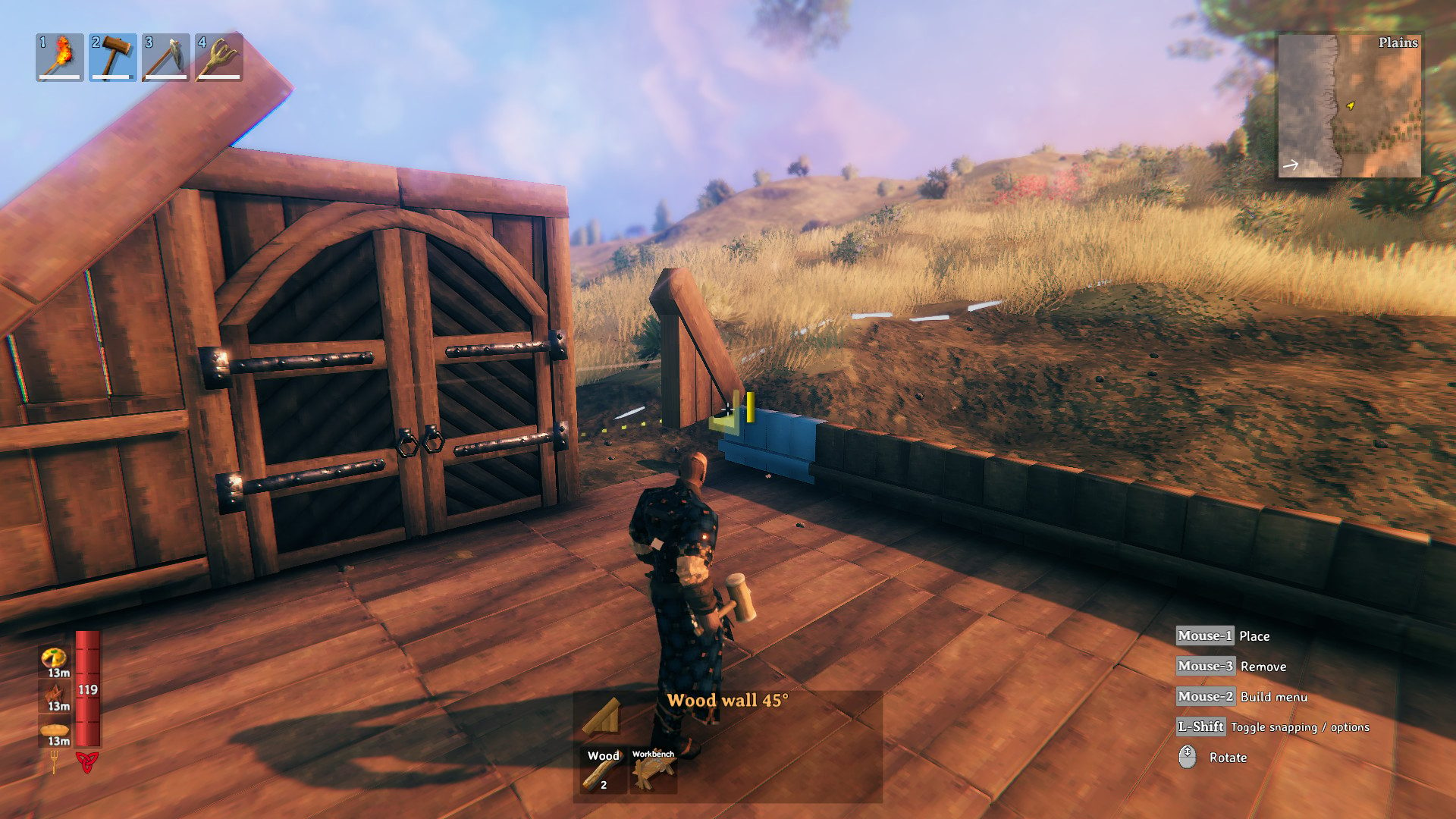
Screenshots



Valheim questions
Can I play Valheim in the cloud on WARPLAY.CLOUD?
Yes. Valheim runs on a gaming PC in the WARPLAY.CLOUD network and streams to your screen at 60 FPS, with picture up to Full HD, 1440p or 4K.
Do I need to own Valheim on Steam to play it here?
Yes. You sign in to Steam inside the session, and the game must be present in that account. Saves load from Steam Cloud.
Which controllers work with Valheim on WARPLAY.CLOUD?
Keyboard and mouse, or an Xbox, PlayStation or other Bluetooth or USB controller. On phones a touch layout is also available.
What internet speed do I need for Valheim in the cloud?
15 Mbit/s is enough for Full HD. A cable connection or 5 GHz Wi-Fi gives the lowest delay.
On which devices can I play Valheim?
Chrome or Edge on Windows, Mac, Linux, Chromebook and Android, Safari on iPhone and iPad, and the apps for LG and Samsung TVs.
Does Valheim have subtitles in other languages?
Interface and subtitles are available in many languages, including English, French, German, Spanish, Russian, Polish, Japanese, Korean and Chinese. There is no voice-over localization.
Similar games





Play Valheim now