WARPLAY.CLOUD
Play Hi-Fi RUSH in the cloud
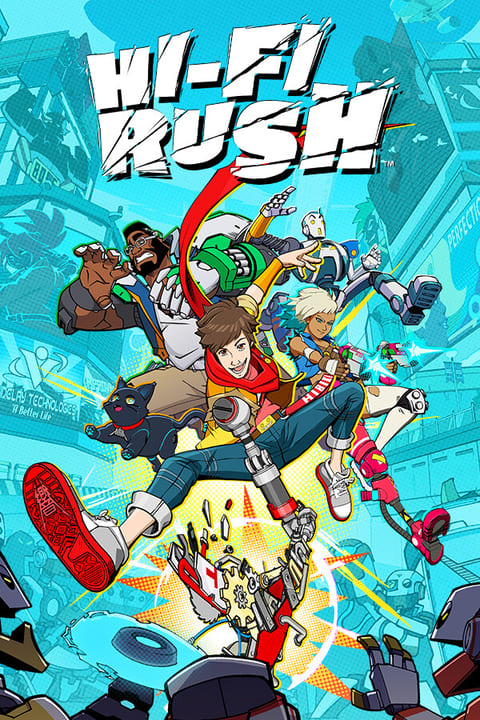
Hi-Fi RUSH is an action game where the hero, his allies and the whole world move to the beat of the music. It runs on a gaming PC in the WARPLAY.CLOUD network and streams to your screen, so you can play it in the cloud.
Hi-Fi RUSH must be in your Steam account. Nothing extra to buy from WARPLAY.CLOUD.
Short answers
- Own it on SteamDo I need to own it?
- On every planWhich plan?
- Almost any screenWhich devices?
- 15 Mbit/s for Full HDWhat internet?
Details
Hi-Fi RUSH must be in your Steam account, the same copy you play at home. Nothing extra to buy from WARPLAY.CLOUD. How to start
Picture up to Full HD on FREE, up to 1440p on PRO, up to 4K on MAX. 60 FPS on every plan. Compare plans
Chrome or Edge on Windows, Mac, Linux, Chromebook and Android. Safari on iPhone and iPad. Apps for LG and Samsung TVs. All devices
25 Mbit/s for 1440p and 45 Mbit/s for 4K. A cable or 5 GHz Wi-Fi gives the lowest delay. More on internet speed
Works on
- Phones and tablets
- iPhone and iPadAndroid
How to start Hi-Fi RUSH
- Open app.warplay.cloud in Chrome or Edge, or open the Windows, Mac or Linux app, and sign in.
- Find Hi-Fi RUSH and press Play.
- Sign in to the Steam account that has Hi-Fi RUSH. Your saves load from Steam Cloud.
- Install the WARPLAY.CLOUD app on your LG TV (webOS) or Samsung TV (Tizen) and sign in.
- Connect an Xbox or PlayStation gamepad, or another Bluetooth or USB controller.
- Pick Hi-Fi RUSH and press Play. On Steam's sign-in screen, scan the QR code with the Steam Mobile app.
- On iPhone or iPad, open app.warplay.cloud in Safari and add it to the Home Screen. On Android, open it in Chrome.
- Connect a gamepad, or use the touch layout.
- Pick Hi-Fi RUSH, press Play, then sign in to Steam.
Hi-Fi RUSH on WARPLAY.CLOUD
Hi-Fi RUSH plays with a gamepad or with keyboard and mouse. A controller suits the rhythm combat well, because attacks and dodges are timed to the beat, and keyboard and mouse work as well. Phones offer a touch layout, and Xbox, PlayStation and other Bluetooth or USB controllers connect too.
The stream runs at 60 FPS, with the picture going up to Full HD, 1440p or 4K depending on the plan. The game opens in Chrome or Edge on Windows, Mac, Linux, Chromebook and Android, in Safari on iPhone and iPad, and through the apps for LG and Samsung TVs. Full HD needs 15 Mbit/s, and a cable connection or 5 GHz Wi-Fi gives the lowest delay.
The interface and subtitles come in English, French, Italian, German, Spanish for Spain, Spanish for Latin America, Portuguese for Brazil, Polish, Russian, Arabic, Simplified Chinese, Traditional Chinese, Japanese and Korean. Voice acting is there in English, French, Italian, German, both Spanish variants, Brazilian Portuguese, Polish and Japanese.
You need to own Hi-Fi RUSH on Steam to start it: you sign in to Steam inside the session, and saves load from Steam Cloud. Nothing extra has to be bought from WARPLAY.CLOUD for a game you already own there.
About the game
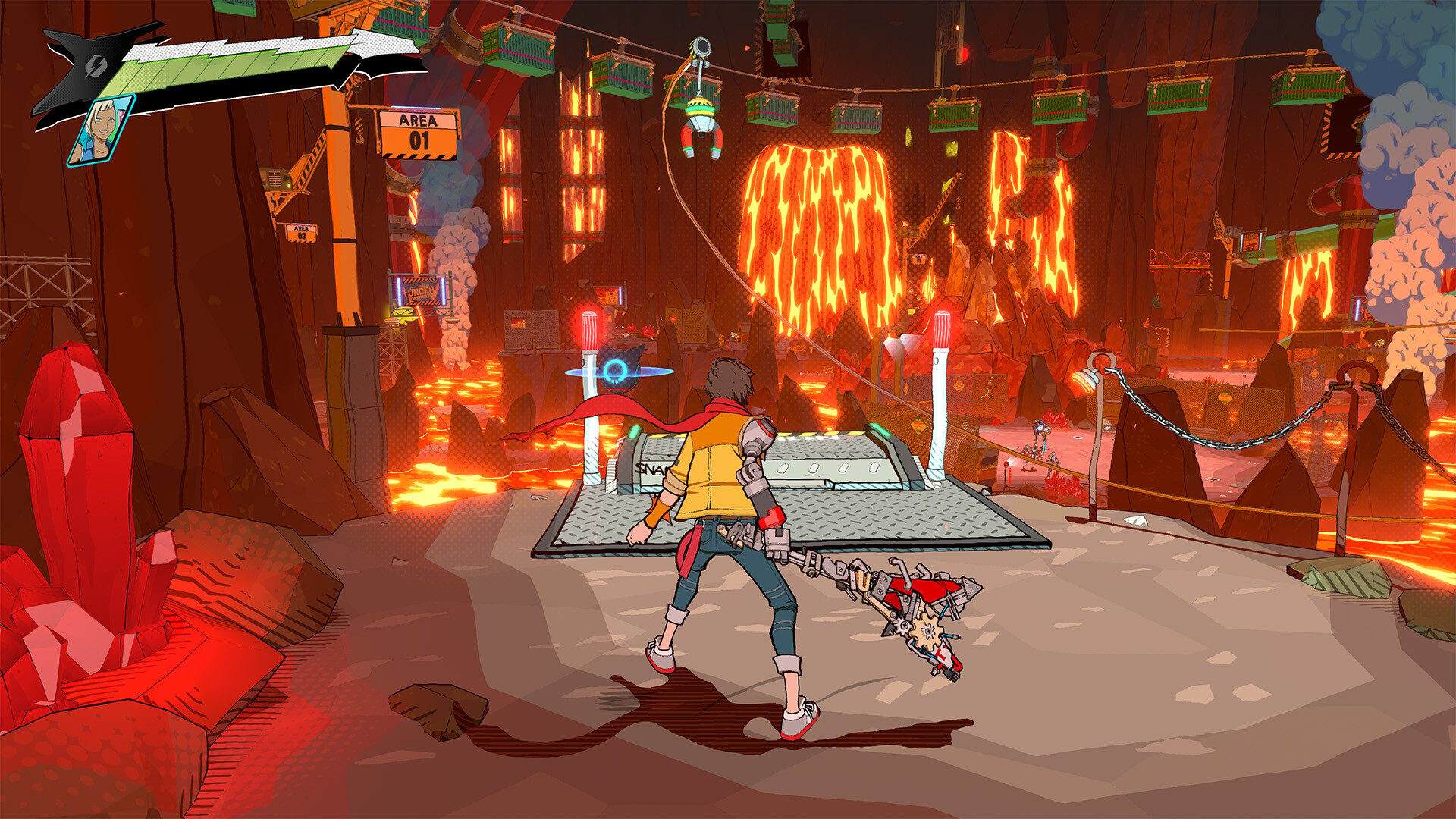
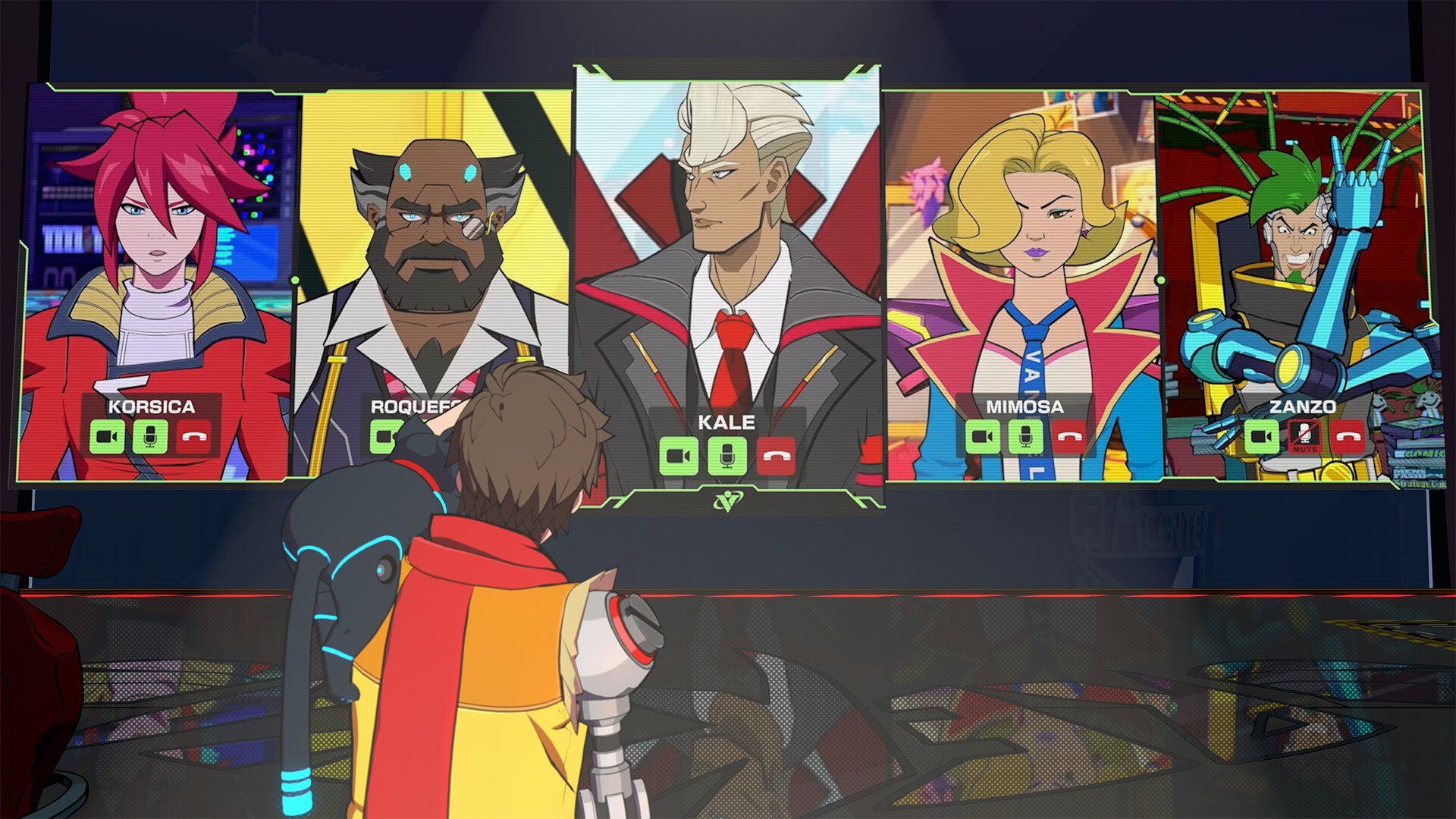
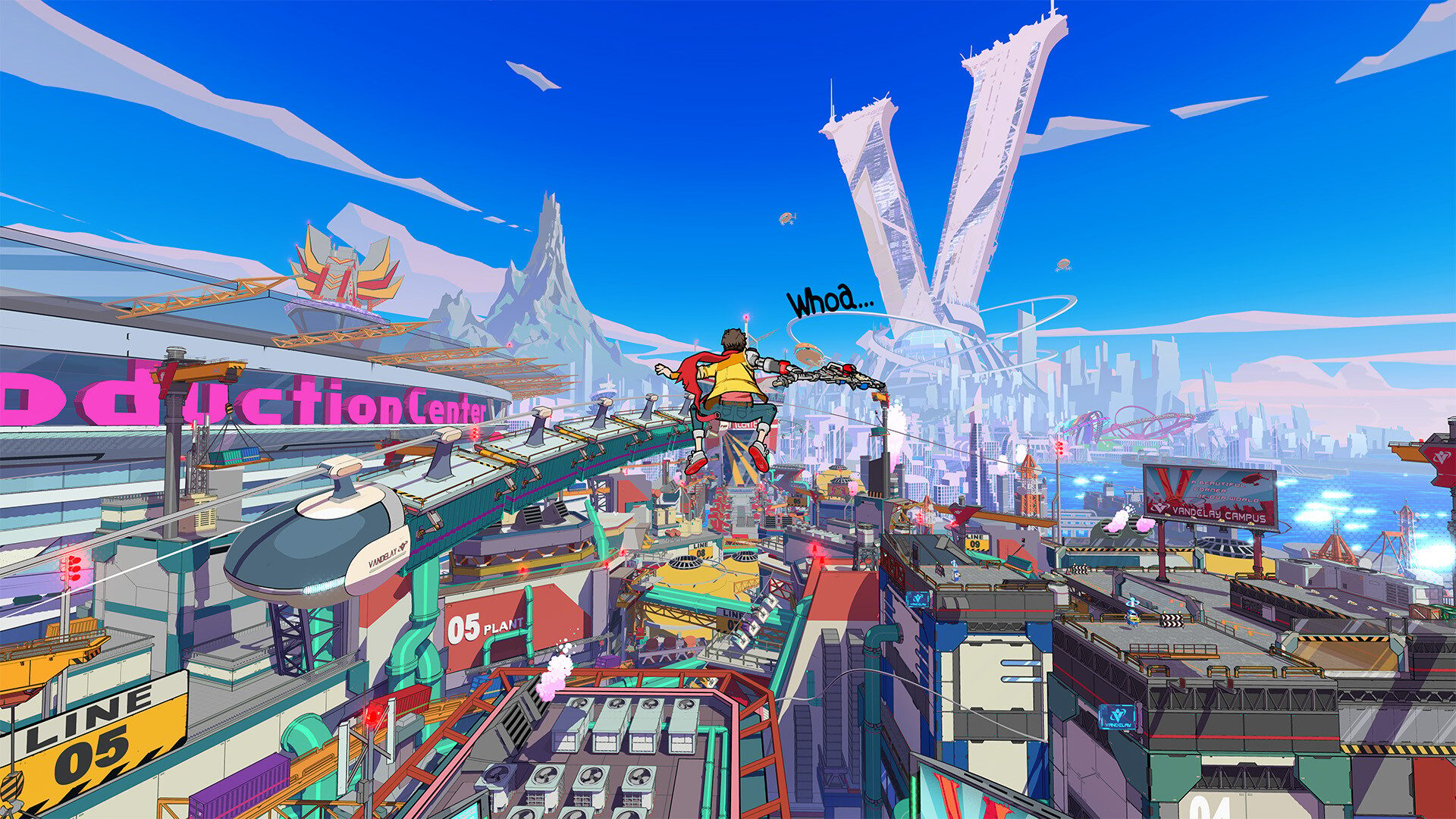
Hi-Fi RUSH follows Chai, an aspiring rockstar who ends up with a robotic arm after an implant procedure and decides to take on the corporation that pushes mechanical upgrades on everyone. He is not alone: a small crew of allies joins him against the megacorp. The setting itself keeps time with the soundtrack, so machines pulse, doors swing and enemies move in rhythm.
Read more
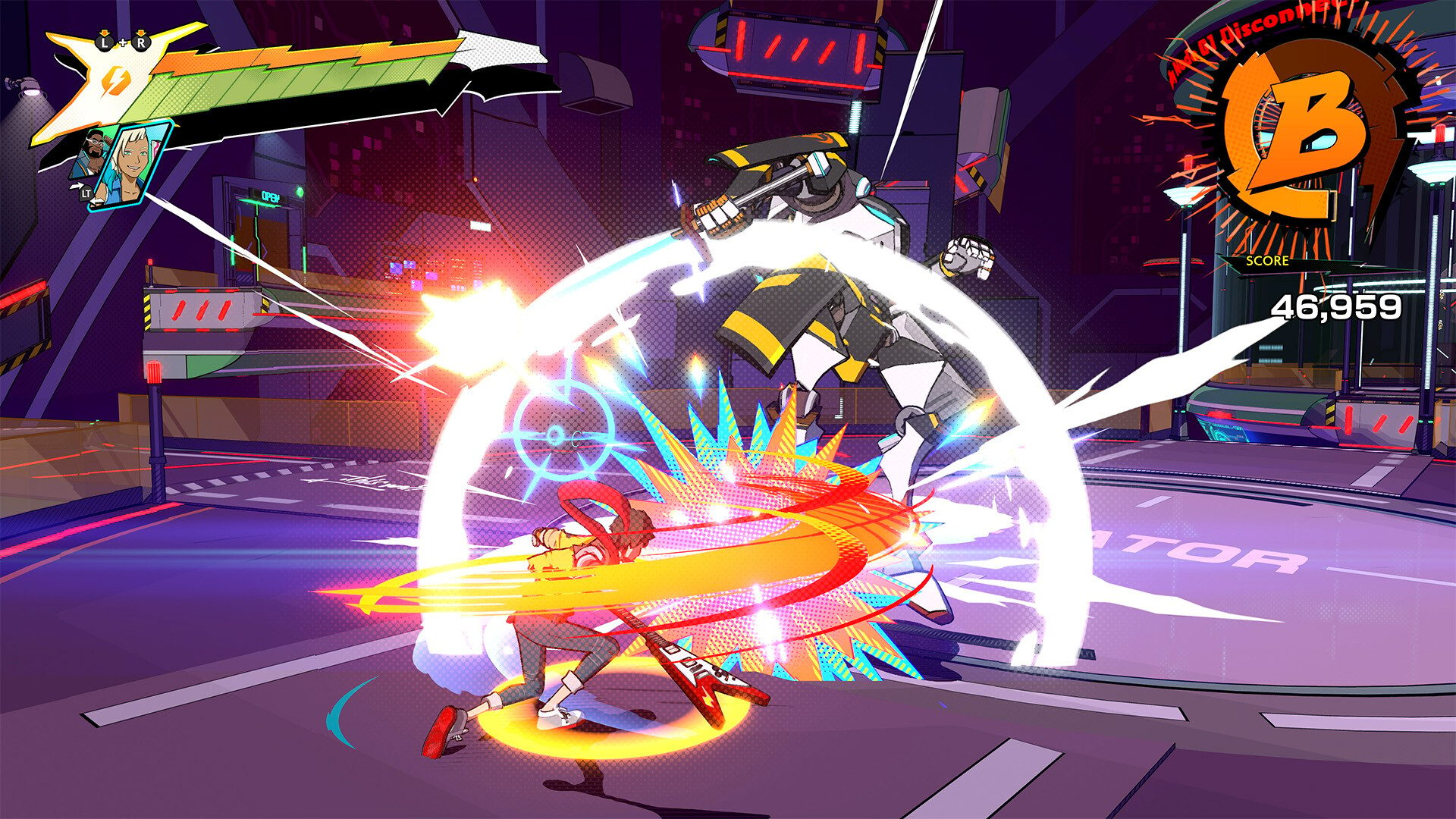
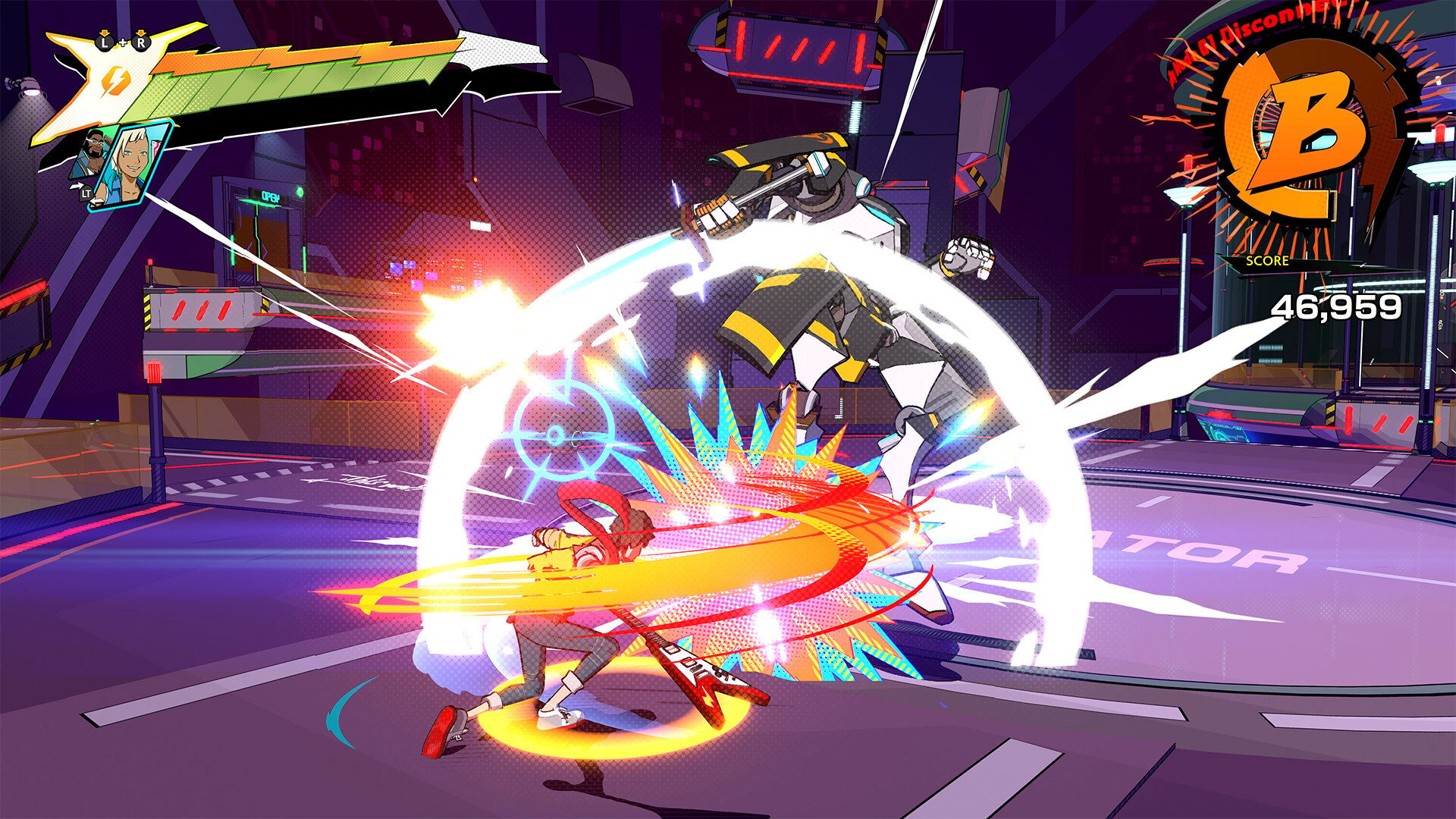
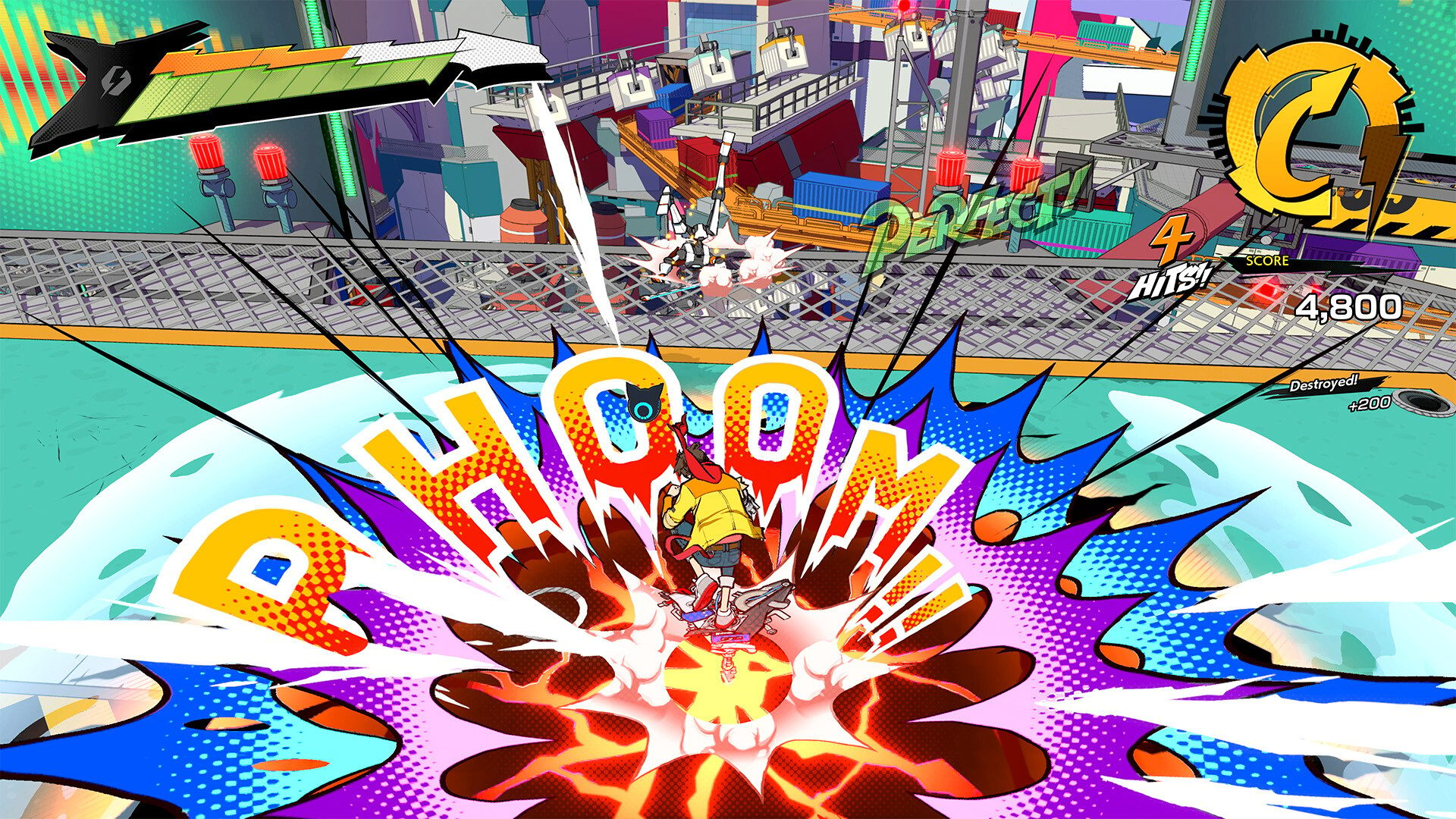
Fights combine melee attacks with timing. Strikes, dodges and the help of Chai's companions land harder when pressed on the beat, and staying in time builds combos, while off-beat input is weaker. Gears found in combat and while exploring the levels pay for new skills and upgrades, and the crew's own moves widen the options in a brawl.
The Arcade Challenge update brings two extra modes. BPM RUSH throws waves of enemies at you while the tempo rises, reaching 200 BPM in the last stages and adding tougher foes along the way. Power Up! Tower Up! is a variation on the Rhythm Tower mode unlocked after the first playthrough: you climb floors with a downgraded Chai who picks up randomised upgrades as you go. The update also adds rewards earned through challenges, among them poses and stickers for Photo Mode, t-shirts, extra outfits and special attacks starring CNMN and Smidge.
The Deluxe Edition adds two Chai outfits with parts that mix and match with other cosmetics, seven bonus t-shirts, a guitar skin, an alternate skin for 808 and a starter pack of 20,000 Gears.
Screenshots
Hi-Fi RUSH questions
Do I need Hi-Fi RUSH in my own Steam account to play it on WARPLAY.CLOUD?
Yes. You sign in to Steam inside the session, and the game has to be in that account. Saves load from Steam Cloud.
Can I play Hi-Fi RUSH in the cloud with a controller?
Yes. Xbox and PlayStation controllers work, along with other Bluetooth or USB gamepads. Keyboard and mouse are supported too, and phones have a touch layout.
What internet speed does Hi-Fi RUSH need in the cloud?
Full HD needs 15 Mbit/s. A cable connection or 5 GHz Wi-Fi gives the lowest delay.
Which devices can run Hi-Fi RUSH on WARPLAY.CLOUD?
Chrome or Edge on Windows, Mac, Linux, Chromebook and Android, Safari on iPhone and iPad, and the apps for LG and Samsung TVs.
What frame rate and picture quality do I get in Hi-Fi RUSH?
The game streams at 60 FPS. The picture goes up to Full HD, 1440p or 4K depending on the plan.
Which languages does Hi-Fi RUSH have in the cloud?
Interface and subtitles come in English, French, German, Spanish, Portuguese for Brazil, Polish, Russian, Japanese, Korean and Chinese, among others. Voice acting is available in English, French, German, Spanish and Japanese, among others.
Similar games

Play Hi-Fi RUSH now