WARPLAY.CLOUD
Play Portal 2 in the cloud
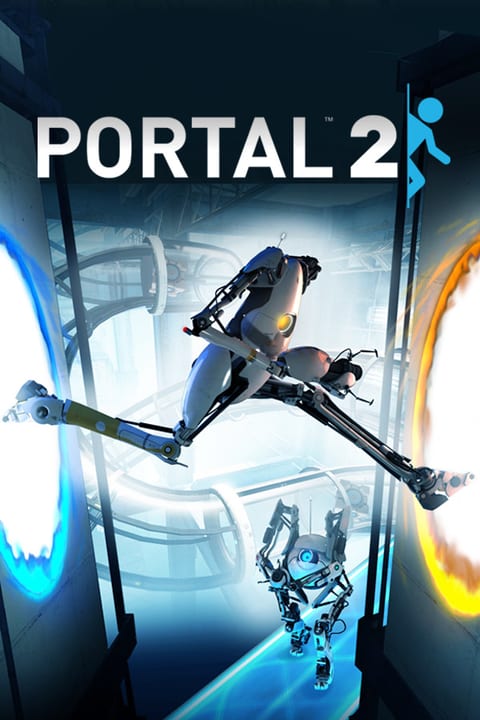
Portal 2 is a puzzle adventure from Valve built around a portal device and the test chambers of the Aperture Science Labs. It runs on a gaming PC in the WARPLAY.CLOUD network and streams to your screen.
Portal 2 must be in your Steam account. Nothing extra to buy from WARPLAY.CLOUD.
Short answers
- Own it on SteamDo I need to own it?
- On every planWhich plan?
- Almost any screenWhich devices?
- 15 Mbit/s for Full HDWhat internet?
Details
Portal 2 must be in your Steam account, the same copy you play at home. Nothing extra to buy from WARPLAY.CLOUD. How to start
Picture up to Full HD on FREE, up to 1440p on PRO, up to 4K on MAX. 60 FPS on every plan. Compare plans
Chrome or Edge on Windows, Mac, Linux, Chromebook and Android. Safari on iPhone and iPad. Apps for LG and Samsung TVs. All devices
25 Mbit/s for 1440p and 45 Mbit/s for 4K. A cable or 5 GHz Wi-Fi gives the lowest delay. More on internet speed
Works on
- Computers
- BrowserWindowsMacLinuxChromebook
- Phones and tablets
- iPhone and iPadAndroid
How to start Portal 2
- Open app.warplay.cloud in Chrome or Edge, or open the Windows, Mac or Linux app, and sign in.
- Find Portal 2 and press Play.
- Sign in to the Steam account that has Portal 2. Your saves load from Steam Cloud.
- Install the WARPLAY.CLOUD app on your LG TV (webOS) or Samsung TV (Tizen) and sign in.
- Connect an Xbox or PlayStation gamepad, or another Bluetooth or USB controller.
- Pick Portal 2 and press Play. On Steam's sign-in screen, scan the QR code with the Steam Mobile app.
- On iPhone or iPad, open app.warplay.cloud in Safari and add it to the Home Screen. On Android, open it in Chrome.
- Connect a gamepad, or use the touch layout.
- Pick Portal 2, press Play, then sign in to Steam.
Portal 2 on WARPLAY.CLOUD
Portal 2 supports both a gamepad and a keyboard and mouse, and the better choice depends on the device. A keyboard and mouse fits Windows, Mac, Linux and Chromebooks, where placing portals with a cursor is precise. On an LG or Samsung TV through the app, and on Android phones, iPhones and iPads, an Xbox or PlayStation controller or another Bluetooth or USB pad is more comfortable; phones also have a touch layout.
Streaming runs at 60 FPS, and the picture goes up to Full HD, 1440p or 4K depending on the plan. Full HD needs at least 15 Mbit/s, and a cable or 5 GHz Wi-Fi gives the lowest delay, which matters when a jump has to land exactly.
Interface and subtitles are available in a long list of languages, among them English, French, German, Spanish, Czech, Danish, Dutch, Finnish, Hungarian, Italian, Japanese, Korean, Norwegian, Polish, Portuguese, Romanian, Russian, Simplified and Traditional Chinese, Swedish, Thai, Turkish, Bulgarian, Greek and Ukrainian. Voice acting comes in English, French, German, Spanish for Spain and Russian, with subtitles covering the rest.
You play Portal 2 from your own Steam account: you sign in to Steam inside the session, and the game has to be in that account. Saves load from Steam Cloud.
About the game
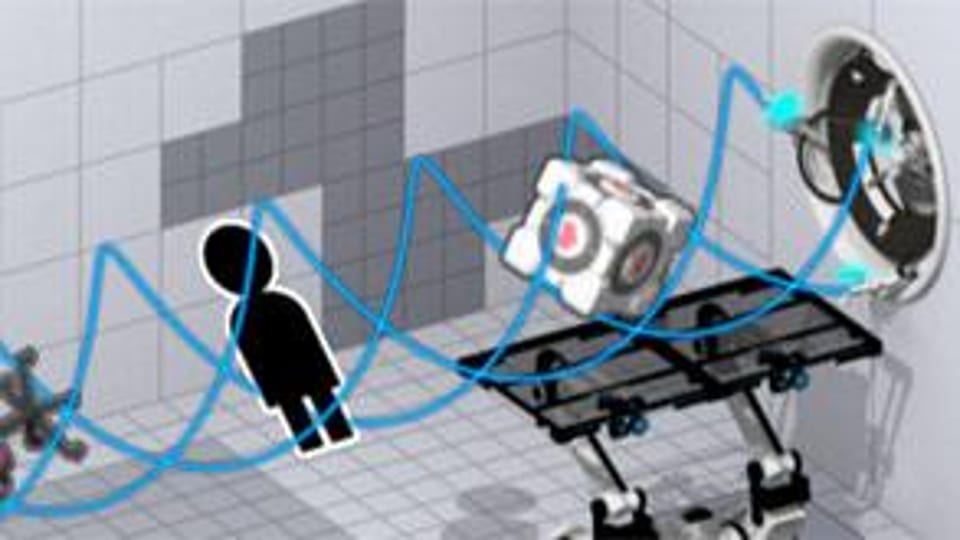
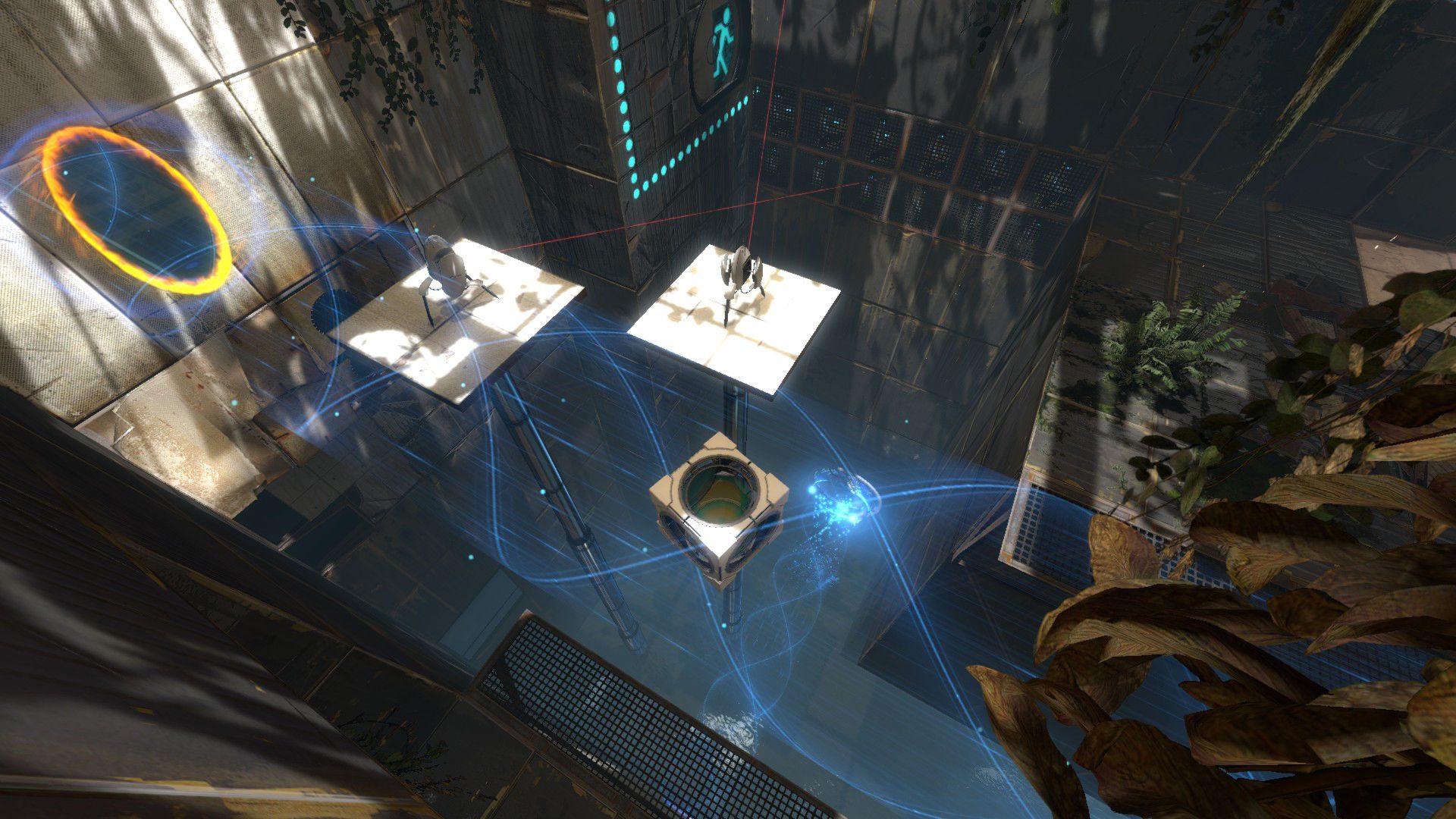
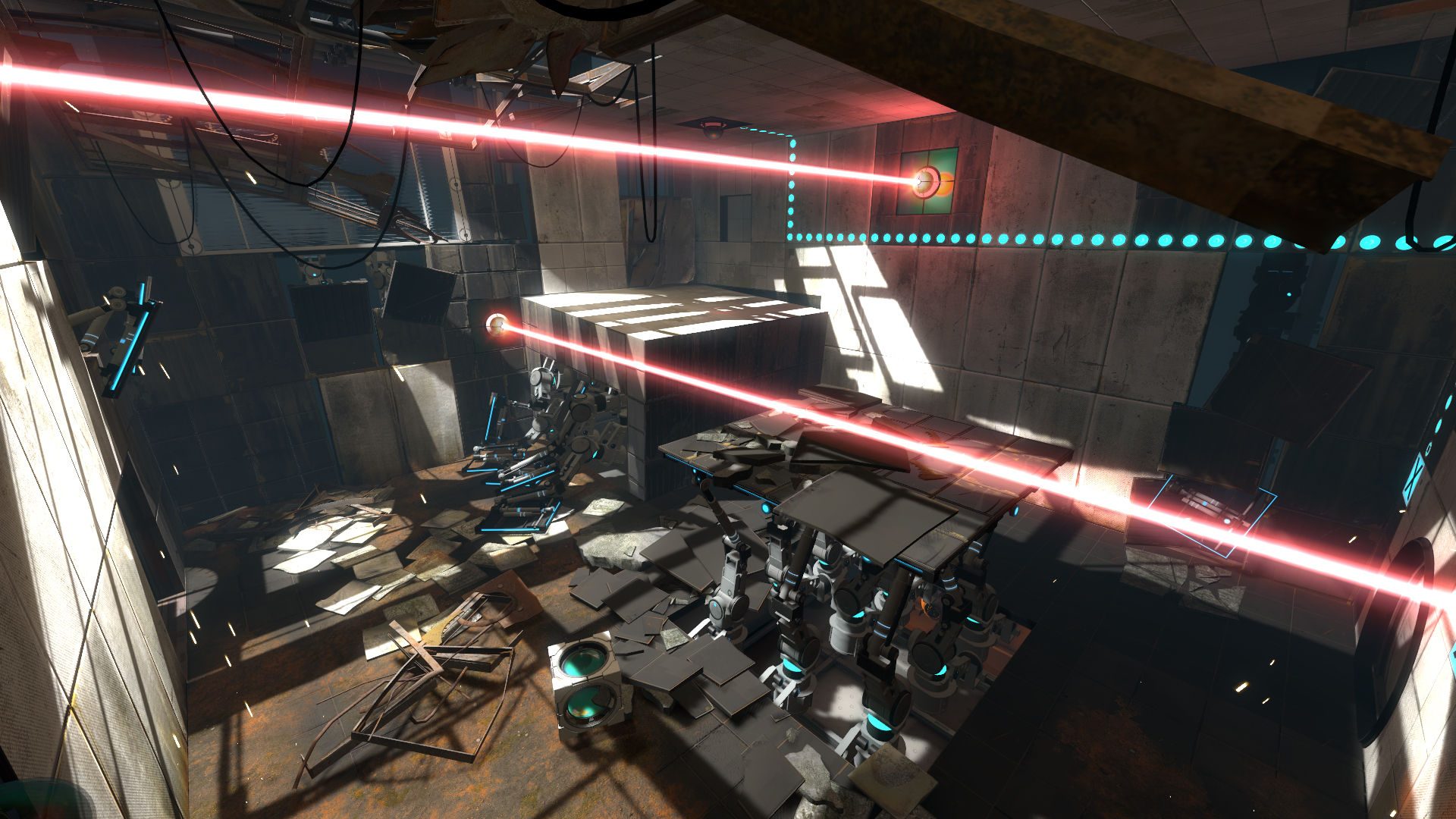
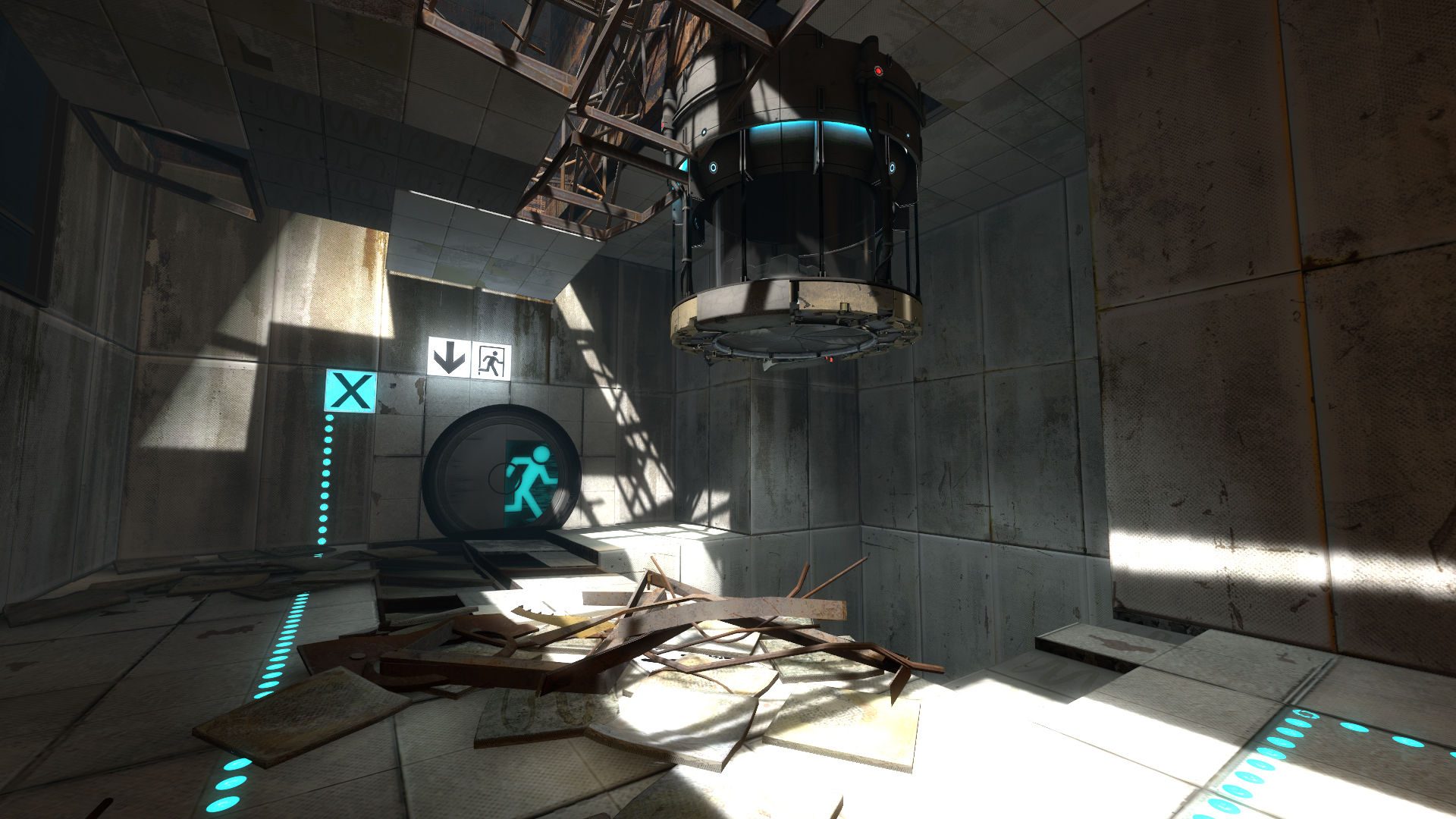
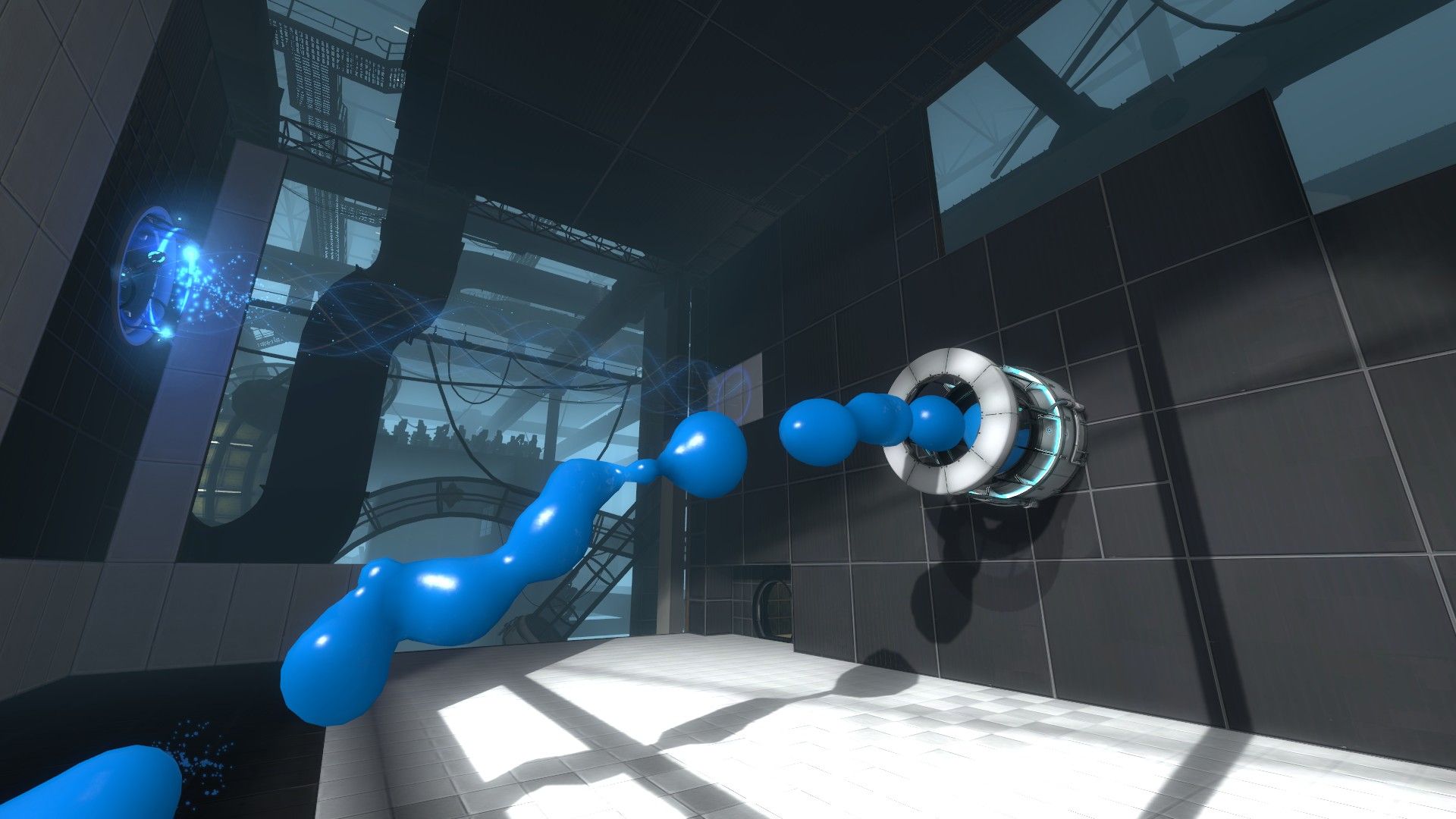
Portal 2 is a puzzle adventure built around a device that opens linked holes in space. Aim it at a surface and you create a way through; combine that with buttons, cubes, lasers and moving parts, and each test chamber turns into a small physics problem with more than one possible answer.
Read more
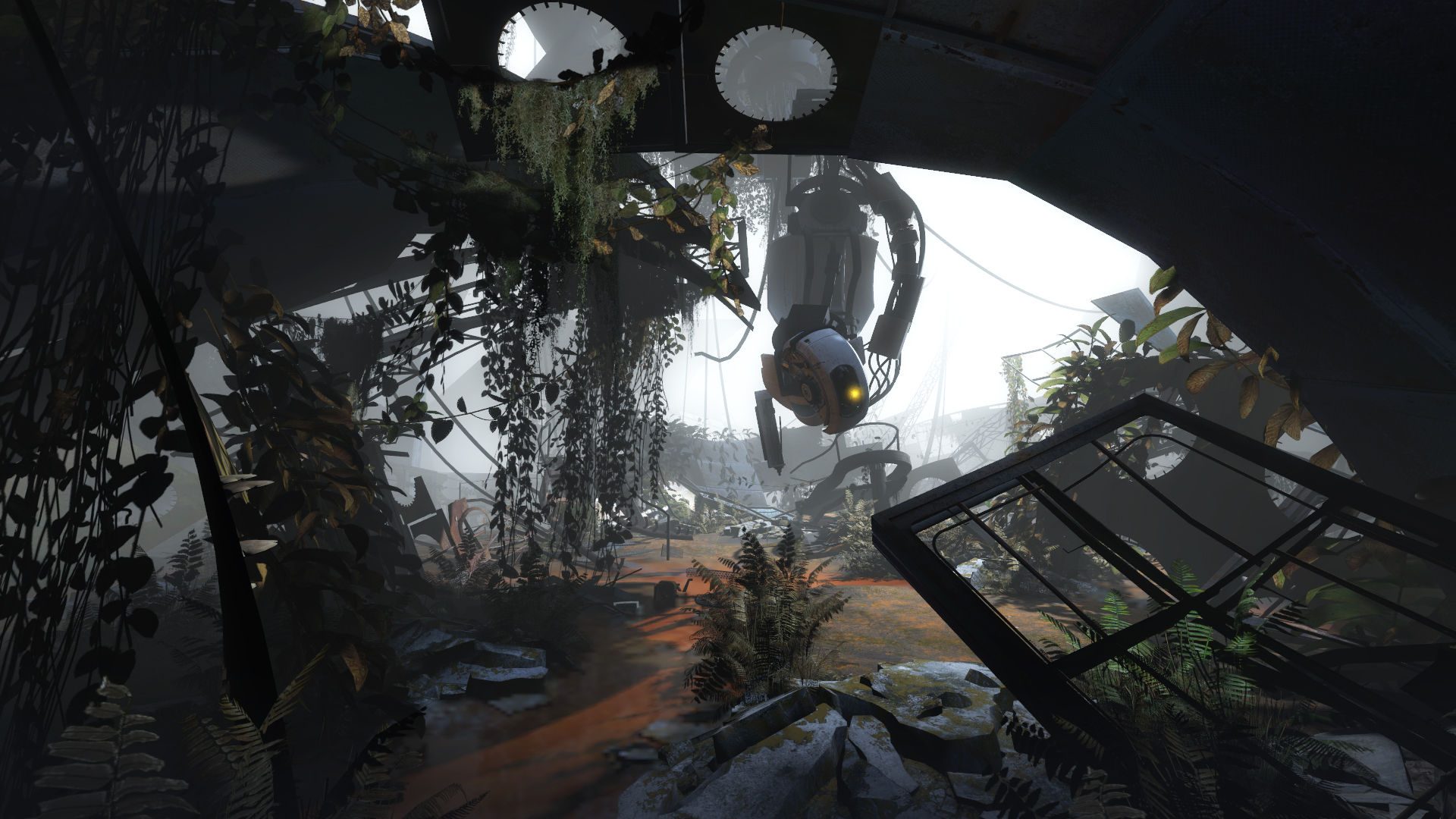
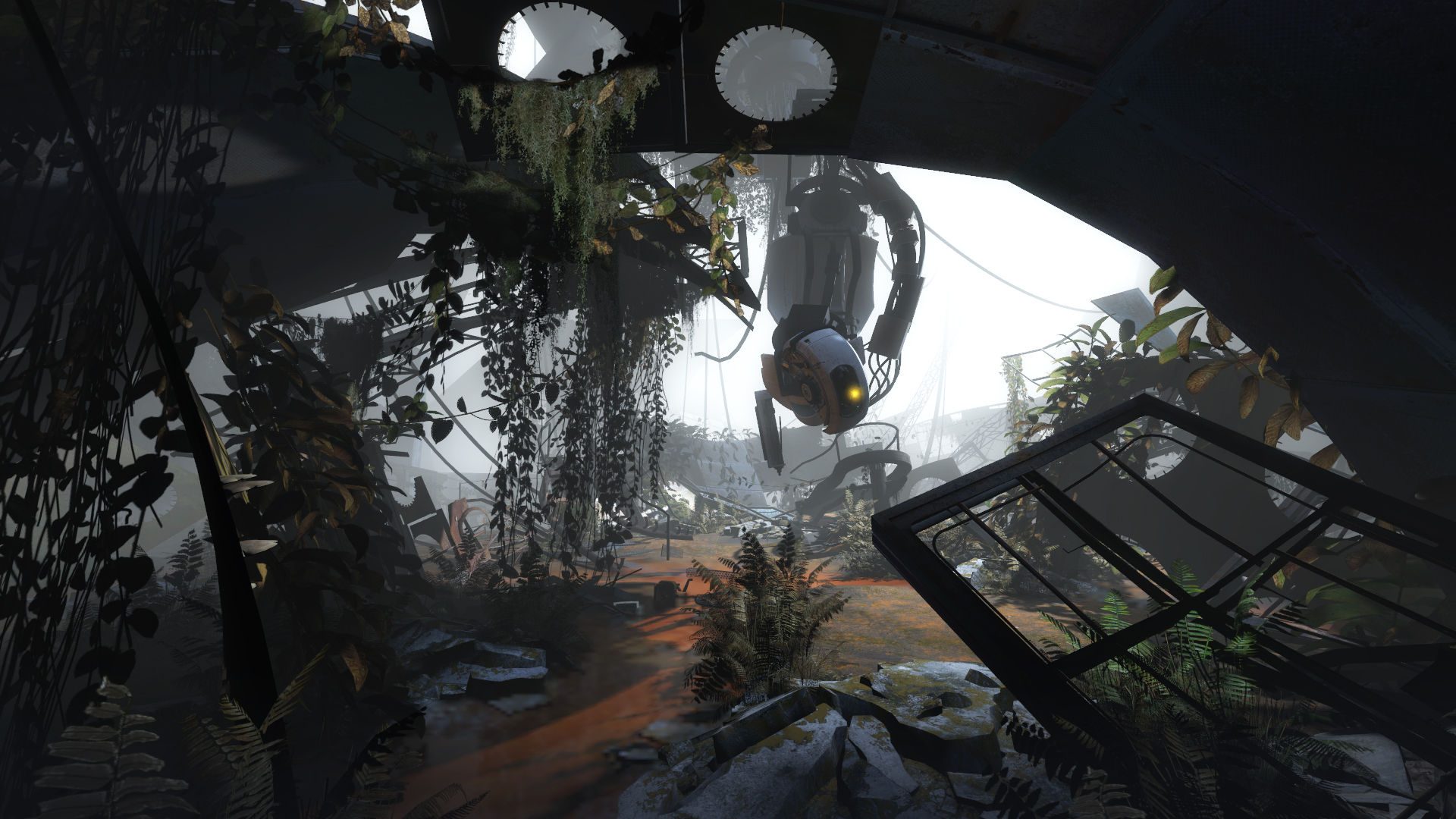
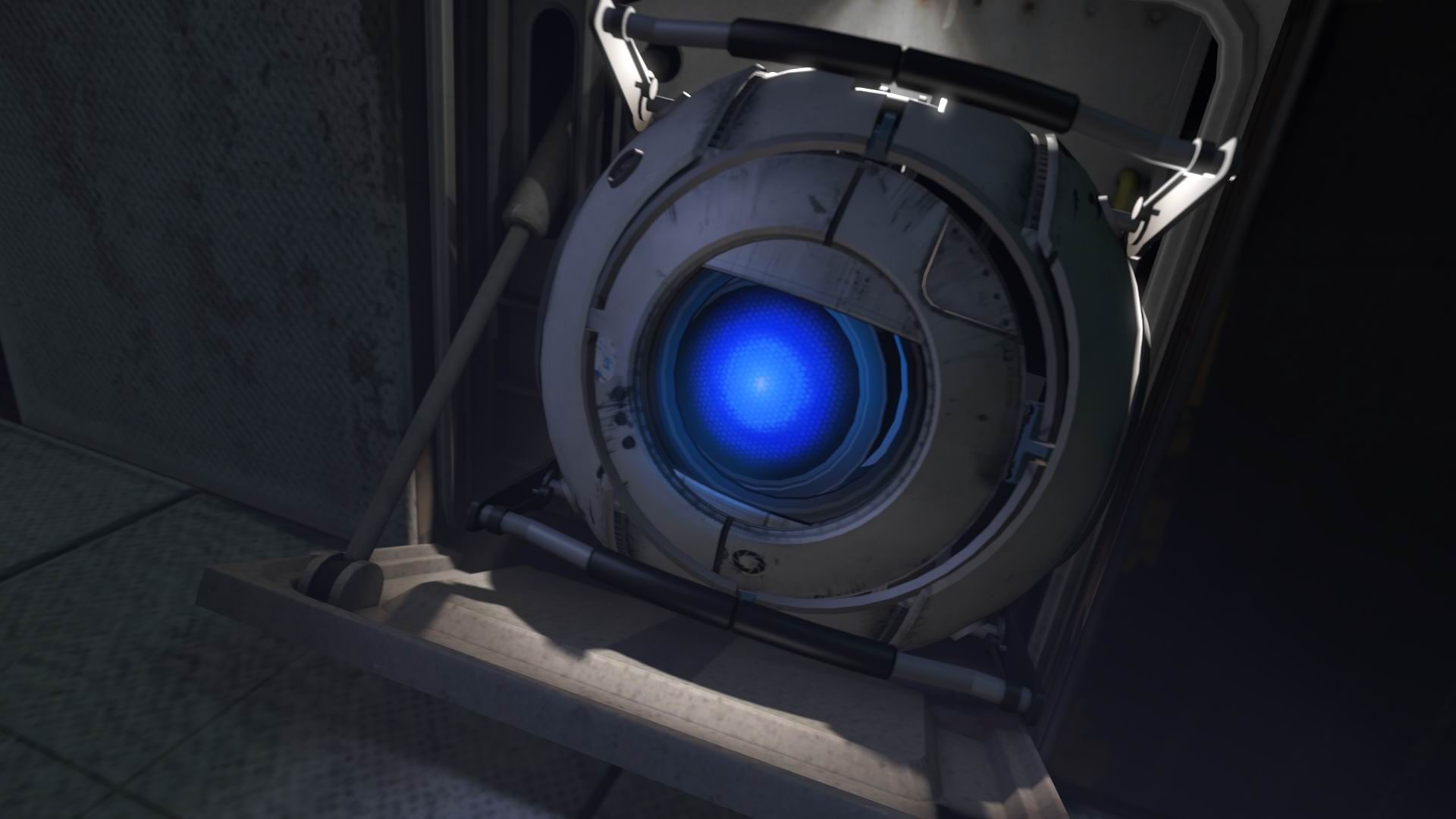
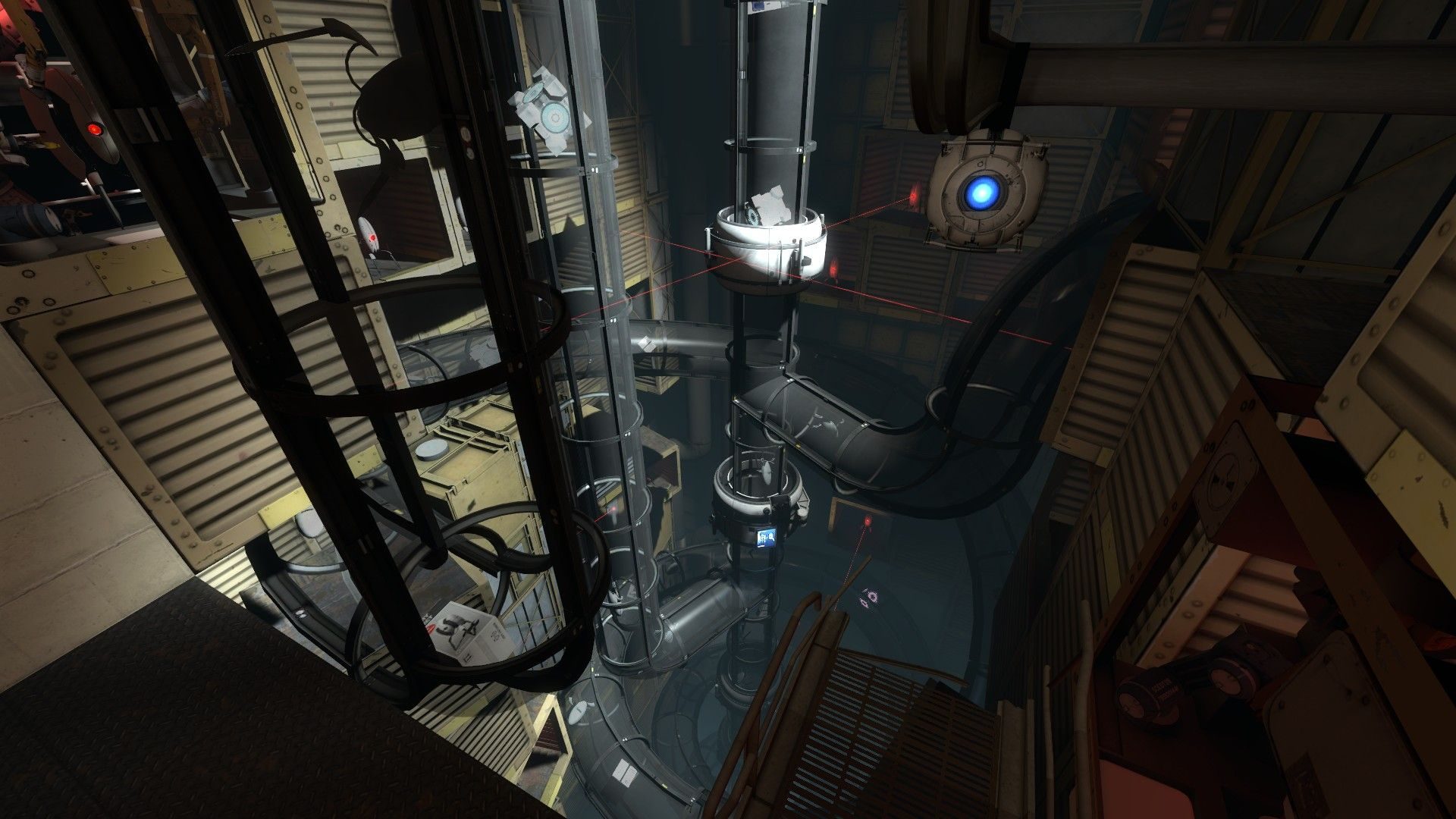
The single-player campaign takes you back into the Aperture Science Labs with a wider cast of characters, fresh puzzle mechanics and a larger set of test chambers than before. GLaDOS, the computer voice that guided players earlier, returns as well, commenting on the work as you go.
Alongside it sits a co-op campaign with its own story, its own chambers and its own characters. It is built so that talking is not enough: the solutions ask players to plan together, and the portal mechanic is used in ways the solo campaign never requires.
The physics engine allows a broad range of experiments, and editing tools ship with the game, including the Perpetual Testing Initiative, which lets players design co-op puzzles to share with friends. An original score runs underneath the puzzles.
Video and screenshots
Portal 2 questions
Do I need Portal 2 in my own Steam account to play it on WARPLAY.CLOUD?
Yes. You sign in to Steam inside the session, and the game has to be in that account. Saves load from Steam Cloud.
Can I play Portal 2 with a controller in the cloud?
Yes. The game supports gamepads and keyboard and mouse. Xbox, PlayStation and other Bluetooth or USB controllers work, and phones also have a touch layout.
What internet speed do I need for Portal 2 on WARPLAY.CLOUD?
At least 15 Mbit/s for Full HD. A cable or 5 GHz Wi-Fi gives the lowest delay.
What picture and frame rate can I expect?
The game streams at 60 FPS, with the picture up to Full HD, 1440p or 4K depending on the plan.
Can I play Portal 2 on a phone or a TV?
Yes. Chrome or Edge on Android, Safari on iPhone and iPad, and the apps for LG and Samsung TVs all work, with a touch layout on phones and a controller on the TV.
Does Portal 2 have a co-op campaign?
Yes. The game lists multi-player, co-op, online co-op and split-screen co-op among its features, and the co-op campaign has its own story, chambers and characters.
Similar games





Play Portal 2 now